H
Hexowatch
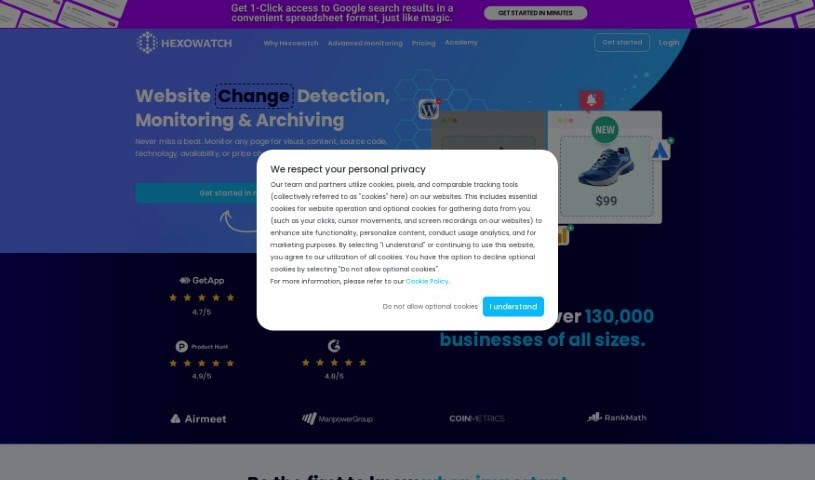
FreemiumHexowatch is a website monitoring tool that detects changes in visual appearance, written content, product prices, source code, the technologies a site uses, availability, and WHOIS records.
Web Development
View Tool →
Discover the best Web Development AI tools to enhance your productivity and creativity.
Hexowatch is a website monitoring tool that detects changes in visual appearance, written content, product prices, source code, the technologies a site uses, availability, and WHOIS records.
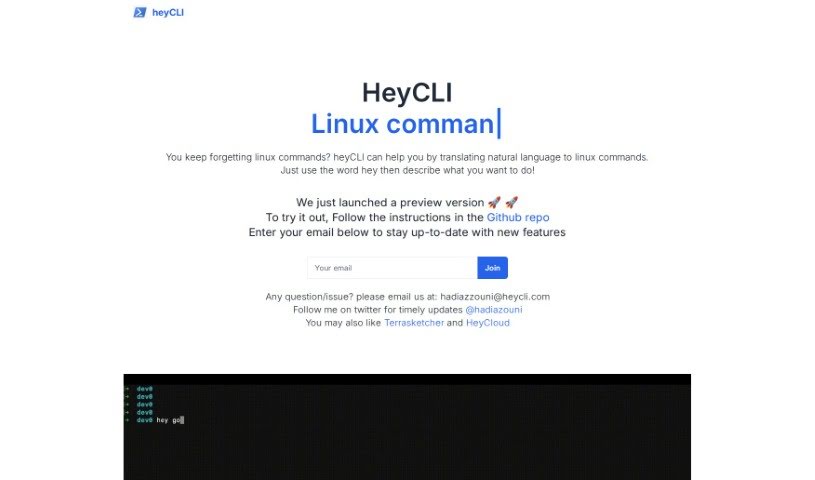
HeyCLI lets you run Linux commands by typing in plain English. Instead of memorizing command syntax, you describe what you want to do, and HeyCLI translates it into the correct Linux commands. You can move between folders, create or delete files, install or remove software, and change permissions. As you type, it offers autocomplete suggestions and explains what each command does, with examples.
Hidden Logo is an AI-powered platform for creating marketing materials, including logos and graphics matched to a brand's identity. It focuses on producing visuals that reflect what makes a brand unique.
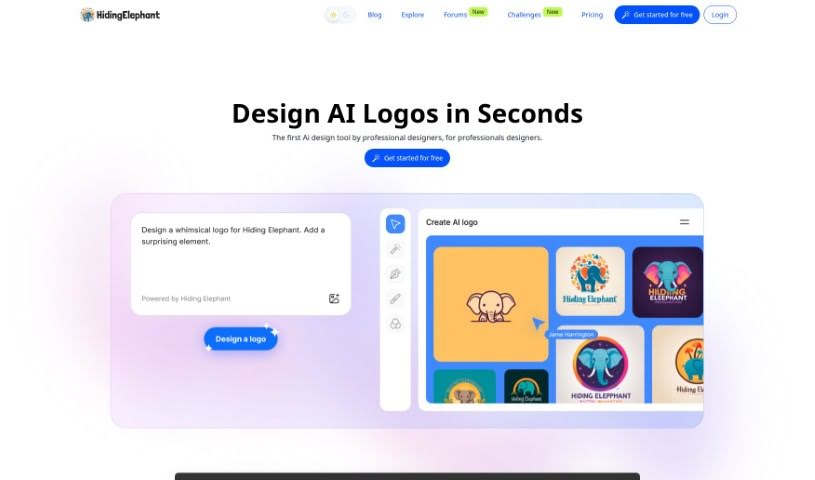
Hiding Elephant is an AI-powered logo design tool built for professional designers. Unlike tools that simply combine text with existing images, it generates a unique, custom logo for every use.
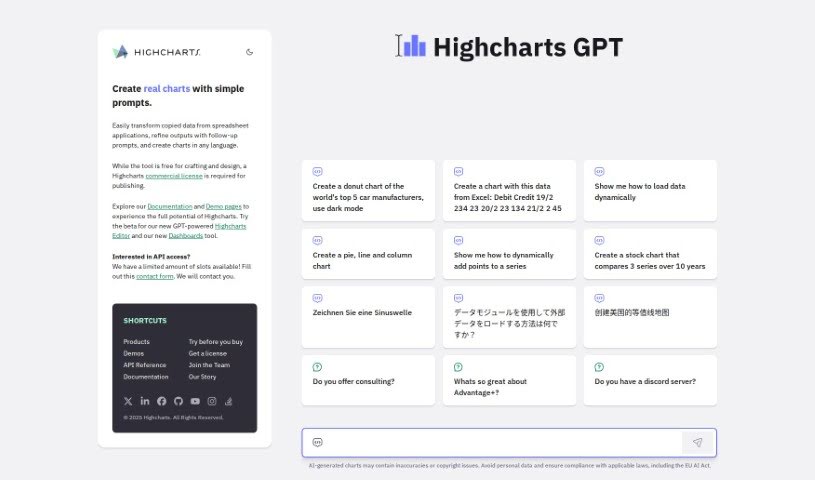
Highcharts GPT combines data visualization with conversational AI through ChatGPT. It lets you create charts by describing what you want in natural language, making chart building accessible without manual configuration.

Hocoos is a platform that simplifies tech and business concepts for everyone, offering products, free learning materials, and automations. It is aimed at small businesses, individuals, and educational use, with a stated commitment to inclusivity—giving people who might feel excluded a fair shot at opportunities and resources. It also includes a system for creating educational content, letting writers from diverse backgrounds share their knowledge.
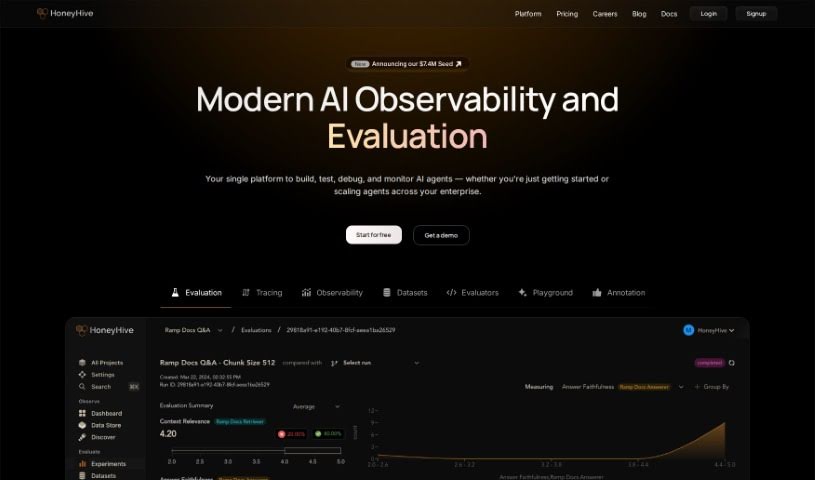
HoneyHive is an AI developer platform that helps teams securely deploy and improve LLMs in production. It works with any model, framework, or environment, and includes tools for monitoring and evaluating LLM agents to ensure performance and quality. Features include offline model evaluation, monitoring, collaborative prompt engineering, debugging, evaluation metric tracking, and model version management.
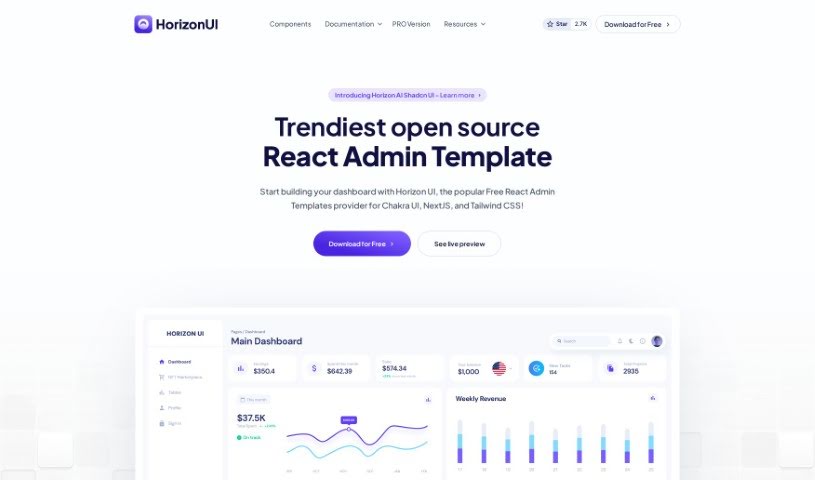
Horizon UI is a React admin template for turning data into visually appealing dashboards. It includes over 70 dark and light frontend elements — buttons, inputs, navbars, nav tabs, cards, and alerts — and the Horizon Configurator lets you tweak colors, contrast, and theme styles. The template has earned more than 4,150 GitHub stars and was the #3 Product of the Day on Product Hunt.
Horseman is a web crawling tool for extracting data from websites. It features GPT3.5 integration for content analysis, over 120 pre-built JavaScript snippets, and an AI assistant that can build custom snippets without any coding. It runs on Windows, Mac OS (Intel and M1/M2), and Linux. Sponsoring the project through GitHub unlocks Early Bird Pricing and perks such as early access to new features.
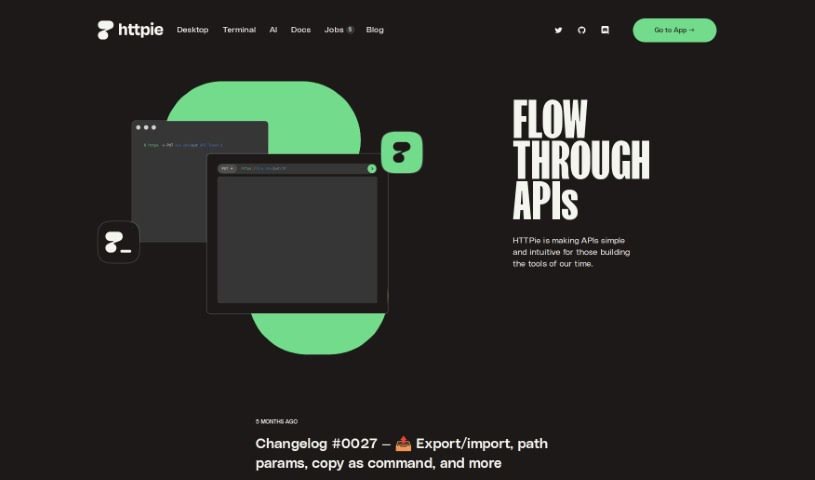
HTTPie is a tool designed to make working with APIs simpler for developers. It offers a user-friendly experience for interacting with APIs, available either through a graphical interface for web and desktop, or via the original terminal version. It was created because its developers wanted a more efficient way to test APIs than what was available, and it became one of the most popular projects on GitHub. The team is now building a platform focused on collaboration for API development, with plans to use artificial intelligence to make the tool more capable. HTTPie aims to make APIs more approachable and intuitive for everyone involved in creating modern tools and applications, supporting developers and their teams throughout the API lifecycle.
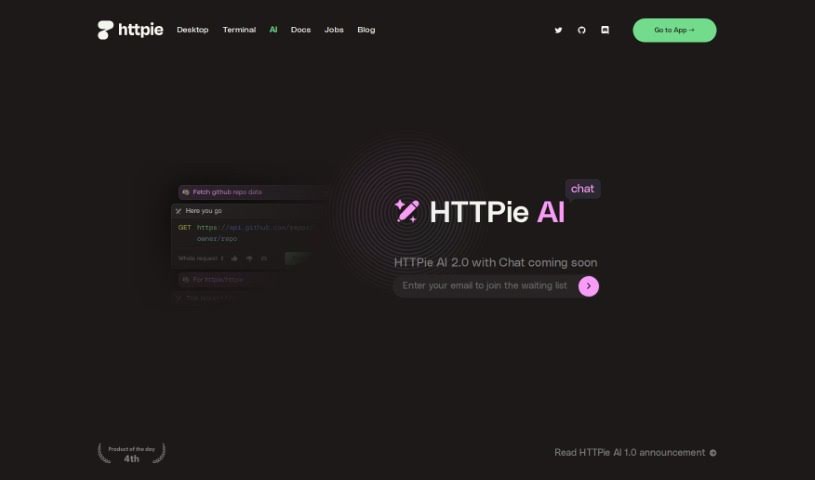
HTTPie AI Chat is a feature built into HTTPie AI 2.0. It acts as an AI assistant for HTTP and APIs, letting you chat with an AI to build requests and get answers about how HTTP and APIs work. You can construct requests step-by-step with guidance along the way, making it easier to understand and use HTTP and APIs. It's part of the HTTPie AI 2.0 release and offers a more interactive way to work with these tools.
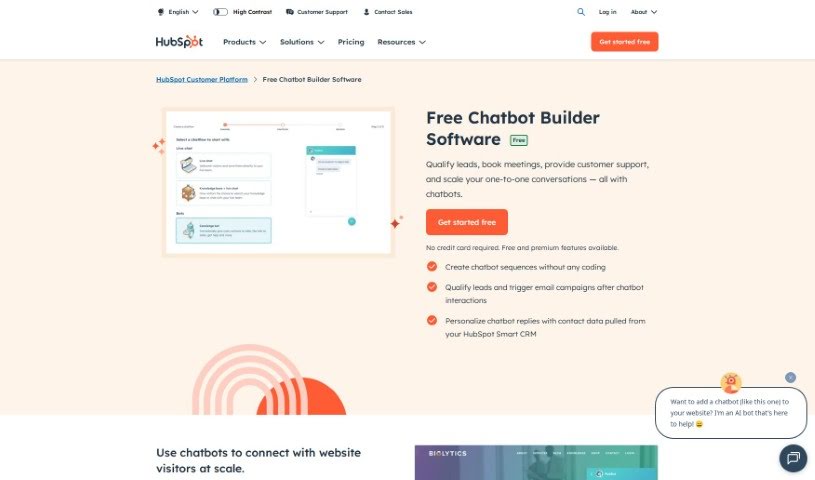
HubSpot's Free AI Chatbot Builder is a tool that lets you build chatbots at no cost. It is designed to be user-friendly, so individuals and businesses alike can create and launch chatbots for customer service, lead generation, and audience engagement.
Struggling with cryptic error messages, writing repetitive boilerplate code, or debugging complex API integrations can slow down even the most experienced developers. Whether you’re building full-stack web applications, maintaining backend databases, or configuring deployment pipelines, turning technical requirements into functional code takes significant time. It’s easy to spend hours hunting down missing syntax or setting up project configurations before writing core logic.
Built for web developers and software engineers, these tools act as intelligent coding partners. They autocomplete functions, speed up routine boilerplate creation, and catch subtle bugs before you commit your code.
Generating routine code structures and API endpoints used to require typing out repetitive boilerplate line by line. Smart coding assistants analyze your project context and comments to suggest full function blocks, database schemas, and API handlers in real time. Instead of searching documentation for basic syntax or setup code, you get inline code completion right in your editor to keep you in flow.
Debugging complex logic and fixing broken build pipelines becomes far less frustrating, as well. Tracking down memory leaks, asynchronous execution issues, or obscure framework errors can burn hours of development time. Modern developer tools analyze stack traces and source code to identify root causes, suggest precise bug fixes, and explain complicated error messages in plain language.
Maintaining legacy codebases and writing comprehensive test suites also gets much simpler. Creating unit tests and writing inline documentation often gets pushed aside when project deadlines are tight. AI development platforms scan your code to auto-generate unit tests, create clear README files, and help refactor outdated code to modern standards without breaking existing application features.
Useful Capabilities for Developers:
- Real-time inline code completion: Systems that suggest accurate code snippets, functions, and line completions inside your code editor as you type.
- Automated bug detection and debugging: Features that analyze error logs and source files to pinpoint bugs and offer quick-fix solutions.
- Test suite generation: Tools that automatically write comprehensive unit, integration, and end-to-end tests based on your codebase.
- Code refactoring and modernization: Settings that clean up legacy code, convert syntax between programming languages, and apply best practices.
- Documentation generation: Capabilities that automatically create clear inline comments, function docstrings, and project documentation from source code.
Building high-performing, secure web applications will always depend on your logical reasoning, system design, and software architecture skills. Software cannot replace critical thinking or design scalable system architectures for you. But letting smart tools handle routine boilerplate, test generation, and bug hunting gives you back the focus needed to solve tough engineering challenges.
Explore the web development tools below to upgrade your stack.
Weekly picks of the best AI tools we've researched and added — no spam, unsubscribe anytime.
Join 25,000+ AI enthusiasts. No spam, unsubscribe anytime.