AI Tools for Web Development

Discover the best Web Development AI tools to enhance your productivity and creativity.

Page 22 of 58 • 694 total tools

Web development has really changed lately, and AI tools are a big part of that. What used to take a lot of coding and design skill can now be made much simpler with smart programs that speed things up. Today, AI-assisted development tools are changing how we build websites, making it easier for newcomers and more efficient for experienced pros.

These tools offer everything from easy design features to help with writing code, letting you create great-looking, functional sites more quickly. Developers don’t have to start from scratch or fix every single line of code manually anymore. Instead, AI can offer suggestions and even create whole parts of a website based on what you need.

Having worked in web development for years, I’ve seen firsthand how AI can make tasks simpler and more efficient. But with so many options out there, picking the right tool can feel overwhelming.

In this article, I’ll share the best AI web development tools you can find right now. Whether you want to improve your coding, automate routine jobs, or make your design process better, there’s something here for you. Let’s explore the tools that can really change your web development experience.

The best AI Web Development Tools

  1. Lovable: Great for making frontend design work smoother.
  2. Cursor: Helps with real-time code collaboration.
  3. Replit AI: Generates code snippets for web apps.
  4. Supabase: For teams to manage databases together.
  5. v0 by Vercel: Quickly creates UI kits for web projects.
  6. Replicate AI: Automates code generation for web apps.
  7. Carrd: Perfect for a single-page site to promote an event.
  8. AI Dungeon: Lets you create interactive web stories with code.
  9. Ollama: For quickly building early versions of web interfaces.
  10. Jimdo: Makes building and managing websites easy.
  11. Code Sandbox: Simplifies CSS preprocessor workflows.
  12. Tilda: Lets you create websites easily without coding.
  13. Bubble: A drag-and-drop tool for building web applications.
  14. Weights & Biases: Streamlines integrating ML models into web apps.
  15. Warp Terminal: Helps deploy web apps quickly.

How do AI web development tools work?

AI web development tools use smart algorithms to handle different parts of designing and building websites. These tools often use large language models, much like AI writing software, to look at coding patterns and make things more efficient. They offer suggestions, code pieces, or even build whole sections of code based on what you tell them.

Basically, these tools understand what you’re asking for, so you can describe what you want in simple terms. For example, you could say, “Create a navigation bar,” and the AI will generate the HTML, CSS, or JavaScript code needed. This makes web development more accessible, even if you don’t have a lot of programming experience.

Many AI web development platforms connect with popular coding environments and content management systems. This means they can improve tools like WordPress, Wix, or GitHub by offering smart code completions or finding errors as you type. With these connections, users can really smooth out their development process.

The data these AI systems learn from usually includes tons of source code, guides, and content created by users on sites like GitHub. This helps them learn different coding styles and the best ways to do things. Their effectiveness comes from spotting patterns and suggesting the best solutions based on what the user needs.

In short, AI web development tools make coding simpler, letting developers focus on creativity and solving problems instead of getting stuck on syntax. As technology keeps changing, these tools are expected to get even better, likely changing how web developers work.

Our best AI web development tools at a glance

RankNameBest forPlans and PricingRating
1LovableMaking frontend design work smoother.N/A4.84 (43 reviews)
2CursorReal-time collaboration on code projects.Paid plans start at $20/Month.4.83 (6 reviews)
3Replit AIGenerating code snippets for web apps.N/A4.70 (44 reviews)
4SupabaseCollaborative database management for dev teamsN/A5.00 (32 reviews)
5v0 by VercelQuickly creating UI kits for web projects.N/A4.73 (11 reviews)
6Replicate AIAutomating code generation for web apps.N/A4.82 (11 reviews)
7CarrdA single-page site for event promotion.Paid plans start at $19/year.4.72 (29 reviews)
8AI DungeonCreating interactive web story experiences.N/A4.54 (39 reviews)
9OllamaRapid prototyping of web interfaces.N/A4.63 (8 reviews)
10JimdoBuilding and maintaining websites easily.N/A4.64 (11 reviews)
11CodeSandboxSimplifying CSS preprocessor workflows.N/A4.45 (11 reviews)
12TildaEffortless website creation without coding.N/A4.75 (20 reviews)
13BubbleA drag-and-drop web applications builder.N/A4.73 (11 reviews)
14Weights & BiasesStreamlining ML model integration in web apps.N/A4.50 (12 reviews)
15Warp TerminalDeploying web apps swiftly.N/A4.79 (28 reviews)
Screenshot of Glowbom

Glowbom

Freemium

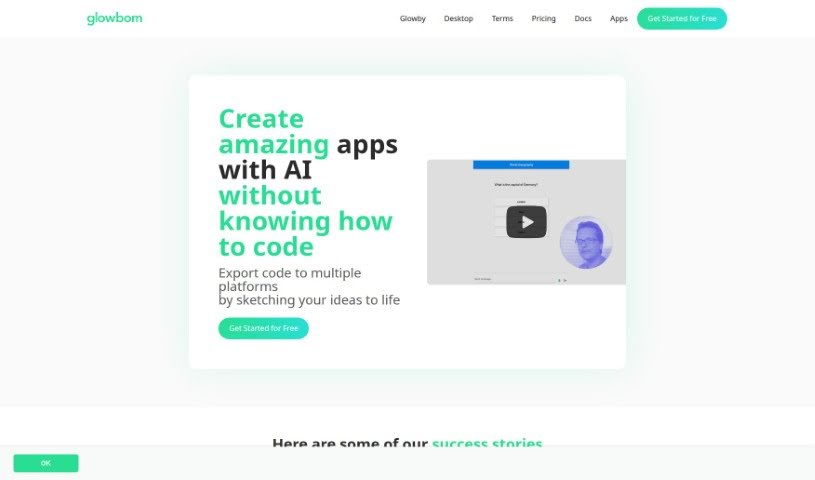
Glowbom is a platform designed to make building apps and games super simple. You can create apps that work on multiple platforms without ever needing to write a single line of code. It is your easy-to-use studio for bringing your app or game ideas to life. Glowbom supports a wide range of platforms, including Flutter, iOS, Android, web apps, native Android, and even newer technologies like Kotlin, Jetpack Compose, React, and TypeScript with Redux. It's also great for game development, making it straightforward to build games for various platforms. Plus, it integrates with AI tools like ChatGPT, OpenAI, GPT-4, and Agents, so you can add smart features to your creations.

Web Development View Tool →
Screenshot of Goastvs

Goastvs

Freemium

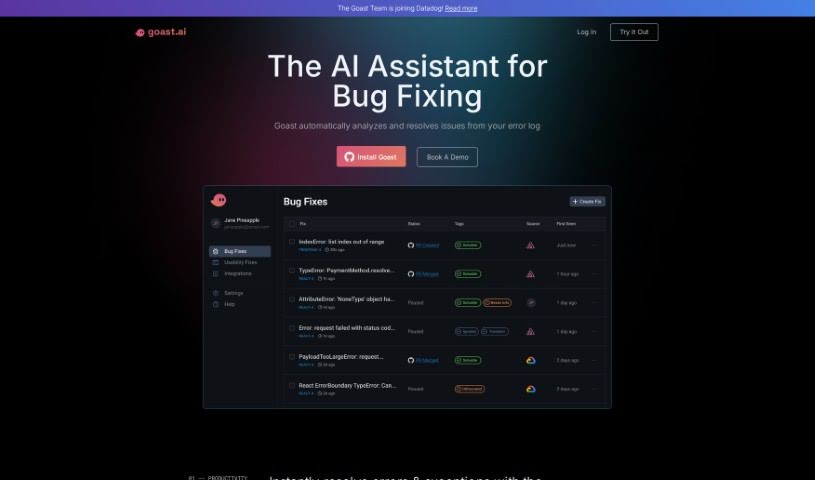
Goastvs is a tool built to make coding more productive. It offers features like instant error fixes, AI-generated pull requests, and a deep understanding of your entire project. Essentially, it automates many coding tasks, suggests code, finds and fixes bugs, and can even integrate external code. It's designed to work with popular frameworks and languages such as React, Flutter, TypeScript, Go, JavaScript, and Python. Many users have shared that Goastvs really helps them code faster and cuts down on the manual work. Keep in mind, though, that Goastvs is still in Beta. This means it has some limitations, especially with certain languages and framework dependencies. You'll need tokens to use it, and it might not always grasp really complex requirements. Even with these points, Goastvs is all about making the coding process smoother and boosting efficiency for development teams.

Web Development View Tool →
Screenshot of Goodspeed Studio

Goodspeed Studio

Freemium

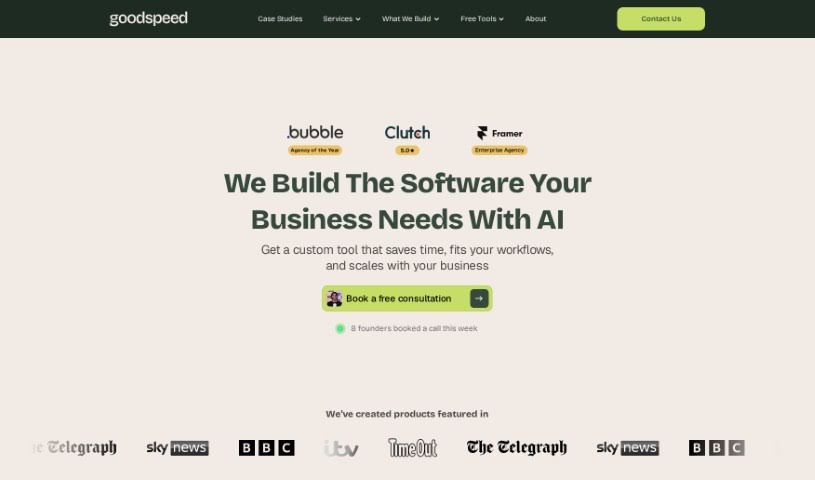
Goodspeed Studio guides you through a structured process designed to bring your product ideas to life. It breaks down product development into key stages:

Web Development View Tool →
Screenshot of Gooey.ai

Gooey.ai

Freemium

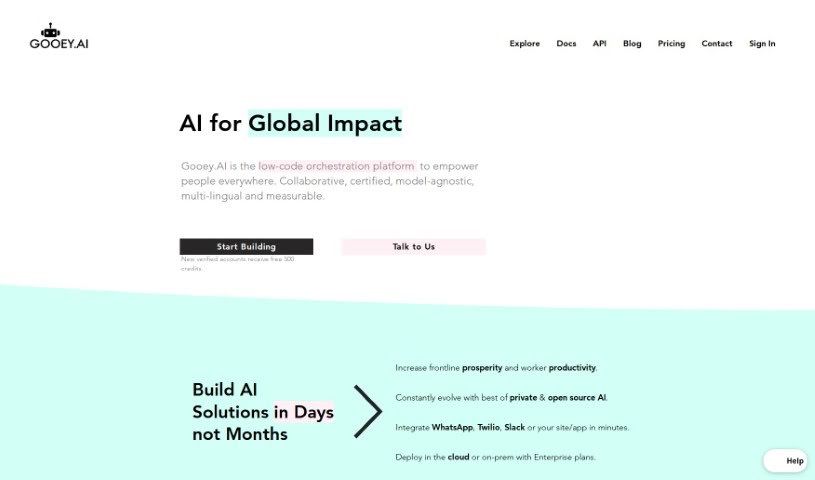
Gooey.ai is a really smart platform designed to make running Generative AI much simpler. It gives you quick access to both private and open AI models, letting you easily use the most advanced AI available. It is a central hub where you can find the latest AI models from different companies. This means you can explore, test, and pick the perfect AI models for whatever you need to do. Gooey.ai stands out with its easy-to-use interface, a billing system that's simple to understand, ways to discover workflows, lots of customization options, and strong security to keep your sensitive data safe.

Web Development View Tool →
Screenshot of Google CodeGemma

Google CodeGemma

Freemium

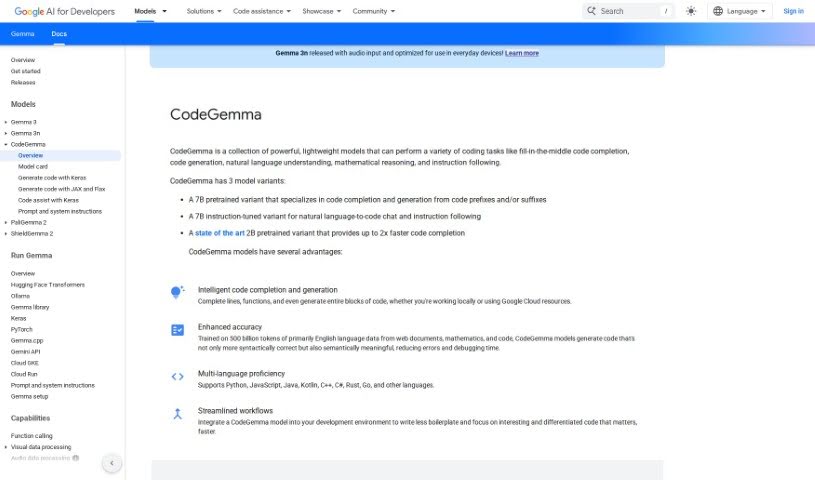
Google CodeGemma is a suite of really helpful, lightweight models built specifically for all sorts of coding jobs. Whether you need help finishing a line of code, generating entire code blocks, understanding natural language instructions, tackling math problems, or just following directions, CodeGemma has you covered. It actually comes in three different flavors: a 7B pretrained model that's great for finishing your code and creating new snippets, a 7B instruction-tuned model that's perfect for translating your plain English requests into code, and a super-fast 2B pretrained model that excels at quick code completion. What really makes CodeGemma models stand out is their knack for accurately completing lines, functions, and generating code blocks. Plus, they're smart enough to work with popular languages like Python, JavaScript, Java, and many others. By bringing CodeGemma models into your everyday development setup, you can really smooth out your workflow, cut down on repetitive code, and free yourself up to focus on writing the really important, impactful code you want to create.

Web Development View Tool →
Screenshot of Google DeepMind

Google DeepMind

Freemium

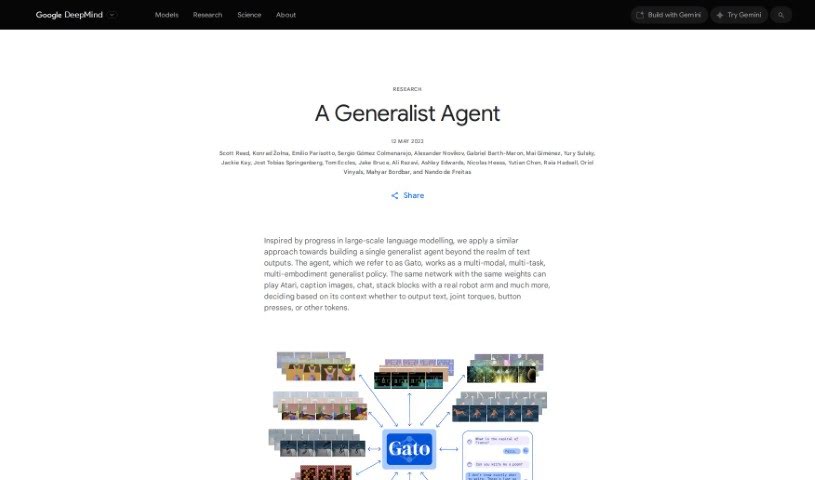
Google DeepMind, exemplified by models like Gato, is a really flexible AI system. It's designed to handle a huge variety of tasks across different areas. It is a single, adaptable policy model that can do many things well. This includes playing games, writing text, controlling physical things like robot arms, and generally interacting in all sorts of ways. What's so cool about a generalist agent like Gato is its ability to manage multiple objectives, even with different types of information, all guided by context. By using the same network and weights for all these different jobs and environments, Gato really shows us where AI is heading – a single system that can tackle many challenges effectively.

Web Development View Tool →
Screenshot of Google Search Labs

Google Search Labs

Freemium

Google Search Labs is a special playground for new Google Search ideas. It's a place where Google lets users try out brand-new features that are still in the early stages of development. The main goal here is to get real people like you to test these upcoming functionalities, spot any bugs, and share your thoughts. This feedback is super valuable for Google as they work to make the search experience even better. You can jump in by simply signing into Google Search Labs with your account, trying out the experiments, and then telling Google what you think. They've got all sorts of cool things you can explore, like AI overviews that summarize information, ways to get quick insights from web pages, AI tools to help you browse more effectively, and even a way to search collaboratively with features like 'Notes on Search.' Google also uses AI to help test and improve search features and how we browse the web. By joining these experiment trials, keeping up with updates, and contributing your feedback, you're actually helping shape the future of Google Search and its innovations.

Web Development View Tool →
Screenshot of Google SIMA AI

Google SIMA AI

Freemium

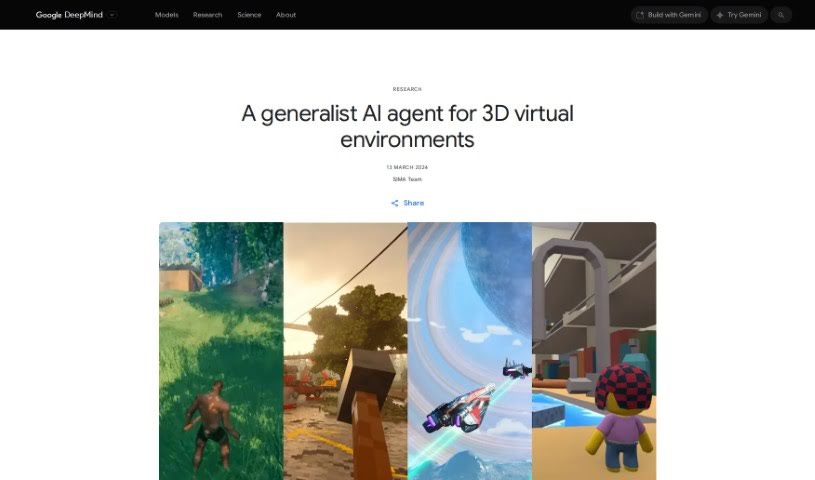
SIMA AI, which stands for Scalable Instructable Multiworld Agent, is a really adaptable AI agent that Google DeepMind developed. It is a smart helper designed to understand all sorts of different environments and then get tasks done just by following your plain English instructions. What's cool about SIMA is that it doesn't need to peek at a game's source code or use special developer tools. Nope, it just needs to see what's happening on the screen and get simple, natural language commands from you. This AI agent then uses your keyboard and mouse to control characters within these virtual worlds. SIMA has been tested on over 600 basic skills – things like moving around, picking up objects, or using menus – showing just how well it can interact in all sorts of different virtual settings.

Web Development View Tool →
Screenshot of Google Vertex Ai

Google Vertex Ai

Freemium

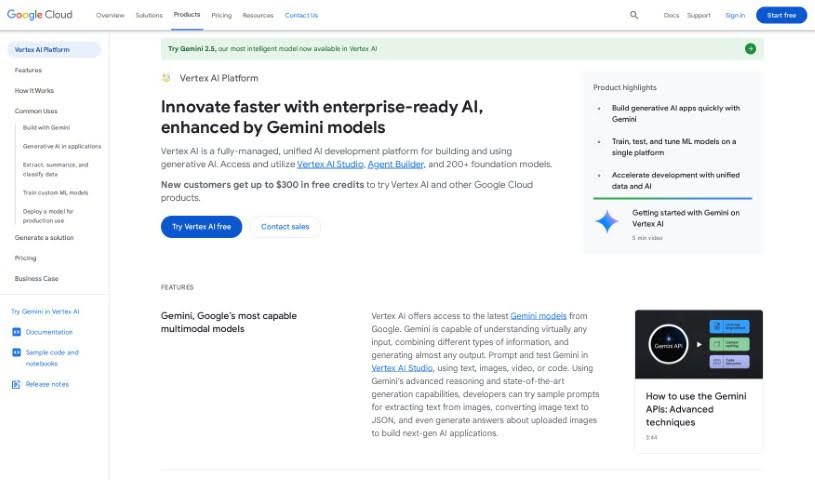
Google Vertex AI is a central hub designed to speed up how you build and manage artificial intelligence models. It gives you all the tools you need for every part of the machine learning process, from getting your data ready to training and then putting your models to work. With Vertex AI, you can even use AutoML to create custom models without needing to be a deep machine learning expert. The platform also includes MLOps features, which really help streamline how you manage and keep an eye on your models. By bringing all these AI tasks together in one place, Google Vertex AI makes it much simpler to develop and actually use machine learning models, helping businesses tap into AI's power more efficiently.

Web Development View Tool →
Screenshot of GooseAI

GooseAI

Freemium

GooseAI is a fully managed NLP-as-a-Service platform. You access its capabilities through an API, and it's designed to be really cost-efficient. It is a way to use powerful AI models like GPT-Neo and Fairseq without breaking the bank. Users often see savings of up to 70% compared to other providers. Plus, it's built for seamless integration and offers super-fast performance, boasting industry-leading generation speeds. If you're looking to switch, it's surprisingly simple – often just a single line of code needs changing. The platform is also growing, with plans to add text classification and question-answering features soon.

Web Development View Tool →
Screenshot of Goptimise

Goptimise

Freemium

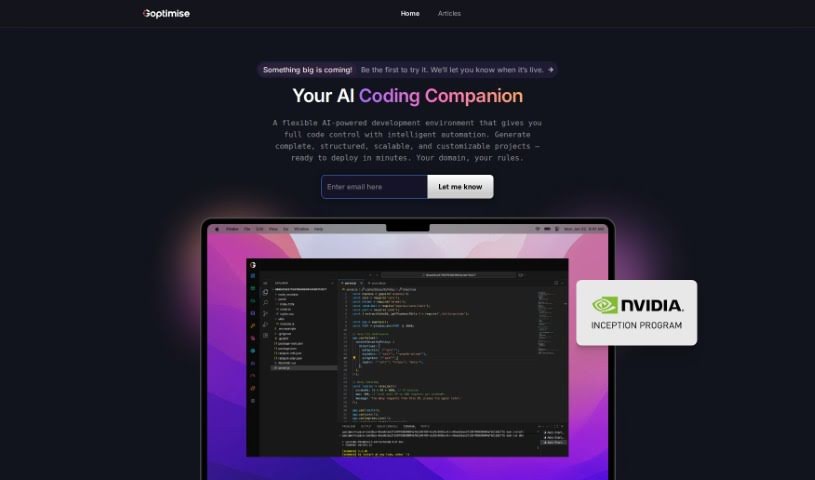
Goptimise is a platform designed to make API design and development much simpler. It offers a range of features and functionalities to help you out:

Web Development View Tool →
Screenshot of Gorilla Terminal

Gorilla Terminal

Freemium

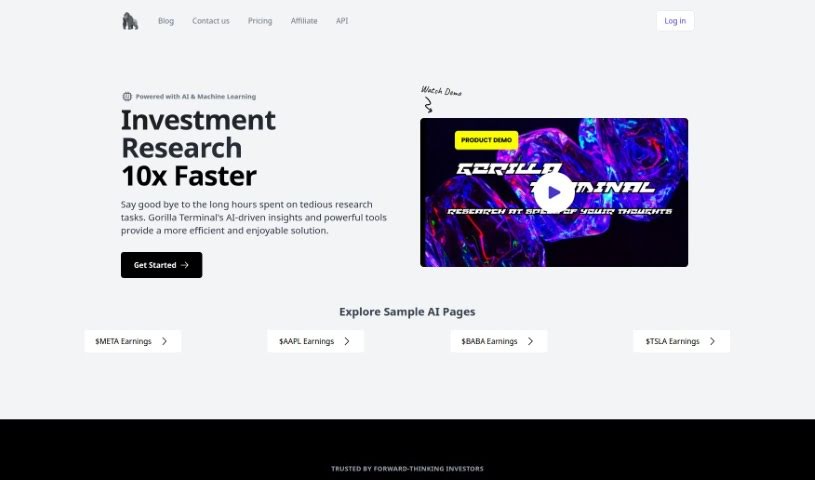
Gorilla Terminal is a really neat tool designed to make your command-line work much smoother. It is a super intuitive and powerful interface that helps you get things done faster. It's built with a few key things in mind: it's fast and efficient, easy for anyone to use (whether you're just starting out or you're a pro), highly customizable so you can set it up just how you like it, works on pretty much any computer you have (cross-platform compatibility), and it's reliable, meaning it's stable and secure. You can really tweak it to fit your specific needs, and its improved performance means you'll finish tasks quicker. It’s designed to be a versatile tool for everyone, from absolute beginners to seasoned developers, no matter what operating system they prefer.

Web Development View Tool →

Stay Updated with AI Tools

Get weekly updates on the latest AI tools, trends, and insights delivered to your inbox

Join 25,000+ AI enthusiasts. No spam, unsubscribe anytime.