AI Video Creation Tools: Features, Editing, and Automation

AI Tools for Video Creation

Discover the best Video Creation AI tools to enhance your productivity and creativity.

Page 7 of 11 • 127 total tools
Screenshot of NVIDIA VideoLDM

NVIDIA VideoLDM

Freemium

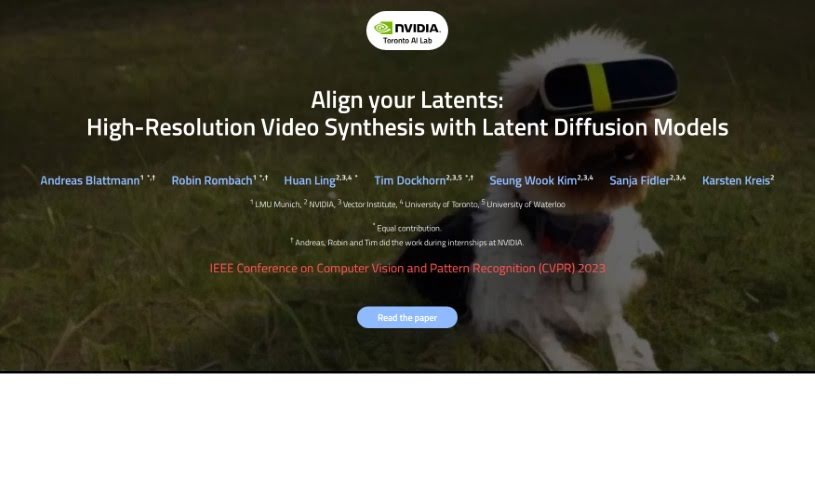
Video Latent Diffusion Models (Video LDMs) are a method for creating high-resolution videos without requiring extreme compute power. They build on Latent Diffusion Models (LDMs) by first compressing videos into a smaller, more manageable latent space, then working with a sequence of these compressed video frames.

Video Creation View Tool →
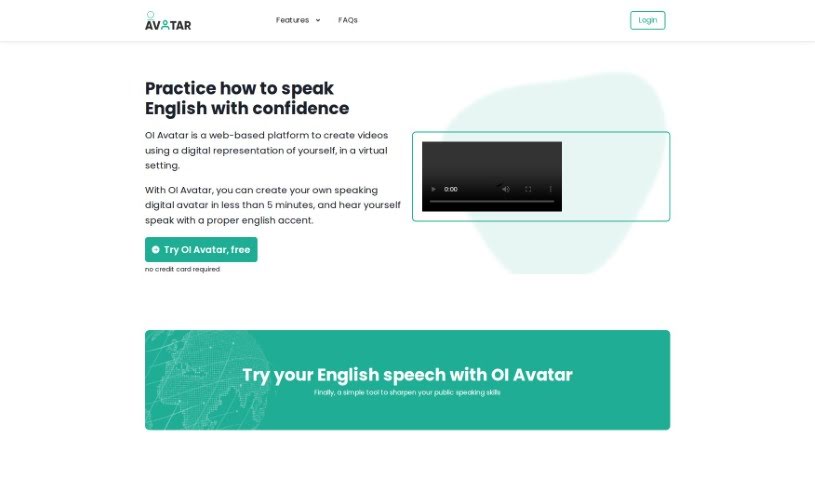
Screenshot of OI Avatar

OI Avatar

Freemium

OI Avatar is a web-based platform that uses AI to create videos featuring digital avatars. You can generate a speaking avatar of yourself with an English accent in under five minutes. The tool supports English with a choice of British or American accents, accepts custom background images uploaded as PDFs, and works in most browsers, including Chrome, Firefox, Safari, and Edge. Video generation usually takes about 5 minutes, after which you receive a link to download your video.

Video Creation View Tool →
Screenshot of Olm

Olm

Freemium

Olm, which stands for Optical Language Models, is a platform for creating brand new videos in minutes. It offers a simple interface and features designed to help creators bring ideas to life quickly, whether they are experienced or just starting out. Olm is also built around a community, letting creators draw inspiration from each other and making video production more accessible.

Video Creation View Tool →
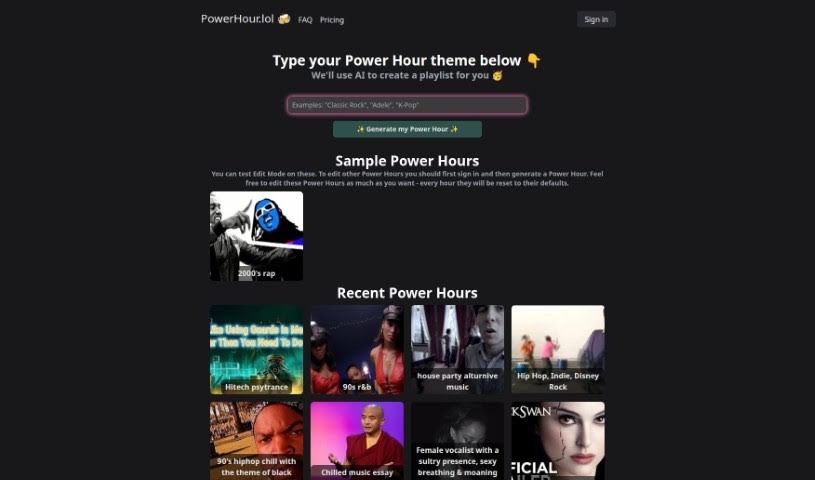
Screenshot of Powerhour

Powerhour

Freemium

Powerhour is an AI tool for building hour-long video playlists — essentially a custom mixtape made of videos. Type in what you're looking for and the AI generates a themed playlist, which you can tweak in a simple web interface, then watch yourself or share with friends.

Video Creation View Tool →
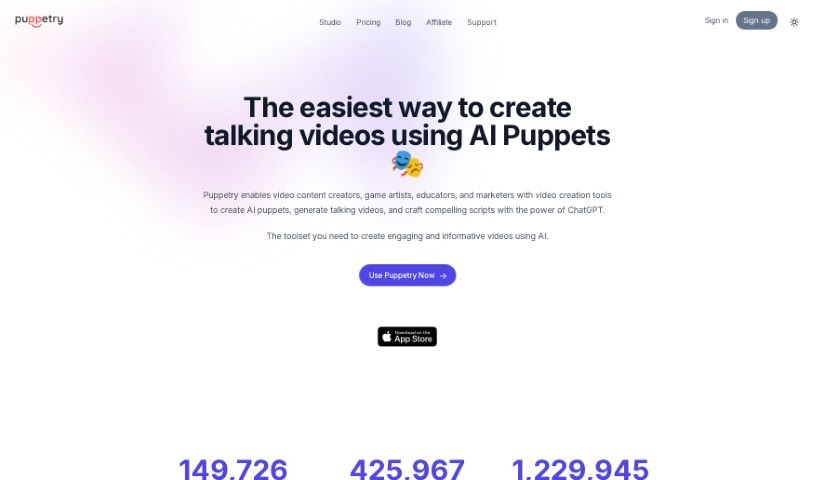
Screenshot of Puppetry

Puppetry

Freemium

Puppetry is a toolkit that simplifies face animation. It creates lifelike, animated faces from a simple script, removing the need for complicated manual adjustments. The Puppetry App lets you animate faces and produce animation videos, game assets, Instagram posts, and mock storyboards. It integrates with Canva, supports over 30 languages, generates videos with AI voices, and offers a variety of voice styles for your avatars.

Video Creation View Tool →
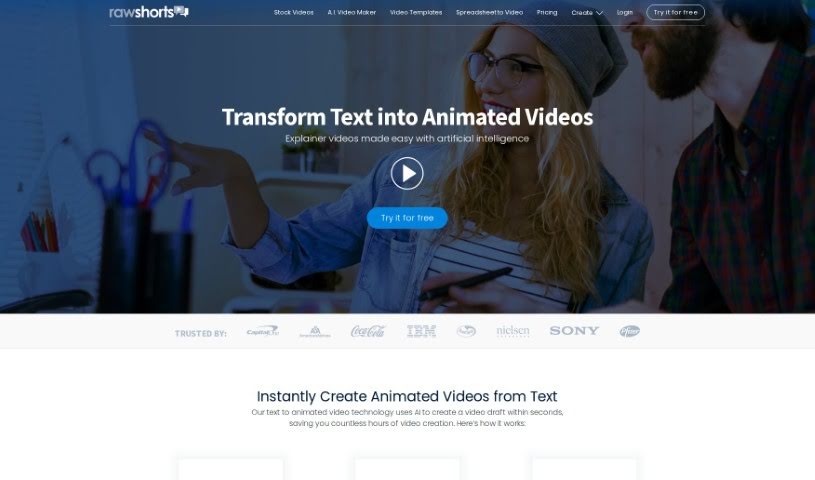
Screenshot of Raw Shorts

Raw Shorts

Freemium

Raw Shorts is a user-friendly tool that uses AI to quickly create animations from text. It reduces much of the manual work involved in video production, letting you create promotional clips, explainer videos, and more with a few clicks. The AI automatically generates animations based on your script, and you can customize colors, fonts, and backgrounds, as well as add your own images, logos, and music. It's built for both beginners and experienced video creators.

Video Creation View Tool →
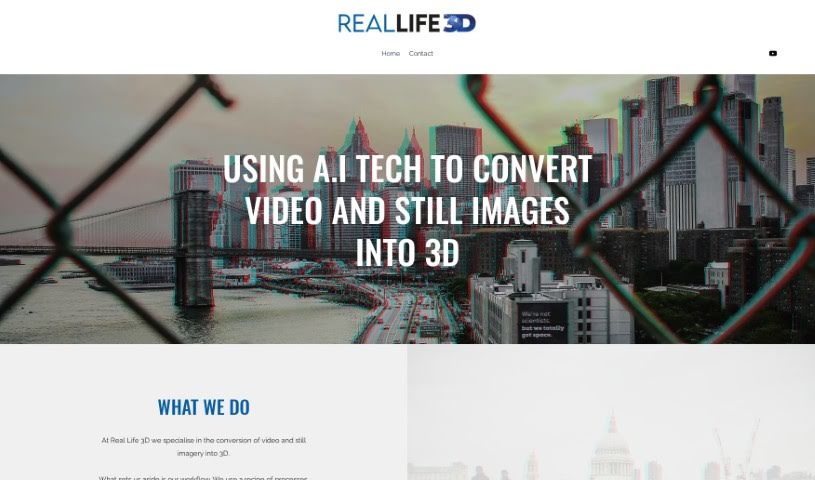
Screenshot of Real Life 3D

Real Life 3D

Freemium

Real Life 3D is a service that converts regular 2D videos and photos into immersive 3D experiences, ready for VR headsets and platforms like YouTube VR and Oculus. It uses AI to process footage frame by frame, making 3D conversion affordable without the budgets typical of large film productions. The goal is to add a sense of depth to visual storytelling, whether for travel memories, news reports, or historical moments.

Video Creation View Tool →
Screenshot of Reccloud

Reccloud

Freemium

RecCloud is an AI-powered multimedia service platform for content creators. Its features include AI video and audio summarizers, AI-powered video chat, automatic subtitles, voice-to-text conversion, a voice generator, and a video translator. It also provides video editing tools, cloud storage, and screen recording in one place. You can create videos from text or images, generate subtitles, transcribe spoken words, edit videos, convert them to GIFs, and split audio tracks. For developers, RecCloud offers APIs for integrating AI multimedia processing into their own projects.

Video Creation View Tool →
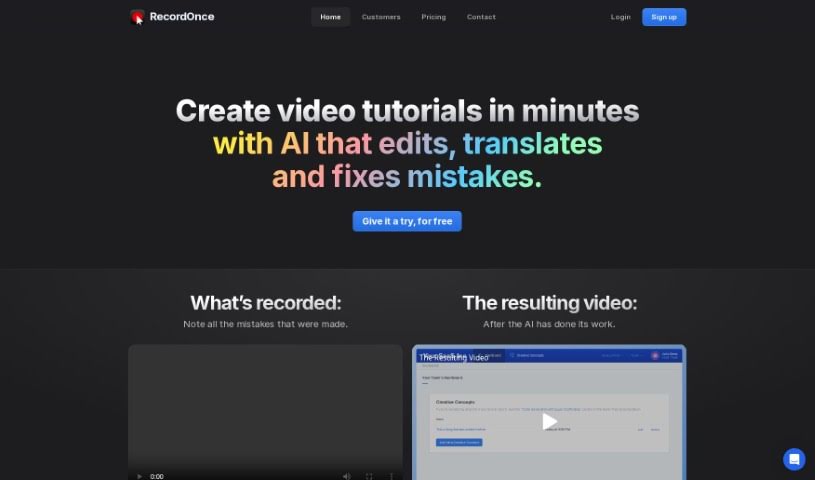
Screenshot of Record Once

Record Once

Freemium

Record Once is an AI-powered tool for creating video tutorials. You record product demos, and the AI handles the editing, so advanced video editing skills aren't required. Unlike traditional screen recorders that only capture frames and pixels, Record Once uses a built-in browser recorder that captures web app interactions at the HTML/CSS level, giving the AI full control to adjust and enhance the video on the fly.

Video Creation View Tool →
Screenshot of Reemix.co

Reemix.co

Freemium

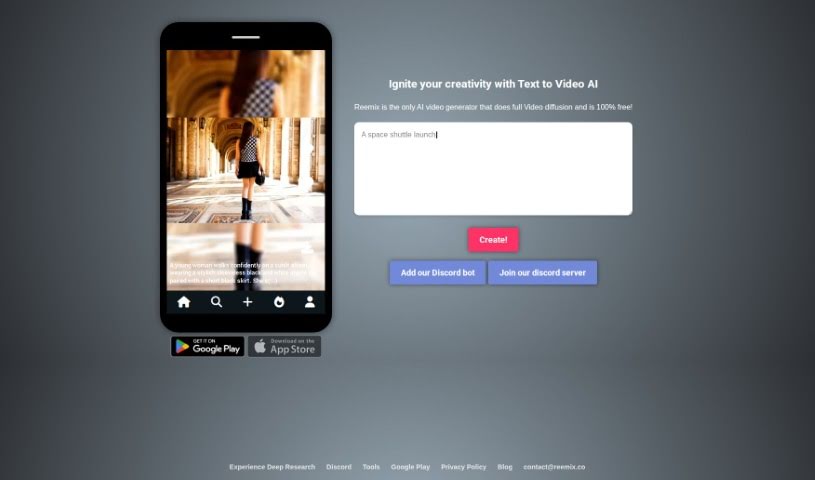
Reemix.co is a social media platform that uses AI to turn text prompts into short, three-second videos. Think of it like Midjourney, but for video — it takes your words and converts them into video content. You can join the Reemix.co community to create personalized videos and share them on social media. The platform is designed to be easy to use, so anyone can express their ideas through video.

Video Creation View Tool →
Screenshot of Renderlion

Renderlion

Freemium

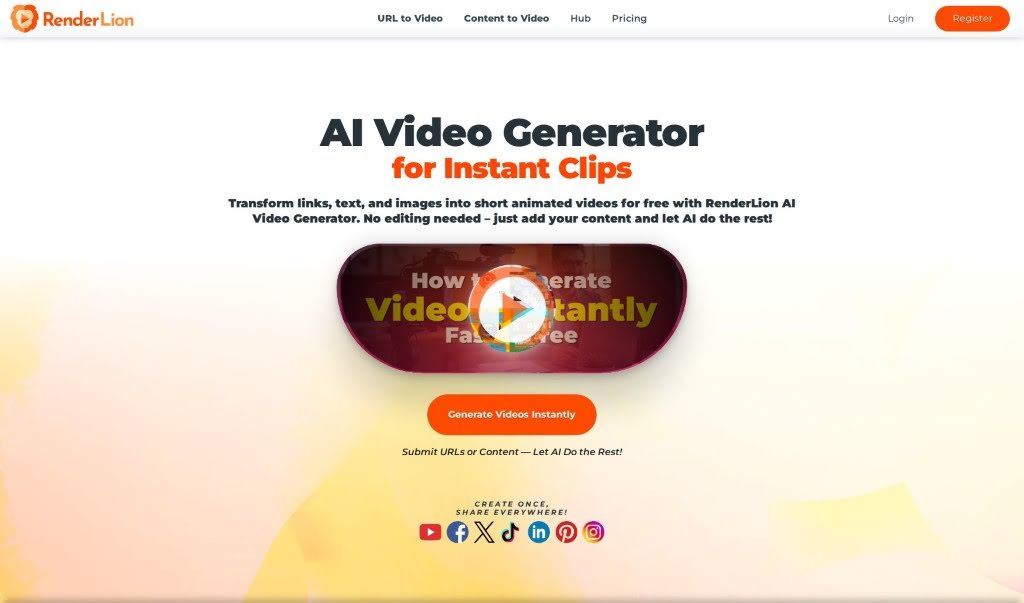
Renderlion is an online AI video generator that turns words, images, and brand elements into professional-quality videos in as little as 10 seconds. No traditional video design or editing skills are required.

Video Creation View Tool →
Screenshot of Rizzle AI

Rizzle AI

Freemium

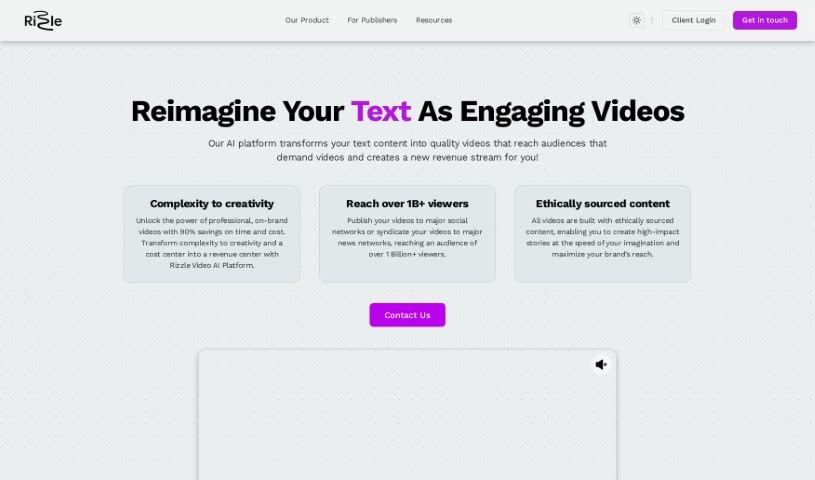
Rizzle AI is a video creation platform for creators and businesses of all experience levels. It offers two main pricing plans: the "Starter" plan for aspiring YouTubers, podcasters, and freelancers, and the "Grow" plan for small to medium-sized businesses and podcasters who need more capacity.

Video Creation View Tool →

About Video Creation tools

Setting up camera gear, editing timeline clips, fixing audio sync, and assembling footage can quickly eat up your entire week. Whether you’re creating promotional videos for a business, producing YouTube tutorials, or building social clips, video production takes significant time and technical effort. It’s easy to spend hours trimming clips, adjusting colors, and rendering files when you’d rather focus on new creative ideas.

These specialized creative assistants streamline raw footage editing, automate scene transitions, and help you generate polished video content faster without replacing directors or video editors.

Speeding Up Rough Cuts, Visual Tweaks, and Multi-Format Exports

Assembling rough cuts from hours of unedited footage used to take days of tedious trimming. Smart video creation tools analyze raw recordings, highlight key moments, and assemble initial timeline edits in seconds. Instead of scrubbing through endless video tracks to find the right take, you get a clean rough cut ready to polish and re-sequence.

Improving video quality and applying visual effects gets much simpler, too. Upgrading low-resolution clips, removing unwanted background objects, or balancing color profiles normally requires advanced editing skills and expensive software. AI-powered video editors fix lighting issues, isolate subjects, and clean up background noise with a few clicks, giving your footage a professional look without hours of frame-by-frame work.

Scaling your video content for different platforms and audiences also becomes far more efficient. Turning a long horizontal video into multiple vertical clips for different channels often means starting from scratch. Video creation assistants automatically reframe subjects for square or vertical feeds, generate matching subtitles, and translate spoken audio into multiple languages, keeping your content pipeline active without extra shoot days.

Key Capabilities to Look For:

  • Automated scene cutting and assembly: Systems that analyze raw footage to identify key moments, remove silences, and generate rough timeline cuts automatically.
  • Smart subject and background removal: Features that let you isolate subjects, swap background elements, or remove unwanted objects without manual rotoscoping.
  • Audio cleanup and balancing: Tools that isolate spoken dialogue, cancel out background noise, and match audio levels across different clips.
  • Auto-reframing and multi-format export: Controls that adjust video aspect ratios for vertical, square, or widescreen formats while keeping the main subject centered.
  • Subtitle and translation integration: Features for generating accurate closed captions, styled subtitles, and translated voiceovers in multiple languages.

Creating compelling video content will always depend on your creative vision, emotional intuition, and knack for storytelling. Software can’t replace genuine human emotion or the spark of an original idea, but letting smart tools handle repetitive clip trimming, audio balancing, and multi-platform formatting gives you back the time needed to bring your vision to life.

Check out the video creation tools below to find the right assistant for your projects.

The Best AI Video Creation Tools

  1. Runway: Great for dynamic scene transition effects.
  2. HeyGen: Makes studio-quality video creation effortless.
  3. Vidnoz AI: For quickly generating AI video content.
  4. Digen AI: Automates video editing and production.
  5. Synthesia: Streamlines creating internal training videos.
  6. Magic Hour: Easily creates engaging promotional videos.
  7. Animaker: Helps you create eye-catching social media videos.
  8. AKOOL: Perfect for personalized holiday video messages.
  9. Live3D: Converts AI art into animated videos.
  10. HitPaw: Enhances videos with watermark-free editing.
  11. Clipchamp: Ideal for social media video editing.
  12. Captions: Streamlines editing for stunning videos.
  13. D-ID: Effortlessly produces marketing videos.
  14. DreamFace: Animates faces for engaging videos.
  15. DeepBrain AI: Quickly turns articles into engaging videos.
New tools, in your inbox.

Weekly picks of the best AI tools we've researched and added — no spam, unsubscribe anytime.

Join 25,000+ AI enthusiasts. No spam, unsubscribe anytime.