AI Tools for Video Creation

Discover the best Video Creation AI tools to enhance your productivity and creativity.

Page 6 of 11 • 132 total tools

Making videos used to be a tough job, mostly for people with technical skills or fancy equipment. But now, thanks to AI advancements, creating great videos is something anyone can do. AI tools are changing video production, from automatically editing clips to picking the best scenes.

You can forget about struggling with editing software and waiting forever for videos to render. Now, you can whip up engaging video content fast, boosting your productivity without losing quality. Whether you’re a pro creator or just starting out, AI offers solutions for every need.

It’s easy to feel a bit lost with so many options out there in this fast-changing field. That’s why I’ve checked out the best AI video creation tools for different styles and goals. Get ready to find platforms that help you edit faster, add cool effects, and even write scripts, all while making your work simpler.

Let’s jump into the world of AI video creation tools. Here, innovation meets creativity, and we’ll find out which ones are really worth adding to your toolkit.

The best AI Video Creation Tools

  1. Runway: Great for dynamic scene transition effects.
  2. HeyGen: Makes studio-quality video creation effortless.
  3. Vidnoz AI: For quickly generating AI video content.
  4. Digen AI: Automates video editing and production.
  5. Synthesia: Streamlines creating internal training videos.
  6. Magic Hour: Easily creates engaging promotional videos.
  7. Animaker: Helps you create eye-catching social media videos.
  8. AKOOL: Perfect for personalized holiday video messages.
  9. Live3D: Converts AI art into animated videos.
  10. HitPaw: Enhances videos with watermark-free editing.
  11. Clipchamp: Ideal for social media video editing.
  12. Captions: Streamlines editing for stunning videos.
  13. D-ID: Effortlessly produces marketing videos.
  14. DreamFace: Animates faces for engaging videos.
  15. DeepBrain AI: Quickly turns articles into engaging videos.

How do AI video creation tools work?

AI video creation tools use smart algorithms to automate making videos. Basically, these tools look at the information you give them—like text, pictures, and sound files—using advanced machine learning. Most of them use computer vision and natural language processing to understand and then craft videos that get a specific message across.

When you give an AI video tool a prompt, it creates a storyboard and suggests visuals or animations. Behind the scenes, it figures out the main themes and feelings in your input to pick fitting footage or images. This ability to predict helps create more personalized videos that connect well with different audiences.

Sound is also a key part. Many AI video platforms include text-to-speech technology and royalty-free music to keep viewers interested. By looking at the script you provide, these tools can generate voiceovers that match the tone and style you want. This mix of visuals and audio results in a polished final product.

Plus, AI video creation tools often come with templates and ways to customize them. While the automation handles the hard work, you can still change things like colors, fonts, and transitions to better match your brand. This combination of automation and creativity makes video production easier, even for those without technical skills.

As these technologies get better, they keep evolving. Tools are becoming much more skilled at understanding context and sentiment, leading to more impactful videos. They can be used for marketing, education, or even personal stories, opening up tons of possibilities for creators.

If you’re looking to use AI for your video projects, it’s a good idea to explore different platforms and see what they can do. These tools not only save you time but also broaden your creative options, letting you focus on your main message instead of the technical side of making videos.

Our best AI video creation tools at a glance

RankNameBest forPlans and PricingRating
1Runwaydynamic scene transition effectsN/A4.67 (12 reviews)
2HeyGeneffortless studio-quality video creationN/A4.77 (53 reviews)
3Vidnoz AIrapid ai video content generationN/A4.20 (5 reviews)
4Digen AIautomated video editing and production.N/A4.73 (11 reviews)
5Synthesiastreamlining internal training video creationPaid plans start at $29/month.4.74 (46 reviews)
6Magic Hourengaging promotional videos made easily.Paid plans start at $120/year.4.80 (30 reviews)
7Animakercreate eye-catching social media videosN/A4.17 (6 reviews)
8AKOOLpersonalized holiday video messagesN/A4.73 (11 reviews)
9Live3Dconvert ai art to animated videos.N/A4.64 (11 reviews)
10HitPawwatermark-free video editing enhancementN/A4.62 (26 reviews)
11Clipchampsocial media video editingN/A4.82 (11 reviews)
12Captionsstreamline editing for stunning videos.N/A4.64 (11 reviews)
13D-IDeffortless video production for marketing.N/A4.33 (15 reviews)
14DreamFaceanimating faces for engaging videosN/A4.64 (11 reviews)
15DeepBrain AIquickly turn articles into engaging videos.N/A4.82 (11 reviews)
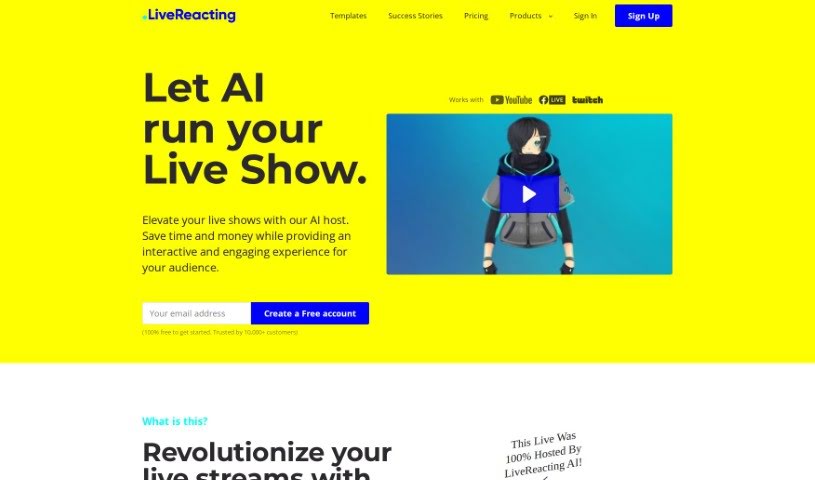
Screenshot of LiveReacting AI Host for live Streaming

LiveReacting AI Host for live Streaming

Freemium

An AI host for live streaming, like the one LiveReacting offers, is a way to really boost how much your viewers get into your live shows. It uses AI to understand what's happening in your live stream, and then it can jump in to do things like start quizzes, read out viewer questions, chat with people, and announce winners – all as it happens. It's pretty versatile, too. Whether you're running an educational session, promoting a product, or hosting a fun quiz, this AI host can handle it. It's designed to work for all sorts of industries and purposes. What makes it stand out is its ability to grasp the context of your show, deliver content that's both educational and entertaining, and basically run the whole thing on its own without you needing to be glued to the screen. It really offers a smooth, modern experience for everyone involved.

Video Generation View Tool →
Screenshot of Loud Fame

Loud Fame

Freemium

Loud Fame is a really neat AI tool that uses Generative AI to make your videos even better. It's got some cool features, like 'Video to Anime,' which turns your videos into awesome anime-style creations. There's also 'Talking Celebrities,' letting you make lifelike videos of famous people with voices and movements that look incredibly real. Basically, Loud Fame wants to give you an easy way to create totally unique video content. It's packed with user-friendly tools, so you can customize everything and get high-quality results without a fuss.

Video Generation View Tool →
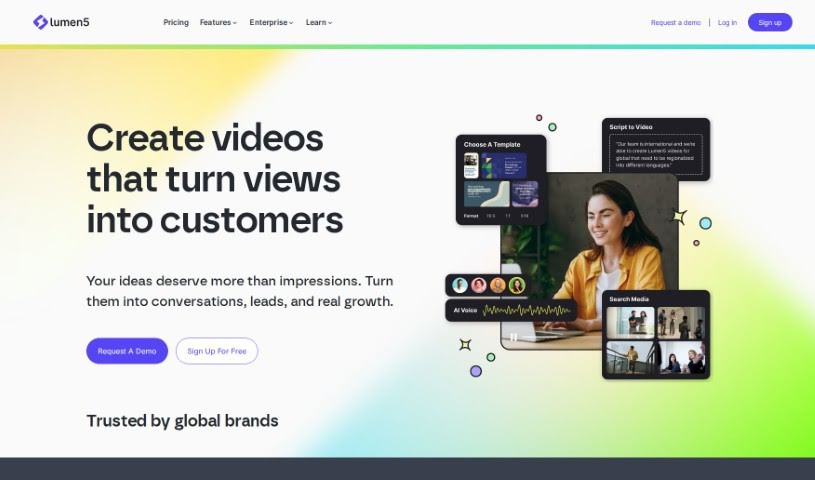
Screenshot of Lumen5

Lumen5

Freemium

Lumen5 is a really neat video creation platform. It uses artificial intelligence (AI) to help people who don't have any video experience create engaging videos in just minutes. You just put in your text, and Lumen5's AI figures out the important phrases, picks out fitting visuals, and adds background music to make your video look great. The platform is super easy to use, with a drag-and-drop editor. You can also customize it to match your brand, use its huge media library, and even do more advanced things like trimming clips or adding text. Basically, Lumen5 wants to make video creation simple and accessible for everyone, no matter their tech skills.

Video Generation View Tool →
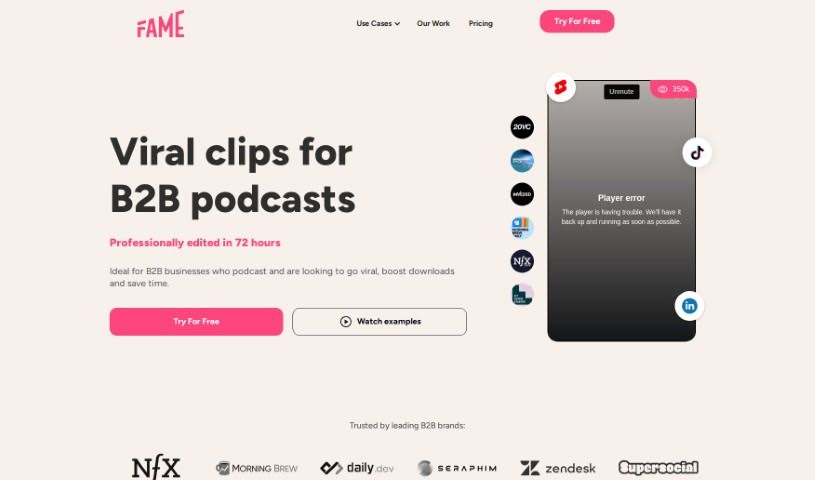
Screenshot of Lychee

Lychee

Freemium

Lychee is a service that helps you create engaging, professionally edited video clips specifically for social media. They really focus on finding those key moments that will grab your audience's attention. They provide high-quality video editing to bring your stories to life, and importantly, they have human reviewers check everything to make sure it's on-brand and safe. Lychee is all about making your content stand out on platforms like TikTok and Instagram by optimizing editing for short-form video.

Video Generation View Tool →
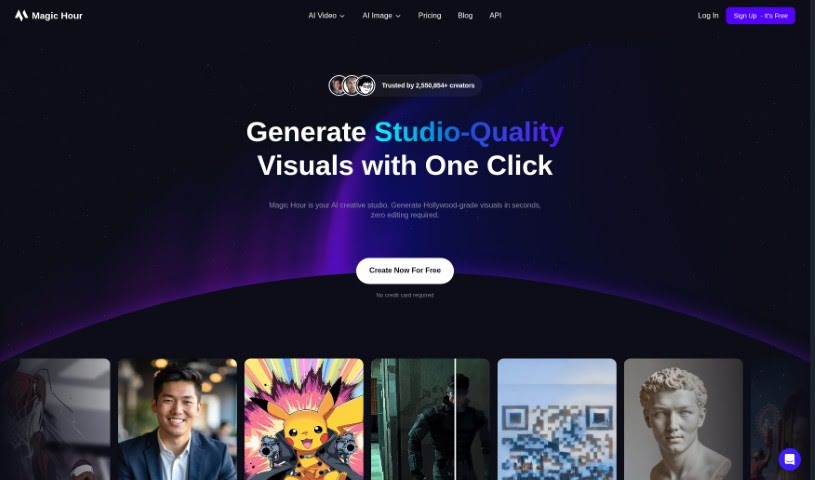
Screenshot of Magic Hour

Magic Hour

Freemium

Magic Hour is a platform designed to make creating captivating video content incredibly simple. Whether you're looking to produce animations, do face swaps, or generate videos from text, this tool has you covered. The founders, David and Runbo, brought together their expertise in software engineering and data science to build Magic Hour. Their goal was to streamline the process of making professional-quality videos, so you don't need years of experience to get great results. They offer several pricing plans, perfect for everyone from seasoned pros to casual users, with features like dedicated computing power, API access, and high-resolution video output. You can check out Magic Hour at magichour.ai to explore its user-friendly interface and start creating engaging videos quickly and easily.

Video Generation View Tool →
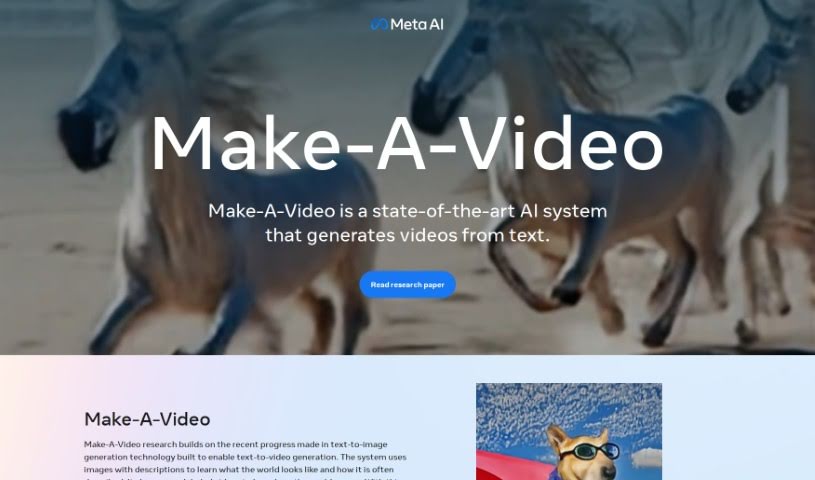
Screenshot of Make A Video

Make A Video

Freemium

Make-A-Video is a really cool system that can create unique, imaginative videos from simple text descriptions and even still images. It is a way to bring your words to life visually. It uses advanced text-to-image technology, but instead of just making a picture, it generates actual video. The goal here is to let anyone create fun videos with just a few words. You can take a single picture and add motion to it, create different versions of a video you've already made, or just generally boost your creative video projects. This technology comes from Meta AI, and they're serious about making sure it's used responsibly and safely. To be clear, any video you make with Make-A-Video will have a watermark so everyone knows it's AI-generated.

Video Generation View Tool →
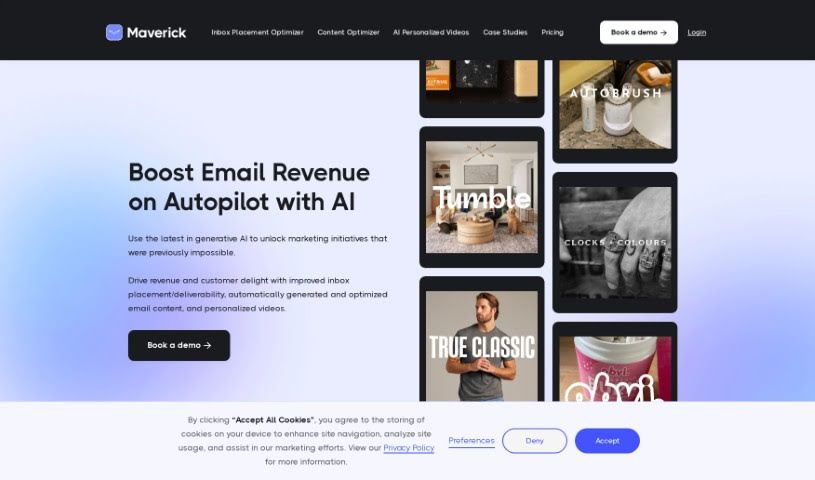
Screenshot of Maverick

Maverick

Freemium

Maverick is an AI-powered tool built specifically for eCommerce businesses and online retailers. Its main purpose is to help you create personalized videos, and it can do this at a really large scale. It is a smart assistant that uses advanced algorithms to craft videos that feel like they were made just for each individual customer. This personal touch is fantastic for boosting revenue and making sure customers stick around longer, increasing their lifetime value. Essentially, Maverick is a great resource if you're in eCommerce and want to sell more, build stronger customer loyalty, and get people more engaged with your brand, all through the power of AI-driven personalized videos. The goal here is to help brands connect with their customers in a much more meaningful way, making online shopping feel as personal and engaging as walking into a favorite physical store.

Video Generation View Tool →
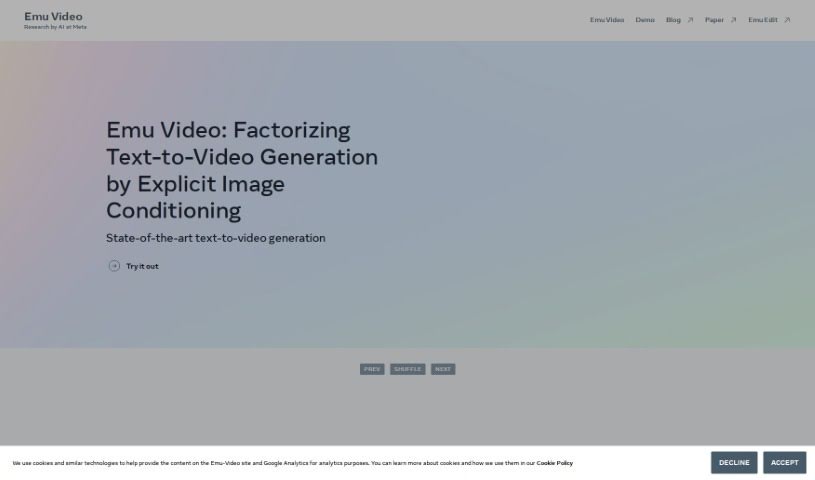
Screenshot of Meta Emu Video

Meta Emu Video

Freemium

It seems like searching for "Meta Emu Video" didn't bring up any specific details we could use to create an overview. If you have other questions or a different topic in mind, please don't hesitate to ask! We're here to help.

Video Generation View Tool →
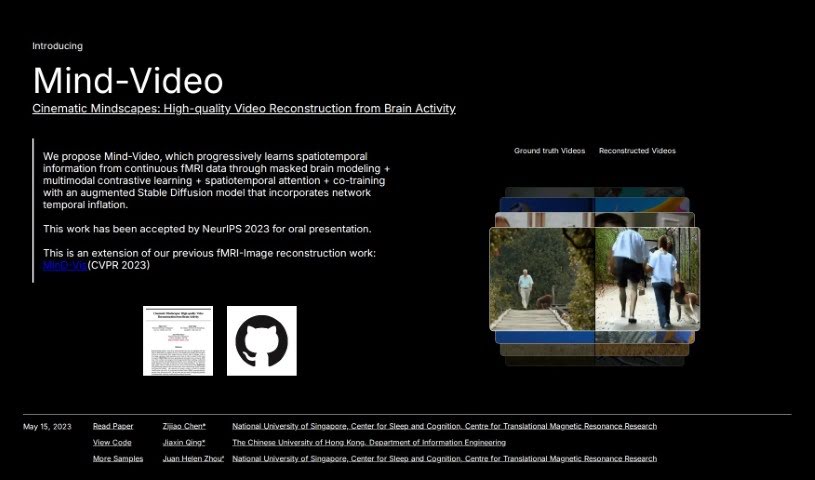
Screenshot of Mind Video

Mind Video

Freemium

Mind Video is a clever system built with two main parts, designed to connect how we understand images with how we decode brain signals for video. It gradually learns from brain activity, moving through several stages to really get the meaning behind what's being seen. The model uses unsupervised learning, specifically masked brain modeling, to pick up on visual fMRI features. Then, it hones in on features related to meaning by using contrastive learning within the CLIP space. Finally, these learned features are fine-tuned by training together with a special stable diffusion model made for video generation, all guided by fMRI data. The outcomes are impressive: high-quality videos that are reconstructed with accurate meaning, doing a better job than older methods on both semantic and pixel-level measurements.

Video Generation View Tool →
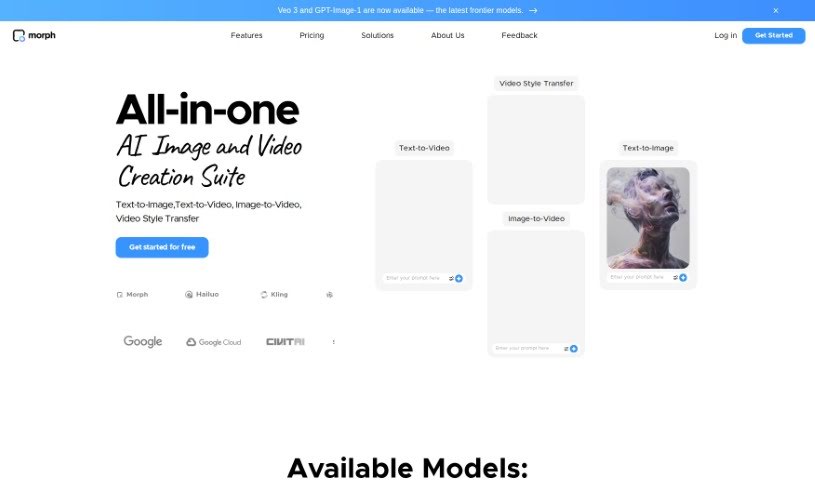
Screenshot of Morph Studio

Morph Studio

Freemium

Morph Studio is an AI tool designed to make creating videos from text inputs much simpler. It uses Text-to-Video AI to help you bring your creative ideas to life just by writing prompts. Essentially, this tool turns your written words into video content, offering a really unique and fresh way to create. You can actually try out a beta version of Morph Studio right now through Discord to see what it can do. It's perfect for anyone who prefers writing things out or doesn't have much video editing experience, as it really simplifies the whole process of making engaging videos.

Video Generation View Tool →
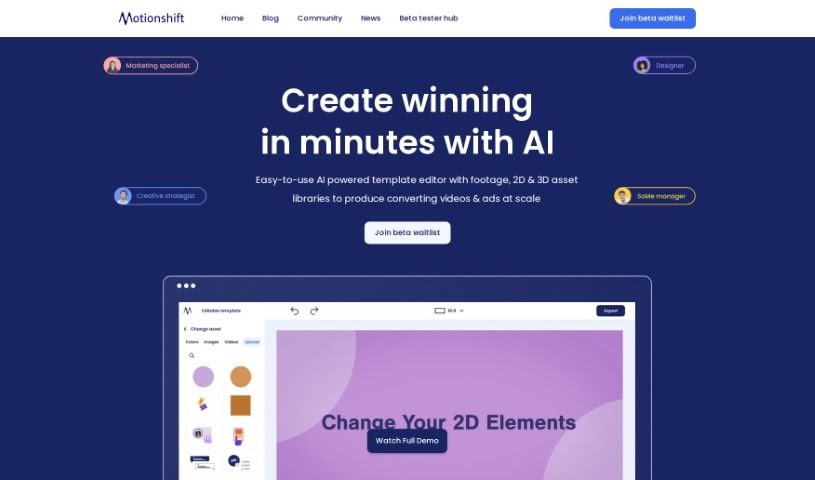
Screenshot of Motionshift

Motionshift

Freemium

Motionshift is a platform that's really changing how we create digital content. It offers a super user-friendly space where you can quickly produce impactful 2D and 3D videos. You can craft compelling videos that make a lasting impression, even if you don't have a ton of design experience. How? By using an AI-powered template editor along with a huge library of footage and 2D & 3D assets. This means you can generate high-converting videos and ads efficiently. The platform also provides customizable templates, all tailored for different industries and backed by research-driven insights, giving you a real edge. So, whether you're a digital marketing pro, a brand manager, a creative director, or running a small business, Motionshift is built to boost your video marketing game. Want to be one of the first to try it? Joining the beta waitlist means you'll get early access to this innovative tool and can start elevating your digital marketing strategies right away.

Video Generation View Tool →
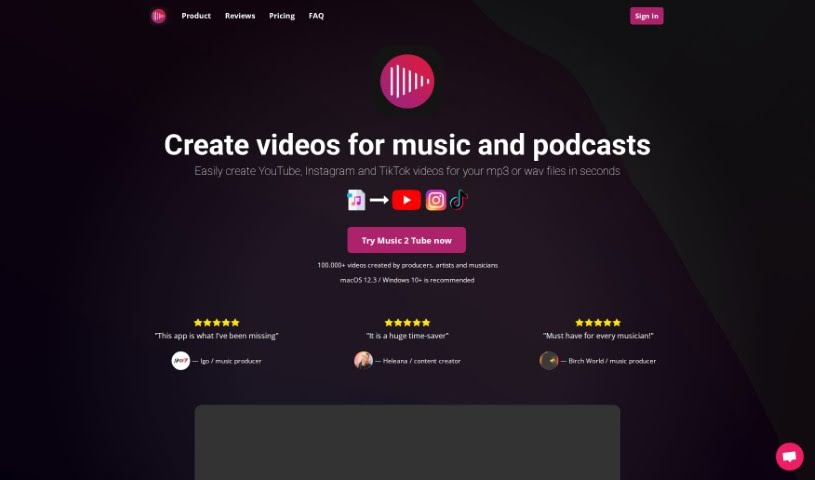
Screenshot of Music 2 Tube

Music 2 Tube

Freemium

Music 2 Tube is a handy platform designed to help you create and upload videos for your music, beats, and podcasts. It’s packed with features to make video creation a breeze. You can whip up beat videos in bulk, upload an unlimited number of videos to YouTube, and even schedule your uploads. Plus, you can really make your videos your own by customizing elements, adding cool effects like background blur, and applying watermarks. It also plays nicely with cloud storage, including your Google Drive files, making it super easy to create videos for YouTube, Instagram, and TikTok. You can even add your branding to the videos. What's great is that it supports MP3 and WAV audio formats and doesn't re-render your audio, so the quality stays top-notch.

Video Generation View Tool →

Stay Updated with AI Tools

Get weekly updates on the latest AI tools, trends, and insights delivered to your inbox

Join 25,000+ AI enthusiasts. No spam, unsubscribe anytime.