AI Tools for Video Creation

Discover the best Video Creation AI tools to enhance your productivity and creativity.

Page 5 of 11 • 132 total tools

Making videos used to be a tough job, mostly for people with technical skills or fancy equipment. But now, thanks to AI advancements, creating great videos is something anyone can do. AI tools are changing video production, from automatically editing clips to picking the best scenes.

You can forget about struggling with editing software and waiting forever for videos to render. Now, you can whip up engaging video content fast, boosting your productivity without losing quality. Whether you’re a pro creator or just starting out, AI offers solutions for every need.

It’s easy to feel a bit lost with so many options out there in this fast-changing field. That’s why I’ve checked out the best AI video creation tools for different styles and goals. Get ready to find platforms that help you edit faster, add cool effects, and even write scripts, all while making your work simpler.

Let’s jump into the world of AI video creation tools. Here, innovation meets creativity, and we’ll find out which ones are really worth adding to your toolkit.

The best AI Video Creation Tools

  1. Runway: Great for dynamic scene transition effects.
  2. HeyGen: Makes studio-quality video creation effortless.
  3. Vidnoz AI: For quickly generating AI video content.
  4. Digen AI: Automates video editing and production.
  5. Synthesia: Streamlines creating internal training videos.
  6. Magic Hour: Easily creates engaging promotional videos.
  7. Animaker: Helps you create eye-catching social media videos.
  8. AKOOL: Perfect for personalized holiday video messages.
  9. Live3D: Converts AI art into animated videos.
  10. HitPaw: Enhances videos with watermark-free editing.
  11. Clipchamp: Ideal for social media video editing.
  12. Captions: Streamlines editing for stunning videos.
  13. D-ID: Effortlessly produces marketing videos.
  14. DreamFace: Animates faces for engaging videos.
  15. DeepBrain AI: Quickly turns articles into engaging videos.

How do AI video creation tools work?

AI video creation tools use smart algorithms to automate making videos. Basically, these tools look at the information you give them—like text, pictures, and sound files—using advanced machine learning. Most of them use computer vision and natural language processing to understand and then craft videos that get a specific message across.

When you give an AI video tool a prompt, it creates a storyboard and suggests visuals or animations. Behind the scenes, it figures out the main themes and feelings in your input to pick fitting footage or images. This ability to predict helps create more personalized videos that connect well with different audiences.

Sound is also a key part. Many AI video platforms include text-to-speech technology and royalty-free music to keep viewers interested. By looking at the script you provide, these tools can generate voiceovers that match the tone and style you want. This mix of visuals and audio results in a polished final product.

Plus, AI video creation tools often come with templates and ways to customize them. While the automation handles the hard work, you can still change things like colors, fonts, and transitions to better match your brand. This combination of automation and creativity makes video production easier, even for those without technical skills.

As these technologies get better, they keep evolving. Tools are becoming much more skilled at understanding context and sentiment, leading to more impactful videos. They can be used for marketing, education, or even personal stories, opening up tons of possibilities for creators.

If you’re looking to use AI for your video projects, it’s a good idea to explore different platforms and see what they can do. These tools not only save you time but also broaden your creative options, letting you focus on your main message instead of the technical side of making videos.

Our best AI video creation tools at a glance

RankNameBest forPlans and PricingRating
1Runwaydynamic scene transition effectsN/A4.67 (12 reviews)
2HeyGeneffortless studio-quality video creationN/A4.77 (53 reviews)
3Vidnoz AIrapid ai video content generationN/A4.20 (5 reviews)
4Digen AIautomated video editing and production.N/A4.73 (11 reviews)
5Synthesiastreamlining internal training video creationPaid plans start at $29/month.4.74 (46 reviews)
6Magic Hourengaging promotional videos made easily.Paid plans start at $120/year.4.80 (30 reviews)
7Animakercreate eye-catching social media videosN/A4.17 (6 reviews)
8AKOOLpersonalized holiday video messagesN/A4.73 (11 reviews)
9Live3Dconvert ai art to animated videos.N/A4.64 (11 reviews)
10HitPawwatermark-free video editing enhancementN/A4.62 (26 reviews)
11Clipchampsocial media video editingN/A4.82 (11 reviews)
12Captionsstreamline editing for stunning videos.N/A4.64 (11 reviews)
13D-IDeffortless video production for marketing.N/A4.33 (15 reviews)
14DreamFaceanimating faces for engaging videosN/A4.64 (11 reviews)
15DeepBrain AIquickly turn articles into engaging videos.N/A4.82 (11 reviews)
Screenshot of HeyGen

HeyGen

Freemium

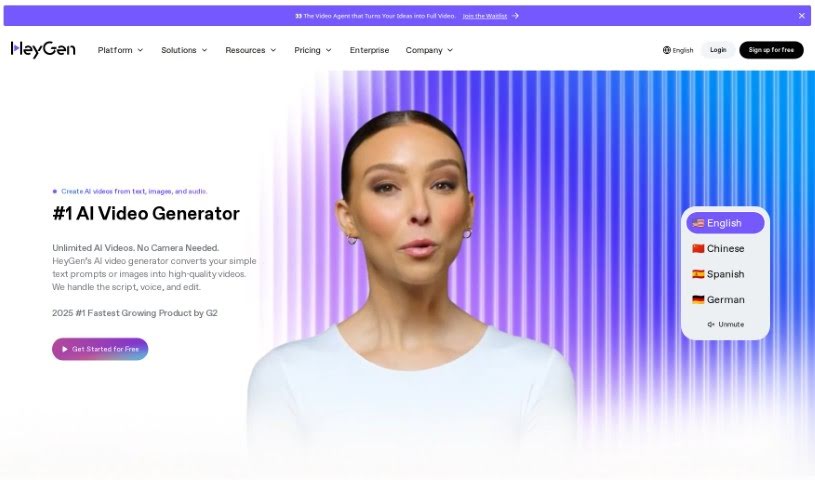
HeyGen is a really cool video platform that uses generative AI to make creating videos much simpler. It lets you get creative and produce high-quality videos without a lot of fuss. What makes HeyGen stand out is its AI technology – it can actually create video content for you based on what you want, meaning you don't have to do all the editing yourself. The platform comes with lots of templates, effects, and an easy-to-use interface. These tools help make your videos look great and keep your audience interested. Plus, HeyGen has a community where creative people share ideas, find resources, and even collaborate on projects. Basically, HeyGen is leading the way in video production, making it easy for anyone to create professional-looking videos with a creative touch.

Video Generation View Tool →
Screenshot of Hippo Video

Hippo Video

Freemium

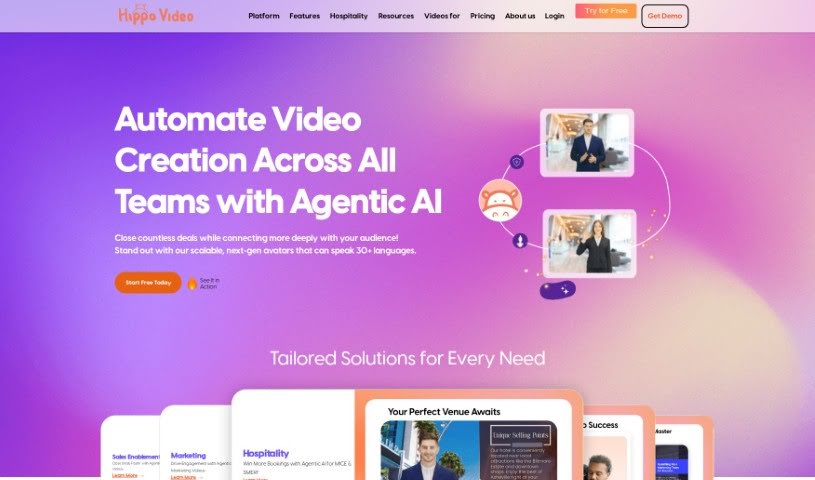
Hippo Video is a comprehensive software platform designed to help businesses boost their marketing and sales efforts. It offers a complete solution for personalizing and distributing videos, making it easier to create seamless video workflows. You'll find a range of features here, including an AI Editor, Video Flows, Video Emails, a Video SDK, and powerful Video Personalization tools. Hippo Video also supports team collaboration with its video communication features, helps you generate leads with a robust video marketing strategy, and provides quick video responses for customer service. Plus, its AI Editor makes video editing efficient, and it integrates smoothly with popular CRM systems like Salesforce, HubSpot, and Salesloft. The platform even includes features like Humanize AI to help you craft unique, engaging videos. Whether you're in SaaS, travel, or any other industry, Hippo Video offers a user-friendly way to create, edit, and share videos effectively.

Video Generation View Tool →
Screenshot of HitPaw

HitPaw

Freemium

HitPaw Watermark Remover is an online tool that uses artificial intelligence to effectively remove all sorts of watermarks from your images. You can get rid of logos, text, emojis, memes, stickers, and more. It also lets you remove watermarks from multiple photos at once, and you can precisely erase areas using a brush selection tool. Plus, it's great for removing unwanted people or tourists from your pictures. Keep in mind, though, that it's an online-only tool, so you'll need an internet connection. For the best results, it's also helpful if your original image is high-resolution. Sometimes, it might have a bit of trouble with really complex watermarks, and you might still see faint traces after removal. You'll need to manually select the areas you want to clean up, and for full functionality, you might need to consider upgrading to a paid version.

Video Generation View Tool →
Screenshot of Idatapp

Idatapp

Freemium

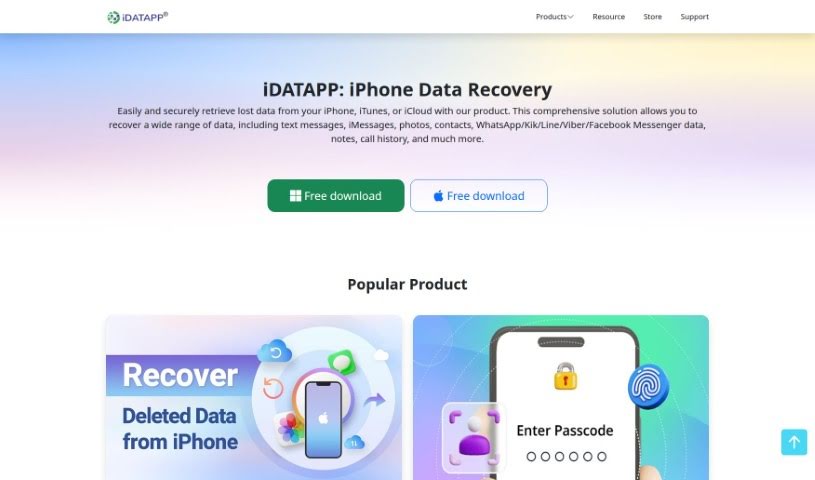
Idatapp's 2D&3D Video Converter is your go-to tool for switching between 2D and 3D video formats. It makes converting standard videos into immersive 3D experiences super easy, letting you bring that cinematic feel right into your home. It handles all sorts of popular video types like MPEG-4, H.264, MOV, and AVI, so you can really transform your living room into a personal movie theater. Plus, if you have 3D videos already, you can convert them back to 2D for playback on pretty much any device. You can even tweak the 3D color settings to get just the look you want. It’s a really user-friendly, yet professional, option for anyone who loves playing with multimedia.

Video Generation View Tool →
Screenshot of Imaginario.ai

Imaginario.ai

Freemium

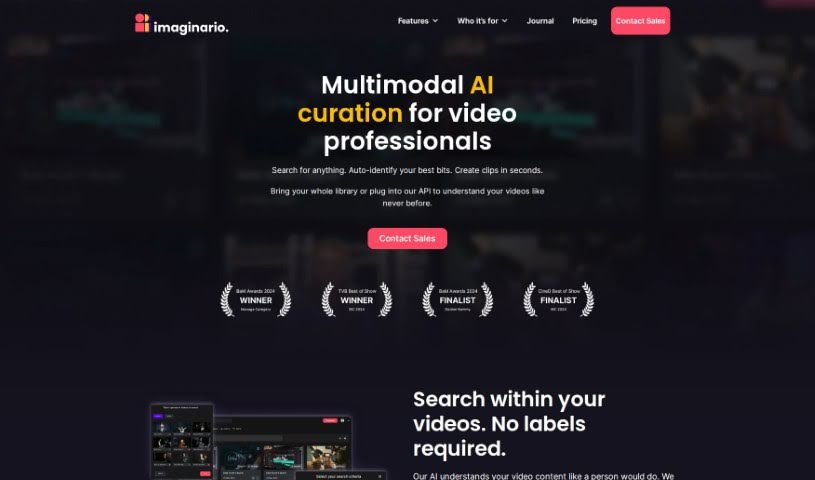
Imaginario.ai is a platform that uses AI to help manage and edit videos. It was founded in 2021 by a team with over 25 years of combined experience in video and multimodal AI. It is a smart assistant for your video content. It offers some really useful features like searching within your videos, quickly creating clips, and transcribing audio with impressive 99% accuracy. Plus, it has tools to transform your videos for social media and can connect with your existing systems through an API. Essentially, if you're a marketer, content creator, or developer who works with video, Imaginario.ai is designed to make your editing process smoother and help you get more out of your video library.

Video Generation View Tool →
Screenshot of Inksprout Video

Inksprout Video

Freemium

Inksprout Video is a really handy tool for transforming your content into videos. It's designed to help you create videos quickly, automatically add captions, and easily share them across popular social media platforms like Instagram, TikTok, and YouTube. If you're a content creator or a digital marketer, this tool can really help you with your content strategies, keeping up with industry changes, and making your content work even better. Some of its standout features include turning blog posts into videos, keeping an eye on what's trending, downloading videos fast, and generally making it simple to turn your writing into video content. It also makes sharing your videos easier, helps you connect better with your audience, and boosts your brand's visibility. This makes it a great choice for businesses that want to step up their content marketing game. Plus, you can sign up for early access, share across multiple platforms, and get updates on industry trends, which is super helpful for repurposing content and keeping your posting schedule consistent.

Video Generation View Tool →
Screenshot of Jupitrr AI

Jupitrr AI

Freemium

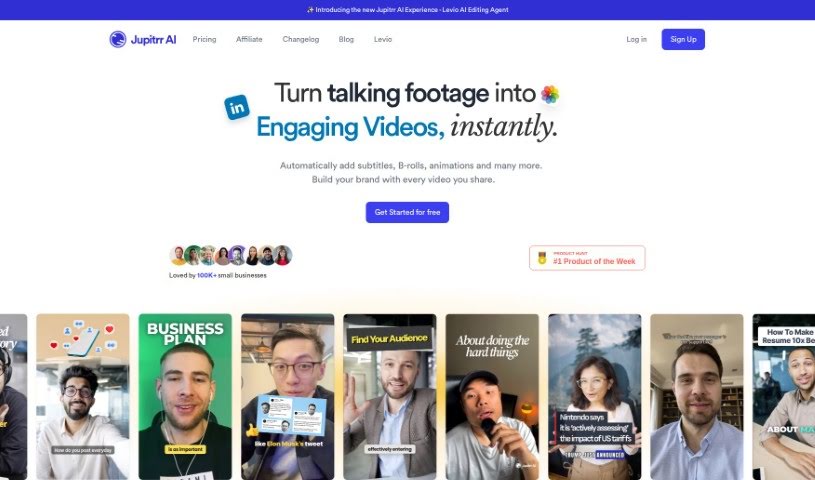
Jupitrr AI is a platform packed with AI-powered tools designed to make creating and editing videos much simpler. You'll find features like an AI Video Maker and an Audiogram Maker, with pricing options ranging from a free tier all the way up to pro levels. It gives you access to a library of stock footage, web images, and GIFs, plus AI-generated text overlays to really make your videos pop. Jupitrr AI also supports generating subtitles in many different languages, and if you ever need help, their customer support is available via email. The platform is especially great for anyone new to video editing, aiming for an easy-to-use experience. They're also careful about copyright, using resources like Pexels for their stock videos and images.

Video Generation View Tool →
Screenshot of Kapkap

Kapkap

Freemium

KapKap is a smart tool that uses AI to create lip-sync videos. It's designed to help creators make marketing videos that really connect with people and drive sales. It is your go-to for producing high-conversion marketing content. It comes packed with features like turning your speech into text, shooting video in high definition, a built-in teleprompter to help you sound natural, robust editing tools, the ability to add subtitles, multi-language translation, and even making animated videos from your photos.

Video Generation View Tool →
Screenshot of Kapwing

Kapwing

Freemium

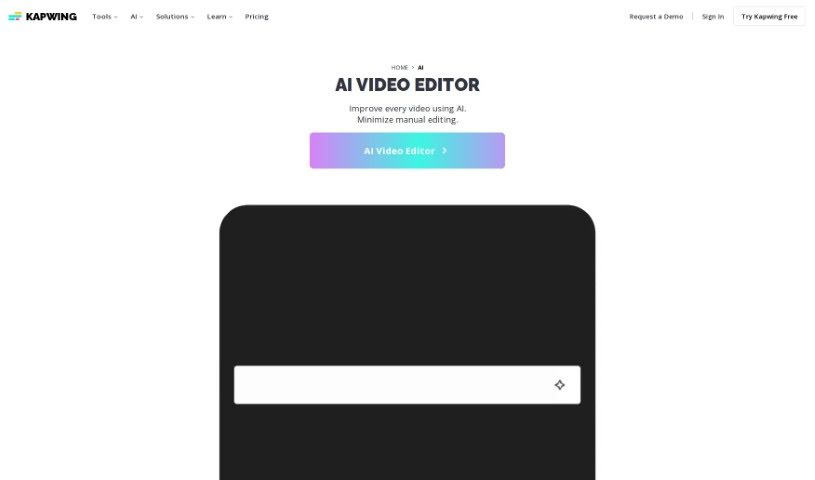
Kapwing is a video creation platform designed to make the whole process much smoother for both teams and individuals. It's packed with AI tools and templates that can automate a lot of the tricky, time-consuming parts of making videos. This means you can create really high-quality video content without needing to be a video editing expert or having fancy, specialized software. Kapwing offers a bunch of helpful features, like captions you can customize, a 'Smart Cut' tool that edits videos automatically, a 'Resize Canvas' to easily repurpose your videos for different platforms, a tool to remove backgrounds, ways to improve your audio, and even the ability to collaborate with others on projects. Plus, there's an AI Video Generator that lets you create videos just by typing in a description, and you still get full control to tweak it afterward. Basically, Kapwing wants to make creating content easier and more efficient for everyone, no matter their industry or what they're trying to achieve.

Video Generation View Tool →
Screenshot of Kapwing AI Text to Video

Kapwing AI Text to Video

Freemium

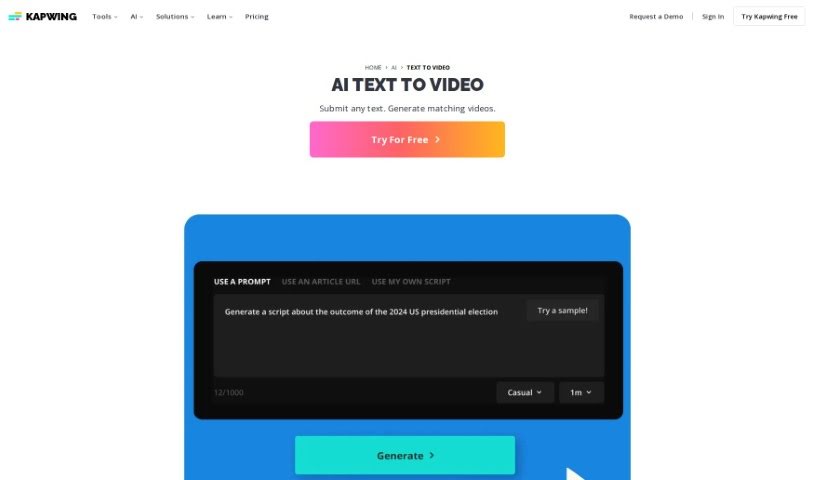
Kapwing's AI Text to Video tool is a neat way to turn your documents, essays, scripts, or blog posts into short, engaging video summaries, all thanks to artificial intelligence. Just pop your text into the platform, and it'll whip up a professional-looking video for you. Think stock footage, background music, text overlays, subtitles, and smooth transitions – it handles all that automatically. You can even just copy and paste your text, and poof, instant video! Plus, you're not stuck with what the AI creates. You can tweak it right there on the platform. Want to add a voiceover? Apply filters or effects? Translate it into another language? You've got full creative control to make the video exactly how you envision it.

Video Generation View Tool →
Screenshot of Lalamu

Lalamu

Freemium

Lalamu is a really neat mobile app that completely changes how you make videos. It uses advanced AI to let you sync up any face in your videos with audio. It is a super user-friendly way to match your favorite songs or sounds to video clips or even GIFs. It adds a fun, personal touch to your digital stories. With Lalamu, you can really get creative, mixing sound and moving images in all sorts of cool ways. It’s perfect for spicing up your own video projects or making content that’s great for sharing on social media.

Video Generation View Tool →
Screenshot of Live3D

Live3D

Freemium

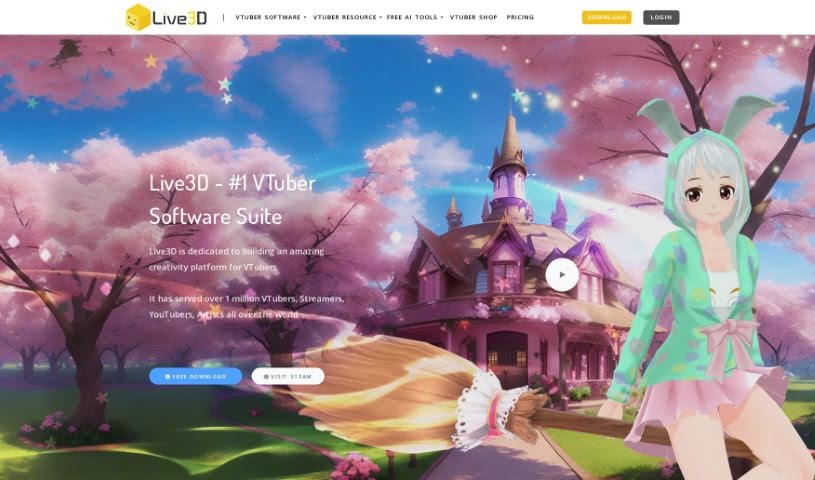
Live3D, also known as AnimeGenius, is a fantastic free tool that lets you create your own anime AI art. It's all about bringing your imagination to life, helping you generate fantasy anime worlds filled with your favorite characters. You can easily customize things like hair, outfits, and scenery, making it simple to produce professional-quality AI anime art that really captures the feel of the genre. What's really cool is that you can create high-quality AI anime art from just text in seconds, or even turn your real photos into anime art. You don't need any drawing skills or AI knowledge to use it – it's super beginner-friendly, with no confusing jargon or complicated steps. Live3D offers over 60 different anime AI filters, lets you transform images using AI (image-to-image), and even has features for pose-to-image AI generation and turning images into animations.

Video Generation View Tool →

Stay Updated with AI Tools

Get weekly updates on the latest AI tools, trends, and insights delivered to your inbox

Join 25,000+ AI enthusiasts. No spam, unsubscribe anytime.