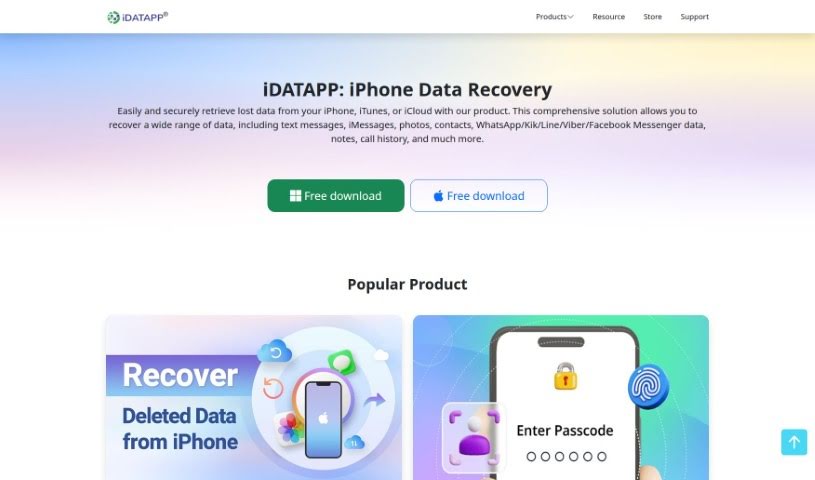
Screenshot of Idatapp

Idatapp

Curious about Idatapp? Discover what this 2D&3D video converter is all about and how to use it effectively in 2025. We'll explore its features and see how it stacks up against other video creation tools.

Screenshot

What is Idatapp?

Idatapp’s 2D&3D Video Converter is your go-to tool for switching between 2D and 3D video formats. It makes converting standard videos into immersive 3D experiences super easy, letting you bring that cinematic feel right into your home. It handles all sorts of popular video types like MPEG-4, H.264, MOV, and AVI, so you can really transform your living room into a personal movie theater. Plus, if you have 3D videos already, you can convert them back to 2D for playback on pretty much any device. You can even tweak the 3D color settings to get just the look you want. It’s a really user-friendly, yet professional, option for anyone who loves playing with multimedia.

Who created Idatapp?

This handy 2D&3D Video Converter was developed by iDATAPP. It’s designed to let you convert 2D videos to 3D, and 3D videos back to 2D, without any fuss. iDATAPP is known for creating a variety of multimedia software, including other video converters and screen recorders.

How to use Idatapp?

Using the 2D&3D Video Converter is pretty straightforward. Just follow these simple steps:

  1. First off, open up the program. Right on the main screen, you’ll see options to pick your conversion mode: 2D to 3D, 3D to 3D, or 3D to 2D. Choose the one you need.
  2. Next, head over to the “File” menu and select “Add File.” This is where you’ll import the 2D or 3D video you want to work with.
  3. Once your file is loaded, pick your favorite 3D mode. Then, just hit the “Convert” button to get the process started.
  4. You’ve got options to customize things like the video resolution, frame rate, bitrate, and even the zoom mode and aspect ratio. This lets you fine-tune the output to get exactly the results you’re looking for.
  5. Before you commit to the final conversion, it’s a good idea to preview your video. You can see exactly how it will look in real-time by picking the 3D or 2D effect you want and hitting play.

Follow these steps, and you’ll be converting your 2D and 3D videos with ease using the 2D&3D Video Converter tool.

Related AI Tools

Discover more tools in similar categories that might interest you

Stay Updated with AI Tools

Get weekly updates on the latest AI tools, trends, and insights delivered to your inbox

Join 25,000+ AI enthusiasts. No spam, unsubscribe anytime.