AI Tools for Video Creation

Discover the best Video Creation AI tools to enhance your productivity and creativity.

Page 8 of 11 • 132 total tools

Making videos used to be a tough job, mostly for people with technical skills or fancy equipment. But now, thanks to AI advancements, creating great videos is something anyone can do. AI tools are changing video production, from automatically editing clips to picking the best scenes.

You can forget about struggling with editing software and waiting forever for videos to render. Now, you can whip up engaging video content fast, boosting your productivity without losing quality. Whether you’re a pro creator or just starting out, AI offers solutions for every need.

It’s easy to feel a bit lost with so many options out there in this fast-changing field. That’s why I’ve checked out the best AI video creation tools for different styles and goals. Get ready to find platforms that help you edit faster, add cool effects, and even write scripts, all while making your work simpler.

Let’s jump into the world of AI video creation tools. Here, innovation meets creativity, and we’ll find out which ones are really worth adding to your toolkit.

The best AI Video Creation Tools

  1. Runway: Great for dynamic scene transition effects.
  2. HeyGen: Makes studio-quality video creation effortless.
  3. Vidnoz AI: For quickly generating AI video content.
  4. Digen AI: Automates video editing and production.
  5. Synthesia: Streamlines creating internal training videos.
  6. Magic Hour: Easily creates engaging promotional videos.
  7. Animaker: Helps you create eye-catching social media videos.
  8. AKOOL: Perfect for personalized holiday video messages.
  9. Live3D: Converts AI art into animated videos.
  10. HitPaw: Enhances videos with watermark-free editing.
  11. Clipchamp: Ideal for social media video editing.
  12. Captions: Streamlines editing for stunning videos.
  13. D-ID: Effortlessly produces marketing videos.
  14. DreamFace: Animates faces for engaging videos.
  15. DeepBrain AI: Quickly turns articles into engaging videos.

How do AI video creation tools work?

AI video creation tools use smart algorithms to automate making videos. Basically, these tools look at the information you give them—like text, pictures, and sound files—using advanced machine learning. Most of them use computer vision and natural language processing to understand and then craft videos that get a specific message across.

When you give an AI video tool a prompt, it creates a storyboard and suggests visuals or animations. Behind the scenes, it figures out the main themes and feelings in your input to pick fitting footage or images. This ability to predict helps create more personalized videos that connect well with different audiences.

Sound is also a key part. Many AI video platforms include text-to-speech technology and royalty-free music to keep viewers interested. By looking at the script you provide, these tools can generate voiceovers that match the tone and style you want. This mix of visuals and audio results in a polished final product.

Plus, AI video creation tools often come with templates and ways to customize them. While the automation handles the hard work, you can still change things like colors, fonts, and transitions to better match your brand. This combination of automation and creativity makes video production easier, even for those without technical skills.

As these technologies get better, they keep evolving. Tools are becoming much more skilled at understanding context and sentiment, leading to more impactful videos. They can be used for marketing, education, or even personal stories, opening up tons of possibilities for creators.

If you’re looking to use AI for your video projects, it’s a good idea to explore different platforms and see what they can do. These tools not only save you time but also broaden your creative options, letting you focus on your main message instead of the technical side of making videos.

Our best AI video creation tools at a glance

RankNameBest forPlans and PricingRating
1Runwaydynamic scene transition effectsN/A4.67 (12 reviews)
2HeyGeneffortless studio-quality video creationN/A4.77 (53 reviews)
3Vidnoz AIrapid ai video content generationN/A4.20 (5 reviews)
4Digen AIautomated video editing and production.N/A4.73 (11 reviews)
5Synthesiastreamlining internal training video creationPaid plans start at $29/month.4.74 (46 reviews)
6Magic Hourengaging promotional videos made easily.Paid plans start at $120/year.4.80 (30 reviews)
7Animakercreate eye-catching social media videosN/A4.17 (6 reviews)
8AKOOLpersonalized holiday video messagesN/A4.73 (11 reviews)
9Live3Dconvert ai art to animated videos.N/A4.64 (11 reviews)
10HitPawwatermark-free video editing enhancementN/A4.62 (26 reviews)
11Clipchampsocial media video editingN/A4.82 (11 reviews)
12Captionsstreamline editing for stunning videos.N/A4.64 (11 reviews)
13D-IDeffortless video production for marketing.N/A4.33 (15 reviews)
14DreamFaceanimating faces for engaging videosN/A4.64 (11 reviews)
15DeepBrain AIquickly turn articles into engaging videos.N/A4.82 (11 reviews)
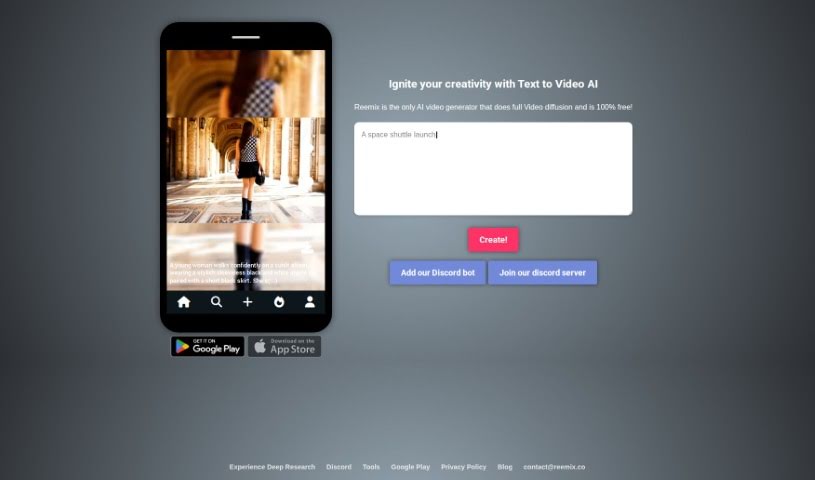
Screenshot of Reemix.co

Reemix.co

Freemium

Reemix.co is a social media platform that uses AI to turn your text prompts into short, engaging three-second videos. It's designed to help you express yourself creatively by making unique video content with advanced AI. Think of it like Midjourney, but for video – it takes your text and turns it into video, opening up new creative possibilities. You can join the Reemix.co community to easily create personalized videos and then share them wherever you like on social media. The platform is really easy to use, so anyone can tap into their creativity and share their ideas through cool-looking videos.

Video Generation View Tool →
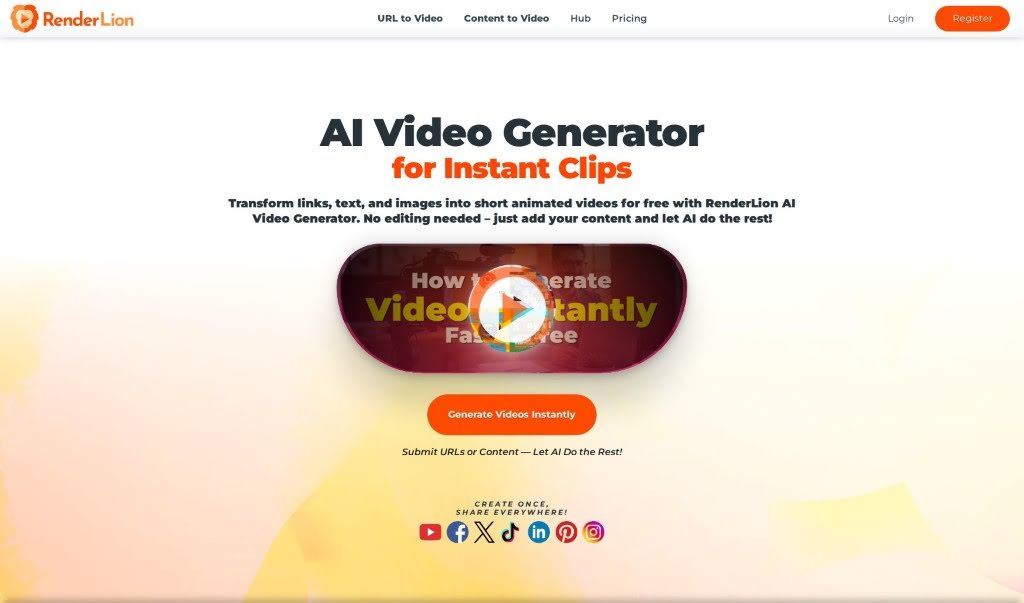
Screenshot of Renderlion

Renderlion

Freemium

Renderlion is an online tool that's really making waves with its AI video generator. It's designed to quickly turn your words, images, and brand elements into professional-quality videos. The best part? You don't need any traditional video design or editing skills to use it. Imagine getting a video generated in under 10 seconds – that's what Renderlion offers! It's super easy to use, and you won't be stuck with templates. Plus, it creates brand-centric videos, meaning it can easily incorporate your logo and color schemes. Whether you need Square, Landscape, or Portrait formats, Renderlion has you covered. There's even a powerful free video generator, and you can remove watermarks if you opt for a premium plan. People from all sorts of fields – shop owners, marketers, influencers, and content creators – love Renderlion because it makes video production effortless and helps them create high-quality content without the usual hassle.

Video Generation View Tool →
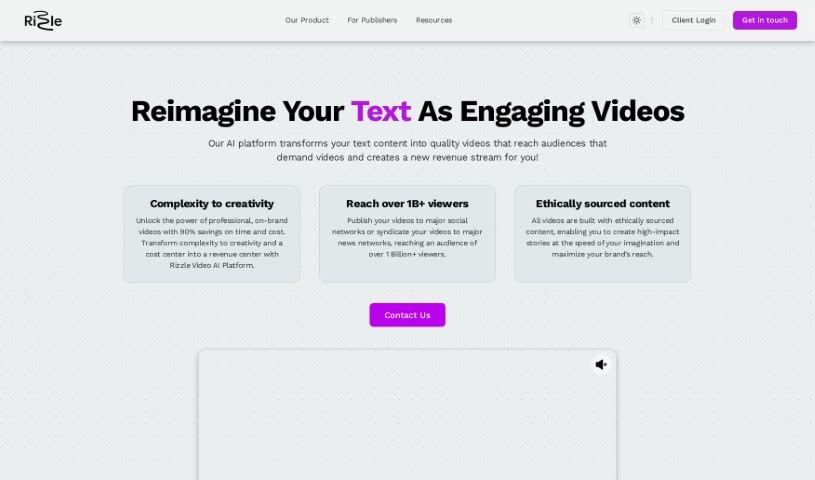
Screenshot of Rizzle AI

Rizzle AI

Freemium

Rizzle AI is a platform that helps you create really engaging videos. It's packed with features designed for all sorts of users, whether you're just starting out or running a business. They offer different pricing plans to fit your needs. For example, there's a "Starter" plan perfect for aspiring YouTubers, podcasters, and freelancers. If you're a small to medium-sized business or a podcaster looking for more, the "Grow" plan might be a better fit. With Rizzle AI, you can easily create video teasers, clips, and highlights. Plus, you get auto B-roll using premium stock media, and your videos can be up to 4K resolution. It also offers AI-powered video creation, social media publishing, video analytics, and even scheduled posting. Basically, Rizzle AI aims to make creating videos much simpler for everyone, no matter their experience level.

Video Generation View Tool →
Screenshot of Roll AI

Roll AI

Freemium

Roll AI is a really neat AI video production platform that lets you make high-quality videos using just your smartphone. It makes video production much simpler by letting you record professional-quality remote video calls without any fuss. With Roll AI, you can jazz up your videos with special effects, do quick edits, and publish them for way less than traditional studios would charge. It's a super user-friendly platform, great for all sorts of content like podcasts, webinars, virtual conferences, interviews, and testimonials. Roll AI's AI features handle post-production smoothly, opening up more creative options with effects you can use in real-time. The platform aims to give you broadcast-level video quality, which really helps make your content more engaging and impactful.

Video Generation View Tool →
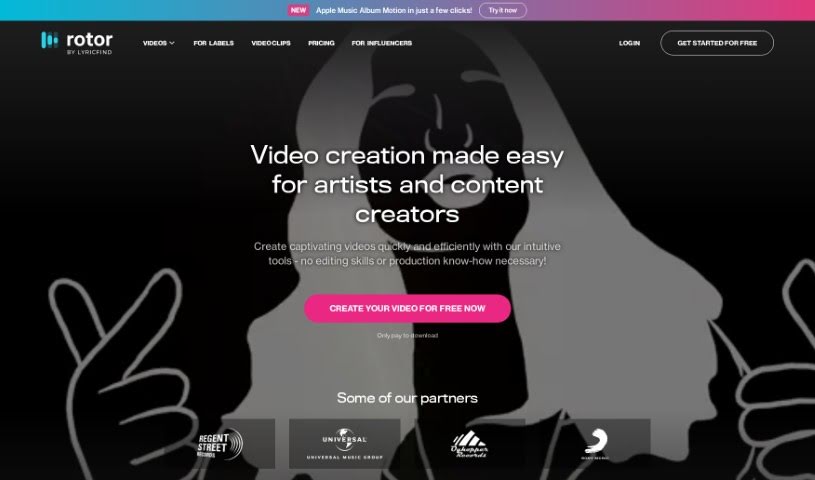
Screenshot of Rotor Videos

Rotor Videos

Freemium

Rotor Videos is a really handy tool designed specifically for musicians who want to create professional-looking music videos, promo clips, Spotify canvas videos, and lyric videos. The best part? You don't need any video editing experience to use it. It uses smart, AI-powered editing that actually listens to your music and looks at the video clips you choose. Then, it automatically puts together a video that fits your track perfectly. You get access to a huge library with over a million high-quality stock video clips, and you can easily add text, cool visual effects, different styles, and filters to make it your own. It's a great option for independent artists and labels looking for an affordable way to make eye-catching video content without a lot of fuss. You can even start for free and only pay when you're ready to download your finished video, which makes it a pretty risk-free choice for any musician, no matter where they are in their career. Some of the standout features include an AI-powered lyric video maker, a smart editing engine, that massive library of over 1 million stock video clips, over 150 styles and filters for custom effects, and a flexible pay-per-download pricing model.

Video Generation View Tool →
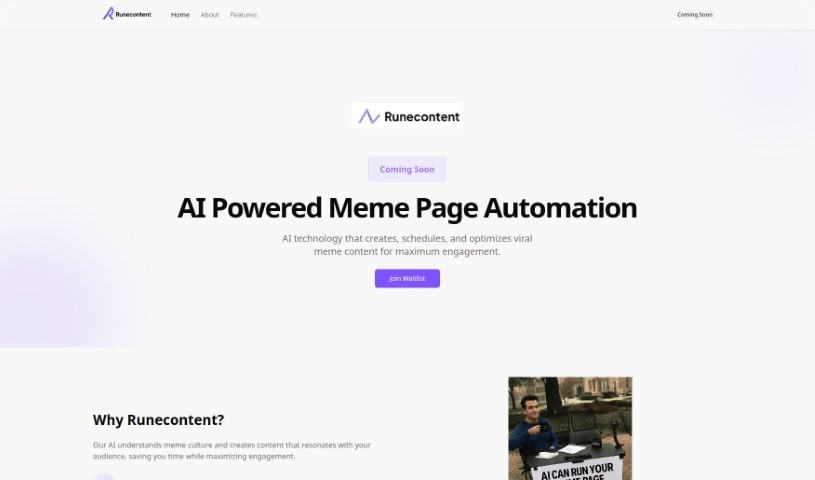
Screenshot of RuneContent

RuneContent

Freemium

RuneContent is a platform designed to help you build comprehensive online courses really fast. It can generate videos, slides, and scripts on pretty much any topic you can think of. This means you can easily create engaging courses, perfect for putting on platforms like Udemy, Teachable, and Skillshare. Whether you want to teach about Digital Marketing, the Future of Jobs, how to sleep better, or the art of Storytelling, RuneContent has you covered. The interface is super user-friendly, making course creation a breeze in just four simple steps: first, you tell it your topic. Then, you can review the topics and slides it creates. Next, you add your voiceover, and finally, you download all the finished videos. Plus, they offer a free trial – no credit card needed – and you can get your courses generated in just minutes!

Video Generation View Tool →
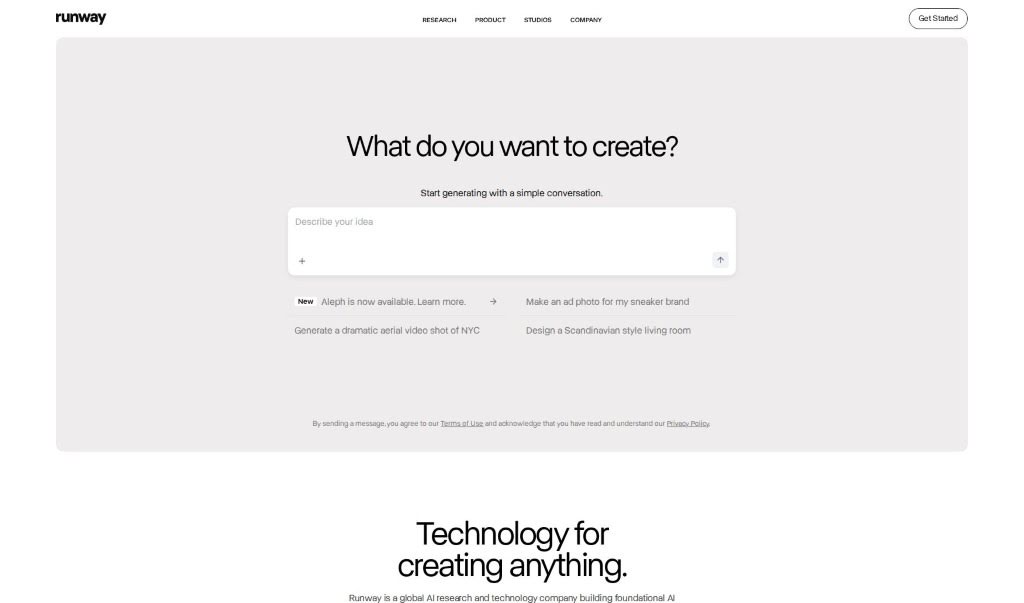
Screenshot of Runway

Runway

Freemium

Runway is a forward-thinking company that's really pushing the boundaries in applied AI research. Their main goal is to boost creativity in art, entertainment, and storytelling by building AI systems that can understand and work with different types of media. Essentially, they want to make AI's creative power available to everyone, no matter their background, so storytellers can bring their visions to life. Runway provides a suite of AI Magic Tools designed for all sorts of creative jobs – think turning text into images, making videos smoother with frame interpolation, or filling in missing parts of images with inpainting. Beyond these tools, they also support filmmakers through their Runway Studios, and they even host the AI Film Festival to highlight the exciting ways AI and filmmaking are coming together.

Video Generation View Tool →
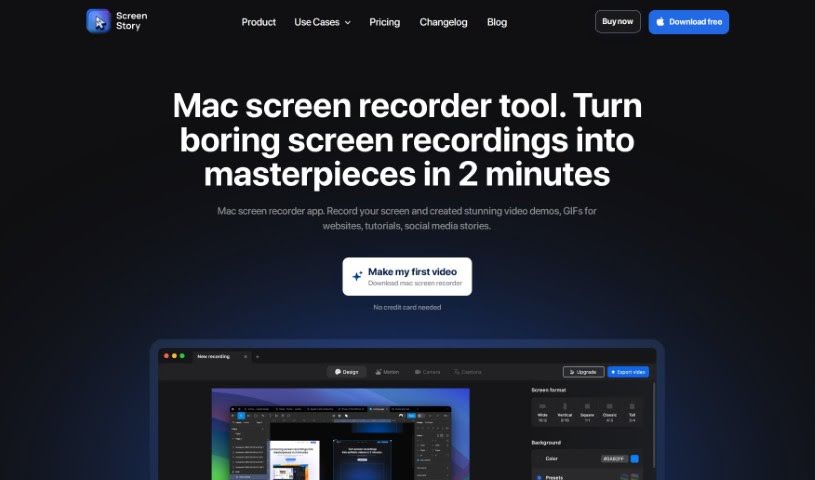
Screenshot of Screen Story

Screen Story

Freemium

Screen Story is a handy tool for Mac users that lets you record your screen. It's designed to help you create really nice video demos, GIFs, and even stories for social media, all without needing to be a video editing pro. It is your go-to for making polished videos easily. It automatically zooms in on what you're doing, makes your cursor movements look smooth, and offers lots of ways to export your videos. You can record pretty much anything on your screen, tweak the look and feel, use your selfie camera, share links to your recordings in the cloud, adjust cursor settings, add motion blur, and even use external devices to shoot your video. Plus, you can trim and split clips to make them even better.

Video Generation View Tool →
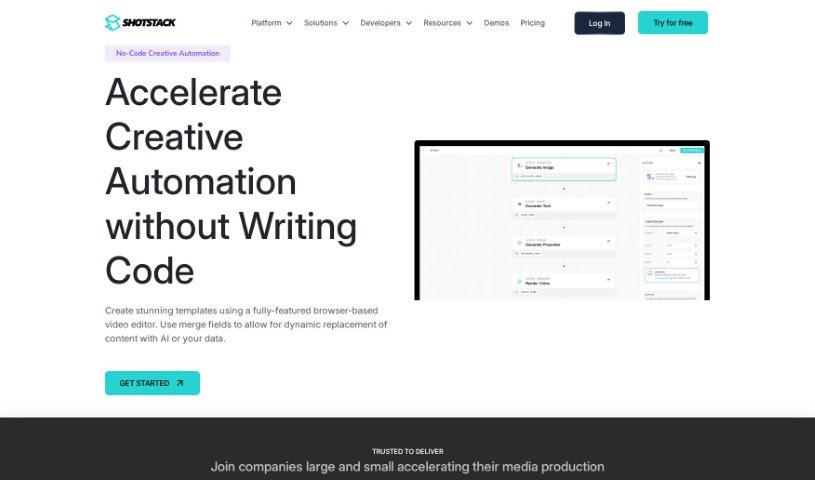
Screenshot of Shotstack Workflows

Shotstack Workflows

Freemium

Shotstack Workflows is a handy tool for automating media creation. It is a way for marketers, developers, and businesses in fields like real estate, cars, sports, travel, entertainment, education, and health to create videos and images much more easily. It uses smart AI and media from other places to help you get this done efficiently. Plus, it offers a visual, no-code platform where you can design and automate your media tasks, and it comes with several APIs for different parts of the media automation process.

Video Generation View Tool →
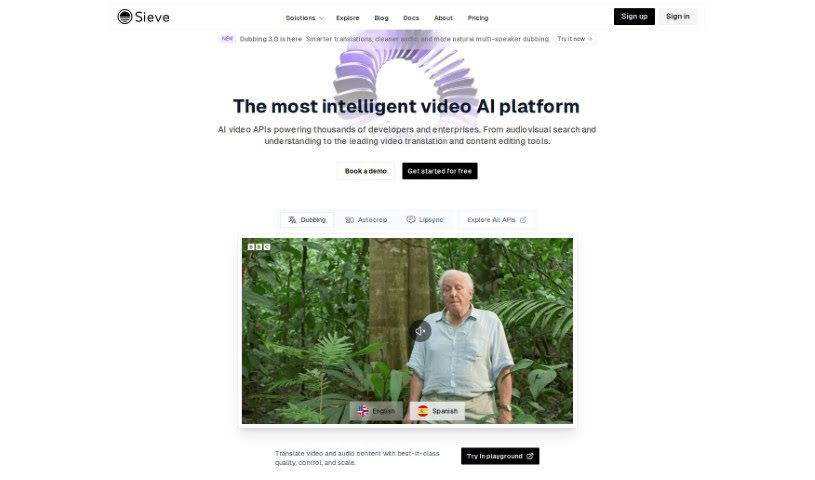
Screenshot of Sieve

Sieve

Freemium

"Sieve" is a smart AI platform built specifically for cloud operations, with a real knack for audio and video enhancements. It's designed to give developers, designers, and product managers the reins, letting them build their own AI applications while keeping full control and ownership. Sieve comes with pre-built models and applications ready to go, plus a collaborative space where teams can experiment freely. It also scales automatically to handle more users or traffic without you needing to fiddle with settings. Deploying your own custom models with Sieve is pretty straightforward: you just define what your code needs for dependencies and computing power, then use a single command to get it up and running. The platform really encourages teamwork with auto-generated playgrounds that everyone on the team can share, making collaboration a breeze. Plus, Sieve makes creating AI apps simpler by offering ready-to-use applications and models that you can combine with just a few lines of code, which really speeds up the process of deploying customized AI models.

Video Generation View Tool →
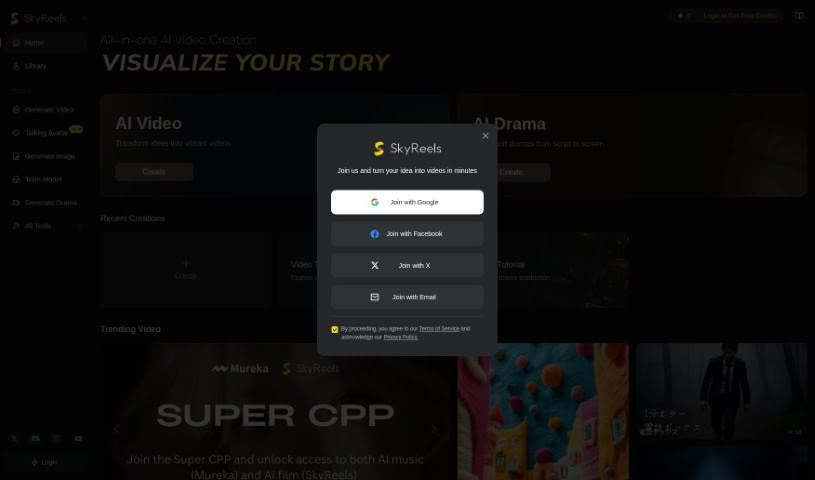
Screenshot of SkyReels

SkyReels

Freemium

SkyReels is a neat AI tool from SKYWORK AI PTE. LTD. that lets you create your own comic art. It offers two main ways to get started: Story Mode and Freestyle Mode. If you choose Story Mode, you can just type in your story or upload a file. Then, SkyReels’s AI will do its magic, turning your words into colorful comic panels. What's cool is that it can also pull out characters from your story to create special comic profiles for them. Plus, it generates comic pictures, called Panels, based on what you've written. You can then tweak these characters and panels however you like and easily download your finished work. Sharing your creations on social media is a breeze, and the tool really encourages you to connect with online communities on places like Discord, TikTok, Instagram, and Twitter.

Video Generation View Tool →
Screenshot of Sora Videos

Sora Videos

Freemium

Sora Videos is a platform that likely offers video-related services or content. While we don't have a ton of specific details right now, it seems to be a service, website, or company focused on videos. It probably offers a variety of video-related features or products. To get a really good overview of Sora Videos, you might need to look for more information or check out their platform directly.

Video Generation View Tool →

Stay Updated with AI Tools

Get weekly updates on the latest AI tools, trends, and insights delivered to your inbox

Join 25,000+ AI enthusiasts. No spam, unsubscribe anytime.