AI UI/UX Tools: What They Are & How They Work

AI Tools for UI UX

Discover the best UI UX AI tools to enhance your productivity and creativity.

Page 2 of 4 • 37 total tools
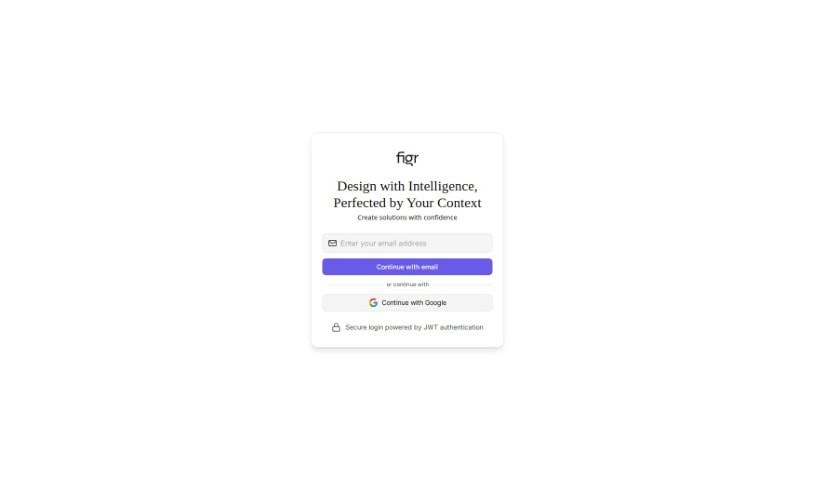
Screenshot of Figr Design

Figr Design

Freemium

Figr Design is an AI-powered tool for the early stages of web and app projects. You describe your project, and it generates wireframes and design concepts while incorporating your ideas and feedback as it builds. Rather than responding to a one-time prompt, it works as a collaborative partner — your input directly shapes how the project develops.

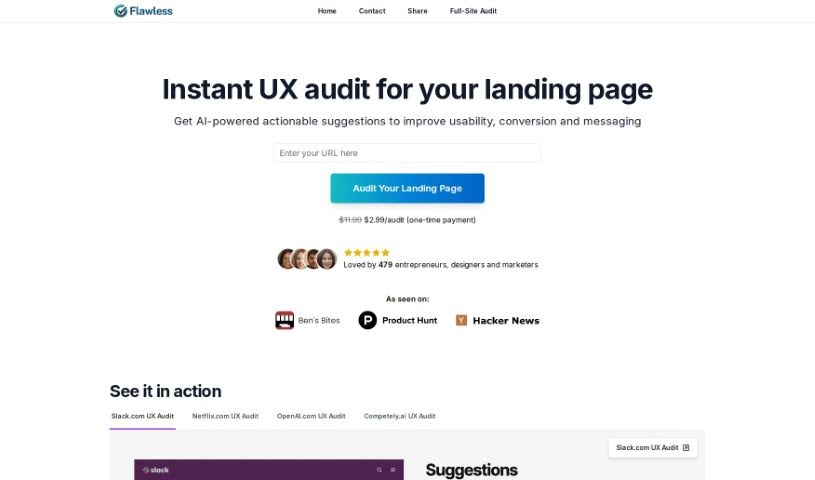
Screenshot of Flawless.is

Flawless.is

Freemium

Flawless.is is an AI audit tool that uses GPT-4 Vision to analyze landing pages and deliver practical feedback. It reviews layout, design, message clarity, and call-to-action effectiveness, then returns concrete suggestions. It's built for anyone working on a website, regardless of experience level, with fast results and a one-time payment per page analyzed.

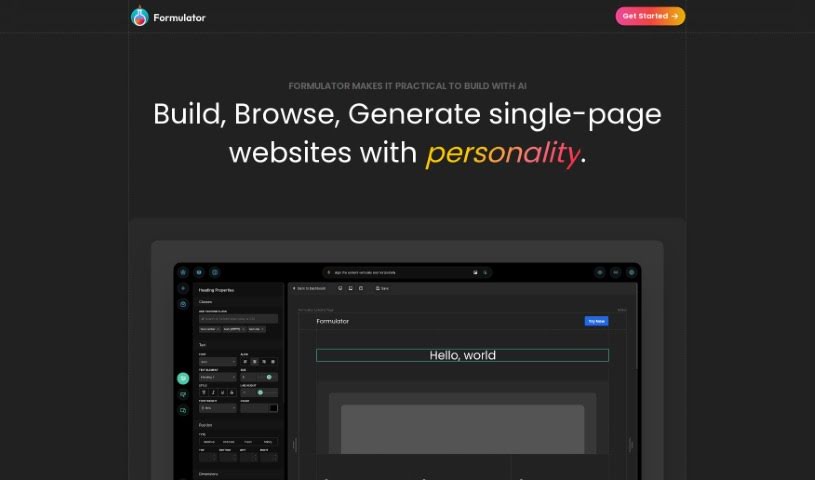
Screenshot of Formulator

Formulator

Freemium

Formulator is a platform for building UI components for web applications. It pairs a drag-and-drop, no-code editor with AI generation that turns text descriptions into components. A library of ready-made components and UI kits can be customized to fit your needs, and finished components export as HTML and CSS for use in existing projects.

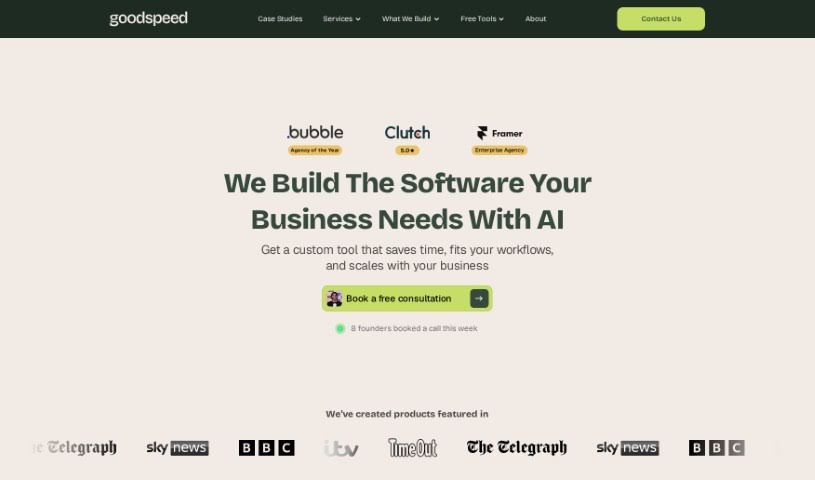
Screenshot of Goodspeed Studio

Goodspeed Studio

Freemium

Goodspeed Studio guides you through a structured process designed to bring your product ideas to life. It breaks product development into four key stages:

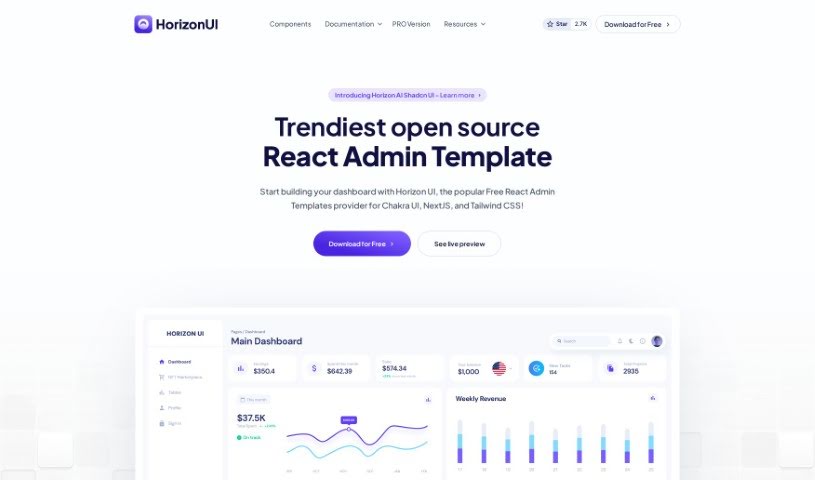
Screenshot of Horizon UI

Horizon UI

Freemium

Horizon UI is a React admin template for turning data into visually appealing dashboards. It includes over 70 dark and light frontend elements — buttons, inputs, navbars, nav tabs, cards, and alerts — and the Horizon Configurator lets you tweak colors, contrast, and theme styles. The template has earned more than 4,150 GitHub stars and was the #3 Product of the Day on Product Hunt.

Screenshot of IMAGINaiTION

IMAGINaiTION

Freemium

IMAGINaiTION is an AI-powered platform focused on making digital spaces more inclusive and accessible. It provides tools to help mobile apps meet global accessibility standards and work well for everyone, including people with neurodivergence. The platform offers thorough analysis and actionable advice, helping organizations build accessible apps without complicated development processes. It also aims to support social impact, helping users build apps that address social issues and strengthen community ties.

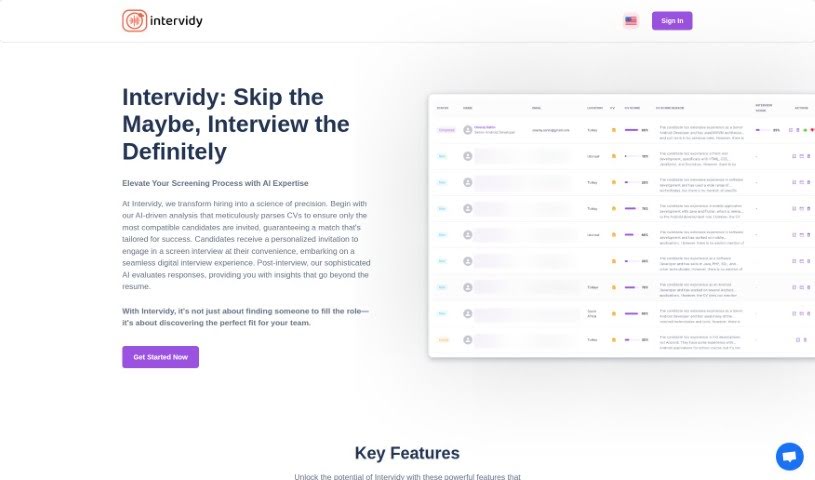
Screenshot of Intervidy

Intervidy

Freemium

Intervidy is a platform designed to deliver a smooth, readable online experience. Its content is carefully curated and presented with smooth fonts and grayscale adjustments to keep text easy to read on any device. Bold text highlights the most important information, while a clean, distraction-free background keeps the focus on content.

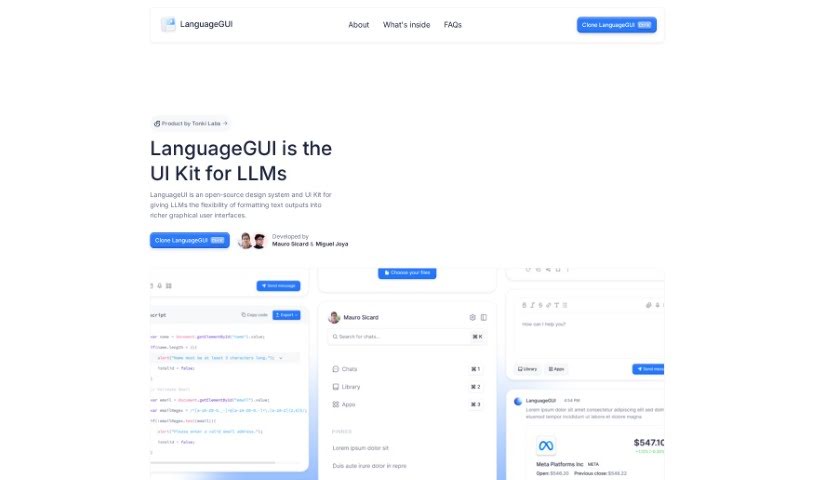
Screenshot of LanguageGUI

LanguageGUI

Freemium

LanguageGUI is an open-source UI kit that extends what large language models (LLMs) can do by adding graphical user interfaces to their text outputs. It makes AI conversations more visual and interactive, and includes over 100 UI components, widgets, and ready-made screens for chat bubbles, sidebars, multi-prompt workflows, and other conversational interfaces. Released under the MIT License, it is free to use for both personal and commercial projects, giving developers a solid starting point for building AI applications.

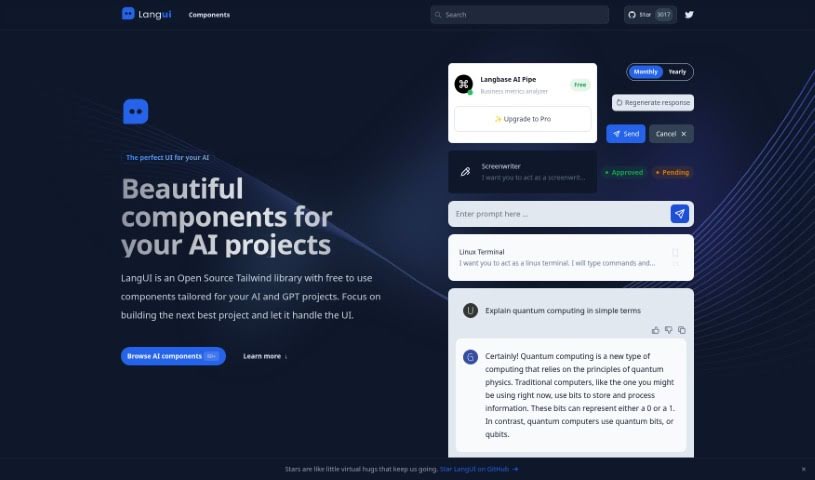
Screenshot of Langui

Langui

Freemium

LangUI is an open-source Tailwind library offering free components designed for AI and GPT projects. Its components are responsive, reusable, and work in both dark and light modes, so you can focus on your project's core features rather than UI design. Customization is simple thanks to a two-color palette (slate and blue), and everything looks good on any screen size.

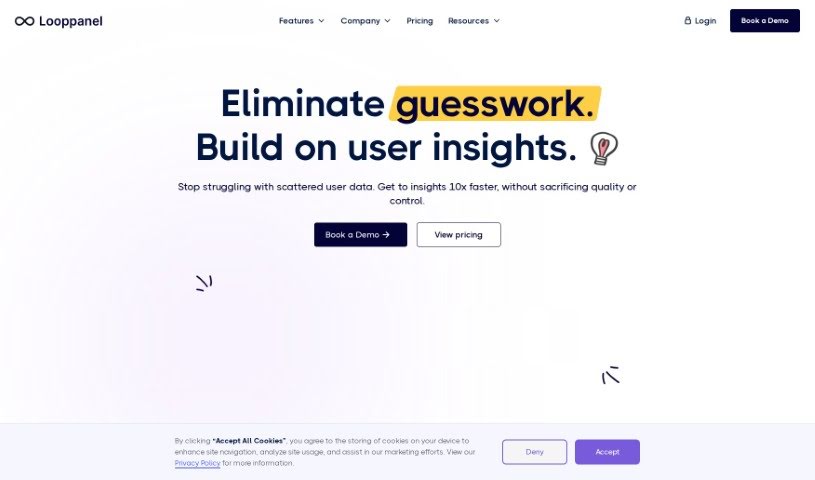
Screenshot of Looppanel

Looppanel

Freemium

Looppanel is a user research platform that simplifies analyzing UX research. It records calls, transcribes them accurately in multiple languages, and uses AI to take notes automatically, keeping all research data in one central place. You can take notes live during calls, bookmark important moments, and share notes, transcripts, and video clips with your team. Looppanel works with Zoom and includes repository search, video clipping, and a smart search function similar to Google. It is available through a free trial or a paid plan.

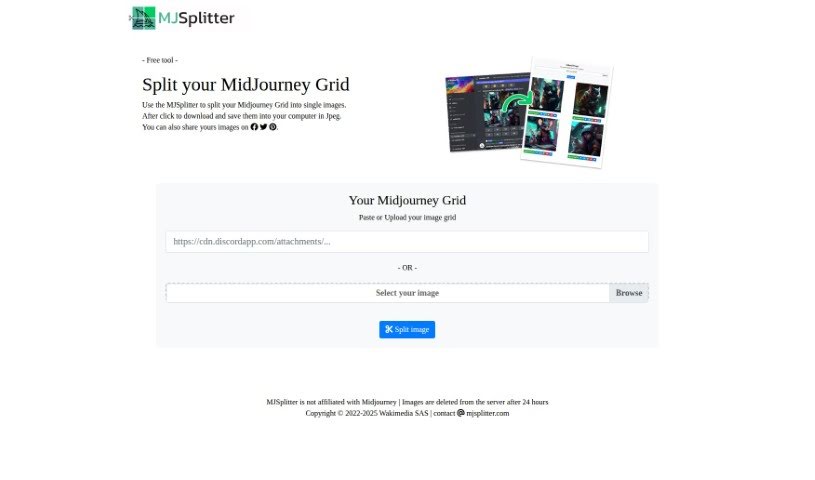
Screenshot of Midjourney Grid Splitter

Midjourney Grid Splitter

Freemium

Midjourney Grid Splitter splits Midjourney grid images into individual images. It also handles responsive grid layout design, offering pre-made templates and customization of element size, spacing, alignment, column count, and column width. It simplifies grid design for web designers and developers.

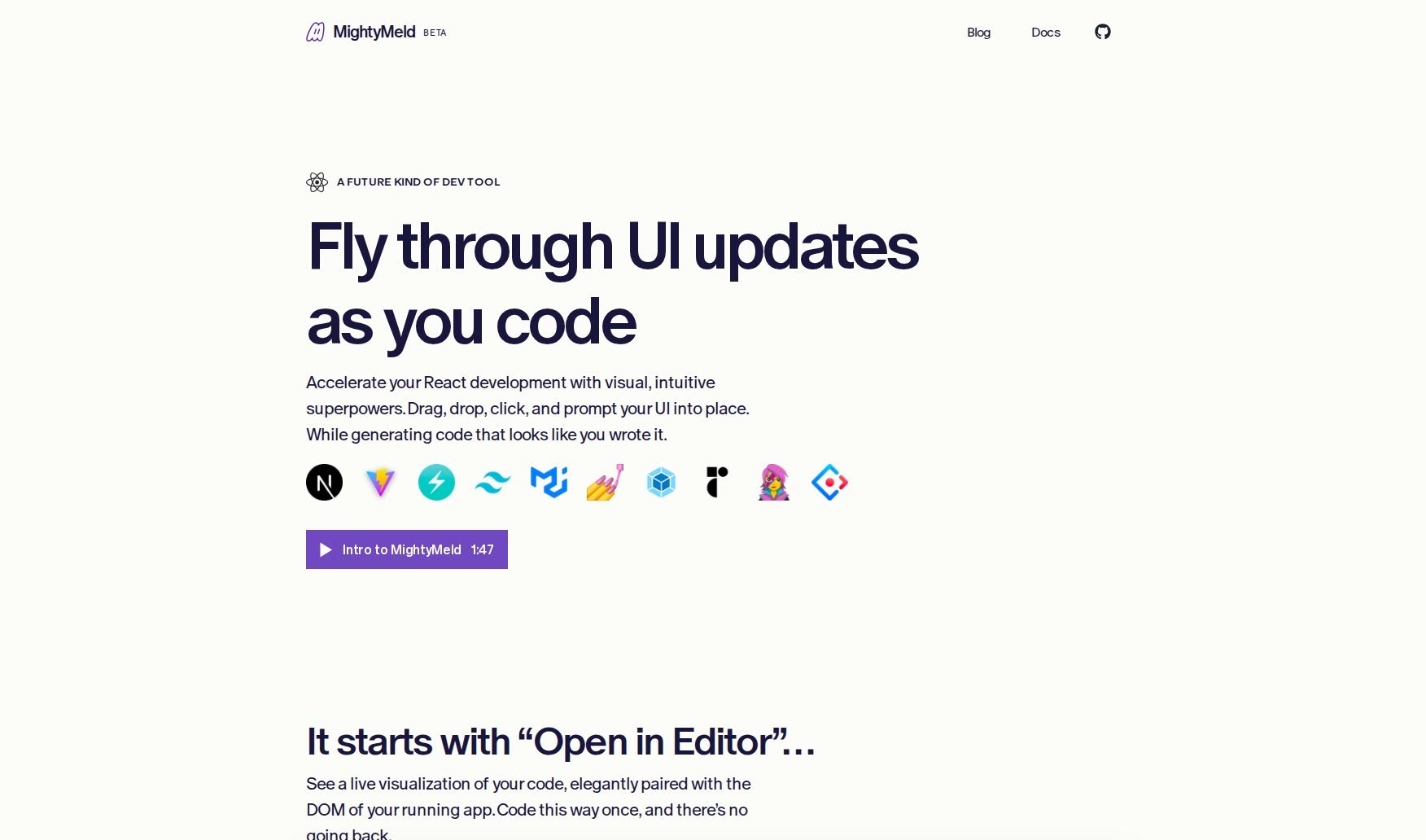
Screenshot of MightyMeld

MightyMeld

Freemium

MightyMeld is a developer tool that makes web code visual. It displays your code alongside the live DOM of your running app, so you can tweak styles, drag elements around, and experiment with visual changes while your code updates instantly. Users describe it as bringing Figma-like capabilities to frontend development: you can make precise, structure-aware changes to your code without relying on code generators or constantly switching between your browser and your code editor. MightyMeld also produces clean code differentials, so you can see exactly what changed.

About UI UX tools

Designing clean user interfaces and mapping out seamless user journeys across dozens of screens can quickly turn into a grueling process. Whether you’re sketching initial wireframes, organizing component libraries, or conducting usability testing, balancing user needs with tight project deadlines takes constant effort. It’s easy to spend days adjusting pixel spacing, building repetitive UI elements, or resolving handoff miscommunications with developers.

Think of these platforms as specialized creative co-pilots for UI/UX design, wireframing, and user research. They don’t replace design intuition or human empathy, but they speed up initial wireframing, generate interactive mockups, and convert design concepts into clean code.

Prompt-to-Screen Wireframing, User Flows, and Design-to-Code

Moving from initial concept to clear interface layouts often takes hours of manual block-drawing and layout tweaks. Smart design assistants transform natural language descriptions, rough pencil sketches, or text prompts into structured wireframes and high-fidelity screens in seconds. Instead of starting with an empty canvas, you get working UI layouts complete with realistic copy, button states, and visual hierarchy options ready for refinement.

Understanding user behavior and creating targeted user flows becomes far simpler, as well. Mapping complex user journeys, generating user personas, and analyzing feedback usually requires sifting through mountains of survey data. Specialized UX tools analyze project briefs to generate clear user flowcharts, summarize customer research insights, and highlight potential usability friction points before you launch a prototype.

Bridging the gap between visual design and developer handoff also gets much smoother. Translating static mockups into responsive front-end code often leads to discrepancies between design files and live apps. AI UI tools convert screen layouts directly into production-ready code like React, Tailwind CSS, or HTML—preserving typography, color schemes, and spacing rules while keeping design systems aligned.

Practical Features for Designers:

  • Prompt-to-screen generation: Systems that transform written descriptions or rough sketches into editable high-fidelity mobile and web UI layouts.
  • Design system synchronization: Settings that automatically enforce consistent typography, component libraries, and color palettes across multiple screens.
  • User flow mapping: Features that create connected user journeys and interactive prototypes to show how screens connect.
  • Design-to-code export: Tools that convert visual interfaces directly into responsive code like React, Tailwind, or HTML for seamless developer handoffs.
  • UX research and persona generation: Analytics capabilities that summarize feedback, generate realistic user personas, and spot usability friction points.

Delivering memorable user experiences will always rely on your empathy, problem-solving skills, and deep understanding of human behavior. Software can’t conduct genuine user interviews, replace visual taste, or experience what it’s like to navigate a product for the first time. But letting smart tools handle routine wireframing, component generation, and code conversion gives you back the time needed to design products people love.

Explore the UI/UX tools below to simplify your design workflow.

The Best AI UI/UX Tools

  1. v0 by Vercel: for quickly trying out UI ideas with users
  2. UX Pilot: for better UX design through group workshops
  3. Looppanel: for making user testing feedback easier to collect
  4. Horizon UI: for smoothly blending UI and UX design
  5. Feedspace: for fine-tuning user interfaces to boost engagement
  6. Goodspeed Studio: for creating interactive user flow diagrams.
  7. Evolv AI: for improving user journeys by testing.
  8. Devwares: for simplifying UI design with flexible kits.
  9. Qo Qo: for making user research for design projects simpler.
  10. Langui: for easy UI for AI-powered apps
  11. WEVO: for A/B testing to improve UI design.
  12. Designpro: for quickly finding UI bugs to make designs better.
  13. Befront: for simpler ways to collect design feedback
  14. UXsniff: for seeing user behavior in real-time
  15. LanguageGUI: Open-source UI kit for adding graphical interfaces to LLM outputs.
New tools, in your inbox.

Weekly picks of the best AI tools we've researched and added — no spam, unsubscribe anytime.

Join 25,000+ AI enthusiasts. No spam, unsubscribe anytime.