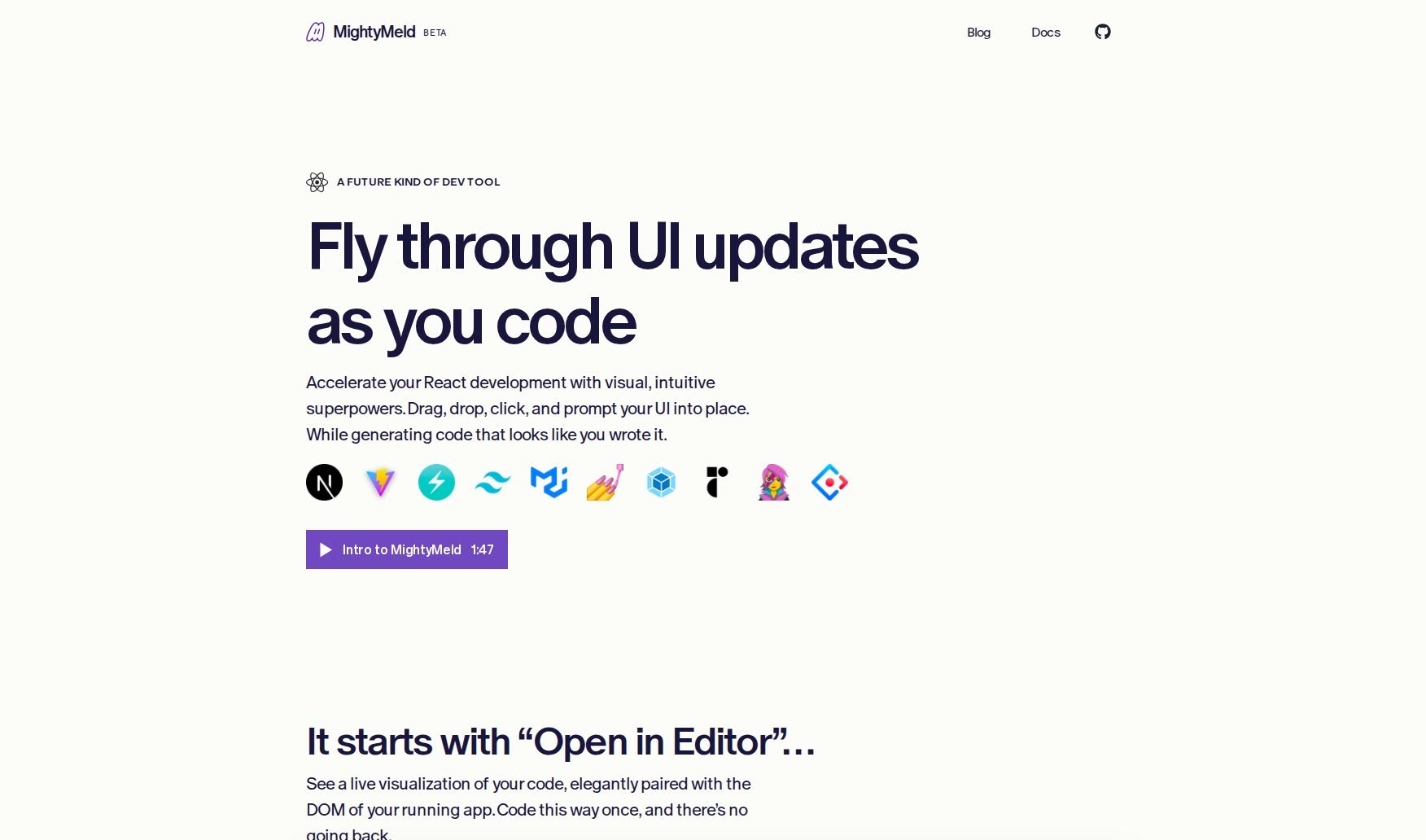
Screenshot of MightyMeld

MightyMeld

Discover MightyMeld, a powerful tool for web developers in 2025. Learn how it works, its key features, and how it stacks up against other Software Development Tools.

Screenshot

What is MightyMeld?

MightyMeld is a developer tool that’s really changing how we look at web code. It’s built to show you your code visually, in a way that actually makes sense for how engineers like to work. It like this: you can see your code right next to the live DOM of your app. This means you can easily tweak styles, drag elements around, and just play with visual changes, and your code updates instantly. People who use it say it’s a game-changer for frontend development. It’s got this super intuitive interface that really matches how you think about code, letting you make precise changes to the code’s structure without needing any code generators. It’s been described is bringing Figma-like capabilities to developers, making styling changes a breeze without constantly jumping between your browser and your code editor like VS Code.

Who created MightyMeld?

A group of folks came together in the summer of 2022 with a clear goal: to make working with web code visual and more aligned with how engineers prefer to code. That’s how MightyMeld got started. The core team includes Tim, Steven, John, and Daniel. Tim and Steven both have experience from their time at Happy Returns. John brings a deep understanding of Haskell compilers, and Daniel has a background from Brand.ai and InVision. MightyMeld officially launched on February 24, 2023.

What is MightyMeld used for?

MightyMeld is incredibly versatile for frontend development. Here’s a breakdown of what you can do with it:

  • See your code live: It shows your code right alongside the DOM of your running application, giving you a clear, visual connection.
  • Experiment visually: You can easily adjust styles, drag and drop elements, and see your code change in real-time as you make these visual tweaks.
  • Precise code changes: It allows for very specific code modifications based on what you do visually, understanding the code’s structure (AST-aware).
  • Intuitive interface: The UI is designed to match how you think about code, making it feel natural to use.
  • Streamlined styling: It significantly improves how efficiently you can style things, so you don’t have to constantly switch between your browser and your code editor.
  • Real-time updates: As you drag and drop elements, your code updates instantly, keeping everything in sync.
  • Better workflow: It really enhances the overall frontend development process.
  • Component styling: You can add styles to your components and get an instant preview on different screen sizes.
  • Design studio feel: It creates an environment much like a design studio, but specifically for frontend developers.
  • Easier maintenance: It helps developers maintain their apps more easily thanks to its straightforward approach.

Who is MightyMeld for?

MightyMeld is a great tool for a variety of frontend professionals, including:

  • Senior Frontend Developers
  • Frontend Developers who are also Content Creators
  • Software Engineers
  • Frontend Engineers

How to use MightyMeld?

Getting started with MightyMeld is pretty straightforward. Just follow these steps:

  1. Open MightyMeld: Launch it within your editor. You’ll immediately see a live visualization of your code right next to the DOM of the app you’re working on.
  2. Visual Experimentation: Feel free to play around! You can nudge styles, drag elements wherever you like, and experiment visually. The best part is that your code updates seamlessly as you do this.
  3. Leverage the UI: MightyMeld’s interface is designed to mirror your mental model of the code. This makes it easy to make precise, structure-aware (AST-aware) modifications based on your actions.
  4. Benefit from Clean Differentials: MightyMeld provides clear differences in your code, which really helps to improve your overall coding experience.
  5. Explore Features: Dive into handy features like dragging and dropping HTML tags. Plus, there’s AI assistance that can help add the right styles just by you describing what you want verbally.
  6. Save Time: You’ll love how much time you save by seeing code updates happen in real-time. No more constant switching between VS Code and your browser!
  7. Efficient Maintenance: Use MightyMeld to maintain your apps efficiently. Its intuitive interface and unique features make the process much smoother.

Ultimately, MightyMeld was built by developers who wanted to transform how we develop web code, offering a more visual and fluid experience.

Related AI Tools

Discover more tools in similar categories that might interest you

Stay Updated with AI Tools

Get weekly updates on the latest AI tools, trends, and insights delivered to your inbox

Join 25,000+ AI enthusiasts. No spam, unsubscribe anytime.