AI UI/UX Tools: What They Are & How They Work

AI Tools for UI UX

Discover the best UI UX AI tools to enhance your productivity and creativity.

Page 1 of 4 • 37 total tools
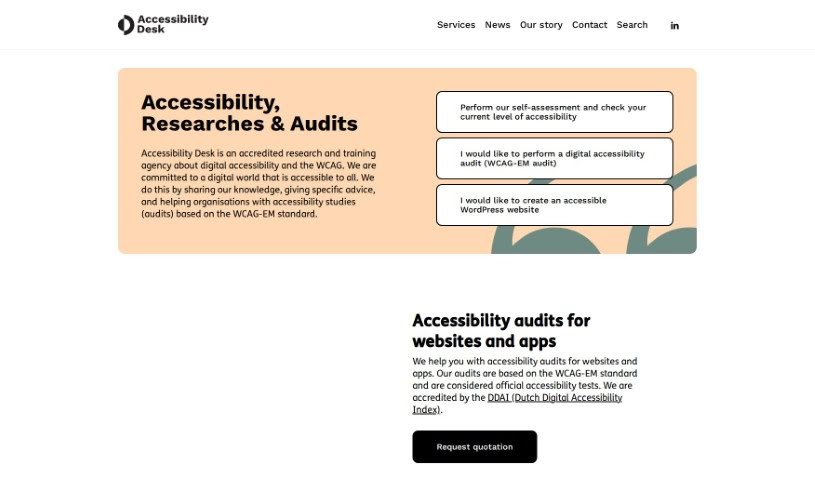
Screenshot of Accessibility Desk

Accessibility Desk

Freemium

Accessibility Desk is a suite of tools for making digital content more accessible. Its AI Accessibility Toolkit simplifies text, generates alternative text (alt text), improves readability, and supports accessibility assessment and reporting. The toolkit is available at <https://accessibilitydesk.com/ai-toolkit/>.

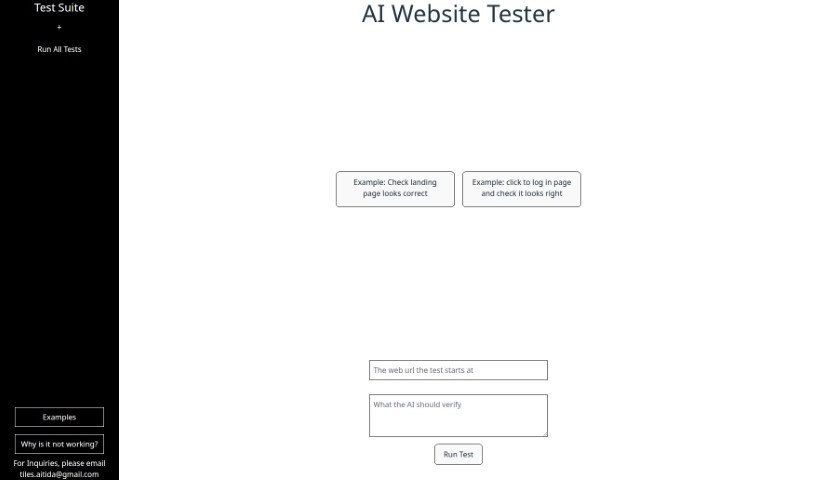
Screenshot of Aitida Test Suite

Aitida Test Suite

Freemium

Aitida Test Suite is a website testing automation tool. It behaves like a real visitor: clicking through a site, testing the login, and checking how everything appears. Its purpose is to help ensure a website works correctly, looks good, and delivers a positive visitor experience.

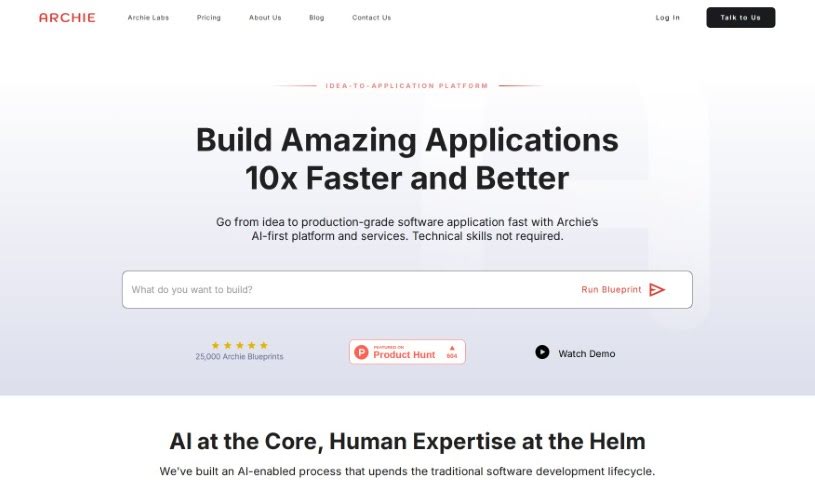
Screenshot of Archie AI

Archie AI

Freemium

Archie AI is an AI-powered solution architect that turns ideas into detailed software application designs, specifications, and architectural plans. It uses several large language models to generate feature-rich blueprints, and product designers review your ideas, help with strategy, identify potential risks, and accelerate software projects.

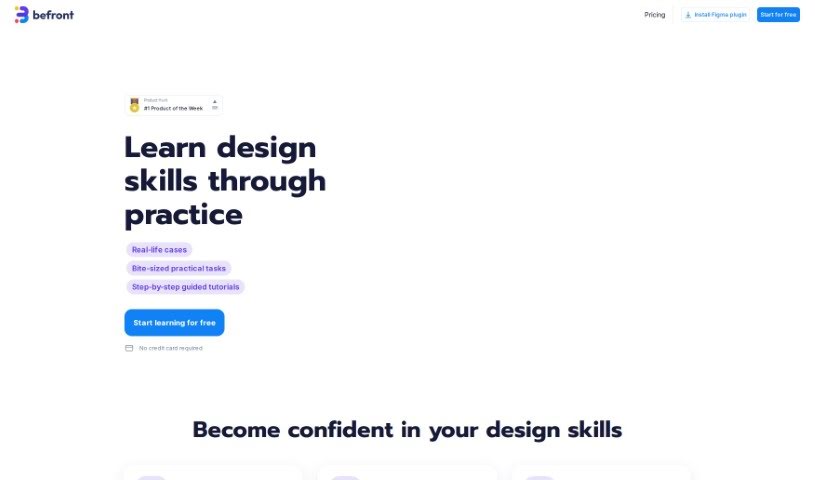
Screenshot of Befront

Befront

Freemium

Befront is an interactive UI/UX design simulator. It lets you create, test, and refine user interface and user experience designs in real time. The tool is aimed at designers, product teams, and educators, and is designed to make design workflows more efficient and encourage collaboration. By simulating how users interact with different layouts and components, Befront helps you build designs that look good and work smoothly.

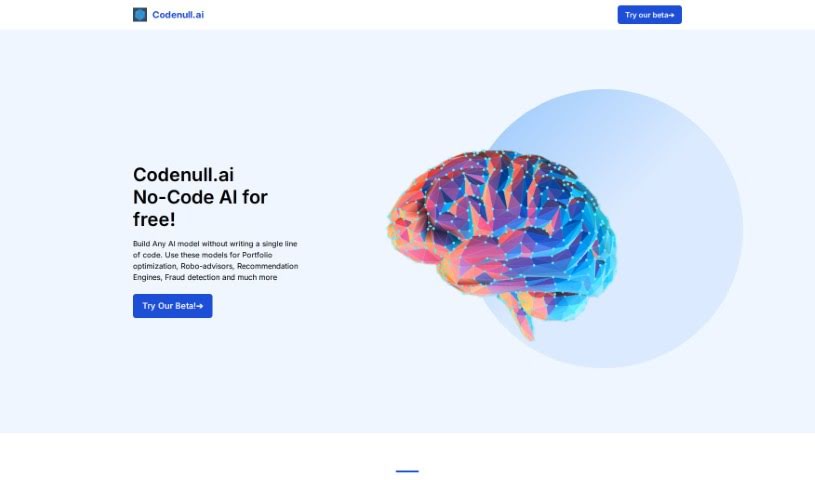
Screenshot of Codenull

Codenull

Freemium

Codenull is a web styling tool that gives developers and designers a flexible way to style web projects. It offers a complete set of styling functions, organized into categories for quick access, along with pre-designed styles that save time.

Screenshot of Crit Design

Crit Design

Freemium

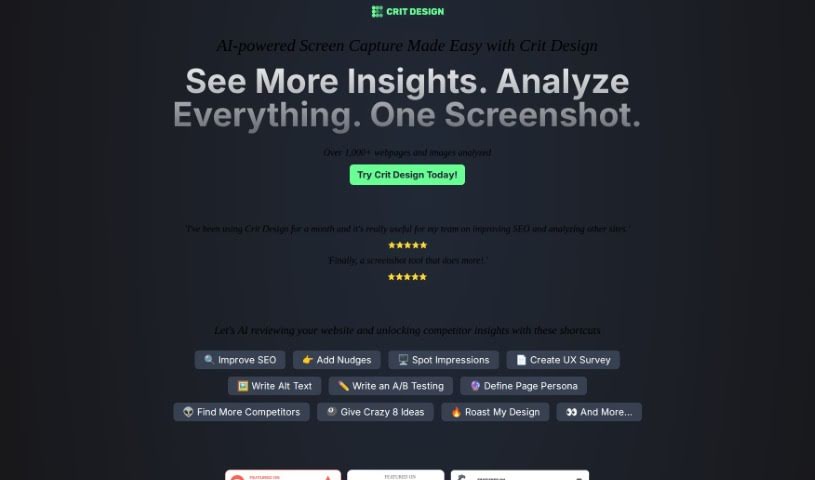
Crit Design is an AI design assistant that works as a browser extension. It uses AI models including GPT4 Vision, Gemini Vision Pro, and LlaVa-34B to analyze images, web pages, and text. Capture your screen to get suggestions for design improvements, generate alt text for accessibility, or research competitors and SEO. The tool is built for designers, developers, and UX researchers who want faster design decisions.

Screenshot of Designpro

Designpro

Freemium

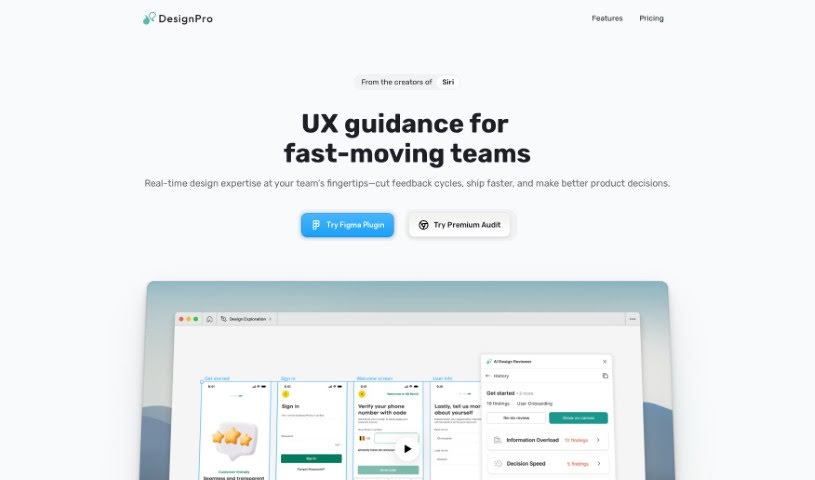
DesignPro is an AI tool built to improve design reviews. It works inside Figma and delivers fast, specific feedback: copy suggestions for websites and app microcopy, detection of UI bugs and other issues, and recommendations for tweaking website designs to improve conversion. Its AI is trained on frameworks from Nielsen Norman and IDEO, so feedback reflects established best practices.

Screenshot of Devwares

Devwares

Freemium

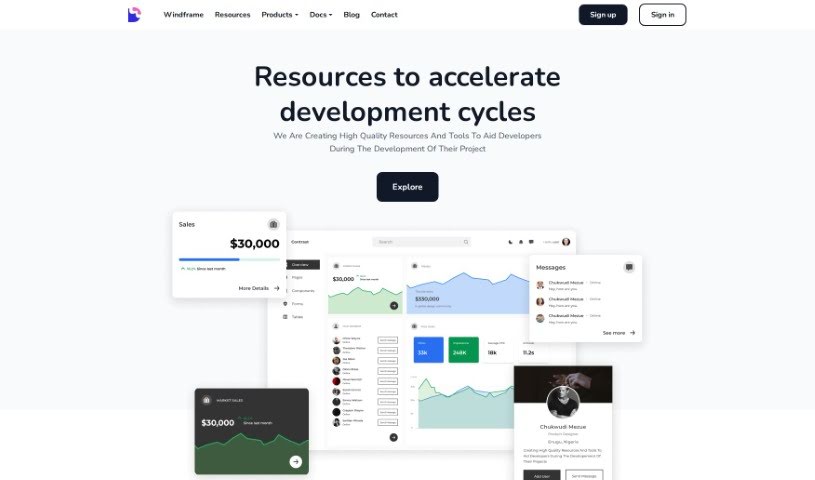
Devwares is a platform that provides tools and resources for developers and designers. It offers ready-to-use UI kits, admin dashboards, and comprehensive design systems built for popular frameworks such as Bootstrap, React, and Angular. The platform focuses on high-quality, flexible assets that save time during web and app development, with both free and premium resources available.

Screenshot of Divi Engine Divi Form Builder

Divi Engine Divi Form Builder

Freemium

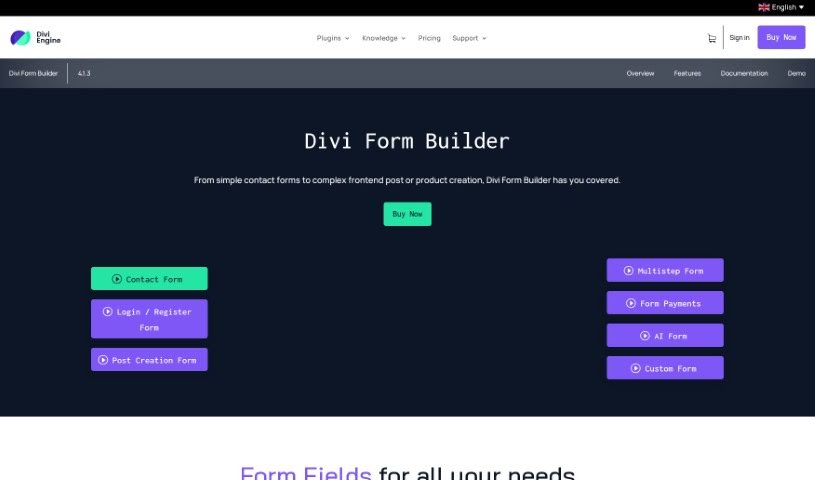
The Divi Form Builder from Divi Engine lets you build complex forms for your website without writing code. It integrates directly into the Divi Builder, adding interactive forms to Divi sites.

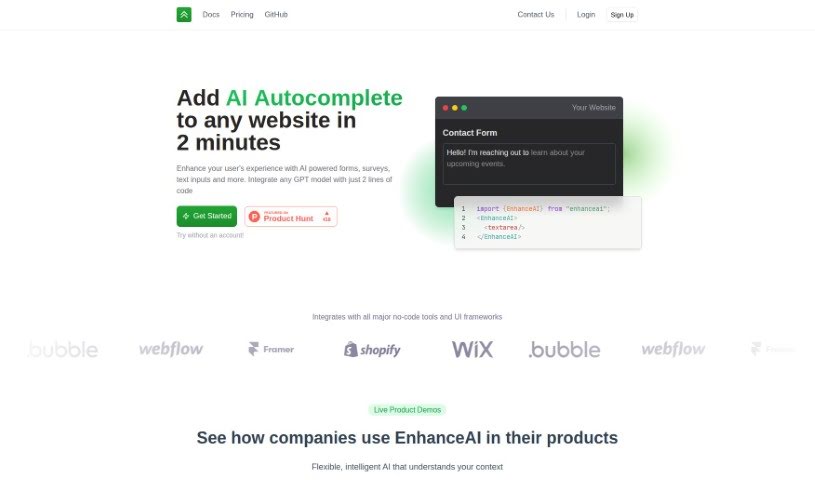
Screenshot of EnhanceAI

EnhanceAI

Freemium

EnhanceAI adds AI-powered autocomplete to your website's forms, surveys, and text input fields. Built on GPT technology, it offers smart suggestions that help users fill things out faster, improving data entry and the overall visitor experience. Setup takes about two minutes, making it a practical fit for online stores, service platforms, or any site where users interact with text.

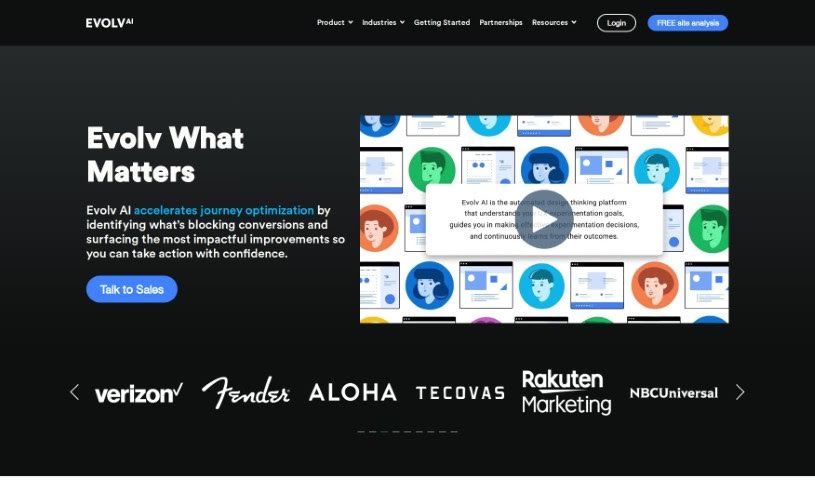
Screenshot of Evolv AI

Evolv AI

Freemium

Evolv AI is a platform that improves customer experiences through AI-powered testing and personalization. It uses AI and machine learning to analyze data and provide actionable recommendations for tweaking digital touchpoints in real time. Businesses can discover, personalize, and deliver better user journeys that continuously adjust based on how people actually use their site or app.

Screenshot of Feedspace

Feedspace

Freemium

Feedspace's UI Auditor AI Tool helps improve user satisfaction by optimizing app and website designs with automated edits. Upload a screenshot of your app's UI or share a direct URL, and the tool provides guidance on improving the user experience. The goal is to boost design quality, leading to smoother user interactions and happier users.

Previous 1 of 4 Next

About UI UX tools

Designing clean user interfaces and mapping out seamless user journeys across dozens of screens can quickly turn into a grueling process. Whether you’re sketching initial wireframes, organizing component libraries, or conducting usability testing, balancing user needs with tight project deadlines takes constant effort. It’s easy to spend days adjusting pixel spacing, building repetitive UI elements, or resolving handoff miscommunications with developers.

Think of these platforms as specialized creative co-pilots for UI/UX design, wireframing, and user research. They don’t replace design intuition or human empathy, but they speed up initial wireframing, generate interactive mockups, and convert design concepts into clean code.

Prompt-to-Screen Wireframing, User Flows, and Design-to-Code

Moving from initial concept to clear interface layouts often takes hours of manual block-drawing and layout tweaks. Smart design assistants transform natural language descriptions, rough pencil sketches, or text prompts into structured wireframes and high-fidelity screens in seconds. Instead of starting with an empty canvas, you get working UI layouts complete with realistic copy, button states, and visual hierarchy options ready for refinement.

Understanding user behavior and creating targeted user flows becomes far simpler, as well. Mapping complex user journeys, generating user personas, and analyzing feedback usually requires sifting through mountains of survey data. Specialized UX tools analyze project briefs to generate clear user flowcharts, summarize customer research insights, and highlight potential usability friction points before you launch a prototype.

Bridging the gap between visual design and developer handoff also gets much smoother. Translating static mockups into responsive front-end code often leads to discrepancies between design files and live apps. AI UI tools convert screen layouts directly into production-ready code like React, Tailwind CSS, or HTML—preserving typography, color schemes, and spacing rules while keeping design systems aligned.

Practical Features for Designers:

  • Prompt-to-screen generation: Systems that transform written descriptions or rough sketches into editable high-fidelity mobile and web UI layouts.
  • Design system synchronization: Settings that automatically enforce consistent typography, component libraries, and color palettes across multiple screens.
  • User flow mapping: Features that create connected user journeys and interactive prototypes to show how screens connect.
  • Design-to-code export: Tools that convert visual interfaces directly into responsive code like React, Tailwind, or HTML for seamless developer handoffs.
  • UX research and persona generation: Analytics capabilities that summarize feedback, generate realistic user personas, and spot usability friction points.

Delivering memorable user experiences will always rely on your empathy, problem-solving skills, and deep understanding of human behavior. Software can’t conduct genuine user interviews, replace visual taste, or experience what it’s like to navigate a product for the first time. But letting smart tools handle routine wireframing, component generation, and code conversion gives you back the time needed to design products people love.

Explore the UI/UX tools below to simplify your design workflow.

The Best AI UI/UX Tools

  1. v0 by Vercel: for quickly trying out UI ideas with users
  2. UX Pilot: for better UX design through group workshops
  3. Looppanel: for making user testing feedback easier to collect
  4. Horizon UI: for smoothly blending UI and UX design
  5. Feedspace: for fine-tuning user interfaces to boost engagement
  6. Goodspeed Studio: for creating interactive user flow diagrams.
  7. Evolv AI: for improving user journeys by testing.
  8. Devwares: for simplifying UI design with flexible kits.
  9. Qo Qo: for making user research for design projects simpler.
  10. Langui: for easy UI for AI-powered apps
  11. WEVO: for A/B testing to improve UI design.
  12. Designpro: for quickly finding UI bugs to make designs better.
  13. Befront: for simpler ways to collect design feedback
  14. UXsniff: for seeing user behavior in real-time
  15. LanguageGUI: Open-source UI kit for adding graphical interfaces to LLM outputs.
New tools, in your inbox.

Weekly picks of the best AI tools we've researched and added — no spam, unsubscribe anytime.

Join 25,000+ AI enthusiasts. No spam, unsubscribe anytime.