AI Project Management Tools

AI Tools for Project Management

Discover the best Project Management AI tools to enhance your productivity and creativity.

Page 3 of 21 • 251 total tools
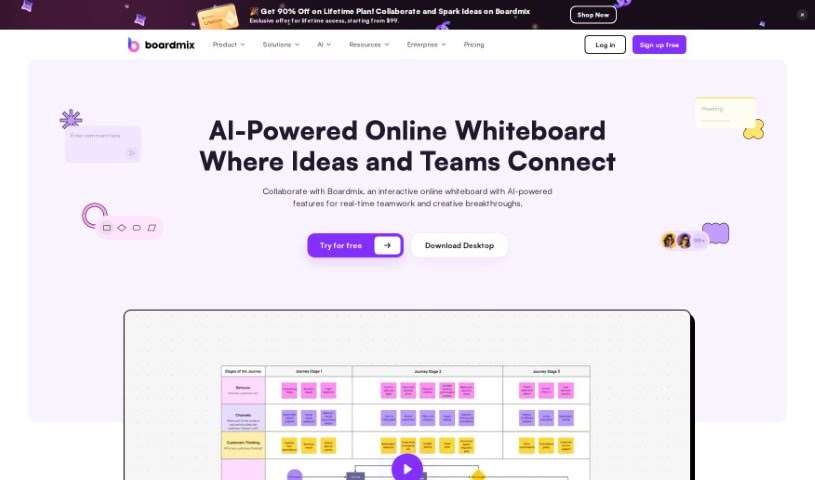
Screenshot of Boardmix

Boardmix

Freemium

Boardmix is an AI-powered online whiteboard built for real-time team collaboration. It puts a whiteboard, mind map, and flowchart maker on a single digital canvas, supporting up to 500 active collaborators and more than 1,000 live viewers. The workspace includes digital notes, stickers, emojis, presentation modes, timers, and file integration from other apps, and it runs across platforms so remote teams can work together.

Project Management View Tool →
Screenshot of BoomPop

BoomPop

Freemium

BoomPop is an event planning company that combines expert event planning with software to help companies organize corporate events. Its platform centralizes planning tasks such as guest management, finance tracking, and agenda building for kickoffs, client summits, and team retreats. More than 5,000 companies have used BoomPop to bring over 150,000 people together. BoomPop also works with experienced Event Designers to offer curated offsites, and users note its precision, attention to detail, and ability to reduce event-day stress.

Project Management View Tool →
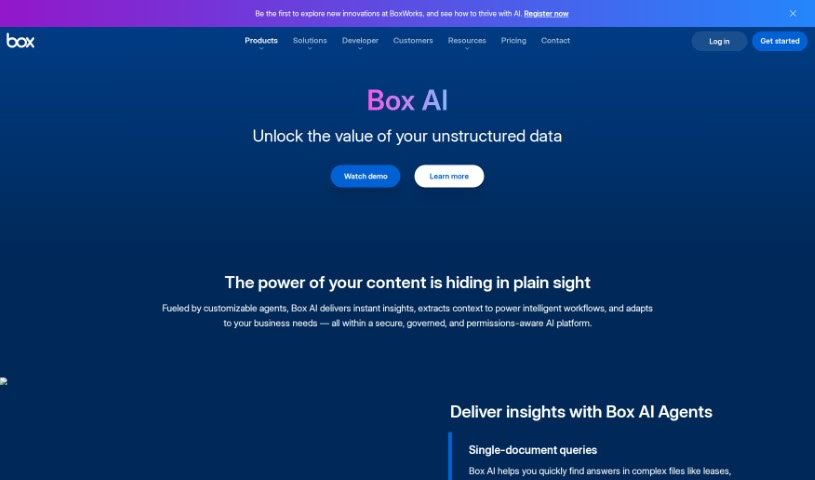
Screenshot of Box Ai

Box Ai

Freemium

Box AI is an AI platform from Box Inc. built directly into Box cloud storage. It uses machine learning to automatically tag content, extract metadata, and suggest files you may need — enabling smarter search, easier document classification, and predictive insights. It also supports image recognition and natural language understanding, helping you find and manage information faster while keeping content organized and secure.

Project Management View Tool →
Screenshot of Broadcast

Broadcast

Freemium

Broadcast is a platform that uses AI and automation to make sending weekly updates simpler. It connects with tools like Slack, Email, JIRA, Looker, GitHub, and Linear, gathering and sharing project information so teams don't have to compile updates manually. The platform was built to make communication clear, concise, and consistent across an organization.

Project Management View Tool →
Screenshot of Bubbletea

Bubbletea

Freemium

Bubbletea is a set of secure, encrypted AI tools built for Slack. It bundles polls, quizzes, group tasks, greeting cards, stand-up meetings, and announcements into one app, with the goal of boosting team productivity without flooding channels with unnecessary messages. Security is central to the product: data is protected with end-to-end encryption while in transit and strong encryption while stored on the company's servers. The premium plan adds more advanced encryption and AI features.

Project Management View Tool →
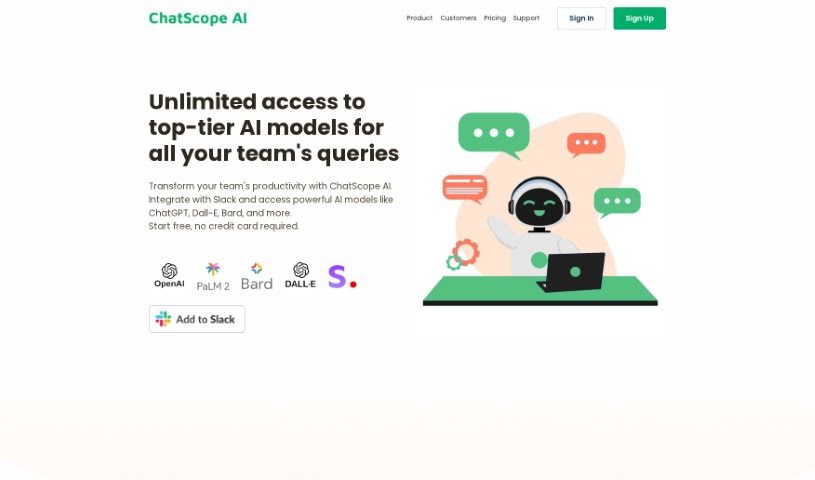
Screenshot of ChatScope AI

ChatScope AI

Freemium

ChatScope AI integrates into Slack and gives teams access to AI models like ChatGPT, Dall-E, and Bard directly within their workspace. It works as a virtual assistant in your channels: ask questions, run brainstorming sessions, or get help drafting messages.

Project Management View Tool →
Screenshot of Chaturji

Chaturji

Freemium

Chaturji is an AI assistant for teams, built to simplify collaboration and knowledge sharing. It brings several leading AI systems together in one place — Claude 3 (Opus, Haiku, Sonnet), GPT4, and Gemini Pro — and adds a shared layer for writing, saving, organizing, and distributing prompts. The platform emphasizes data privacy and security, offering private AI workspaces where teams can work together without exposing sensitive information.

Project Management View Tool →
Screenshot of Cheat Layer

Cheat Layer

Freemium

Cheat Layer is an automation platform that uses AI agents to build custom software. It started during the pandemic, when its founder began offering pro bono help to people who had lost jobs or seen their businesses suffer, later incorporating GPT-3 into that work. Cheat Layer became the first startup authorized by OpenAI to sell GPT-3 for automation, and a year later it released Project Atlas, its framework for AI agents.

Project Management View Tool →
Screenshot of Checklist.gg

Checklist.gg

Freemium

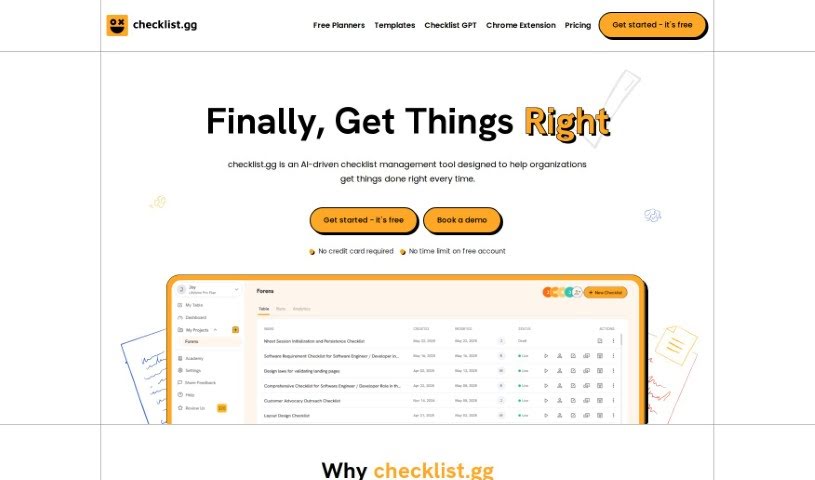
Checklist.gg is an AI-powered tool that helps businesses and teams improve their processes and reduce mistakes. You can create, edit, and share checklists, step-by-step processes, and standard operating procedures (SOPs). Core features include task management, workflow management, and real-time collaboration, and the tool integrates with other software you may already use. A library of over 1,000 templates helps you get started quickly, and everything can be customized to your specific needs.

Project Management View Tool →
Screenshot of Clockk

Clockk

Freemium

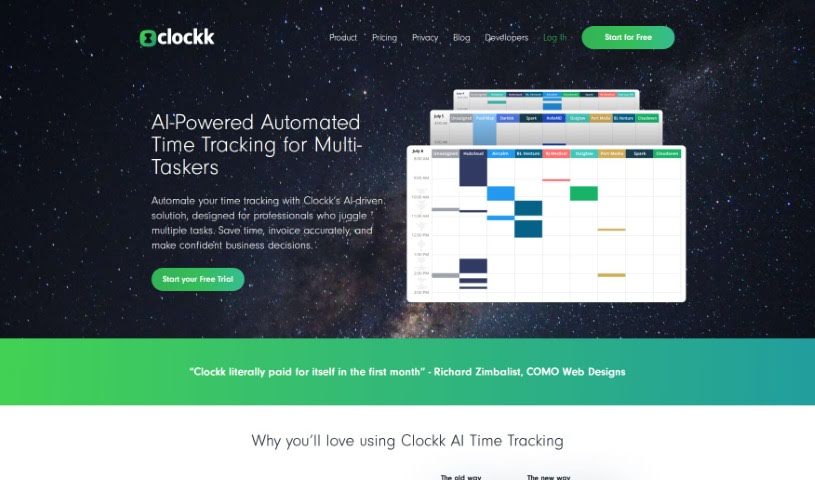
Clockk is an AI-powered time tracking tool that automatically logs the time professionals spend on client projects. Instead of manual start/stop timers or timesheets, it runs quietly in the background, capturing your tasks as you work. This lets you bill clients precisely, avoid guesswork, and recover billable time you might otherwise overlook. Clockk is built to follow the natural flow of your workday — you can switch between tasks and projects freely while your time records stay accurate.

Project Management View Tool →
Screenshot of Clockwise

Clockwise

Freemium

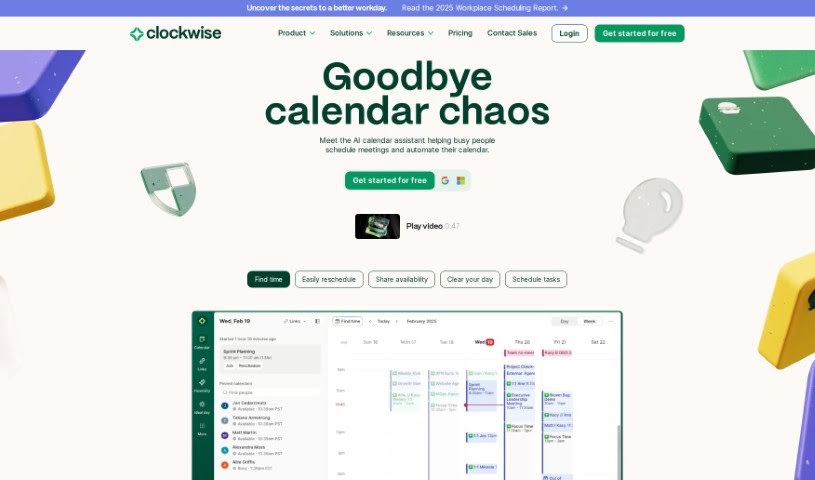
Clockwise is a smart calendar tool that uses AI to manage your team's schedule. It acts like a personal assistant for your calendar, powered by AI including the Generative Pre-trained Transformer (GPT) model. It learns how you and your team like to work and identifies your most productive times. The goal is to help you get more done by scheduling meetings efficiently, resolving conflicts, and carving out dedicated blocks of uninterrupted Focus Time. Companies like Amplitude, Asana, Etsy, Twitter, and Uber use Clockwise to manage their time and maintain a healthier work-life balance.

Project Management View Tool →
Screenshot of Coach Marlee

Coach Marlee

Freemium

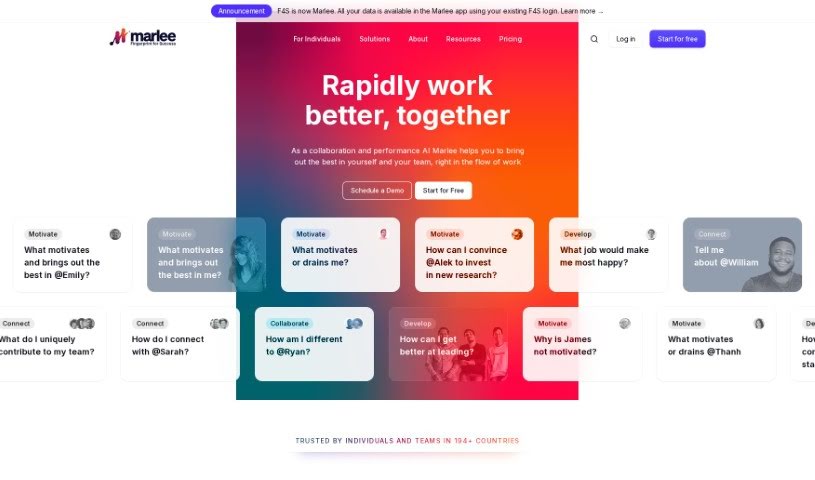
Coach Marlee is a coaching platform focused on personal and professional development. It offers support, guidance, and motivation to help users reach their targets, work through roadblocks, and make better use of their abilities. Coaching is delivered through one-on-one sessions, group sessions, online training, and resources tailored to individual needs, using established coaching methods such as active listening, insightful questioning, and clear goal setting.

Project Management View Tool →

About Project Management tools

Keeping a complex project moving when team deadlines shift and task dependencies get tangled is a constant juggling act. (I once spent two full hours updating Gantt chart dependencies after a developer went on sick leave, only to realize I’d pushed three client deliverables into the wrong week.) Between tracking status updates, reallocating team workloads, summarizing status meetings, and hunting down missing deliverables, administrative upkeep drains your day. When managing the project board takes more time than guiding the actual work, staying on schedule gets tough.

These AI platforms act as high-speed operations assistants for project managers, Scrum masters, operations leads, and team coordinators. They handle routine status tracking, predict scheduling bottlenecks, and generate clear project reports in seconds so you can focus on leading your team.

Automating Updates, Timeline Risks, and Action Items

Automating routine status tracking and project updates keeps your team focused on real work. Sifting through dozens of Slack messages or checking individual board cards just to build a weekly progress update eats up valuable time. Smart project assistants read team activity across your workspace, pull out completed milestones, and draft concise status reports for stakeholders automatically.

Predicting timeline risks and balancing team workloads prevents burnout before deadlines hit. Trying to spot hidden scheduling overlaps or resource bottlenecks across multiple simultaneous projects can feel overwhelming. AI scheduling engines analyze task durations, evaluate historical team velocity, and flag potential delays early, giving you room to adjust assignments before a crunch happens.

Synthesizing meeting action items and updating task boards keeps everyone aligned after every call. Listening through recorded syncs or reading raw transcripts just to assign follow-up tasks manually takes unnecessary effort. Intelligent meeting tools pull out key decisions, create new task cards on your project board, and tag the right team members automatically, ensuring nothing falls through the cracks.

Key Capabilities to Look For:

  • Automated status report generation: Systems that scan workspace activity to draft progress updates and executive summaries.
  • Predictive timeline and risk analysis: Software that evaluates team capacity and task dependencies to flag potential project bottlenecks early.
  • Natural language task creation: Tools that let you create, assign, and schedule tasks by typing plain English commands or uploading call transcripts.
  • Workload and resource balancing: Features that track team bandwidth across projects to prevent over-allocation and burnout.
  • Cross-platform workspace integration: Connectors that sync tasks seamlessly across apps like Jira, Asana, Trello, Slack, and email.

Successful project management will always depend on personal leadership, clear communication, and keeping people motivated. Software can update a board, predict a delay, or draft a status summary, but guiding a team through unexpected changes requires human empathy and judgment.

Take a look through the tools below to find the right project management helper for your team.

The Best AI Project Management Tools

  1. Odoo: for making team collaboration on tasks easier.
  2. N8N: for automatically updating project tools.
  3. Servicenow: for smoother project tracking and reporting.
  4. Whimsical: for simplifying project planning tasks.
  5. Mermaid Chart: for creating visual project timelines.
  6. Pitch: for getting real-time team updates and tracking progress.
  7. Git Mind: for making project timelines and tasks run more smoothly.
  8. Motion: for better team task coordination.
  9. Mindmap: for visualizing project milestones and tasks.
  10. Contra: for managing projects and contracts without a hitch.
  11. Creately: for real-time project tracking and updates.
  12. Spike: for making team communication effortless.
  13. Sintra: for simplifying how team tasks are assigned.
  14. Reclaim AI: for fitting project tasks into your calendar.
  15. Lucid: for managing project timelines and workflows.
New tools, in your inbox.

Weekly picks of the best AI tools we've researched and added — no spam, unsubscribe anytime.

Join 25,000+ AI enthusiasts. No spam, unsubscribe anytime.