AI Project Management Tools

AI Tools for Project Management

Discover the best Project Management AI tools to enhance your productivity and creativity.

Page 21 of 21 • 251 total tools
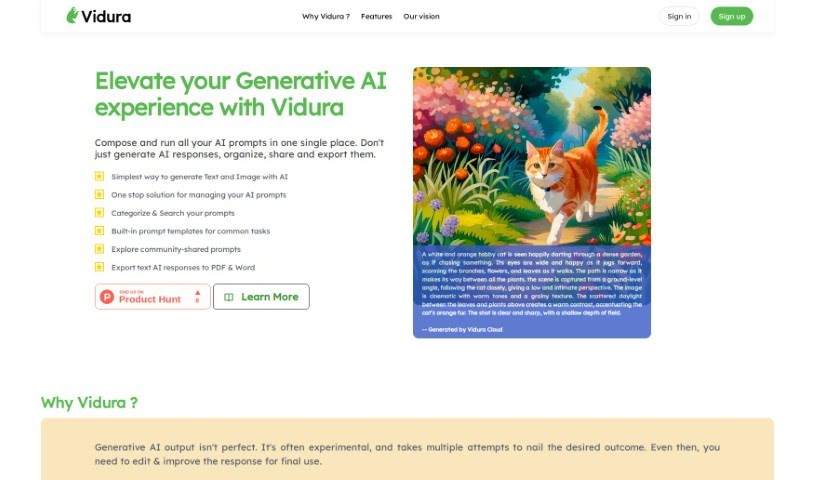
Screenshot of Vidura

Vidura

Freemium

Vidura is a prompt management system for generative AI tools, covering both text and image generation. It serves as a central hub for organizing, creating, and sharing prompts. The name "Vidura" comes from Sanskrit and means "wise, intelligent, clever, smart, skilled, or learned."

Project Management View Tool →
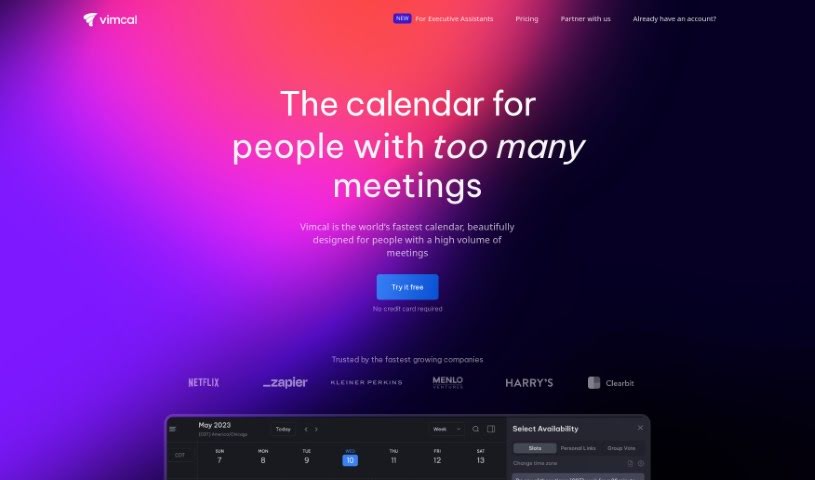
Screenshot of Vimcal

Vimcal

Freemium

Vimcal is a fast calendar app built for busy individuals and teams. It pairs speed with practical scheduling features: color-coded events, unified calendar views, natural language event creation, and a "Do Not Disturb" mode for focused work. An AI scheduling assistant automates scheduling tasks, time zone handling is straightforward, and the app connects to existing Google or Outlook/Exchange accounts.

Project Management View Tool →
Screenshot of Walling

Walling

Freemium

Walling is a visual workspace for organizing and presenting ideas, developed by Walling Software, Inc. Its AI generates tasks, images, tables, and other content on demand, taking you from a rough concept to a structured project.

Project Management View Tool →
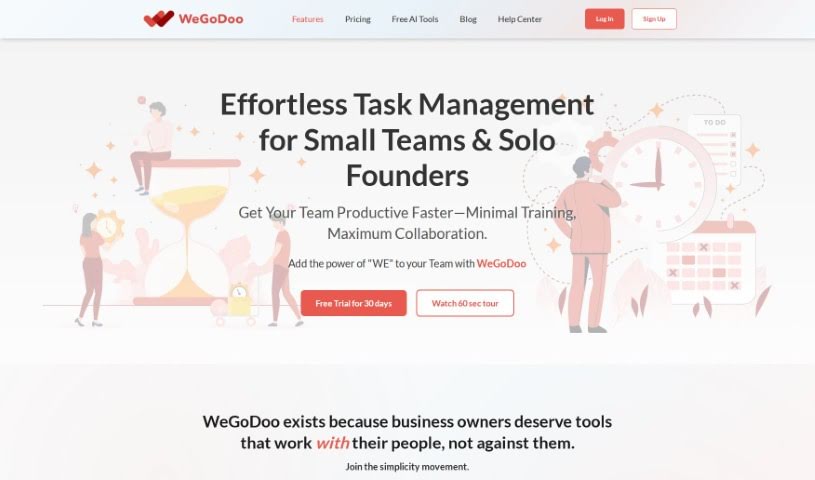
Screenshot of WeGoDoo

WeGoDoo

Freemium

WeGoDoo is a task management app designed to help teams stay organized, communicate clearly, and manage their workload. It includes due dates, reminders, and recurring tasks, along with the ability to prioritize tasks by marking them as important. Team members can chat directly in the app, share files, and use a task verification feature to confirm work is completed correctly. Built-in permissions help prevent unauthorized changes, and tasks sync across devices. The app is designed to be simple enough to use without special training, breaking long task lists into smaller, manageable pieces.

Project Management View Tool →
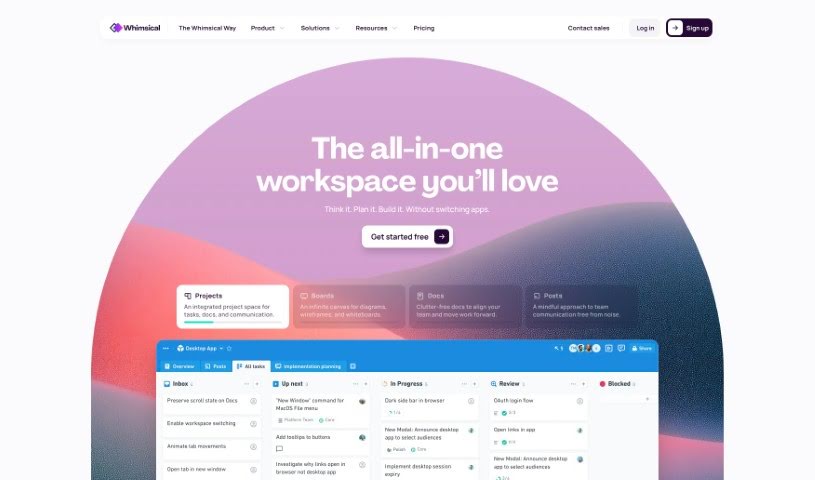
Screenshot of Whimsical

Whimsical

Freemium

Whimsical is a visual collaboration tool built to help product teams stay in sync and build shared understanding. It covers visual brainstorming and idea organization, mapping user flows and processes, and creating wireframes with drag-and-drop components. A library of proven templates and examples helps you get started quickly.

Project Management View Tool →
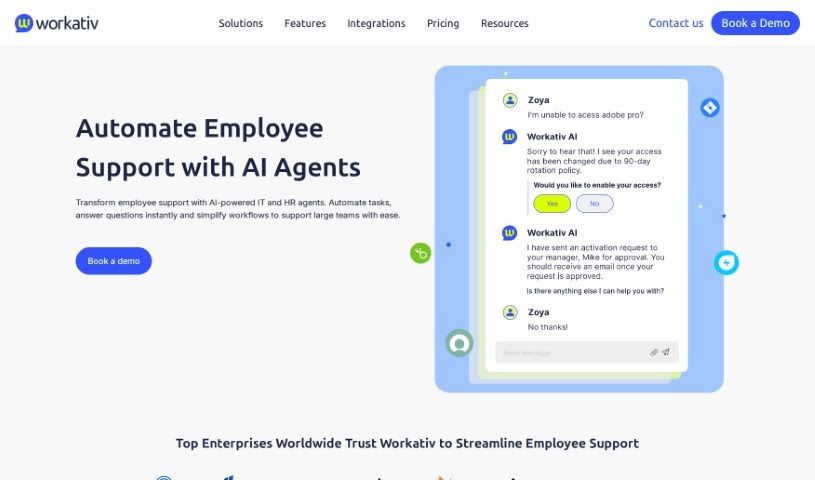
Screenshot of Workativ

Workativ

Freemium

Workativ is a cloud-based platform for no-code workflow automation and app integration. It pairs workflow tools with a conversational AI chatbot that understands natural language and provides instant employee support. Because it's no-code, you don't need programming skills to automate workflows — repetitive, manual tasks are handled automatically, freeing you to focus on higher-value work. Workativ also acts as a central hub for managing and analyzing workflows.

Project Management View Tool →
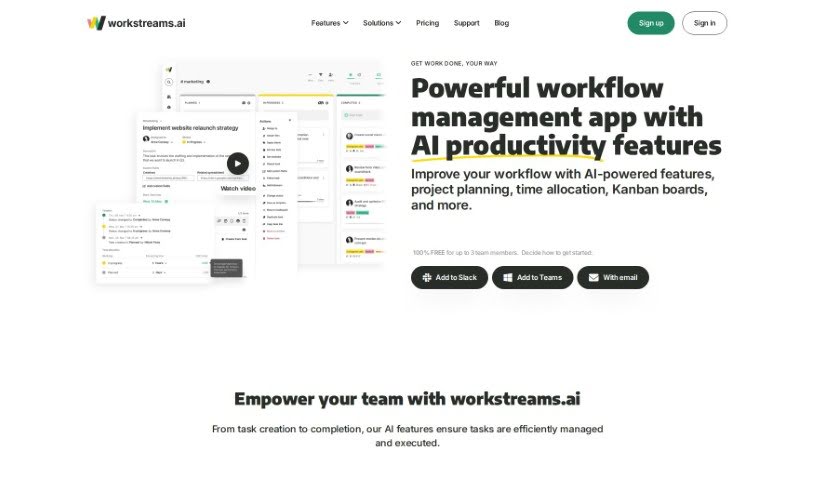
Screenshot of Workstreams.ai

Workstreams.ai

Freemium

Workstreams.ai is a workflow management app designed to help teams automate tasks, manage priorities, allocate time, and monitor progress. It offers ready-made workflows that can handle a large share of routine team tasks, potentially reducing the need for multiple tools. Workstreams.ai integrates with Slack and Microsoft Teams, and includes automation, AI-generated task descriptions, time tracking, task assignment, and flexible Kanban boards to support productivity and collaboration.

Project Management View Tool →
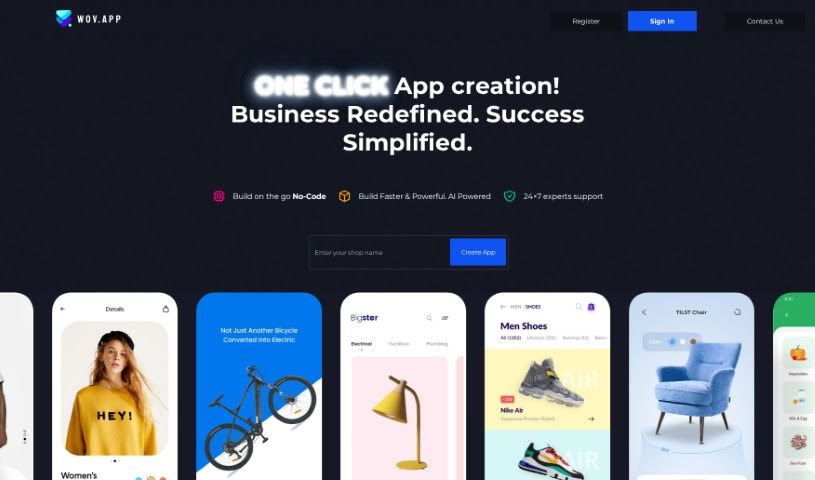
Screenshot of Wov App

Wov App

Freemium

Wov App is a team communication and collaboration tool that acts as a central hub for your team's activities. It offers direct messaging, file sharing, task management, and connections to tools you may already use, such as your calendar. The goal is to boost productivity by keeping conversations and project tasks in one place, so you don't have to jump between different applications. Its straightforward interface and customizable settings help teams work together efficiently and manage projects better.

Project Management View Tool →
Screenshot of Wrapsody Cloud

Wrapsody Cloud

Freemium

Wrapsody Cloud is an Enterprise Content Management (ECM) platform for managing and virtualizing content. It eliminates duplicate files, keeps important documents from getting lost in storage, and applies virtualization technology to enterprise content. Every document is automatically virtualized, encrypted, and assigned a unique, permanent ID (PID).

Project Management View Tool →
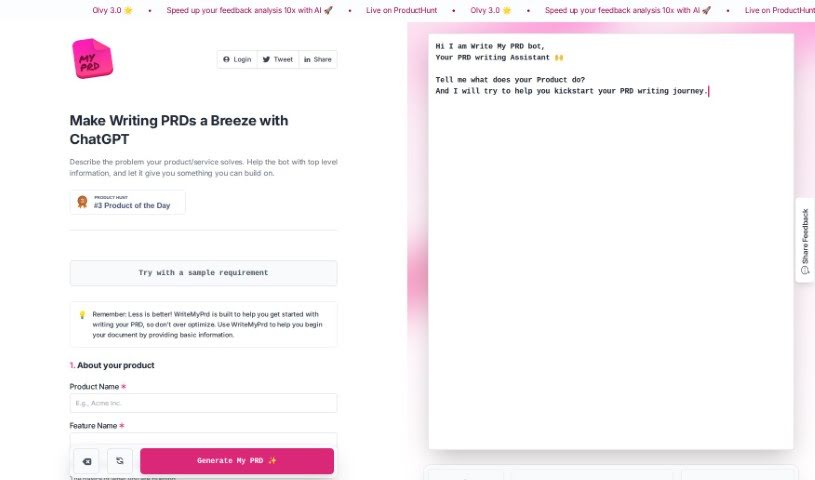
Screenshot of Writemyprd

Writemyprd

Freemium

WriteMyPrd is a platform built to simplify and speed up writing Product Requirements Documents (PRDs) for product managers and their teams. It offers an easy-to-use interface, a streamlined workflow, AI writing assistance powered by ChatGPT technology, the resources needed for a thorough PRD, and tools for creating clear product roadmaps.

Project Management View Tool →
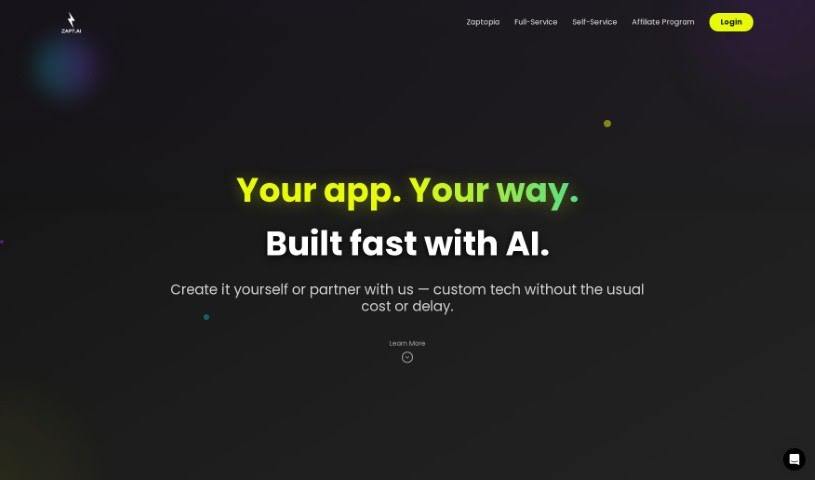
Screenshot of Zapt

Zapt

Freemium

Zapt is an AI tool designed to boost productivity and efficiency across a range of areas. Its features include SEO optimization tools for improving website visibility, content creation powered by natural language processing, chatbot integration for handling customer questions and e-commerce sales, and project management capabilities for organizing tasks, tracking progress, and communicating with teams in real time. It is aimed at a broad audience, from different industries to individual professionals, with an easy-to-use interface.

Project Management View Tool →
Previous 21 of 21 Next

About Project Management tools

Keeping a complex project moving when team deadlines shift and task dependencies get tangled is a constant juggling act. (I once spent two full hours updating Gantt chart dependencies after a developer went on sick leave, only to realize I’d pushed three client deliverables into the wrong week.) Between tracking status updates, reallocating team workloads, summarizing status meetings, and hunting down missing deliverables, administrative upkeep drains your day. When managing the project board takes more time than guiding the actual work, staying on schedule gets tough.

These AI platforms act as high-speed operations assistants for project managers, Scrum masters, operations leads, and team coordinators. They handle routine status tracking, predict scheduling bottlenecks, and generate clear project reports in seconds so you can focus on leading your team.

Automating Updates, Timeline Risks, and Action Items

Automating routine status tracking and project updates keeps your team focused on real work. Sifting through dozens of Slack messages or checking individual board cards just to build a weekly progress update eats up valuable time. Smart project assistants read team activity across your workspace, pull out completed milestones, and draft concise status reports for stakeholders automatically.

Predicting timeline risks and balancing team workloads prevents burnout before deadlines hit. Trying to spot hidden scheduling overlaps or resource bottlenecks across multiple simultaneous projects can feel overwhelming. AI scheduling engines analyze task durations, evaluate historical team velocity, and flag potential delays early, giving you room to adjust assignments before a crunch happens.

Synthesizing meeting action items and updating task boards keeps everyone aligned after every call. Listening through recorded syncs or reading raw transcripts just to assign follow-up tasks manually takes unnecessary effort. Intelligent meeting tools pull out key decisions, create new task cards on your project board, and tag the right team members automatically, ensuring nothing falls through the cracks.

Key Capabilities to Look For:

  • Automated status report generation: Systems that scan workspace activity to draft progress updates and executive summaries.
  • Predictive timeline and risk analysis: Software that evaluates team capacity and task dependencies to flag potential project bottlenecks early.
  • Natural language task creation: Tools that let you create, assign, and schedule tasks by typing plain English commands or uploading call transcripts.
  • Workload and resource balancing: Features that track team bandwidth across projects to prevent over-allocation and burnout.
  • Cross-platform workspace integration: Connectors that sync tasks seamlessly across apps like Jira, Asana, Trello, Slack, and email.

Successful project management will always depend on personal leadership, clear communication, and keeping people motivated. Software can update a board, predict a delay, or draft a status summary, but guiding a team through unexpected changes requires human empathy and judgment.

Take a look through the tools below to find the right project management helper for your team.

The Best AI Project Management Tools

  1. Odoo: for making team collaboration on tasks easier.
  2. N8N: for automatically updating project tools.
  3. Servicenow: for smoother project tracking and reporting.
  4. Whimsical: for simplifying project planning tasks.
  5. Mermaid Chart: for creating visual project timelines.
  6. Pitch: for getting real-time team updates and tracking progress.
  7. Git Mind: for making project timelines and tasks run more smoothly.
  8. Motion: for better team task coordination.
  9. Mindmap: for visualizing project milestones and tasks.
  10. Contra: for managing projects and contracts without a hitch.
  11. Creately: for real-time project tracking and updates.
  12. Spike: for making team communication effortless.
  13. Sintra: for simplifying how team tasks are assigned.
  14. Reclaim AI: for fitting project tasks into your calendar.
  15. Lucid: for managing project timelines and workflows.
New tools, in your inbox.

Weekly picks of the best AI tools we've researched and added — no spam, unsubscribe anytime.

Join 25,000+ AI enthusiasts. No spam, unsubscribe anytime.