Top AI Productivity Tools

AI Tools for Productivity

Discover the best Productivity AI tools to enhance your productivity and creativity.

Page 6 of 108 • 1290 total tools
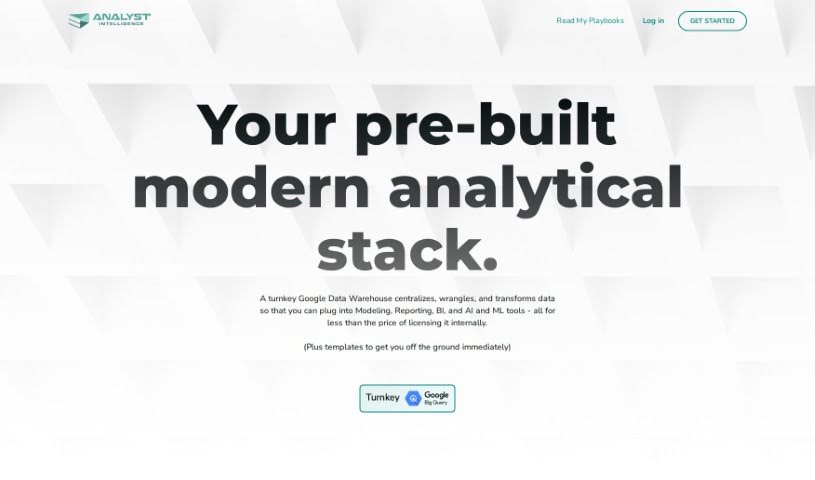
Screenshot of Analyst Intelligence

Analyst Intelligence

Freemium

Analyst Intelligence is a no-code AI platform for automating data analysis tasks. It cleans data, writes SQL for Google BigQuery, performs financial analysis, and generates advanced analytics and predictive insights. The platform consolidates data from multiple sources, converts currencies, calculates KPIs, runs cohort analysis, and tracks sales pipelines, with a focus on time-series financial analysis for individuals, operators, and small companies.

Productivity View Tool →
Screenshot of And Gpt

And Gpt

Freemium

And-GPT is an AI agent for Android that uses GPT-4 to automate tasks on your phone. You state a goal, and the tool works out the steps, opens the relevant apps, and manages them automatically — no manual typing, searching, or navigating required.

Productivity View Tool →
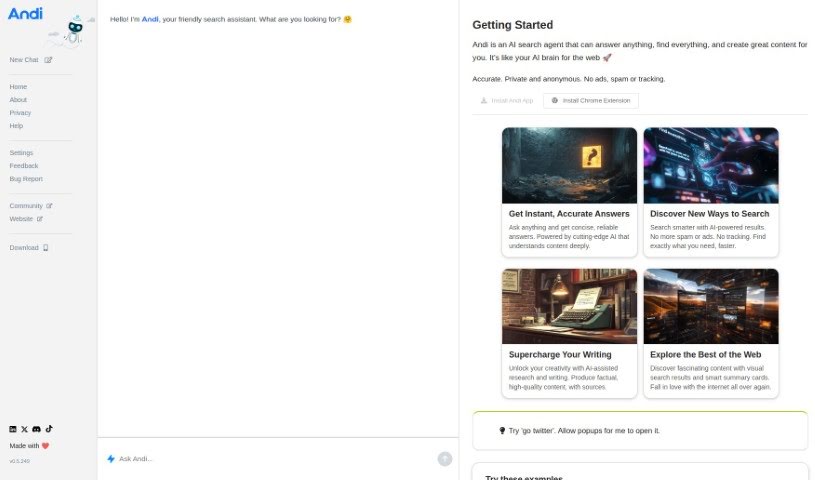
Screenshot of Andi Search

Andi Search

Freemium

Andi Search is a generative AI-powered search engine that returns direct answers instead of a list of links. Searching feels like chatting with a knowledgeable friend, and the service is free to use at [andisearch.com](https://andisearch.com). Type a query, review the answer, then ask follow-up questions to dig deeper, refine the query if needed, bookmark useful results, or leave feedback to help improve the service.

Productivity View Tool →
Screenshot of Antispace

Antispace

Freemium

Antispace is an Independent Research Lab building what it describes as the first AIOS, or Artificial Intelligence Operating System. The product acts as a digital brainstorming partner: you can break problems into parts, develop solutions, and turn those ideas into actions. At its core is a central command center for controlling Mail, Calendar, Notes, Slack, and GitHub, with the goal of making digital navigation simpler through more automation, speed, and straightforwardness. More information is available at antispace.sh.

Productivity View Tool →
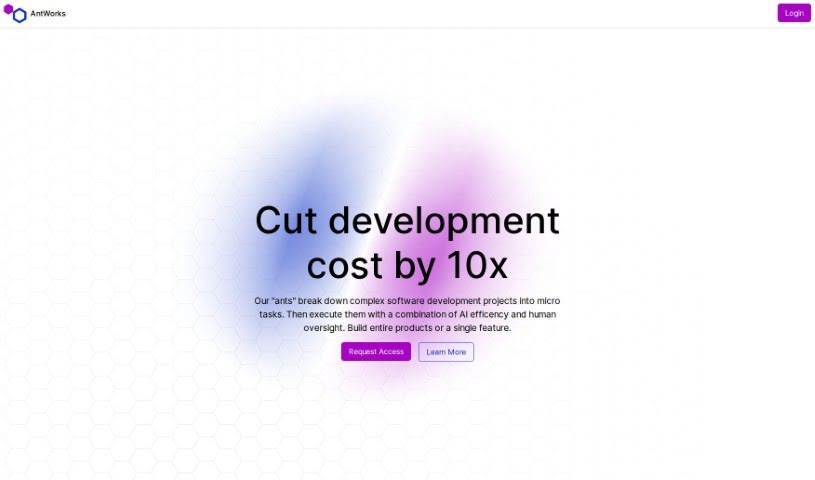
Screenshot of Antworks

Antworks

Freemium

Antworks is an AI-powered product development platform that breaks complex software projects into microtasks, combining AI automation with human review. You describe your idea through a chat interface, and Antworks turns that description into a project plan with progress tracking. The plan is split into microtasks that you review and approve — you only pay for approved work, with pricing that adjusts based on task complexity.

Productivity View Tool →
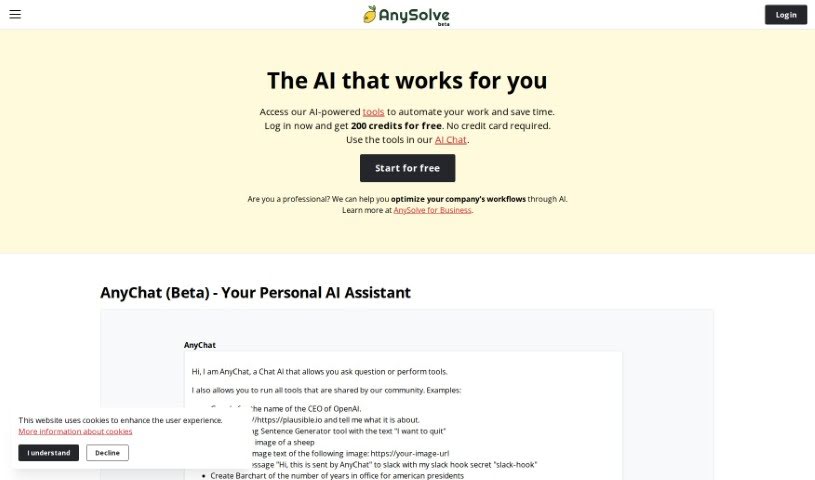
Screenshot of Anysolve AI

Anysolve AI

Freemium

Anysolve is a platform that brings together dozens of AI tools in a central hub for automating tasks. Users can create custom AI tools, share them with others, and execute tasks through a REST interface or a Python library. Outputs can include PDFs, charts, and images. New users receive free credits upon registration to start running tasks.

Productivity View Tool →
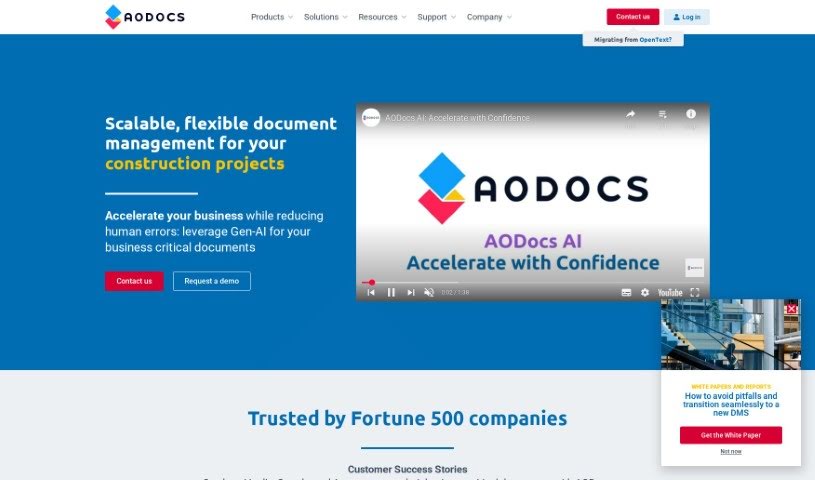
Screenshot of AODocs

AODocs

Freemium

AODocs is a content services platform that uses AI to automate document workflows and manage content processes. Built to be flexible and scalable, it helps companies keep documents controlled, processes managed, and data structured. The platform offers tailored solutions for different industries and departments, along with integrations, pricing guides, customer success stories, and a resource library.

Productivity View Tool →
Screenshot of APAC AI

APAC AI

Freemium

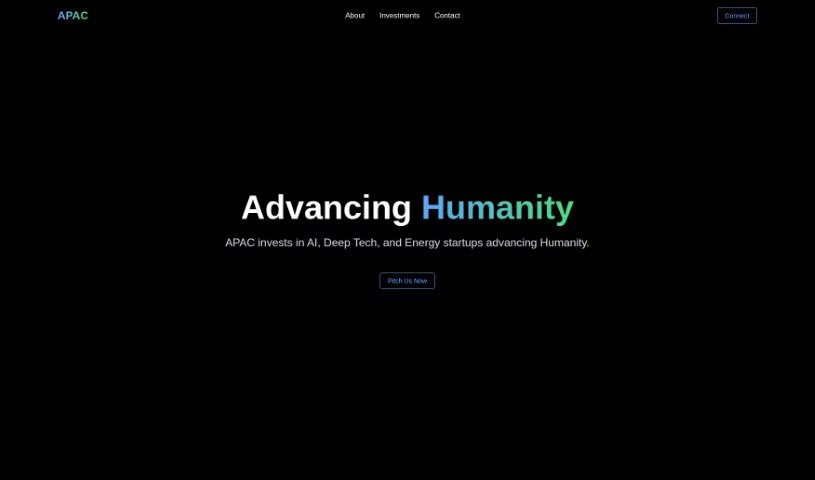
APAC AI is a platform focused on multi-modality AI. Its tools automate tasks through plain-language instructions: the Athena Writer Extension, the Athena Browser Workflow Automator, and Athena Search, which returns fast results with reliable citations. The platform also offers advanced AI models and agents called Andromeda and Swarms, and runs Agora, a research organization with more than 2,000 members centered on advancing humanity through AI. The Creator's List provides lessons on using AI automation for creative, efficient work.

Productivity View Tool →
Screenshot of Apera AI

Apera AI

Freemium

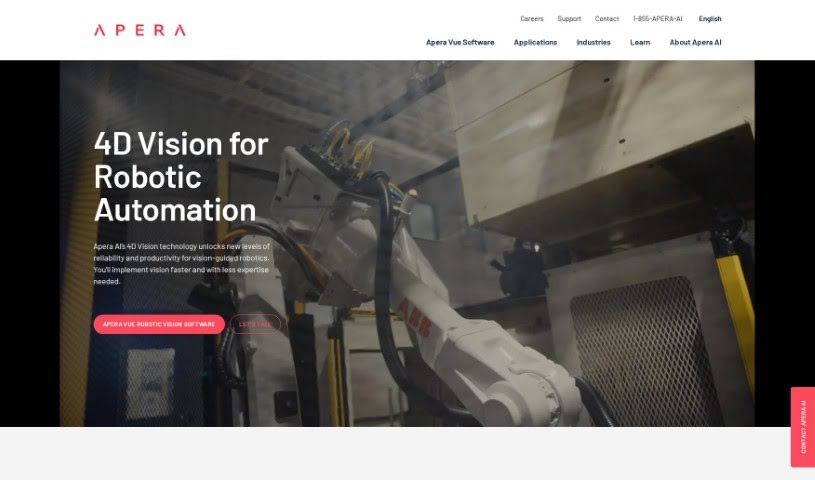
Apera AI is an industrial automation solution built around 4D Vision technology and Vue Robotic Vision Software. It is designed to make vision-guided robots more reliable and efficient, with applications in automotive, manufacturing, and logistics. The system is positioned as easy to set up, so teams can get it running faster with less need for specialized expertise. Its vision capabilities support high-speed sorting, picking in challenging lighting, and handling clear objects.

Productivity View Tool →
Screenshot of Appflowy

Appflowy

Freemium

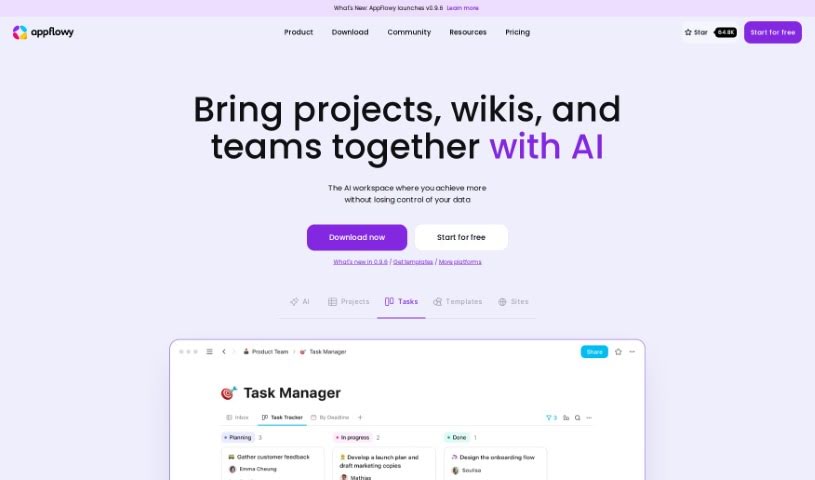
AppFlowy is an open-source, AI-powered workspace for managing wikis, projects, notes, and tasks. It works offline, offers end-to-end encryption, and is customizable, with a rich-text editor at its core. Native apps run on macOS, Windows, Linux, iOS, and Android, and the project has a community of contributors from over 50 countries.

Productivity View Tool →
Screenshot of Appgen

Appgen

Freemium

Appgen is an AI assistant for creating sales documentation, specifically Statements of Work (SOWs) and Job Orders (JOs). It automates and simplifies the documentation process, reducing a task that once took hours to about 10 minutes. The goal is to help sales teams close deals faster.

Productivity View Tool →
Screenshot of Appointeze

Appointeze

Freemium

Appointeze is a cloud-based appointment management system built for small and medium-sized businesses. It lets users share availability, book meetings, and automate the booking process. Users cite its simplicity, flexibility, and time savings.

Productivity View Tool →

About Productivity tools

Having a task list that seems to grow longer by the hour is a fast track to burnout. Between managing clogged email inboxes, jumping across context-heavy browser tabs, updating project boards, and tracking down files, everyday administrative work drains momentum. When managing your workflow takes more energy than doing your actual job, staying focused gets tough.

These workflow platforms act as high-speed productivity partners for task management, scheduling, and daily automation. They won’t replace your personal discipline or strategic priorities, but they handle routine administrative tasks so you can protect your focus time.

Organizing daily tasks and scheduling focus blocks takes far less manual effort. Manually moving deadlines around when a project slips or trying to carve out focus time between back-to-back meetings usually leaves you with a chaotic calendar. Smart scheduling assistants evaluate your working habits, auto-prioritize tasks, and block out dedicated focus time on your calendar before your day gets overrun.

Clearing out email backlogs and workspace communications becomes much faster, too. Sifting through dozens of unread messages just to pull out two urgent client requests wastes valuable time. Intelligent inbox tools summarize long email threads, draft contextual replies, and sort low-priority newsletters away from critical messages—helping you reach inbox zero without reading every word.

Synthesizing notes and cross-platform information creates a central memory hub. Losing track of an important project link or a quick thought saved in a random document stalls your momentum when you need it most. AI productivity assistants search across your workspace apps, notes, and bookmarked links, letting you ask plain-English questions to pull up specific files, meeting notes, or ideas in seconds.

Key Capabilities to Consider:

  • Smart calendar and time blocking: Systems that auto-schedule tasks into your calendar around existing meetings and focus preferences.
  • Contextual email and message drafting: Tools that scan long communication threads to generate concise replies and action items.
  • Universal workspace search: Software that connects with your documents, notes, and cloud storage to retrieve files through simple prompts.
  • Task prioritization algorithms: Applications that rank daily action items by urgency, deadlines, and project dependencies.
  • Workflow automation builders: Connectors that trigger actions across different apps without requiring manual data entry.

Daily productivity will always depend on clear personal priorities and healthy work habits. Software can organize a calendar, draft an email reply, and index your notes, but choosing what truly deserves your time requires human judgment.

Explore the productivity tools below to take control of your workday.

The Best AI Productivity Tools

  1. Perplexity: for automating tasks and helping with management.
  2. Small PDF.com: for smoother document management for teams.
  3. Gamma: for document creation tools that save time.
  4. Odoo: for a task management and collaboration app.
  5. Zoom: for analyzing and summarizing meeting content.
  6. N8N: for smoother team onboarding processes.
  7. Prezi: for engaging team collaboration sessions.
  8. Tableau: for creating reports and dashboards more easily.
  9. Data Camp: for efficient team collaboration workflows.
  10. Otter.ai: for getting action items from meetings without the fuss.
  11. Tenorshare: for easily summarizing long PDF documents.
  12. Slidesgo: for creating professional presentations efficiently.
  13. Facecheck Id: for streamlining identity verification tasks.
  14. HIX.AI: for boosting writing speed with smart tools.
  15. Tactiq: for automating meeting notes for teams.
New tools, in your inbox.

Weekly picks of the best AI tools we've researched and added — no spam, unsubscribe anytime.

Join 25,000+ AI enthusiasts. No spam, unsubscribe anytime.