Top AI Productivity Tools

AI Tools for Productivity

Discover the best Productivity AI tools to enhance your productivity and creativity.

Page 48 of 108 • 1290 total tools
Screenshot of June Ai

June Ai

Freemium

June Ai is an analytics platform built to address common hurdles in product management. Its core features include auto-generated reports, English-based SQL (querying data in plain English instead of writing complex code), a two-click analytics approach, and support for popular tools like Segment and Mixpanel. You can implement its SDK, and save and share your queries with your team.

Productivity View Tool →
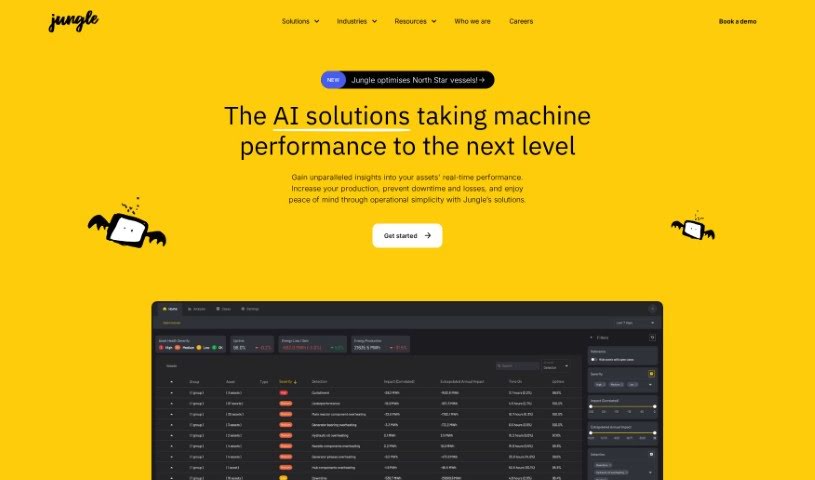
Screenshot of Jungle AI

Jungle AI

Freemium

Jungle AI is a company focused on boosting production for its clients. It helps businesses get more out of their current operations and avoid unexpected downtime. For example, Jungle can improve how wind farms perform by working around grid limitations to increase power generation, and it can prevent turbine downtime by spotting issues like overheating in generator bearings before they become serious problems.

Productivity View Tool →
Screenshot of Kaba

Kaba

Freemium

Kaba is an operating system built with AI at its core rather than added on afterward. It can be installed directly onto your computer's hardware or run as a layer on top of your existing system, with privacy, security, and user control built into its foundation.

Productivity View Tool →
Screenshot of Kadoa

Kadoa

Freemium

Kadoa is a platform that automates the collection and organization of data from company filings. It covers more ground than typical data providers and reduces manual data gathering from months to moments, giving instant access to the information you need. Kadoa can also alert you to important market-moving events before major news outlets like Bloomberg report them, so you can act on market shifts sooner. The system is built with an API-first approach, making it easy to connect with existing systems using ready-made connectors without writing extra code.

Productivity View Tool →
Screenshot of KAI Kgapps

KAI Kgapps

Freemium

KAI Kgapps is a platform offering a collection of mobile apps covering productivity, entertainment, and everyday tools. Its flagship app, KAI, is an AI-powered task organizer built to streamline daily planning.

Productivity View Tool →
Screenshot of Kaiber

Kaiber

Freemium

Kaiber is a platform offering AI tools and resources designed to boost productivity and streamline work. It covers areas including data science and design, using AI to simplify complex tasks and automate repetitive work. The platform provides customizable workflows, automation tools, advanced data analysis options, design resources for creating graphics, and collaboration features.

Productivity View Tool →
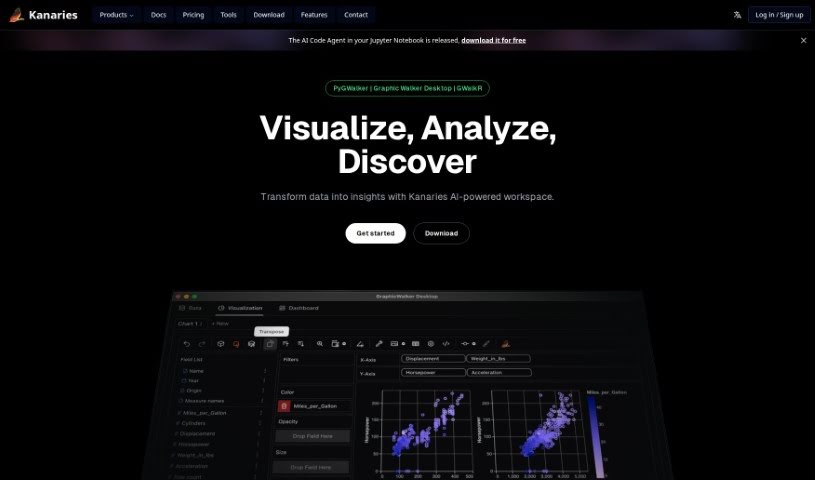
Screenshot of Kanaries

Kanaries

Freemium

Kanaries RATH is an AI assistant for data exploration. It automatically finds patterns, generates insights, and creates charts and dashboards from a wide range of data sources, simplifying the tedious work of cleaning, analyzing, and visualizing data.

Productivity View Tool →
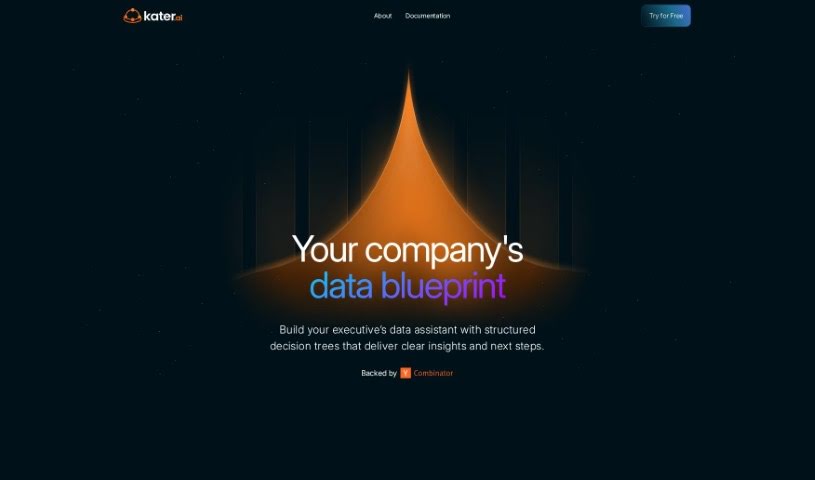
Screenshot of Kater

Kater

Freemium

Kater, also known as Butler, is a data agent built to address everyday challenges organizations face with data literacy, data access, and data processing. It helps teams sort through data messes, generate hypotheses, write the queries needed to test them, and surface key insights quickly.

Productivity View Tool →
Screenshot of Kayyo

Kayyo

Freemium

Kayyo is an AI-powered mobile app that works as a personal MMA trainer. It offers interactive lessons, custom workout plans, and expert guidance for users of any experience level, covering MMA, Boxing, Kickboxing, and Muay Thai — with Brazilian Jiu-Jitsu, Wrestling, and general fitness planned.

Productivity View Tool →
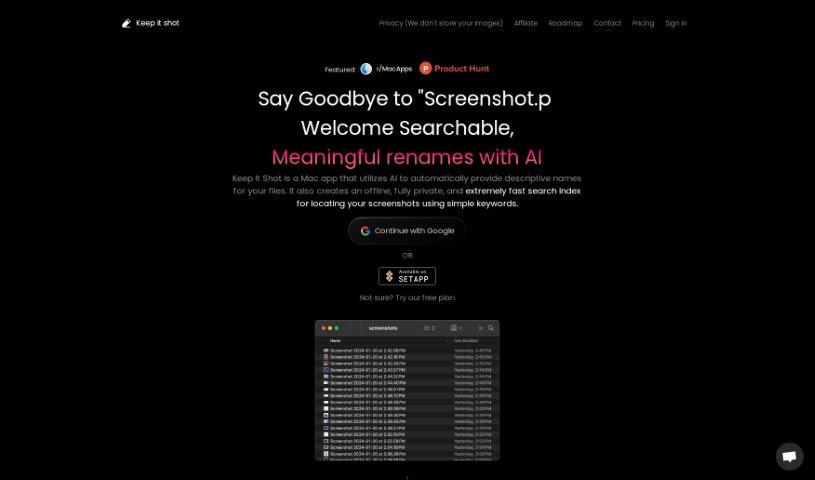
Screenshot of Keep it shot

Keep it shot

Freemium

Keep it shot is a Mac app that uses AI to automatically give your screenshots descriptive names, making them easier to manage and find. It includes a fast offline search feature, so you can look for screenshots directly on your computer. Nothing is ever uploaded: all processing and searching happen locally on your Mac.

Productivity View Tool →
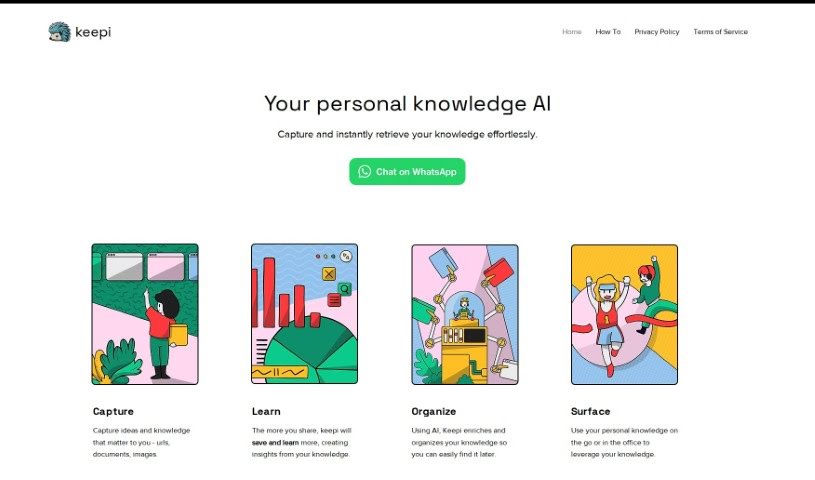
Screenshot of Keepi

Keepi

Freemium

Keepi is an online platform that combines a digital inventory manager with an AI-powered personal knowledge assistant. As an inventory tool, it tracks what you own, sorts items into categories, and stores details such as photos and descriptions. It sends reminders when maintenance is due and keeps records of warranties and expiration dates.

Productivity View Tool →
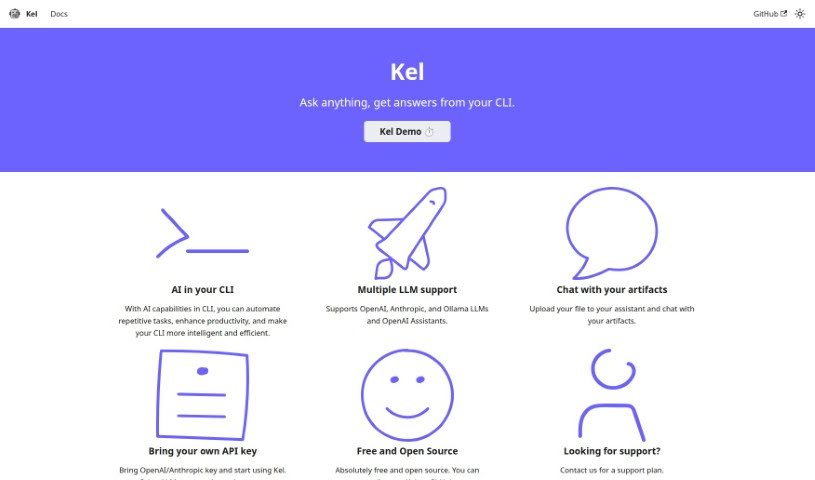
Screenshot of Kel

Kel

Freemium

Kel is a free, open-source AI assistant that runs in the command line. It automates repetitive CLI tasks and brings AI capabilities directly into your terminal workflow.

Productivity View Tool →

About Productivity tools

Having a task list that seems to grow longer by the hour is a fast track to burnout. Between managing clogged email inboxes, jumping across context-heavy browser tabs, updating project boards, and tracking down files, everyday administrative work drains momentum. When managing your workflow takes more energy than doing your actual job, staying focused gets tough.

These workflow platforms act as high-speed productivity partners for task management, scheduling, and daily automation. They won’t replace your personal discipline or strategic priorities, but they handle routine administrative tasks so you can protect your focus time.

Organizing daily tasks and scheduling focus blocks takes far less manual effort. Manually moving deadlines around when a project slips or trying to carve out focus time between back-to-back meetings usually leaves you with a chaotic calendar. Smart scheduling assistants evaluate your working habits, auto-prioritize tasks, and block out dedicated focus time on your calendar before your day gets overrun.

Clearing out email backlogs and workspace communications becomes much faster, too. Sifting through dozens of unread messages just to pull out two urgent client requests wastes valuable time. Intelligent inbox tools summarize long email threads, draft contextual replies, and sort low-priority newsletters away from critical messages—helping you reach inbox zero without reading every word.

Synthesizing notes and cross-platform information creates a central memory hub. Losing track of an important project link or a quick thought saved in a random document stalls your momentum when you need it most. AI productivity assistants search across your workspace apps, notes, and bookmarked links, letting you ask plain-English questions to pull up specific files, meeting notes, or ideas in seconds.

Key Capabilities to Consider:

  • Smart calendar and time blocking: Systems that auto-schedule tasks into your calendar around existing meetings and focus preferences.
  • Contextual email and message drafting: Tools that scan long communication threads to generate concise replies and action items.
  • Universal workspace search: Software that connects with your documents, notes, and cloud storage to retrieve files through simple prompts.
  • Task prioritization algorithms: Applications that rank daily action items by urgency, deadlines, and project dependencies.
  • Workflow automation builders: Connectors that trigger actions across different apps without requiring manual data entry.

Daily productivity will always depend on clear personal priorities and healthy work habits. Software can organize a calendar, draft an email reply, and index your notes, but choosing what truly deserves your time requires human judgment.

Explore the productivity tools below to take control of your workday.

The Best AI Productivity Tools

  1. Perplexity: for automating tasks and helping with management.
  2. Small PDF.com: for smoother document management for teams.
  3. Gamma: for document creation tools that save time.
  4. Odoo: for a task management and collaboration app.
  5. Zoom: for analyzing and summarizing meeting content.
  6. N8N: for smoother team onboarding processes.
  7. Prezi: for engaging team collaboration sessions.
  8. Tableau: for creating reports and dashboards more easily.
  9. Data Camp: for efficient team collaboration workflows.
  10. Otter.ai: for getting action items from meetings without the fuss.
  11. Tenorshare: for easily summarizing long PDF documents.
  12. Slidesgo: for creating professional presentations efficiently.
  13. Facecheck Id: for streamlining identity verification tasks.
  14. HIX.AI: for boosting writing speed with smart tools.
  15. Tactiq: for automating meeting notes for teams.

New tools, in your inbox.

Weekly picks of the best AI tools we've researched and added — no spam, unsubscribe anytime.

Join 25,000+ AI enthusiasts. No spam, unsubscribe anytime.