F
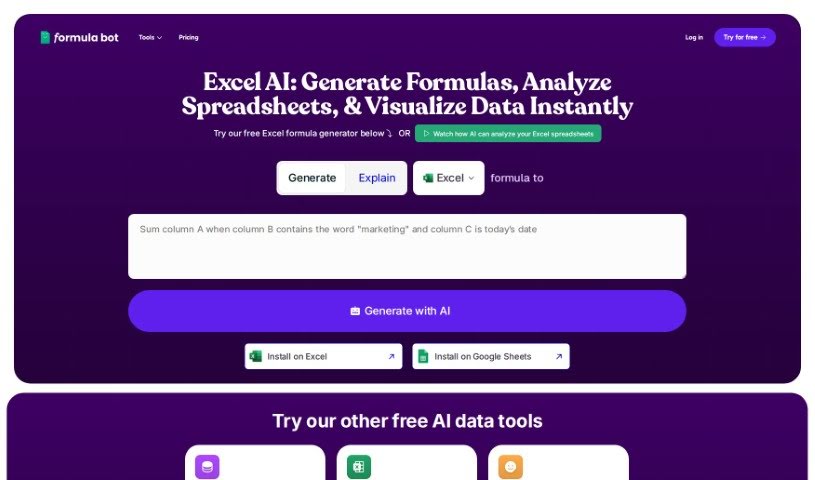
Formula Bot Excel Formula Generator
FreemiumThe Excel Formula Generator is an AI assistant for spreadsheets that automatically creates ready-to-use formulas, reducing guesswork for people who aren't Excel experts.
Productivity
View Tool →
Discover the best Productivity AI tools to enhance your productivity and creativity.
The Excel Formula Generator is an AI assistant for spreadsheets that automatically creates ready-to-use formulas, reducing guesswork for people who aren't Excel experts.
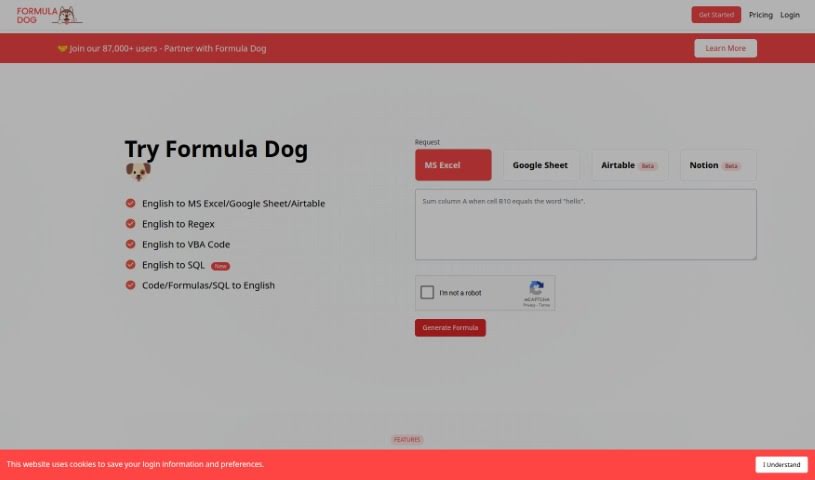
Formula Dog is an AI-powered tool that simplifies working with Excel. You type out what you want an Excel formula or VBA code to do, and Formula Dog generates it for you quickly and accurately. This automation speeds up data processing, helps simplify complex calculations, and makes it easier to set up automated tasks in your spreadsheets. It's designed to be useful whether you're new to Excel or an experienced user, and you can try it for free.
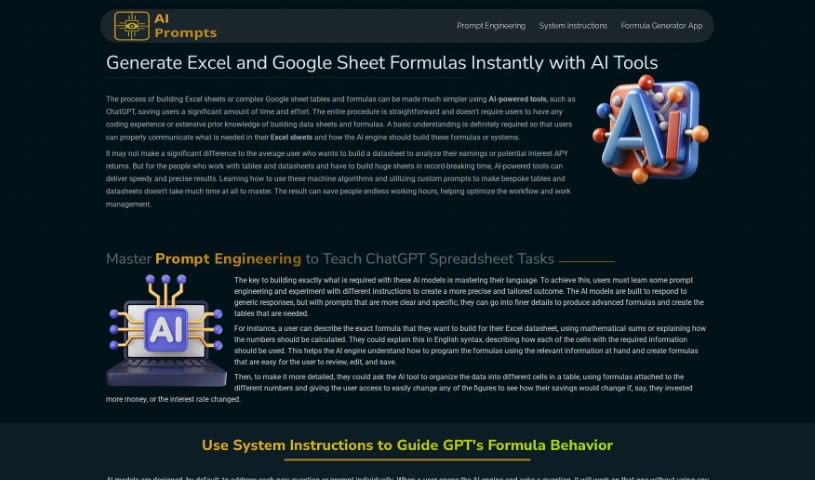
Formula Generator is a tool that generates Excel formulas, VBA automations, regular expressions (regex), and SQL database queries from plain-language input. You describe what you want your data to do, and the tool produces the corresponding formula or code. Its aim is to save time, improve accuracy, and help data professionals work more efficiently.
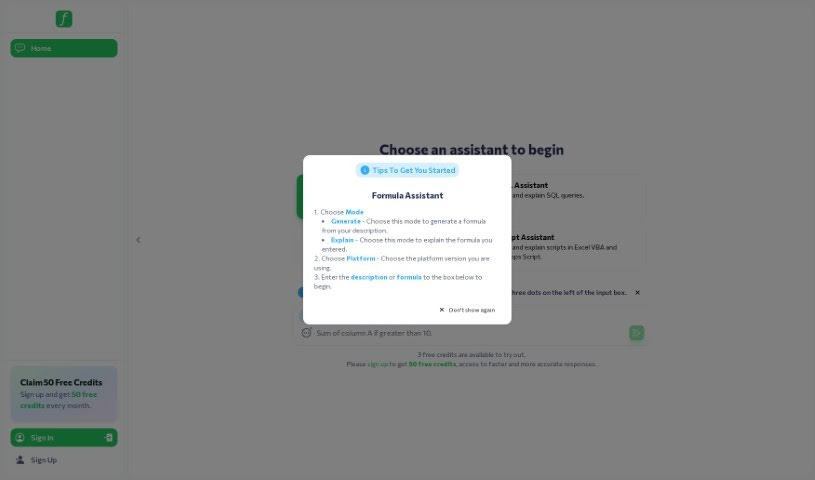
Formularizer is an AI tool that simplifies working with spreadsheets in Excel, Google Sheets, and Notion. You describe what you need in plain language, and it generates and explains the corresponding formulas. It also supports Excel VBA, Google Apps Script, and regular expressions, with an emphasis on data privacy and security. Its straightforward interface and accuracy make complex spreadsheet tasks manageable for students, data scientists, and professionals alike.

Formulas HQ is an AI-powered platform for working with spreadsheets, particularly Excel and Google Sheets. It generates complex Excel formulas, breaks down and explains formulas you're struggling with, handles regular expressions, helps automate tasks with VBA and Apps Script, and provides access to Python for deeper data analysis. It's designed to be usable even without coding experience.
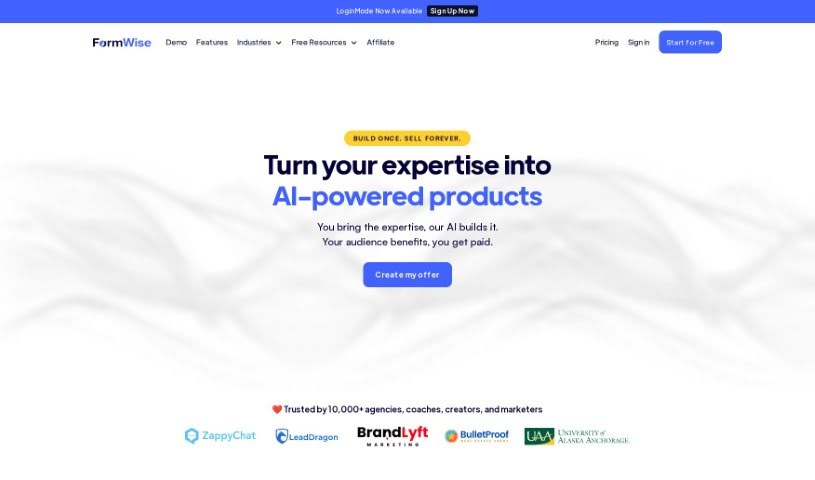
FormWise.AI is a platform for building custom AI toolkits tailored to specific industries. Users can create quizzes, educational resources, and specialized teaching toolkits, or build advanced AI workflows by chaining prompts together and connecting them to their own internal data. Completed toolkits can be shared with subaccounts and monetized. The platform also supports ChatGPT integration for building internal staff tools, and offers dynamic lead magnets — personalized lead generation forms that return AI-powered responses based on user input.
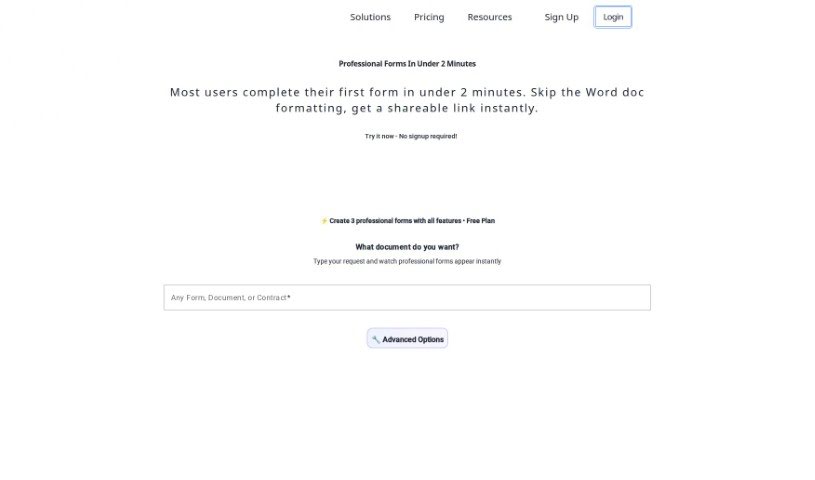
Formzil is an AI-powered platform for creating documents quickly. It handles much of the document-creation work through a straightforward interface, and registration is free, so you can start producing documents right away. The platform was launched by a founder who prefers to remain undisclosed, and no technical expertise is required to use it. It works for both individuals and businesses, generating a wide variety of documents tailored to your needs. Note that JavaScript must be enabled in your browser for the platform to function.
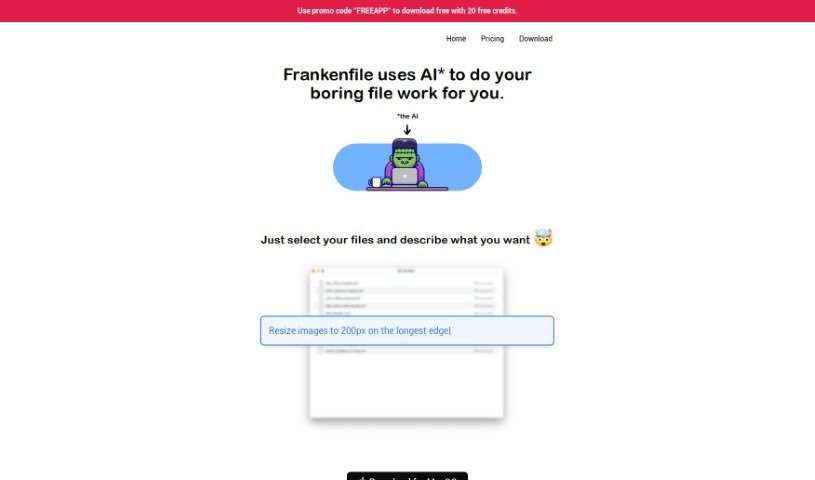
Frankenfile is an AI-driven file manager that handles file tasks across images, videos, and PDFs using straightforward instructions. You can resize images, convert file formats, add watermarks, clip videos, and extract audio from video files.

FranklyAI is a gateway within Microsoft Teams that connects your teams to approved generative AI models, including large language models like ChatGPT. It provides a secure, controlled way to bring AI into your organization, designed to boost staff productivity, enable smart automation, and keep AI privacy intact. Built with corporate security in mind, it gives employees a safe alternative to uncontrolled web browser access. Use cases range from simple chatbots to analyzing complex data and extracting key insights.
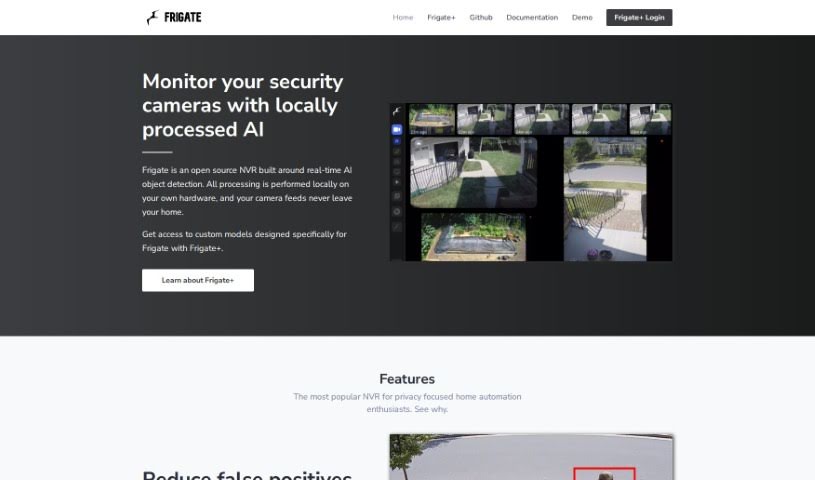
Frigate NVR is an open-source Network Video Recorder with real-time AI object detection. It runs entirely on your own hardware, so camera feeds never leave your home — giving you full control and privacy. Analysis can be offloaded to a Google Coral TPU, which identifies objects such as people or cars and significantly reduces false alarms. You can restrict alerts to specific zones, and Frigate integrates with Home Assistant as well as other automation tools like OpenHab and NodeRed. The result is a locally controlled security camera system with smart object detection and minimal reliance on the cloud.
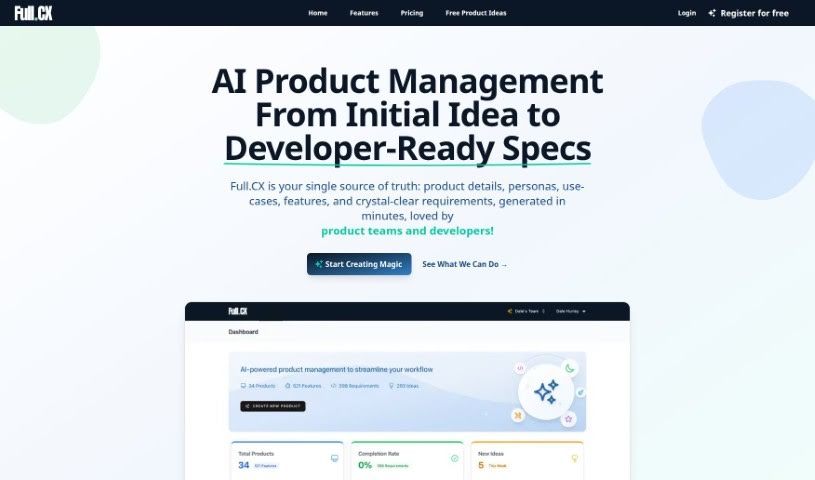
Full.cx is a product management tool that helps teams turn rough ideas into well-defined requirements with acceptance criteria, managing the flow from idea capture through to final delivery. It includes GPT-3 and GPT-4 AI tools that act as a co-pilot, helping create products that are comprehensive, concise, and meaningful — from initial vision down to acceptance criteria.
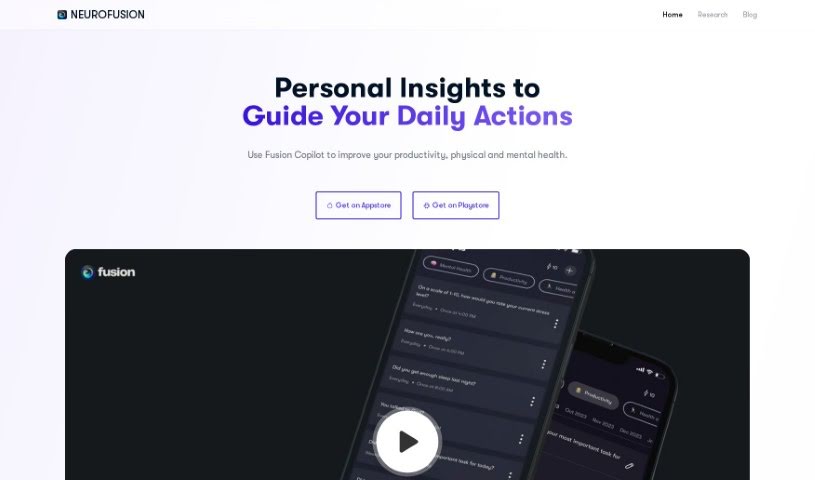
Fusion is a platform for managing well-being, productivity, and overall health. It analyzes your sleep, activity, and behavior data to show how these factors affect your daily life, acting as a virtual "copilot" that offers personalized advice. The app includes prompts to help you notice changes in your behavior, and you can explore research or join "quests" for self-discovery.
Having a task list that seems to grow longer by the hour is a fast track to burnout. Between managing clogged email inboxes, jumping across context-heavy browser tabs, updating project boards, and tracking down files, everyday administrative work drains momentum. When managing your workflow takes more energy than doing your actual job, staying focused gets tough.
These workflow platforms act as high-speed productivity partners for task management, scheduling, and daily automation. They won’t replace your personal discipline or strategic priorities, but they handle routine administrative tasks so you can protect your focus time.
Organizing daily tasks and scheduling focus blocks takes far less manual effort. Manually moving deadlines around when a project slips or trying to carve out focus time between back-to-back meetings usually leaves you with a chaotic calendar. Smart scheduling assistants evaluate your working habits, auto-prioritize tasks, and block out dedicated focus time on your calendar before your day gets overrun.
Clearing out email backlogs and workspace communications becomes much faster, too. Sifting through dozens of unread messages just to pull out two urgent client requests wastes valuable time. Intelligent inbox tools summarize long email threads, draft contextual replies, and sort low-priority newsletters away from critical messages—helping you reach inbox zero without reading every word.
Synthesizing notes and cross-platform information creates a central memory hub. Losing track of an important project link or a quick thought saved in a random document stalls your momentum when you need it most. AI productivity assistants search across your workspace apps, notes, and bookmarked links, letting you ask plain-English questions to pull up specific files, meeting notes, or ideas in seconds.
Key Capabilities to Consider:
- Smart calendar and time blocking: Systems that auto-schedule tasks into your calendar around existing meetings and focus preferences.
- Contextual email and message drafting: Tools that scan long communication threads to generate concise replies and action items.
- Universal workspace search: Software that connects with your documents, notes, and cloud storage to retrieve files through simple prompts.
- Task prioritization algorithms: Applications that rank daily action items by urgency, deadlines, and project dependencies.
- Workflow automation builders: Connectors that trigger actions across different apps without requiring manual data entry.
Daily productivity will always depend on clear personal priorities and healthy work habits. Software can organize a calendar, draft an email reply, and index your notes, but choosing what truly deserves your time requires human judgment.
Explore the productivity tools below to take control of your workday.
Weekly picks of the best AI tools we've researched and added — no spam, unsubscribe anytime.
Join 25,000+ AI enthusiasts. No spam, unsubscribe anytime.