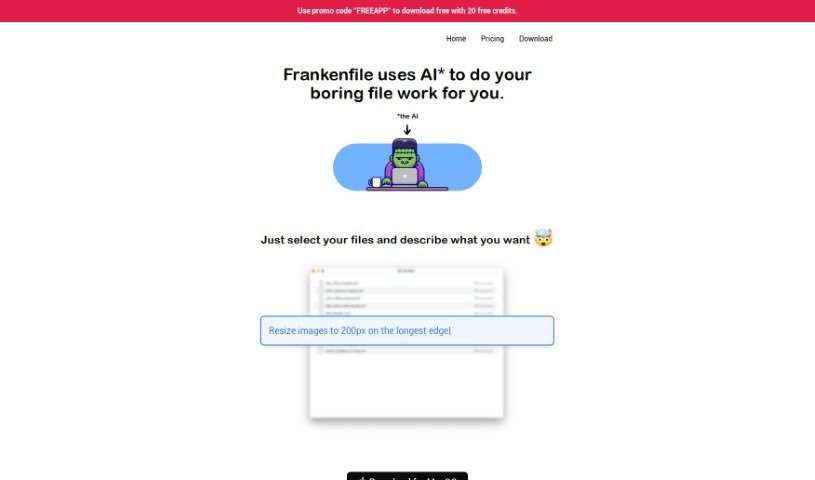
Screenshot of Frankenfile

Frankenfile

Discover Frankenfile, an AI-powered file manager for images, videos, and PDFs. Learn its features, how it stacks up against other PDF tools, and how to use it effectively in 2025.

Screenshot

What is Frankenfile?

Frankenfile is a really smart, AI-driven file manager. It is your go-to assistant for all sorts of file tasks, whether you’re dealing with images, videos, or PDFs. It makes handling them much simpler by letting you give straightforward instructions. Need to resize an image? Convert a file format? Add a watermark? Clip a video? Or even pull the audio out of a video file? Frankenfile can do that.

It’s also great for managing PDFs – you can split them, merge them, or convert them. Plus, it has this awesome batch processing feature. This means you can do things like rename a bunch of files at once or sort them into specific folders without having to do each one individually. It can even generate thumbnails for your images and trim or resize videos in popular formats like MP4 and MOV. The goal here is to really speed things up, especially for web developers and social media managers. And importantly, Frankenfile keeps your privacy and data secure because it runs right on your own computer, not on some remote server. The interface is super user-friendly, too. You just tell it what you want to do, and the AI handles the rest all by itself.

Who created Frankenfile?

Amanda Johnson and her team of developers are the brilliant minds behind Frankenfile. They launched this innovative file management platform on January 19, 2024. Amanda founded the company, and they’re known for coming up with fresh, smart ways to organize and manage files, offering unique features that really make storing and accessing your documents a breeze.

Who is Frankenfile for?

  • Web Developers
  • Social media managers
  • Graphic designers
  • Video editors
  • Photographers
  • Content creators
  • Digital marketers
  • Document managers

How to use Frankenfile?

Ready to get started with Frankenfile? It’s pretty straightforward. Just follow these steps:

  1. Get Started: First, head over to the Frankenfile website using the link provided. That’s your starting point.
  2. Add Your Files: Next, you’ll want to upload the files you need to work with. Just pick them and upload them to the platform.
  3. Tell it What to Do: Now, tell Frankenfile exactly what you need. You can ask it to resize images, change file types, add watermarks, trim videos, separate audio, or manage your PDFs in various ways.
  4. Batch It Up: If you have a lot of files, definitely use the batch processing. It’s a lifesaver for tasks like renaming many files, sorting them into folders, resizing them, or converting them all at once.
  5. Make Thumbnails: Need thumbnails for your images? Frankenfile can generate those for you, which is super handy for web developers and social media folks.
  6. Stay Private: You can relax knowing your files are safe. Frankenfile runs locally on your device, so your data stays private and secure.
  7. Easy Interface: Even with all its powerful features, Frankenfile is designed to be easy to use. If you’re new, just describe what you want, and the tool will take care of it automatically.
  8. Explore More: Dive into other features like organizing files into categories, managing expenses and receipts, sorting files in sequence, and working with common formats like PNG, JPG, GIF, MP4, and MOV.

By following these simple steps, you’ll be able to use Frankenfile to manage and process all your files efficiently and with ease.

Related AI Tools

Discover more tools in similar categories that might interest you

Stay Updated with AI Tools

Get weekly updates on the latest AI tools, trends, and insights delivered to your inbox

Join 25,000+ AI enthusiasts. No spam, unsubscribe anytime.