Top AI Productivity Tools

AI Tools for Productivity

Discover the best Productivity AI tools to enhance your productivity and creativity.

Page 2 of 108 • 1290 total tools
Screenshot of Agile Loop

Agile Loop

Freemium

Agile Loop's AL OS1 is a platform built on a Foundation Large Action Model. It lets you deploy AI agents that automate tasks across software interfaces using plain-English instructions. The system includes self-learning action models that help agents learn and complete tasks, with the goal of making human-machine interaction seamless.

Productivity View Tool →
Screenshot of AI Agent

AI Agent

Freemium

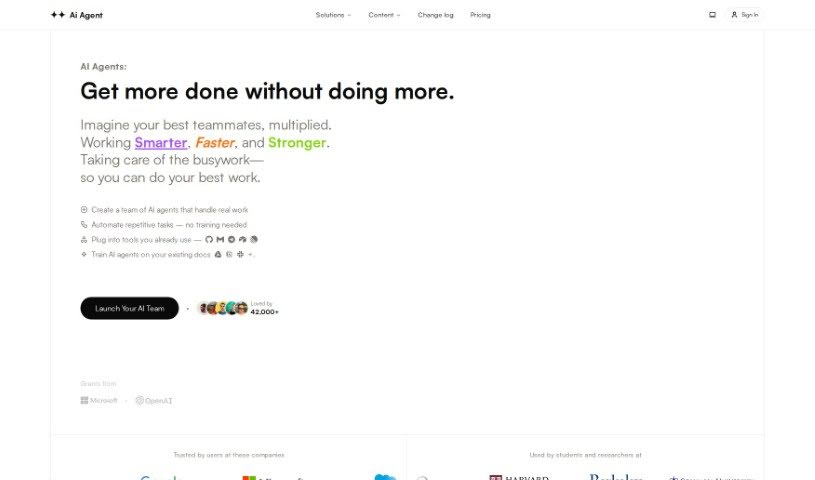
AI Agent is a web application that takes a user-defined goal, breaks it down into manageable steps, prioritizes them, and executes them one by one. You can run multiple agents simultaneously. It provides access to GPT-4 without requiring deep technical expertise, includes clear code visualization, and lets agents browse the web.

Productivity View Tool →
Screenshot of AI ChatDocs

AI ChatDocs

Freemium

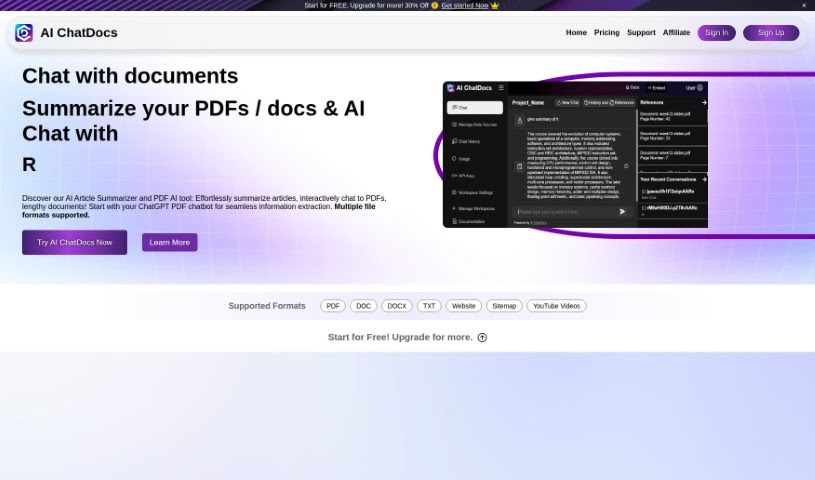
AI ChatDocs is a no-code chatbot built on OpenAI's ChatGPT technology. It learns from documents you upload—research papers, manuals, legal files, and other formats—then answers questions in natural language. It can answer customer questions about a product and guide visitors through its features and benefits, and it can be embedded on any website to give visitors a conversational way to get information.

Productivity View Tool →
Screenshot of AI Checklist Generator

AI Checklist Generator

Freemium

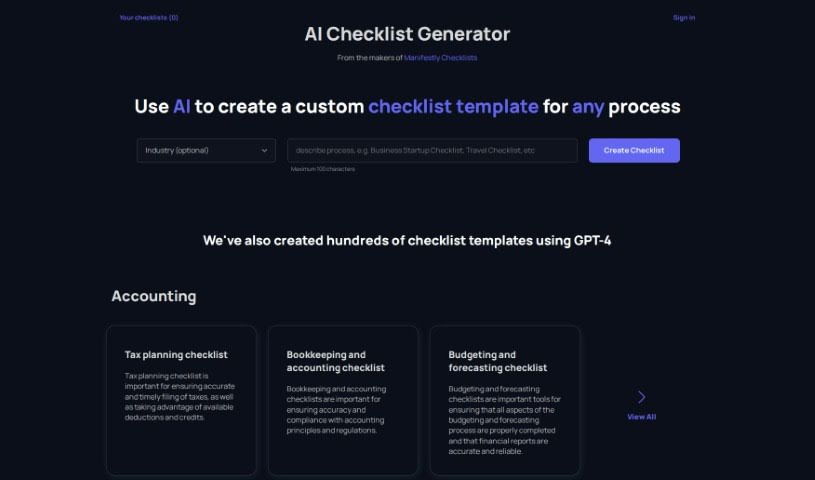
The AI Checklist Generator is a tool from the creators of Manifestly Checklists. It uses ChatGPT to generate custom checklist templates for a wide range of industries, including accounting, advertising, agriculture, construction, consulting, e-commerce, education, engineering, financial services, hotel & hospitality, human resources, information technology, insurance, law firms, manufacturing, marketing, property management, real estate, restaurants, retail, software development, and transportation.

Productivity View Tool →
Screenshot of AI Diary

AI Diary

Freemium

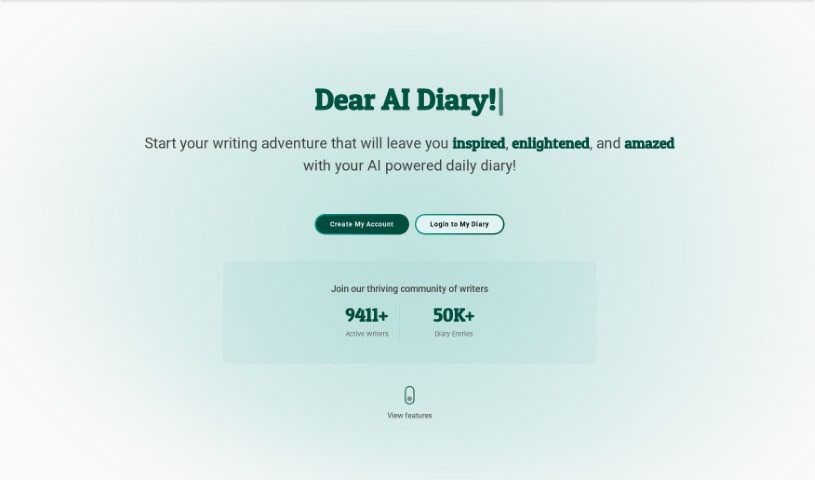
AI Diary is a personal journaling companion that pairs AI with the practice of keeping a diary. It tracks moods, delivers personalized insights, and includes creative tools such as AI-generated poems and entry summaries. It supports emotional well-being, self-reflection, creativity, focus, and productivity, with voice interactions and mood graphs built in.

Productivity View Tool →
Screenshot of AI Doc Gpt

AI Doc Gpt

Freemium

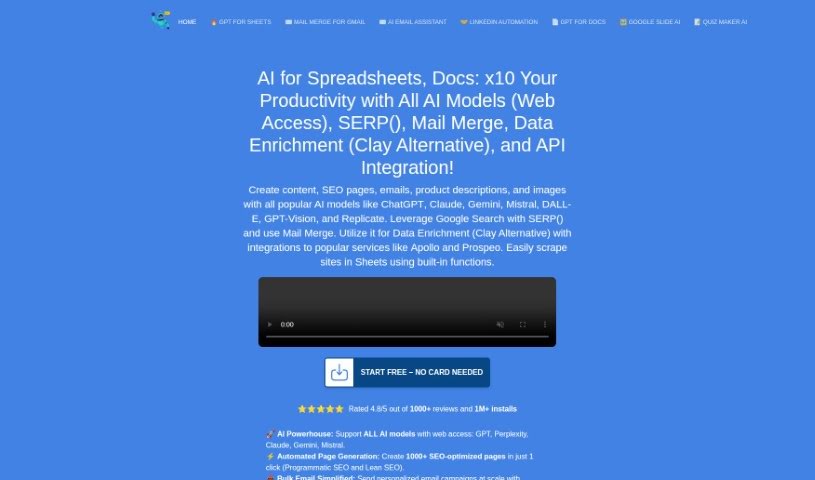
DocGPT is an AI writing assistant built into Google Docs. It generates natural-sounding content in multiple languages and tones for emails, reports, blog posts, and other documents. It supports over 26 languages and can suggest keywords to improve SEO visibility. The add-on is installed from the Workspace Marketplace and launched via Extensions > DocGPT - AI Writer.

Productivity View Tool →
Screenshot of AI Excel Bot

AI Excel Bot

Freemium

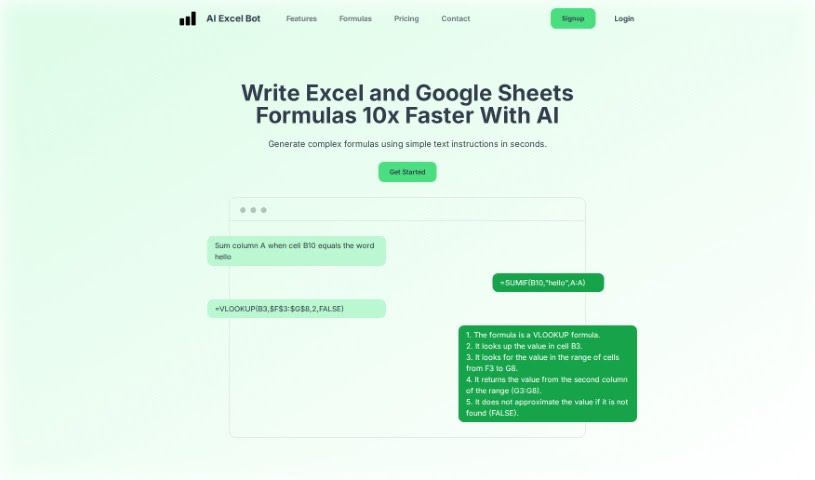
AI Excel Bot helps users create and understand complex Excel formulas directly inside their spreadsheets. It uses AI to handle Excel files, VBA scripts, and Google Sheets: you describe what you need in plain language and get a custom formula, without needing extensive Excel experience. For example, typing "Sum column A when cell B10 equals the word hello" produces the corresponding formula. It offers free limited access and a Pro option for full access.

Productivity View Tool →
Screenshot of AI Finder

AI Finder

Freemium

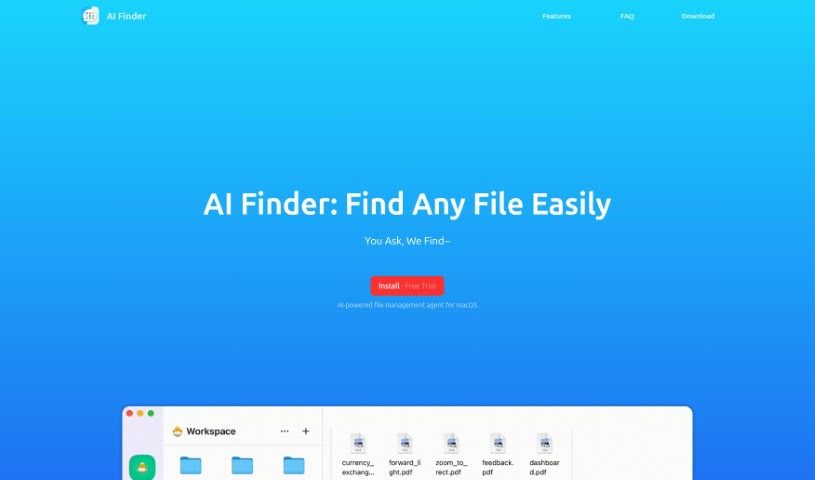
AI Finder is an AI-powered search tool for macOS that locates files and folders. It scans, identifies, and retrieves files based on your instructions, cutting the time spent searching through digital documents. The tool focuses on faster retrieval, simpler file organization, and better data management.

Productivity View Tool →
Screenshot of AI Map

AI Map

Freemium

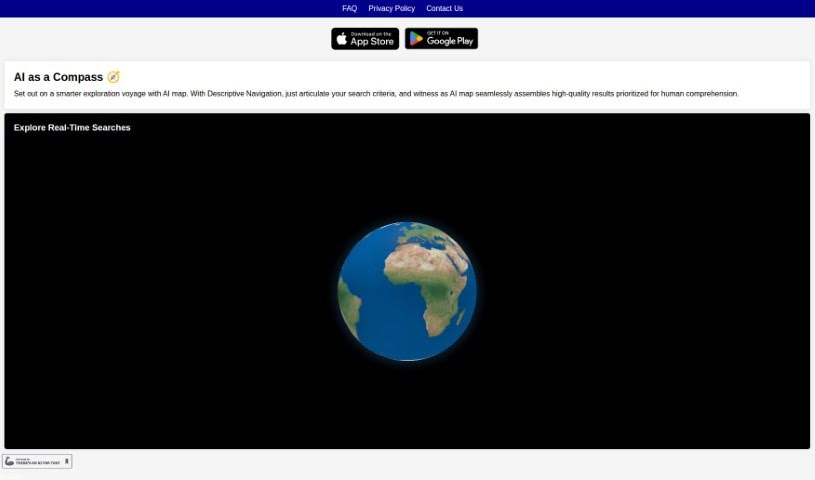
AI Map is a navigation app that lets you search your surroundings in plain language. Describe what you're looking for, and its AI algorithms return relevant results in real time, so information stays current as conditions around you change. Results are ranked using human-friendly criteria, producing a personalized navigation experience.

Productivity View Tool →
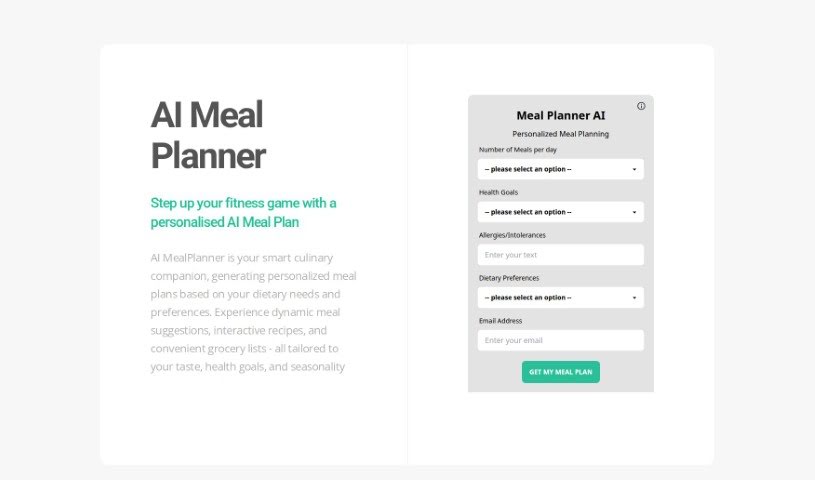
Screenshot of AI Meal Planner

AI Meal Planner

Freemium

AI Meal Planner is a personalized meal-planning service from Utekal Media Ltd. It builds a weekly meal plan around your age, gender, exercise frequency, fitness objectives, and food preferences, and it includes a free 1-week training plan. The service is positioned as a reliable, affordable, and easy-to-use option for fitness enthusiasts. The AI model was developed using data from top fitness coaches in the country.

Productivity View Tool →
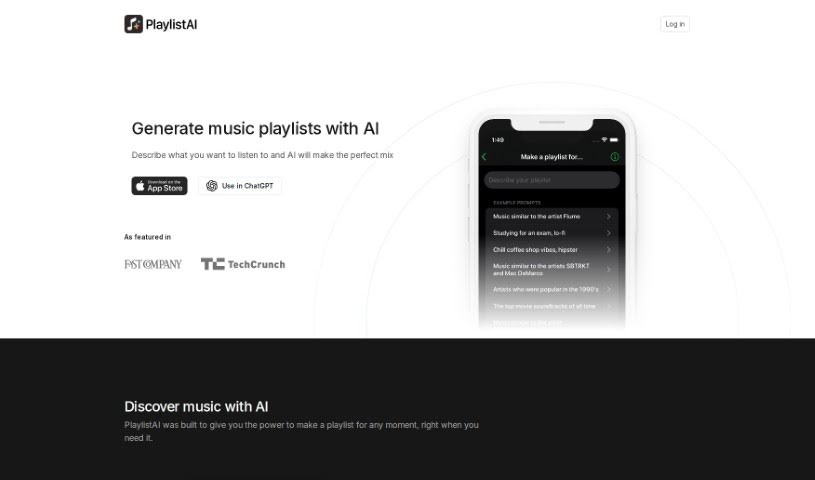
Screenshot of AI Playlist Maker - PlaylistAI

AI Playlist Maker - PlaylistAI

Freemium

PlaylistAI uses artificial intelligence to build custom playlists from prompts such as a genre, an activity, or a favorite artist. It can also create playlists from music festival posters, identify songs from TikTok videos, blend music styles, and generate lists based on your top tracks and artists over time. The platform is ad-free and lets you manage your subscriptions and adjust settings. More than 100,000 people use it.

Productivity View Tool →
Screenshot of AI search VIP

AI search VIP

Freemium

AI Search VIP is an AI-powered search engine that filters out ads, SEO-stuffed content, and low-quality websites. It evaluates results based on what they actually contain, and the AI generates titles and summaries for each result, reflecting the real content rather than clickbait.

Productivity View Tool →

About Productivity tools

Having a task list that seems to grow longer by the hour is a fast track to burnout. Between managing clogged email inboxes, jumping across context-heavy browser tabs, updating project boards, and tracking down files, everyday administrative work drains momentum. When managing your workflow takes more energy than doing your actual job, staying focused gets tough.

These workflow platforms act as high-speed productivity partners for task management, scheduling, and daily automation. They won’t replace your personal discipline or strategic priorities, but they handle routine administrative tasks so you can protect your focus time.

Organizing daily tasks and scheduling focus blocks takes far less manual effort. Manually moving deadlines around when a project slips or trying to carve out focus time between back-to-back meetings usually leaves you with a chaotic calendar. Smart scheduling assistants evaluate your working habits, auto-prioritize tasks, and block out dedicated focus time on your calendar before your day gets overrun.

Clearing out email backlogs and workspace communications becomes much faster, too. Sifting through dozens of unread messages just to pull out two urgent client requests wastes valuable time. Intelligent inbox tools summarize long email threads, draft contextual replies, and sort low-priority newsletters away from critical messages—helping you reach inbox zero without reading every word.

Synthesizing notes and cross-platform information creates a central memory hub. Losing track of an important project link or a quick thought saved in a random document stalls your momentum when you need it most. AI productivity assistants search across your workspace apps, notes, and bookmarked links, letting you ask plain-English questions to pull up specific files, meeting notes, or ideas in seconds.

Key Capabilities to Consider:

  • Smart calendar and time blocking: Systems that auto-schedule tasks into your calendar around existing meetings and focus preferences.
  • Contextual email and message drafting: Tools that scan long communication threads to generate concise replies and action items.
  • Universal workspace search: Software that connects with your documents, notes, and cloud storage to retrieve files through simple prompts.
  • Task prioritization algorithms: Applications that rank daily action items by urgency, deadlines, and project dependencies.
  • Workflow automation builders: Connectors that trigger actions across different apps without requiring manual data entry.

Daily productivity will always depend on clear personal priorities and healthy work habits. Software can organize a calendar, draft an email reply, and index your notes, but choosing what truly deserves your time requires human judgment.

Explore the productivity tools below to take control of your workday.

The Best AI Productivity Tools

  1. Perplexity: for automating tasks and helping with management.
  2. Small PDF.com: for smoother document management for teams.
  3. Gamma: for document creation tools that save time.
  4. Odoo: for a task management and collaboration app.
  5. Zoom: for analyzing and summarizing meeting content.
  6. N8N: for smoother team onboarding processes.
  7. Prezi: for engaging team collaboration sessions.
  8. Tableau: for creating reports and dashboards more easily.
  9. Data Camp: for efficient team collaboration workflows.
  10. Otter.ai: for getting action items from meetings without the fuss.
  11. Tenorshare: for easily summarizing long PDF documents.
  12. Slidesgo: for creating professional presentations efficiently.
  13. Facecheck Id: for streamlining identity verification tasks.
  14. HIX.AI: for boosting writing speed with smart tools.
  15. Tactiq: for automating meeting notes for teams.

New tools, in your inbox.

Weekly picks of the best AI tools we've researched and added — no spam, unsubscribe anytime.

Join 25,000+ AI enthusiasts. No spam, unsubscribe anytime.