Top AI Presentation Tools: Reviews & Comparisons

AI Tools for Presentations

Discover the best Presentations AI tools to enhance your productivity and creativity.

Page 3 of 5 • 51 total tools
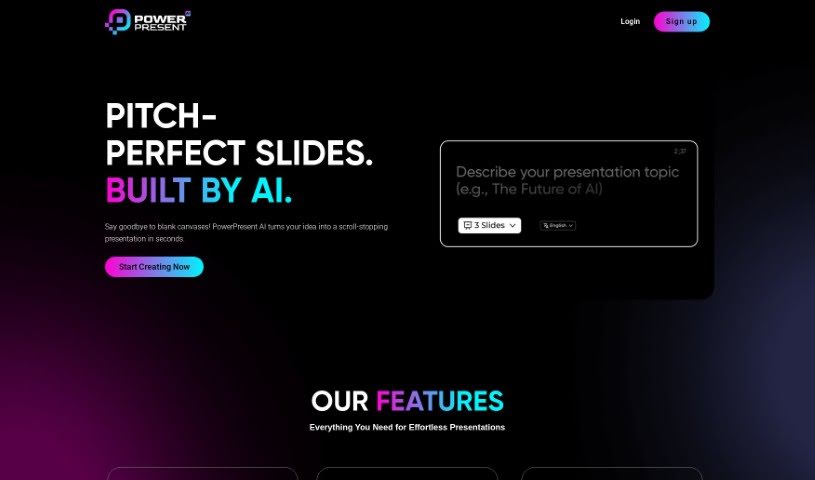
Screenshot of Powerpresent AI

Powerpresent AI

Freemium

Powerpresent AI is an AI-powered tool that simplifies presentation creation. You enter a topic or some text, and it generates visually appealing, well-organized slides quickly. By analyzing your input, it produces slides designed to engage your audience, cutting down the time you spend on formatting, layout, and design so you can focus on your message. It works for individuals and businesses alike and requires no design or AI skills.

Presentations View Tool →
Screenshot of Pptx

Pptx

Freemium

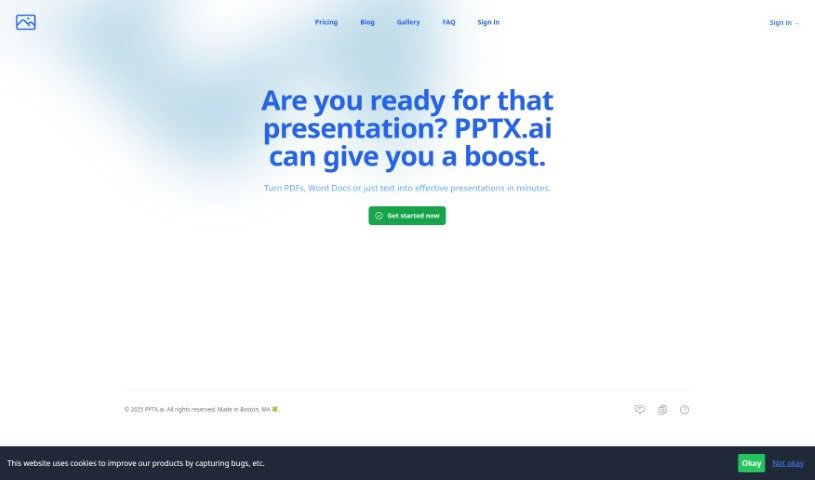
PPTX.ai is an AI tool for creating PowerPoint presentations without design expertise. Upload a PDF, Word document, or plain text file and it generates polished slides from the content, or describe what you need and the AI designs slides from your description. It supports multiple languages, so presentations and speaker's notes can be prepared for international audiences.

Presentations View Tool →
Screenshot of PresentationGPT

PresentationGPT

Freemium

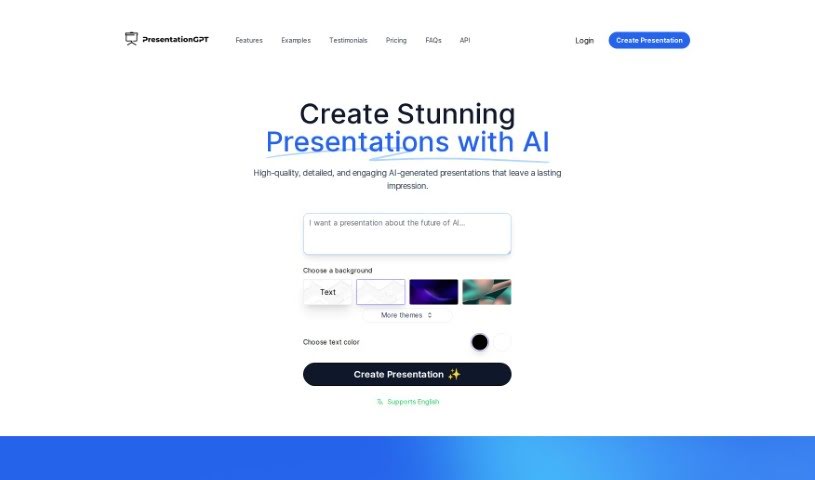
PresentationGPT is an AI presentation generator built on the GPT-4 language model. It creates custom, detailed slide decks in seconds, offers a range of themes and design templates, and exports results as editable PowerPoint or Google Slides files. The tool was developed by an unnamed team.

Presentations View Tool →
Screenshot of Presentationsai

Presentationsai

Freemium

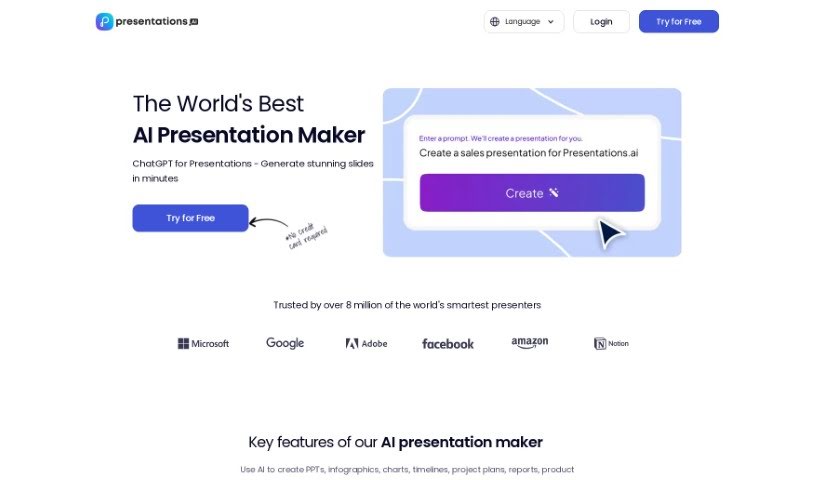
PresentationsAI is an AI-powered tool that turns your ideas into complete presentation decks in seconds. Built on ChatGPT, it generates the deck and handles the design work so you can focus on your message.

Presentations View Tool →
Screenshot of Prezi

Prezi

Freemium

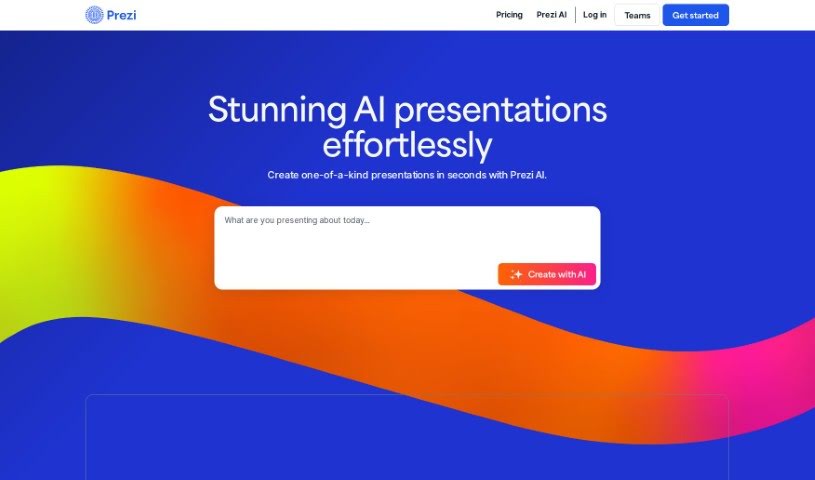
Prezi is a presentation tool that replaces static slides with motion, zooming, and spatial relationships. It's used to build presentations, videos, and infographics, with an emphasis on making virtual presentations interactive and visually engaging. Creations are highly customizable, and Prezi provides resources for making videos and infographics.

Presentations View Tool →
Screenshot of Prezo

Prezo

Freemium

Prezo is an AI-powered tool for creating presentations. It turns long pieces of content, such as articles or reports, into well-organized slides. Features include AI-generated custom images, text assistance, adaptive layouts, drag-and-drop editing, and extras like tables, charts, and integrations. Presentations work across devices, and the interface is designed to be easy to use.

Presentations View Tool →
Screenshot of self.team

self.team

Freemium

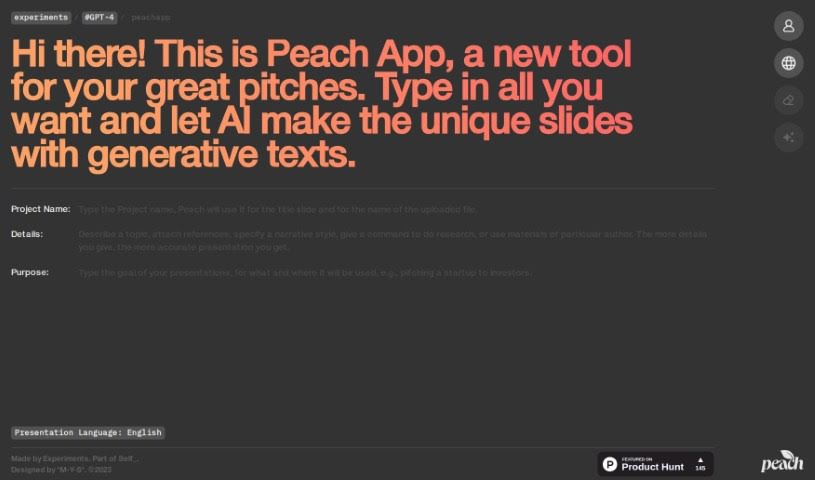
self.team is connected to the Peach App, an AI tool for creating presentations. You provide your content, and the platform uses generative text to automatically create unique presentation slides tailored to different professional situations. Its core features include AI-driven slide creation, generative text for each slide, a user-friendly interface, and a focus on professional-looking results — designed to save time and improve the quality of pitches for clients, investors, or colleagues.

Presentations View Tool →
Screenshot of Sendsteps

Sendsteps

Freemium

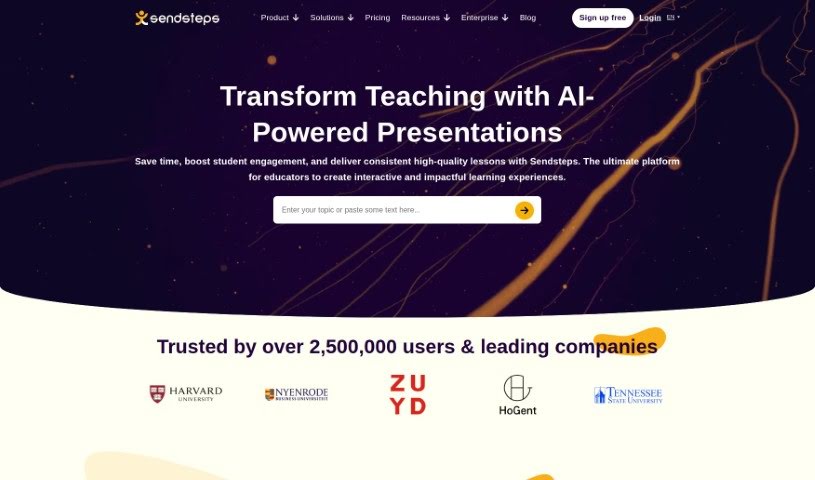
Sendsteps is an AI-powered platform for creating interactive presentations and meetings. It acts as a smart assistant that helps you build engaging content quickly. You can start a presentation in several ways: use the AI presentation maker, build one from scratch, upload your own documents, or import existing PowerPoint slides. The goal is to save presenters time by handling the writing, design, and storytelling, so you can focus on delivering your message.

Presentations View Tool →
Screenshot of Simplified AI Presentation Maker

Simplified AI Presentation Maker

Freemium

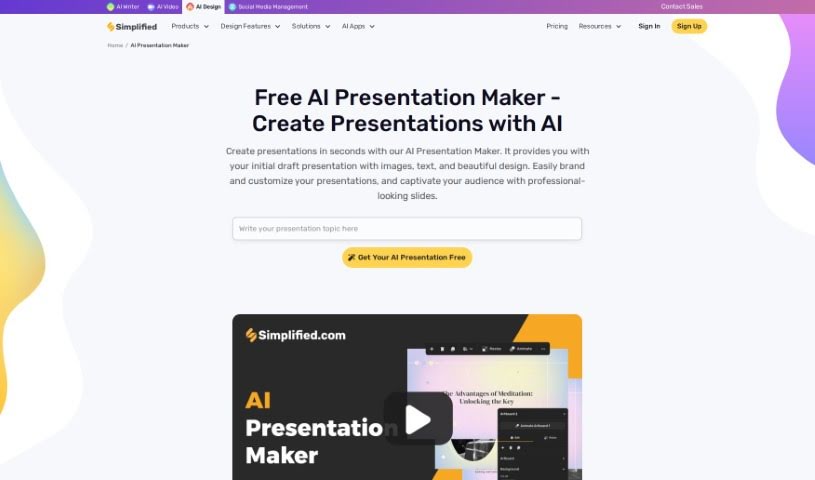
Simplified's AI Presentation Maker uses artificial intelligence to build professional-looking presentations quickly. It generates initial drafts — complete with text, images, and designs — in seconds, then lets you tweak the results to match your brand's look and feel. By handling the design work, it saves time so you can focus on your content.

Presentations View Tool →
Screenshot of Slidcast AI Presentation Maker

Slidcast AI Presentation Maker

Freemium

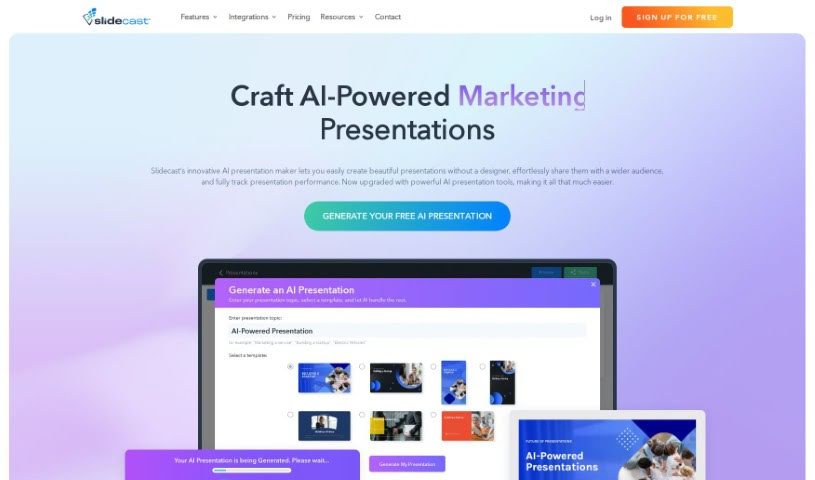
Slidcast AI Presentation Maker is a tool that uses artificial intelligence to generate complete presentations, including text and design elements, on the Slidecast platform. Beyond generation, Slidecast offers flexibility: you can customize presentations, upload files, and share your work via email, text message, direct links, or QR codes. You can also print presentations, import images, and collaborate with a team, similar to PowerPoint.

Presentations View Tool →
Screenshot of Slidebean

Slidebean

Freemium

Slidebean is a platform that helps startups create presentations and pitch decks. Founded in 2014 by Caya, Vini, and Jose, it combines AI-powered deck building, collaboration features, automated design, and analytics that show how viewers interact with your slides.

Presentations View Tool →
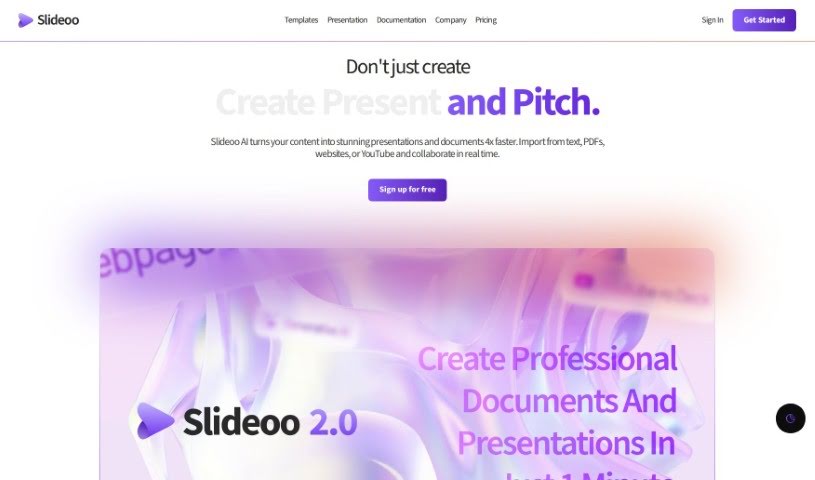
Screenshot of Slideoo: AI

Slideoo: AI

Freemium

Slideoo: AI is a SaaS tool for creating documents and presentations with AI-powered features. It includes an AI chatbot called Slidee that helps you create content, real-time analytics that show how people engage with your shared files, and collaboration tools for working on documents and presentations together. You can start with the basic features for free, or choose a paid plan for more credits, better collaboration options, and advanced capabilities.

Presentations View Tool →

About Presentations tools

Staring at a blank canvas when an important pitch or keynote is coming up can make anyone feel stuck. When you spend all your creative energy fiddling with layouts, font pairings, and color palettes, focusing on your narrative and core message becomes difficult.

These AI presentation tools, deck builders, and slide design assistants act as high-speed creative partners. They convert rough outlines into polished slide decks, suggest clean visual layouts, and handle design chores in seconds so you can focus on your delivery.

Deck Generation, Visual Balance, and Custom Diagrams

Turning raw ideas, documents, and outlines into structured slides takes minutes instead of hours. Drafting a full deck from scratch often stalls when you don’t know how to structure your story across multiple screens. Prompt-based slide creators turn quick outlines, meeting notes, or project briefs into complete presentation drafts with clear titles, focused talking points, and visual placeholders ready for customization.

Creating clean visual hierarchy and balanced layouts becomes automatic across large decks. Arranging photos, cards, and text blocks so they look consistent from the first slide to the last usually takes hours of fine-tuning. Modern AI design software balances whitespace, pairs complementary typography, and adjusts layouts with a single click so your slides look cohesive and intentional.

Generating custom illustrations and smart data graphics makes explaining complex topics simple. Finding the right visual or building a custom diagram to explain a technical workflow can stall your momentum. AI presentation assistants generate tailored visuals, format comparison tables, and transform raw numbers into clean charts, helping you explain ideas visually rather than cramming slides with dense text.

Key Capabilities to Look For:

  • Prompt-to-deck generation: Builders that turn simple text prompts, documents, or outlines into full slide presentations.
  • Automated layout reformatting: Systems that rearrange content blocks, balance whitespace, and adjust font sizes with a single click.
  • Consistent brand styling: Features that let you save custom palettes, logos, and typography to maintain uniform branding across team decks.
  • Smart chart and diagram builders: Tools that convert numerical data or process steps into clean, scannable visual graphics.
  • Export and platform compatibility: Software that exports cleanly to PowerPoint, Google Slides, PDF, or interactive web formats.

Delivering an unforgettable presentation will always depend on your personal conviction, clear narrative, and ability to read the room. Software can build a slide, polish a color scheme, and organize bullet points, but winning over an audience requires human presence.

Explore the presentation tools below to upgrade your slide decks.

The Best AI Presentation Makers

  1. Gamma: Great for easy slide design and editing.
  2. Prezi: Ideal for dynamic business presentations.
  3. Slidesgo: Helps you quickly craft stunning slide decks.
  4. Visme: Perfect for engaging, interactive pitch decks.
  5. Presentationsai: Makes creating multilingual presentations a breeze.
  6. Pitch: For rapidly designing impactful sales pitches.
  7. Beautiful.AI Designerbot: Lets you create stunning presentations effortlessly.
  8. Ai PPT: Helps you create stunning investor visuals.
  9. Xmind AI: For creating visually appealing slides.
  10. Slides GPT.com: Quickly crafts engaging slide content.
  11. SlidesAI: Streamlines slide creation for busy presenters.
  12. Canva AI Presentation Maker: Creates engaging business pitches.
  13. Magic Slides: Offers rapid presentation design for events.
  14. Livepolls Slide Generator: Engages your audience with live polls.
  15. Plus AI: Enhances slide content and design.
New tools, in your inbox.

Weekly picks of the best AI tools we've researched and added — no spam, unsubscribe anytime.

Join 25,000+ AI enthusiasts. No spam, unsubscribe anytime.