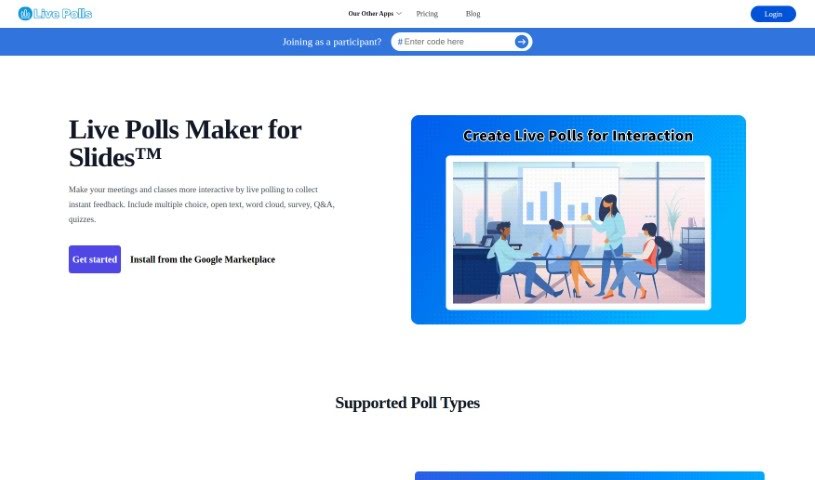
What is Livepolls Slide Generator?
Livepolls Slide Generator is a really handy tool that makes creating engaging, interactive presentations much simpler. It is your go-to for building dynamic slides that can include live polls, surveys, quizzes, and all sorts of other fun stuff. It’s got this super user-friendly interface, so you can easily tweak your slides to fit whatever you need. Want to get your audience involved? You can add interactive elements like real-time polls or quizzes right into your slides. It’s a great asset for teachers, presenters, and businesses who want to really grab and hold their audience’s attention, whether they’re in a live meeting or a virtual event. Basically, Livepolls Slide Generator offers a straightforward way to make your presentations more impactful and interactive.
Who created Livepolls Slide Generator?
This handy tool was developed by a company called “Live Polls Maker for Slides™.” They launched it on September 26, 2023. Unfortunately, the specific details about who founded the company aren’t available in the information I have.
What is Livepolls Slide Generator used for?
- Create Multiple Choice Polls: Perfect for quick feedback or group decisions.
- Create Open Ended Q&A Interaction: Let your audience ask questions and get answers in real-time.
- Create Word Cloud Interaction: See what words your audience is thinking about most.
- Create Pick Answer Interaction: A simple way for participants to choose from options.
- Create Type Answer Interaction: Get specific, typed responses from your audience.
Who is Livepolls Slide Generator for?
This tool is great for a wide range of people:
- Educators: To make lessons more engaging.
- Business Presenters: To gather feedback and keep meetings lively.
- Event Coordinators: To interact with attendees during events.
- Trainers: To check understanding and participation.
- Sales professionals: To gauge interest and qualify leads.
- Public speakers: To involve the audience and make talks more dynamic.
- Marketers: To collect consumer insights and preferences.
- Researchers: To gather data and opinions efficiently.
- Team leaders: To foster collaboration and decision-making.
- Motivational Speakers: To create a more interactive and impactful experience.
How to use Livepolls Slide Generator?
Using the Livepolls Slide Generator is pretty straightforward. Here’s a quick rundown:
- First, head over to the Livepolls website and click on “Get started.” That’s your entry point.
- If you need it, install the Livepolls Slide Generator directly from the Google Marketplace.
- Next, pick the kind of poll you want to create. You’ve got options like multiple choice, open text, word cloud, surveys, Q&A, or quizzes.
- Let’s say you’re starting with a multiple-choice poll. These are great for things like icebreakers, helping groups make decisions, or just getting a quick vote.
- Now, just type in your question and the answer choices you want for that poll.
- You can also customize it further. Think about adjusting things like how long the poll runs, who can see it, and how it looks.
- Once you’re happy with how it’s set up, go ahead and generate the slide. This adds it right into your presentation.
- When you’re presenting, just display the live poll. Your participants can then give their instant feedback.
- Keep an eye on the responses as they come in. Using this real-time data can really help boost audience engagement and interaction.
By following these steps, you’ll be able to effectively use the Livepolls Slide Generator to create interactive polls and really connect with your audience during your presentations or classes.