Top AI Tools for Photographers

AI Tools for Photographers

Discover the best Photographers AI tools to enhance your productivity and creativity.

Page 3 of 5 • 59 total tools
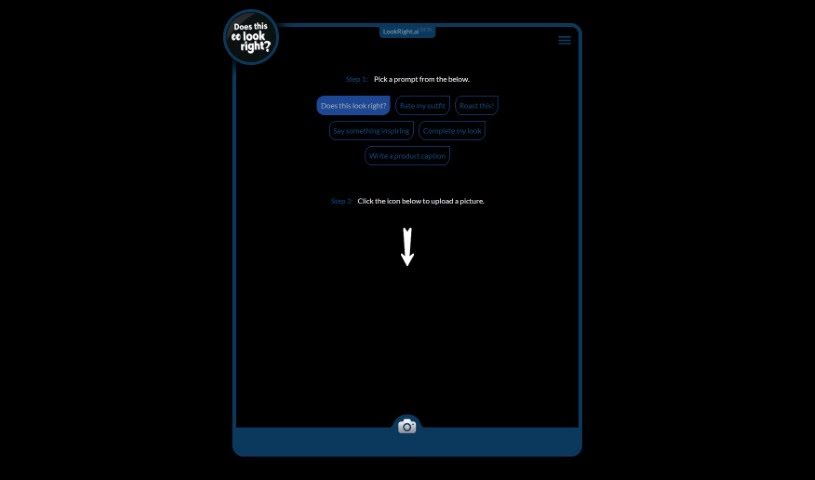
Screenshot of Lookright

Lookright

Freemium

LookRight is an AI tool that gives instant feedback on your images. It works as a second pair of eyes, using computer vision to analyze a picture based on the prompt you choose. Available prompts include "Does this look right?", "Rate my outfit", "Roast this!", "Say something inspiring", "Complete my look", and "Write a product caption." LookRight is built for fashion, design, photography, and social media content, offering criticism, inspiration, or caption ideas. Instead of waiting on other people's opinions, you get fast, objective input on how your visuals look.

Photographers View Tool →
Screenshot of Lucidpic

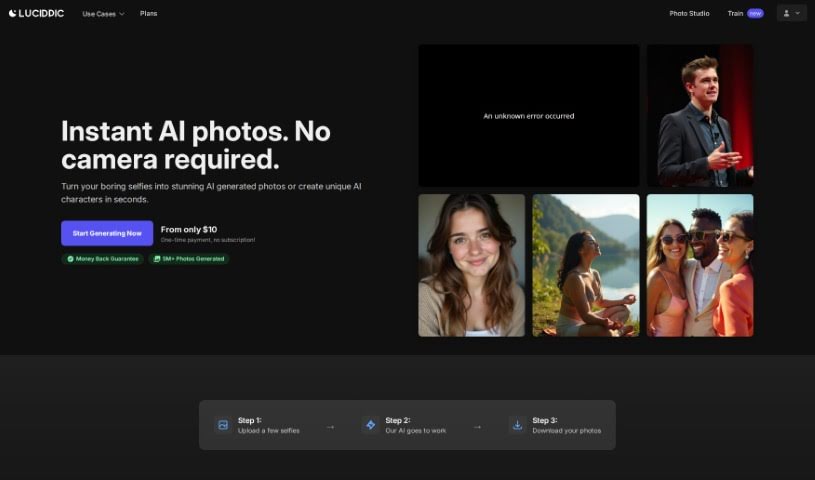
Lucidpic

Freemium

Lucidpic is an AI Person Generator that creates high-quality, AI-generated images of people. It uses machine learning to produce realistic human images, taking into account age, gender, ethnicity, and facial features.

Photographers View Tool →
Screenshot of Mark My Images

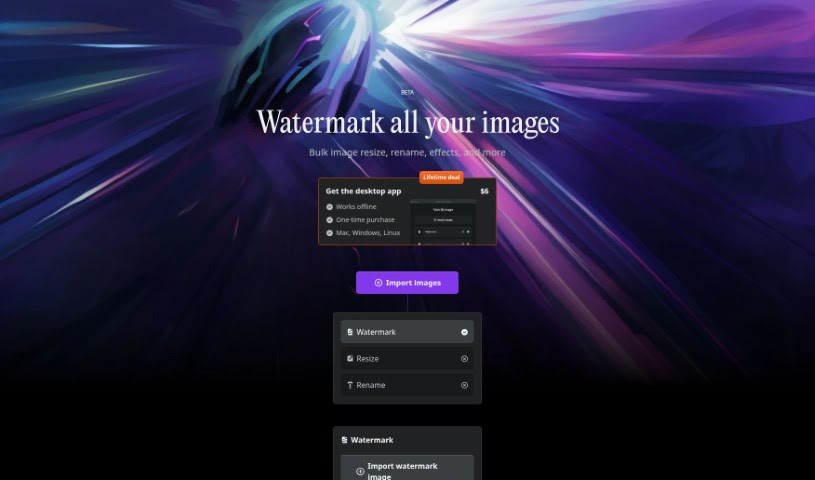
Mark My Images

Freemium

MarkMyImages is a tool for protecting your digital photos by adding personalized watermarks. It supports batch processing, so you can watermark many images at once, and it also handles resizing, renaming, and applying effects. All processing happens locally on your computer, which keeps your images private and makes it fast.

Photographers View Tool →
Screenshot of ON1

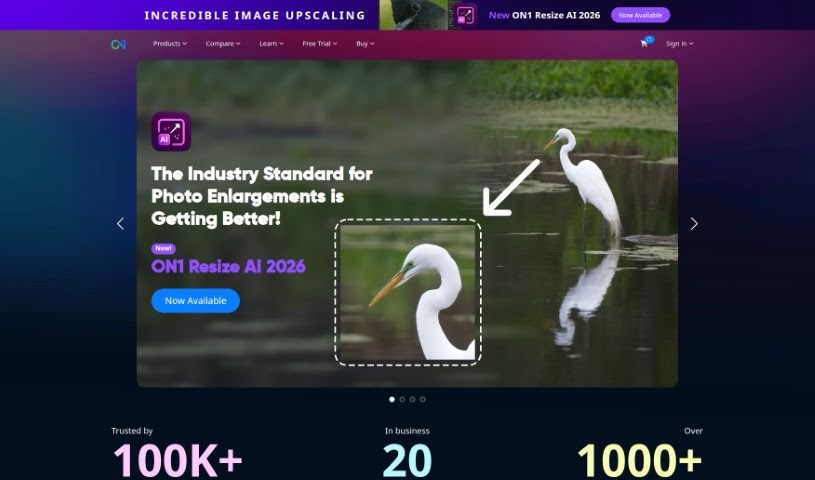
ON1

Freemium

ON1 is a software company that builds photo editing and management tools for photographers, from beginners to seasoned professionals. Its suite covers working with raw files, creating masks and layers, general photo enhancements, and keeping a photo library organized. The company also invests in community and education, offering online forums, tutorials, and other learning content.

Photographers View Tool →
Screenshot of Panoslice

Panoslice

Freemium

Panoslice is a mobile design app for creating seamless carousels, collages, and slide presentations for Instagram, LinkedIn, and other social platforms. It is built for photographers, content creators, and personal brands that publish visual storytelling, announcements, educational posts, and Instagram Shops content.

Photographers View Tool →
Screenshot of PassportMaker

PassportMaker

Freemium

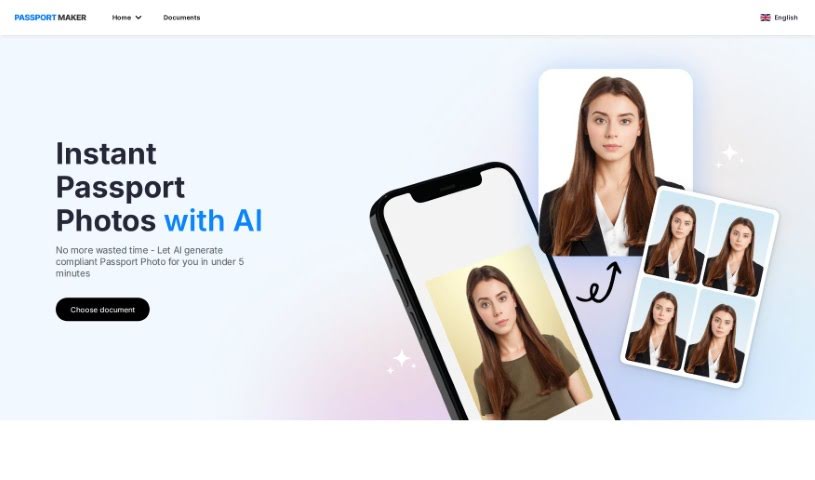
PassportMaker is an online service that uses AI to create passport photos automatically. Upload a photo and the tool handles background removal, cropping to the required size, and image enhancement, producing photos that meet government rules worldwide. It lets you create official photos whenever and wherever you need them, without a professional photographer, and at a lower cost than traditional photo services.

Photographers View Tool →
Screenshot of Phot Ai

Phot Ai

Freemium

Phot AI is a browser-based suite for AI photo editing and design. It enables creating, modifying, and improving images without installing software, providing professional-grade retouching, HDR capabilities, and cloud access from any device. It can also generate passport photos online. A free version includes basic tools, while a premium subscription unlocks more advanced features and priority support. The interface accommodates both beginners and experienced users.

Photographers View Tool →
Screenshot of PhotoShed

PhotoShed

Freemium

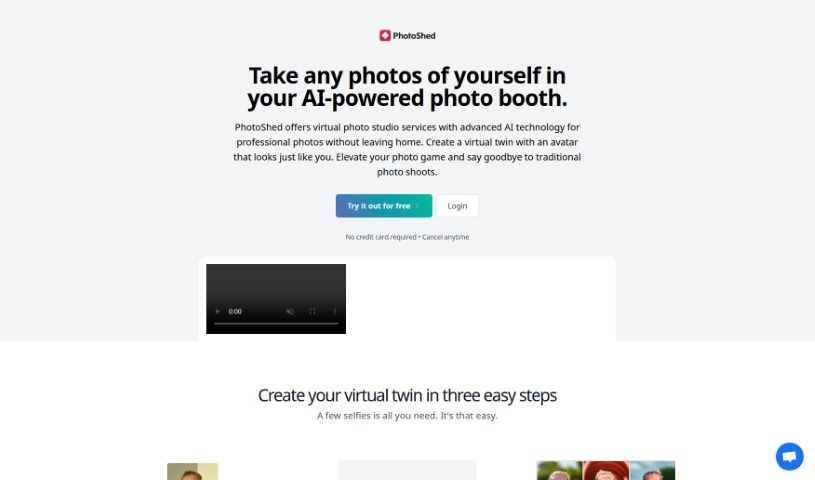
PhotoShed is a virtual photo studio combined with an AI modeling agency. It uses AI to help you get professional-quality photos without leaving home. You upload pictures of yourself, and the AI creates a virtual twin — an avatar that looks like you. Once your twin is generated, you can create as many photos of it as you like, useful for social media, websites, business cards, or personal profiles.

Photographers View Tool →
Screenshot of PinMy

PinMy

Freemium

PinMy is a mobile app for collaborating on visual content. Users comment on images with voice or text, and each comment is attached to a specific point on the picture, keeping feedback clear and organized for work projects, school assignments, or personal notes. PinMy is available on iPhone, Android, and in a web browser.

Photographers View Tool →
Screenshot of Pixels AI

Pixels AI

Freemium

Pixels AI is an AI-powered tool designed to help photographers improve their images quickly. It uses machine learning to analyze photos and boost their quality — reducing noise, sharpening details, and fixing colors — so you spend less time adjusting settings and more time creating.

Photographers View Tool →
Screenshot of PlatePose

PlatePose

Freemium

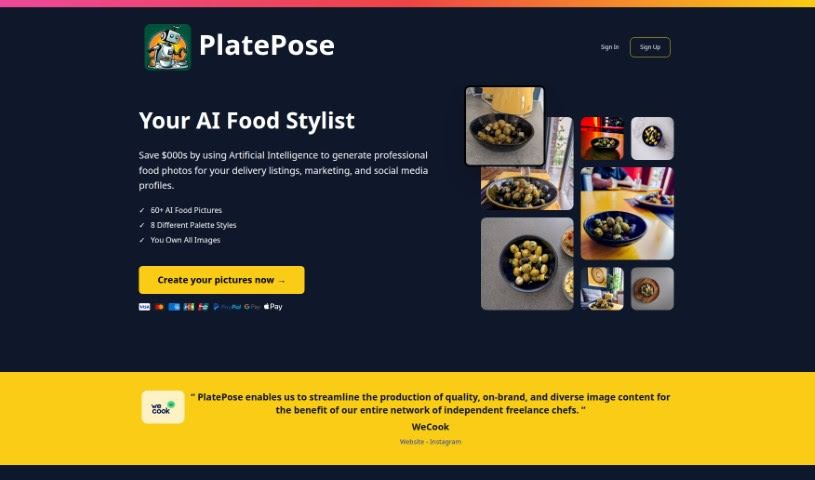
PlatePose is an AI platform that generates unique food images for social media, delivery services, and marketing materials. You upload 10 to 20 photos of a dish, and the AI model learns from them to generate over 50 different images. The process is simple: upload your pictures, let the AI train, then pick and download the images you like best. PlatePose aims to make food look professional with AI-generated photos, offering a cost-effective alternative to hiring a photographer while keeping your delivery listings and social feeds consistent and varied.

Photographers View Tool →
Screenshot of Polarr Copilot Next

Polarr Copilot Next

Freemium

Polarr Copilot Next is a web-based photo editor built around an AI that learns your editing style as you work and applies your preferences in real time. Every change gets immediate feedback, cutting down on manual adjustments. It imports large batches of RAW files quickly while keeping them offline and secure, and it includes pre-trained AI styles, live human support, and an interface suited for both professionals and beginners.

Photographers View Tool →

About Photographers tools

Spending hours culling through thousands of raw files after a long wedding shoot or portrait session can drain your creative energy. Between sorting blurred frames, adjusting white balance, retouching skin, and writing client emails, post-processing often eats up more time than holding the camera. When admin work keeps you glued to a screen, staying excited about taking photos gets tough.

These platforms act as high-speed studio assistants for professional photographers and freelance creators. They cull bloated image sets, speed up color grading, and handle routine client delivery tasks so you can spend less time editing and more time shooting.

Automated Culling, Batch Editing, and Client Workflows

Culling thousands of RAW images takes a fraction of the time with intelligent sorting assistants. Comparing similar group shots to check who blinked or whose focus drifted usually takes hours of zooming in on faces. AI culling tools scan memory cards in minutes, flagging blurry frames, closed eyes, and duplicates while grouping your top shots so you can build a client gallery quickly.

Applying consistent batch editing and style matching keeps your portfolio looking cohesive. Dialing in skin tones and lighting adjustments across varying outdoor light conditions often requires manual tweaking for every single image. Smart editing assistants analyze your editing style from past Lightroom catalogs and apply matching adjustments across hundreds of new photos, giving you a finished gallery in minutes instead of days.

Managing client galleries, social captions, and business communications takes far less manual effort, too. Writing engaging social media captions, tagging venue partners, and drafting follow-up emails after every delivery can easily eat up your evenings. Specialized writing and workflow tools help you generate SEO-friendly blog posts, craft social captions, and write warm client messages with minimal effort.

Practical Features for Studio Owners:

  • Automated image culling and grouping: Systems that identify sharp focus, open eyes, and authentic expressions to group your top shots quickly.
  • Personalized editing style learning: Features that analyze your Lightroom edits and apply your signature color and contrast profile across batch shoots.
  • AI-assisted portrait retouching: Software that smooths skin naturally, brightens eyes, and cleans up stray hairs without over-processing.
  • Smart keywording and SEO tagging: Tools that auto-tag images with descriptive keywords and locations for faster portfolio searchability and web ranking.
  • Gallery delivery and client proofing integrations: Connectors that link directly with online delivery platforms, making client selections smooth and simple.

Creating memorable images will always depend on your eye for light, your ability to make subjects feel comfortable, and your unique perspective. Software can cull a memory card and match color styles, but capturing genuine human emotion requires your presence behind the lens.

Browse the photography tools below to simplify your post-processing routine.

The Best AI Photographers Tools

  1. Topaz Labs: for enhancing photos with AI precision
  2. Skylum: for AI-driven photo enhancement tools
  3. Phot Ai: for professional photo editing and design tools
  4. Deep Image AI: for enhancing photos for portfolio presentation
  5. ON1: for creative photo editing essentials
  6. Retouchme: for quick portrait enhancement for photographers
  7. Aftershoot: for easy photo selection and editing.
  8. Retouch4me: for easy batch retouching for photographers
  9. Portrait Art: for editing and retouching photos
  10. Heyphoto: for advanced photo retouching
  11. Profile Picture AI: for enhancing portfolio imagery
  12. Upscalepics: for high-quality image enlargement for photographers
  13. Hama: for seamless object removal
  14. Reeflex Store: for essential tools for stunning imagery
  15. Lucidpic: for creating lifelike backdrops for portraits
New tools, in your inbox.

Weekly picks of the best AI tools we've researched and added — no spam, unsubscribe anytime.

Join 25,000+ AI enthusiasts. No spam, unsubscribe anytime.