AI Photo Editors

AI Tools for Photo Editors

Discover the best Photo Editors AI tools to enhance your productivity and creativity.

Page 9 of 22 • 260 total tools
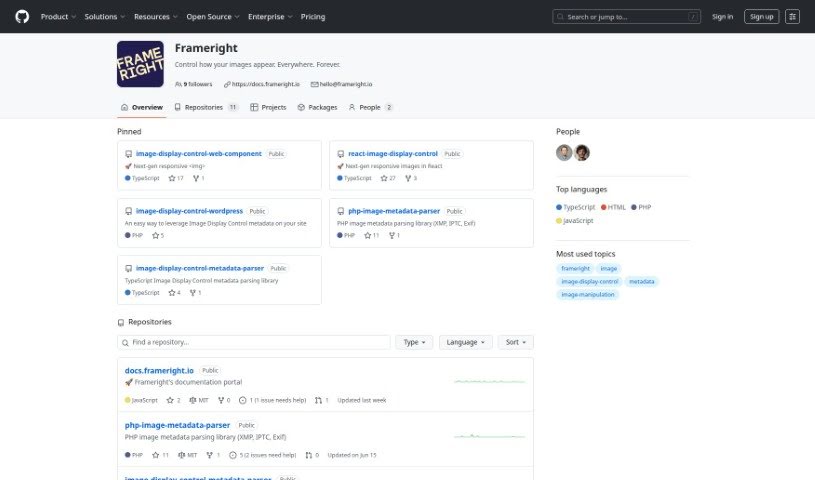
Screenshot of Frameright

Frameright

Freemium

Frameright is a platform built to solve a common web problem: images often don't display correctly because they need to fit different channels and screen sizes. Its Image Display Control (IDC) technology makes images smart and adaptable, so they appear at the right size in any container or on any screen. The interface is easy to use, with custom AI, fast processing, and integration with existing systems. Developers get pixel-perfect, code-based image framing without CSS workarounds. Frameright's mission is to put images and the people who make them back in charge, supporting a visual culture that is fair, appealing, and consistent across industries.

Photo Editors View Tool →
Screenshot of Freepik AI Image Upscaler

Freepik AI Image Upscaler

Freemium

Freepik AI Image Upscaler uses artificial intelligence to increase the size and detail of images without making them blurry or degrading original quality. It improves sharpness and detail quickly, making it useful for anyone who wants better visuals without lengthy manual editing.

Photo Editors View Tool →
Screenshot of Freepik Pikaso

Freepik Pikaso

Freemium

Freepik Pikaso is an AI sketch-to-image generator that turns your sketches into images in real time. Draw simple shapes and lines on the canvas, and Pikaso transforms them into finished pictures. To guide the result, type a prompt in the box below the drawing area — for example, "snowy mountain landscape" helps align the output with what you have in mind.

Photo Editors View Tool →
Screenshot of GifStar

GifStar

Freemium

GifStar is a mobile app from StyleOf that lets you insert yourself into animated GIFs by uploading a photo. Pick a photo from your phone, choose an animated GIF, and your face is blended into the animation — no editing skills or complex software required. The app includes a library of pre-made GIFs, making it easy to create personalized content for social media. GifStar is available on the Apple App Store for iOS devices.

Photo Editors View Tool →
Screenshot of Glam Graph

Glam Graph

Freemium

Glam Graph is an AI tool that restyles an uploaded selfie or portrait into 25 styled images, delivered to your email in about 20 minutes. No photo editing skills are required. Results arrive sorted into five main categories — Professional, Yearbook, Glamour, Outdoors, and Vintage — with additional styles including Dating, Fantasy, Influencer, Sports, Street, Fitness, and Travel.

Photo Editors View Tool →
Screenshot of Glasses Gone

Glasses Gone

Freemium

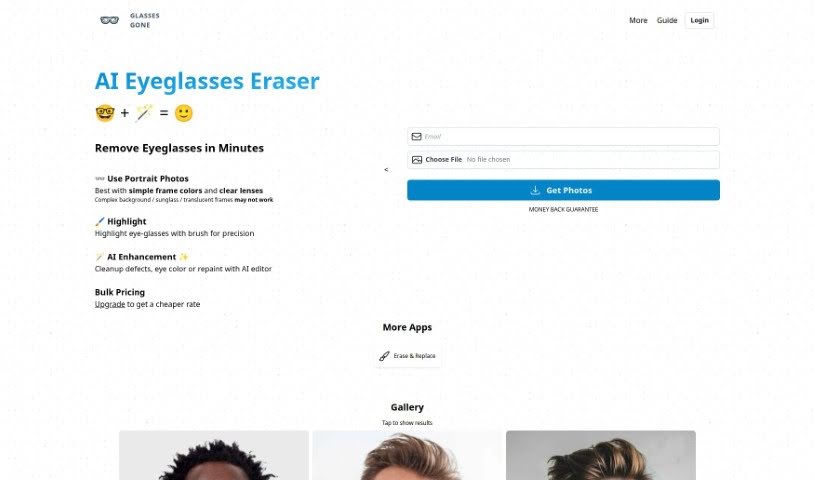
Glasses Gone is an AI tool for retouching portrait photos, with one core job: removing eyeglasses from a subject's face. Removal typically completes within minutes.

Photo Editors View Tool →
Screenshot of Google Imagen 3

Google Imagen 3

Freemium

Google Imagen 3 is a web-based tool from Google that lets you search for and find images in an interactive way. It offers a smarter, more visual way to explore the web's image collection, using advanced technology to search not just with keywords, but also by finding similar images or sketching what you're looking for. You can filter results by color, size, or image type, and save and organize images you like for later. Overall, it makes finding images online more intuitive and user-friendly.

Photo Editors View Tool →
Screenshot of gradient science PhotoGuard AI

gradient science PhotoGuard AI

Freemium

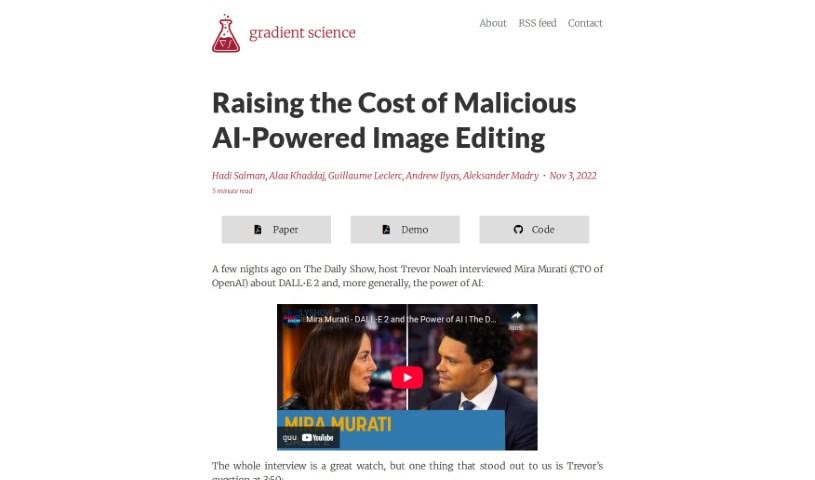
PhotoGuard AI is a tool designed to protect images from being altered by AI image generators, particularly those based on diffusion models. It works by using adversarial examples — carefully crafted inputs that fool AI systems — to make images resistant to direct editing by generative models.

Photo Editors View Tool →
Screenshot of Green Screen Ai

Green Screen Ai

Freemium

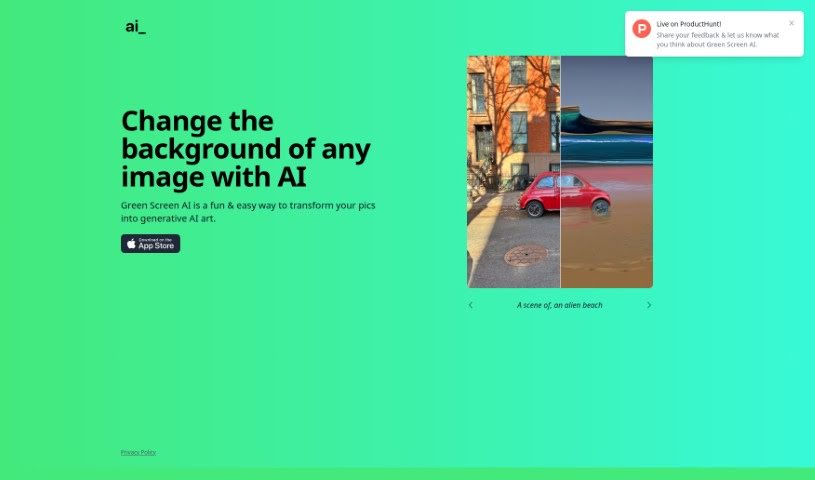
Green Screen AI is a tool for turning photos into generative AI art. It removes backgrounds from pictures and replaces them with new scenes, such as tropical beaches or fantasy landscapes. Beyond cutting out the background, it adds realistic shadows and reflections so edited photos look natural. It also offers artistic effects and filters that can be applied at different styles and intensities.

Photo Editors View Tool →
Screenshot of Guru Art Face Swap

Guru Art Face Swap

Freemium

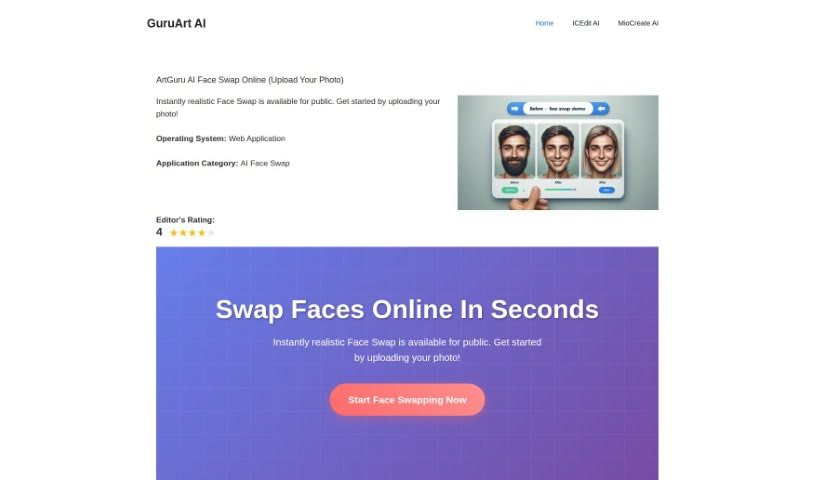
GuruArt Face Swap is a free AI tool for swapping faces between two photos. Upload a source image (the face to use) and a destination image (where it should go), then submit and download the result within seconds. The tool emphasizes responsible use, reminding users to respect privacy and likeness.

Photo Editors View Tool →
Screenshot of Hairgen Ai

Hairgen Ai

Freemium

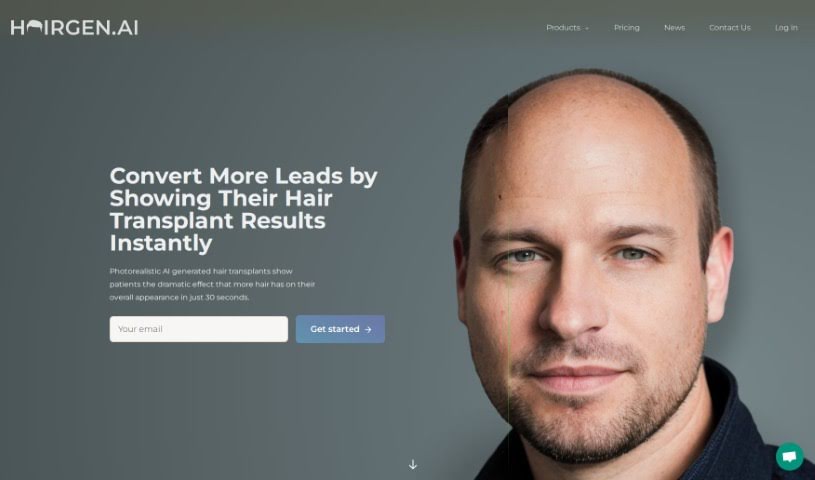
Hairgen AI is a web-based service that uses artificial intelligence to preview how a hair transplant might look. Upload a photo and the AI simulates different hairline designs, hair density, and styles, giving you a realistic idea of your appearance after the procedure. It's designed to help people evaluate potential results before committing to surgery.

Photo Editors View Tool →
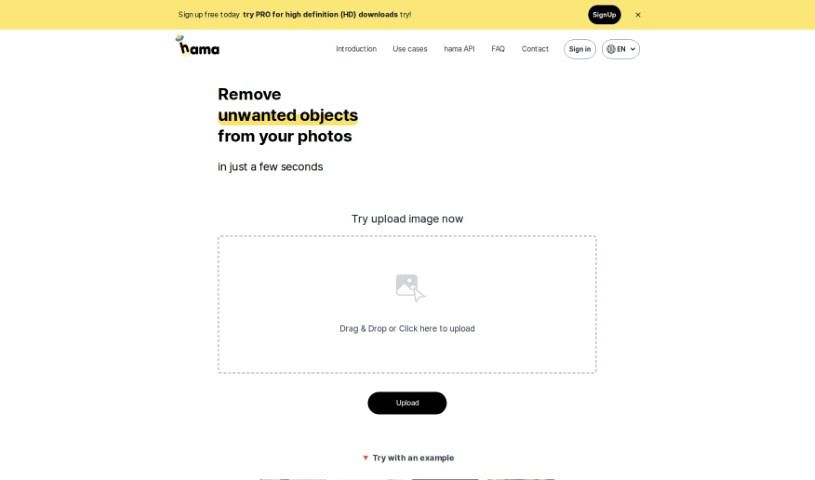
Screenshot of Hama

Hama

Freemium

Hama is an AI tool designed specifically for erasing unwanted elements from photos. It removes objects, people, text, and other distractions quickly: brush over the area you want gone and hit "Erase," and the AI produces a clean, polished image in seconds. It suits anyone from hobbyists to professionals who want to improve photos without much effort or cost.

Photo Editors View Tool →

About Photo Editors tools

Hours spent carefully tweaking masks, brushing away stray blemishes, and fixing uneven lighting can exhaust even the most patient photographer. Whether you’re preparing product photos for an online store, polishing headshots for a client, or trying to rescue a noisy low-light memory, meticulous pixel-level editing eats up hours of creative time.

Built for photographers, designers, and creators, these AI photo editors act as high-speed darkroom assistants. They clean up distractions, enhance resolution, and handle tedious retouching tasks in seconds without replacing your artistic vision.

Generative Fill, Noise Cleanup, and Portrait Retouching

Removing distracting background elements and extending canvas boundaries takes seconds instead of hours. Trying to eliminate unwanted tourists, power lines, or stray trash cans with traditional clone stamps often ruins natural textures. Generative AI tools scan surrounding pixels and reconstruct background elements like brick walls, foliage, or ocean waves—letting you erase distractions cleanly or expand a canvas aspect ratio with realistic detail.

Automating technical cleanup and image enhancement restores low-quality or damaged photos instantly. Dealing with digital noise from high-ISO shoots, soft focus, or low-resolution files usually means compromising on sharpness. Intelligent enhancement software applies targeted denoising, deblurring, and super-resolution upscaling to sharpen critical details like hair strands and fabric textures without introducing harsh artifacts.

Speeding up portrait retouching and color grading keeps your editing pipeline moving. Selecting complex subjects like wind-blown hair or adjusting skin tones across an entire batch of event photos used to require detailed manual masking. AI portrait editors recognize facial features, smooth skin textures naturally, adjust lighting angles, and match color profiles across hundreds of images with a single click.

Key Capabilities to Consider:

  • Generative fill and object removal: Tools that replace erased objects or extend canvas margins by synthesizing matching backgrounds.
  • Smart subject and sky masking: Features that automatically detect people, backgrounds, or skies to apply isolated edits without tedious manual selections.
  • AI-powered denoise and upscaling: Software that removes low-light noise and increases image resolution for crisp print or web displays.
  • Batch style and color matching: Applications that analyze a reference image and apply consistent color grading across entire photo shoots.
  • Non-destructive layer editing: Editors that preserve your original photo files while letting you adjust or undo AI enhancements at any point.

Developing a distinct visual style will always depend on your creative eye, composition choices, and artistic perspective. Software can remove a distraction, sharpen a noisy frame, or adjust skin tones, but capturing a meaningful moment requires human emotion.

Explore the photo editing tools below to streamline your digital darkroom.

The Best AI Photo Editors

  1. Canva: for quick photo enhancements and edits online.
  2. Photopea: for easy photo retouching and improvements.
  3. Photoroom: for efficient batch editing for photographers.
  4. Pixlr: for simple photo enhancement and retouching.
  5. Cutout.pro: for smooth background removal for portraits.
  6. Pic Wish AI Photo Editor: for easy background removal for photos.
  7. Freepik Pikaso: for adding details to images.
  8. Adobe Firefly: for advanced photo improvements.
  9. Adstronaut: Turns everyday photos into studio-quality product and fashion visuals.
  10. Aftershoot: AI culling and editing tools for photographers working through large batches.
  11. Recraft: for consistent edits for brand visuals.
  12. Icons8: for removing tricky photo backgrounds.
  13. Dewatermark: for quick watermark removal for editors.
  14. AI Color: Colorizes black and white photos with AI restoration.
  15. AirBrush: for simple, precise photo retouching.
New tools, in your inbox.

Weekly picks of the best AI tools we've researched and added — no spam, unsubscribe anytime.

Join 25,000+ AI enthusiasts. No spam, unsubscribe anytime.