AI Note Takers Explained: Top Tools & How They Work

AI Tools for Note Taking

Discover the best Note Taking AI tools to enhance your productivity and creativity.

Page 11 of 12 • 138 total tools
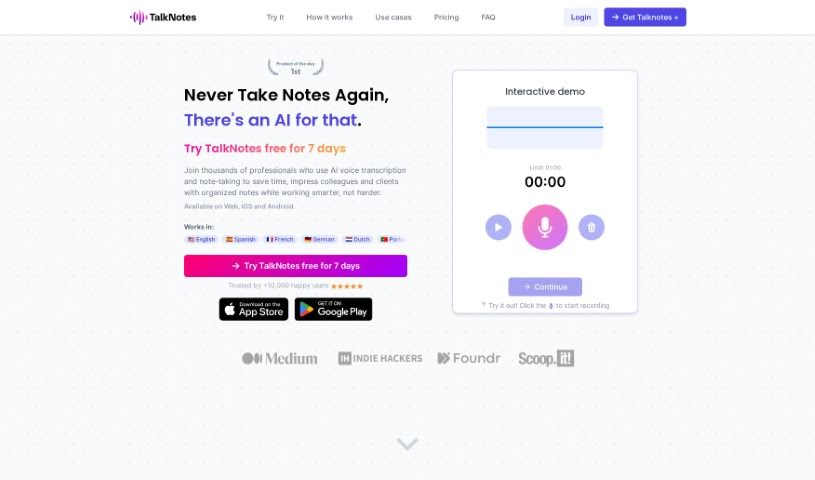
Screenshot of Talknotes

Talknotes

Freemium

Talknotes is an AI assistant for customer support, built to help you handle repetitive questions faster. It works from pre-designed message templates: the AI scans your templates and selects the best response for each inquiry, letting you answer at roughly twice the normal speed. You can personalize messages by importing real-time data from your own apps, and it connects with customer support tools like Freshdesk and Crisp. Direct support is available when you need it.

Note Taking View Tool →
Screenshot of The Agile You

The Agile You

Freemium

'The Agile You' is a collection of AI-powered templates for Notion, built around Notion's Second Brain AI. It helps you capture, organize, and manage tasks, notes, projects, and resources in one place. The templates follow Tiago Forte's P.A.R.A organization method, with AI capabilities added on top: breaking large projects into smaller steps, distilling notes into concise summaries and actionable insights, and keeping everything structured in Notion as a central hub for your work and life.

Note Taking View Tool →
Screenshot of TheBrain

TheBrain

Freemium

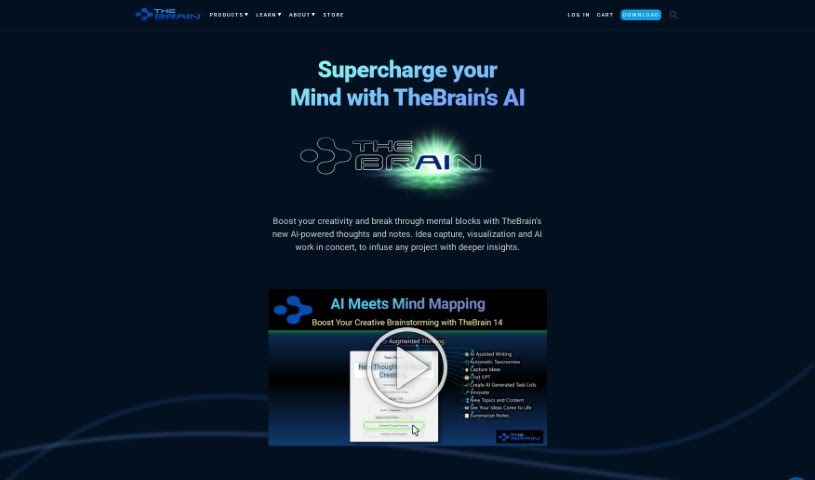
TheBrain is an AI-powered visual thinking tool from TheBrain Technologies LP. It provides a digital space where you can capture ideas, see how they connect, and use AI to take more detailed notes or get more specific results from your prompts. It works for individuals and teams alike.

Note Taking View Tool →
Screenshot of theGist

theGist

Freemium

TheGist is a unified AI workspace that serves as a central hub for your work apps. It combines a priority feed that keeps you informed, a personal chat for communication, and an AI assistant. It is used by teams around the world and meets Soc2 type2 standards, with a strong focus on privacy and security. The goal is to cut through the noise and help you focus on what matters most.

Note Taking View Tool →
Screenshot of ThinkerNotes

ThinkerNotes

Freemium

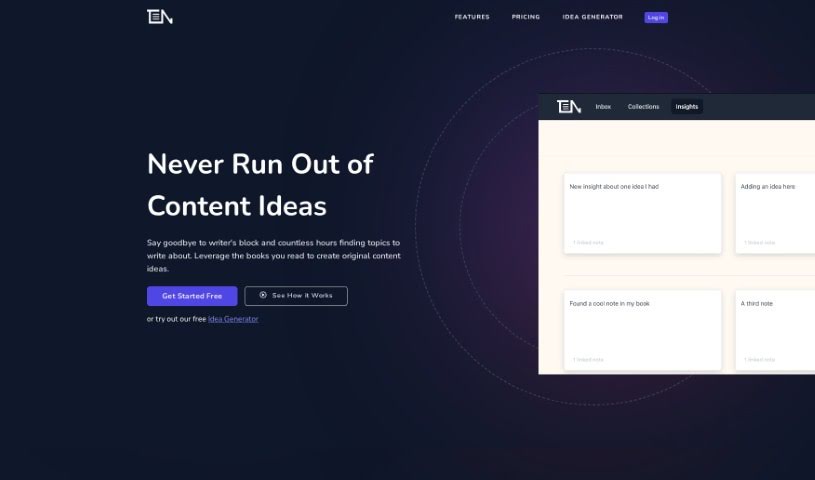
ThinkerNotes is a tool for capturing and organizing insights from books, podcasts, and articles, then turning them into original content ideas. You can save notes, extract key insights, and link them together so they're easy to find later. It also offers AI-powered content idea generation and is built to support thought leadership from the knowledge you've already gathered.

Note Taking View Tool →
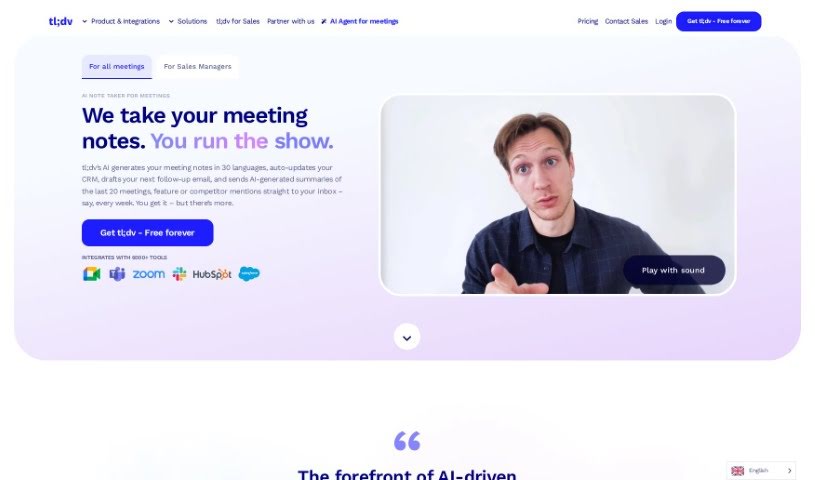
Screenshot of Tldv

Tldv

Freemium

Tldv is a GPT-powered meeting software designed to make online meetings, presentations, and webinars more productive and collaborative. It automatically transcribes conversations in real time, lets you highlight key moments, and makes sharing recordings and notes straightforward. The interface is easy to navigate, so finding recordings, transcripts, and highlights is simple. A free trial is available.

Note Taking View Tool →
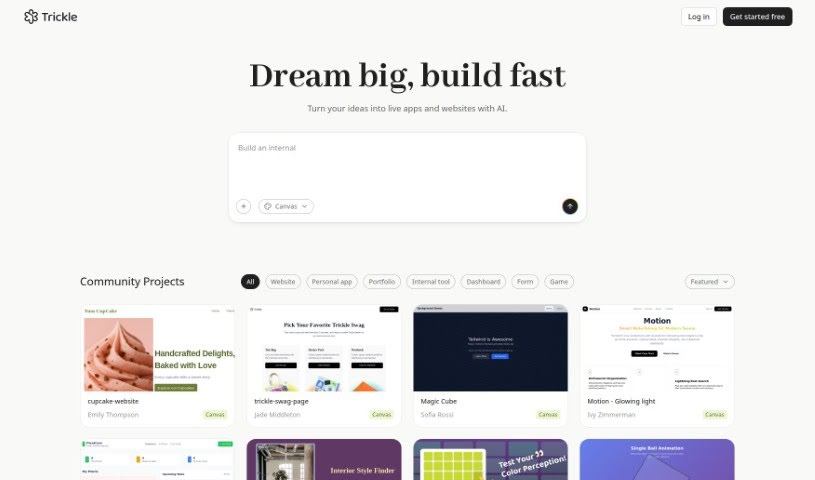
Screenshot of Trickle AI

Trickle AI

Freemium

Trickle AI is a tool for managing and organizing screenshots. You can upload and arrange your captures, and its AI—built on GPT-4 Vision—goes beyond simple text extraction to understand the core idea behind each screenshot. It automatically generates a summary for every capture, making it easier to find what you're looking for and turn digital clutter into organized, useful resources.

Note Taking View Tool →
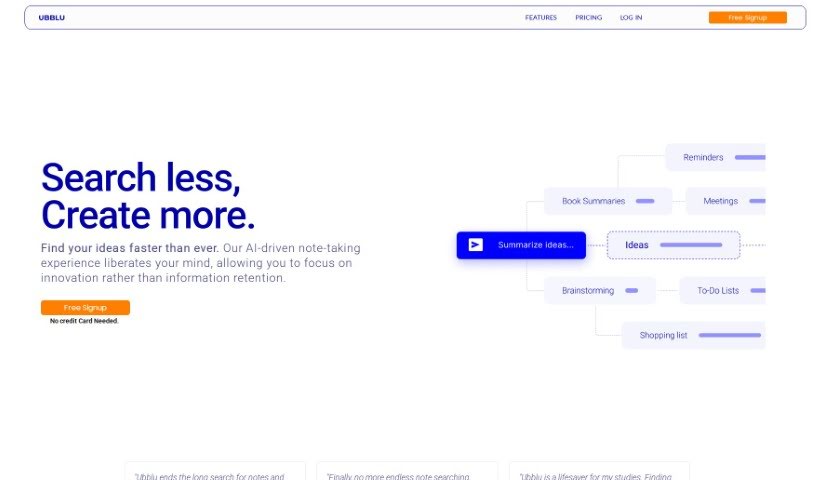
Screenshot of Ubblu

Ubblu

Freemium

Ubblu is an AI-powered note-taking and knowledge management tool designed to help teams work better together, with a focus on leadership roles. It lets you create unlimited notes and cards, find captured ideas quickly with advanced search, and stay organized with folders, tags, and reminders. The tool emphasizes building solid processes, celebrating team successes, and keeping everyone aligned.

Note Taking View Tool →
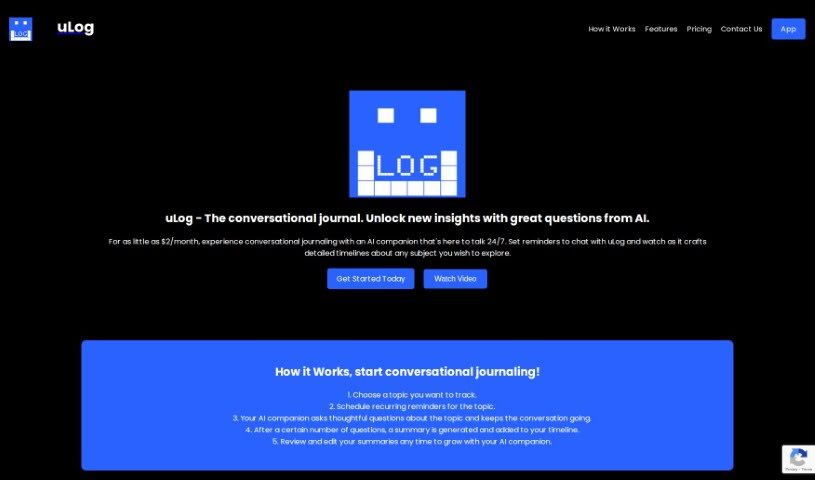
Screenshot of Ulog.ai

Ulog.ai

Freemium

Ulog.ai is a journaling platform built around conversations with an AI companion. Instead of staring at a blank page, you talk with the AI, which asks insightful questions that help you explore topics in depth. Your conversations are organized into a clear timeline of your thoughts, and reminders help you keep journaling consistent.

Note Taking View Tool →
Screenshot of Unlost AI

Unlost AI

Freemium

Unlost AI is a digital memory assistant that uses artificial intelligence and natural language processing to capture what you encounter on your computer. You can then search your personal "memory palace" in everyday language — no bookmarking or manual note-taking required.

Note Taking View Tool →
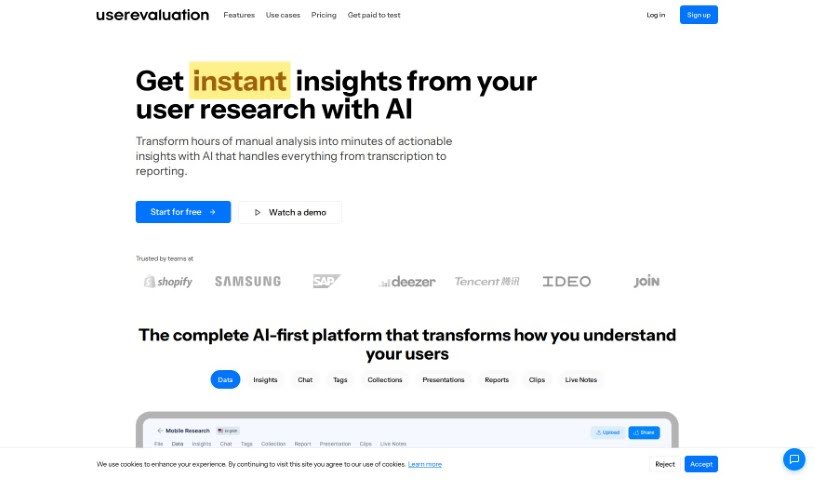
Screenshot of User Evaluation

User Evaluation

Freemium

User Evaluation is an AI-powered platform for customer research. It analyzes customer data and turns it into actionable insights. Core capabilities include AI-driven insights, transcription, a multimodal AI chat, and advanced AI models. Data security is a priority: the platform uses encryption to protect user data both at rest and in transit. A free trial is available on their website.

Note Taking View Tool →
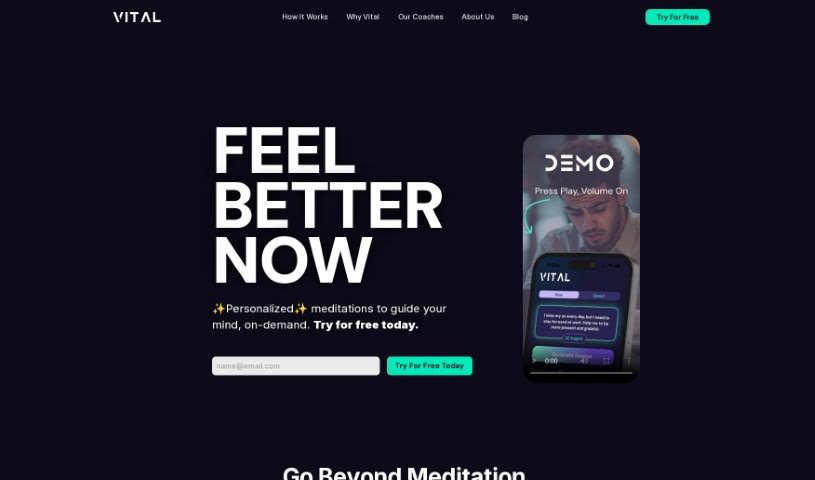
Screenshot of Vital

Vital

Freemium

Vital is a platform that offers personalized guidance and meditation. It is designed to help you work through emotional states and life challenges, acting as a supportive companion that provides skills and strategies for self-improvement. Vital uses AI-powered coaching to help you pursue your life goals, aiming to guide you from simply getting by to thriving across different life stages and experiences.

Note Taking View Tool →

About Note Taking tools

Sitting down after a long meeting or class to make sense of messy, typed notes is a common headache. Between scribbling down points while someone speaks, capturing action items, and organizing outlines later, taking notes by hand drains your focus. When you spend all your energy writing down words instead of listening, keeping track of big ideas gets tough.

Think of these tools as organized personal assistants for students, professionals, researchers, and project leads. They transcribe live audio, summarize key points, and structure scattered thoughts so you can find information quickly.

Real-Time Transcripts, Summaries, and Knowledge Graphs

Turning live audio and recorded conversations into searchable text takes seconds instead of hours. Trying to write down every word during a lecture or client call means missing out on real engagement. Modern speech-to-text assistants listen in the background, transcribe spoken dialogue in real time, and tag different speakers so you get a clean transcript without missing a detail.

Synthesizing long meetings and study sessions into clear summaries saves massive amounts of time. Reviewing five pages of raw text to find one key decision is tedious. Intelligent note-taking software scans your transcripts, pulls out main themes, and generates bulleted summaries with assigned action items. You get a quick overview to review in two minutes before moving on to your next task.

Building a searchable knowledge hub across large projects becomes far easier, too. Storing notes in separate files often means losing track of important facts over time. Smart note applications automatically link related topics across your digital notebook, suggest tags, and let you ask questions in plain English to pull up specific quotes or facts instantly.

Useful Features for Organization:

  • Real-time audio transcription: Systems that record spoken audio and convert it into accurate, timestamped text while distinguishing between speakers.
  • Automated summary creation: Features that condense long transcripts and meeting notes into clear bullet points, action items, and key takeaways.
  • Cross-note semantic search: Tools that let you search your entire note library using natural language questions rather than exact keyword matches.
  • Knowledge graph linking: Software that automatically connects related notes, ideas, and project references into an organized web of information.
  • Multi-platform synchronization: Applications that sync smoothly across desktop computers, web browsers, and mobile devices for quick access anywhere.

Great note taking will always depend on your curiosity, understanding, and personal organization style. Software can transcribe audio, generate a summary, and link related documents, but choosing what matters most requires your human judgment.

Browse the note-taking tools below to organize your workspace.

The Best AI Note Takers

  1. Otter.ai: for making team meetings smoother with AI notes.
  2. AI Diary: Journaling with mood tracking, writing analysis and voice entries.
  3. Fireflies AI: for easy automation of meeting recaps.
  4. Fathom AI: for simple meeting summaries and action items.
  5. PLAUD: for help transcribing lectures efficiently.
  6. AIConsole: Open-source desktop AI editor that automates tasks and drafts content.
  7. Notta: for making meeting summaries simple.
  8. Klangio: for turning lectures into music notes.
  9. Supernormal: for making meeting summaries easier.
  10. Jamie AI: for generating meeting summaries with ease.
  11. AiGenda: Transcribes meetings and highlights key agreements across call platforms.
  12. Voicenotes: for summarizing lectures into clear action items.
  13. Bubbles Notetaker: for smoother meeting notes and action items.
  14. Mentalyc: for automatically summarizing therapy sessions.
  15. Amanu: Team chat assistant that learns from your messages and meetings.
New tools, in your inbox.

Weekly picks of the best AI tools we've researched and added — no spam, unsubscribe anytime.

Join 25,000+ AI enthusiasts. No spam, unsubscribe anytime.