AI Tools for Note Taking

Discover the best Note Taking AI tools to enhance your productivity and creativity.

Page 12 of 13 • 145 total tools

Taking notes is a really important skill today, especially with how fast things move and how much information we deal with. Whether it’s for lectures, meetings, or just jotting down personal thoughts, good note-taking can totally change how we remember and use information. But honestly, handwritten notes can get messy, and typing sometimes feels like a race to get your thoughts down before they disappear.

That’s where AI note-taking tools come in. These aren’t just apps that type for you; they use artificial intelligence to help you organize, pull together information, and even find key insights on their own. If you find the right AI tool, you can easily move from messy notes to neat, digital ones.

I’ve spent the last few weeks checking out different options, and I’ve put together a list of the best AI note-taking tools out there right now. Each one has its own special features for different needs, from recording audio to summarizing long articles. So, whether you’re a student, a professional, or just someone who likes to stay organized, there’s likely something here for you.

If you’re ready to make your note-taking experience much better and get some valuable time back, let’s look at the top AI note-taking tools.

The best AI Note Takers

  1. Otter.ai for making team meetings smoother with AI notes.
  2. Tactiq to automatically capture meeting notes without any effort.
  3. Fireflies AI for easy automation of meeting recaps.
  4. Fathom AI for simple meeting summaries and action items.
  5. PLAUD for help transcribing lectures efficiently.
  6. Tldv to make meeting note-taking much smoother.
  7. Notta for making meeting summaries simple.
  8. Klangio for turning lectures into music notes.
  9. Supernormal for making meeting summaries easier.
  10. Jamie AI for generating meeting summaries with ease.
  11. Blu Dot to improve how efficiently you document meetings.
  12. Voicenotes for summarizing lectures into clear action items.
  13. Bubbles Notetaker for smoother meeting notes and action items.
  14. Mentalyc for automatically summarizing therapy sessions.
  15. Sembly AI to automate meeting notes and follow-ups.

How do AI note takers work?

AI note takers have become really helpful for managing information better. Basically, these apps use advanced natural language processing (NLP) to look at spoken or written text. They turn words into a structured format, which helps them spot main ideas, organize thoughts, and summarize content easily.

Most AI note takers use large language models (LLMs). These models have learned from tons of data, like articles, books, and conversations. This training helps them understand context, see how topics connect, and even guess what information is most important.

When you use an AI note taker, it processes what you input right away, whether you’re speaking notes during a meeting or typing ideas while studying. As it captures the information, it uses algorithms to break down sentences, pull out key points, and suggest insights. This lets you focus on your thoughts without worrying about missing anything important.

Lots of popular apps can connect with other tools, making it simple to manage your knowledge. For example, notes you take in an AI tool can sync with project management apps or cloud storage. This connection boosts productivity, making it easy to find and share information when you need it.

AI note takers are also flexible because they can handle different ways of inputting information, from typing to voice. You can speak notes for them to transcribe later, which makes them accessible and convenient. All in all, AI note takers are changing how we record and interact with information by using the latest technology.

Our best AI note takers at a glance

RankNameBest forPlans and PricingRating
1Otter.aiMaking team meetings smoother with AI notes.Paid plans start at $13.59/month.4.73 (11 reviews)
2TactiqAutomating meeting notes effortlessly.N/A4.64 (11 reviews)
3Fireflies AIEffortless meeting recap automationPaid plans start at $10/month.4.67 (12 reviews)
4Fathom AIEffortless meeting summaries and action itemsPaid plans start at $19/month.4.33 (24 reviews)
5PLAUDEfficient lecture transcription helpPaid plans start at Free/N/A.4.40 (15 reviews)
6TldvMaking meeting note-taking much smoother.N/A4.31 (13 reviews)
7NottaMaking meeting summaries simple.N/A4.72 (29 reviews)
8KlangioTurning lectures into music notesN/A4.74 (34 reviews)
9SupernormalMaking meeting summaries easier.Paid plans start at $18/month.4.79 (19 reviews)
10Jamie AIGenerating meeting summaries with ease.N/A4.33 (15 reviews)
11Blu DotImproving how efficiently you document meetings.N/A4.60 (25 reviews)
12VoicenotesSummarizing lectures into clear action items.N/A4.64 (11 reviews)
13Bubbles NotetakerMaking meeting notes and action items smoother.Paid plans start at $Free/month.4.64 (11 reviews)
14MentalycAutomatically summarizing therapy sessions.Paid plans start at $39.99/month.4.75 (12 reviews)
15Sembly AIAutomating meeting notes and follow-ups.Paid plans start at $20/month.4.64 (11 reviews)
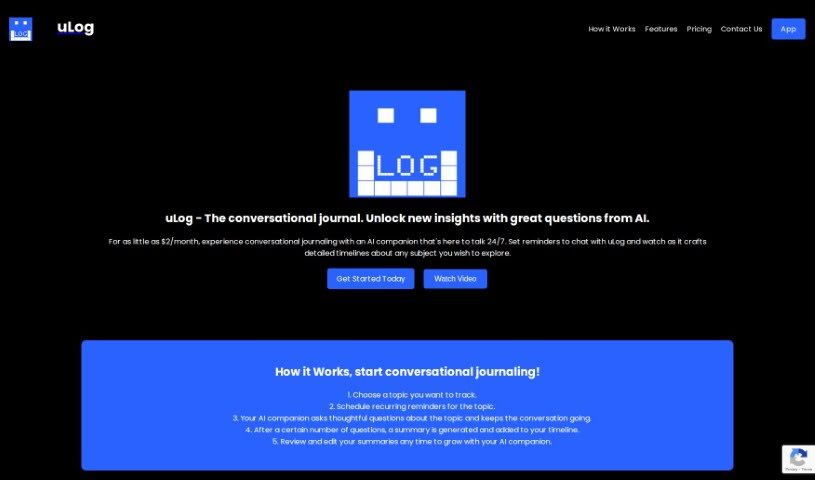
Screenshot of Ulog.ai

Ulog.ai

Freemium

ULog.ai is a platform that lets you journal through conversations with an AI companion. It is a smart AI friend that asks really insightful questions, helping you dive deep into whatever you want to explore. You can even set up reminders to make sure you don't miss your journaling sessions, keeping the conversations interactive and thought-provoking. It's great for anyone tracking their personal growth or jotting down ideas, and it's also a fantastic tool for businesses aiming to boost productivity with conversational AI. With uLog.ai, you can easily create and manage different topics, set reminders just the way you like them, have engaging chats with the AI, keep a clear timeline of your thoughts, and rest easy knowing your data is private across all your devices.

Screenshot of Unlost AI

Unlost AI

Freemium

Unlost AI is a smart tool that uses artificial intelligence to help you remember things more easily. It is a digital memory assistant that works with natural language. It lets you search through your own personal "memory palace" – basically, all the information you've encountered – and pull out what you need, fast. You don't have to worry about bookmarking pages or taking notes the old-fashioned way. Once you install it, Unlost AI just starts capturing information. There's no complicated setup or integration needed, making it super user-friendly. Plus, your data stays private; nothing ever leaves your computer. It's designed to be efficient, too, optimizing how it processes information. You can use it to search through meeting transcripts, grab text from screenshots, and it works across different platforms without taking up much space.

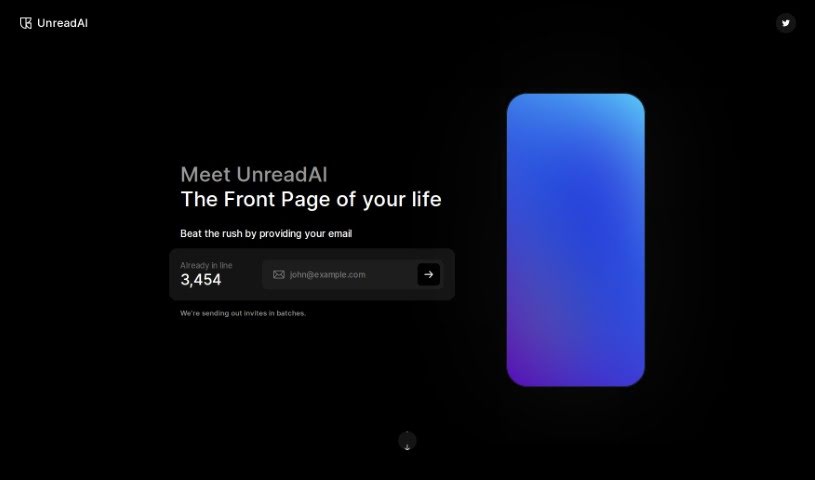
Screenshot of UnreadAI

UnreadAI

Freemium

UnreadAI is your personal AI reading assistant. Its main job is to save you time by reading all sorts of content on your behalf. This includes everything from your personal messages and work emails to social media updates and news articles, even podcasts. You get to tell the AI exactly what you want it to read – maybe it's your emails, chats, news feeds, or podcasts. Then, you'll get a daily summary, or digest, that's put together just for you, making sure you're always in the loop on what truly matters. UnreadAI aims to cut through the noise, like clickbait, so you can focus on reading about the topics that are genuinely relevant to you.

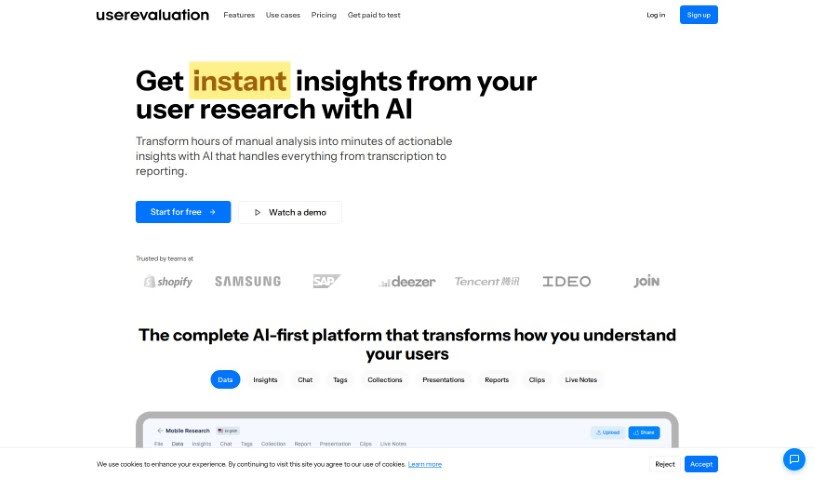
Screenshot of User Evaluation

User Evaluation

Freemium

User Evaluation is an AI-powered platform designed to help with customer research. It gives you tools to analyze customer data and turn it into actionable insights. It is a smart assistant for understanding your customers better. The platform offers several key features, including AI-Native customer understanding, really good transcription services, AI-driven insights, a multimodal AI chat feature, and advanced AI models. User Evaluation also takes data security seriously, using state-of-the-art encryption to keep your user data safe, both when it's stored and when it's being sent. If you're curious to try it out, you can sign up for a free trial on their website to explore everything it has to offer.

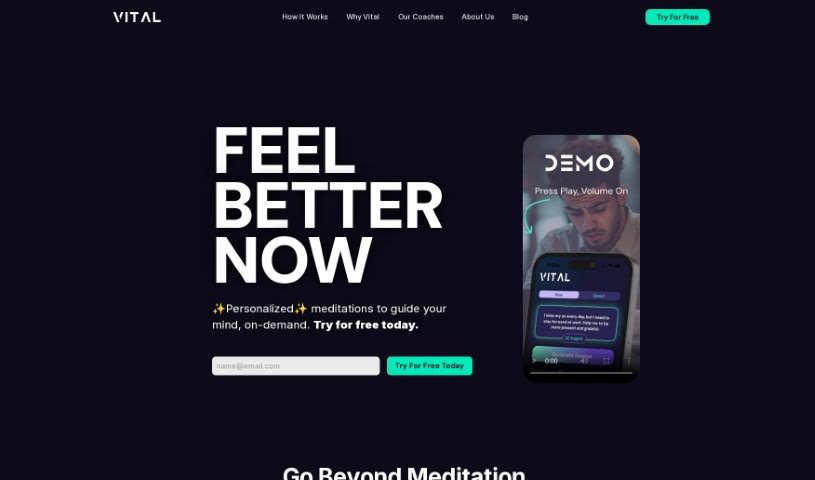
Screenshot of Vital

Vital

Freemium

Vital is a platform that offers personalized guidance and meditation. It's designed to help you work through all sorts of emotional states and life challenges. It is a supportive companion, providing you with the skills and strategies you need. Vital uses AI-powered coaching and resources to really boost your self-improvement efforts and help you hit your life goals. Ultimately, Vital wants to guide you from just getting by to truly thriving, helping you navigate different life stages and experiences so you can find more flow and delight.

Screenshot of Voicenotes

Voicenotes

Freemium

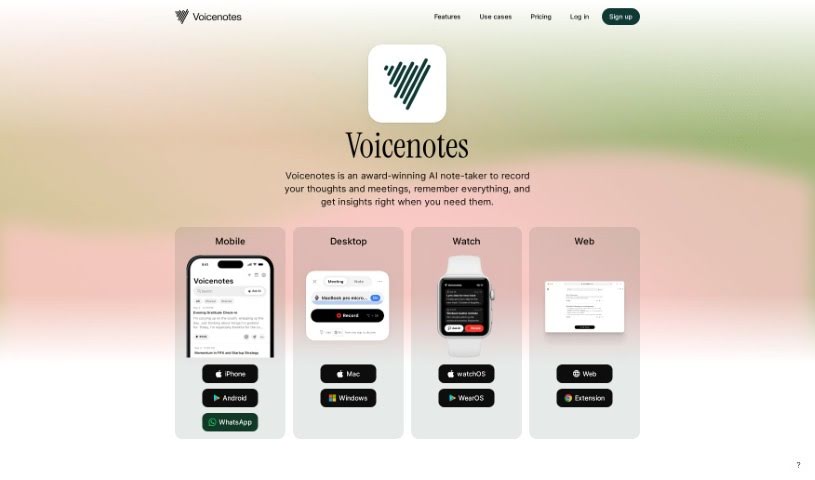
Voicenotes is a handy digital tool built for capturing and keeping all sorts of notes – think fleeting thoughts, brilliant ideas, precious family moments, or even important lectures. What's really neat is that it can take these recordings and turn them into summaries, blog posts, tweets, and to-do lists. Plus, it's got this smart AI that you can chat with; you can ask it questions or get its feedback. Voicenotes really cares about keeping your data safe and private, storing your voice records securely and making sure your privacy is protected.

Screenshot of Waitroom

Waitroom

Freemium

Waitroom is an online platform built for structured micro-meetings, aiming to really boost how teams communicate and get things done. It comes packed with features like different meeting formats, emoji reactions for quick feedback, screen sharing, and seamless integration with Slack and Google Calendar. Plus, it can handle quite a crowd – up to 2,000 participants! The whole idea is to fight meeting fatigue by keeping things focused and timed using a clever queue and timer system. Waitroom also has a handy AI meeting assistant called Summa, which helps make meetings more efficient by providing AI summaries and transcripts. You can hop on through your browser or use the mobile app, which makes it super convenient for everyone.

Screenshot of Waspnote

Waspnote

Freemium

Waspnote is an AI-powered app built for students and professionals who want to take better notes. It’s packed with features designed to make your life easier. You can easily capture ideas using your voice, get quick AI-generated summaries of your notes, and find anything you need in seconds with its super-fast search. Plus, it syncs your notes across all your devices so you can access them anywhere, anytime. It also lets you scan documents, keeps your information secure, and lets you export notes as PDFs, which is great for sharing and working with others. Waspnote even offers clear pricing plans that work for teams of any size. Basically, Waspnote uses AI to help you be more productive and organized with your notes.

Screenshot of Wave AI Note Taker For Ios

Wave AI Note Taker For Ios

Freemium

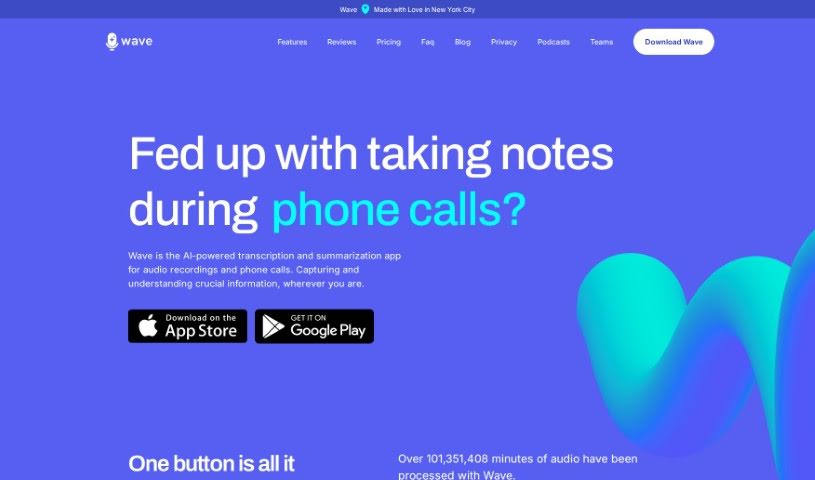
Wave AI Note Taker for iOS is a really smart app for your iPhone and Android devices. It's designed to make recording, transcribing, and summarizing audio super easy. It is your go-to for capturing meetings, phone calls, or even importing podcasts and YouTube videos. Wave records the audio, turns it into text, and then gives you a neat, concise summary that you can tweak just how you like it. There's a free version that gives you 30 minutes of recording time each month, and you can always upgrade if you need more. Wave really cares about your privacy and uses an open-source transcription model, which helps make sure the transcriptions are accurate. Plus, it can record in the background and works with Siri shortcuts, which is pretty handy. You can even adjust how long the summaries are and what format they're in right within the app. Wave is available for both iOS and Android, and they're also working on a web dashboard so you can easily get to your transcripts and summaries from any device.

Screenshot of workifAI

workifAI

Freemium

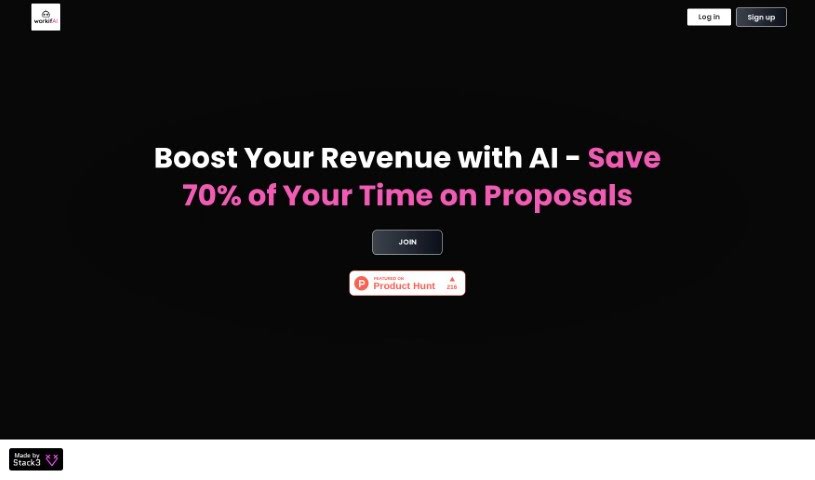
WorkifAI is a smart tool built specifically to help freelancers create proposals much faster. It is your AI assistant for proposals. It takes your client call notes or even recordings and quickly turns them into polished, professional proposals. The AI behind workifAI is always learning; with every project you complete, it gets better at making your proposals shine. Plus, it's packed with handy features like estimating how long a project might take, managing your clients with a built-in CRM system, and even sending out AI-written emails to share your proposals smoothly. You can send these proposals to clients in easy-to-view online formats or as downloadable PDFs, making it simple for them to review and accept. Essentially, workifAI is all about making the proposal process smoother and helping freelancers manage their workload more effectively.

Screenshot of Wudpecker

Wudpecker

Freemium

Wudpecker is an AI tool designed specifically for meetings, helping you keep track of all your meeting knowledge efficiently. It is your smart meeting assistant. It can give you summaries and transcripts powered by ChatGPT, and it's pretty amazing because it supports over 100 languages. Plus, it's smart enough to recognize different speakers and even different languages within the same meeting. Need to share what happened? Wudpecker makes it easy to share recordings, which really helps with collaboration. It’s built to be user-friendly, secure, and it takes data privacy seriously. They use encryption and follow industry standards to keep your information safe. You can also really personalize your meeting notes. You get to decide how they're structured, what details are captured, and even specify vocabulary or format notes into tables. Wudpecker is GDPR compliant, which means your data is protected with strong encryption standards. All recordings are stored securely on EU servers, giving you peace of mind and control over your data. People who use Wudpecker often mention how great it is for summarizing meetings, catching those important details, saving a ton of time, and just making everything more efficient.

Screenshot of Xembly

Xembly

Freemium

Xembly is an AI-powered platform designed to completely change how we think about corporate productivity and workflow efficiency. It is your personal AI executive assistant, named Xena. Xena is here to make things like scheduling, managing your calendar, summarizing meetings, and keeping track of tasks much smoother. It connects with the apps you already use, so it can automate tasks efficiently, help your team communicate better, and make your meetings more productive. Plus, Xembly takes security and privacy seriously. It's compliant with SOC 2, GDPR, CCPA, and Privacy Shield, so your data is safe. Ultimately, Xembly is built to help your team get more done by saving time, improving how tasks are completed, and boosting overall efficiency.

Stay Updated with AI Tools

Get weekly updates on the latest AI tools, trends, and insights delivered to your inbox

Join 25,000+ AI enthusiasts. No spam, unsubscribe anytime.