1Ptai
Productivity Data Analytics
Learn More
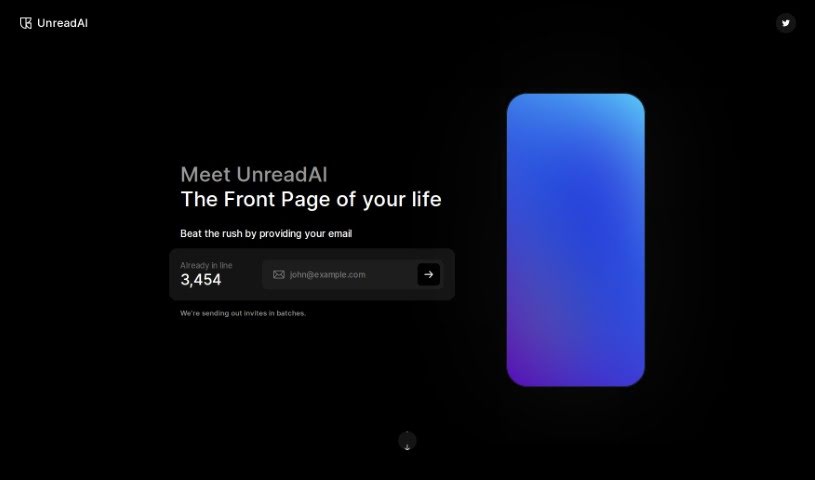
Discover what UnreadAI is and how to make the most of it in 2025. We'll explore its features, compare it to other AI note-takers, and guide you through its usage.
UnreadAI is your personal AI reading assistant. Its main job is to save you time by reading all sorts of content on your behalf. This includes everything from your personal messages and work emails to social media updates and news articles, even podcasts. You get to tell the AI exactly what you want it to read – maybe it’s your emails, chats, news feeds, or podcasts. Then, you’ll get a daily summary, or digest, that’s put together just for you, making sure you’re always in the loop on what truly matters. UnreadAI aims to cut through the noise, like clickbait, so you can focus on reading about the topics that are genuinely relevant to you.
One of the really neat things UnreadAI does is send you these personalized daily digests. They keep you up-to-date with content that matches your interests. The platform covers a really wide variety of content types, so you get a good overview of information from different places. By filtering out clickbait and stuff that isn’t relevant, UnreadAI really improves the quality of the information you see. Plus, it’s likely that the platform uses your feedback to keep getting better at suggesting content, making sure you’re happy with what it picks.
So, to sum it up, UnreadAI gives you a personalized and efficient way to get through all sorts of content. It uses AI to help you focus on the information that’s relevant and meaningful to you, all tailored to your specific preferences.
UnreadAI was founded by someone who prefers to remain anonymous. The company positions itself as a personal AI platform that reads various content for users, aiming to save them valuable time. The core idea is to provide personalized digests that are specifically tailored to each user’s preferences. It handles a wide range of content types, actively filters out clickbait, and likely includes ways for users to give feedback so the service can continuously improve its content recommendations.
To get the most out of UnreadAI, here’s a simple step-by-step guide:
By following these steps, you can really make UnreadAI work for you, streamlining how you consume content and keeping you updated on what’s important.
Discover more tools in similar categories that might interest you
Get weekly updates on the latest AI tools, trends, and insights delivered to your inbox
Join 25,000+ AI enthusiasts. No spam, unsubscribe anytime.