AI Design Tools

AI Tools for Design

Discover the best Design AI tools to enhance your productivity and creativity.

Page 9 of 18 • 213 total tools
Screenshot of Illustroke

Illustroke

Freemium

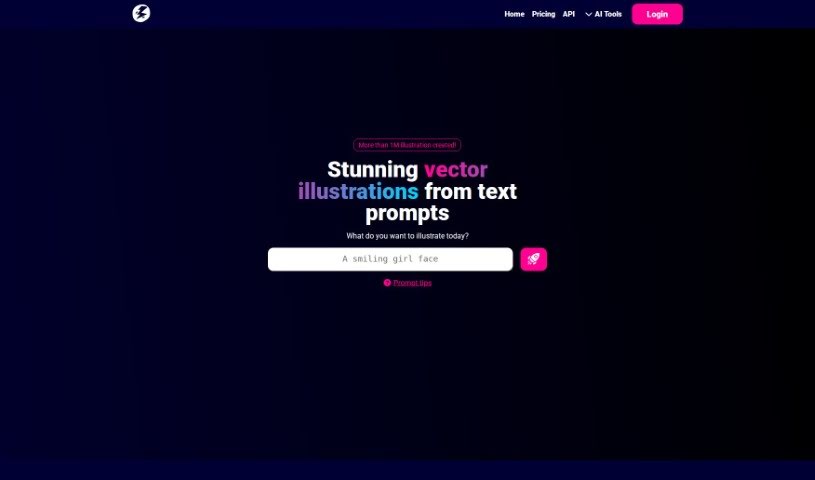
Illustroke is a generative AI design tool for digital artists and illustrators. You enter a text description and pick a style, and the tool generates three illustration variations in vector format (SVG). Because the output is vector-based, the illustrations can be scaled and edited freely; a PNG version is also available for pixel-based editing.

Screenshot of Imagin

Imagin

Freemium

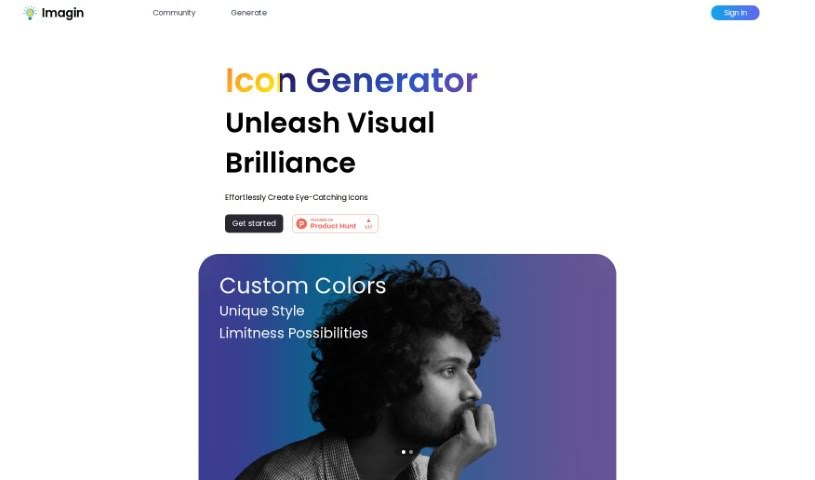
Imagin is a platform for creating personalized icons with AI. It offers a user-friendly interface, extensive customization options, and ready-made styles, so you can produce professional-looking icons in just a few clicks.

Screenshot of Imagine AI Art Generator

Imagine AI Art Generator

Freemium

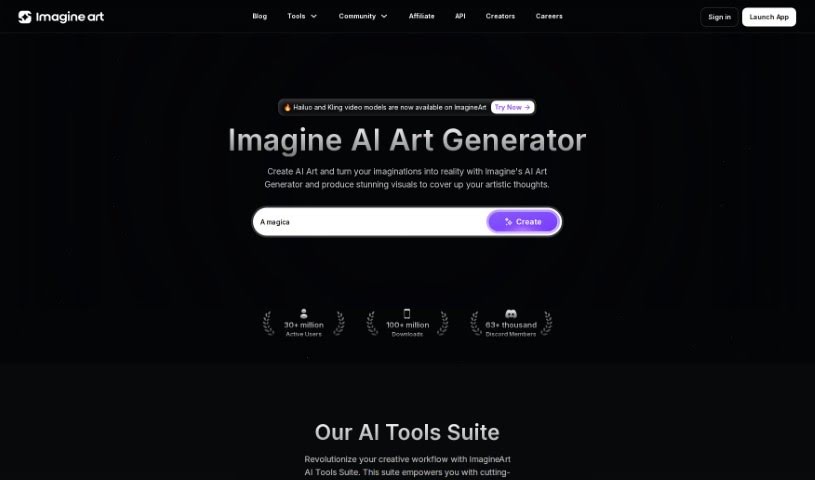
Imagine AI Art Generator is a tool that uses artificial intelligence to help you create art. It uses algorithms and machine learning to turn your ideas into artwork, offering a wide variety of art styles and techniques. You can adjust parameters like colors, brush strokes, and overall composition, and the AI analyzes your input to offer suggestions that refine the result into professional-looking pieces.

Screenshot of Imajinn AI

Imajinn AI

Freemium

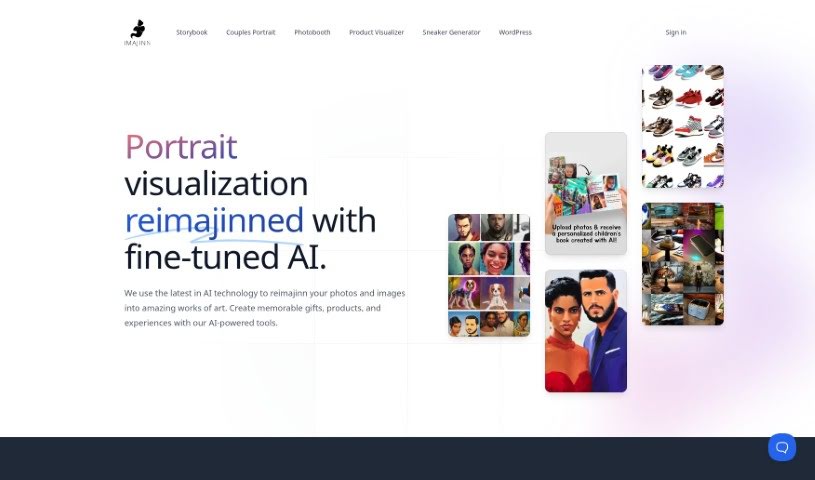
Imajinn AI offers a Sneaker Generator that uses AI to create custom sneaker designs based on your preferences — colors, styles, and specific details like logos and laces. You describe your design ideas in text, and the AI generates visual mockups of your sneakers quickly. You have control over the design process and can draw on themes inspired by popular brands, movies, or historical moments.

Screenshot of Industrial Render AI

Industrial Render AI

Freemium

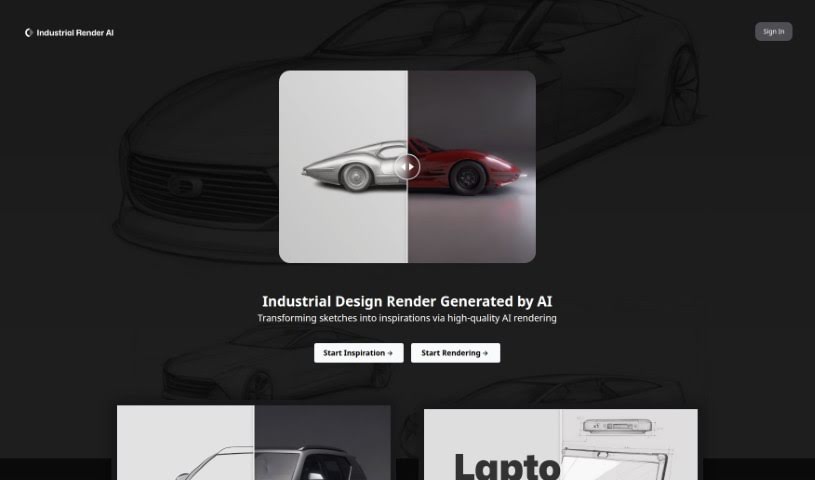
Industrial Render AI is a tool for industrial design that converts conceptual product design sketches into high-quality renderings, using technology inspired by Generative Pretraining Transformer (GPT) models. Its stated goals are to boost creativity, improve design communication, and increase the quality and efficiency of designs.

Screenshot of Interior AI

Interior AI

Freemium

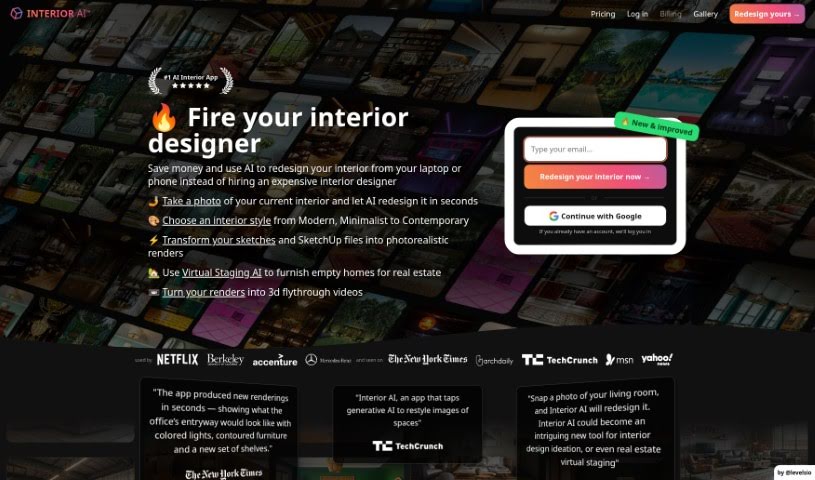
Interior AI is a software tool that uses artificial intelligence for virtual staging, interior design ideas, and inspiration. It lets you see how furniture and decor would look in your own space, try out different design styles, and get realistic pictures of what your interiors could look like. It's useful whether you're redecorating a whole home or a single room, offering a wide range of design possibilities and fresh ideas for your living areas.

Screenshot of Invoke AI

Invoke AI

Freemium

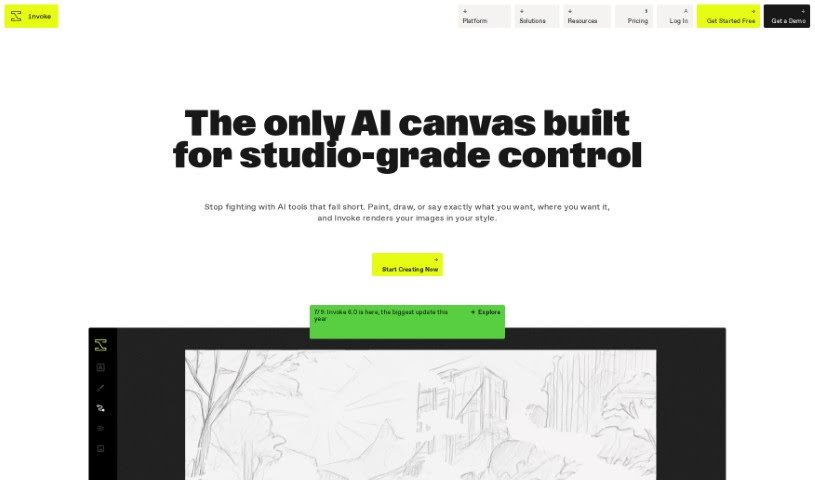
Invoke AI is a platform for creating images with precision and control, aimed at professional visual creatives who find many generative AI tools limiting. Its distinguishing features:

Screenshot of Jina AI BestBanner

Jina AI BestBanner

Freemium

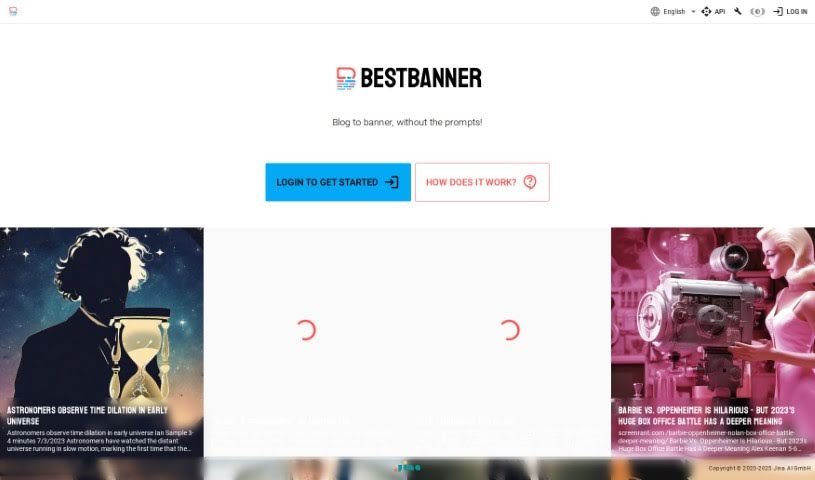
BestBanner is a tool for creating banners from text, aimed at publishers, bloggers, and content creators. You paste in the text from your article, and its multimodal AI generates visuals that match the content. No design experience is required, and results are produced instantly.

Screenshot of Khroma

Khroma

Freemium

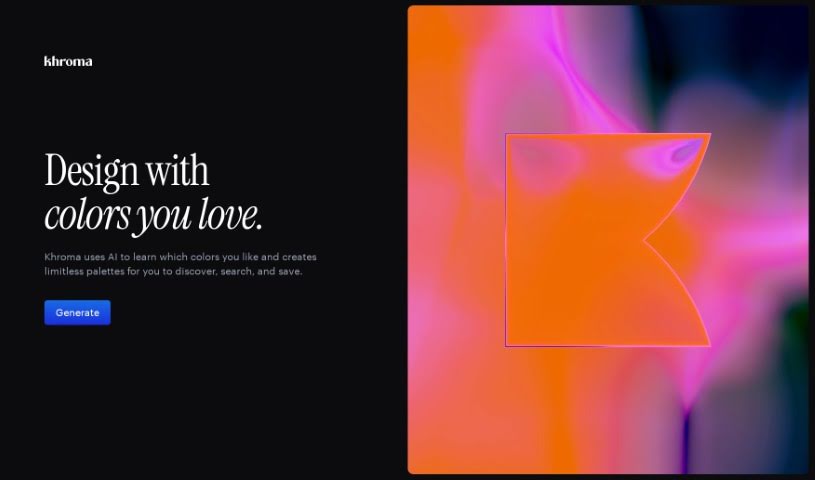
Khroma is an AI tool that helps designers choose colors faster. It uses a neural network to learn the color patterns you prefer and generate custom palettes based on them. You can search combinations by hue, tint, value, and other properties, with hex and RGB codes provided for each one. Favorite combinations can be saved to a personal collection, complete with color details and accessibility ratings.

Screenshot of kitchenGPT

kitchenGPT

Freemium

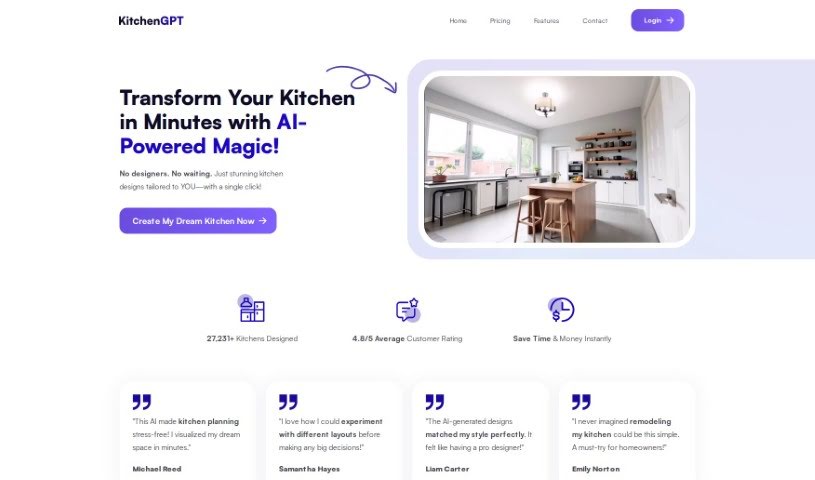
kitchenGPT is a platform that applies artificial intelligence to interior design. Upload a photo of your space, then use its Room AI and Kitchen AI tools to explore different design styles — the AI remodels rooms and kitchens from that single image.

Screenshot of Kittl

Kittl

Freemium

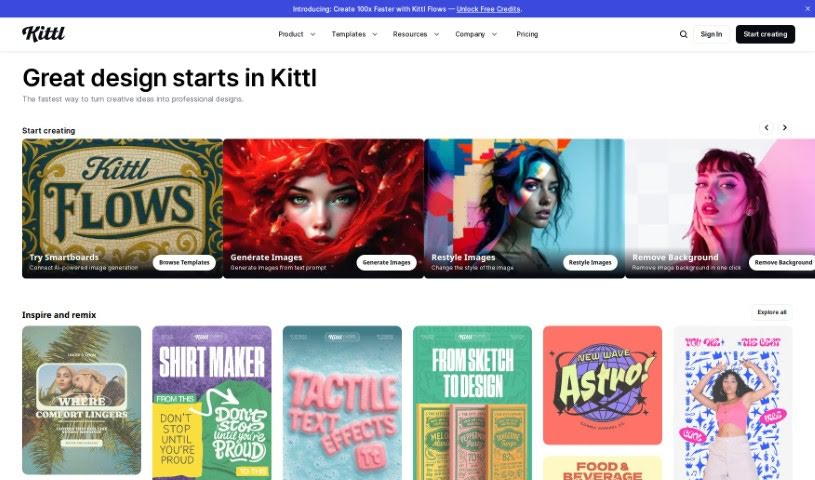
Kittl is a browser-based design platform with AI-powered tools that make creating graphics fast and simple. You can generate vector logo icons and clipart just by typing a text prompt. It also includes advanced text editing, a "Magic Recoloring" tool that swaps colors instantly using trending palettes, and a large library of ready-to-use templates. Plans for individuals and teams include access to vector files, advanced editing, high-resolution downloads, and premium features depending on the tier. You can cancel or upgrade your plan at any time.

Screenshot of Looksounique

Looksounique

Freemium

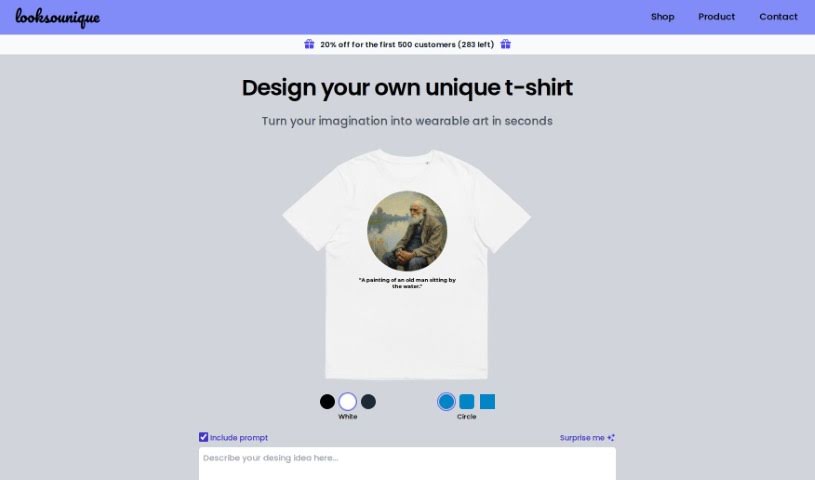
Looksounique is an AI tool for designing and shopping for custom t-shirts. You type in a design idea — or hit the "Surprise Me" button for inspiration — and the AI generates unique designs in seconds. You then refine the result by choosing colors and shapes. Once you're satisfied, the Looksounique team prints your design on a comfortable, unisex 100% cotton t-shirt and ships it to your door.

About Design tools

Starting a design project from scratch takes time. Staring at a blank artboard, creating layout options, adjusting pixel spacing, and reformatting graphics across a dozen screen sizes can consume hours of tedious setup. It’s easy to spend more time preparing files than actually designing.

Rather than replacing human taste or visual judgment, the tools in this category handle repetitive technical labor, speed up wireframing, and prepare production files so you can focus on overall creative strategy.

Accelerating Layout Prototyping and Asset Cleanup

Generating initial layout ideas used to require hours of manual sketching. Modern design platforms build wireframes and visual concepts straight from text prompts or rough hand-drawn notes. You can evaluate different grid structures, visual directions, and typography pairings in seconds before committing to a final polished layout.

Asset editing and photo touch-ups become far simpler, too. Tasks like erasing backgrounds, extending canvas boundaries, or upscaling low-res images traditionally required tedious layer masking and cloning. Smart editing tools handle those fixes automatically, letting you touch up photos and prepare visual assets in seconds.

Maintaining consistency across large design systems is another huge benefit. Keeping visual elements aligned across social banners, web pages, and marketing decks often leads to minor formatting errors. AI design tools analyze your brand guidelines, apply matching color palettes automatically, and format typography across multiple aspect ratios to keep your project look unified.

Capabilities to Consider

  • Generative layout prototyping: Tools that create wireframe ideas and layout concepts from text prompts or rough sketches.
  • Automated asset cleanup: Features that remove backgrounds, expand canvas margins, and upscale image resolution cleanly.
  • Editable vector output: Software that generates clean, scalable SVG paths rather than static raster files.
  • Design system alignment: Applications that apply custom brand colors, fonts, and spacing rules across whole asset packages.
  • Editor plugin support: Integrations that link directly into existing tools like Figma, Adobe Creative Cloud, or Canva.

Great design will always depend on visual hierarchy, human taste, and clear communication. Software can clean up backgrounds and align pixels, but understanding how real people interact with your work requires a creative eye.

Check out the design assistants below to upgrade your workspace.

The Best AI Design Generators

  1. Canva: for easily creating social media graphics.
  2. Ideogram: for custom logo creation for brands.
  3. Renderforest: for custom logo design for startups.
  4. BeFunky: for effortlessly creating custom graphics.
  5. Icons8: for generating unique design templates.
  6. Microsoft Designer: for quickly generating unique social media graphics.
  7. Imagine AI Art Generator: for designing prototypes for branding.
  8. Meshy: for rapid 3D design creation from prompts.
  9. Kittl: for creating custom logos in seconds.
  10. Shakker AI: for dynamic logo creation for brands.
  11. Stylar: for instantly generating unique art styles.
  12. Tripo AI: for creating custom product prototypes.
  13. Homestyler: for creating custom room layouts and styles.
  14. Phot Ai: for dynamic vector art creation from prompts.
  15. Designs AI: for instant graphic design for social media.
New tools, in your inbox.

Weekly picks of the best AI tools we've researched and added — no spam, unsubscribe anytime.

Join 25,000+ AI enthusiasts. No spam, unsubscribe anytime.