AI Design Tools

AI Tools for Design

Discover the best Design AI tools to enhance your productivity and creativity.

Page 13 of 18 • 213 total tools
Screenshot of Project.supplies

Project.supplies

Freemium

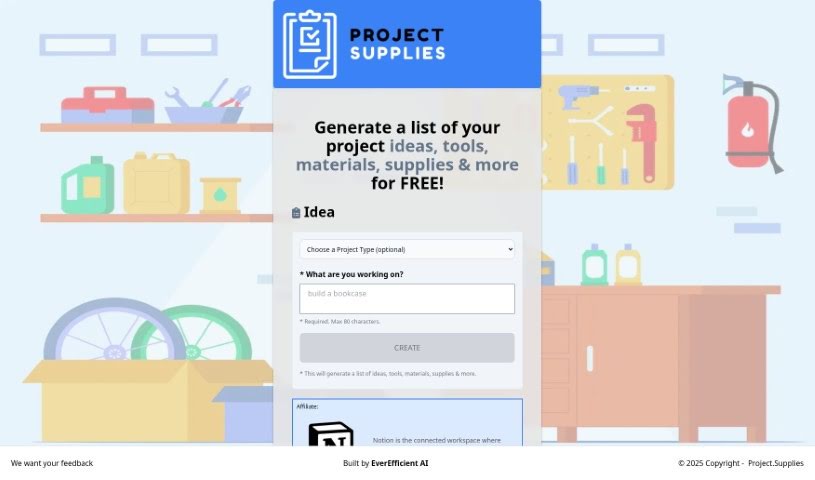
Project.Supplies is a free platform for DIY projects. It provides project ideas, step-by-step instructions, and lists of the tools, materials, and supplies you'll need. You can browse DIY categories including 3D printing, woodworking, and general crafts, with guidance suited to any skill level.

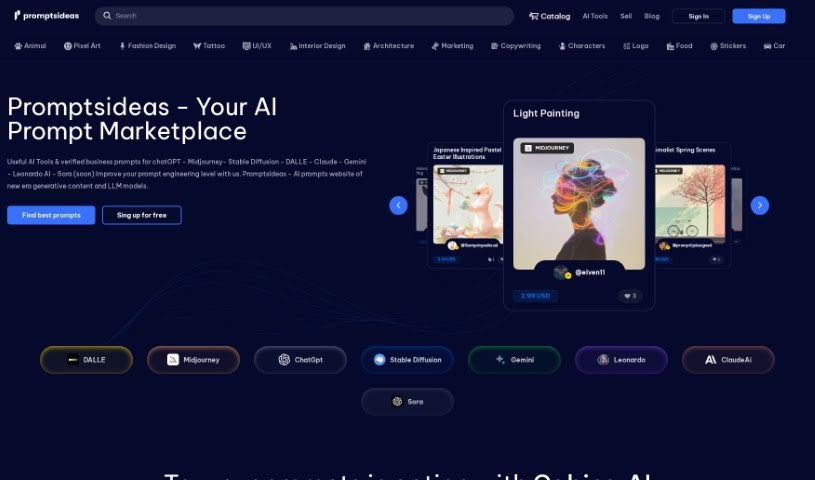
Screenshot of Promptsideas

Promptsideas

Freemium

Promptsideas is a marketplace where anyone can find generative AI prompts for their projects — and sell their own. When you add prompts to the catalog, you keep 70% of the sale value. The platform features prompts crafted by engineers for popular services like Midjourney, DALL-E, Stable Diffusion, Bard, and ChatGPT. You can also customize and fine-tune AI models yourself to get better results from text and image generation tasks.

Screenshot of Puzzlegenerator.ai

Puzzlegenerator.ai

Freemium

PuzzleGenerator.ai is a tool that creates custom jigsaw puzzles from text prompts. You describe what you want, and the AI generates an image that becomes your puzzle. It supports generating images, building the puzzles themselves, and turning designs into physical products. The platform is built on Stable Diffusion, MidJourney, Next.js, Shopify, TypeScript, Tailwind CSS, and Emotion, and user feedback helps shape its development.

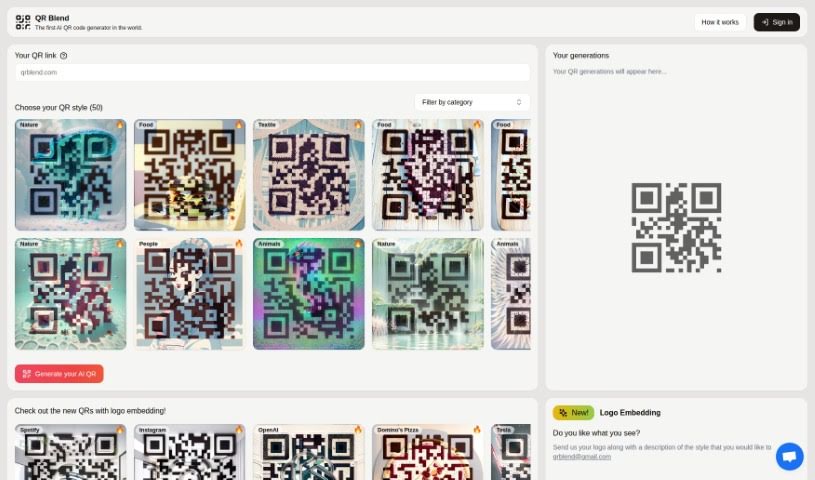
Screenshot of QR Blend

QR Blend

Freemium

QR Blend is an AI-powered QR code generator created by Albert and Gabriel, two siblings based in Barcelona.

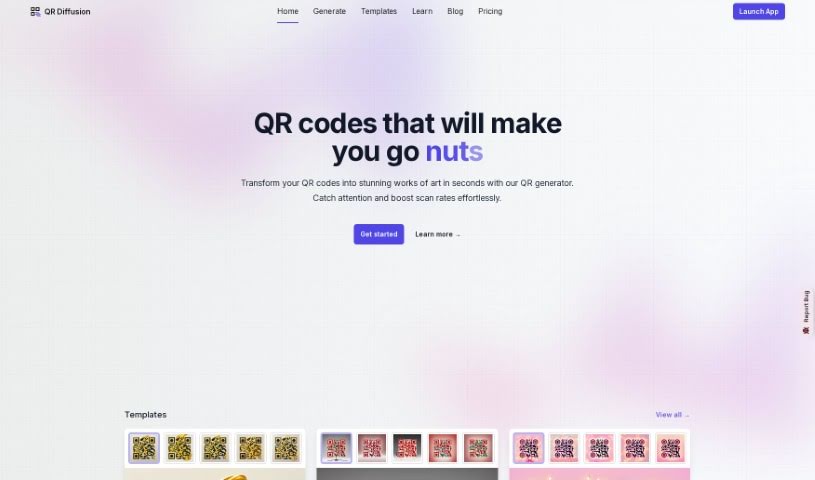
Screenshot of QR Diffusion

QR Diffusion

Freemium

QR Diffusion is an artistic QR code generator that transforms standard black and white QR codes into eye-catching designs by blending AI with dynamic art. The resulting codes are not just decorative — they remain fully functional and scannable, combining style with practicality.

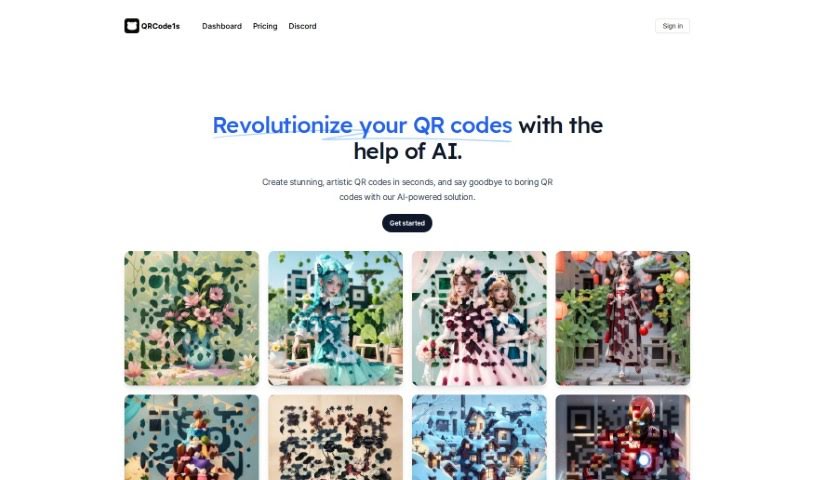
Screenshot of Qrcode1S

Qrcode1S

Freemium

Qrcode1S is a platform that uses AI to create unique, artistic QR codes quickly. Instead of standard black-and-white codes, you can generate QR codes that match your personal style or brand identity.

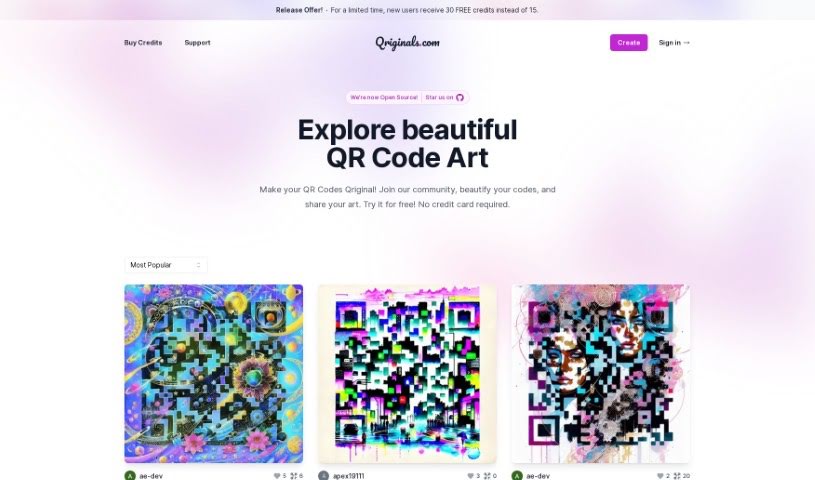
Screenshot of Qriginals

Qriginals

Freemium

Qriginals is a platform that uses AI to create and share artwork in the form of QR codes. Its AI Art Generator lets you customize your designs, which you can then share with the Qriginals community. Features include customizable QR code art, a range of design styles, free credits for new users, a community forum for support, and a gallery showcasing QR code art made by others.

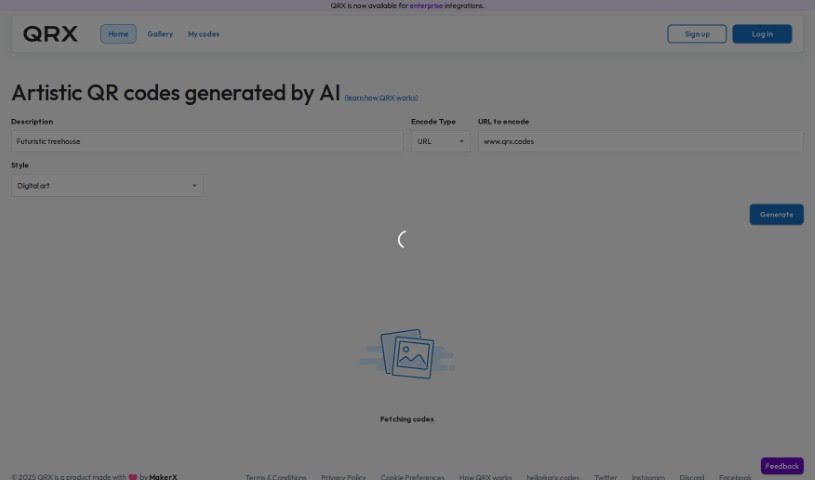
Screenshot of QRX Codes

QRX Codes

Freemium

QRX is a tool for creating QR codes that are colorful and artistic rather than standard black-and-white. Codes can be customized to match your brand's look and feel while remaining fully functional and scannable, leading users directly to your intended content. The platform includes a user-friendly editor and offers high-resolution export options suitable for both digital use and print.

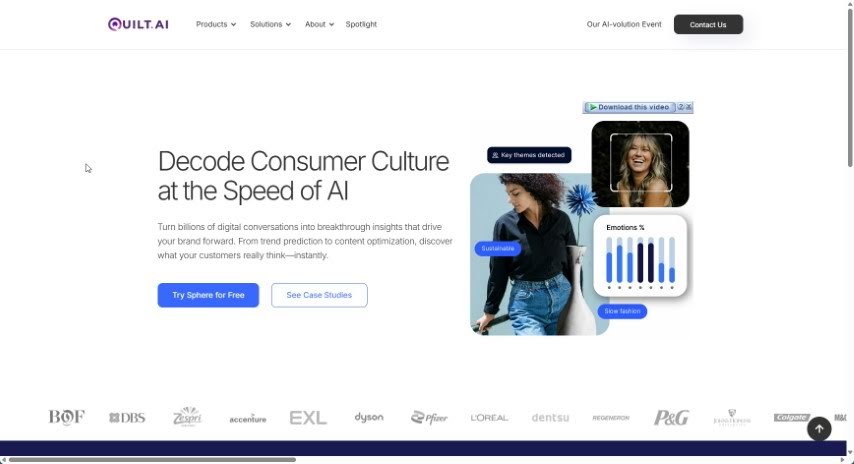
Screenshot of Quilt.AI

Quilt.AI

Freemium

Quilt & Create is an online platform for quilters and creative makers. Details about its specific functions are limited, so checking the site directly is the best way to see what it currently offers.

Screenshot of Rayst Gradients

Rayst Gradients

Freemium

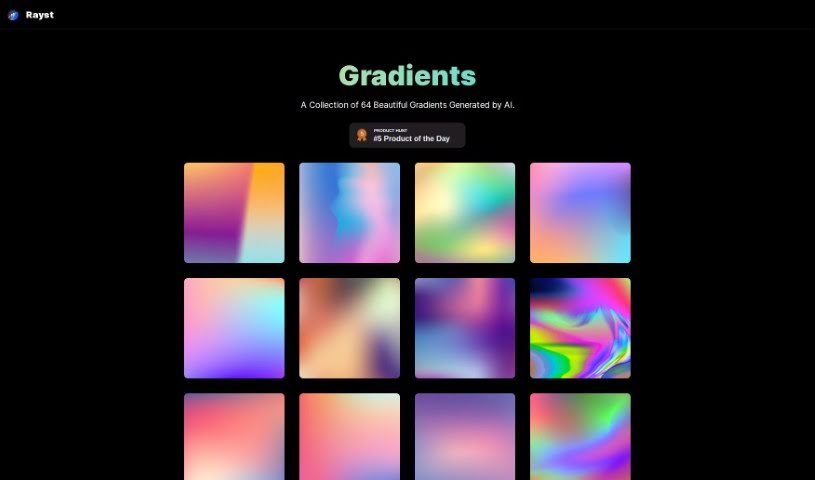
Rayst Gradients is a collection of 64 gradients generated by artificial intelligence. Each gradient features a unique color blend designed to add vibrancy and visual appeal to design projects. The entire collection is free to use for both commercial and personal work, with no special permissions or licenses required. Attribution is appreciated but not mandatory.

Screenshot of Refabric

Refabric

Freemium

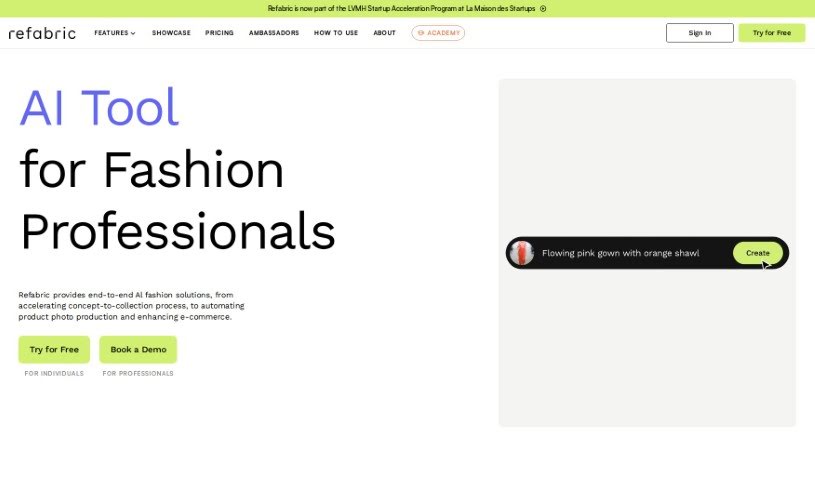
Refabric is an AI fashion design platform that uses generative AI to help users create and refine fashion designs. It suits both beginners sketching their first collection and experienced designers looking to improve their workflow. The platform offers an intuitive, easy-to-use interface, lets you explore on-trend designs, and connects you with other designers.

Screenshot of Reimagina

Reimagina

Freemium

ReImagina is a Chrome extension that uses AI to help artists, designers, and anyone working with visuals. It helps you find images that spark your imagination and, with a few clicks, generates similar images suited to your needs. The goal is to make it easier to find the right visual and create AI-powered alternatives, saving time and improving results.

About Design tools

Starting a design project from scratch takes time. Staring at a blank artboard, creating layout options, adjusting pixel spacing, and reformatting graphics across a dozen screen sizes can consume hours of tedious setup. It’s easy to spend more time preparing files than actually designing.

Rather than replacing human taste or visual judgment, the tools in this category handle repetitive technical labor, speed up wireframing, and prepare production files so you can focus on overall creative strategy.

Accelerating Layout Prototyping and Asset Cleanup

Generating initial layout ideas used to require hours of manual sketching. Modern design platforms build wireframes and visual concepts straight from text prompts or rough hand-drawn notes. You can evaluate different grid structures, visual directions, and typography pairings in seconds before committing to a final polished layout.

Asset editing and photo touch-ups become far simpler, too. Tasks like erasing backgrounds, extending canvas boundaries, or upscaling low-res images traditionally required tedious layer masking and cloning. Smart editing tools handle those fixes automatically, letting you touch up photos and prepare visual assets in seconds.

Maintaining consistency across large design systems is another huge benefit. Keeping visual elements aligned across social banners, web pages, and marketing decks often leads to minor formatting errors. AI design tools analyze your brand guidelines, apply matching color palettes automatically, and format typography across multiple aspect ratios to keep your project look unified.

Capabilities to Consider

  • Generative layout prototyping: Tools that create wireframe ideas and layout concepts from text prompts or rough sketches.
  • Automated asset cleanup: Features that remove backgrounds, expand canvas margins, and upscale image resolution cleanly.
  • Editable vector output: Software that generates clean, scalable SVG paths rather than static raster files.
  • Design system alignment: Applications that apply custom brand colors, fonts, and spacing rules across whole asset packages.
  • Editor plugin support: Integrations that link directly into existing tools like Figma, Adobe Creative Cloud, or Canva.

Great design will always depend on visual hierarchy, human taste, and clear communication. Software can clean up backgrounds and align pixels, but understanding how real people interact with your work requires a creative eye.

Check out the design assistants below to upgrade your workspace.

The Best AI Design Generators

  1. Canva: for easily creating social media graphics.
  2. Ideogram: for custom logo creation for brands.
  3. Renderforest: for custom logo design for startups.
  4. BeFunky: for effortlessly creating custom graphics.
  5. Icons8: for generating unique design templates.
  6. Microsoft Designer: for quickly generating unique social media graphics.
  7. Imagine AI Art Generator: for designing prototypes for branding.
  8. Meshy: for rapid 3D design creation from prompts.
  9. Kittl: for creating custom logos in seconds.
  10. Shakker AI: for dynamic logo creation for brands.
  11. Stylar: for instantly generating unique art styles.
  12. Tripo AI: for creating custom product prototypes.
  13. Homestyler: for creating custom room layouts and styles.
  14. Phot Ai: for dynamic vector art creation from prompts.
  15. Designs AI: for instant graphic design for social media.
New tools, in your inbox.

Weekly picks of the best AI tools we've researched and added — no spam, unsubscribe anytime.

Join 25,000+ AI enthusiasts. No spam, unsubscribe anytime.