AI Data Visualization Tools

AI Tools for Data Visualization

Discover the best Data Visualization AI tools to enhance your productivity and creativity.

Page 9 of 14 • 166 total tools
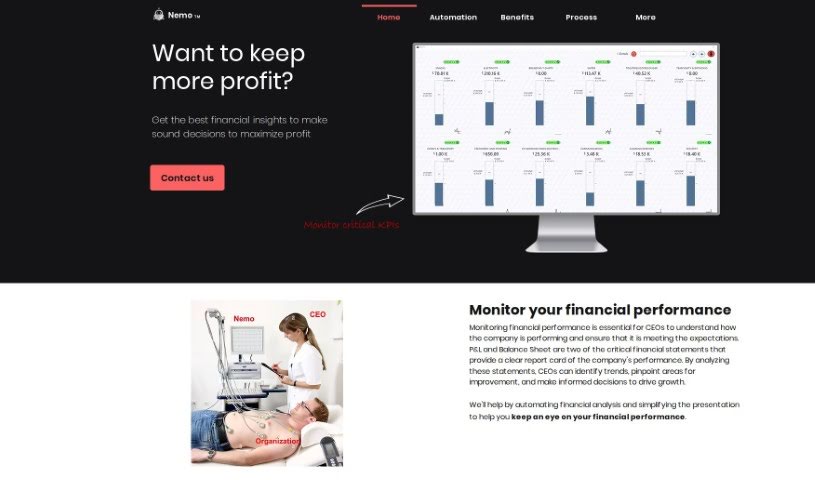
Screenshot of Nemo

Nemo

Freemium

Nemo is a data analysis and decision-making tool for businesses. It streamlines data analysis, reduces bias by examining data objectively, and supports continuous improvement by using data-driven insights to adapt to market shifts. Data stays on your own servers, managed by your IT security team, so security and privacy remain under your control.

Data Visualization View Tool →
Screenshot of NeuralCam Neuralbox

NeuralCam Neuralbox

Freemium

Neuralbox is a visual note-taking app that captures, stores, and retrieves information using photos. It combines image capture, OCR, and AI-powered search to act as a visual memory, keeping your photos organized and searchable on-device and in the cloud.

Data Visualization View Tool →
Screenshot of Observo

Observo

Freemium

Observo is an observability platform that uses AI to help Security, IT, and DevOps teams manage their data. Unlike older observability systems that rely on rigid, rule-based operations, Observo offers an adaptive pipeline that learns from your data to support better decisions and improved processes. It aims to cut observability costs, resolve issues faster, and manage observability data more effectively. Key features include data optimization and reduction, smart routing, anomaly detection, a low-cost searchable data lake, and data enrichment with sensitive data discovery for compliance. Observo connects with over 40 sources and destinations to fit a range of business needs.

Data Visualization View Tool →
Screenshot of Obviously AI

Obviously AI

Freemium

Obviously AI is a user-friendly platform that simplifies data science. It offers a one-click solution for building machine learning models, understanding their outputs, and making predictions — all without writing code. It includes tools for preparing data, training models, and monitoring performance. Its standout feature is the ability to explain the insights models uncover in plain terms, making them accessible to anyone.

Data Visualization View Tool →
Screenshot of Onvo AI

Onvo AI

Freemium

Onvo AI is a platform for creating and customizing dashboards without coding or deep data expertise. Businesses can embed intelligent dashboards directly into their own products. Unlike traditional business intelligence tools, it uses natural language processing and AI-driven analytics to explore and visualize data.

Data Visualization View Tool →
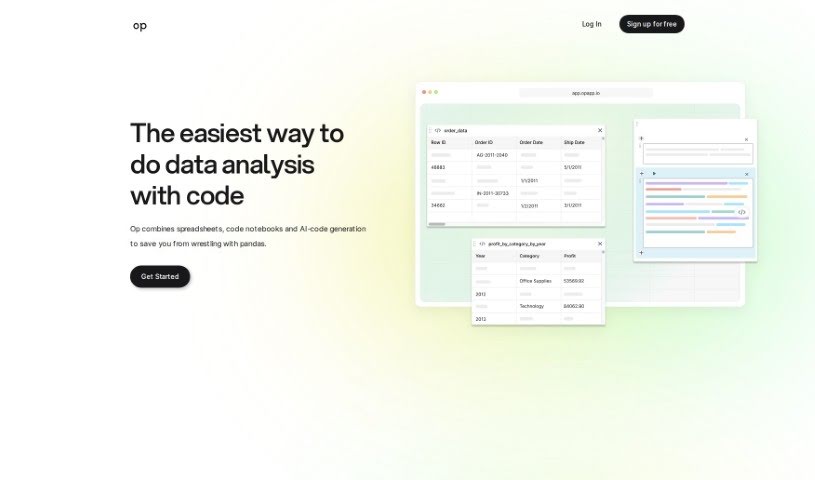
Screenshot of Op App

Op App

Freemium

Op App is a data analysis tool that lets you ask questions about your data and get relevant code in return. It combines the ease of spreadsheets with the power of Jupyter notebooks, plus an AI chat that writes code based on your questions — making analysis faster and more accessible.

Data Visualization View Tool →
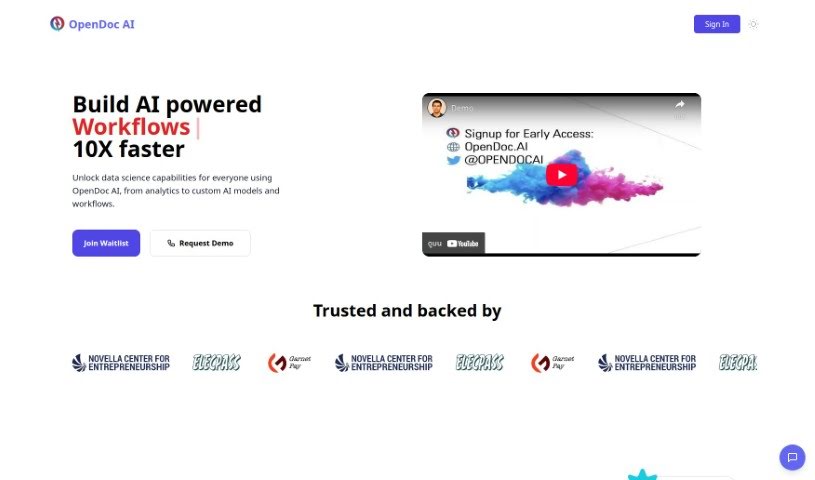
Screenshot of OpenDoc AI

OpenDoc AI

Freemium

OpenDoc AI is a chat-based analytics platform that lets you query data in plain English, no technical background required. It combines data access, visualizations, AI-powered insights, and team collaboration in a single chat interface, with direct access to your raw data.

Data Visualization View Tool →
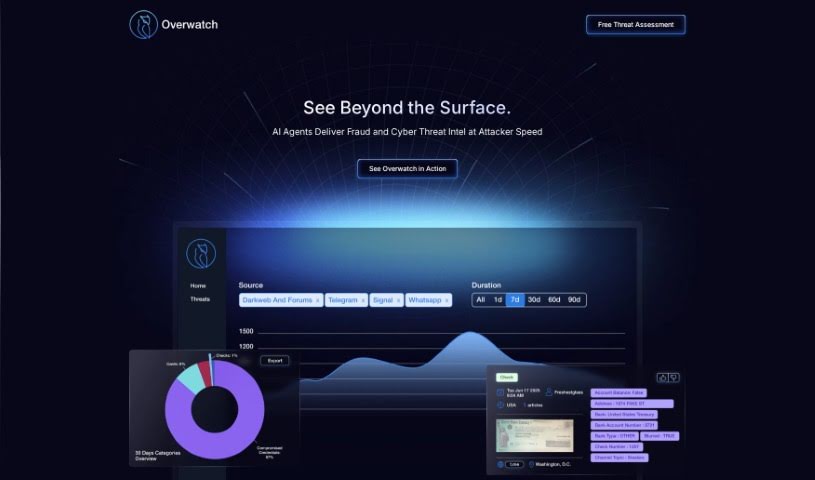
Screenshot of Overwatch Data

Overwatch Data

Freemium

Overwatch Data is an AI-powered, real-time intelligence platform. It pulls in global information from news sources, social media, and the deep and dark web, then turns it into actionable insights on cyber threats, fraud, security concerns, supply chain issues, and market trends. The platform is built on explainable AI, so users can see how it reaches its conclusions.

Data Visualization View Tool →
Screenshot of Pampam

Pampam

Freemium

Pampam is an AI-powered tool for building, annotating, and sharing interactive maps without writing code. Users can add points of interest, annotate areas with details, and receive AI-driven insights about the data. The platform offers templates to speed up map creation and supports sharing with collaborators. Different pricing plans are available based on the features needed.

Data Visualization View Tool →
Screenshot of Percept Insight

Percept Insight

Freemium

Percept Insight is an AI-powered analytics platform for understanding user behavior. It provides visualizations, user journey mapping, cohort building, and interaction analysis to show where users go, where their experience can improve, why they may be leaving, and how your product is performing. It also supports segmentation by behavior, demographics, or location, so you can tailor marketing and communication to specific groups.

Data Visualization View Tool →
Screenshot of Picterra

Picterra

Freemium

Picterra is a Swiss company, founded in 2016, that provides AI-driven geospatial solutions. Its platform offers tools for detecting objects, tracking changes, and finding patterns in geospatial imagery, including satellite images, aerial photos, and drone footage. The goal is to make complex geospatial analysis simpler, helping businesses speed up, streamline, and scale their work with geospatial data.

Data Visualization View Tool →
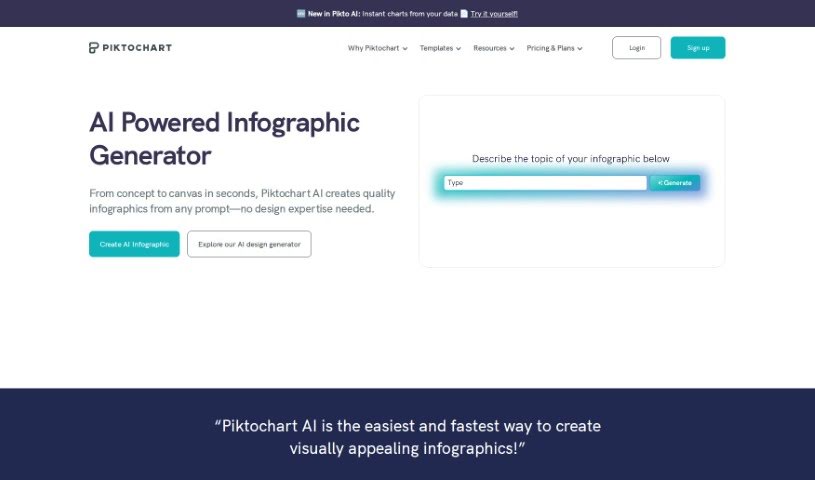
Screenshot of Piktochart AI Infographic Maker

Piktochart AI Infographic Maker

Freemium

Piktochart AI Infographic Maker uses artificial intelligence to generate infographics without requiring design experience. It includes a large library of templates, icons, and design elements, and its intuitive interface lets non-designers produce professional-looking infographics for presentations, reports, and social media posts.

Data Visualization View Tool →

About Data Visualization tools

Turning raw spreadsheets into clean, compelling graphics can easily feel like a slog. You spend hours adjusting chart axes, picking color palettes, and wrestling with dashboard settings just to present last week’s performance numbers. By the time you fix the legend formatting, your presentation deadline is minutes away.

These visual platforms convert complex datasets into presentation-ready charts and dynamic dashboards without the usual design friction.

Building Visuals Without the Formatting Headache

Setting up custom dashboards traditionally meant learning complex business intelligence software or sitting through endless drag-and-drop steps. Modern visualization tools skip that hassle with simple prompt-based controls. Upload a dataset, type a request like “plot monthly recurring revenue by region,” and the system selects an effective visual layout to render an interactive chart instantly.

Selecting the wrong chart format is an easy trap (like using a crowded pie chart for time-series data). Smart visualization engines evaluate your underlying metrics and recommend the most readable layout—whether your data calls for a stacked bar chart, a scatter plot, or a heatmap.

Graphics also become easier to present because these platforms generate written narrative summaries alongside your charts. They highlight key percentage shifts, call out anomalies, and point out trends directly on the screen, saving you from typing up explanatory slides for every team review.

Features Worth Looking For

  • Natural language chart creation: Tools that let you type plain-text prompts to generate custom charts instantly.
  • Automated chart selection: Software that analyzes your dataset structure to recommend the clearest visual layout.
  • Written narrative generation: Features that provide concise text summaries and key takeaways alongside your graphics.
  • Interactive dashboard controls: Platforms that convert static charts into dynamic visual boards viewers can filter on the fly.
  • Custom brand styling: Settings that apply your company colors, typography, and logos across every generated visual.

A polished visual means very little if the underlying numbers are flawed. While algorithms format charts and suggest color scales, verifying data accuracy and framing the narrative for your audience still rests on your shoulders.

Check out the tools below to turn your raw data into clear visual stories.

The Best AI Data Visualization Tools

  1. Databricks: Great for interactive dashboards that give you sales insights.
  2. Visme: Helps you turn data into stunning visuals.
  3. Julius AI: Lets you craft dynamic graphs for clear insights.
  4. Scale AI: Useful for visualizing security threat patterns efficiently.
  5. Text Cortex: Streamlines creating visuals for reports, effortlessly.
  6. Dataminr: Offers visual analytics tools for crisis response.
  7. Rapidminer: Provides interactive dashboards for sales performance.
  8. KNIME: Offers interactive dashboards for sales analysis.
  9. Kanaries: Delivers streamlined visual insights for data trends.
  10. Piktochart AI Infographic Maker: Perfect for data dashboard infographics.
  11. Strawpoll: Lets you create engaging visual reports from polls.
  12. Powerdrill: Helps with dynamic data dashboard creation.
  13. Quadratic: Ideal for visualizing quadratic regression trends.
  14. Insightjini: Generates dynamic charts from your datasets.
  15. Aitable: Transforms data into insightful charts.
New tools, in your inbox.

Weekly picks of the best AI tools we've researched and added — no spam, unsubscribe anytime.

Join 25,000+ AI enthusiasts. No spam, unsubscribe anytime.