AI Tools for Data Visualization

Discover the best Data Visualization AI tools to enhance your productivity and creativity.

Page 8 of 15 • 178 total tools

Data’s everywhere these days, but just having it doesn’t really help. To turn that raw information into useful insights, you need the right tools. And with AI becoming so common, we now have some really powerful data visualization tools. They can take complicated data and turn it into simple, eye-catching visuals without much fuss.

You know, gone are the days when you needed a ton of technical skill just to make a basic graph. Today’s AI-powered platforms let anyone—whether you’re a business analyst or just curious—create visuals that quickly get the main points across. The best part? They make the whole process feel natural and straightforward.

I’ve spent a good chunk of time playing around with different AI data visualization tools to see which ones really stand out. From real-time updates to fancy charting options, these tools are ready to tackle all sorts of data challenges.

So, whether you want to make your presentations pop or just get a better handle on your own data, these tools have you covered. Let’s jump into some of the most impressive AI data visualization tools out there right now.

The best AI Data Visualization Tools

  1. Databricks: Great for interactive dashboards that give you sales insights.
  2. Visme: Helps you turn data into stunning visuals.
  3. Julius AI: Lets you craft dynamic graphs for clear insights.
  4. Scale AI: Useful for visualizing security threat patterns efficiently.
  5. Text Cortex: Streamlines creating visuals for reports, effortlessly.
  6. Dataminr: Offers visual analytics tools for crisis response.
  7. Rapidminer: Provides interactive dashboards for sales performance.
  8. KNIME: Offers interactive dashboards for sales analysis.
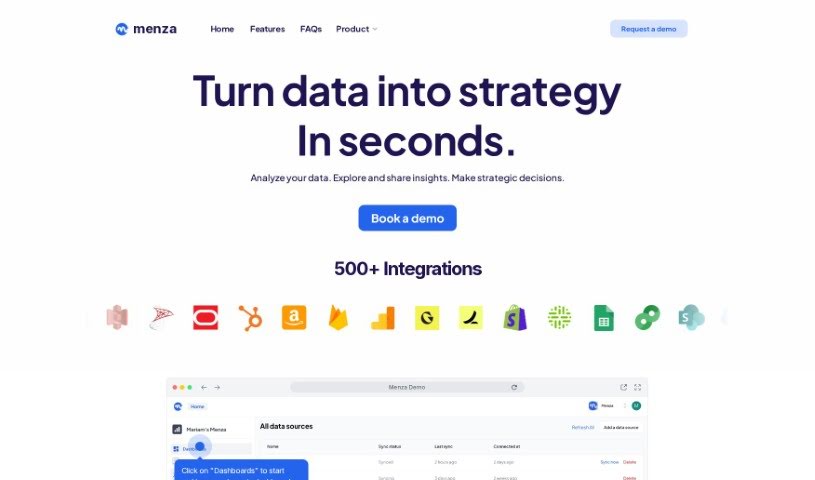
  9. Kanaries: Delivers streamlined visual insights for data trends.
  10. Piktochart AI Infographic Maker: Perfect for data dashboard infographics.
  11. Strawpoll: Lets you create engaging visual reports from polls.
  12. Powerdrill: Helps with dynamic data dashboard creation.
  13. Quadratic: Ideal for visualizing quadratic regression trends.
  14. Insightjini: Generates dynamic charts from your datasets.
  15. Aitable: Transforms data into insightful charts.

How do AI data visualization tools work?

AI data visualization tools are built to make it simple to turn complex data into visuals that are easy to understand. They use algorithms and machine learning to look at data, finding patterns, trends, and insights you might not spot otherwise. By sifting through lots of information, these tools help you grasp important findings quickly.

Basically, these tools often use different statistical methods to make sense of data. They pull information from databases or spreadsheets and use these methods to change raw numbers into useful visuals like charts, graphs, and infographics. This makes it much easier to intuitively understand what the data is telling you.

Many of these apps have smart systems that automatically suggest visualizations based on the type of data you give them. For example, if your data shows a trend over time, the tool might suggest a line chart. This flexibility makes them accessible even if you don’t have a deep background in data analysis.

AI data visualization tools also get better with user feedback. They learn from how people use the visuals they create, constantly improving their accuracy and relevance. This ongoing process makes the insights they offer more precise and tailored to what you need.

By integrating AI, these tools can even offer predictive analytics. This means they can forecast future trends based on past data, giving businesses a heads-up on potential opportunities or problems. So, they don’t just show you the past; they help you plan for the future, too.

Ultimately, AI’s strength in data visualization is making data more accessible and actionable. With more and more information being generated every day, these tools will keep playing a key role in helping us make decisions more smoothly.

Our best AI data visualization tools at a glance

RankNameBest forPlans and PricingRating
1Databricksinteractive dashboards for sales insightsN/A4.82 (11 reviews)
2Vismetransform data into stunning visuals.N/A4.50 (12 reviews)
3Julius AIcraft dynamic graphs for clear insightsN/A4.84 (61 reviews)
4Scale AIvisualizing security threat patterns efficientlyN/A4.73 (11 reviews)
5TextCortexstreamlining report visuals effortlessly.Paid plans start at $23.99/month.4.50 (10 reviews)
6Dataminrcrisis response with visual analytics toolsN/A3.80 (5 reviews)
7Rapidminerinteractive sales performance dashboardsN/A4.69 (39 reviews)
8KNIMEinteractive dashboards for sales analysisN/A4.73 (26 reviews)
9Kanariesstreamlined visual insights for data trendsN/A4.54 (24 reviews)
10Piktochart AI Infographic Makerdata dashboard infographicN/A4.60 (10 reviews)
11Strawpollcreate engaging visual reports from polls.Paid plans start at $10/mo.4.73 (33 reviews)
12Powerdrilldynamic data dashboards creationN/A4.71 (28 reviews)
13Quadraticvisualizing quadratic regression trendsN/A4.78 (27 reviews)
14Insightjinigenerate dynamic charts from datasetsN/A4.00 (6 reviews)
15Aitabletransform data into insightful charts.N/A4.09 (11 reviews)
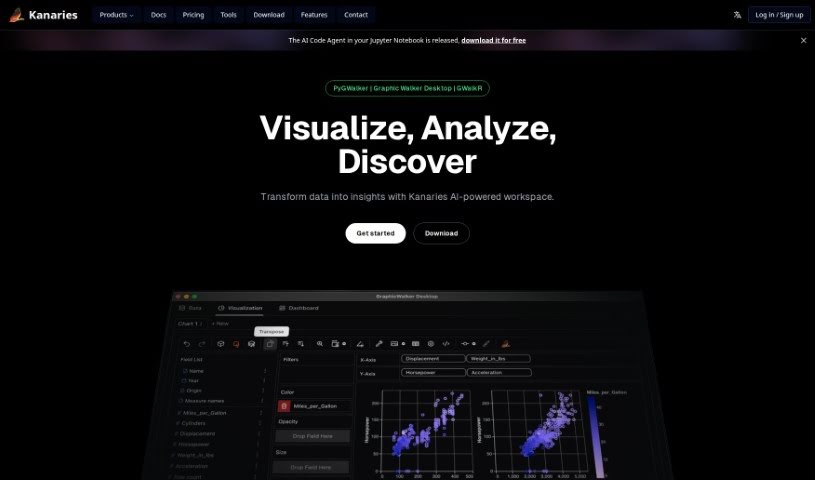
Screenshot of Kanaries

Kanaries

Freemium

Kanaries RATH is a smart tool designed to help you explore your data. It is an AI assistant that automatically finds patterns, generates insights, and creates charts and dashboards from all sorts of data. It really simplifies the often tedious work of cleaning up data, digging into it, and visualizing it. This is thanks to its automation features, like the Augmented Analytic Engine, a Copilot specifically for exploring data, a handy Data Painter, and tools for Data Preparation. Plus, it has a component called Graphic Walker, which lets you easily embed visual analytics right into your web or mobile apps.

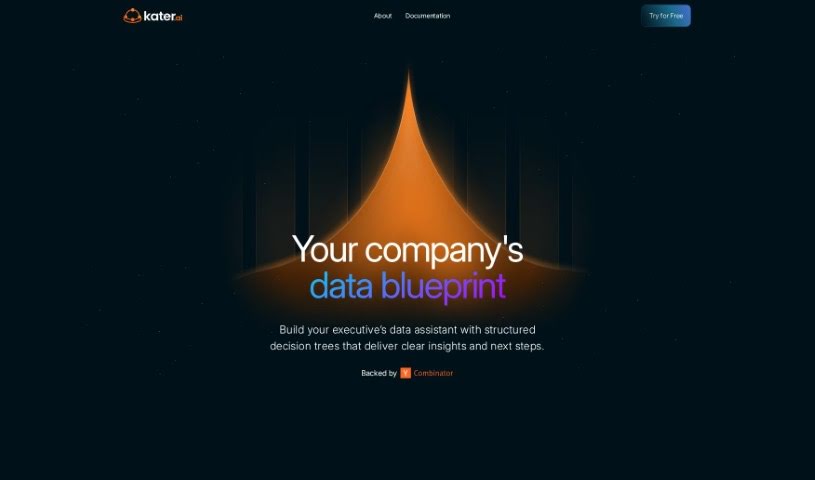
Screenshot of Kater

Kater

Freemium

Kater, also known as Butler, is essentially a data agent built to tackle the everyday headaches organizations face with data literacy, accessing information, and processing it all. What's really neat about Kater is how it helps sort through data messes, come up with ideas, write the right questions to check those ideas, and find important insights really fast. It makes self-serve analytics a reality, giving people high access to data so they can ask questions using just plain English. Plus, Kater helps improve data quality by being super transparent about it, it captures all that valuable 'tribal knowledge' about data that often gets lost, and it even optimizes data specifically for AI applications. When you use Kater, your team can trust the data more, data teams get a break from the constant requests, and everyone can make smarter decisions because the data is reliable and easy to understand. Honestly, Kater feels like the way forward for data, making it a key player in guiding business choices.

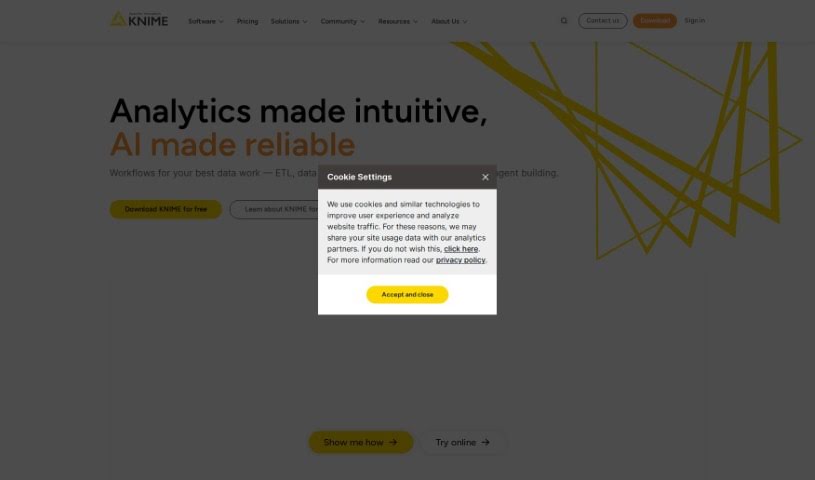
Screenshot of KNIME

KNIME

Freemium

KNIME is a really comprehensive platform that covers the whole end-to-end data science process. It is a single, unified environment where you can tackle all sorts of tasks. It lets you build workflows – basically, a series of connected steps – to handle your data. This can be anything from simple things like cleaning up messy data or filtering out what you don't need, all the way to more complex analyses like working with geographical data, analyzing images, or even diving into deep learning. Plus, KNIME helps you check and keep an eye on your analytics and AI models, which is super important for keeping sensitive data safe. It's a great tool for teams who need to make sure their results are accurate and easy to explain, helping organizations really make the most of their data and AI capabilities.

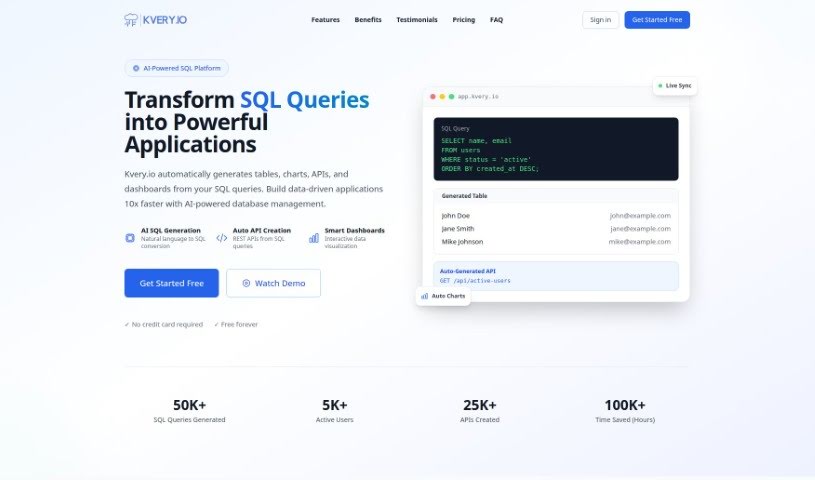
Screenshot of Kvery

Kvery

Freemium

Kvery is a modern SQL editor built specifically for today's data professionals. It offers a really easy-to-use interface packed with helpful features like syntax highlighting, code completion, and advanced data management tools. All of this is designed to boost your productivity and cut down on mistakes when you're writing SQL. Kvery gives you powerful ways to work with large, complex datasets, which saves you time and makes your data handling much more accurate. Whether you're a developer, a data analyst, or a database administrator, Kvery is made to simplify how you query databases and help you get valuable insights from your data quickly.

Screenshot of Latentspace

Latentspace

Freemium

Latentspace is your smart AI partner for business analytics. It's designed to help you make sense of your data. You can easily upload your spreadsheets, whether they're in CSV or Excel format. Once your data is in, you can chat with its AI assistant, Steve. Steve can help you with all sorts of tasks, like digging into your data, creating charts, and running statistical analyses. What's really neat is that Latentspace shows you exactly how it arrived at its conclusions, including the code it used. This means you can really trust the insights you get. Plus, your original data stays safe and sound within your own data warehouse – no need to make copies. They use standard encryption to keep your login details secure, too. Latentspace really focuses on being transparent, reliable, and building trust. It's got a user-friendly interface, making it simple to get the data-driven insights you need without any fuss.

Screenshot of LayerNext

LayerNext

Freemium

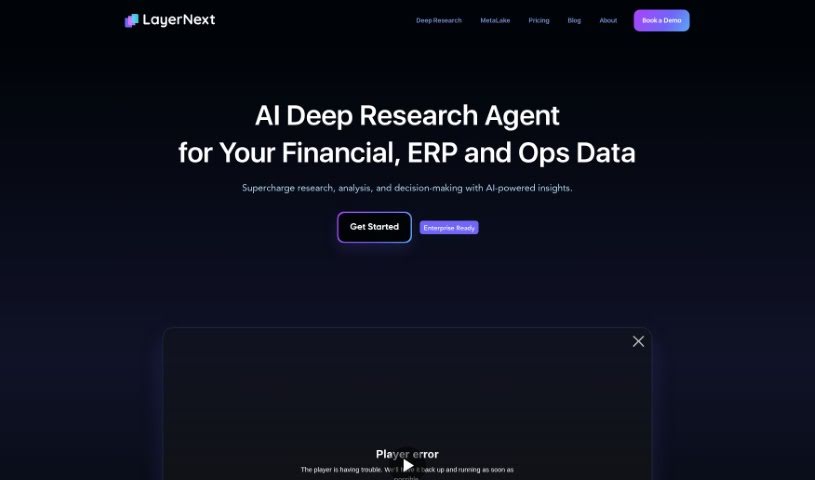
LayerNext is a complete, end-to-end platform designed specifically for managing data in computer vision projects. It is your central hub for everything related to your AI data. It makes collecting, organizing, labeling, and searching through massive amounts of computer vision data much simpler and more efficient. The platform includes several key components: the DataLake, which acts as a central storage for all your data; the Annotation Studio, where you can label images and videos; and the Dataset Manager, for keeping everything organized. It also comes with built-in tools to help you analyze your data. You can visualize your data, label it at a large scale, manage your datasets effectively, and even connect it with other applications you might be using. Plus, it's built with compliance in mind, adhering to regulations like HIPAA and GDPR, and it's customizable to fit your specific way of working. Ultimately, LayerNext is all about boosting your team's productivity and collaboration, making your AI projects run smoother and more securely.

Screenshot of Lilac

Lilac

Freemium

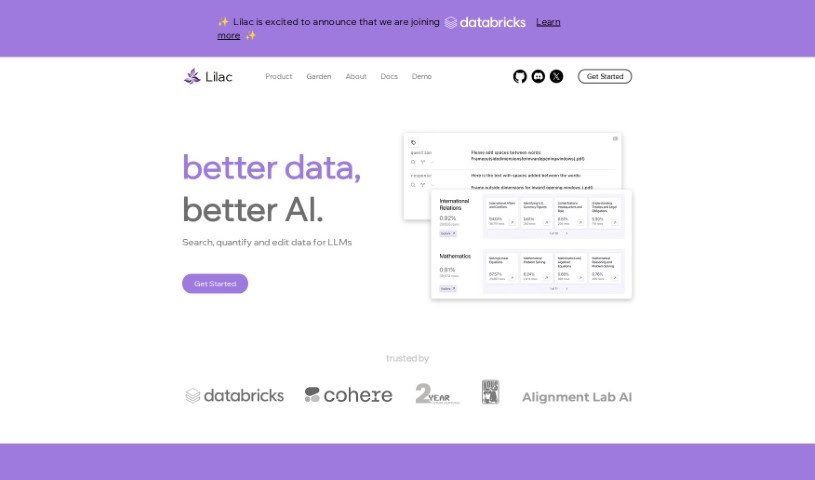
Lilac is a sophisticated data platform designed specifically for AI and data professionals. Its main goal is to help you improve your data quality and make your AI products even better. It really shines when it comes to exploring data and making sure it's top-notch. You'll find tools for clustering, searching, editing, and detecting issues within your data.

Screenshot of Lime Ai

Lime Ai

Freemium

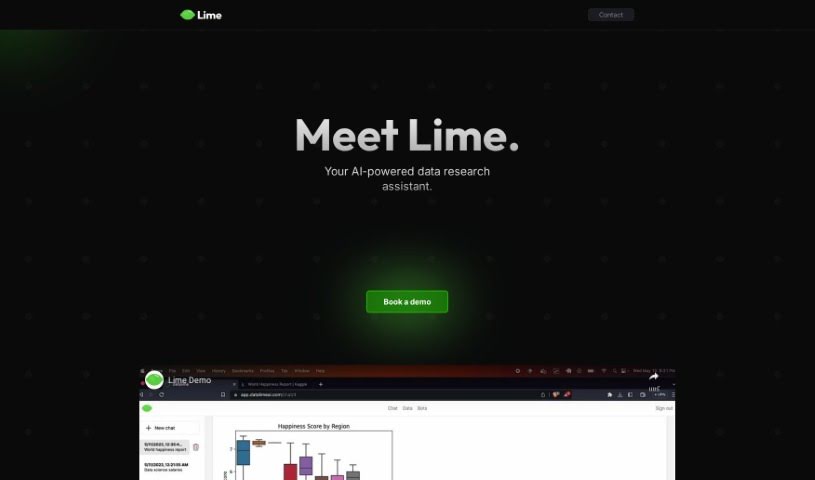
Lime AI is essentially an AI-powered assistant built to make data research much simpler and your analysis work more efficient. It is a smart helper for dealing with large amounts of data. It uses machine learning and natural language processing (NLP) to quickly uncover insights. Plus, its interface is really easy to use, helping you spot patterns, trends, and connections in your data. Whether you're a business or an individual, Lime AI is adaptable and designed to help you make smarter decisions by making complex data analysis straightforward.

Screenshot of Lunary

Lunary

Freemium

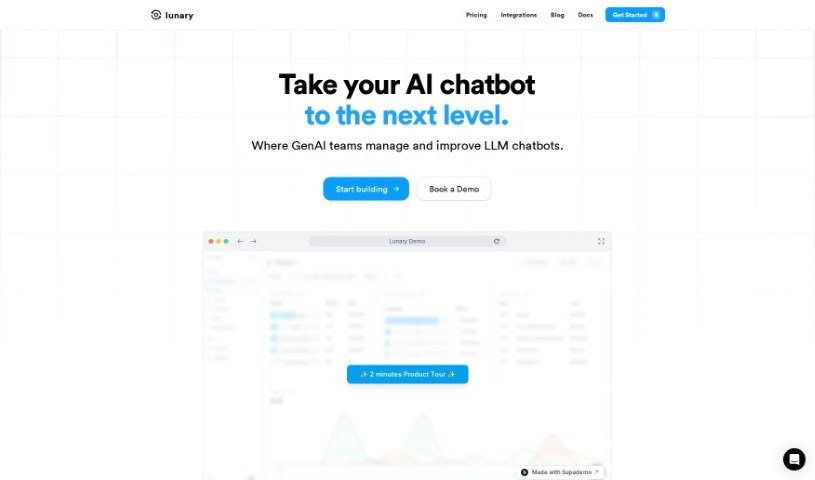
LLMonitor is your go-to platform for keeping an eye on AI agents and chatbots that use the LLM framework. It's a really thorough observability and logging tool. What it does is help developers fine-tune their AI applications by giving them a clear view into how their agents are behaving, how well they're performing, and what users are actually doing with them. You get features like analytics and tracing, which let you keep tabs on requests, figure out costs, replay and fix any issues with how the agent runs, track what users are up to and how much it's costing, and generally see what's going on under the hood. LLMonitor also helps you build training datasets, collect feedback from users, replay conversations so you can see exactly what happened, and run checks to make sure your agent is working smoothly. Getting LLMonitor into your own applications is straightforward; you can use the SDK they provide, and you have the choice to host it yourself or use their hosted version.

Screenshot of Lychee Ai

Lychee Ai

Freemium

Lychee AI is a really neat data visualization platform that makes working with spreadsheets a breeze. It instantly turns your spreadsheets into dynamic graphs, and you don't need any coding skills to use it. It's got this cool "Blink of an Eye" feature that speeds up graph creation, making the whole process super fast. Plus, it's cost-effective, focusing on what users actually need. People have been giving it great reviews for its efficiency and simplicity, whether they're in academia or the professional world. One of the best parts? You get lifetime access with a one-time purchase – no monthly subscriptions ever. This means you're all set with all current and future updates and features.

Screenshot of Magic Dash AI

Magic Dash AI

Freemium

Magic Dash AI is your go-to analytics assistant, kind of like ChatGPT but for your databases. It lets you get insights from your data just by asking questions in plain English. You can easily connect databases like Airtable and MongoDB, and then quickly see your data visualized without needing to write any code. The whole experience is designed to be super simple and intuitive, which really helps save time and resources that would otherwise go into writing queries. Plus, you can give it a try for free with a 7-day trial. People who've used it often mention how much it simplifies data visualization, especially when it comes to efficiently analyzing key performance indicators (KPIs).

Screenshot of Max

Max

Freemium

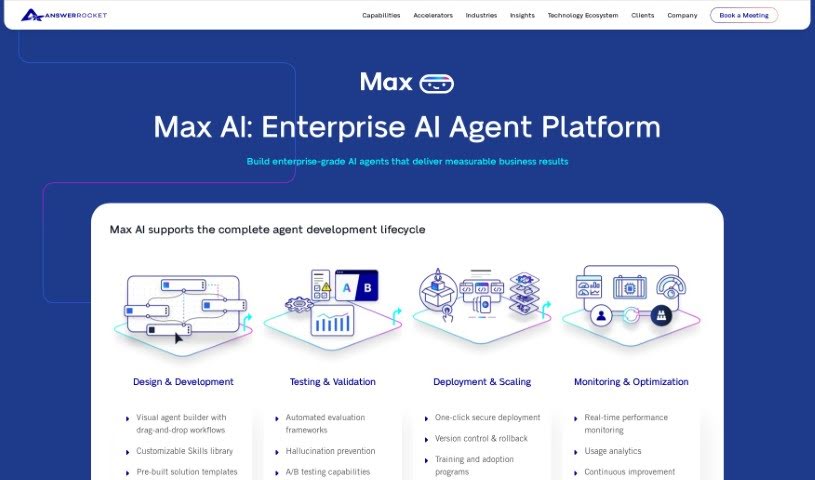
Max is an AI-powered assistant designed to completely change how you work with data. It is your go-to for making data analysis much simpler and faster. It's built to speed up your data analysis tasks, giving you insights right when you need them and transforming complicated data into easy-to-understand stories. Max uses GPT-3.5 Turbo along with AnswerRocket's smart analytics tools to quickly sort through data and offer helpful analysis suggestions. You'll find its interface really easy to use, which makes exploring data and making decisions a breeze. Some of the standout things Max can do include analyzing data up to 10 times faster than usual, really getting to know your specific business and data needs, offering built-in advanced analytics tools, processing data much quicker than a person could, and even suggesting insights you might not have thought of. Essentially, Max is your flexible partner for making decisions based on data, ensuring you always have the information you need close at hand.

Stay Updated with AI Tools

Get weekly updates on the latest AI tools, trends, and insights delivered to your inbox

Join 25,000+ AI enthusiasts. No spam, unsubscribe anytime.