20Paths
Productivity Documentation
Learn more
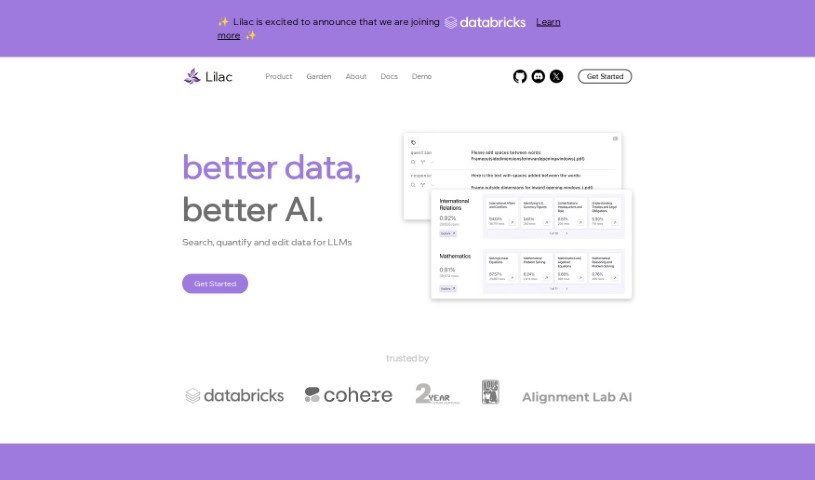
Discover Lilac, a data platform for AI and data professionals that helps improve data quality through clustering, search, and editing tools.
Lilac is a data platform designed for AI and data professionals. Its goal is to help improve data quality and make AI products better, with tools for clustering, searching, editing, and detecting issues in data.
Lilac is trusted by organizations such as Alignment Lab AI. It is fast: it can cluster and title a million data points in 20 minutes, which matters when working with large language models (LLMs). The Lilac Garden section can transform datasets quickly. Getting started only requires a simple Python installation. Users report that Lilac helps them understand their datasets and find the right data for their needs, making it a useful part of a data quality process.
In summary, Lilac lets you cluster products, run semantic and keyword searches, edit data, check for privacy issues and duplicates, and refine searches for abstract concepts. It is used for exploring data and evaluating data quality pipelines.
Lilac was created by Daniel Smilkov and Nikhil Thorat. Daniel Smilkov, Co-Founder & CEO, co-led TensorFlow.js and Know Your Data at PAIR, focusing on machine learning and visualization, and is an alum of the MIT Media Lab. Nikhil Thorat, Co-Founder & CTO, also contributed to TensorFlow.js and Know Your Data at Google Brain and was the former tech lead for Google Image Search UI.
Lilac is aimed at AI and data practitioners, machine learning professionals, data scientists, data analysts, and software engineers.
pip install lilac.Related
Discover more tools in similar categories
Weekly picks of the best AI tools we've researched and added — no spam, unsubscribe anytime.
Join 25,000+ AI enthusiasts. No spam, unsubscribe anytime.