AI Tools for Data Visualization

Discover the best Data Visualization AI tools to enhance your productivity and creativity.

Page 10 of 15 • 178 total tools

Data’s everywhere these days, but just having it doesn’t really help. To turn that raw information into useful insights, you need the right tools. And with AI becoming so common, we now have some really powerful data visualization tools. They can take complicated data and turn it into simple, eye-catching visuals without much fuss.

You know, gone are the days when you needed a ton of technical skill just to make a basic graph. Today’s AI-powered platforms let anyone—whether you’re a business analyst or just curious—create visuals that quickly get the main points across. The best part? They make the whole process feel natural and straightforward.

I’ve spent a good chunk of time playing around with different AI data visualization tools to see which ones really stand out. From real-time updates to fancy charting options, these tools are ready to tackle all sorts of data challenges.

So, whether you want to make your presentations pop or just get a better handle on your own data, these tools have you covered. Let’s jump into some of the most impressive AI data visualization tools out there right now.

The best AI Data Visualization Tools

  1. Databricks: Great for interactive dashboards that give you sales insights.
  2. Visme: Helps you turn data into stunning visuals.
  3. Julius AI: Lets you craft dynamic graphs for clear insights.
  4. Scale AI: Useful for visualizing security threat patterns efficiently.
  5. Text Cortex: Streamlines creating visuals for reports, effortlessly.
  6. Dataminr: Offers visual analytics tools for crisis response.
  7. Rapidminer: Provides interactive dashboards for sales performance.
  8. KNIME: Offers interactive dashboards for sales analysis.
  9. Kanaries: Delivers streamlined visual insights for data trends.
  10. Piktochart AI Infographic Maker: Perfect for data dashboard infographics.
  11. Strawpoll: Lets you create engaging visual reports from polls.
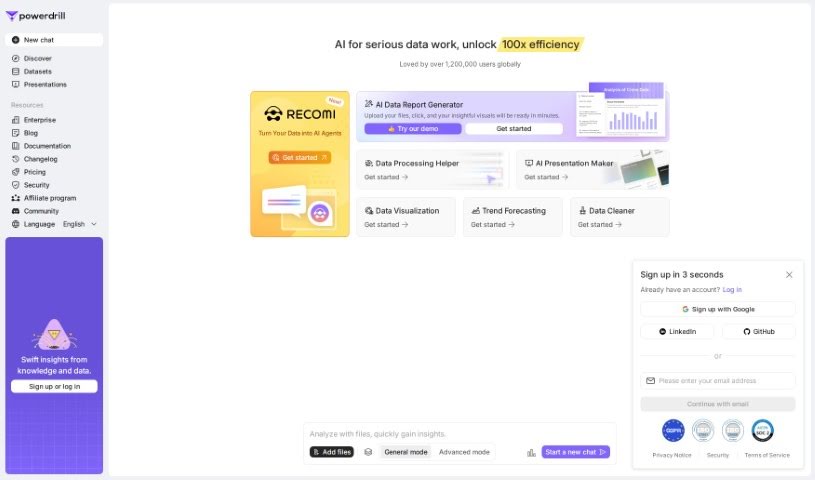
  12. Powerdrill: Helps with dynamic data dashboard creation.
  13. Quadratic: Ideal for visualizing quadratic regression trends.
  14. Insightjini: Generates dynamic charts from your datasets.
  15. Aitable: Transforms data into insightful charts.

How do AI data visualization tools work?

AI data visualization tools are built to make it simple to turn complex data into visuals that are easy to understand. They use algorithms and machine learning to look at data, finding patterns, trends, and insights you might not spot otherwise. By sifting through lots of information, these tools help you grasp important findings quickly.

Basically, these tools often use different statistical methods to make sense of data. They pull information from databases or spreadsheets and use these methods to change raw numbers into useful visuals like charts, graphs, and infographics. This makes it much easier to intuitively understand what the data is telling you.

Many of these apps have smart systems that automatically suggest visualizations based on the type of data you give them. For example, if your data shows a trend over time, the tool might suggest a line chart. This flexibility makes them accessible even if you don’t have a deep background in data analysis.

AI data visualization tools also get better with user feedback. They learn from how people use the visuals they create, constantly improving their accuracy and relevance. This ongoing process makes the insights they offer more precise and tailored to what you need.

By integrating AI, these tools can even offer predictive analytics. This means they can forecast future trends based on past data, giving businesses a heads-up on potential opportunities or problems. So, they don’t just show you the past; they help you plan for the future, too.

Ultimately, AI’s strength in data visualization is making data more accessible and actionable. With more and more information being generated every day, these tools will keep playing a key role in helping us make decisions more smoothly.

Our best AI data visualization tools at a glance

RankNameBest forPlans and PricingRating
1Databricksinteractive dashboards for sales insightsN/A4.82 (11 reviews)
2Vismetransform data into stunning visuals.N/A4.50 (12 reviews)
3Julius AIcraft dynamic graphs for clear insightsN/A4.84 (61 reviews)
4Scale AIvisualizing security threat patterns efficientlyN/A4.73 (11 reviews)
5TextCortexstreamlining report visuals effortlessly.Paid plans start at $23.99/month.4.50 (10 reviews)
6Dataminrcrisis response with visual analytics toolsN/A3.80 (5 reviews)
7Rapidminerinteractive sales performance dashboardsN/A4.69 (39 reviews)
8KNIMEinteractive dashboards for sales analysisN/A4.73 (26 reviews)
9Kanariesstreamlined visual insights for data trendsN/A4.54 (24 reviews)
10Piktochart AI Infographic Makerdata dashboard infographicN/A4.60 (10 reviews)
11Strawpollcreate engaging visual reports from polls.Paid plans start at $10/mo.4.73 (33 reviews)
12Powerdrilldynamic data dashboards creationN/A4.71 (28 reviews)
13Quadraticvisualizing quadratic regression trendsN/A4.78 (27 reviews)
14Insightjinigenerate dynamic charts from datasetsN/A4.00 (6 reviews)
15Aitabletransform data into insightful charts.N/A4.09 (11 reviews)
Screenshot of Op App

Op App

Freemium

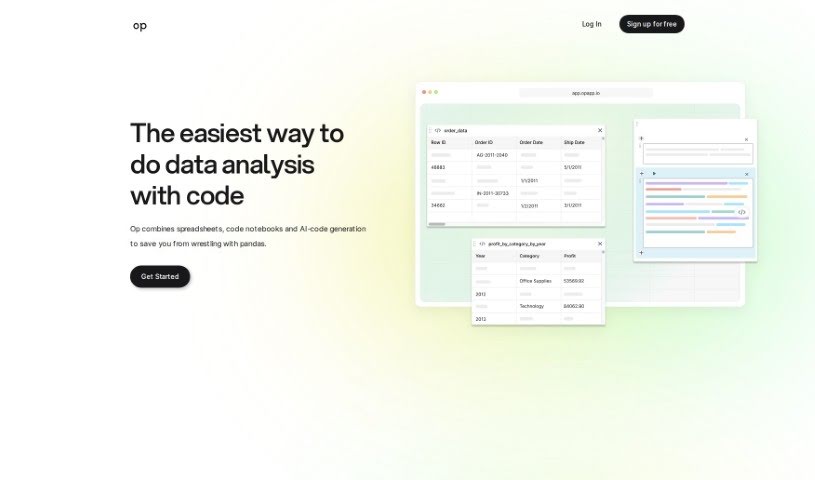
Op App is a handy data analysis tool designed to make working with your data much simpler. Basically, you can just ask it questions about your data, and it'll give you back code that's relevant to what you're asking. It's like combining the ease of spreadsheets with the power of Jupyter notebooks, all wrapped up with an AI chat feature that writes code for you based on your questions. The whole idea is to speed up data analysis, make coding smoother, and give you an easy-to-use way to really dig into your data.

Screenshot of OpenDoc AI

OpenDoc AI

Freemium

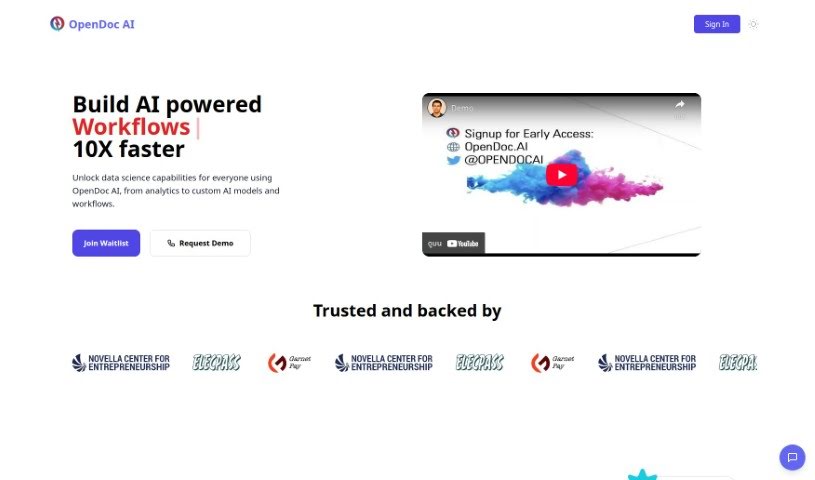
OpenDoc AI is a chat-based analytics platform designed to help you interact with your data and uncover insights, even if you don't have a technical background. It is a smart assistant for your data. It offers features like easy data access, clear visualizations, helpful AI insights, and tools for working together with others, all wrapped up in a simple chat interface. Whether you're a data whiz or just starting out, OpenDoc AI makes it easy to analyze and understand your information, share what you find, and make smarter decisions based on AI-powered suggestions. Plus, you can get direct access to your raw data whenever you need it. The platform really encourages teamwork, boosting how much you can get done and making it simple to share knowledge.

Screenshot of Outerbase

Outerbase

Freemium

Outerbase is a platform designed to make working with data from all sorts of databases much simpler. It is your central hub for connecting to SQL or NoSQL databases, allowing engineers, researchers, and analysts to easily access and manage their data securely.

Screenshot of Overwatch Data

Overwatch Data

Freemium

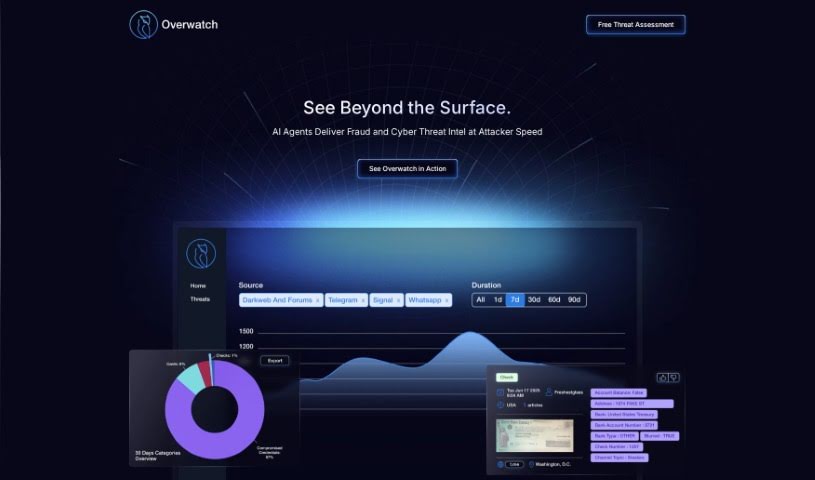
"Overwatch Data" is a real-time intelligence hub. It’s designed to give you clear, actionable insights for all sorts of things – like cyber threats, fraud, security concerns, supply chain issues, and market trends. It’s built to save you time and get the crucial information your teams need, right to them. What’s really neat is how customizable it is. You can tell it exactly what topics, stories, events, and categories matter most to you. You’ll get easy-to-understand data visuals, quick executive summaries that are updated live, and a chat feature where you can ask questions in plain English to get answers based on the latest news. Essentially, Overwatch Data helps organizations keep an eye on and protect what’s important globally, offering that extra layer of 'cover' when things feel uncertain. It’s powered by AI and is a great fit for both companies and government agencies. It pulls in real-time global information from news sources, social media, and even the dark web, helping you spot risks and opportunities, protect against fraud, enhance security, and gain valuable data insights. Plus, it’s built with explainable AI, so you can actually understand how it arrives at its conclusions.

Screenshot of Pampam

Pampam

Freemium

Pampam is a really neat tool, created by Helena and Carlo, that helps you build interactive maps using artificial intelligence. Their goal is to make exploring geographical data much simpler and more intuitive for everyone. You can add your own points of interest, annotate areas on maps with details, and get smart insights. It's designed to be user-friendly, whether you're a professional, a student, a researcher, or just exploring for fun. Basically, you can tailor maps to whatever you need or are interested in. The AI part is pretty cool because it makes the maps more interactive and gives you a better understanding of the geographical information.

Screenshot of Percept Insight

Percept Insight

Freemium

Percept Insight is a smart platform that uses AI to really change how we look at user analytics. It offers great visualizations, helps you map out user journeys, build user groups (cohorts), and analyze interactions to boost engagement. Essentially, it helps you see where users are going, figure out how to make their experience better, understand why they might be leaving, and generally improve how your product performs. Plus, it's fantastic for segmenting your customers so you can create marketing and communication strategies that really hit home, based on what they do, who they are, or where they're located.

Screenshot of Picterra

Picterra

Freemium

Picterra is a company based in Switzerland, founded back in 2016. They specialize in AI-driven geospatial solutions, offering a platform packed with tools designed for spotting objects, tracking changes, and finding patterns within all sorts of geospatial imagery. Think satellite images, aerial photos, or drone footage – Picterra can handle it.

Screenshot of Piktochart AI Infographic Maker

Piktochart AI Infographic Maker

Freemium

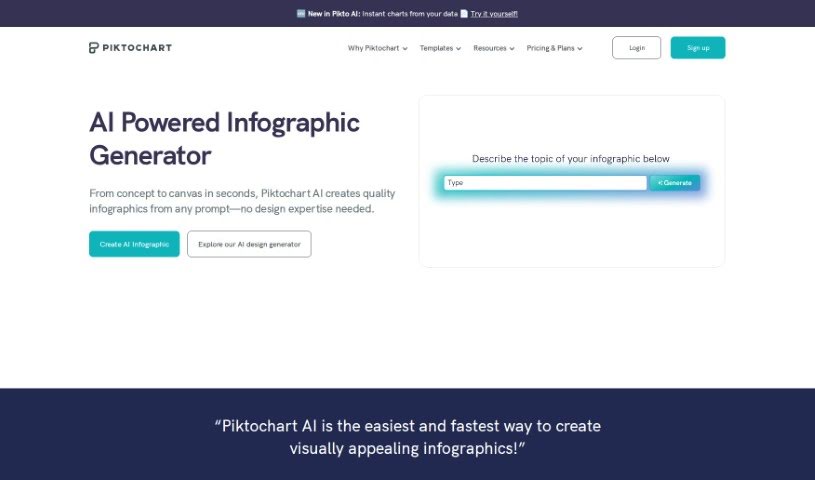
Piktochart AI Infographic Maker is a really user-friendly tool designed to make creating engaging and visually appealing infographics a breeze. It uses artificial intelligence to help you generate high-quality infographics without a fuss. With Piktochart AI Infographic Maker, you get access to a huge library of templates, icons, and design elements, so you can totally customize your creations to fit exactly what you need. The platform has a super intuitive interface, which means even if you're not a designer, you can still whip up professional-looking infographics for all sorts of things – think presentations, reports, or even social media posts. By tapping into AI technology, Piktochart really streamlines the whole infographic creation process, letting you craft visually captivating content without needing a ton of design experience.

Screenshot of Pink Piko

Pink Piko

Freemium

Pink Piko is an AI-powered app designed specifically for mood journaling. Its main goal is to help you build emotional resilience and get a better handle on your different mood patterns. The app features a helpful guide, Piko Cat, who walks you through documenting and reflecting on your emotions. By offering personalized insights and interactive tracking, Pink Piko aims to boost your overall emotional well-being.

Screenshot of Powerbi AI Lens

Powerbi AI Lens

Freemium

Power BI AI Lens is a neat third-party visual tool for Microsoft Power BI. It brings the power of OpenAI and ChatGPT right into your Power BI dashboards, making them much more interactive. Essentially, it lets you ask complex questions directly within Power BI and get insightful answers in real-time. It is having a natural language conversation about your data. The tool fits right into your existing Power BI projects, and you can even customize it to match your brand's look and feel. Plus, you get fine-grained control over which data sources it can access, which is great for privacy and security.

Screenshot of Powerdrill

Powerdrill

Freemium

Powerdrill is a platform designed to make integrating your data with OpenAI's powerful Large Language Models (LLMs) super simple, all without needing to write any code. It is your go-to tool for building smart Q&A systems and interacting with your data in new ways. It also makes sharing datasets with others a breeze.

Screenshot of Prometh

Prometh

Freemium

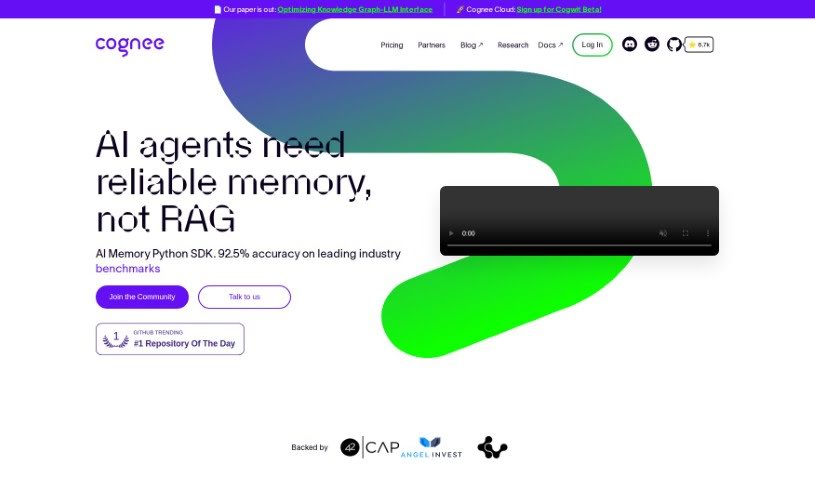
Prometh is a smart data framework designed to boost how well AI models perform by making data processing much better. It uses something called Cognee, which is like a semantic memory layer. This layer helps uncover hidden connections within your data, making the results you get more relevant and trustworthy. Prometh can help with several things: it can take in your data, make it richer by mapping out knowledge graphs, and then pull out the most relevant information, all based on facts. Plus, it aims to cut down on infrastructure costs by offering a solid and efficient way to handle big data. People have really liked how effective Prometh is for different tasks. For instance, it's helped Keepi.ai get more accurate and faster results, and it's made workflows and decision-making smoother for dynamo.fyi.

Stay Updated with AI Tools

Get weekly updates on the latest AI tools, trends, and insights delivered to your inbox

Join 25,000+ AI enthusiasts. No spam, unsubscribe anytime.