AI Data Visualization Tools

AI Tools for Data Visualization

Discover the best Data Visualization AI tools to enhance your productivity and creativity.

Page 5 of 14 • 166 total tools
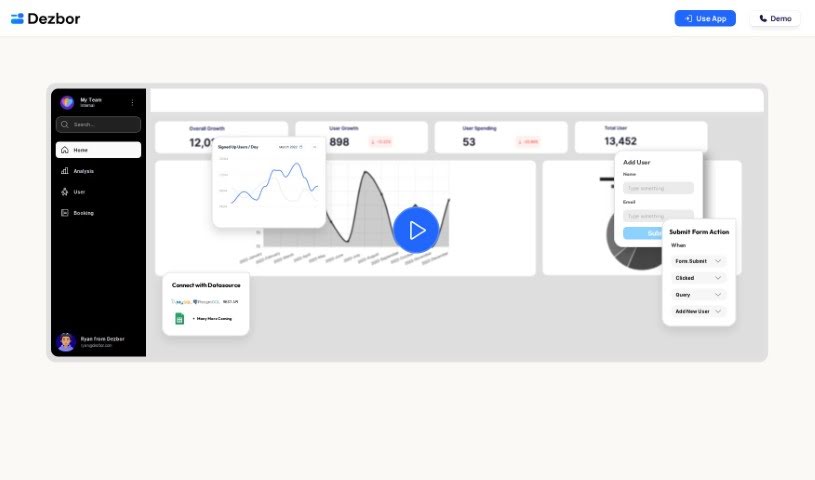
Screenshot of Dezbor

Dezbor

Freemium

Dezbor is a no-code tool for building custom dashboards and admin panels without writing code. It uses a drag-and-drop interface and connects to popular data sources including MySQL, PostgreSQL, Google Sheets, and Airtable. You can customize the logic and actions within your dashboards, collaborate with teammates, and use an AI assistant that suggests and optimizes queries in real time and helps spot issues. Dashboards can be built for internal use or for customers, and a FAQ section covers common questions and getting started.

Data Visualization View Tool →
Screenshot of Dgm

Dgm

Freemium

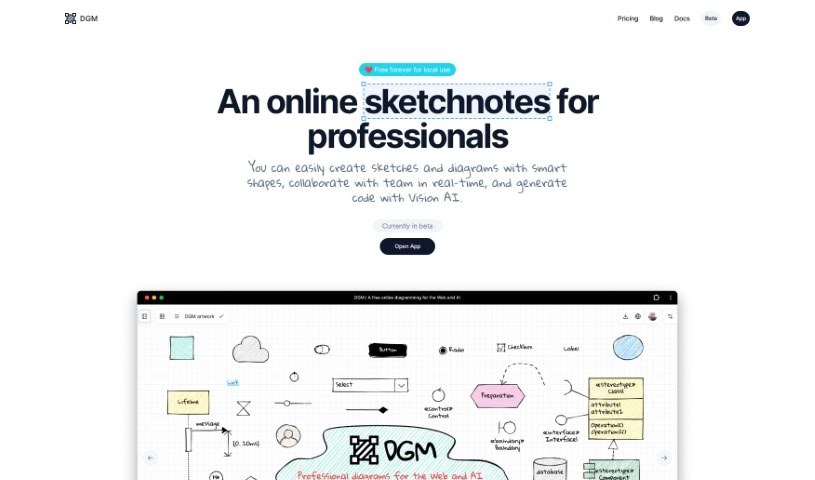
Dgm (short for Diagram) is a diagramming tool for creating flowcharts, UML diagrams, ER diagrams, and UI wireframes.

Data Visualization View Tool →
Screenshot of Dvina

Dvina

Freemium

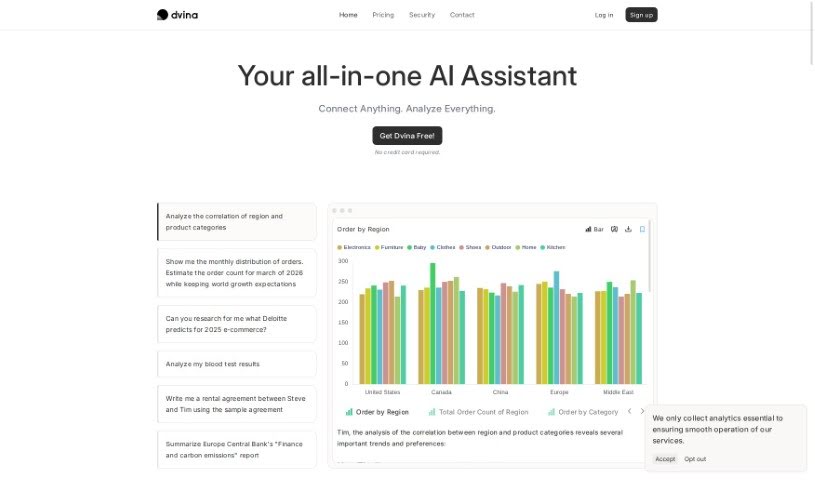
Dvina is a data analysis platform that brings all your data together in one place. It combines geospatial infrastructure with AI support to strengthen analysis, letting you import data from a range of databases and file formats and stream it in real time for instant insights.

Data Visualization View Tool →
Screenshot of Eisengard AI

Eisengard AI

Freemium

Eisengard AI is a no-code platform that puts generative AI, machine learning, and data science tools in the hands of everyday users — no data science background or programming knowledge required. Its "Last Mile" solutions are built to deliver insights quickly and with confidence, and the platform includes AI chatbots, business intelligence software, predictive models, advanced data visualization, and secure integration with leading security protocols.

Data Visualization View Tool →
Screenshot of Electe

Electe

Freemium

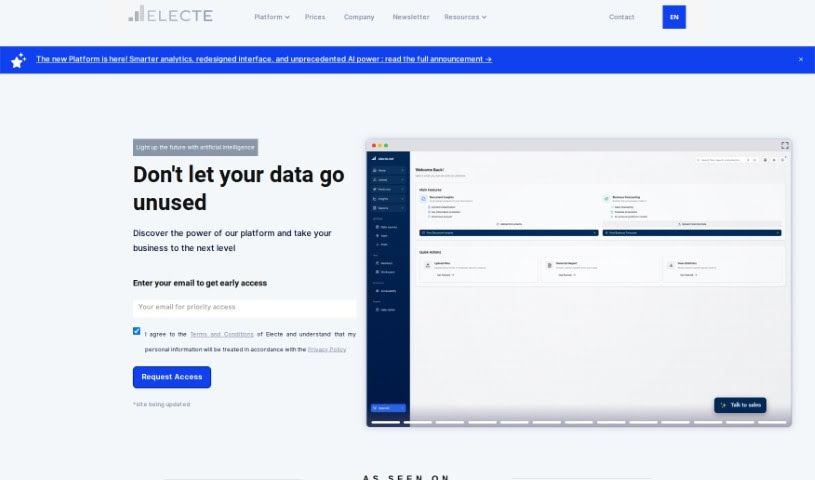
Electe is a data analytics platform built for small and medium-sized enterprises (SMEs). It uses machine learning, easy-to-understand visualizations, and generative AI for analyzing orders to help businesses uncover insights from their data. The platform also includes competitor analysis, customizable dashboards, automated insights, sentiment analysis, and a document Q&A function, and it integrates with AWS, Azure, and Google Cloud.

Data Visualization View Tool →
Screenshot of Ellie.ai

Ellie.ai

Freemium

Ellie.ai is a cloud-based tool for designing and managing data products and data architecture collaboratively. Teams can brainstorm, design, and validate business needs through conceptual and logical data models, making it easier to build clear, actionable data pipelines.

Data Visualization View Tool →
Screenshot of Equals

Equals

Freemium

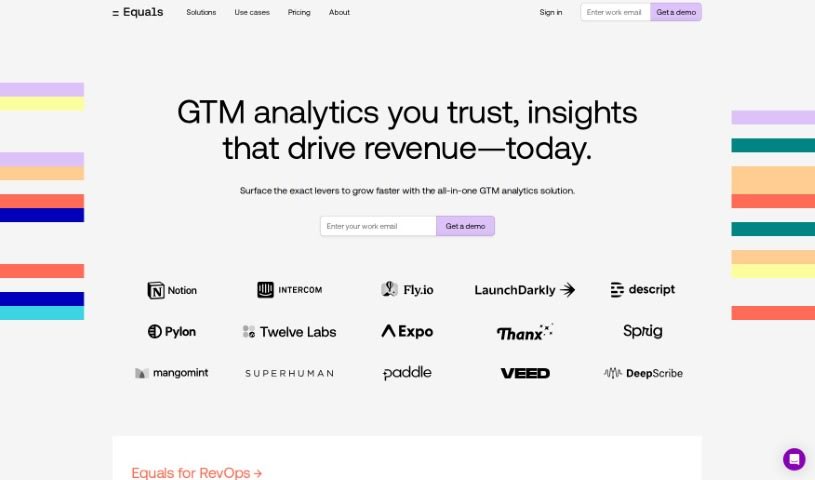
Equals is a spreadsheet with a built-in AI assistant designed to speed up common spreadsheet work. It combines formula creation, SQL queries, data summarization, and real-time collaboration in one tool. Core features include:

Data Visualization View Tool →
Screenshot of Flowcraft

Flowcraft

Freemium

FlowCraft is an AI-powered tool for creating diagrams, charts, and whiteboards. You choose the type of diagram you need — Flow Diagram, Chart, or Whiteboard — then provide a title and a short description of what it should show. FlowCraft generates the diagram automatically, and you can edit it afterward. Text can also be converted directly into a diagram. The tool balances automation with customization: diagrams are produced quickly but remain fully editable.

Data Visualization View Tool →
Screenshot of Flowsage

Flowsage

Freemium

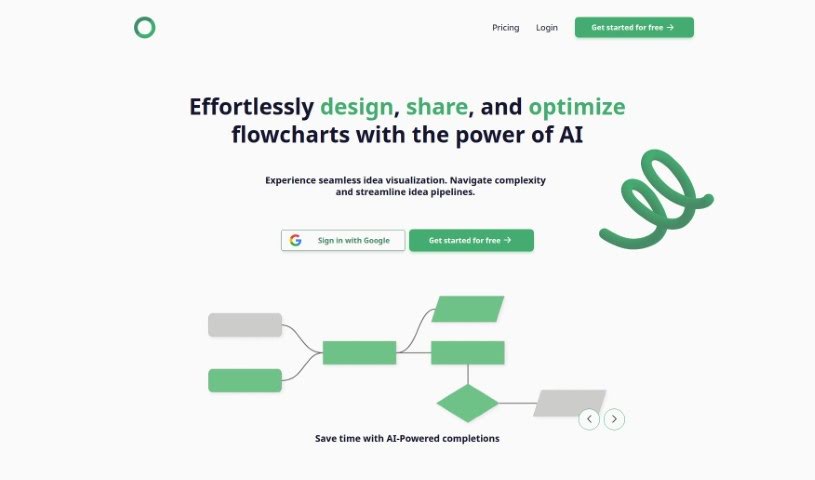
Flowsage is a platform for designing, sharing, and optimizing flowcharts. It combines AI-powered smart completions, real-time collaboration, flowchart refinement tools, and built-in project management in a single workspace.

Data Visualization View Tool →
Screenshot of Fluenthq

Fluenthq

Freemium

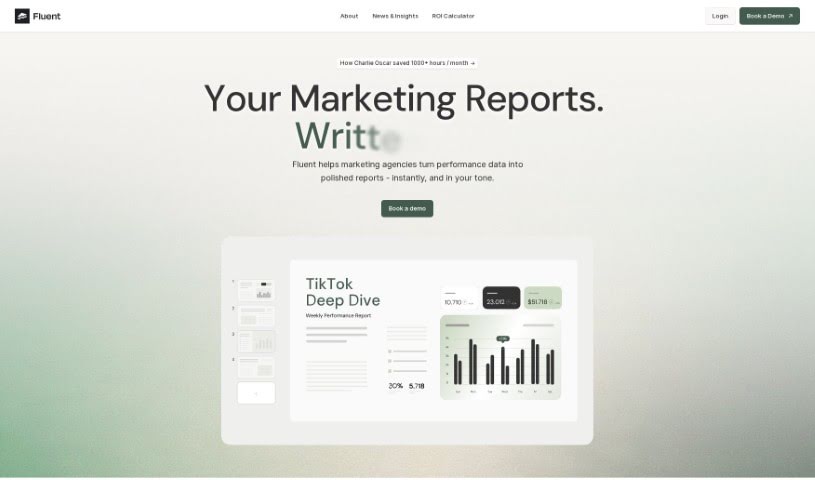
FluentHQ is an AI data analyst built for decision-makers who need insights without being data experts. Ask questions about your data in everyday language and FluentHQ returns immediate answers. The goal is to let users get data insights independently, improve data understanding across teams, and keep data accurate and consistent for everyone, which makes it useful for remote and distributed teams.

Data Visualization View Tool →
Screenshot of Gigasheet

Gigasheet

Freemium

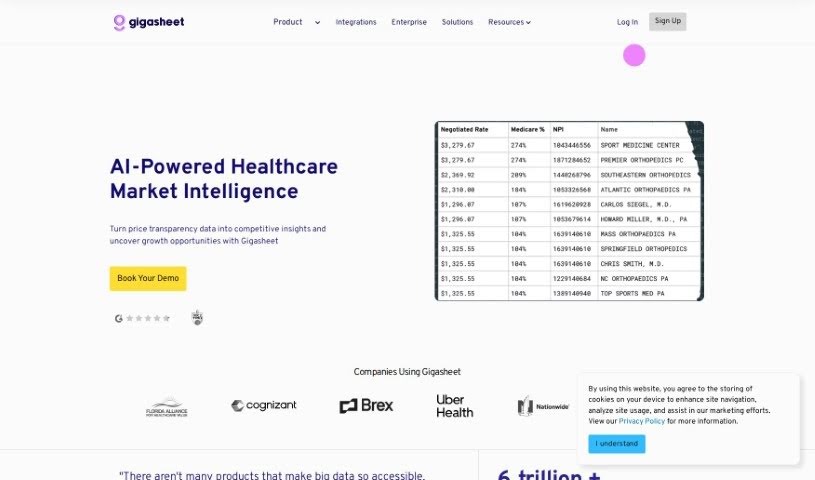
Gigasheet is a no-code data analytics platform for working with large datasets. You can analyze billions of data points from a spreadsheet-like interface, without writing code. Its engine lets you manipulate, group, query, and analyze structured data entirely online.

Data Visualization View Tool →
Screenshot of Gptagent

Gptagent

Freemium

Gptagent is an AI tool for building custom applications using technology similar to that behind ChatGPT. It makes developing chatbots and natural language processing algorithms more accessible, even without deep coding expertise — though a basic grasp of coding best practices helps you get more out of it. The tool is still in development, and you can join a waitlist for early access at launch.

Data Visualization View Tool →

About Data Visualization tools

Turning raw spreadsheets into clean, compelling graphics can easily feel like a slog. You spend hours adjusting chart axes, picking color palettes, and wrestling with dashboard settings just to present last week’s performance numbers. By the time you fix the legend formatting, your presentation deadline is minutes away.

These visual platforms convert complex datasets into presentation-ready charts and dynamic dashboards without the usual design friction.

Building Visuals Without the Formatting Headache

Setting up custom dashboards traditionally meant learning complex business intelligence software or sitting through endless drag-and-drop steps. Modern visualization tools skip that hassle with simple prompt-based controls. Upload a dataset, type a request like “plot monthly recurring revenue by region,” and the system selects an effective visual layout to render an interactive chart instantly.

Selecting the wrong chart format is an easy trap (like using a crowded pie chart for time-series data). Smart visualization engines evaluate your underlying metrics and recommend the most readable layout—whether your data calls for a stacked bar chart, a scatter plot, or a heatmap.

Graphics also become easier to present because these platforms generate written narrative summaries alongside your charts. They highlight key percentage shifts, call out anomalies, and point out trends directly on the screen, saving you from typing up explanatory slides for every team review.

Features Worth Looking For

  • Natural language chart creation: Tools that let you type plain-text prompts to generate custom charts instantly.
  • Automated chart selection: Software that analyzes your dataset structure to recommend the clearest visual layout.
  • Written narrative generation: Features that provide concise text summaries and key takeaways alongside your graphics.
  • Interactive dashboard controls: Platforms that convert static charts into dynamic visual boards viewers can filter on the fly.
  • Custom brand styling: Settings that apply your company colors, typography, and logos across every generated visual.

A polished visual means very little if the underlying numbers are flawed. While algorithms format charts and suggest color scales, verifying data accuracy and framing the narrative for your audience still rests on your shoulders.

Check out the tools below to turn your raw data into clear visual stories.

The Best AI Data Visualization Tools

  1. Databricks: Great for interactive dashboards that give you sales insights.
  2. Visme: Helps you turn data into stunning visuals.
  3. Julius AI: Lets you craft dynamic graphs for clear insights.
  4. Scale AI: Useful for visualizing security threat patterns efficiently.
  5. Text Cortex: Streamlines creating visuals for reports, effortlessly.
  6. Dataminr: Offers visual analytics tools for crisis response.
  7. Rapidminer: Provides interactive dashboards for sales performance.
  8. KNIME: Offers interactive dashboards for sales analysis.
  9. Kanaries: Delivers streamlined visual insights for data trends.
  10. Piktochart AI Infographic Maker: Perfect for data dashboard infographics.
  11. Strawpoll: Lets you create engaging visual reports from polls.
  12. Powerdrill: Helps with dynamic data dashboard creation.
  13. Quadratic: Ideal for visualizing quadratic regression trends.
  14. Insightjini: Generates dynamic charts from your datasets.
  15. Aitable: Transforms data into insightful charts.
New tools, in your inbox.

Weekly picks of the best AI tools we've researched and added — no spam, unsubscribe anytime.

Join 25,000+ AI enthusiasts. No spam, unsubscribe anytime.