AI Tools for Data Visualization

Discover the best Data Visualization AI tools to enhance your productivity and creativity.

Page 6 of 15 • 178 total tools

Data’s everywhere these days, but just having it doesn’t really help. To turn that raw information into useful insights, you need the right tools. And with AI becoming so common, we now have some really powerful data visualization tools. They can take complicated data and turn it into simple, eye-catching visuals without much fuss.

You know, gone are the days when you needed a ton of technical skill just to make a basic graph. Today’s AI-powered platforms let anyone—whether you’re a business analyst or just curious—create visuals that quickly get the main points across. The best part? They make the whole process feel natural and straightforward.

I’ve spent a good chunk of time playing around with different AI data visualization tools to see which ones really stand out. From real-time updates to fancy charting options, these tools are ready to tackle all sorts of data challenges.

So, whether you want to make your presentations pop or just get a better handle on your own data, these tools have you covered. Let’s jump into some of the most impressive AI data visualization tools out there right now.

The best AI Data Visualization Tools

  1. Databricks: Great for interactive dashboards that give you sales insights.
  2. Visme: Helps you turn data into stunning visuals.
  3. Julius AI: Lets you craft dynamic graphs for clear insights.
  4. Scale AI: Useful for visualizing security threat patterns efficiently.
  5. Text Cortex: Streamlines creating visuals for reports, effortlessly.
  6. Dataminr: Offers visual analytics tools for crisis response.
  7. Rapidminer: Provides interactive dashboards for sales performance.
  8. KNIME: Offers interactive dashboards for sales analysis.
  9. Kanaries: Delivers streamlined visual insights for data trends.
  10. Piktochart AI Infographic Maker: Perfect for data dashboard infographics.
  11. Strawpoll: Lets you create engaging visual reports from polls.
  12. Powerdrill: Helps with dynamic data dashboard creation.
  13. Quadratic: Ideal for visualizing quadratic regression trends.
  14. Insightjini: Generates dynamic charts from your datasets.
  15. Aitable: Transforms data into insightful charts.

How do AI data visualization tools work?

AI data visualization tools are built to make it simple to turn complex data into visuals that are easy to understand. They use algorithms and machine learning to look at data, finding patterns, trends, and insights you might not spot otherwise. By sifting through lots of information, these tools help you grasp important findings quickly.

Basically, these tools often use different statistical methods to make sense of data. They pull information from databases or spreadsheets and use these methods to change raw numbers into useful visuals like charts, graphs, and infographics. This makes it much easier to intuitively understand what the data is telling you.

Many of these apps have smart systems that automatically suggest visualizations based on the type of data you give them. For example, if your data shows a trend over time, the tool might suggest a line chart. This flexibility makes them accessible even if you don’t have a deep background in data analysis.

AI data visualization tools also get better with user feedback. They learn from how people use the visuals they create, constantly improving their accuracy and relevance. This ongoing process makes the insights they offer more precise and tailored to what you need.

By integrating AI, these tools can even offer predictive analytics. This means they can forecast future trends based on past data, giving businesses a heads-up on potential opportunities or problems. So, they don’t just show you the past; they help you plan for the future, too.

Ultimately, AI’s strength in data visualization is making data more accessible and actionable. With more and more information being generated every day, these tools will keep playing a key role in helping us make decisions more smoothly.

Our best AI data visualization tools at a glance

RankNameBest forPlans and PricingRating
1Databricksinteractive dashboards for sales insightsN/A4.82 (11 reviews)
2Vismetransform data into stunning visuals.N/A4.50 (12 reviews)
3Julius AIcraft dynamic graphs for clear insightsN/A4.84 (61 reviews)
4Scale AIvisualizing security threat patterns efficientlyN/A4.73 (11 reviews)
5TextCortexstreamlining report visuals effortlessly.Paid plans start at $23.99/month.4.50 (10 reviews)
6Dataminrcrisis response with visual analytics toolsN/A3.80 (5 reviews)
7Rapidminerinteractive sales performance dashboardsN/A4.69 (39 reviews)
8KNIMEinteractive dashboards for sales analysisN/A4.73 (26 reviews)
9Kanariesstreamlined visual insights for data trendsN/A4.54 (24 reviews)
10Piktochart AI Infographic Makerdata dashboard infographicN/A4.60 (10 reviews)
11Strawpollcreate engaging visual reports from polls.Paid plans start at $10/mo.4.73 (33 reviews)
12Powerdrilldynamic data dashboards creationN/A4.71 (28 reviews)
13Quadraticvisualizing quadratic regression trendsN/A4.78 (27 reviews)
14Insightjinigenerate dynamic charts from datasetsN/A4.00 (6 reviews)
15Aitabletransform data into insightful charts.N/A4.09 (11 reviews)
Screenshot of Fluenthq

Fluenthq

Freemium

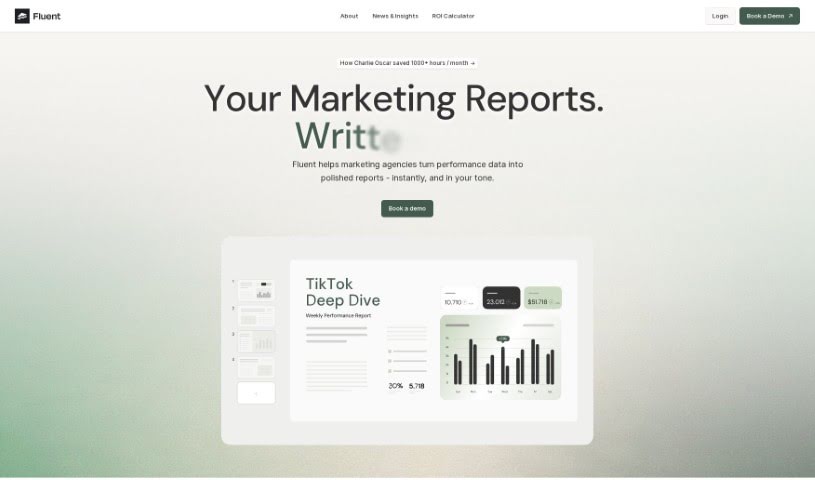
FluentHQ is an AI data analyst tool designed to help decision-makers get the insights they need without needing to be data experts themselves. It is your personal data assistant. You can simply ask questions about your data using everyday language, and Fluenthq will give you immediate answers and insights. It's built to help everyone on your team understand data better, which is especially handy when people are working remotely. Plus, it really helps keep your data accurate and well-managed, making sure everyone's on the same page. The tool also plays nicely with communication platforms like Slack and Teams. You can even choose to store your data where you prefer, and it offers strong security features like multi-factor authentication and the option for on-premise deployment if that's what your organization needs. Security is a big deal here, with bank-grade encryption protecting your data. It also provides pre-selected datasets and lets you collaborate in real-time, making data analysis a much smoother process for everyone involved in making decisions.

Screenshot of Gigasheet

Gigasheet

Freemium

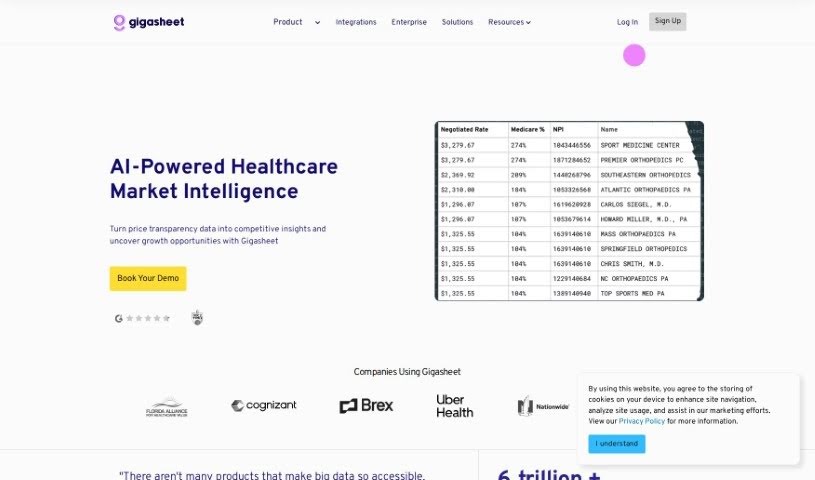
Gigasheet is a really neat tool in the data analytics world. It gives you a no-code way to dig into huge amounts of data, meaning you don't need to be a coding whiz to use it. You can work with structured data and analyze billions of data points right from a simple interface that feels a lot like a spreadsheet. It's got a powerful engine that lets you manipulate, group, query, and analyze data all in one place, online. This makes it super intuitive but also really capable for all sorts of users.

Screenshot of Gptagent

Gptagent

Freemium

Gptagent is a really powerful AI tool that lets you build your own custom applications using AI technology, much like the tech behind ChatGPT. It makes developing things like chatbots and natural language processing algorithms much more accessible for everyone. While it's designed to be user-friendly, having a basic grasp of coding best practices can really help you get the most out of it. Gptagent is still being developed, but you can sign up for a waitlist to get early access when it officially launches. Plus, there's Julius, a special version of Gptagent that's all about data analysis and visualization. Julius offers advanced statistical modeling, including things like linear regression, forecasting, and training machine-learning models.

Screenshot of GPTs Hunter

GPTs Hunter

Freemium

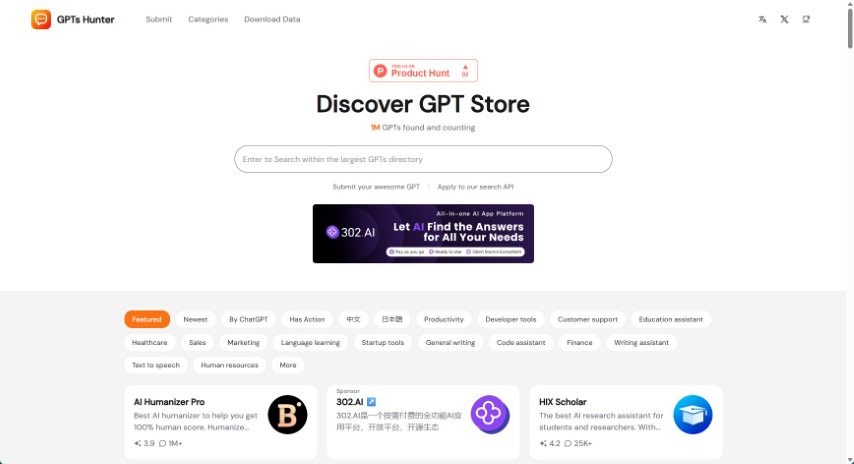
GPTsHunter is a really useful platform where people can share, rate, and talk about GPT prompts. It makes it super easy to find great GPTs in the GPT Store that can really boost your productivity. Plus, it offers reviews and guides for these GPTs, which is fantastic if you're looking to explore different plugins and generally improve your experience with GPTs.

Screenshot of Granica AI

Granica AI

Freemium

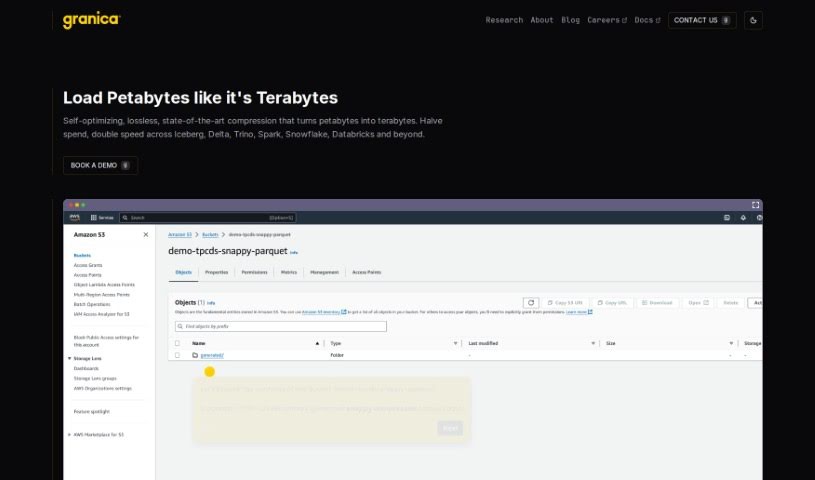
Granica AI is a modern Training Data Platform that's really shaking things up for AI teams. They offer some pretty cool products, like Granica AI Crunch, Screen, and Chronicle AI, all designed to make your AI models perform better, keep costs in check, and protect your data privacy. Essentially, Granica helps companies slash storage and access costs, safely de-identify sensitive data so you can use it without worry, and really dig into what your data is telling you. They're serious about security, sticking to standards like SOC 2 Type 2 and keeping your data safe within your own Virtual Private Cloud environment. It's no wonder they were recognized as a 2023 Gartner Cool Vendor! Granica has proven it can handle massive amounts of data and deliver significant savings for big names. Whether you're working with generative AI or more traditional models, Granica has you covered with features like advanced data reduction, better privacy tools, clearer data insights through natural language processing, cloud-scale operations, and a pricing model that focuses on results, not just how much data you use.

Screenshot of Grapha Ai

Grapha Ai

Freemium

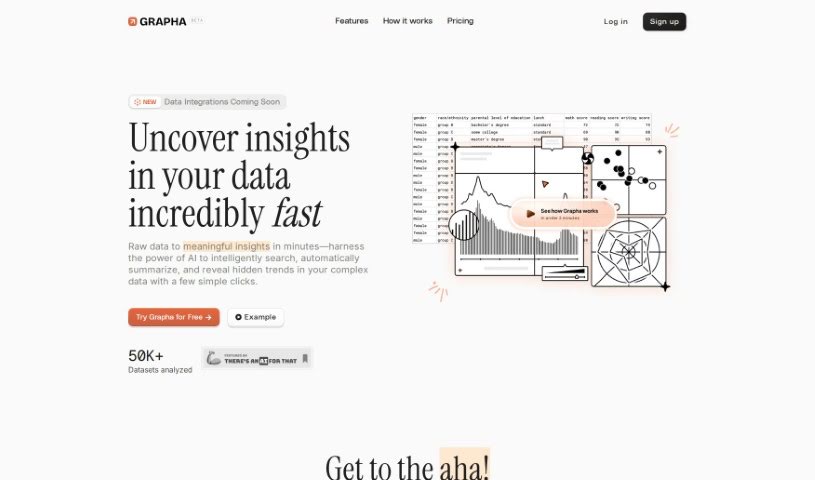
Grapha AI is a really neat tool designed to help you find insights in your data, and it does it quickly and without a fuss. It uses AI to uncover hidden trends and patterns in your data in just minutes. It is turning complicated data into clear, understandable insights with only a few clicks. What's great is that it offers AI-assisted storytelling, creates beautiful visualizations, and importantly, you keep control over your data privacy and ownership. You don't need any coding skills to use Grapha AI, which makes it super accessible for everyone. Plus, you can easily export the clean data that powers those visualizations, and you get to manage and share your data however you like. If you decide to go for Grapha Prime, you'll get even more, like more questions you can ask each month, longer storage for your data and reports, the ability to upload CSV files, and integration with Google Sheets. People also really like that Grapha AI is upfront about its payments – there are no surprise automatic renewal charges. You can choose to renew your membership manually if you want to keep using it.

Screenshot of Graphy App

Graphy App

Freemium

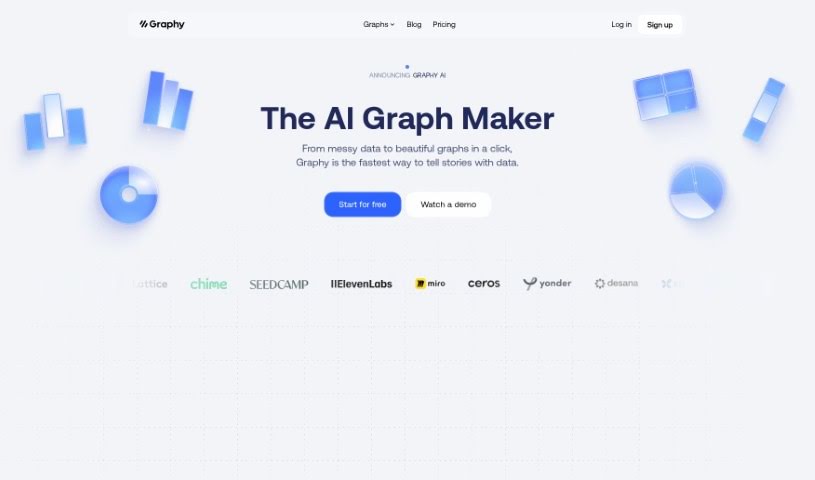
Graphy is a free, AI-powered chart-maker tool that helps businesses create interactive and really slick data visualizations. You get a bunch of different chart options, plus the AI can whip up charts for you super fast. There's also a handy option to switch to a table view, and you can even embed your charts directly into platforms like Notion. What's great is that Graphy is really user-friendly; you don't need any fancy technical skills to get going. It's designed to help businesses make smarter decisions by turning data into clear, insightful charts, making it easier to understand what your data is telling you and to base your decisions on it. People have been saying good things about Graphy, especially how quickly it creates impressive visuals and makes presenting and communicating data much simpler. The tool works with all sorts of platforms and can display different kinds of data, like your startup's expenses, how users are interacting with your app, or your customer funnel performance. Essentially, Graphy saves businesses time and money by taking the manual work out of creating charts and reducing the need for specialized staff, all thanks to its AI and easy-to-use design.

Screenshot of Hal9

Hal9

Freemium

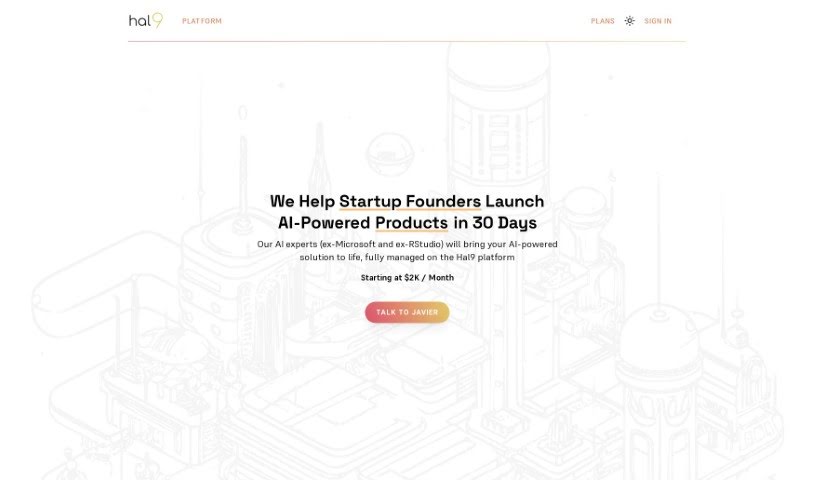
Hal9 is a conversational AI designed to make interacting with your data super easy for everyone on your team. You can just ask it questions, and Hal9 will give you answers complete with facts, charts, maps, and even interactive controls, all pulled directly from your data. It’s a great way for business folks to get insights fast, while also helping data teams be more productive. You can connect Hal9 to your databases or use it with CSV files. Plus, you can use it right in your browser or install it on your own servers if you need extra security. The project got its start in Seattle, Washington, and was incubated at the Allen Institute for AI (AI2).

Screenshot of Happyrobot

Happyrobot

Freemium

HappyRobot is a really neat AI tool that's designed to pull out specific, measurable data from images of the Earth – think satellites, drones, or aerial shots. You can even upload your own images, or use ones from their partners. What's cool is you just describe what you're looking for in plain English, and HappyRobot finds it. It then turns that information into structured data, which is super helpful for making decisions. You can get your data out in a bunch of ways, like via Email, PDF, ArcGis, or through an API. Lots of top data teams trust HappyRobot for things like urban planning and keeping an eye on the environment. Basically, it makes exploring and pulling data from large image sets easy, all through simple, natural language questions.

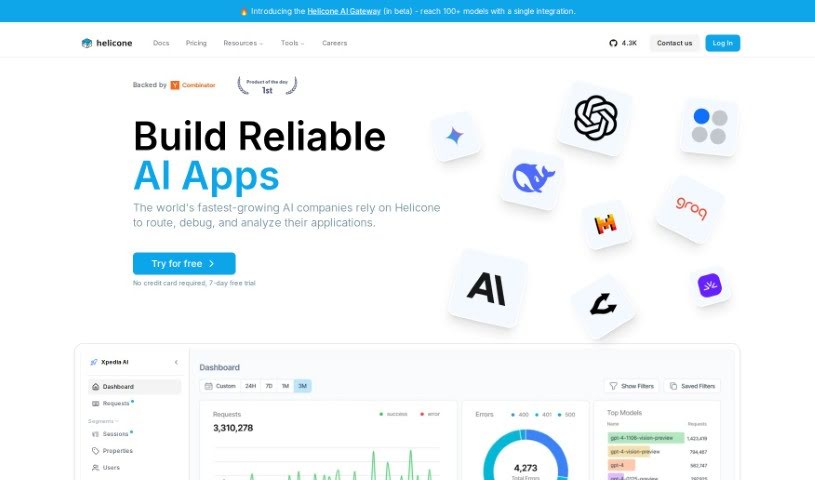
Screenshot of Helicone

Helicone

Freemium

Helicone is a really useful platform that makes it much simpler to keep an eye on how you're using language models and what it's costing you. It gives you strong analytics tools so you can really understand your model's performance and how it's being used. You can track things like how much you're using a model, how long its responses take, and the associated costs. What's great is that it has a user-friendly interface, so it's easy for pretty much anyone to use – whether you're a developer, a data scientist, or a product manager. Plus, Helicone lets you customize things, set up automatic alerts, connect with your development tools, and it works with popular frameworks to make your work smoother. By using Helicone, you can actually save a good amount of time and resources. It’s like having a pre-built analytics solution for your language models ready to go, freeing you up to concentrate on building your products and coming up with new ideas.

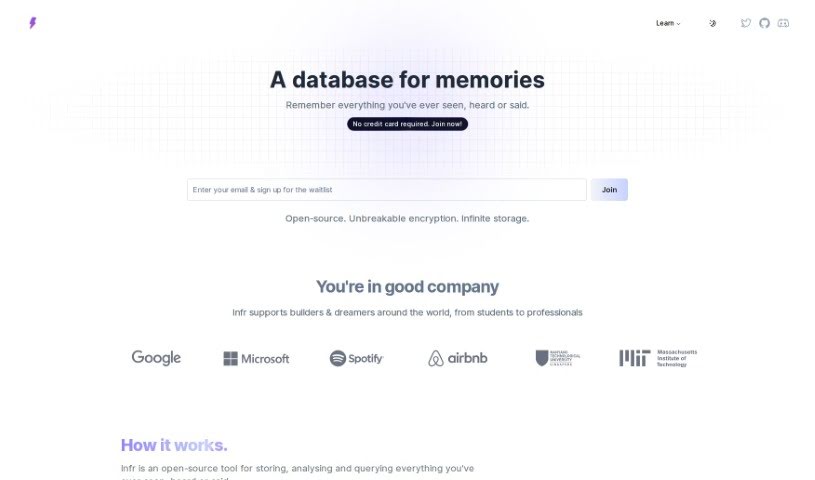
Screenshot of Infr

Infr

Freemium

Infr is an open-source tool that helps you keep a record of your personal experiences. It's designed to store, analyze, and let you search through everything you've seen, heard, or said, all organized in a way your computer can understand. It’s like creating a personal digital memory catalog.

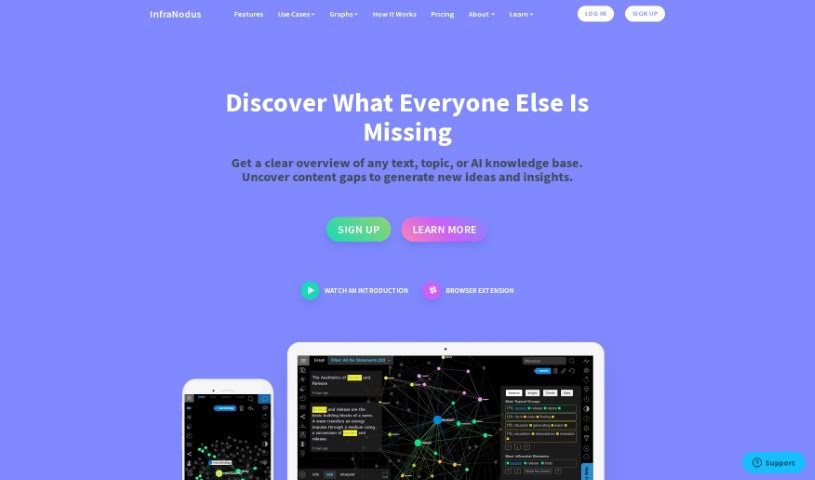
Screenshot of InfraNodus

InfraNodus

Freemium

InfraNodus is a tool that visualizes text as a network. Developed by Nodus Labs, it's been around in various forms since 2011, with the current version running since 2018. It's built using the NestJs Node.Js framework, Prisma, and PostgreSQL, and uses Sigma.Js for its graph visualizations. For analysis, it taps into libraries and algorithms like Textexture (for text network analysis), Cytoscape, and Graphology. Essentially, it helps with tasks like text mining, topic modeling, and general data analysis. It's particularly good at spotting structural gaps in information, allowing you to uncover patterns and gain deeper insights from your data. InfraNodus helps you see recurring topics, key concepts, and how different pieces of information connect. It also supports statistical analyses and offers various visualization tools.

Stay Updated with AI Tools

Get weekly updates on the latest AI tools, trends, and insights delivered to your inbox

Join 25,000+ AI enthusiasts. No spam, unsubscribe anytime.