AI Tools for Data Visualization

Discover the best Data Visualization AI tools to enhance your productivity and creativity.

Page 4 of 15 • 178 total tools

Data’s everywhere these days, but just having it doesn’t really help. To turn that raw information into useful insights, you need the right tools. And with AI becoming so common, we now have some really powerful data visualization tools. They can take complicated data and turn it into simple, eye-catching visuals without much fuss.

You know, gone are the days when you needed a ton of technical skill just to make a basic graph. Today’s AI-powered platforms let anyone—whether you’re a business analyst or just curious—create visuals that quickly get the main points across. The best part? They make the whole process feel natural and straightforward.

I’ve spent a good chunk of time playing around with different AI data visualization tools to see which ones really stand out. From real-time updates to fancy charting options, these tools are ready to tackle all sorts of data challenges.

So, whether you want to make your presentations pop or just get a better handle on your own data, these tools have you covered. Let’s jump into some of the most impressive AI data visualization tools out there right now.

The best AI Data Visualization Tools

  1. Databricks: Great for interactive dashboards that give you sales insights.
  2. Visme: Helps you turn data into stunning visuals.
  3. Julius AI: Lets you craft dynamic graphs for clear insights.
  4. Scale AI: Useful for visualizing security threat patterns efficiently.
  5. Text Cortex: Streamlines creating visuals for reports, effortlessly.
  6. Dataminr: Offers visual analytics tools for crisis response.
  7. Rapidminer: Provides interactive dashboards for sales performance.
  8. KNIME: Offers interactive dashboards for sales analysis.
  9. Kanaries: Delivers streamlined visual insights for data trends.
  10. Piktochart AI Infographic Maker: Perfect for data dashboard infographics.
  11. Strawpoll: Lets you create engaging visual reports from polls.
  12. Powerdrill: Helps with dynamic data dashboard creation.
  13. Quadratic: Ideal for visualizing quadratic regression trends.
  14. Insightjini: Generates dynamic charts from your datasets.
  15. Aitable: Transforms data into insightful charts.

How do AI data visualization tools work?

AI data visualization tools are built to make it simple to turn complex data into visuals that are easy to understand. They use algorithms and machine learning to look at data, finding patterns, trends, and insights you might not spot otherwise. By sifting through lots of information, these tools help you grasp important findings quickly.

Basically, these tools often use different statistical methods to make sense of data. They pull information from databases or spreadsheets and use these methods to change raw numbers into useful visuals like charts, graphs, and infographics. This makes it much easier to intuitively understand what the data is telling you.

Many of these apps have smart systems that automatically suggest visualizations based on the type of data you give them. For example, if your data shows a trend over time, the tool might suggest a line chart. This flexibility makes them accessible even if you don’t have a deep background in data analysis.

AI data visualization tools also get better with user feedback. They learn from how people use the visuals they create, constantly improving their accuracy and relevance. This ongoing process makes the insights they offer more precise and tailored to what you need.

By integrating AI, these tools can even offer predictive analytics. This means they can forecast future trends based on past data, giving businesses a heads-up on potential opportunities or problems. So, they don’t just show you the past; they help you plan for the future, too.

Ultimately, AI’s strength in data visualization is making data more accessible and actionable. With more and more information being generated every day, these tools will keep playing a key role in helping us make decisions more smoothly.

Our best AI data visualization tools at a glance

RankNameBest forPlans and PricingRating
1Databricksinteractive dashboards for sales insightsN/A4.82 (11 reviews)
2Vismetransform data into stunning visuals.N/A4.50 (12 reviews)
3Julius AIcraft dynamic graphs for clear insightsN/A4.84 (61 reviews)
4Scale AIvisualizing security threat patterns efficientlyN/A4.73 (11 reviews)
5TextCortexstreamlining report visuals effortlessly.Paid plans start at $23.99/month.4.50 (10 reviews)
6Dataminrcrisis response with visual analytics toolsN/A3.80 (5 reviews)
7Rapidminerinteractive sales performance dashboardsN/A4.69 (39 reviews)
8KNIMEinteractive dashboards for sales analysisN/A4.73 (26 reviews)
9Kanariesstreamlined visual insights for data trendsN/A4.54 (24 reviews)
10Piktochart AI Infographic Makerdata dashboard infographicN/A4.60 (10 reviews)
11Strawpollcreate engaging visual reports from polls.Paid plans start at $10/mo.4.73 (33 reviews)
12Powerdrilldynamic data dashboards creationN/A4.71 (28 reviews)
13Quadraticvisualizing quadratic regression trendsN/A4.78 (27 reviews)
14Insightjinigenerate dynamic charts from datasetsN/A4.00 (6 reviews)
15Aitabletransform data into insightful charts.N/A4.09 (11 reviews)
Screenshot of Datadog

Datadog

Freemium

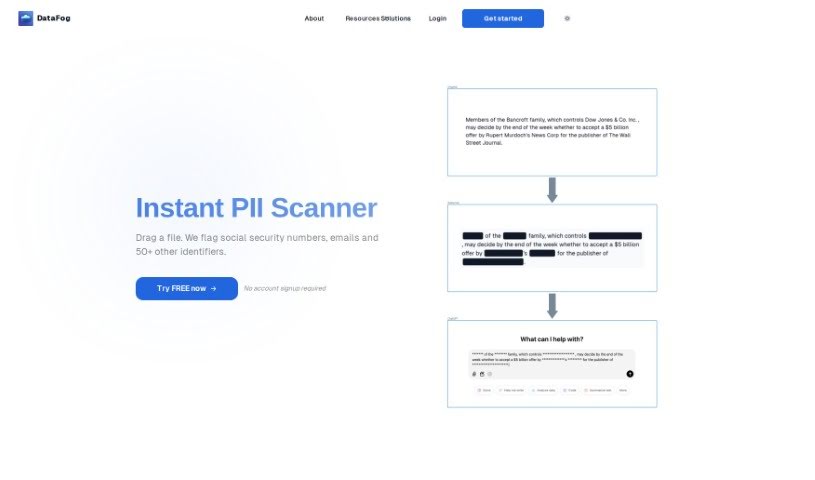
It seems there might be a slight mix-up in the name here! The tool you're describing is actually DataFog, not Datadog. DataFog is a really neat open-source platform focused on privacy. Its main job is to find and then anonymize Personally Identifiable Information (PII) – you know, things like names, addresses, or phone numbers – in all sorts of files. This includes text documents, images, and even audio files. Essentially, DataFog helps you scan your data for this sensitive stuff, and then you can either remove it (redact it) or swap it out with made-up, synthetic data. This is super useful for creating datasets that are completely free of PII, making them safe to share with others you trust, like partners or collaborators.

Screenshot of DataGems

DataGems

Freemium

ChartGPT by Cadlabs is your personal data assistant. It's designed to help you create charts and get answers to questions about your data. Essentially, it guides you through exploring your datasets. You can choose from sample datasets that are already there, or you can even ask for specific ones if you have a particular use case in mind. It's worth noting that because ChartGPT uses GPT-3.5 instead of the more advanced GPT-4, you might sometimes get inconsistent results. The team is actively working on making it perform better, adding new features, and updating the datasets regularly.

Screenshot of Dataing

Dataing

Freemium

While there isn't a single, universally recognized definition for "Dataing" in the sources I can access, we can make a pretty good guess based on the name. It likely refers to the whole process of managing, analyzing, and organizing data. It is everything involved in collecting, storing, processing, and interpreting data to get useful insights. This helps people make smarter decisions and take action in all sorts of areas – business, science, technology, you name it.

Screenshot of Dataminr

Dataminr

Freemium

Dataminr is a real-time AI platform that gives you early warnings about major events and developing risks. This means you can react faster and handle crises more effectively. It uses advanced artificial intelligence to sift through tons of data from social media, news, and other places, delivering alerts and insights as they happen. Unlike older monitoring tools, Dataminr's machine learning algorithms spot patterns and trends, helping you anticipate risks before they become big problems. Its AI platform, Real, comes with features like personalized dashboards, live visualization tools, and ways to work together, all designed to make crisis management smoother and offer valuable industry-specific knowledge across different fields.

Screenshot of Datascale

Datascale

Freemium

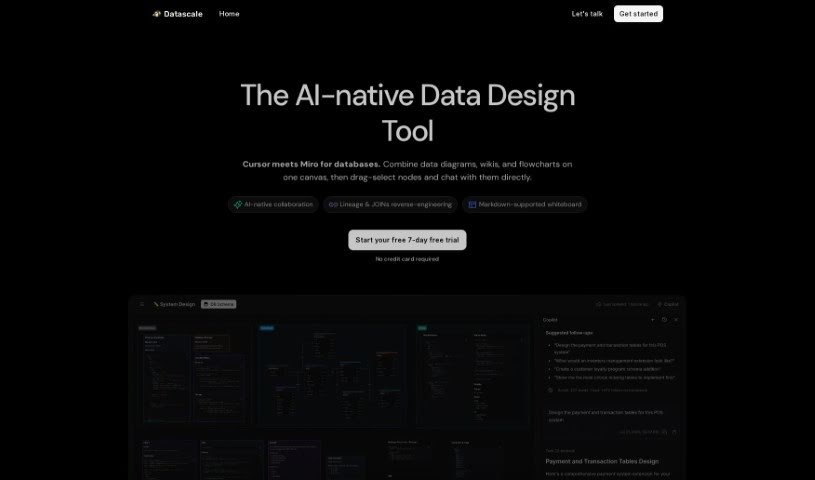
Datascale is a tool that automatically analyzes SQL lineage. Its main goal is to give you a really clear picture of how complex data connects, help you be more productive with data, and make your data workflows run much smoother. It uses AI to automate SQL lineage analysis. Plus, it has a SQL store where analysts can easily search for, share, and link queries. There's also a collaborative workspace that makes querying and organizing data workflows efficient. Datascale is built for all sorts of data pros, like data leaders, data scientists, analytics engineers, and product managers. It even helps speed up writing queries with ready-made data prompt templates and a central SQL repository for finding and sharing queries.

Screenshot of Datasquirrel

Datasquirrel

Freemium

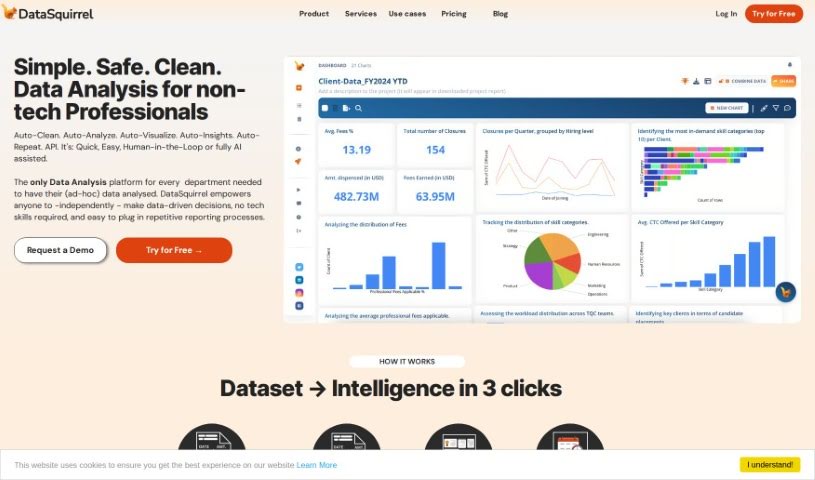
Datasquirrel is your smart assistant for making sense of data. It's an AI tool designed to automatically clean up your data and create clear visualizations. It’s really good at fixing common problems like mistakes in what you type in, blank spots in your data, different ways dates are written, and even typos. Plus, it offers features like automatic analysis, interactive dashboards, and secure ways to handle your data. It also makes it easy for teams to work together by letting you share visuals, leave comments, and add notes, which is super handy for businesses in areas like B2B eCommerce, HR, financial accounting, and analyzing survey results.

Screenshot of Datayaki

Datayaki

Freemium

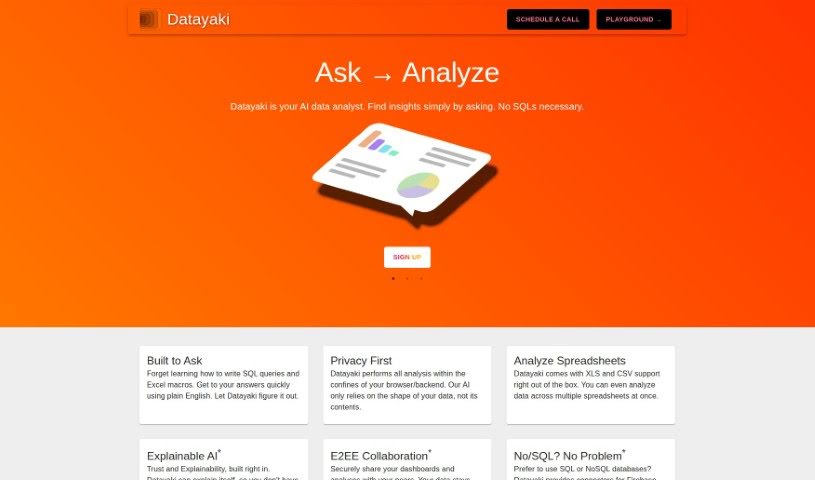
Datayaki is an AI-powered data analyst tool designed to make data analysis much simpler. Forget about writing complicated SQL queries or fiddling with Excel macros; with Datayaki, you can create useful widgets just by asking questions in plain English. It's built to keep your data private, running either in your browser or on your backend. This means it only looks at your data's structure, not its actual content. You can easily analyze different data formats, like XLS and CSV files, even if they're spread across multiple spreadsheets. Datayaki also includes explainable AI, so you can trust the results and understand how they were reached. Plus, it offers end-to-end encryption for secure collaboration and connects to various SQL and NoSQL databases, including popular ones like Firebase, Postgres, Supabase, Snowflake, and many others.

Screenshot of Daydream

Daydream

Freemium

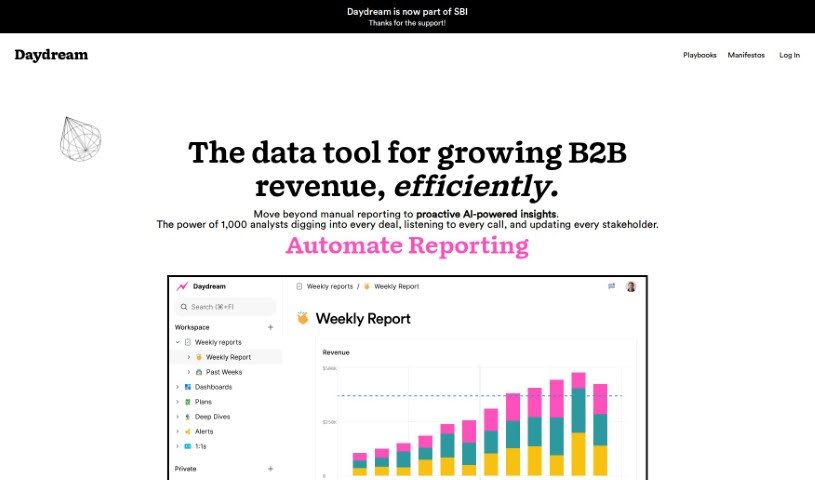
Daydream is a Business Intelligence (BI) tool built for high-performing leaders like CEOs, COOs, finance professionals, and operations teams. It uses AI to focus on self-service analytics, insights, and reporting. What really makes Daydream stand out is how it helps users understand the story behind their data. This, in turn, encourages collaboration, boosts accountability, and makes KPI reporting much smoother. You'll find templates, tools for working together on reports, and other features designed to get teams aligned and improve overall performance. Getting started is simple – just sign up for a free trial on their website. Daydream has even been recognized as "Product of the Day" for its ability to transform how top teams handle analytics and reporting.

Screenshot of DB Pilot

DB Pilot

Freemium

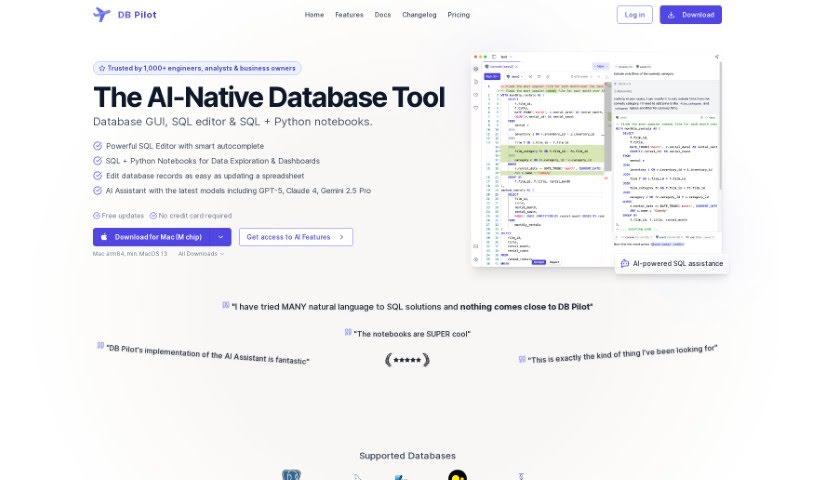
DB Pilot is a really smart database GUI designed to completely change how you manage your data. It's built with an OLAP system from ClickHouse, which means you can query different data sources – think PostgreSQL, S3, CSV, and JSON – as if they were all just one big database. Pretty neat, right?

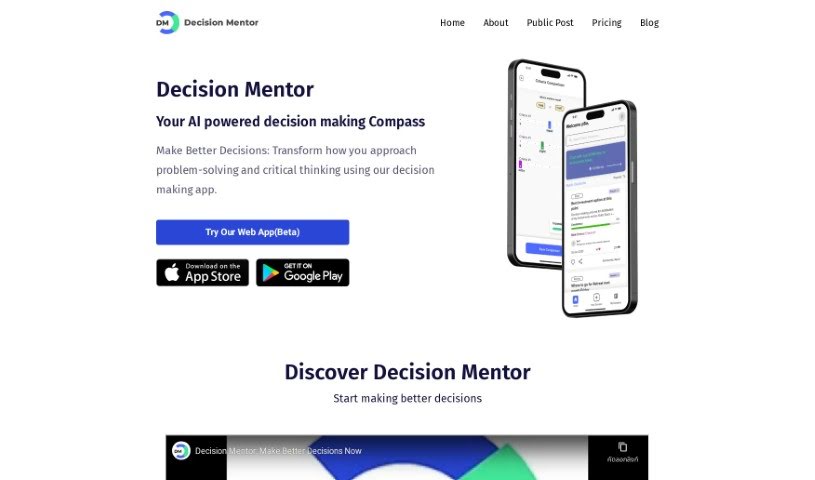
Screenshot of Decision Mentor

Decision Mentor

Freemium

Decision Mentor is an AI-powered app designed to help you make tough choices. It is your personal compass for navigating complex decisions. It's built to assist anyone, whether you're making a personal choice or a business one, by using a method that looks at all the different factors involved. The app guides you through a process where you can weigh your options, decide what's most important, and see what the likely results might be. Its goal is to bring a structured, scientific approach to decision-making. You'll find features like AI guidance, ways to evaluate based on your criteria, side-by-side comparisons, and an easy-to-use interface. Decision Mentor is rooted in Multiple Criteria Decision Making/Analysis (MCDM/MCDA) theory, specifically the Analytic Hierarchy Process (AHP), which was developed by Prof. Thomas L. Saaty. Plus, it uses AI, specifically OpenAI's GPT-3.5 API, to offer helpful advice based on what you tell it.

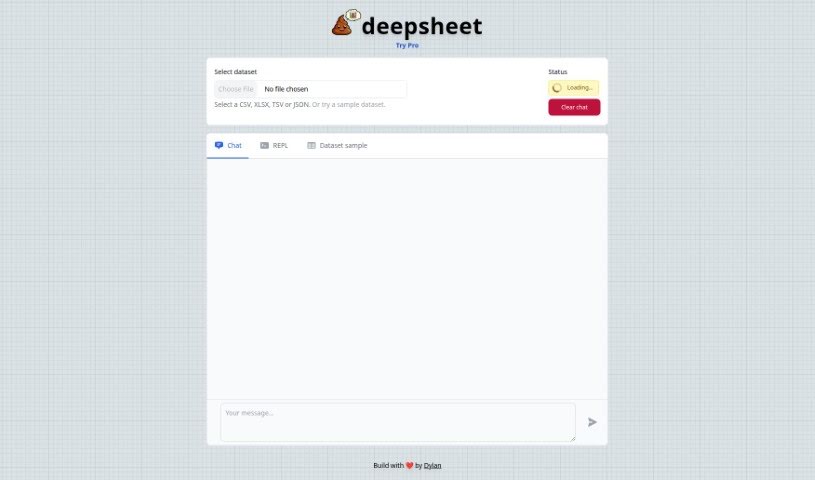
Screenshot of deepsheet

deepsheet

Freemium

Deepsheet is a smart tool built to make data analysis much easier. You can talk to your datasets using everyday English! It works with common data formats like CSV, XLSX, TSV, and JSON, so you can jump right into analyzing your data. Plus, it offers helpful features like real-time updates on what it's doing, sample datasets to practice with, and a really easy-to-use chat interface. Whether you're a seasoned data scientist or a business professional who isn't super technical, deepsheet aims to make interacting with your data a smooth and enjoyable experience. It was created by Dylan, and he sees it as more than just a tool – it's a way to really understand your data better.

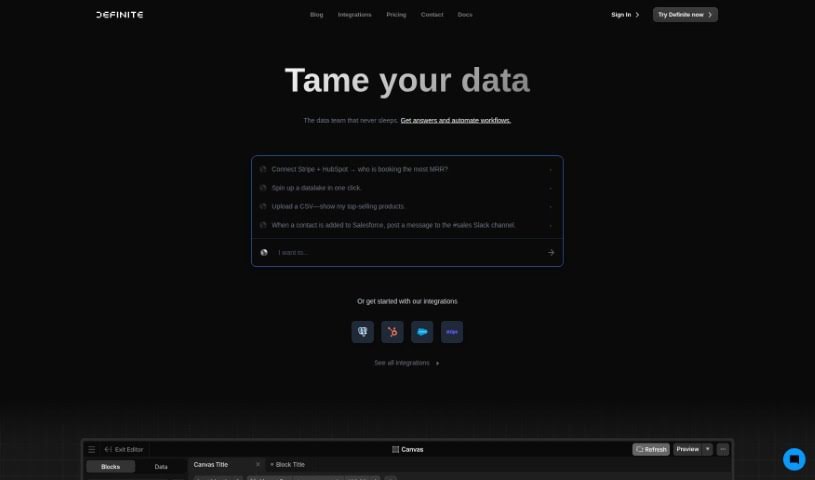
Screenshot of Definite

Definite

Freemium

Definite is an enterprise data platform that's really friendly for startups, offering pricing that makes sense for growing businesses. It brings everything you need to collect, store, analyze, and act on your data into one single application. It is your all-in-one data hub. It includes features for Extract and Load, Transform and Model, Analyze and Visualize, and even a Lakehouse for a really efficient data infrastructure. What's great about Definite is how it automates building data pipelines, which seriously cuts down on the workload for your data team. It also makes analytical workflows much smoother, integrates easily with the data tools you're already using, and so much more. Plus, it gets rid of those tedious manual data updates and constant ad hoc requests. You get automated dashboard updates, and it's built from the ground up to help you find new insights without all the usual hassle.

Stay Updated with AI Tools

Get weekly updates on the latest AI tools, trends, and insights delivered to your inbox

Join 25,000+ AI enthusiasts. No spam, unsubscribe anytime.