AI Tools for Creative

Discover the best Creative AI tools to enhance your productivity and creativity.

Page 66 of 114 • 1360 total tools

Creativity today is changing fast, and AI is becoming a super helpful partner. Whether it’s creating amazing visuals or writing music, AI creative tools are making the art process more accessible and exciting. But with so many options out there, finding the right one for your creative needs can feel a bit overwhelming.

Things have really changed in just a few years. AI tools aren’t just for special uses anymore; they’re smoothly fitting into our everyday creative work. These new technologies can make your projects better, save you time, and even lead you to explore artistic ideas you hadn’t considered before.

I’ve spent a good amount of time exploring the world of AI creative tools, looking into everything from graphic design apps to music software. Since I love seeing how technology and creativity come together, I wanted to share what I found about the best tools available right now.

So, whether you want to make eye-catching visuals or come up with fresh concepts, there’s a tool out there just for you. Let’s dive into the best AI creative tools that can take your artistic projects to the next level and change how you create.

The best AI Creative Tools

  1. Canva for designing social media posts
  2. Character AI for brainstorming story ideas and concepts.
  3. Janitor AI for quickly crafting unique story ideas.
  4. Remove.bg for instantly removing backgrounds from design projects
  5. Leonardo AI for generating dynamic artwork for designers
  6. Photopea for designing stunning graphics and illustrations.
  7. Photoroom for improving photos for creative projects
  8. Pixelcut for designing eye-catching product ads
  9. Pixlr for designing great graphics with ease
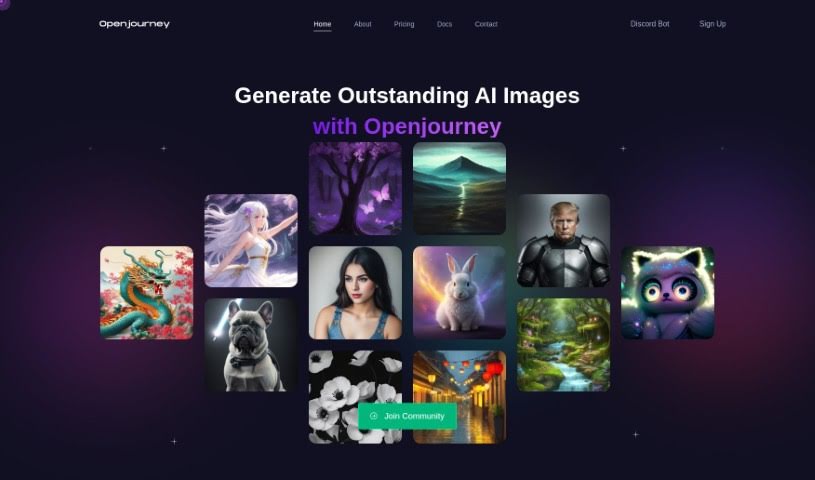
  10. Midjourney for visual storytelling through art prompts.
  11. AI Face Swap for creating unique memes for social media.
  12. Cutout.pro for creating dynamic backgrounds for art
  13. Remaker for AI-powered image creation for unique designs.
  14. Ideogram for logo design and customization.
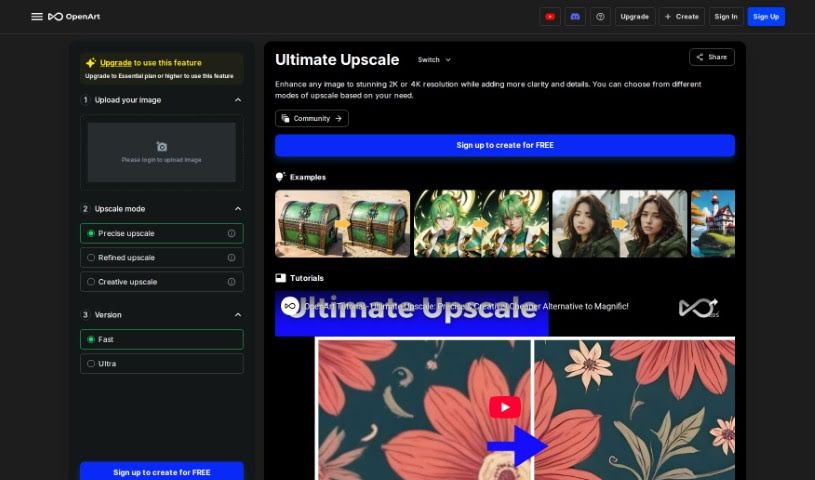
  15. Openart for experimenting with unique artistic styles
How do AI creative tools work?

AI creative tools work by using advanced algorithms that learn from all sorts of data. They look at patterns in creative works—like art, music, or writing—which helps them copy styles and create new, original pieces. It’s a bit like how human artists get inspired by different things they see or hear.

At their core, these tools often use neural networks. These are specially built to understand and interpret human creativity. The networks are trained on huge amounts of data, including works from many different styles and formats, so they can learn and adapt to various approaches.

When you give a prompt—like a topic for a story, a theme for a painting, or a music genre—these AI tools use the patterns they’ve learned to generate fitting responses. They essentially guess which elements should go together to make content that feels cohesive and engaging.

What’s really interesting is that AI creative tools don’t just repeat what they’ve learned; they can actually be innovative. By blending styles or drawing from less common influences, they can produce work that surprises and inspires, offering a fresh take even on familiar subjects.

As technology keeps advancing, these creative tools are getting more capable. This means we can have richer interactions, with users and AI working together more smoothly. Often, this leads to amazing artistic creations that combine human ideas with computer power.

If you’re curious about the technical side of these tools, looking into neural networks and creative AI applications can offer more insight into how they bring artistic ideas to life.

Our best AI creative tools at a glance

RankNameBest forPlans and PricingRating
1CanvaSocial media post designN/A4.73 (11 reviews)
2Character AIGBrainstorming story ideas and concepts.N/A4.64 (11 reviews)
3JanitorAICrafting unique story ideas quickly.N/A0.00 (11 reviews)
4Remove.bgInstant background removal for design projectsPaid plans start at $0.2/image.4.82 (11 reviews)
5Leonardo AIDynamic artwork generation for designersPaid plans start at $9/month.4.73 (11 reviews)
6PhotopeaDesign stunning graphics and illustrations.N/A4.67 (12 reviews)
7PhotoroomEnhancing creative project photosPaid plans start at $7.50/month.4.74 (38 reviews)
8PixelcutDesigning eye-catching product adsN/A4.64 (11 reviews)
9PixlrDesigning stunning graphics effortlesslyPaid plans start at $0.99/month.4.73 (11 reviews)
10MidjourneyVisual storytelling through art prompts.N/A4.73 (11 reviews)
11AI Face SwapCrafting unique memes for social media.N/A4.70 (10 reviews)
12Cutout.proDynamic background creation for artistryN/A4.46 (13 reviews)
13RemakerAI-powered image creation for unique designs.N/A4.69 (13 reviews)
14IdeogramLogo design and customization.N/A4.85 (26 reviews)
15OpenartExperiment with unique artistic stylesPaid plans start at $84/year.4.25 (8 reviews)
Screenshot of Moonlightai

Moonlightai

Freemium

MoonlightAI is a really cool platform that lets you create paintings. You can generate art in the style of your favorite painters or even entire art movements, all thanks to artificial intelligence. The site shows off a bunch of AI-generated pieces, like "İstanbul" and "Mona Lisa" done in the style of John Atkinson Grimshaw, or "The Persistence of Memory" reimagined by Van Gogh, and "The Starry Night" as Ivan Aivazovsky might have painted it. It's like taking a trip through art history, from the Renaissance all the way to the 21st century, but with a modern tech twist that breathes new life into classic styles.

Screenshot of MorphicShot

MorphicShot

Freemium

MorphicShot is a neat AI tool that lets you create awesome, high-definition profile pictures. You just upload up to 5 of your own photos, and it whips up 30 unique pictures in all sorts of cool styles. The best part? It usually takes less than 30 minutes! You can also tweak things with different prompts to really make the images your own. And don't worry, you get to keep full ownership of all the profile pictures you create. It costs $12 for a 'studio' session, which is a pretty affordable way to get professional-looking photos without hiring a photographer or wrestling with complicated editing software.

Screenshot of Mtg. Card Creator

Mtg. Card Creator

Freemium

The "MTG Card Creator" tool is a neat way for anyone to whip up their own unique Magic: The Gathering cards. All you have to do is type in what you're imagining and hit "Generate." The tool even has a quote that talks about how great modern machines are at creative tasks, but it also wisely points out that human ideas are still super important going forward. You can zip around the tool using keyboard shortcuts and even bookmark it so you can easily come back later. If you're interested, you can find the tool on GitHub right here: [mtg-card-creator.pdf](sandbox:/mnt/data/mtg-card-creator.pdf).

Screenshot of Musavir.ai

Musavir.ai

Freemium

Musavir.ai is a user-friendly tool that creates realistic and stylized images, including hyper-localized ones and avatars. It's great for businesses, offering custom models and team training alongside features like AI Generative Art and Avatar generators. You can easily create AI images just by typing text prompts. Plus, it supports high-resolution exports, simple customization, and multiple languages. Musavir.ai also has MyAvatar for making AI avatars and ProductShoot for professional product photos.

Screenshot of Muse Pro

Muse Pro

Freemium

Muse Pro is a really advanced drawing app that's changing the game for artists. It uses AI technology that works in real-time, specifically built for creative folks. You can do things like turn text into images, get inspiration from random ideas, and easily make your drawings more detailed. Plus, it works beautifully with Apple Pencil, capturing all your pressure nuances. The AI in Muse Pro actually reacts to your hand-drawn lines as you make them, giving you a lot of control. You can tweak things with sliders, shuffle random elements, and even pause the AI's input. What's more, Muse Pro is designed to help you create professional-quality art, letting you upscale your work so it's ready for printing.

Screenshot of My Future Children

My Future Children

Freemium

So, what exactly is "My Future Children"? It's a neat AI tool that lets you create an image of what your future child might look like. All you have to do is upload pictures of both parents. The tool uses some pretty advanced image processing to look at the facial features of the parents and then creates a visual guess of what their child could be. You won't have to wait long – you'll get your firstborn's picture in about 30 seconds! While it's definitely a fun way to pass the time and the interface is super easy to use, it's important to remember it's based on algorithms, so it can't guarantee an exact match. Still, people seem to really enjoy it and often comment on how accurate and good the generated images look.

Screenshot of My Spicy Vanilla AI Date Idea Generator

My Spicy Vanilla AI Date Idea Generator

Freemium

My Spicy Vanilla AI Date Idea Generator is a platform that's really all about helping you build out detailed romantic fantasies. It gives you the reins to really control the characters in your story, and you can even see your fantasies come to life with realistic illustrations. Plus, the whole experience is designed to be super smooth, thanks to a user-friendly interface. What really sets this platform apart, though, are its specialized capabilities, all geared towards creating these really customized fantasy experiences just for you.

Screenshot of My Story Elf

My Story Elf

Freemium

My Story Elf is a really neat AI tool built for families and anyone who loves to create. It helps you make one-of-a-kind, personalized stories. It is a way to use artificial intelligence to come up with endless story ideas and beautiful pictures, all made just for kids or adults. You can easily dream up fun tales about things like flying pigs or worlds run by kids, and the AI illustrations really bring these stories to life. Plus, there's a huge Elf Library where you can check out and share what you've made. It’s a great way to connect with other storytellers and boost your own creativity with AI.

Screenshot of MyEdit Photo Editor

MyEdit Photo Editor

Freemium

MyEdit's Photo Editor is a handy free online tool that makes editing images and audio tracks super easy, right in your browser. You don't need to download or install anything! It's packed with intuitive tools that use smart AI technology, so you can edit like a pro without any fuss. Here’s what makes MyEdit's Photo Editor stand out:

Screenshot of MyHeritage

MyHeritage

Freemium

MyHeritage offers a really cool feature that lets you create amazing AI avatars of yourself, showing you in all sorts of historical periods. It's part of their Avatar Generation tools, and it's a fantastic way to play around with AI art, make unique profile pictures, and edit your photos. They've built it using technologies like Stable Diffusion, Bootstrap, PHP, jQuery UI, and jQuery, which gives you a unique way to see yourself in different times. You can even join a community of other AI fans to share your creations and let your imagination run wild.

Avatar Makers View Tool →
Screenshot of MyHeritage Deep Nostalgia

MyHeritage Deep Nostalgia

Freemium

MyHeritage Deep Nostalgia is a really special feature from MyHeritage that lets you bring still photos to life by animating the faces in them. It uses clever deep learning algorithms to make old family pictures move realistically – think subtle nods or blinks. This technology really adds a new layer to exploring genealogy and family history, making it easier to connect with ancestors in a much more vivid and relatable way. You can upload your photos to the MyHeritage platform, and then use Deep Nostalgia to see your heritage and past generations in a touching, nostalgic video.

Screenshot of Myprint.ai

Myprint.ai

Freemium

Myprint.ai is a really neat platform that offers custom, high-quality printing for both businesses and individuals. They use advanced technology and some pretty cool printing methods to help you create personalized printed materials that are exactly what you need. The site itself is super easy to use, making the whole design and ordering process a breeze. This means you can get professional printing services without any hassle. Myprint.ai really focuses on quality, letting you customize everything, and getting it done efficiently. It’s a great choice if you’re looking for top-notch printed products that arrive accurately and quickly.

Stay Updated with AI Tools

Get weekly updates on the latest AI tools, trends, and insights delivered to your inbox

Join 25,000+ AI enthusiasts. No spam, unsubscribe anytime.