AI Creative Tools

AI Tools for Creative

Discover the best Creative AI tools to enhance your productivity and creativity.

Page 28 of 107 • 1276 total tools
Screenshot of Descript AI Remove Video Background

Descript AI Remove Video Background

Freemium

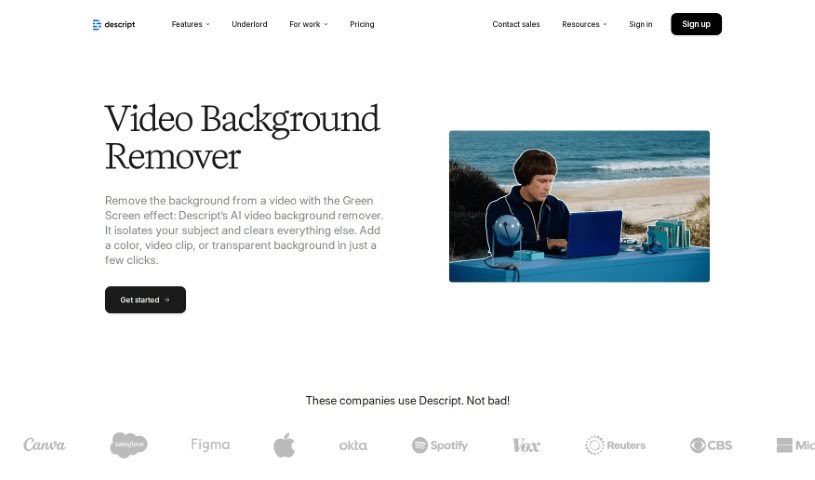
Descript's AI Remove Video Background is a feature that automatically detects and removes backgrounds from videos. It works non-destructively: toggle the green screen effect on to remove the original background, or off to bring it back. Once the background is removed, you can add a replacement by uploading a photo or video and choosing "Send to back." The tool also works on GIFs and images, as long as one person is clearly in the foreground.

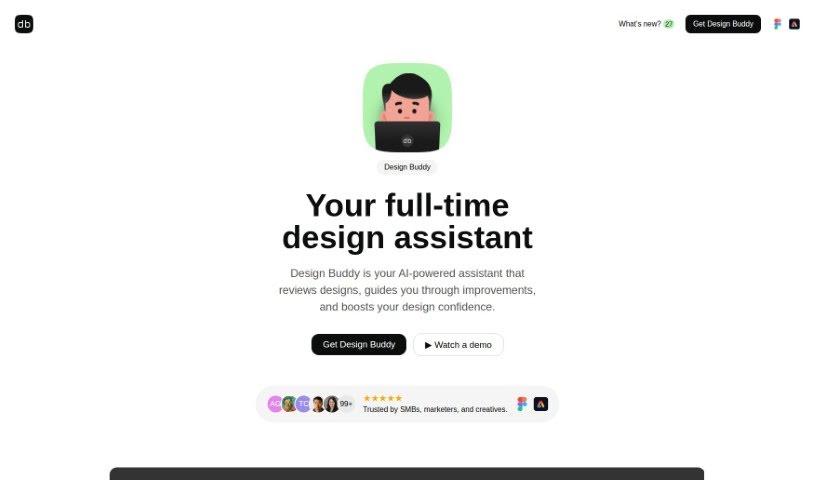
Screenshot of Design Buddy

Design Buddy

Freemium

Design Buddy is an AI design assistant that works as a plugin for Figma and Adobe Express. It reviews your interface designs and returns structured feedback on layout, color, typography, and accessibility, scoring each area objectively. The goal is to help you catch design mistakes early, cut down on revision cycles, and ship work with more confidence. It runs on a subscription basis, with plans that include a set number of reviews per month.

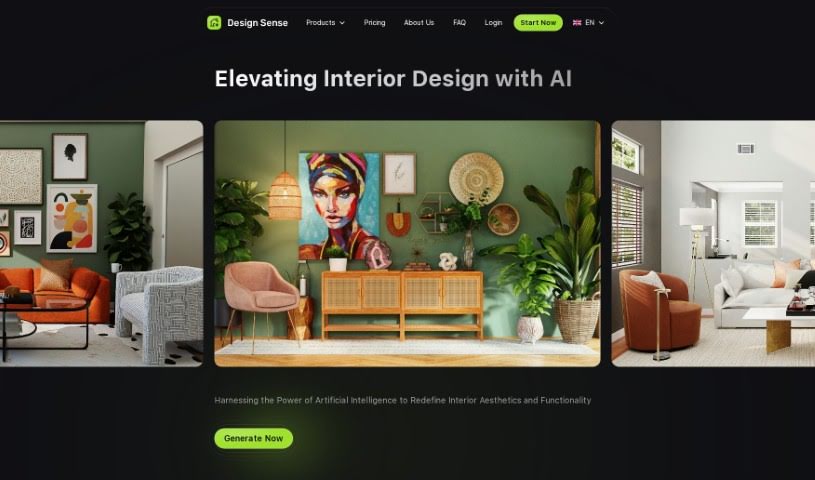
Screenshot of Design sense AI

Design sense AI

Freemium

Design Sense AI is a mobile app for AI-powered interior design and image enhancement. It is available on both the Apple App Store and Google Play Store. For details on the company, check the [Design Sense website](https://www.designsense.ai/) directly.

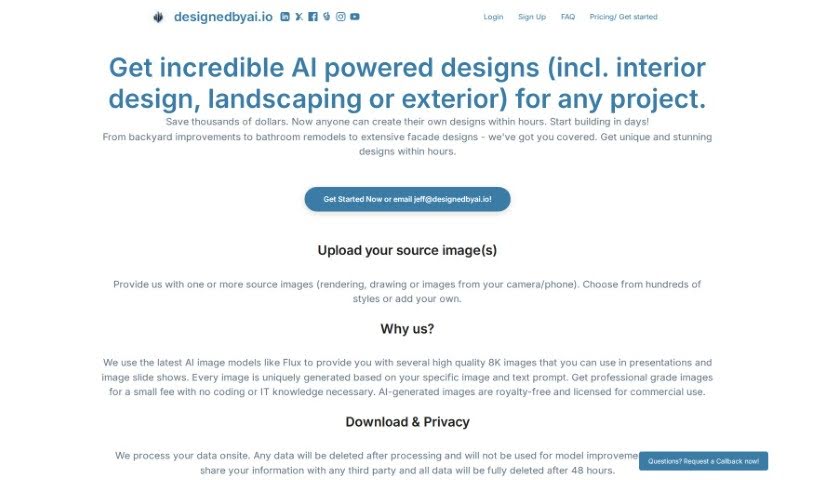
Screenshot of Designedbyai

Designedbyai

Freemium

Designedbyai is a platform offering AI-powered design solutions for interior design, landscaping, and exterior design projects. You upload your existing images and receive high-quality 8K designs quickly and affordably. The platform emphasizes privacy: all data is processed on-site, deleted after processing, and never shared with third parties. Users often mention how easy it is to use and how it helps them visualize their architectural ideas.

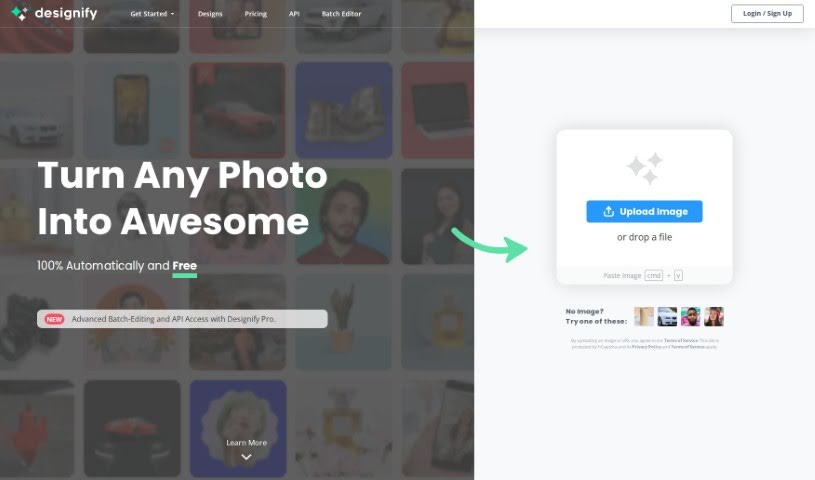
Screenshot of Designify

Designify

Freemium

Designify is a platform offering design tools aimed at making the design process faster and simpler. Its standout feature is the "Smart Editor," which lets you tweak designs by adding your logo, other pictures, adjusting shadows, or automatically matching colors to your brand. Signing up lets you save all your creations, which speeds up your editing workflow. Designify also automates much of the heavy lifting in photo editing, so you can process large numbers of images at once. Whether you're customizing a design or batch-editing photos, it offers a user-friendly interface.

Screenshot of Designn Space

Designn Space

Freemium

Designn Space, created by Make Designn, is an AI tool for virtually redesigning living spaces. Upload a photo of your room, and its AI technology — powered by roomGPT.io — generates new images showing what your room could look like in different themes. This simplifies redoing a room, cutting out the need for professional designers and the cost of trial and error. The goal is to make interior design accessible to everyone, regardless of design background. That said, working with a human designer can offer a personal touch that AI may not fully match.

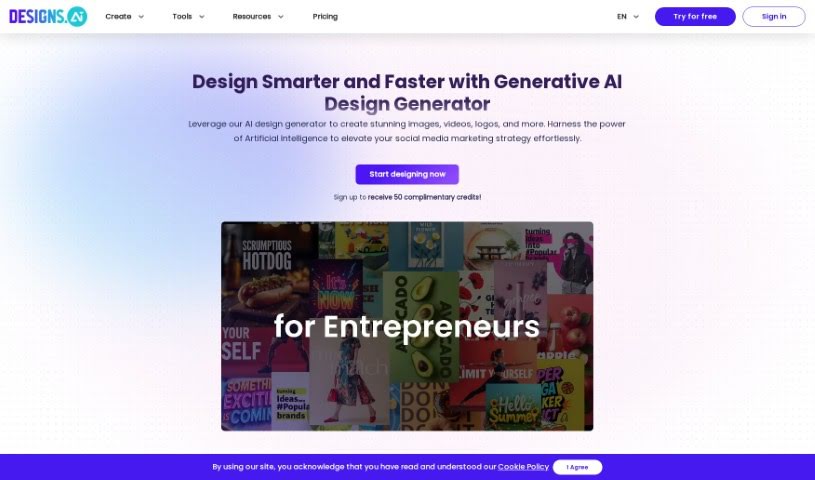
Screenshot of Designs AI

Designs AI

Freemium

Designs AI is an online platform that uses artificial intelligence to create professional-looking designs without requiring prior design experience. Users can produce graphics, videos, logos, mockups, and voiceovers in under two minutes. The platform also supports team collaboration and centralizes brand assets, keeping branding consistent across projects.

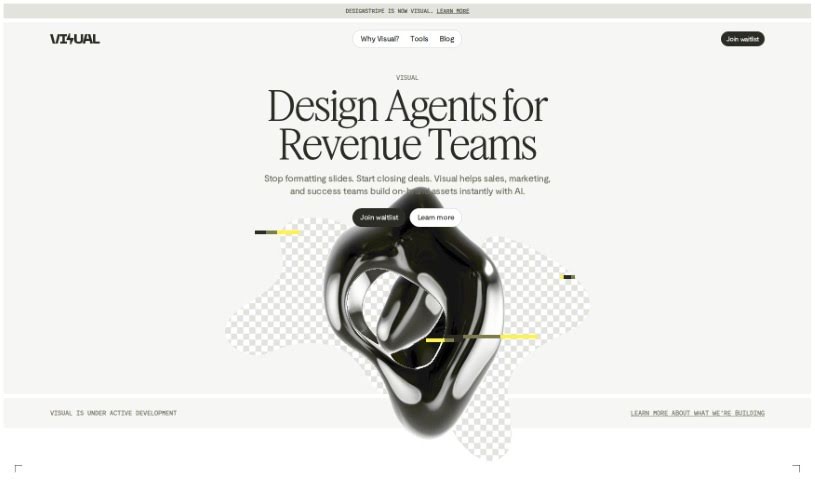
Screenshot of DesignStripe

DesignStripe

Freemium

DesignStripe's AI Holiday Cards is a feature that uses AI to help you create personalized holiday cards. You can choose from a variety of templates for different occasions and add your own messages, photos, and custom designs. AI tools suggest design ideas based on your preferences, and a live preview shows how your card looks as you work. DesignStripe also offers online printing and delivery, so you can send finished cards to friends and family without visiting a store.

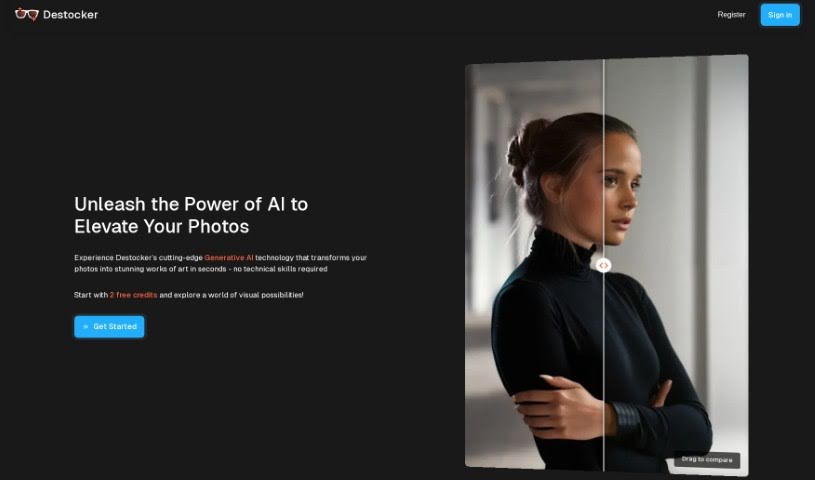
Screenshot of Destocker

Destocker

Freemium

Destocker is a platform that uses AI diffusion technology to transform images. New users receive 5 free credits to experiment by uploading their own images and adjusting them with the platform's tools. You can control structure and colors, make changes based on text prompts, and give stock images a new look. Use cases include online ads, website imagery, enhancing 3D renders, and general creative work. Destocker offers flexible pricing plans and an FAQ section for common questions.

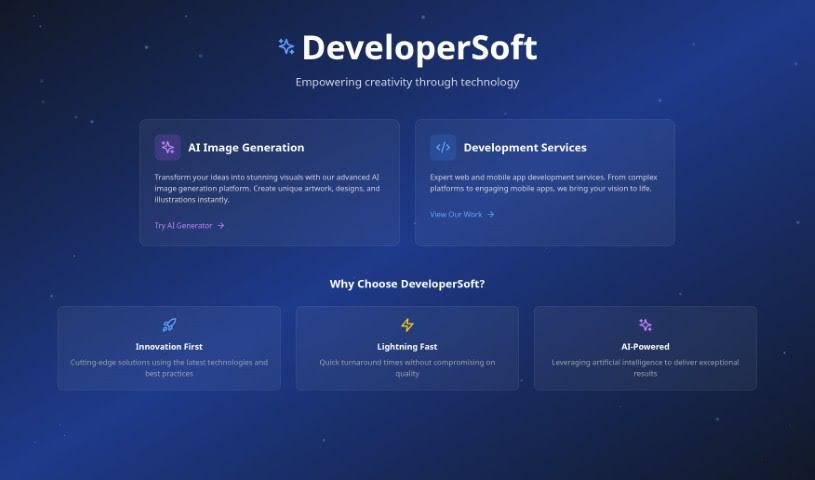
Screenshot of DeveloperSoft

DeveloperSoft

Freemium

DeveloperSoft is an AI image generation platform for developers, designers, and creatives. Users can generate customizable images in a range of styles, including Realism, Anime, Pixar, and Cubism, and select from multiple image sizes to fit different display needs.

Screenshot of Dewatermark

Dewatermark

Freemium

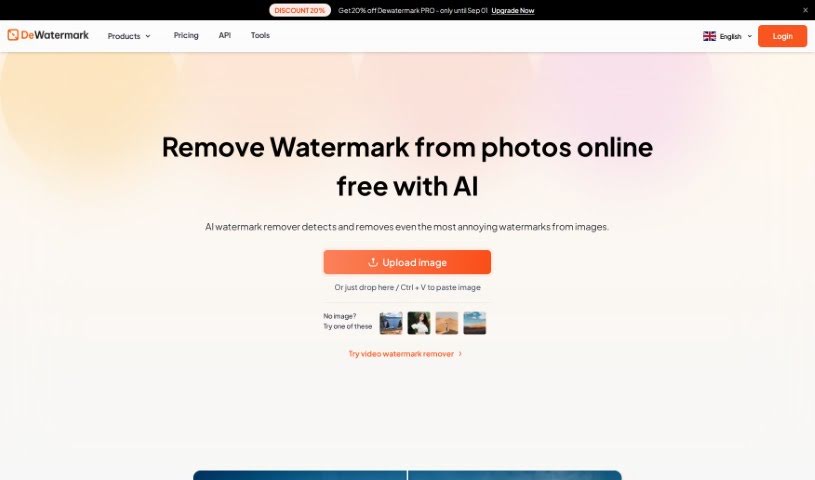
Dewatermark.AI is a free online tool created by XTeam in Singapore in 2022. Its core purpose is removing watermarks from photos using AI, which automatically detects and removes many types of watermarks from uploaded images.

Screenshot of Dezgo

Dezgo

Freemium

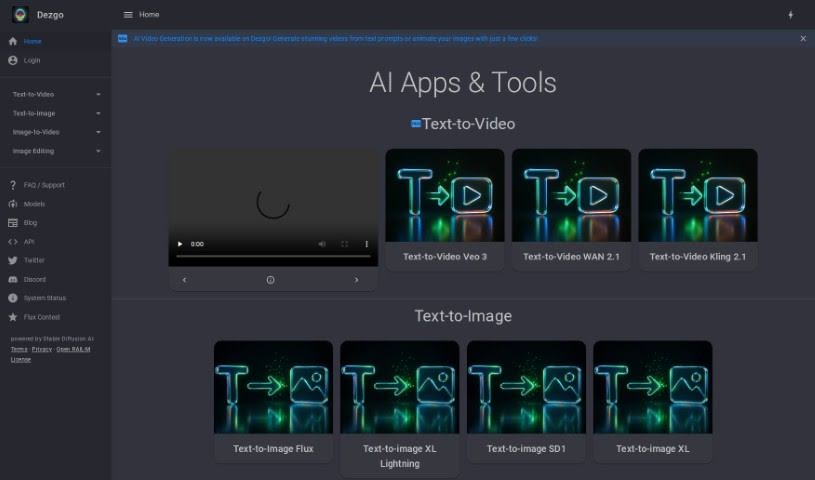
Dezgo is a text-to-image generator that creates high-quality images from written descriptions. It runs on Stable Diffusion 1.5 and uses the DPMSeed sampling method. You control how closely the AI follows your prompt through the 'Guidance' setting, choose the image shape (portrait, square, or landscape), and exclude unwanted elements with negative prompts. Additional settings include sampling steps, which affect the level of detail in the output, along with sampler and seed options. All generated images are shared under the CreativeML Open RAIL-M license. Dezgo also provides privacy controls, letting you decide whether to allow data processing, personalized ads, content selection, and device identification.

About Creative tools

Bringing a creative vision to life takes stamina. Whether you’re working on visual art, video projects, sound design, or written work, the gap between a great idea and a finished piece is usually filled with hours of tedious setup. You spend time masking image layers, cutting out filler words from audio, or wrestling with software settings when you’d rather be making art.

The tools in this category handle repetitive technical tasks so you can keep your focus where it belongs: on creative direction and artistic choice.

Offloading Technical Setup to Focus on Art

Testing visual concepts gets much faster when you can prototype ideas instantly. Instead of spending hours building manual moodboards or sketching rough wireframes by hand, generative tools let you test lighting styles, color palettes, and compositions in seconds. You can explore dozens of creative paths before committing to a full production shoot or detailed illustration.

In video and audio editing, smart software handles the tedious mechanics. Automatically generating precise closed captions, reframing shots for vertical video formats, or isolating vocal tracks from ambient background noise used to take complex plugins and hours of manual editing. Modern creative tools process those heavy tasks in minutes, giving you back time to polish the story itself.

Maintaining visual consistency across large projects gets a major upgrade, too. Managing design elements, color palettes, and character references across a long series or multi-asset campaign often leads to small visual errors. Creative AI tools help enforce visual rules and match styles automatically, keeping your artwork, video sequences, or digital assets aligned from start to finish.

Key Capabilities for Creators:

  • Style and reference matching: Systems that analyze an artistic style or reference image and apply it across new graphic assets.
  • Generative canvas expansion: Tools that expand image borders, fill in background details, or remove unwanted objects cleanly.
  • Text-to-media rendering: Software that converts written prompts into high-resolution images, video clips, or sound textures for fast prototyping.
  • Non-destructive asset editing: Applications that adjust lighting, color tones, and individual layers without destroying original files.
  • Cross-format conversion: Features that automatically reformat visual assets and video projects for desktop, mobile, and print.

Technology can generate pixels and format files, but true artistic judgment, taste, and emotional expression still belong to you. Handing off routine file conversions, background cleanup, and quick concept testing simply gives you the freedom to focus on your craft.

Explore the tools below to upgrade your creative workspace.

The Best AI Creative Tools

  1. Canva: for designing social media posts
  2. Character AI: for brainstorming story ideas and concepts.
  3. Janitor AI: for quickly crafting unique story ideas.
  4. Remove.bg: for instantly removing backgrounds from design projects
  5. Leonardo AI: for generating dynamic artwork for designers
  6. Photopea: for designing stunning graphics and illustrations.
  7. Photoroom: for improving photos for creative projects
  8. Pixelcut: for designing eye-catching product ads
  9. Pixlr: for designing great graphics with ease
  10. Midjourney: for visual storytelling through art prompts.
  11. AI Face Swap: for creating unique memes for social media.
  12. Cutout.pro: for creating dynamic backgrounds for art
  13. Remaker: for AI-powered image creation for unique designs.
  14. Ideogram: for logo design and customization.
  15. Openart: for experimenting with unique artistic styles
New tools, in your inbox.

Weekly picks of the best AI tools we've researched and added — no spam, unsubscribe anytime.

Join 25,000+ AI enthusiasts. No spam, unsubscribe anytime.