AI Audio Tools

AI Tools for Audio

Discover the best Audio AI tools to enhance your productivity and creativity.

Page 31 of 37 • 442 total tools
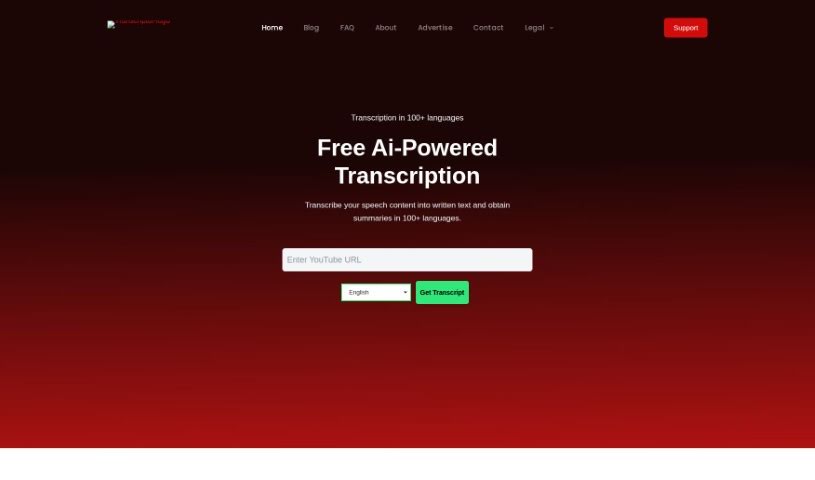
Screenshot of Transcriptal

Transcriptal

Freemium

Transcriptal is an AI-powered transcription service that converts audio and video into text. It offers free transcription in over 100 languages, with features like timestamps, downloadable transcripts, and live transcription that requires no sign-up.

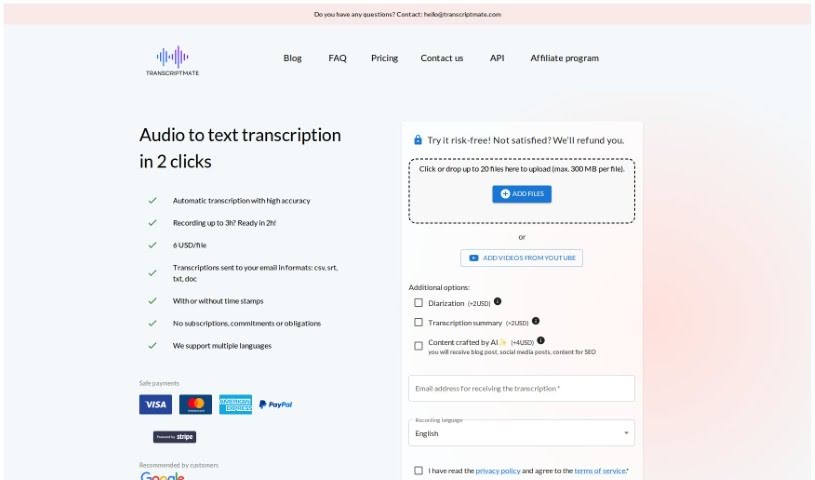
Screenshot of Transcriptmate

Transcriptmate

Freemium

Transcriptmate is a transcription service for audio and video files. Reviewers praise its speed, accuracy, affordability, and security, with some rating its transcriptions above what Google and Apple offer.

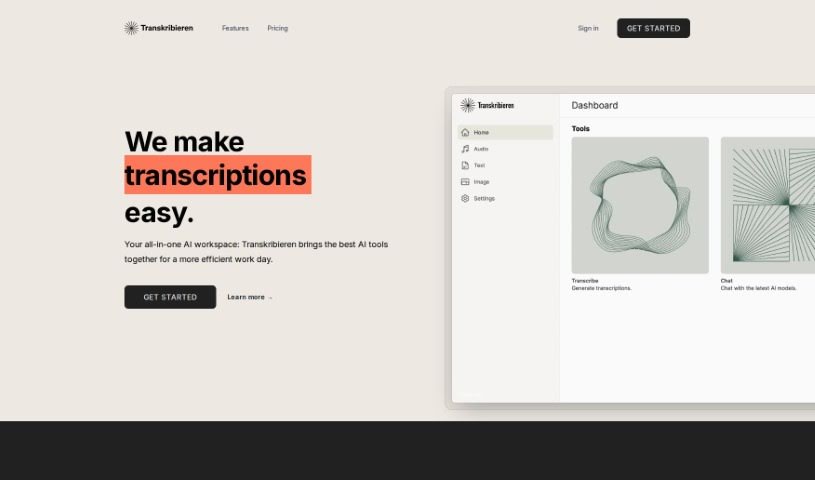
Screenshot of Transkribieren

Transkribieren

Freemium

Transkribieren is an AI-powered platform offering fast, accurate, and easy-to-use transcription. Its streamlined transcription process uses current AI technology, and the platform also includes an AI chatbot running on OpenAI's GPT-3.5 and GPT-4, plus the ability to create photorealistic images using Google Imagen's text-to-image diffusion model. DALL-E 3 integration is planned for the future. A global community of users relies on Transkribieren for efficient, simple handling of audio content.

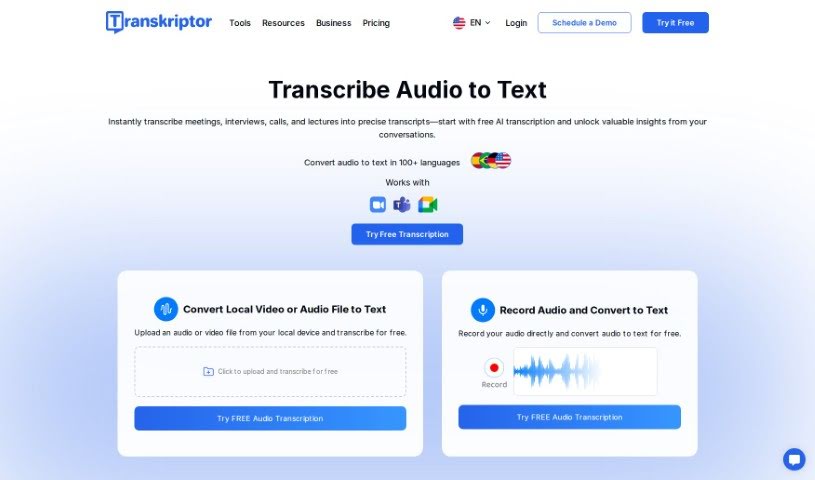
Screenshot of Transkriptor

Transkriptor

Freemium

Transkriptor is an AI-powered tool that automatically converts audio and video content into text. It supports over 40 languages and includes an AI assistant that can generate meeting notes automatically, so you don't have to take notes manually during calls.

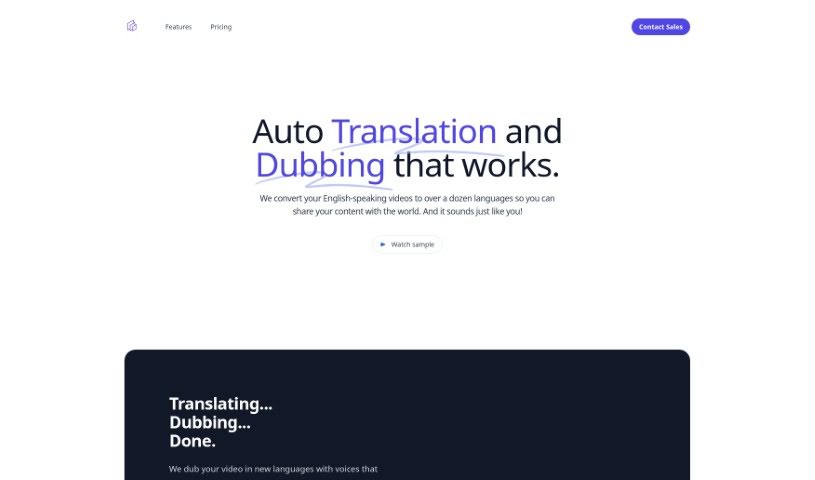
Screenshot of Translatethisvideo

Translatethisvideo

Freemium

TranslateThisVideo translates English-language videos into other languages while preserving the original speaker's voice and tone. It combines automatic voice cloning, instant transcripts, pause detection, and transcript editing, and it handles videos with multiple speakers. Manual transcript correction is available for accuracy, which is useful for technical terms and specialized vocabulary. The service suits individuals and companies looking to reach a global audience.

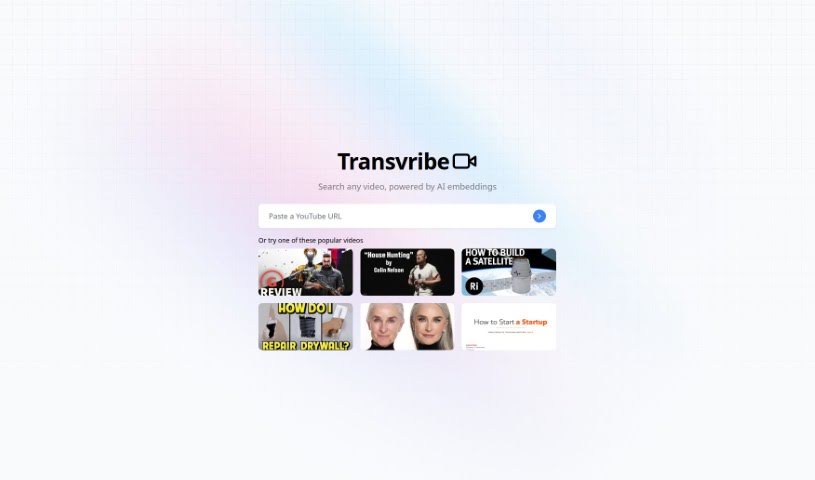
Screenshot of Transvribe

Transvribe

Freemium

Transvribe is an AI transcription tool that converts audio and video recordings into accurate text. It handles difficult audio conditions, including different accents, background noise, and varied speaking styles. The interface is straightforward for uploading files and starting transcriptions, and the tool includes editing and formatting features such as notes and timestamps.

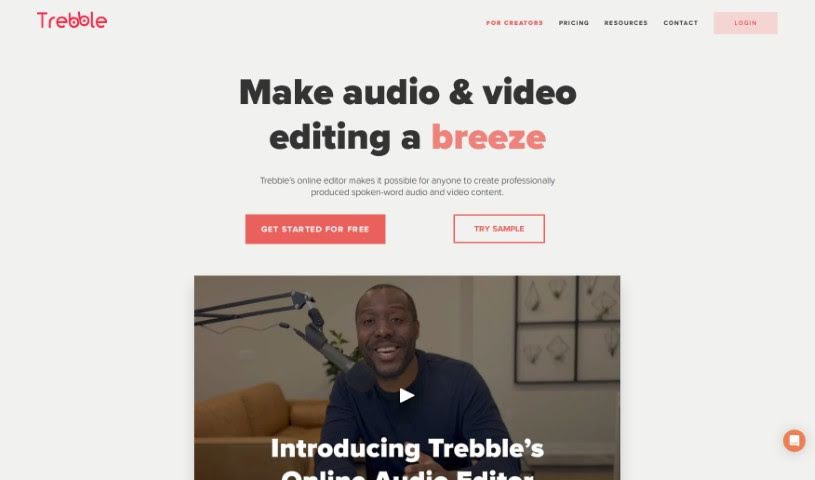
Screenshot of Trebble

Trebble

Freemium

Trebble is an online audio editor built for podcast creators and audio professionals. Instead of editing waveforms, you edit your audio by changing the text transcript — cut, copy, or paste words or entire scenes in the text, and Trebble updates the audio or video accordingly. Its smart technology also automatically polishes audio to a professional finish, simplifying post-production.

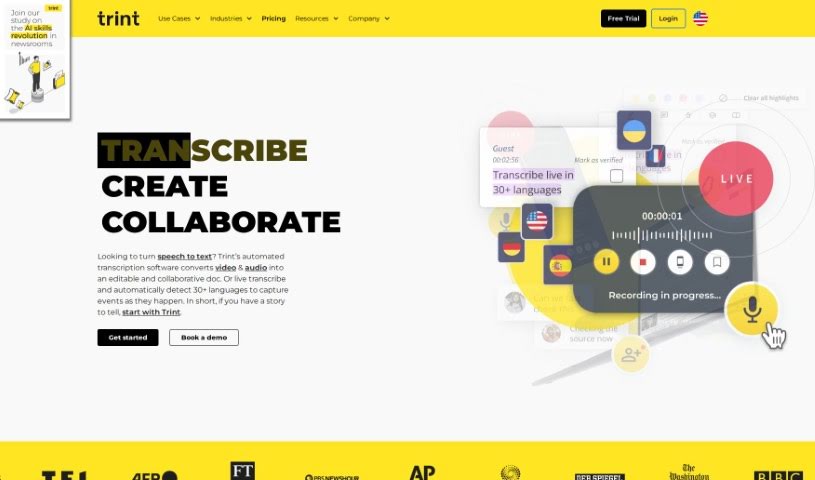
Screenshot of Trint

Trint

Freemium

Trint is an AI-powered transcription software founded by Jeff Kofman in 2014. It converts audio and video files into text, speeding up media workflows and improving team productivity. Features include AI transcription, content editing, team collaboration, multi-language support, and research insight tools. It serves media professionals, researchers, and global companies, with secure business integrations and a mobile app for transcribing on the go.

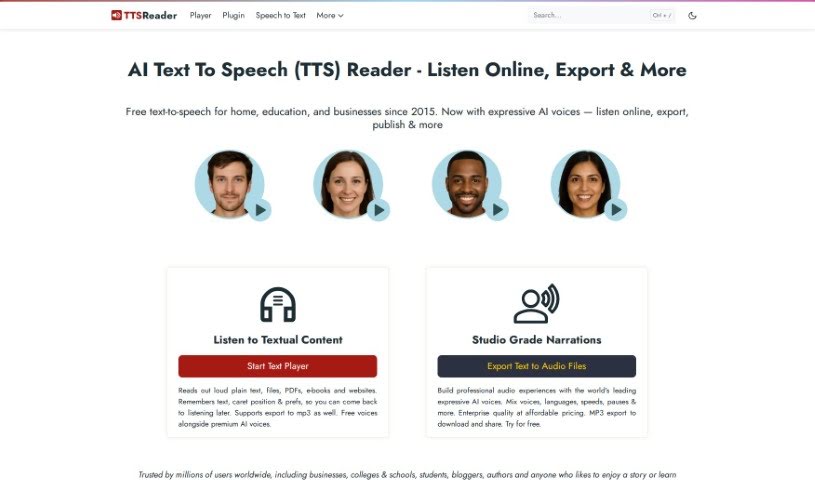
Screenshot of TTS Reader

TTS Reader

Freemium

TTS Reader is a free text-to-speech tool that runs in modern browsers like Chrome, Firefox, and Safari. It supports multiple languages and accents, and Chrome users can access Google's high-quality voices. There is nothing to download and no login or account required — you can start listening immediately.

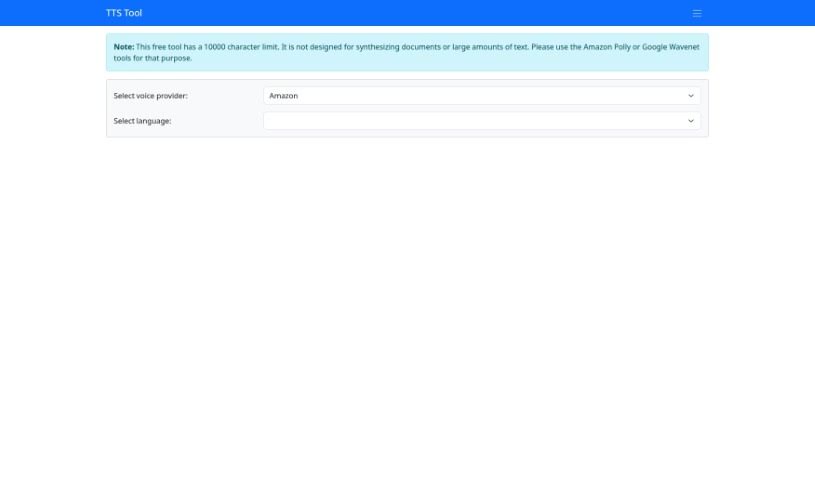
Screenshot of TTS Tool

TTS Tool

Freemium

TTS Tool is a software application that converts written text into spoken words using speech synthesis technology. It reads text aloud accurately, which is useful if you prefer listening to content or find extended reading difficult. You can adjust the output by choosing different voices, changing the speech rate, and selecting from various languages.

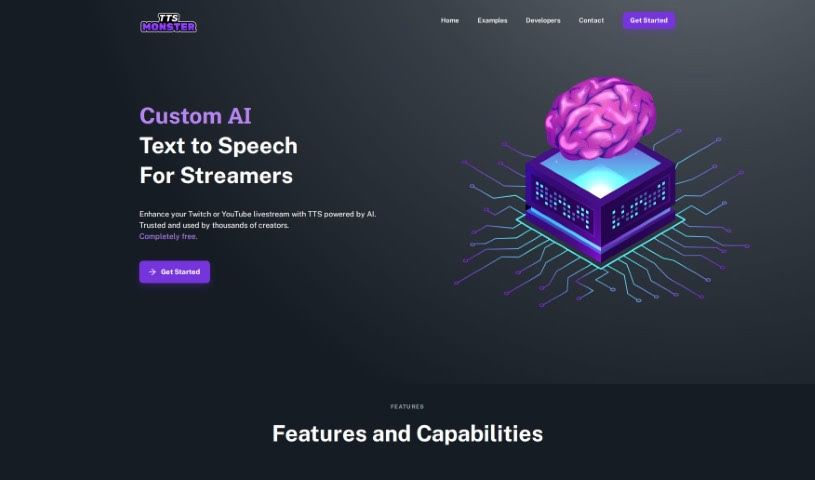
Screenshot of Tts.monster

Tts.monster

Freemium

TTS.Monster is an AI text-to-speech (TTS) tool built specifically for Twitch streamers. It offers a range of AI-generated voices, including well-known, iconic options, that add character to streams and keep viewers engaged. The tool integrates directly with Twitch and is designed to be easy to set up, whether you're new to streaming or experienced.

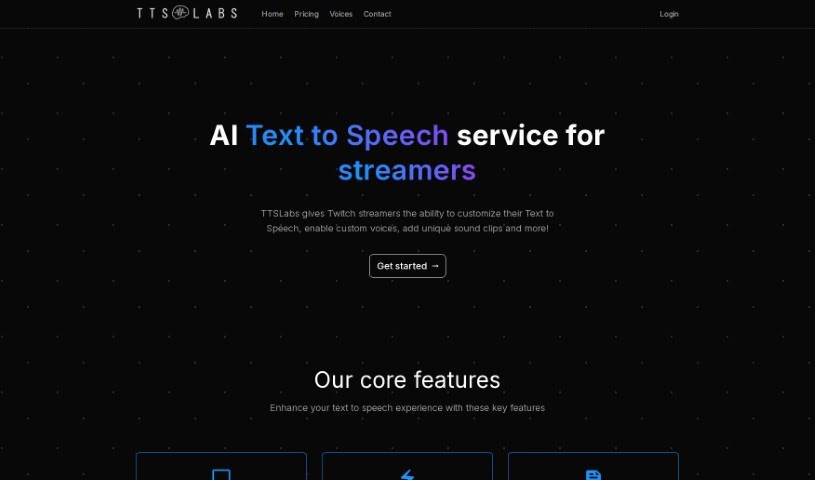
Screenshot of TTSLabs

TTSLabs

Freemium

TTSLabs is a text-to-speech tool for streamers, offering custom voices and voice alerts through several subscription plans.

About Audio tools

Recording clean audio can be frustrating. You hit record, start talking, and suddenly a neighbor starts mowing their lawn, your air conditioner kicks into high gear, or you realize you spoke too close to the mic. In the past, fixing those issues meant spending hours in complex editing software manually cutting out background noise or re-recording takes from scratch.

The AI audio tools in this section handle the tedious cleanup work in minutes so your podcasts, video voiceovers, and music projects sound polished without the technical headaches.

Where Audio AI Saves the Most Time

Noise removal is easily one of the most practical uses for this technology. Modern noise reduction tools don’t just apply a harsh filter that makes your voice sound like it’s trapped in a tin can. Instead, they isolate the unique frequency patterns of human speech, separating your voice from background hums, traffic, or room echoes. You can take a conversation recorded on a noisy street corner and make it sound like it was captured inside a quiet studio.

Editing speech has changed completely, too. Older workflows required staring at complex waveforms for hours, hunting down every awkward pause, slip of the tongue, or repeated word. Text-based audio editors transcribe your recording into written text first. Delete a word or sentence from the transcript, and the tool cuts that exact audio segment automatically. You can edit a full podcast episode in minutes just like tweaking a text document.

Voice synthesis and localized dubbing have also taken a massive leap forward. If you need a quick voiceover for a product demo or internal training video, text-to-speech engines generate natural-sounding voices with realistic pauses and subtle tone shifts. Some platforms even let you clone your own voice or translate audio files into new languages while matching the speaker’s original cadence.

For creators who need background tracks, generative music tools build royalty-free sound effects and original background tracks on demand. Specify the mood, tempo, and duration, and the software builds a custom piece that fits your video perfectly without copyright risks.

Key Features to Consider:

  • Background noise isolation: Software that strips out air conditioner hums, wind noise, and room echo without distorting human speech.
  • Text-based editing: Tools that automatically transcribe your files and let you edit audio by editing the written transcript.
  • Voice synthesis and cloning: Applications that convert text to speech or replicate existing voices for quick voiceover work.
  • Automated mastering: Systems that balance volume levels, equalize frequencies, and optimize audio for streaming platforms.
  • Multilingual translation and dubbing: Features that translate spoken words into new languages while preserving the original voice’s tone.

Clear sound is non-negotiable for keeping an audience engaged. Viewers might forgive a slightly grainy video, but harsh audio makes them click away in seconds. While software handles background noise, leveling, and fast edits, your message and creative direction remain the heart of the project.

Take a look through the options below to upgrade your audio workflow.

The Best AI Audio Tools

  1. ElevenLabs: Great for making multilingual video voiceovers if you’re a creator.
  2. Suno: Perfect for creating custom soundscapes to help you relax.
  3. BandLab: Lets you mix and master tracks smoothly.
  4. TurboScribe: Helps improve audio for clearer transcriptions.
  5. Voicemod: Lets you change your voice for creative projects.
  6. Adobe Podcast: Enhances audio with simple, one-click AI tools.
  7. Transkriptor: An automated tool for transcribing lectures.
  8. Speechify: Makes it easy to listen to articles and documents.
  9. NaturalReader: Good for creating voiceovers for your video content.
  10. Riffusion: Offers real-time audio manipulation for creators.
  11. Narakeet: Converts subtitles into synchronized audio.
  12. 008 Agent: Open-source assistant for VoIP calls, with transcription and call summaries.
  13. Lalal.ai: Lets you remove vocals seamlessly for remixes.
  14. Ttsmaker: Effortlessly create voiceovers for videos.
  15. Udio: Craft unique sounds using its audio tools.
New tools, in your inbox.

Weekly picks of the best AI tools we've researched and added — no spam, unsubscribe anytime.

Join 25,000+ AI enthusiasts. No spam, unsubscribe anytime.