AI Tools for Audio

Discover the best Audio AI tools to enhance your productivity and creativity.

Page 32 of 40 • 471 total tools

We’re really entering a new age for creating and changing audio, thanks to AI. You know, those days of needing tons of skills and pricey gear for good audio are pretty much over. Now, with smart AI audio tools, anyone can make professional-sounding audio for podcasts, music, or any cool audio project.

These tools aren’t just for making music; they can create voiceovers, improve sound quality, and even help with sound design. It’s amazing how much AI is changing the audio world, and the ways we can use it are endless.

After spending a lot of time trying out different platforms and features, I’ve put together a list of the top AI audio tools out there. Whether you’re just starting out and need something simple, or you’re a pro looking for powerful options, there’s definitely something here to help you make your audio sound even better.

So, if you’re ready to see what AI can do for sound, let’s jump into the best tools that will totally change how you work with audio.

The Best AI Audio Tools

  1. ElevenLabs: Great for making multilingual video voiceovers if you’re a creator.
  2. Suno: Perfect for creating custom soundscapes to help you relax.
  3. BandLab: Lets you mix and master tracks smoothly.
  4. TurboScribe: Helps improve audio for clearer transcriptions.
  5. Voicemod: Lets you change your voice for creative projects.
  6. Adobe Podcast: Enhances audio with simple, one-click AI tools.
  7. Transkriptor: An automated tool for transcribing lectures.
  8. Speechify: Makes it easy to listen to articles and documents.
  9. NaturalReader: Good for creating voiceovers for your video content.
  10. Riffusion: Offers real-time audio manipulation for creators.
  11. Narakeet: Converts subtitles into synchronized audio.
  12. PlayHT: Useful for voiceovers in audio editing.
  13. Lalal.ai: Lets you remove vocals seamlessly for remixes.
  14. Ttsmaker: Effortlessly create voiceovers for videos.
  15. Udio: Craft unique sounds using its audio tools.

How Do AI Audio Tools Work?

AI audio tools work a lot like AI writing software. They use advanced models that have been trained on huge amounts of data. Many of these tools use deep learning to analyze and create sound patterns, which lets them generate or change audio. You’ll often see them used for making speech, composing music, and sound design, all thanks to the vast libraries of audio samples and language data they learn from.

Basically, these tools use neural networks that are designed to process sound much like we do. They look at audio input, find patterns, and then predict the best sound to produce based on what they’ve learned. This means they can create a wide range of outputs, from voices that sound really real to music that feels both familiar and new.

When it comes to making voices, the process usually involves feeding a neural network thousands of hours of spoken audio. This teaches it subtle things like intonation and how to vary speech. Then, when you type something in, the model uses its training to create speech that matches the tone and context you’re going for. The result? Voices that sound lifelike and can deliver text with emotion and clarity.

In a similar way, AI music tools study huge collections of music to understand what makes a good hook, rhythm, or harmony. By breaking down existing songs, these models learn how to create new music that sounds like popular styles or even comes up with completely new soundscapes. You can tell the AI what genre or mood you want, and it’ll tailor the results to your taste.

Beyond just creating content, AI audio tools can also improve existing sounds. Things like reducing noise, fixing pitch, and adding effects are all powered by algorithms that have learned from the details in audio files. This lets you make your recordings sound better or create entirely new sound experiences without much effort.

If you’re curious about the technical side, there are plenty of resources that explain how audio processing and machine learning work in sound. All in all, AI audio tools are really changing how we create and interact with sound, opening up amazing possibilities for musicians, podcasters, and audio engineers.

Our Best AI Audio Tools at a Glance

RankNameBest ForPlans and PricingRating
1ElevenLabsMultilingual video voiceovers for creatorsN/A4.83 (29 reviews)
2SunoCreate custom soundscapes for relaxationN/A4.82 (11 reviews)
3BandLabMix and master tracks seamlessly.N/A4.75 (44 reviews)
4TurboScribeEnhance audio for clear transcriptionPaid plans start at $10/month.4.80 (5 reviews)
5VoicemodTransform your voice for creative projectsN/A4.78 (27 reviews)
6Adobe PodcastEnhance audio with one-click AI toolsN/A4.67 (12 reviews)
7TranskriptorAutomated lecture transcription tool.N/A.4.31 (13 reviews)
8SpeechifyListen to articles and documents.N/A4.80 (54 reviews)
9NaturalReaderCreate voiceovers for video contentN/A4.75 (44 reviews)
10RiffusionReal-time audio manipulation for creatorsN/A4.18 (11 reviews)
11NarakeetConvert subtitles to synchronized audioN/A4.72 (18 reviews)
12PlayHTVoice over for audio editingN/A4.59 (27 reviews)
13Lalal.aiSeamless vocal removal for remixesN/A4.64 (11 reviews)
14TtsmakerCreate voiceovers for videos effortlessly.N/A4.60 (5 reviews)
15UdioCraft unique sounds with audio toolsN/A4.18 (11 reviews)
Screenshot of Taption

Taption

Freemium

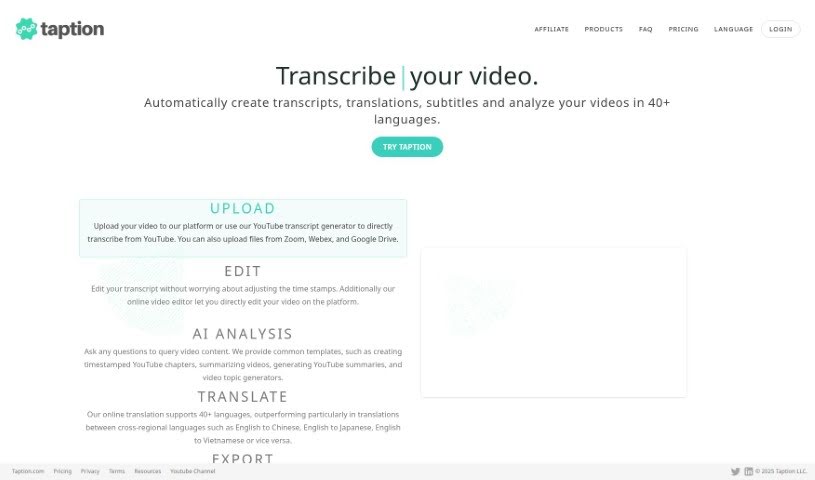
Taption is a really handy tool built to help all sorts of people – like content creators, teachers, businesses, and even individuals – easily adapt their media content for different languages. It is your go-to for making videos and audio accessible to a wider audience around the world. It automatically transcribes, translates, and adds subtitles, which is fantastic for breaking down language barriers. This means more people can connect with your content, making it more inclusive and engaging. Taption makes the whole process of transcribing, translating, and subtitling your multimedia files super simple. It supports many different languages and delivers high-quality text that you can pop right into your videos, whether they're for learning, marketing, or just for fun. Plus, it's designed to be super easy to use, so anyone can jump right in.

Screenshot of Taranify

Taranify

Freemium

Taranify is a unique platform where artificial intelligence and human emotions come together. It's designed to suggest music, Netflix shows, and books based on how you're feeling right now. Unlike typical recommendation systems that look at what you've liked in the past, Taranify focuses on your current mood and what you're in the mood for. It uses smart AI algorithms to give you suggestions that really match your present feelings. This means you're more likely to enjoy what it recommends, and you'll spend less time sifting through things that aren't quite right. You can even take a fun color quiz to help Taranify pinpoint your mood. The AI then uses this information to offer personalized picks for Spotify playlists, Netflix content, and books. Taranify's goal is to change how we discover entertainment by truly understanding human emotions and providing recommendations that fit your mood at any given moment.

Screenshot of Text Reader

Text Reader

Freemium

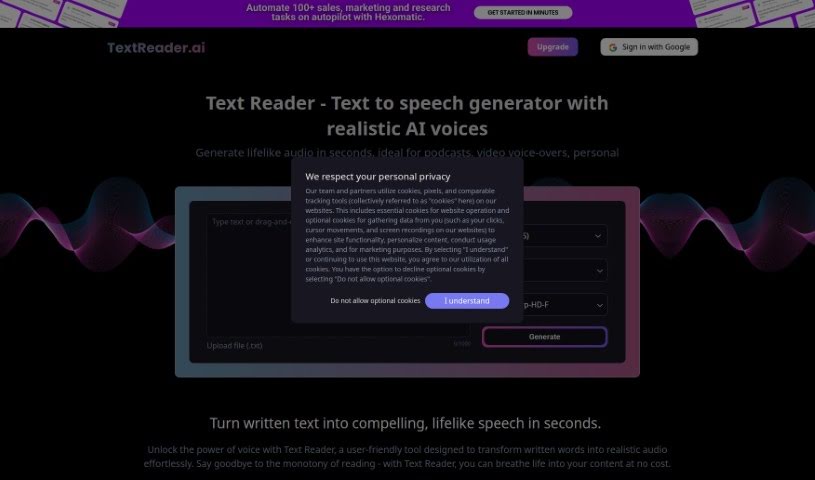
Text Reader is a really handy text-to-speech generator. It's super easy to use and turns written words into natural-sounding audio in just seconds. It is a way to bring your text to life with lifelike voices. It uses high-quality TTS WaveNet voices and supports over 40 languages, which is pretty great for all sorts of personal and business needs. The platform has a straightforward interface, making it quick to convert text to audio. Plus, it's budget-friendly, saving you both time and the cost of production.

Screenshot of Text To Speech Online

Text To Speech Online

Freemium

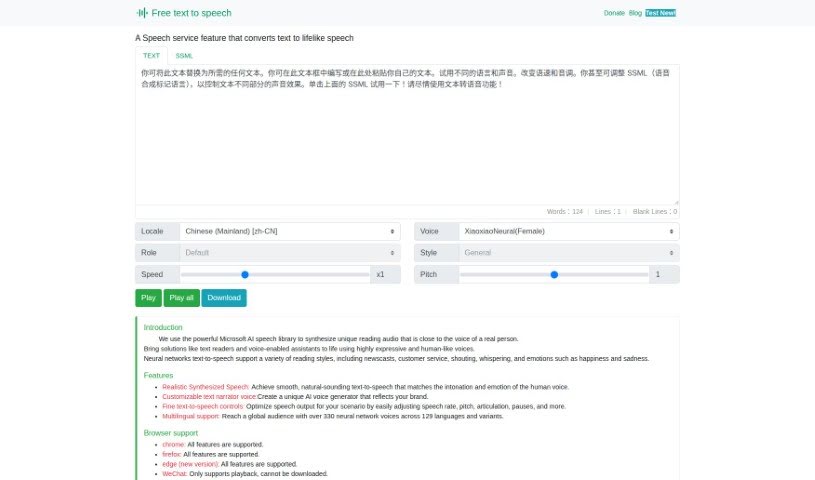
Text To Speech Online is a really handy platform that turns written words into natural-sounding speech. It uses Microsoft's AI speech technology to create voices that sound remarkably like real people. You've got over 100 voices to pick from, supporting lots of languages and dialects, and you can even mix Chinese and English. This makes it super useful for all sorts of things, like reading news aloud, guiding you on trips, powering smart devices, or sending out announcements. You can tweak how fast the speech is, the pitch, and even the style to make it sound just right. Once you're happy, you can easily download the audio as an MP3 file. Since it works with all the latest web browsers, it's a fantastic tool for anyone creating content for a global audience.

Screenshot of Textalky

Textalky

Freemium

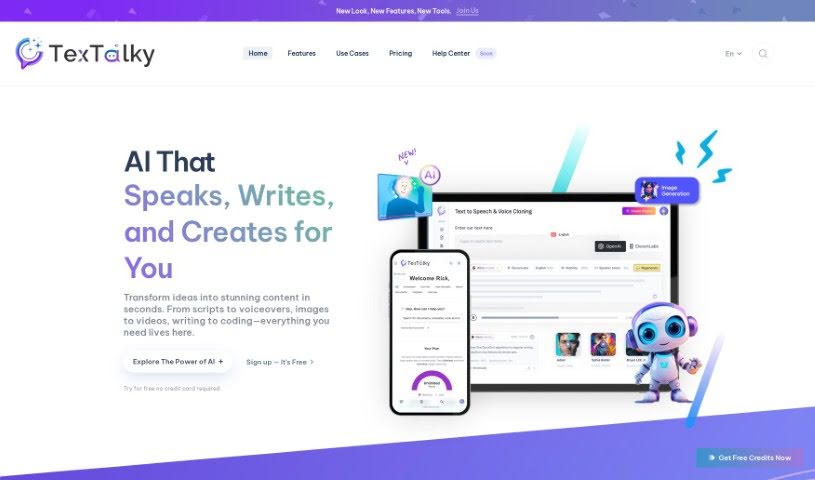
Textalky is a really smart AI text-to-speech software that turns any text or script into natural-sounding human voices. It's super easy to use – you can get lifelike audio in just three simple steps. First, you just upload or paste your text. Then, you pick a voice and language from a huge selection. Finally, you hit 'Listen' to hear your text come to life as audio. This tool is perfect for all sorts of things, like making e-learning materials, marketing content, podcasts, and videos. It offers a wide variety of voices in different languages and accents, so it's great for a global audience. Plus, Textalky really cares about keeping your information private and secure. It’s also ideal for commercial projects, like ads and product promotions, giving you professional-quality AI voices.

Screenshot of Texttovoice

Texttovoice

Freemium

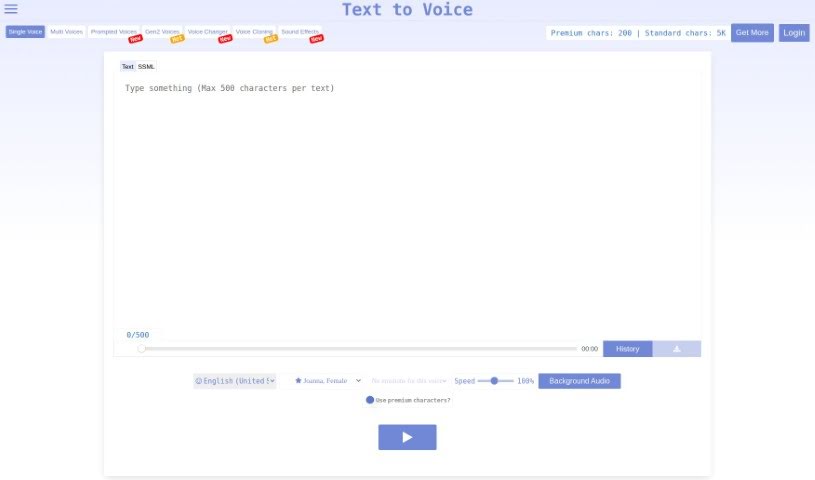
Text to Speech is a handy online tool that turns your written text into spoken English using AI. It offers a nice variety of English voices, both male and female, each with different emotional tones. Plus, it's got these new Generation 2 voices that sound incredibly lifelike, capturing all sorts of emotions based on what you've written. The interface is super easy to use, letting you tweak the playback speed and even add background audio. It’s a really convenient way to create natural-sounding voiceovers for your content.

Screenshot of ToastyAI

ToastyAI

Freemium

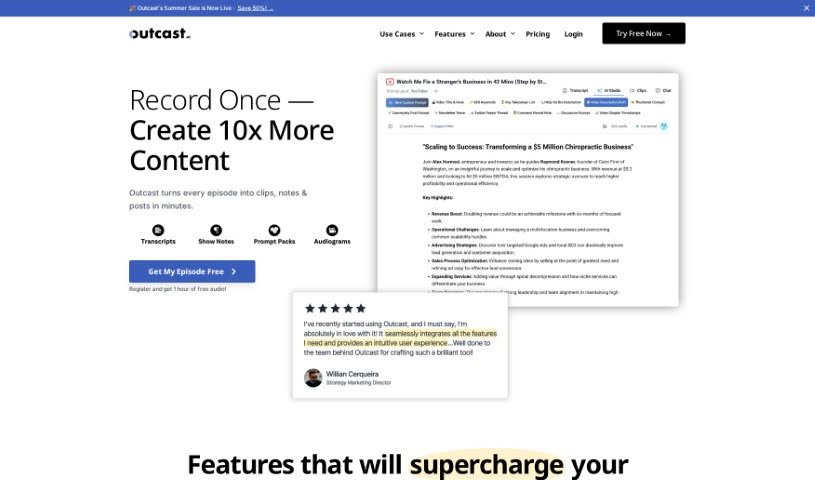
ToastyAI is a professional AI tool designed specifically to help podcasters write all sorts of content. It is your AI podcast copywriter! It can whip up show notes, full transcripts, helpful timestamps, blog posts, and much more, all using AI that's been trained with your podcast's unique style in mind. So far, it's generated over 3.2 million words for 768 podcasters across 17 languages, and it's known for being both fast and accurate. Essentially, ToastyAI is here to make your content creation process smoother, saving you time and boosting your efficiency by handling tasks like generating show notes, transcripts, timestamps, and even full articles from your episodes.

Screenshot of Toneshift

Toneshift

Freemium

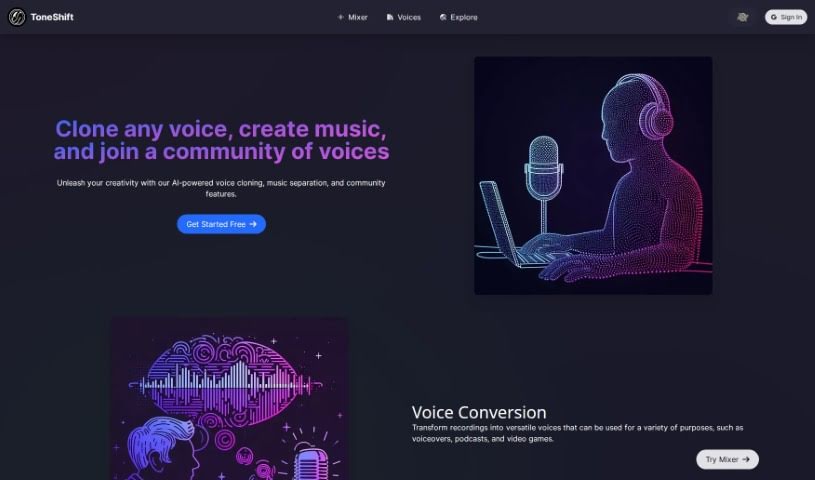
ToneShift is a really neat AI tool that lets you clone voices, separate music into vocals and instrumentals, and even work with others. You can use its Voice Conversion feature to change your recordings into all sorts of voices – perfect for voiceovers, podcasts, or even video games. Plus, the Music Separation tool lets you pull out vocals and instruments from songs, so you can whip up your own unique remixes and mashups. What really makes ToneShift stand out, though, is its Voice Cloning. It lets you copy pretty much any voice you want, which is fantastic for creating unique characters or telling new stories. The platform also has a great community space where you can check out different voices, share what you've made, and team up with other users on projects. It’s a super helpful resource if you're into voice work or customizing music.

Screenshot of TopMediai

TopMediai

Freemium

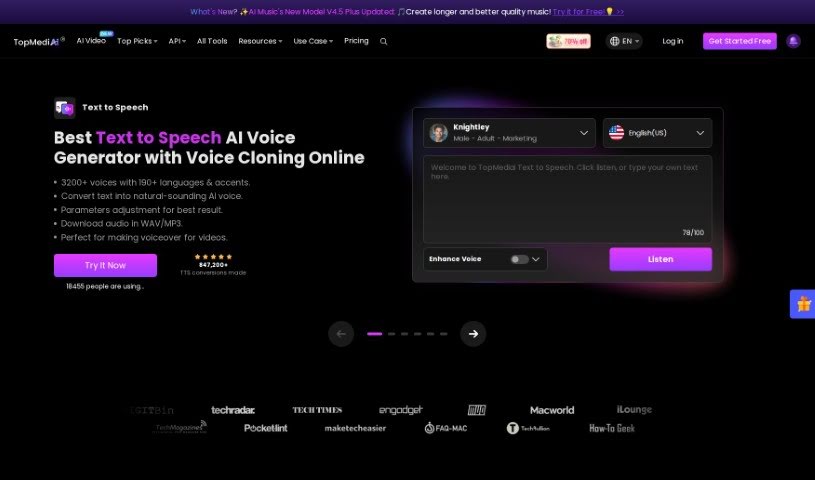
TopMediai is an online platform powered by AI, offering a variety of tools designed specifically for content creators. Its main goal is to help you work more efficiently and boost your productivity on multimedia projects. You can find services like Voice Cloning, AI Song Cover generation, an AI Music Generator, a Voice Enhancer, AI Dubbing, a Vocal Remover, Speech to Speech conversion, a Voice Changer, an AI Art Generator, a Background Eraser, and a Watermark Remover all in one place. Plus, TopMediai offers a 30-day money-back guarantee, ensures your purchases are secure, provides professional support, and regularly updates its services.

Screenshot of TotemoTech

TotemoTech

Freemium

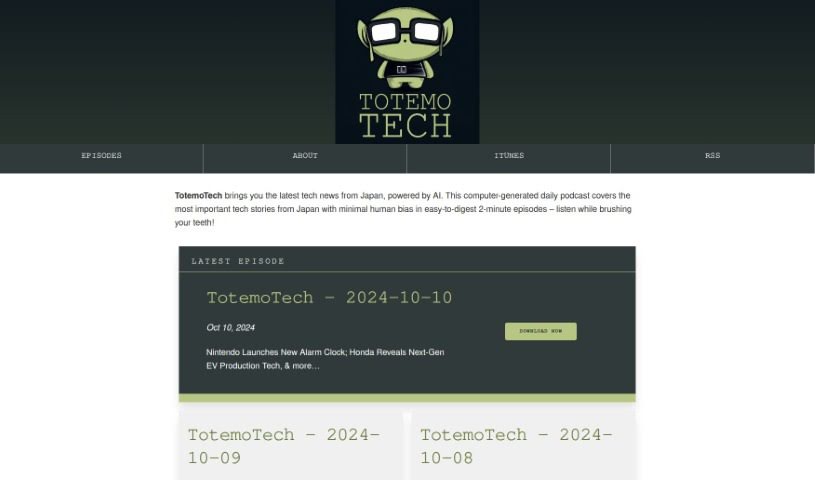
TotemoTech is a podcast that delivers daily tech news straight from Japan, all powered by AI. The episodes are crafted to be super easy to digest, each just about 2 minutes long. This makes it really convenient for you to stay in the loop with what's happening in Japanese tech. The content aims for minimal human bias, offering a quick peek into the latest tech stories. You'll hear about all sorts of things, like technical challenges, new research findings, exciting robot releases, and much more, giving you a solid overview of Japan's tech scene.

Screenshot of Tracksy

Tracksy

Freemium

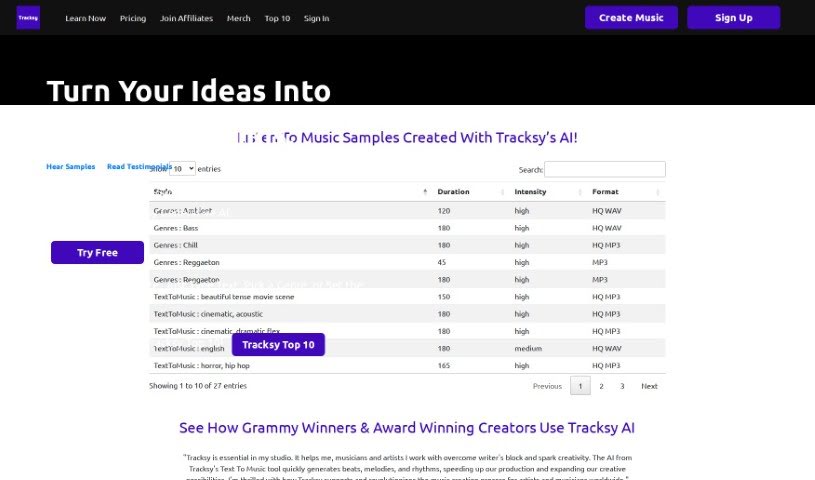
Tracksy is a really neat AI assistant that makes creating unique music super easy, no matter if you're a seasoned pro or just starting out. It's got this cool Text To Music feature that can whip up beats, melodies, and rhythms in a flash. This is fantastic for getting past those pesky creative blocks and just making the whole music-making process smoother and more enjoyable. People seem to love Tracksy because it's user-friendly, offers lots of customization, and gives you a wide variety of genres and track lengths to choose from. It's proving to be a super helpful tool for musicians, filmmakers, writers, and pretty much anyone working in creative fields.

Screenshot of Transcribeme

Transcribeme

Freemium

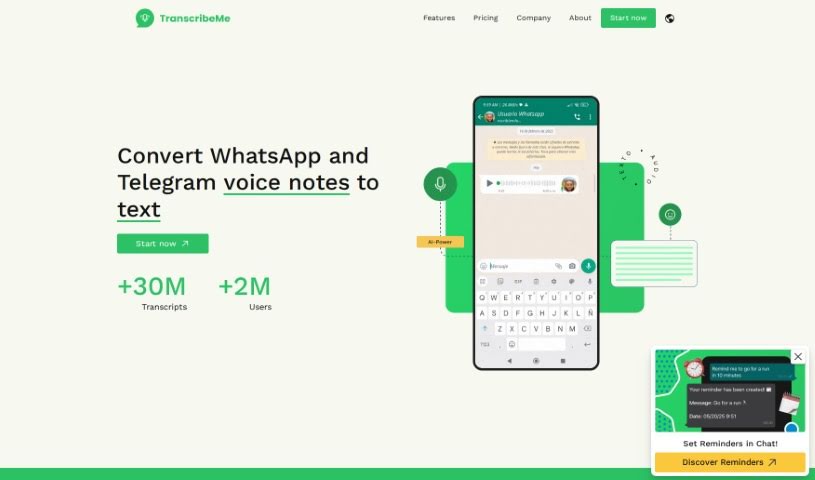
TranscribeMe is a handy tool designed to turn your audio messages into text, specifically focusing on converting voice notes from WhatsApp and Telegram. What's great about it is that it's completely free to use, and you don't need to download any extra apps. Plus, it really respects your privacy – it doesn't store your audio messages at all. You can easily add the bot to your WhatsApp or Telegram contacts and then just forward your voice messages to it for conversion. The tool works smoothly with popular voice memo and messenger apps, and they've really focused on making it super user-friendly while keeping your privacy front and center.

Stay Updated with AI Tools

Get weekly updates on the latest AI tools, trends, and insights delivered to your inbox

Join 25,000+ AI enthusiasts. No spam, unsubscribe anytime.