AI Tools for Audio

Discover the best Audio AI tools to enhance your productivity and creativity.

Page 33 of 40 • 471 total tools

We’re really entering a new age for creating and changing audio, thanks to AI. You know, those days of needing tons of skills and pricey gear for good audio are pretty much over. Now, with smart AI audio tools, anyone can make professional-sounding audio for podcasts, music, or any cool audio project.

These tools aren’t just for making music; they can create voiceovers, improve sound quality, and even help with sound design. It’s amazing how much AI is changing the audio world, and the ways we can use it are endless.

After spending a lot of time trying out different platforms and features, I’ve put together a list of the top AI audio tools out there. Whether you’re just starting out and need something simple, or you’re a pro looking for powerful options, there’s definitely something here to help you make your audio sound even better.

So, if you’re ready to see what AI can do for sound, let’s jump into the best tools that will totally change how you work with audio.

The Best AI Audio Tools

  1. ElevenLabs: Great for making multilingual video voiceovers if you’re a creator.
  2. Suno: Perfect for creating custom soundscapes to help you relax.
  3. BandLab: Lets you mix and master tracks smoothly.
  4. TurboScribe: Helps improve audio for clearer transcriptions.
  5. Voicemod: Lets you change your voice for creative projects.
  6. Adobe Podcast: Enhances audio with simple, one-click AI tools.
  7. Transkriptor: An automated tool for transcribing lectures.
  8. Speechify: Makes it easy to listen to articles and documents.
  9. NaturalReader: Good for creating voiceovers for your video content.
  10. Riffusion: Offers real-time audio manipulation for creators.
  11. Narakeet: Converts subtitles into synchronized audio.
  12. PlayHT: Useful for voiceovers in audio editing.
  13. Lalal.ai: Lets you remove vocals seamlessly for remixes.
  14. Ttsmaker: Effortlessly create voiceovers for videos.
  15. Udio: Craft unique sounds using its audio tools.

How Do AI Audio Tools Work?

AI audio tools work a lot like AI writing software. They use advanced models that have been trained on huge amounts of data. Many of these tools use deep learning to analyze and create sound patterns, which lets them generate or change audio. You’ll often see them used for making speech, composing music, and sound design, all thanks to the vast libraries of audio samples and language data they learn from.

Basically, these tools use neural networks that are designed to process sound much like we do. They look at audio input, find patterns, and then predict the best sound to produce based on what they’ve learned. This means they can create a wide range of outputs, from voices that sound really real to music that feels both familiar and new.

When it comes to making voices, the process usually involves feeding a neural network thousands of hours of spoken audio. This teaches it subtle things like intonation and how to vary speech. Then, when you type something in, the model uses its training to create speech that matches the tone and context you’re going for. The result? Voices that sound lifelike and can deliver text with emotion and clarity.

In a similar way, AI music tools study huge collections of music to understand what makes a good hook, rhythm, or harmony. By breaking down existing songs, these models learn how to create new music that sounds like popular styles or even comes up with completely new soundscapes. You can tell the AI what genre or mood you want, and it’ll tailor the results to your taste.

Beyond just creating content, AI audio tools can also improve existing sounds. Things like reducing noise, fixing pitch, and adding effects are all powered by algorithms that have learned from the details in audio files. This lets you make your recordings sound better or create entirely new sound experiences without much effort.

If you’re curious about the technical side, there are plenty of resources that explain how audio processing and machine learning work in sound. All in all, AI audio tools are really changing how we create and interact with sound, opening up amazing possibilities for musicians, podcasters, and audio engineers.

Our Best AI Audio Tools at a Glance

RankNameBest ForPlans and PricingRating
1ElevenLabsMultilingual video voiceovers for creatorsN/A4.83 (29 reviews)
2SunoCreate custom soundscapes for relaxationN/A4.82 (11 reviews)
3BandLabMix and master tracks seamlessly.N/A4.75 (44 reviews)
4TurboScribeEnhance audio for clear transcriptionPaid plans start at $10/month.4.80 (5 reviews)
5VoicemodTransform your voice for creative projectsN/A4.78 (27 reviews)
6Adobe PodcastEnhance audio with one-click AI toolsN/A4.67 (12 reviews)
7TranskriptorAutomated lecture transcription tool.N/A.4.31 (13 reviews)
8SpeechifyListen to articles and documents.N/A4.80 (54 reviews)
9NaturalReaderCreate voiceovers for video contentN/A4.75 (44 reviews)
10RiffusionReal-time audio manipulation for creatorsN/A4.18 (11 reviews)
11NarakeetConvert subtitles to synchronized audioN/A4.72 (18 reviews)
12PlayHTVoice over for audio editingN/A4.59 (27 reviews)
13Lalal.aiSeamless vocal removal for remixesN/A4.64 (11 reviews)
14TtsmakerCreate voiceovers for videos effortlessly.N/A4.60 (5 reviews)
15UdioCraft unique sounds with audio toolsN/A4.18 (11 reviews)
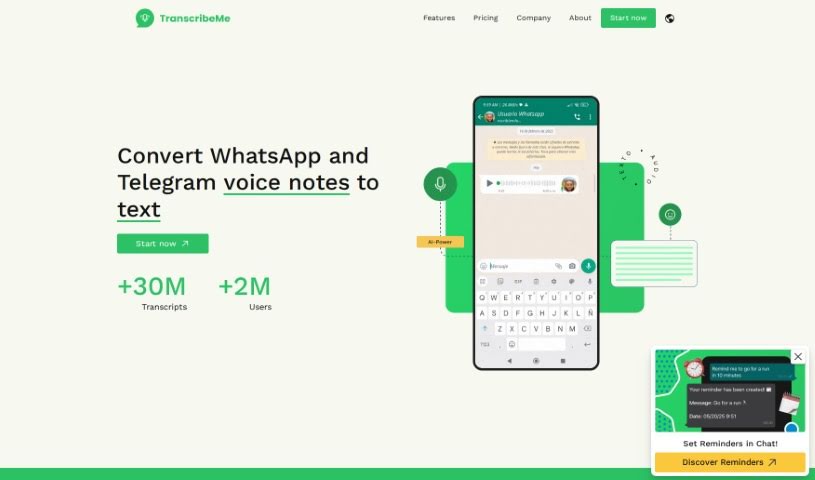
Screenshot of TranscribeMe

TranscribeMe

Freemium

TranscribeMe is a transcription service that really shines by blending advanced AI technology with a dedicated network of trained transcribers. This powerful combination ensures you get accurate transcriptions, no matter your field – whether it's legal, medical, research, education, consulting, or market research. They offer both human-edited and AI-powered transcription options. Their technology, coupled with smart workflows, means you consistently get high-quality data. Plus, TranscribeMe is compliant with HIPAA and GDPR protocols, can handle big projects, offers custom services, and even provides translations in major languages. You can count on them for secure data encryption, quick turnaround times for tight deadlines, and transcripts that are tailored precisely to your needs.

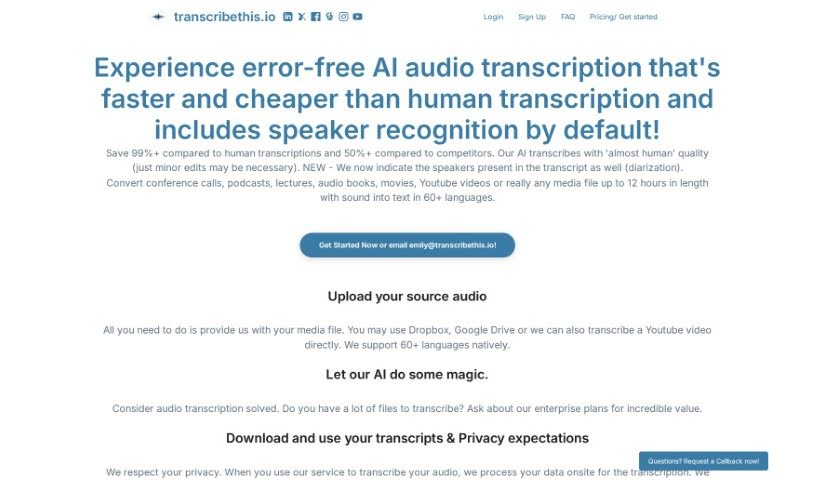
Screenshot of Transcribethis.io

Transcribethis.io

Freemium

Transcribethis.io is a handy platform that turns spoken words into written text. It’s a really convenient way to get accurate transcriptions of all sorts of audio recordings, making it much simpler to create written records from what people say. You just upload your audio files, and Transcribethis.io does the heavy lifting, converting the speech into text for you. This saves a ton of time and effort compared to doing it yourself. It is your go-to tool for transcribing interviews, meetings, lectures, and so much more – it’s designed to be user-friendly and super efficient.

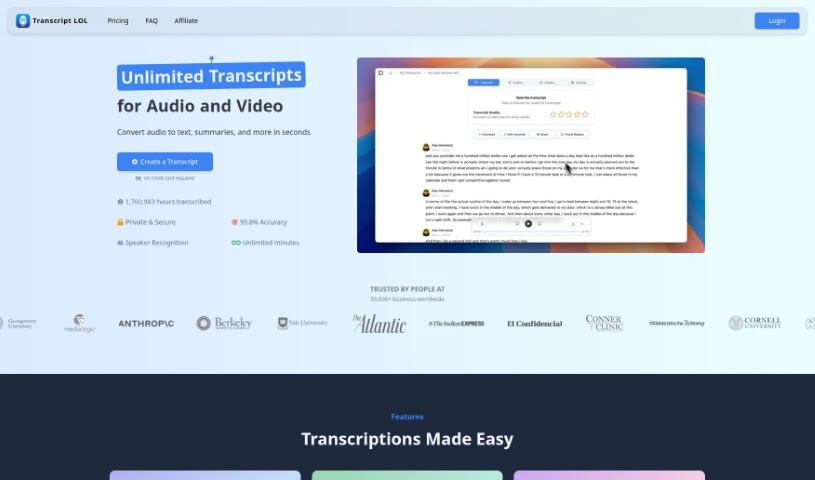
Screenshot of Transcript LOL

Transcript LOL

Freemium

Transcript LOL is a service that turns your audio and video content into text. It is a super-accurate way to get transcripts for your videos, podcasts, or even meeting recordings. It goes beyond basic captions, offering helpful extras like identifying different speakers, providing quick summaries, categorizing topics, and even letting you chat with an AI about the content itself. You'll likely find its accuracy is a big step up from the auto-generated captions you might see on platforms like YouTube. It's built to be really easy to use, saving you time whether you're creating course materials, pulling out the main ideas from important meetings or interviews, or even repurposing content for social media.

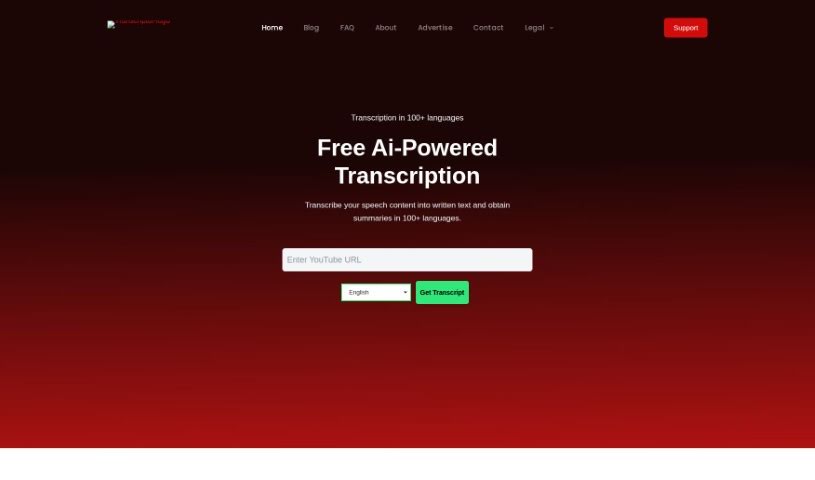
Screenshot of Transcriptal

Transcriptal

Freemium

While the term "Transcriptal" didn't appear in the files I reviewed, based on common usage, it likely refers to something related to transcription. Transcription, in a biological sense, is how genetic information from DNA gets turned into RNA. If "Transcriptal" is a tool or process in genomics, it probably helps analyze and interpret gene expression data from these transcriptional studies. It is looking at RNA transcripts to understand how genes are controlled, find potential biomarkers, or study diseases. It's a pretty big deal in molecular biology research, personalized medicine, and any field where understanding gene expression is key to making scientific discoveries or improving medical treatments.

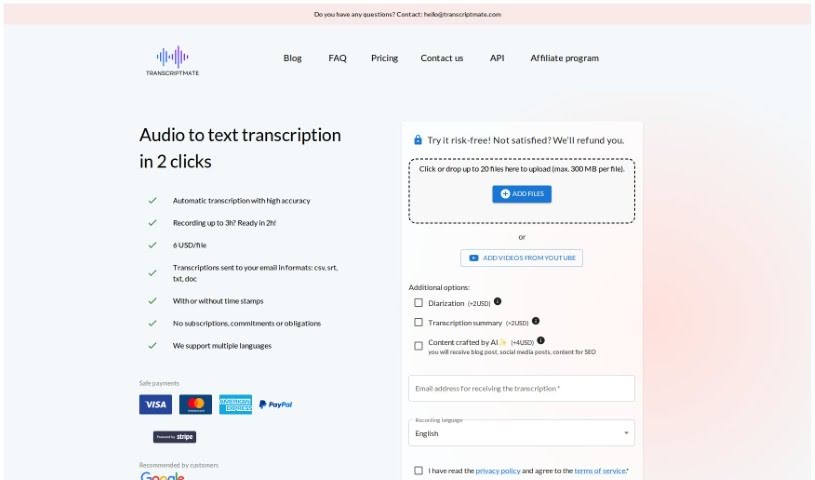
Screenshot of Transcriptmate

Transcriptmate

Freemium

Transcriptmate is a transcription service that users are really happy with. They often mention how efficient, accurate, and affordable it is. People have said it's fast, secure, and delivers perfect transcriptions – even better than what Google and Apple offer. What's great about Transcriptmate is that it's super easy to use, taking just two clicks. You can upload audio files up to three hours long, and you'll get highly accurate transcriptions in various formats. It also supports multiple languages, can identify different speakers, and really prioritizes keeping your data safe. Plus, it processes everything quickly. Beyond just transcription, they offer a unique 'Content Bundle' service, which includes prepared social media content and SEO-ready files, and you can even get transcriptions directly from video and audio. It really shines because it's fast, efficient, gets great customer reviews, has flexible pricing, and offers strong data privacy. This makes it a solid choice for all sorts of people, whether you're a journalist, a content creator, or just need ready-to-publish blog articles.

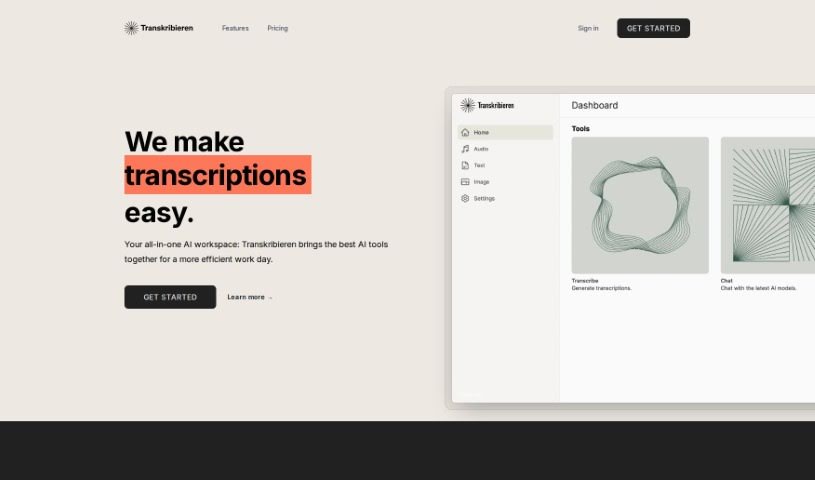
Screenshot of Transkribieren

Transkribieren

Freemium

Transkribieren is an AI-powered platform that's really changing the game in transcription. It offers super fast, accurate, and easy-to-use transcription services. What sets it apart are features like its streamlined transcription process, which uses the latest AI technology. Plus, it has a really innovative AI chatbot that runs on OpenAI's GPT-3.5 and GPT-4. You can even create photorealistic images using Google Imagen's text-to-image diffusion model right there on the platform. Lots of people around the world rely on Transkribieren because it's so efficient and simple for handling audio content. They're also planning to add DALL-E 3 soon, which will make creating images even better.

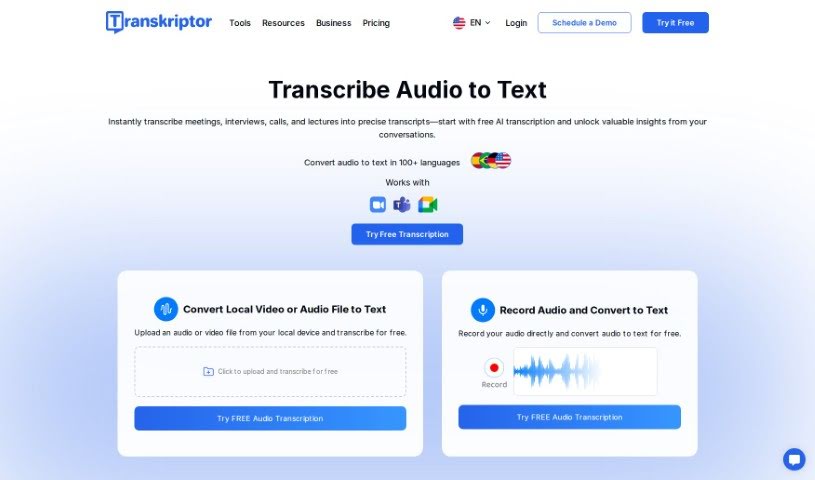
Screenshot of Transkriptor

Transkriptor

Freemium

Transkriptor is an AI-powered tool that automatically turns audio and video content into text. It is a super-fast way to get written versions of anything spoken, whether it's meetings, interviews, or lectures. It's pretty neat because it handles over 40 languages, and its interface is really straightforward, making it easy to get around. Plus, it has an AI assistant that can even generate meeting notes for you, so you don't have to worry about scribbling things down yourself during a call. People seem to really like Transkriptor; they often mention its audio-to-text and video-to-text capabilities, how it automates meeting notes, and the ability to edit transcripts simultaneously and work with others remotely. You can also translate documents automatically, edit text in a rich text editor, and there are plenty of client testimonials to check out. What's great about Transkriptor is that it supports many languages, is quite accurate, doesn't cost a fortune, and lets you export your transcripts in various formats. You can access it from any device, and it even integrates with Zoom, Teams, and Google Meet. It also keeps your conversation data safe. While it doesn't support every single file format out there and you do need an internet connection, most users have a really positive experience, and it's clear they have a large customer base that's generally very happy.

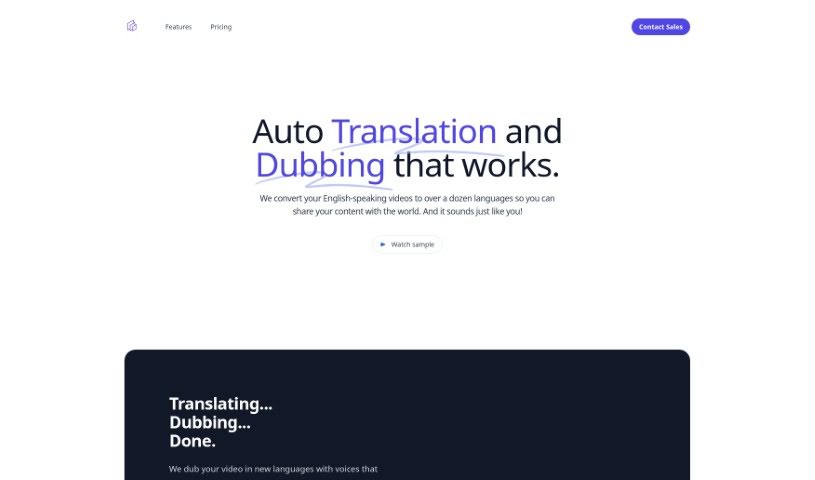
Screenshot of Translatethisvideo

Translatethisvideo

Freemium

TranslateThisVideo is a service that helps you translate your English videos into many different languages using audio translation. What's really neat is that it works hard to keep the original speaker's voice and tone intact. You get features like instant transcripts, automatic voice cloning, the ability to edit your transcripts, and it even detects pauses in speech. If you need to be super accurate, especially with technical words, you can manually fix the transcripts. It's a great tool for anyone, whether you're an individual or a company, looking to connect with a worldwide audience.

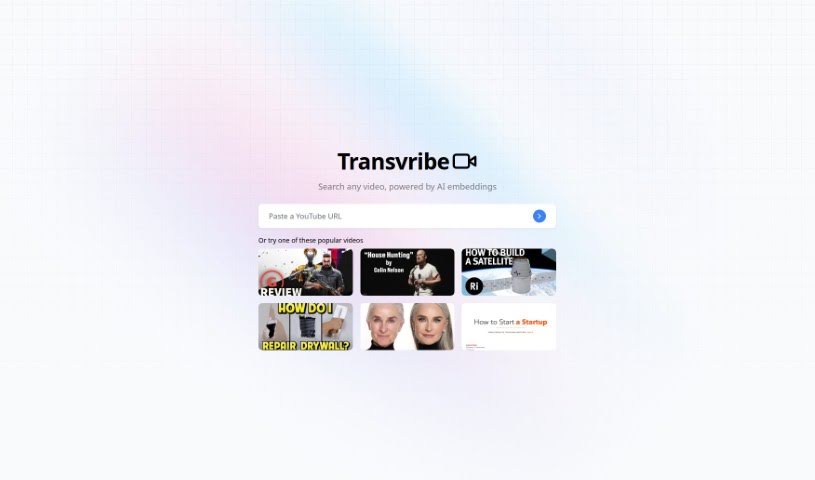
Screenshot of Transvribe

Transvribe

Freemium

Transvribe is a smart AI tool designed to make transcribing audio files much simpler and faster. It's really good at accurately converting even tricky audio, handling different accents, background noise, and various speaking styles. You'll find its interface super easy to use for uploading your files and getting the transcription started. Plus, it comes with advanced tools for editing and formatting your transcripts, letting you add notes and timestamps. Transvribe also makes teamwork a breeze; you and your colleagues or clients can securely access and review transcripts, with clear version control. It even connects with popular productivity apps, making it easy to move your transcripts wherever you need them. All in all, Transvribe is a dependable AI transcription tool that's perfect for journalists, researchers, students, and business folks, saving them time and effort while delivering spot-on results.

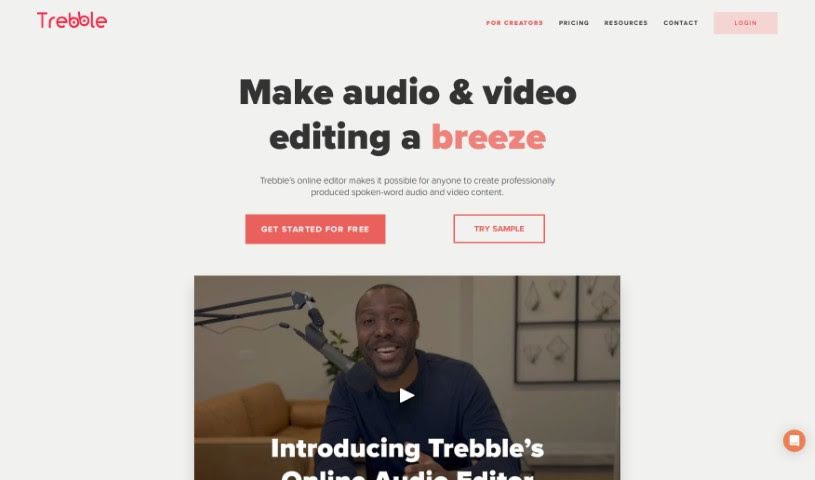
Screenshot of Trebble

Trebble

Freemium

Trebble is a really neat online audio editor built specifically for people who make podcasts or work with audio professionally. If you're looking to make your spoken-word recordings sound even better, this is for you. What sets Trebble apart is its unique approach to editing: instead of fiddling with waveforms like in older tools, you edit your podcast simply by changing the text transcript. It makes the whole process feel much more natural and efficient. Plus, Trebble's smart technology automatically polishes your audio to a professional finish, which really simplifies post-production and saves you a ton of time. Whether you're working on a podcast, a voiceover, or any other audio project, Trebble makes editing smoother while keeping the quality high. Some of its standout features include that text-based editing, automatic professional sound improvements, tools made just for podcasts, a super easy-to-use online interface, and best of all, you can start editing for free without paying anything upfront.

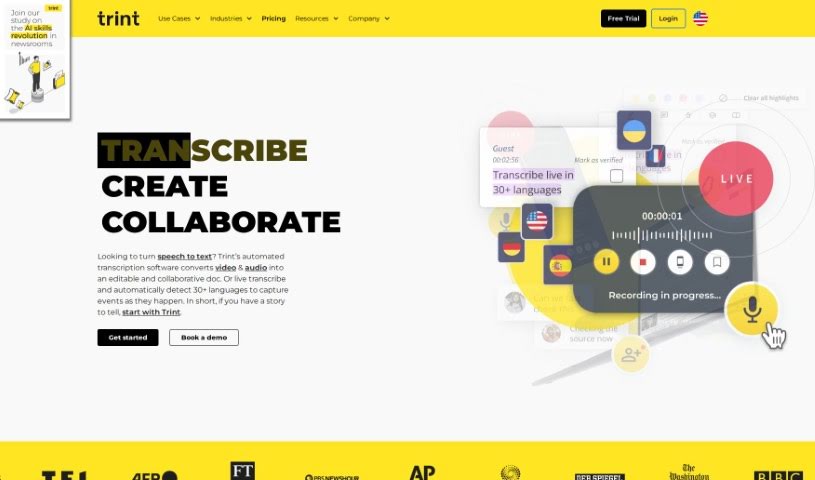
Screenshot of Trint

Trint

Freemium

Trint is a really smart AI-powered software that Jeff Kofman started back in 2014. His goal was to completely change how we handle transcriptions. Basically, it takes your audio and video files and turns them into text super efficiently. This helps speed up media workflows and makes teams much more productive. Trint offers a bunch of cool features, including AI transcription, easy content editing, ways for teams to work together, support for many languages, and even tools to help with research insights. It's built for all sorts of people – from media pros and researchers to big global companies. You can use it to transcribe, edit, share, and collaborate on your content. Plus, Trint has special solutions for businesses that need secure integrations, and there's even a mobile app so you can transcribe on the go.

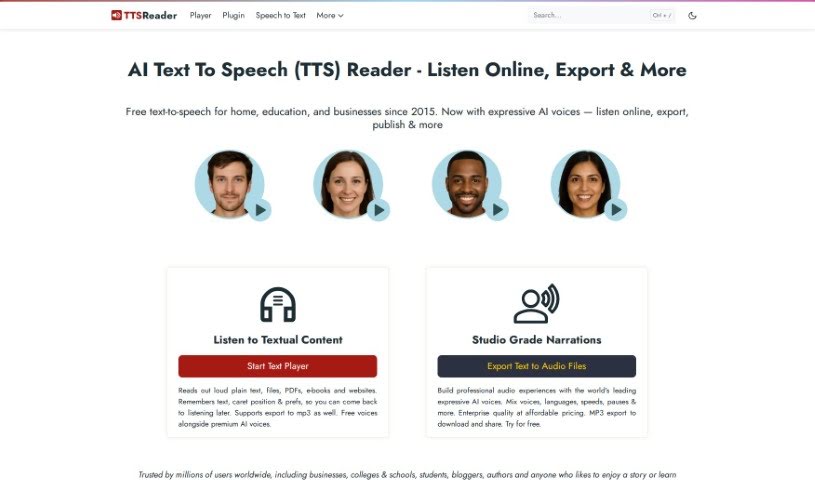
Screenshot of TTS Reader

TTS Reader

Freemium

TTS Reader is a handy, free Text to Speech tool that works seamlessly across all modern browsers like Chrome, Firefox, and Safari. It supports a variety of languages and accents, and if you're using Chrome, you can even access Google's high-quality voices. What's great is that you can just start listening to text without needing to download anything, log in, or create an account. It's really useful for anyone who has trouble with reading, needs to improve their comprehension, or has visual impairments. Plus, language learners can use it to practice listening and speaking in different languages. For kids, it's a fun way to hear stories read aloud, with each sentence highlighted as it's spoken, which really helps them follow along and build their reading skills.

Stay Updated with AI Tools

Get weekly updates on the latest AI tools, trends, and insights delivered to your inbox

Join 25,000+ AI enthusiasts. No spam, unsubscribe anytime.