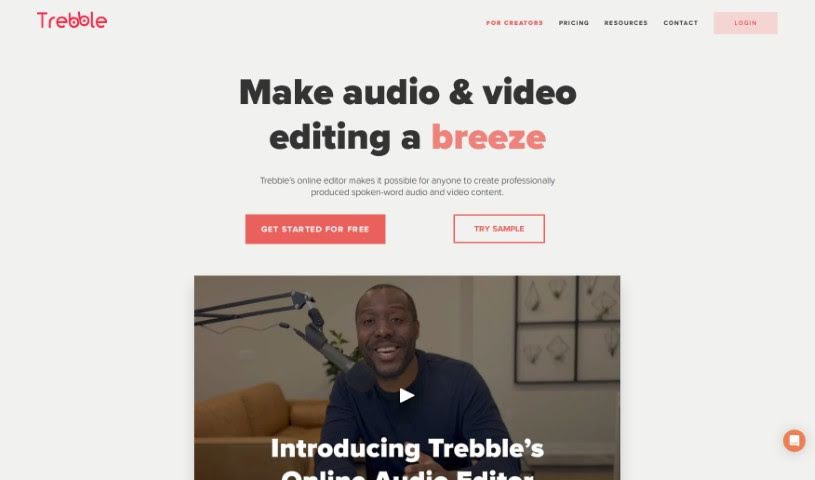
Screenshot of Trebble

Trebble

Discover Trebble in 2025! Learn what this innovative audio editor is, how to use its text-based editing and sound enhancement features, and how it stacks up against other podcast tools.

Screenshot

What is Trebble?

Trebble is a really neat online audio editor built specifically for people who make podcasts or work with audio professionally. If you’re looking to make your spoken-word recordings sound even better, this is for you. What sets Trebble apart is its unique approach to editing: instead of fiddling with waveforms like in older tools, you edit your podcast simply by changing the text transcript. It makes the whole process feel much more natural and efficient. Plus, Trebble’s smart technology automatically polishes your audio to a professional finish, which really simplifies post-production and saves you a ton of time. Whether you’re working on a podcast, a voiceover, or any other audio project, Trebble makes editing smoother while keeping the quality high. Some of its standout features include that text-based editing, automatic professional sound improvements, tools made just for podcasts, a super easy-to-use online interface, and best of all, you can start editing for free without paying anything upfront.

Who created Trebble?

Trebble was developed by a forward-thinking team who wanted to shake up online audio editing. They created this unique text-based editing method specifically to help podcast creators and audio pros simplify their workflow. While the founder’s name and specific company details aren’t readily available in the information I have, the platform itself is designed to be a game-changer. If you want to dive deeper into what Trebble offers and explore its features, you can always check out their official website at Trebble.

How to use Trebble?

Ready to edit your audio and video with Trebble? It’s pretty straightforward. Here’s how you can get started:

  1. Edit Like You Write: You can edit your audio and video just by editing the transcript. Need to cut, copy, or paste words or entire scenes? Just do it in the text, and Trebble automatically updates your audio or video. It’s that simple!
  2. Make it Sound Amazing: Trebble’s Magic Sound Enhancer™ is a lifesaver. With just one click, you can clean up your audio and make it sound professionally polished.
  3. Add Music and Sounds: Need background music or sound effects? Trebble has a huge library you can access to easily add that extra layer to your project and speed up your creative process.
  4. Record, Distribute, and More: You can record your audio directly in Trebble, distribute it easily, host as much content as you want, even monetize it, and get detailed analytics to see how it’s performing.
  5. Try it Free: You can start with their free plan, which gives you studio-quality recording, the Magic Sound Enhancer, AI noise reduction, access to the music library, and 30 minutes of audio transcription each month.
  6. Upgrade When You’re Ready: If you need more features, you can upgrade your plan anytime. They also offer special rates for students, educators, and non-profits, so be sure to look into those if they apply to you.
  7. Check Language Support: It’s always a good idea to see which languages Trebble supports for transcription to make sure it works for your project.
  8. Flexibility with Plans: You can easily downgrade your monthly plan if needed, and you can cancel anytime. You won’t lose access to the premium features you’ve paid for until your current billing period ends.

Honestly, Trebble’s innovative text-based editing, the automated sound enhancement, its podcast-specific tools, user-friendly interface, and the fact that you can start for free make it a really strong contender for anyone looking to edit audio. It just makes the whole process much more manageable.

Related AI Tools

Discover more tools in similar categories that might interest you

Stay Updated with AI Tools

Get weekly updates on the latest AI tools, trends, and insights delivered to your inbox

Join 25,000+ AI enthusiasts. No spam, unsubscribe anytime.