008 Agent
Audio Transcription
Learn more
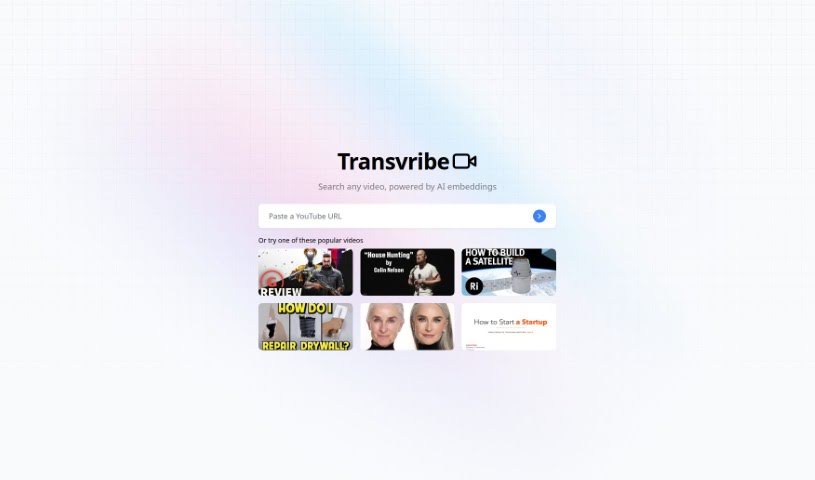
Discover Transvribe, an AI transcription tool that converts audio and video into accurate text with editing, timestamps, and team collaboration.
Transvribe is an AI transcription tool that converts audio and video recordings into accurate text. It handles difficult audio conditions, including different accents, background noise, and varied speaking styles. The interface is straightforward for uploading files and starting transcriptions, and the tool includes editing and formatting features such as notes and timestamps.
Transvribe also supports collaboration: teams and clients can securely access and review transcripts with version control. It integrates with popular productivity apps, making it easy to move transcripts into other platforms.
Transvribe was developed by a team focused on simplifying and automating the conversion of audio and video recordings into text. Their emphasis is on accuracy with complex audio, an easy-to-use interface, editing features, and team collaboration support.
Transvribe’s accuracy with accents, background noise, and varied speech makes it suitable for tasks ranging from interviews to conference calls.
Related
Discover more tools in similar categories
Weekly picks of the best AI tools we've researched and added — no spam, unsubscribe anytime.
Join 25,000+ AI enthusiasts. No spam, unsubscribe anytime.