AI Tools for Audio

Discover the best Audio AI tools to enhance your productivity and creativity.

Page 30 of 40 • 471 total tools

We’re really entering a new age for creating and changing audio, thanks to AI. You know, those days of needing tons of skills and pricey gear for good audio are pretty much over. Now, with smart AI audio tools, anyone can make professional-sounding audio for podcasts, music, or any cool audio project.

These tools aren’t just for making music; they can create voiceovers, improve sound quality, and even help with sound design. It’s amazing how much AI is changing the audio world, and the ways we can use it are endless.

After spending a lot of time trying out different platforms and features, I’ve put together a list of the top AI audio tools out there. Whether you’re just starting out and need something simple, or you’re a pro looking for powerful options, there’s definitely something here to help you make your audio sound even better.

So, if you’re ready to see what AI can do for sound, let’s jump into the best tools that will totally change how you work with audio.

The Best AI Audio Tools

  1. ElevenLabs: Great for making multilingual video voiceovers if you’re a creator.
  2. Suno: Perfect for creating custom soundscapes to help you relax.
  3. BandLab: Lets you mix and master tracks smoothly.
  4. TurboScribe: Helps improve audio for clearer transcriptions.
  5. Voicemod: Lets you change your voice for creative projects.
  6. Adobe Podcast: Enhances audio with simple, one-click AI tools.
  7. Transkriptor: An automated tool for transcribing lectures.
  8. Speechify: Makes it easy to listen to articles and documents.
  9. NaturalReader: Good for creating voiceovers for your video content.
  10. Riffusion: Offers real-time audio manipulation for creators.
  11. Narakeet: Converts subtitles into synchronized audio.
  12. PlayHT: Useful for voiceovers in audio editing.
  13. Lalal.ai: Lets you remove vocals seamlessly for remixes.
  14. Ttsmaker: Effortlessly create voiceovers for videos.
  15. Udio: Craft unique sounds using its audio tools.

How Do AI Audio Tools Work?

AI audio tools work a lot like AI writing software. They use advanced models that have been trained on huge amounts of data. Many of these tools use deep learning to analyze and create sound patterns, which lets them generate or change audio. You’ll often see them used for making speech, composing music, and sound design, all thanks to the vast libraries of audio samples and language data they learn from.

Basically, these tools use neural networks that are designed to process sound much like we do. They look at audio input, find patterns, and then predict the best sound to produce based on what they’ve learned. This means they can create a wide range of outputs, from voices that sound really real to music that feels both familiar and new.

When it comes to making voices, the process usually involves feeding a neural network thousands of hours of spoken audio. This teaches it subtle things like intonation and how to vary speech. Then, when you type something in, the model uses its training to create speech that matches the tone and context you’re going for. The result? Voices that sound lifelike and can deliver text with emotion and clarity.

In a similar way, AI music tools study huge collections of music to understand what makes a good hook, rhythm, or harmony. By breaking down existing songs, these models learn how to create new music that sounds like popular styles or even comes up with completely new soundscapes. You can tell the AI what genre or mood you want, and it’ll tailor the results to your taste.

Beyond just creating content, AI audio tools can also improve existing sounds. Things like reducing noise, fixing pitch, and adding effects are all powered by algorithms that have learned from the details in audio files. This lets you make your recordings sound better or create entirely new sound experiences without much effort.

If you’re curious about the technical side, there are plenty of resources that explain how audio processing and machine learning work in sound. All in all, AI audio tools are really changing how we create and interact with sound, opening up amazing possibilities for musicians, podcasters, and audio engineers.

Our Best AI Audio Tools at a Glance

RankNameBest ForPlans and PricingRating
1ElevenLabsMultilingual video voiceovers for creatorsN/A4.83 (29 reviews)
2SunoCreate custom soundscapes for relaxationN/A4.82 (11 reviews)
3BandLabMix and master tracks seamlessly.N/A4.75 (44 reviews)
4TurboScribeEnhance audio for clear transcriptionPaid plans start at $10/month.4.80 (5 reviews)
5VoicemodTransform your voice for creative projectsN/A4.78 (27 reviews)
6Adobe PodcastEnhance audio with one-click AI toolsN/A4.67 (12 reviews)
7TranskriptorAutomated lecture transcription tool.N/A.4.31 (13 reviews)
8SpeechifyListen to articles and documents.N/A4.80 (54 reviews)
9NaturalReaderCreate voiceovers for video contentN/A4.75 (44 reviews)
10RiffusionReal-time audio manipulation for creatorsN/A4.18 (11 reviews)
11NarakeetConvert subtitles to synchronized audioN/A4.72 (18 reviews)
12PlayHTVoice over for audio editingN/A4.59 (27 reviews)
13Lalal.aiSeamless vocal removal for remixesN/A4.64 (11 reviews)
14TtsmakerCreate voiceovers for videos effortlessly.N/A4.60 (5 reviews)
15UdioCraft unique sounds with audio toolsN/A4.18 (11 reviews)
Screenshot of Splitmysong

Splitmysong

Freemium

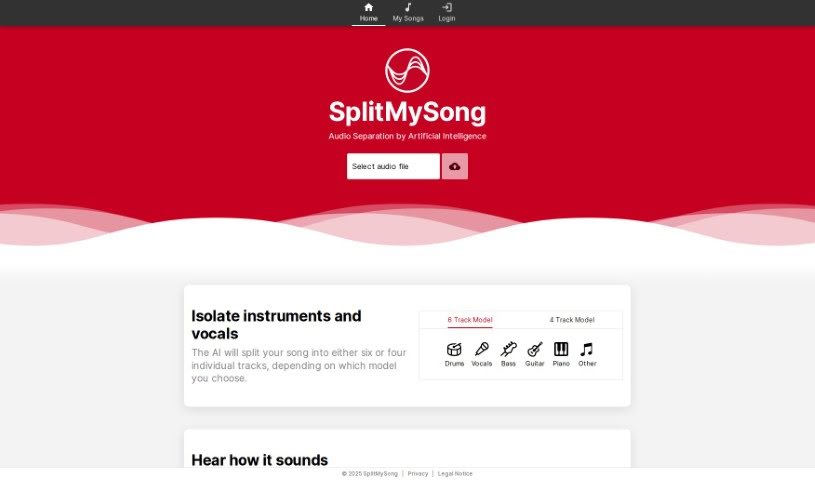
SplitMySong is a specialized tool designed for music splitting, audio separation for music production, and mixing. It uses AI-powered audio separation to help you isolate individual tracks from your songs – think vocals, drums, bass, guitar, piano, and more. Plus, you can tweak each track's volume and panning, and even adjust the tempo and pitch using its handy mixer feature. Once you've got your custom mix just right, you can download it for your personal use. The whole process usually takes about 1 to 3 minutes. Just a heads-up, the free version has some limits on file size, song duration, and how many times you can upload each day. Also, songs uploaded to the free tier get automatically deleted after about a day. If you're a Patreon subscriber, you get access to full-length song splitting, and there's a handy Credit Calculator to keep track of your credit usage.

Screenshot of Splitsong

Splitsong

Freemium

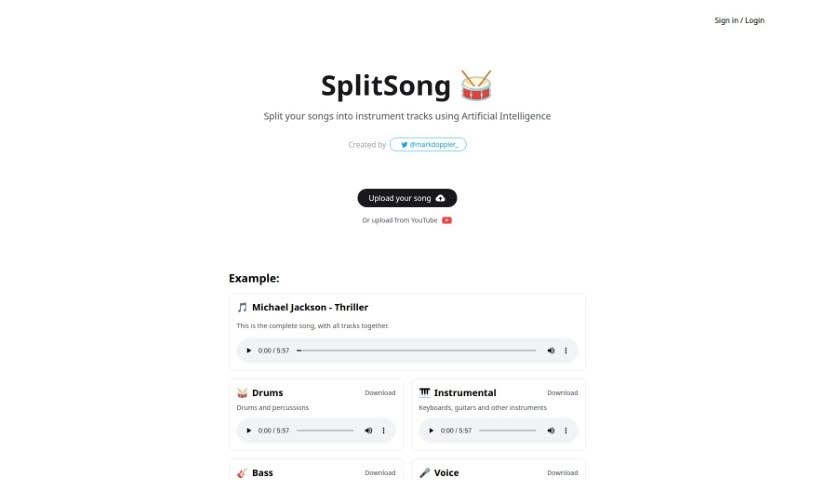
Splitsong is a really neat web tool that uses AI to split songs into their separate instrument tracks. It is a digital assistant that can take a song you love and break it down into its core components – like the drums, guitars, bass, vocals, and more. It’s designed to be super straightforward, so you don't need to be a tech whiz to use it. You can simply upload a song from your computer or even link to a YouTube video, and Splitsong’s smart AI does the heavy lifting. It then gives you individual tracks for drums and percussion, keyboards, guitars, bass, vocals, and even choirs, all ready for you to download in MPEG format. It’s a fantastic resource for musicians and producers who want to remix tracks, practice specific parts, or just explore the structure of a song in a new way.

Screenshot of Splitter.ai

Splitter.ai

Freemium

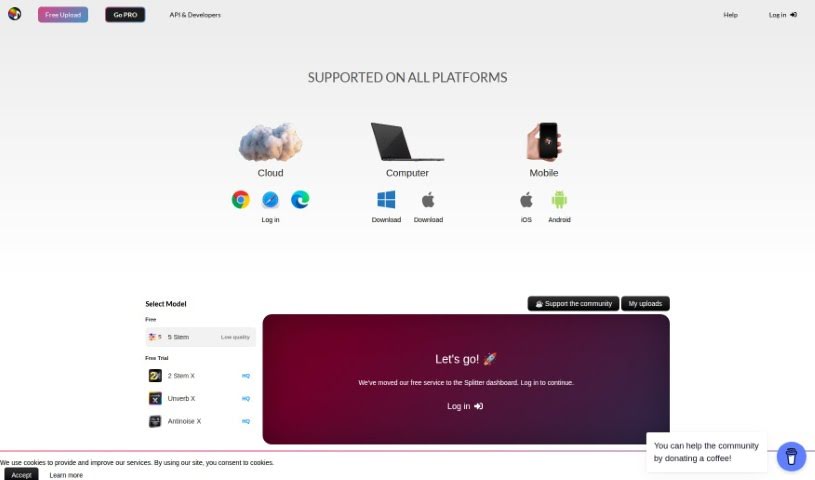
Splitter.ai is a Swedish research company that's really good at advanced audio processing, all thanks to artificial intelligence (AI). They are audio wizards! They were founded by a top-notch music producer and audio engineer who also happens to be an expert in science and technology. Together, they're building AI-powered audio solutions that are super useful for all sorts of fields, like making music, forensic investigations, karaoke, and a whole lot more. What Splitter's tech lets you do is separate different parts of a song – like vocals, drums, piano, bass, and other instruments. It’s a fantastic tool for anyone working in music, whether you're a pro or just getting started.

Screenshot of Staccato AI

Staccato AI

Freemium

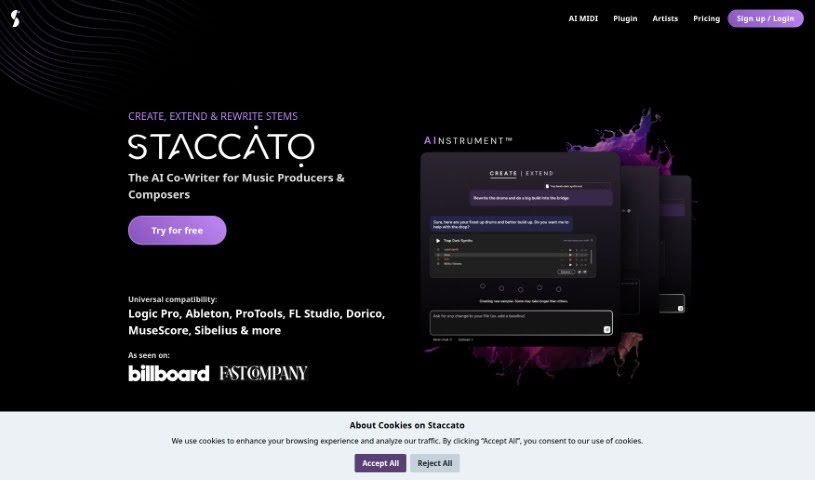
Staccato AI is a really neat tool designed to help out musicians and lyricists. It's got a couple of key features: an AI lyrics generator and an AI MIDI generator, which they call the AI Instrument™. The whole idea behind it is to help you get past that dreaded writer's block, try out new ways of composing music, and generally just be a source of fresh inspiration when you're creating music. Staccato AI offers a few different pricing plans, and you can even try out its main features for free. Professional songwriters have actually said some really great things about it, pointing out how much it helps them with their songwriting process and boosts their creativity. Plus, Staccato AI helps you create, expand, and even analyze music, all thanks to its AI-powered MIDI creation and lyric generation capabilities.

Screenshot of Steno.ai

Steno.ai

Freemium

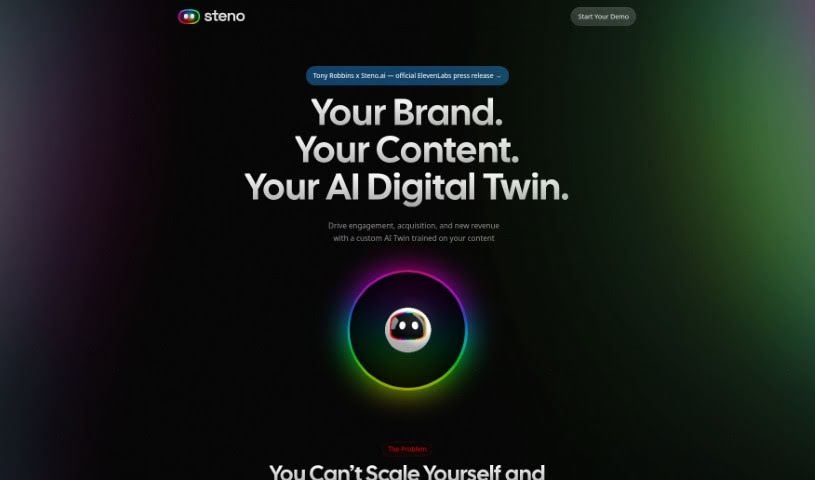
Steno.ai is a really impressive AI tool that completely changes how we transcribe and document audio. It uses advanced speech recognition technology, which means you can easily turn spoken words into written text with amazing accuracy and speed. Whether you're a journalist, a student, or working in business, Steno.ai makes transcription much simpler, saving you a ton of time and effort.

Screenshot of Stenography

Stenography

Freemium

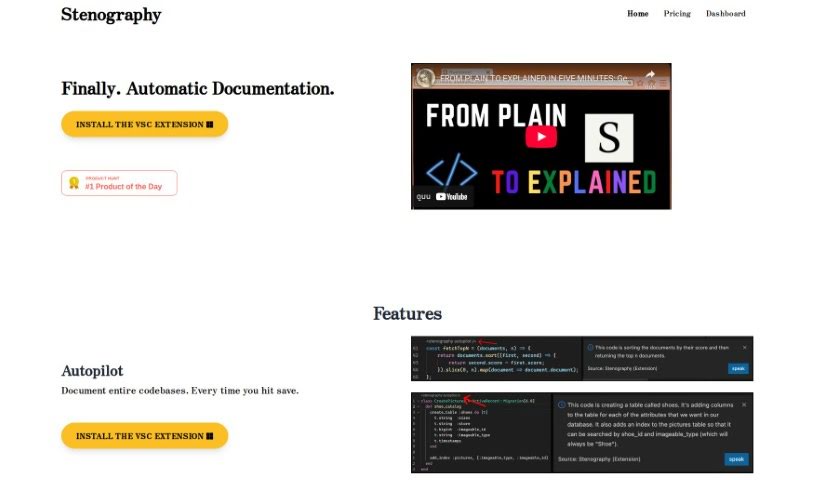
Stenography is a super-fast way to write. It's all about using shorthand to capture spoken words or information quickly and efficiently. It's a really useful skill for anyone who needs to transcribe meetings, interviews, or lectures accurately and without wasting time. When you use stenographic tools and techniques, you can document what's being said with great precision. This not only saves you time but also makes sure everything is captured correctly. Stenography is handy in many different areas, like law, journalism, and professional transcription services. It gives people a valuable skill to boost their transcription abilities and get more done.

Screenshot of Stockmusic

Stockmusic

Freemium

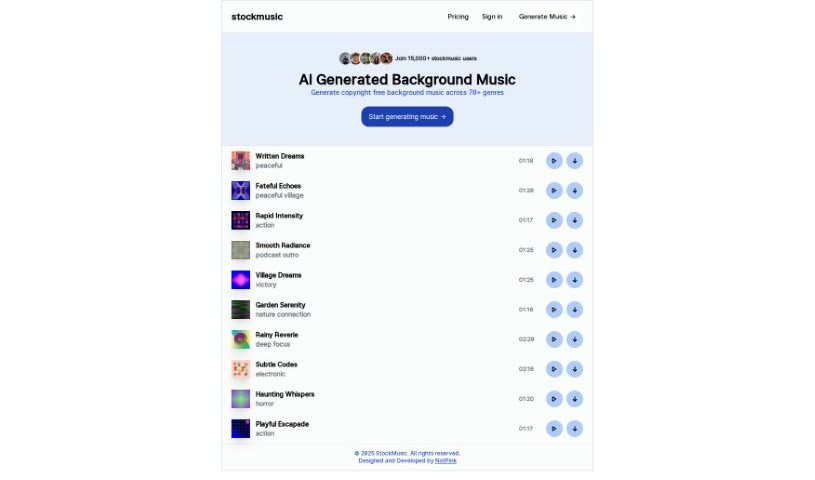
StockMusic is a handy AI tool that creates all sorts of royalty-free music for you. It is your personal AI music composer! You can generate custom tracks tailored to your needs, choosing from a variety of genres and styles. Whether you're looking for something romantic, dreamy like dream pop, retro synthwave, chillwave vibes, or even grand orchestral pieces, StockMusic has you covered. It also offers a library of AI-generated music examples you can use right away in your games, podcasts, films, or any other creative project. The best part? It's super easy to use, meaning you don't need any musical background or composition skills to create great music. Plus, you can even try it out with a free trial that gives you 120 seconds of AI-generated music at no cost.

Screenshot of StockmusicGPT

StockmusicGPT

Freemium

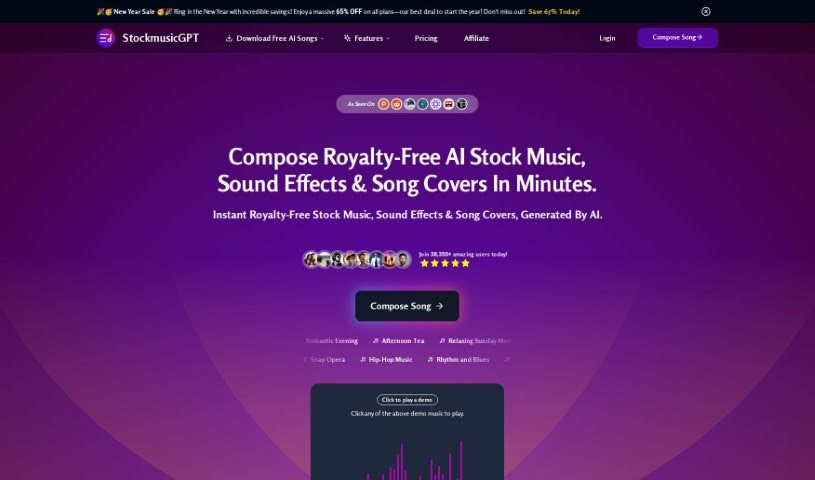
StockmusicGPT is a really neat AI platform that makes creating royalty-free music super easy. You don't need any experience or special tech skills to use it. Just tell the AI what you're looking for – like the genre, theme, mood, tempo, instruments, chords, effects, and how long you want it to be. The AI then whips up a unique song just for you, which gets saved right in your account. They offer different pricing plans, like Basic, Standard, and Pro, each with its own set of features and limits. If you're on the Pro plan, you get to keep all your songs, which is pretty handy. Plus, there's a free trial, free audio editing tools, and you can download and share your music straight from the platform.

Screenshot of Streamlabs

Streamlabs

Freemium

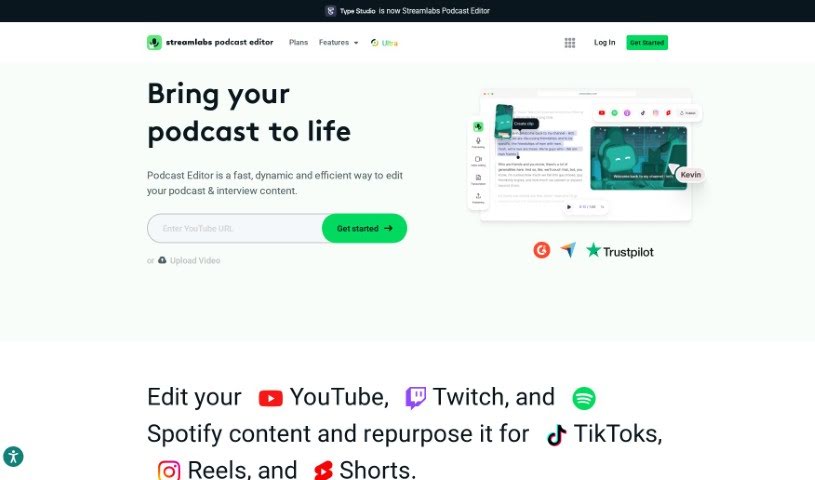
Streamlabs is a really handy platform packed with tools for content creators, especially those who are into live streaming and making videos. One of its standout features is the ability to stream and record directly from your computer. This makes it super efficient for creating and sharing content as it happens. Plus, Streamlabs has a video editor that makes tweaking and working on videos with others a breeze. Another cool function is called "Cross Clip." It lets you take videos from platforms like Twitch and YouTube and easily turn them into short, shareable clips. Basically, Streamlabs is designed to help content creators by offering a bunch of useful applications to make their streaming and video editing experiences much better.

Screenshot of Streamlabs AI Video to Text

Streamlabs AI Video to Text

Freemium

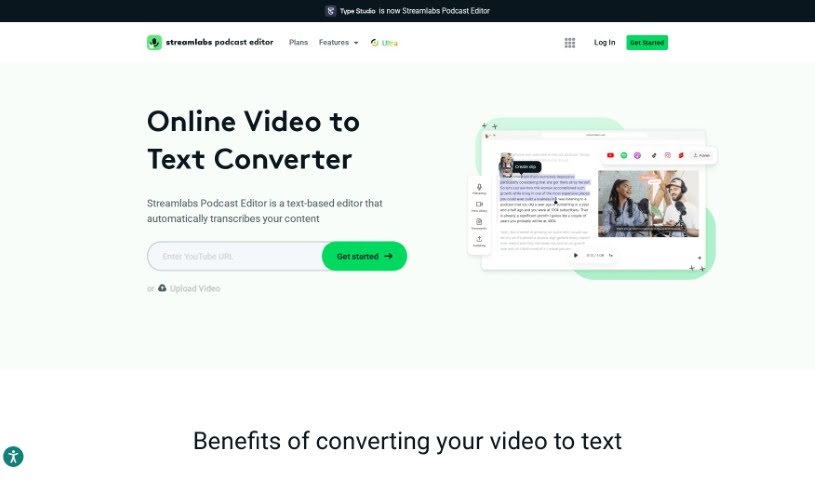
AI Video to Text technology is a neat way to turn the spoken words in your videos into written text. It is a super-fast transcription service that automatically writes down everything that's said. You can then grab that text and save it in handy formats like .srt, .vtt, or .txt files, which are useful for all sorts of things. What's really cool is that these tools let you easily share video transcripts through email without having to download the whole video first. Plus, you can take your video content, turn it into written articles or blog posts, which is fantastic for search engines to find. And if you need to reach a wider audience, many of these tools can even translate your video content into different languages automatically. Basically, AI Video to Text makes it much simpler to get your spoken content from videos into a readable and searchable text format, opening up a lot of practical possibilities.

Screenshot of Strofe

Strofe

Freemium

Strofe is a platform that makes it super easy for anyone to create music using AI. Whether you're working on video games, Twitch streams, YouTube videos, or podcasts, Strofe helps you craft music that perfectly matches the mood and theme you're going for. Plus, it comes with built-in mixing and mastering tools, so you can tweak your tracks until they sound just right. The best part? Every song you make with Strofe is completely unique and won't get you into trouble with copyright or DMCA takedowns. It's a fantastic tool for both seasoned music pros and folks just starting out with music creation.

Screenshot of Sumlyai

Sumlyai

Freemium

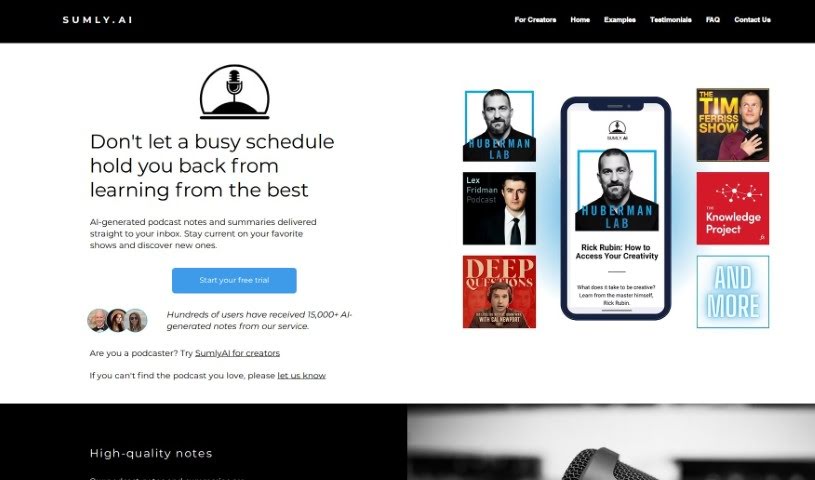
SumlyAI is a neat service that sends you AI-generated podcast notes and summaries right to your inbox. They use the latest AI tech to create these, and then humans give them a once-over to make sure they're top-notch. You can get summaries for popular shows like "Huberman Lab," "Lex Fridman Podcast," "The Tim Ferriss Show," "The Knowledge Project with Shane Parrish," and "Deep Questions with Cal Newport." Plus, they offer a 7-day free trial so you can try it out before you subscribe.

Stay Updated with AI Tools

Get weekly updates on the latest AI tools, trends, and insights delivered to your inbox

Join 25,000+ AI enthusiasts. No spam, unsubscribe anytime.