AI Tools for Web Development

Discover the best Web Development AI tools to enhance your productivity and creativity.

Page 46 of 58 • 694 total tools

Web development has really changed lately, and AI tools are a big part of that. What used to take a lot of coding and design skill can now be made much simpler with smart programs that speed things up. Today, AI-assisted development tools are changing how we build websites, making it easier for newcomers and more efficient for experienced pros.

These tools offer everything from easy design features to help with writing code, letting you create great-looking, functional sites more quickly. Developers don’t have to start from scratch or fix every single line of code manually anymore. Instead, AI can offer suggestions and even create whole parts of a website based on what you need.

Having worked in web development for years, I’ve seen firsthand how AI can make tasks simpler and more efficient. But with so many options out there, picking the right tool can feel overwhelming.

In this article, I’ll share the best AI web development tools you can find right now. Whether you want to improve your coding, automate routine jobs, or make your design process better, there’s something here for you. Let’s explore the tools that can really change your web development experience.

The best AI Web Development Tools

  1. Lovable: Great for making frontend design work smoother.
  2. Cursor: Helps with real-time code collaboration.
  3. Replit AI: Generates code snippets for web apps.
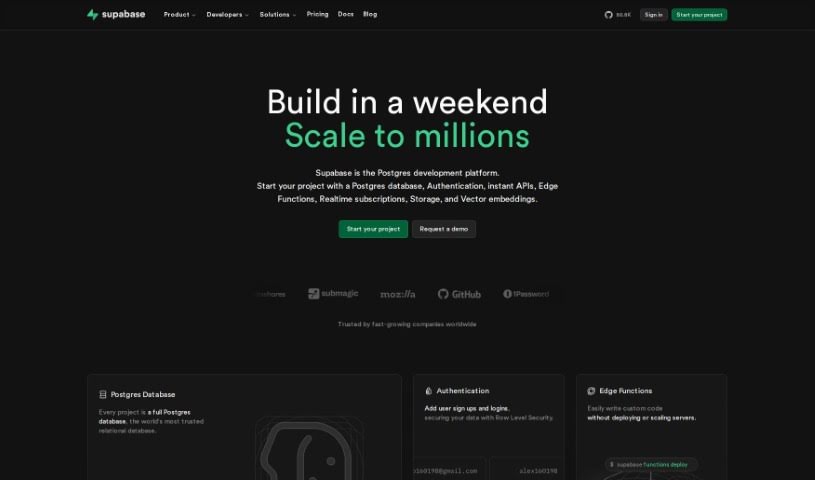
  4. Supabase: For teams to manage databases together.
  5. v0 by Vercel: Quickly creates UI kits for web projects.
  6. Replicate AI: Automates code generation for web apps.
  7. Carrd: Perfect for a single-page site to promote an event.
  8. AI Dungeon: Lets you create interactive web stories with code.
  9. Ollama: For quickly building early versions of web interfaces.
  10. Jimdo: Makes building and managing websites easy.
  11. Code Sandbox: Simplifies CSS preprocessor workflows.
  12. Tilda: Lets you create websites easily without coding.
  13. Bubble: A drag-and-drop tool for building web applications.
  14. Weights & Biases: Streamlines integrating ML models into web apps.
  15. Warp Terminal: Helps deploy web apps quickly.
How do AI web development tools work?

AI web development tools use smart algorithms to handle different parts of designing and building websites. These tools often use large language models, much like AI writing software, to look at coding patterns and make things more efficient. They offer suggestions, code pieces, or even build whole sections of code based on what you tell them.

Basically, these tools understand what you’re asking for, so you can describe what you want in simple terms. For example, you could say, “Create a navigation bar,” and the AI will generate the HTML, CSS, or JavaScript code needed. This makes web development more accessible, even if you don’t have a lot of programming experience.

Many AI web development platforms connect with popular coding environments and content management systems. This means they can improve tools like WordPress, Wix, or GitHub by offering smart code completions or finding errors as you type. With these connections, users can really smooth out their development process.

The data these AI systems learn from usually includes tons of source code, guides, and content created by users on sites like GitHub. This helps them learn different coding styles and the best ways to do things. Their effectiveness comes from spotting patterns and suggesting the best solutions based on what the user needs.

In short, AI web development tools make coding simpler, letting developers focus on creativity and solving problems instead of getting stuck on syntax. As technology keeps changing, these tools are expected to get even better, likely changing how web developers work.

Our best AI web development tools at a glance

RankNameBest forPlans and PricingRating
1LovableMaking frontend design work smoother.N/A4.84 (43 reviews)
2CursorReal-time collaboration on code projects.Paid plans start at $20/Month.4.83 (6 reviews)
3Replit AIGenerating code snippets for web apps.N/A4.70 (44 reviews)
4SupabaseCollaborative database management for dev teamsN/A5.00 (32 reviews)
5v0 by VercelQuickly creating UI kits for web projects.N/A4.73 (11 reviews)
6Replicate AIAutomating code generation for web apps.N/A4.82 (11 reviews)
7CarrdA single-page site for event promotion.Paid plans start at $19/year.4.72 (29 reviews)
8AI DungeonCreating interactive web story experiences.N/A4.54 (39 reviews)
9OllamaRapid prototyping of web interfaces.N/A4.63 (8 reviews)
10JimdoBuilding and maintaining websites easily.N/A4.64 (11 reviews)
11CodeSandboxSimplifying CSS preprocessor workflows.N/A4.45 (11 reviews)
12TildaEffortless website creation without coding.N/A4.75 (20 reviews)
13BubbleA drag-and-drop web applications builder.N/A4.73 (11 reviews)
14Weights & BiasesStreamlining ML model integration in web apps.N/A4.50 (12 reviews)
15Warp TerminalDeploying web apps swiftly.N/A4.79 (28 reviews)
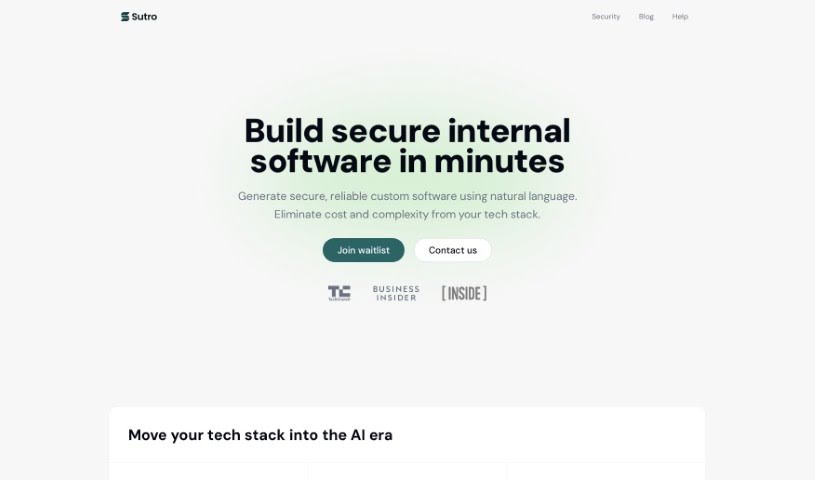
Screenshot of Sixth

Sixth

Freemium

Sixth is a really smart developer security platform designed to boost cybersecurity, especially for financial systems. It is a code and API security tool that's super friendly for developers. It uses AI-powered, real-time Static Application Security Testing (SAST). This means it gives you instant feedback as you code, helping you catch vulnerabilities right from the start of the development process. The goal here is to make your security stronger, cut down the time and money spent fixing security problems, and let you develop faster without making security a bottleneck. It’s packed with features like AI-powered SAST, a design that developers will appreciate, a complete solution for code and API security, better visibility so you can tackle vulnerabilities proactively, and strong protection for your applications.

Web Development View Tool →
Screenshot of Sketch Logo Ai

Sketch Logo Ai

Freemium

Sketch Logo AI is a really neat tool that uses AI to completely change how we design logos. You can sketch out your ideas, and then the AI helps turn them into professional logos and illustrations. It's a cool blend of creativity and technology, designed to help you bring your brand's vision to life with unique and precise designs. It offers features like AI-powered design, a super easy-to-use interface, insights into current trends, ways to make sure your logo fits your brand, and it's really versatile, making it great for both pro designers and businesses.

Web Development View Tool →
Screenshot of Sketch2App

Sketch2App

Freemium

Sketch2App is a really neat tool that helps you create basic UI code just from your own sketches. It's designed to speed up mobile app development and make you more productive. Basically, it takes your hand-drawn designs and turns them into working code, which is fantastic for quickly building prototypes or designing apps. You can use your webcam or another camera to capture your sketches, and the tool will then generate the code for you. Sketch2App works hand-in-hand with Visual Studio Code, syncing up smoothly, and you can even find an extension for it on the VS Code marketplace to add more features. It's super versatile, whether you're working on UI elements or entire mobile apps, generating code for single components or complete applications.

Web Development View Tool →
Screenshot of Skillfusion AI

Skillfusion AI

Freemium

Skillfusion AI is a platform packed with a variety of AI tools designed to boost your productivity and spark your creativity. You get access to 27 free AI tools right away, and here's a cool part: you can even build your own tools using the free tool maker they provide. What's more, all the tools on Skillfusion AI are developed and reviewed by real people, so you know they're high quality and reliable.

Web Development View Tool →
Screenshot of Skingenerator.io

Skingenerator.io

Freemium

Skingenerator.io is a really neat platform that lets you create your own custom skins for video games, all just by typing in a simple text description. They offer a few different pricing options, like the Noob, Hobbyist, Gamer, and Pro plans. Each plan gives you a certain number of free skin generations, and you can buy more if you need them, all at pretty reasonable prices. Plus, you get to use their latest and most improved skin generation models, which makes the whole experience even better. Just so you know, it's not officially connected to Microsoft or Mojang, but they might add more games down the line.

Web Development View Tool →
Screenshot of SmartCrawl AI

SmartCrawl AI

Freemium

SmartCrawl AI is a neat tool from Firecrawl that lets you turn pretty much any website into an API, all thanks to artificial intelligence. Essentially, its main job is to make it super easy to convert websites into interfaces that are accessible and programmable. This means you can grab data from websites and use it in your own applications much more smoothly. If you're interested, you can hop on the waitlist to get into the beta version and start playing around with how AI can help you create website APIs.

Web Development View Tool →
Screenshot of Smartpress

Smartpress

Freemium

Smartpress is an AI tool built to help you create Ethereum applications. It is a smart assistant that writes code for you based on what you tell it. This makes building applications on the Ethereum blockchain much simpler and faster. Smartpress's main goal is to make developing Ethereum apps more accessible, especially if you're looking to cut down on the amount of manual coding you have to do. It really focuses on making the whole process easier and more user-friendly through its AI-powered approach.

Web Development View Tool →
Screenshot of SmartScripter

SmartScripter

Freemium

SmartScripter is a web application powered by AI, built to automatically create scripts in a variety of programming languages. Its main goal is to boost your productivity and make your work processes smoother by offering custom script generation through a really easy-to-use interface. You don't need any programming experience to use SmartScripter. It supports many languages, including Excel VBA, Google Apps Script, JavaScript, Bash, PowerShell, Python, and others. SmartScripter can be a big help in fields like finance, marketing, and IT, making tasks simpler when it comes to managing spreadsheets, working on web development projects, handling command line tasks, and doing data analysis.

Web Development View Tool →
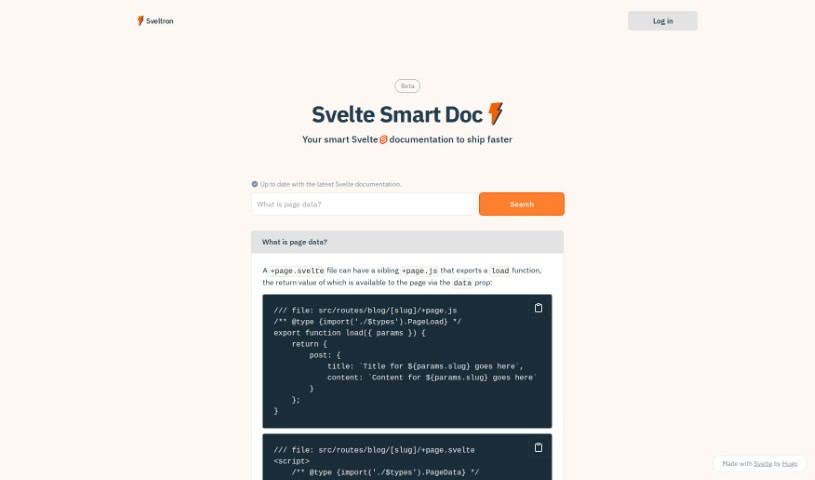
Screenshot of Smol Developer

Smol Developer

Freemium

Smol Developer offers a personalized AI developer experience, all wrapped up in an advanced platform. At its heart is the Smol Developer AI agent, which runs using the E2B SDK. This setup means you can tackle development tasks with just a single click, making things incredibly easy. It's built for everyone, whether you're a seasoned pro or just starting out in coding. Smol Developer provides an automated coding and development solution that's both efficient and super user-friendly. You might have seen it around – it's got a strong following in the developer community, with over 10,000 stars on GitHub. This really shows it's a reliable tool. It's great for experienced developers looking to speed up their work, and it's also perfect for beginners diving into coding for the first time. The platform is designed to be flexible, adapting to what you need and helping you get your projects done effectively.

Web Development View Tool →
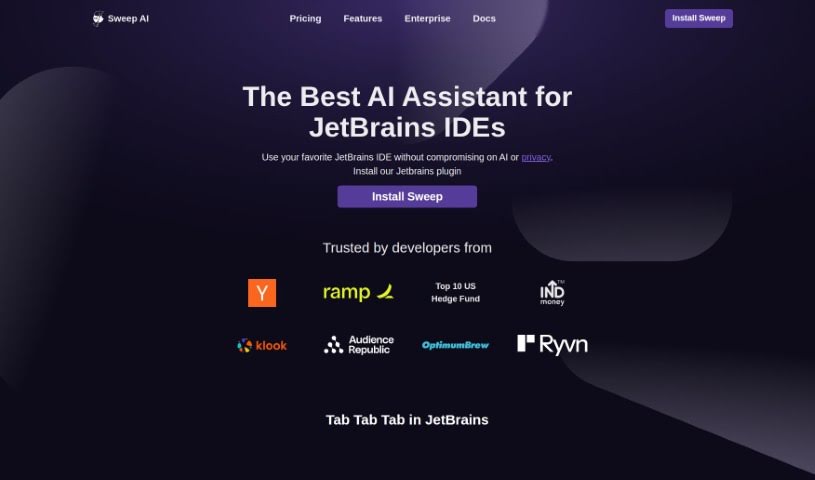
Screenshot of Snappify

Snappify

Freemium

Snappify is a really handy tool that helps you animate your code snippets. It is a way to make your code presentations and videos much more engaging. It's pretty neat because it supports interactive slides, which means people watching can easily copy code directly from your presentation or click on links. This really boosts how much people interact with your technical content. Plus, Snappify offers cool, eye-catching infographics perfect for social media. These make explaining technical stuff much simpler, and they're a great help for teachers who want to make complex ideas easier for students to understand.

Web Development View Tool →
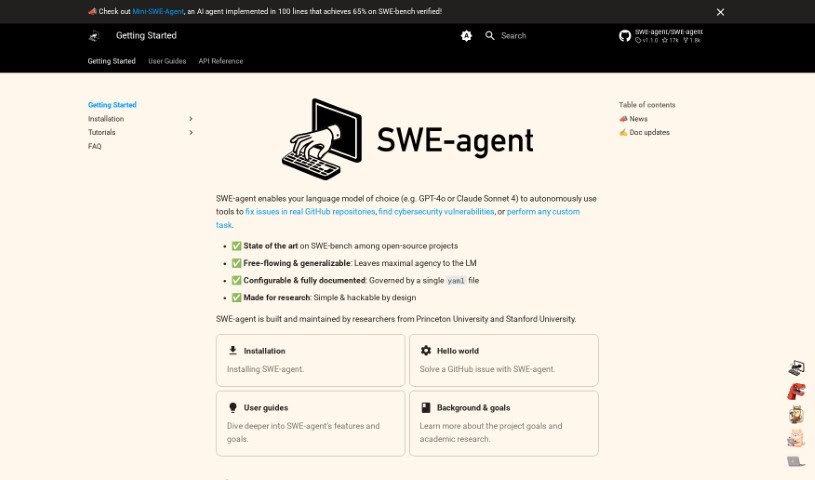
Screenshot of Snorkell

Snorkell

Freemium

Snorkell is a smart AI tool designed to automatically create documentation, or docstrings, for all sorts of programming languages. It connects seamlessly with popular version control systems like GitHub, GitLab, and Bitbucket. This integration means it can automatically generate and update your docstrings every time a pull request is merged, keeping your documentation perfectly in sync with your code. Plus, Snorkel.ai lets you easily review the docstrings it generates and suggest any changes you think are needed, all through pull requests. You can choose from a free plan or paid options, which offer more support for your repositories, on-premise hosting, access to new experimental features, and support for languages like Python, Java, Kotlin, JavaScript, and TypeScript. What really sets Snorkel.ai apart is its focus on creating docstrings that are easy for people to read and understand, unlike older tools that might just produce technical, syntactic docstrings.

Web Development View Tool →
Screenshot of Snowflake

Snowflake

Freemium

Snowflake is your friendly guide to bringing powerful Language Model Models (LLMs) into your data analysis and app development projects. It's built for people who might not be AI wizards or cloud infrastructure gurus. With Snowflake, you can easily add LLM features to make your data analysis smarter and build new apps powered by AI. It really aims to make AI and cloud tech accessible to everyone, so you can plug LLMs into what you're already doing without needing a ton of specialized knowledge. This tool removes those tricky hurdles, letting you tap into LLM capabilities to get better insights and make sharper decisions, whether you're analyzing data or building applications.

Web Development View Tool →

Stay Updated with AI Tools

Get weekly updates on the latest AI tools, trends, and insights delivered to your inbox

Join 25,000+ AI enthusiasts. No spam, unsubscribe anytime.