AI Web Development Tools

AI Tools for Web Development

Discover the best Web Development AI tools to enhance your productivity and creativity.

Page 30 of 55 • 655 total tools
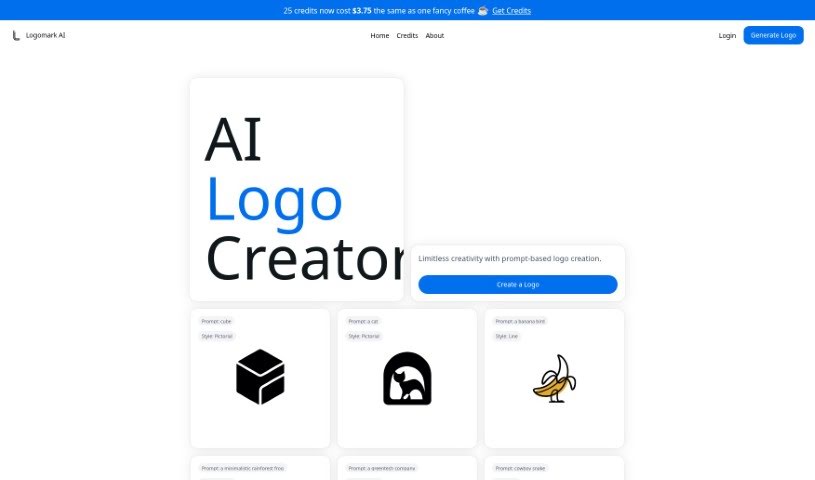
Screenshot of Logomark AI

Logomark AI

Freemium

Logomark AI is a platform for creating minimalist logos, built by Kristjan Retter. He created it after noticing that many AI logo generators produce designs that feel generic or too similar to one another. Logomark AI lets you generate personalized logos by describing what you want, with output designed to be easy to convert into vector (SVG) format.

Web Development View Tool →
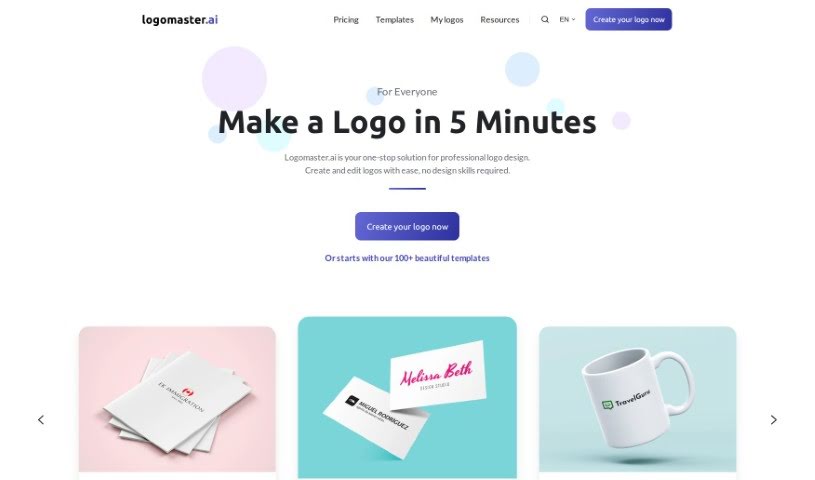
Screenshot of Logomaster.ai

Logomaster.ai

Freemium

Logomaster.ai is an online tool for creating professional-looking logos without any design experience. It provides over 100 logo ideas to choose from, which you can customize to match your brand, and a finished logo takes about 5 minutes. Paid plans include high-resolution logo files in formats like PNG and SVG, suitable for websites, business cards, and social media. Downloaded logo files come with a commercial license for business use. The platform recommends avoiding direct copying or imitation of well-known brand logos.

Web Development View Tool →
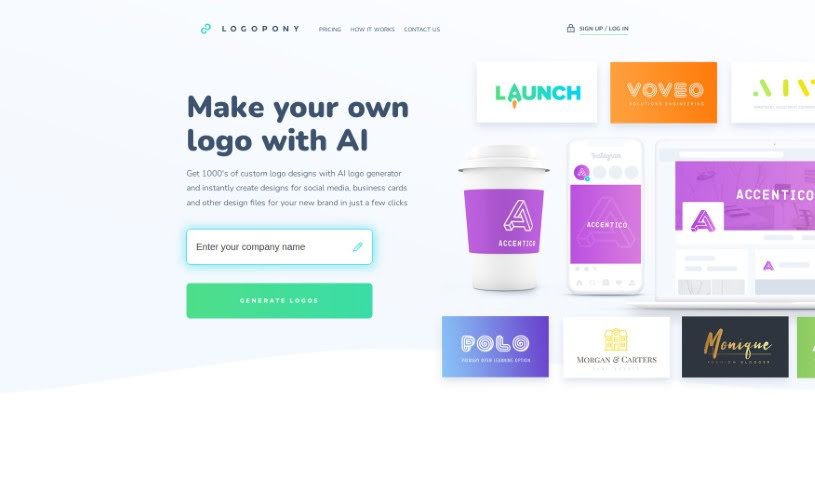
Screenshot of Logopony

Logopony

Freemium

Logopony is a free AI logo generator that creates custom logos quickly, even for users with no design experience. Its AI generates thousands of professional logo ideas in seconds. Once you purchase a logo, you can make unlimited edits and re-download it as often as you like, with no monthly plans or extra fees. You receive all the standard logo files needed for your website, app, email signature, and letterhead. Logopony focuses on timeless designs and gives you complete ownership of what you create, making it a practical option for small businesses, freelancers, and individuals who need a logo without hiring a designer.

Web Development View Tool →
Screenshot of Logorax

Logorax

Freemium

Logorax is an AI-powered logo generator designed for professionals, entrepreneurs, designers, and agencies. Its AI is trained on famous logos and established design principles, enabling users without advanced design skills to produce quality logos. Each design costs $32 and is delivered in vector format, suitable for various branding applications. Users can browse pre-made logos and retain full copyright over any created design.

Web Development View Tool →
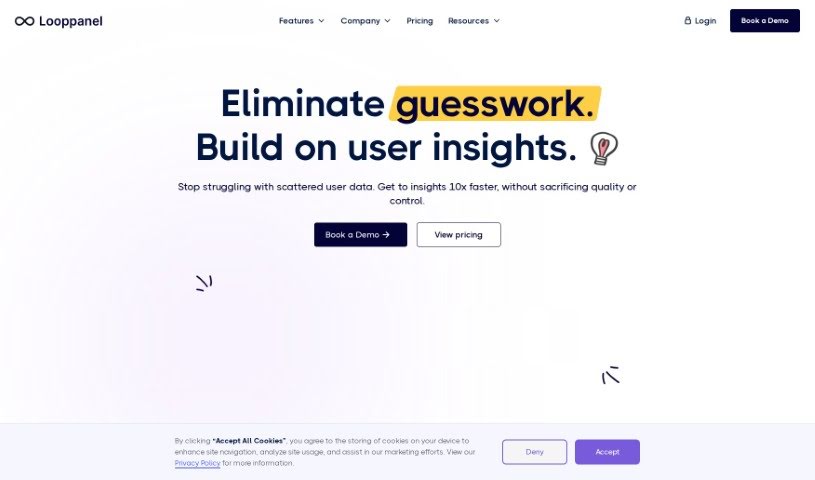
Screenshot of Looppanel

Looppanel

Freemium

Looppanel is a user research platform that simplifies analyzing UX research. It records calls, transcribes them accurately in multiple languages, and uses AI to take notes automatically, keeping all research data in one central place. You can take notes live during calls, bookmark important moments, and share notes, transcripts, and video clips with your team. Looppanel works with Zoom and includes repository search, video clipping, and a smart search function similar to Google. It is available through a free trial or a paid plan.

Web Development View Tool →
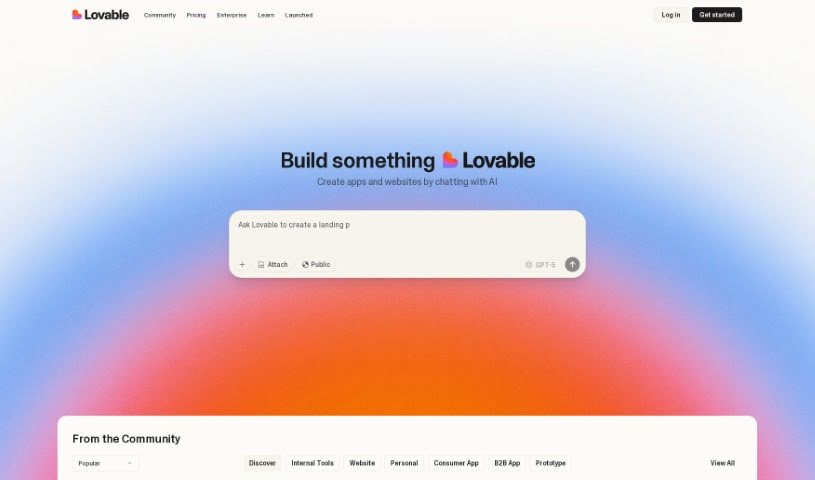
Screenshot of Lovable

Lovable

Freemium

Lovable is an AI-powered platform marketed as the world's first AI Full Stack Engineer. It helps you build applications quickly, with built-in authentication, data storage, and AI capabilities. According to the company, these features let you ship apps up to 20 times faster than with traditional coding.

Web Development View Tool →
Screenshot of Lovelace Studio

Lovelace Studio

Freemium

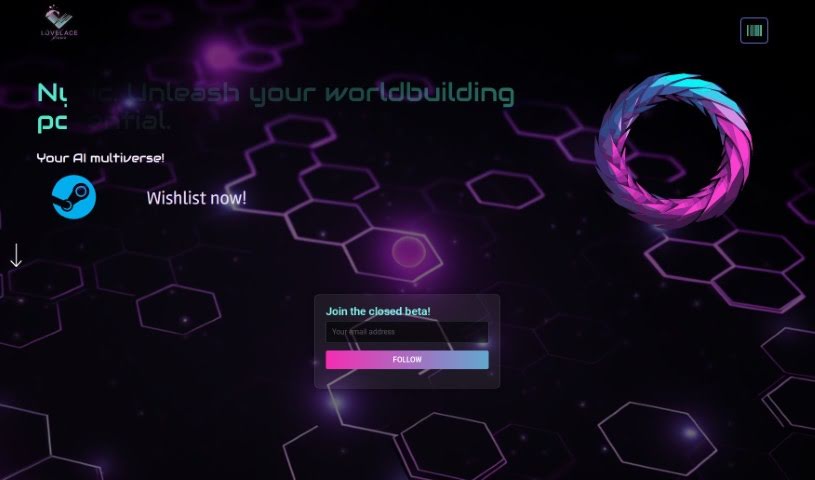
Lovelace Studio is a platform for creating, exploring, and sharing virtual reality worlds and experiences. It works as a personal VR sandbox where you can build worlds from scratch, team up with friends to form community factions, and discover player-made content ranging from fantasy lands and gundam arenas to dystopian cybercities.

Web Development View Tool →
Screenshot of Ludo.ai

Ludo.ai

Freemium

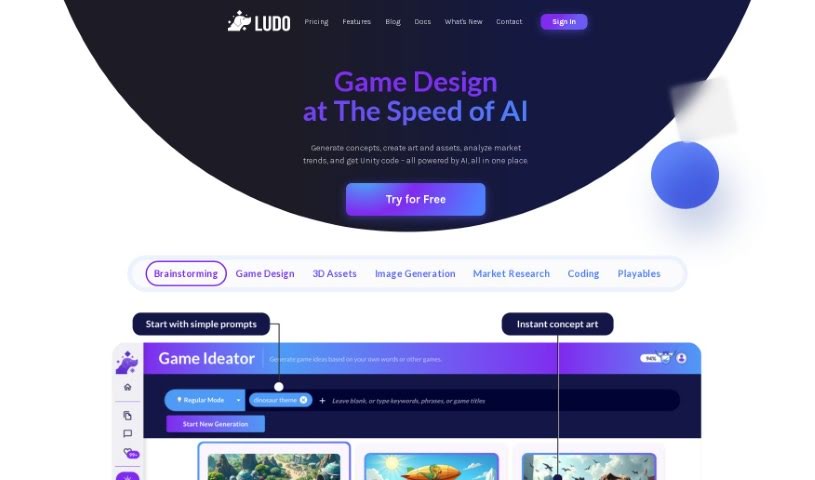
Ludo.ai is a platform for game research and design, built to boost the productivity of game developers. It offers features such as asset suggestions that fit your game concepts, improved texturing and detailing for game-ready assets, and customization options for the models it generates. With its 3D Generator, developers can create, refine, and manage 3D assets directly on the platform, streamlining the development process so creators can focus more on building their games.

Web Development View Tool →
Screenshot of Mabl

Mabl

Freemium

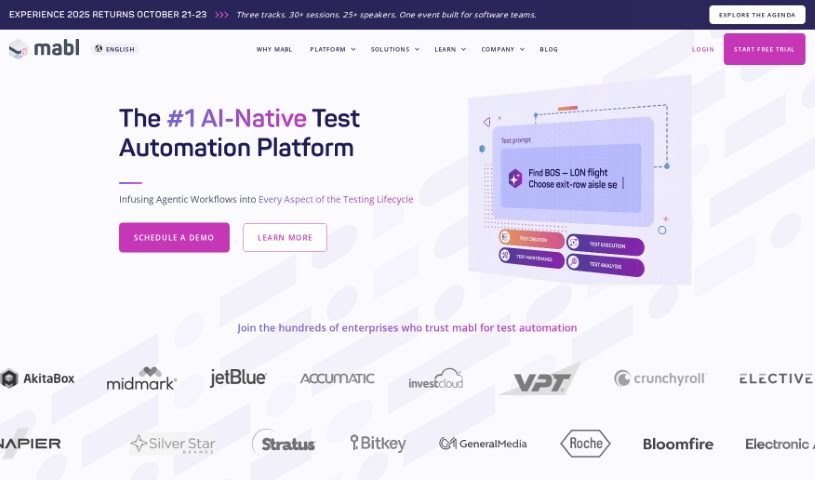
Mabl is an AI-native test automation platform built for fast-moving software teams. It lets you create, run, and maintain end-to-end tests for browsers, APIs, and mobile websites, using a low-code approach that makes test creation and updates accessible without deep scripting knowledge.

Web Development View Tool →
Screenshot of Mabl AI Test Automation

Mabl AI Test Automation

Freemium

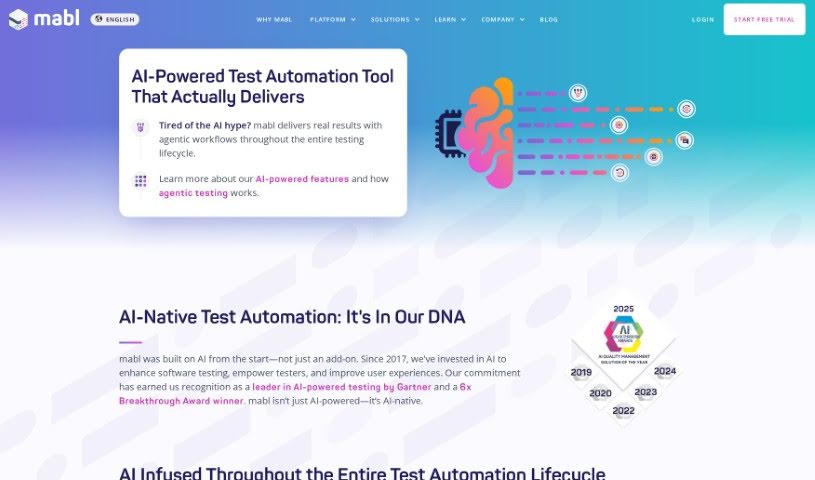
AI test automation uses machine learning and natural language processing to simplify creating and maintaining test cases. These tools can analyze how users interact with an application, spot patterns, generate tests automatically, and extract key insights from test results. The benefits include more reliable tests that adapt to change, less maintenance time, better coverage across testing scenarios, and more accessible testing for the whole team. A key challenge is applying AI to specific problems effectively, since some tools may overpromise.

Web Development View Tool →
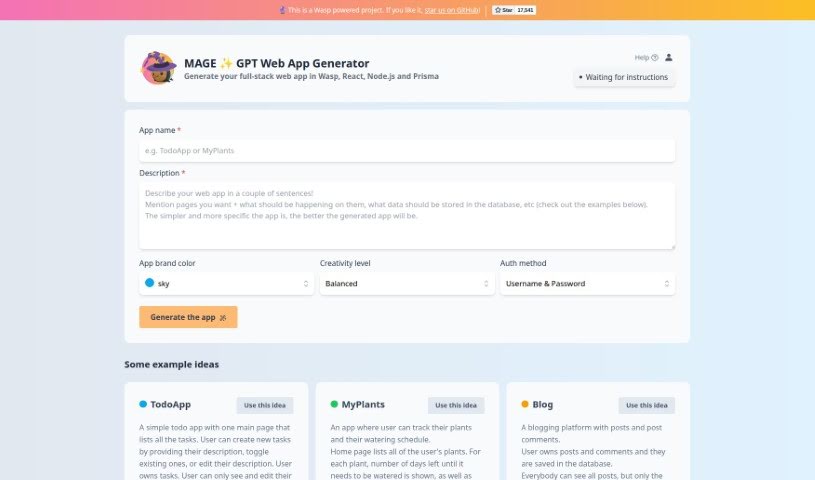
Screenshot of MAGE - GPT Web App Generator ✨

MAGE - GPT Web App Generator ✨

Freemium

MAGE is a GPT web app generator that builds full-stack web applications using Wasp, React, Node.js, and Prisma. On [usemage.ai](https://usemage.ai/), you describe your app through a simple interface — its name, a short description, a brand color, a creativity level, and a login method — and MAGE generates the application. The project is open-source, so developers can inspect the code and contribute to its development.

Web Development View Tool →
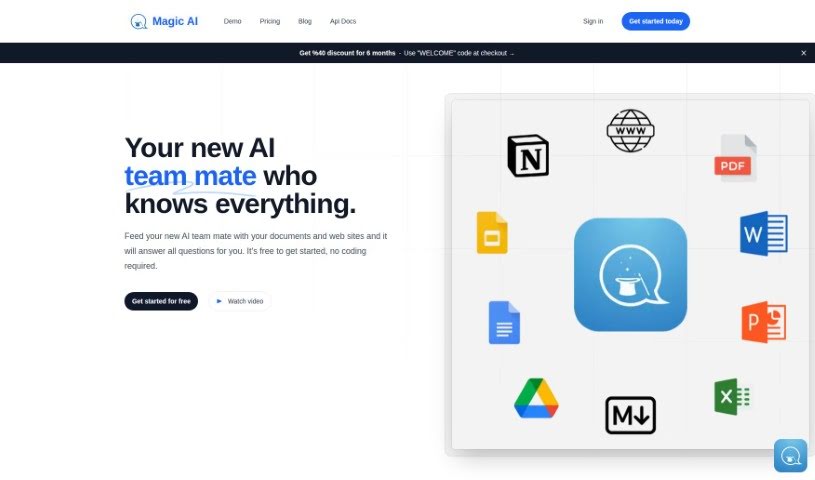
Screenshot of MagicAI Chatbots

MagicAI Chatbots

Freemium

MagicAI Chatbots is a no-code tool for building AI chatbots from your own content. Upload files such as PDFs, Word documents, Excel sheets, or web pages, and MagicAI turns them into chatbots that answer questions based on that material. This centralizes your knowledge, makes it searchable, and cuts down on repetitive questions from your team or visitors. Data is stored securely with encryption, chatbots can be trained in many languages, and plans range from free to premium.

Web Development View Tool →

About Web Development tools

Struggling with cryptic error messages, writing repetitive boilerplate code, or debugging complex API integrations can slow down even the most experienced developers. Whether you’re building full-stack web applications, maintaining backend databases, or configuring deployment pipelines, turning technical requirements into functional code takes significant time. It’s easy to spend hours hunting down missing syntax or setting up project configurations before writing core logic.

Built for web developers and software engineers, these tools act as intelligent coding partners. They autocomplete functions, speed up routine boilerplate creation, and catch subtle bugs before you commit your code.

Inline Completion, Error Debugging, and Test Generation

Generating routine code structures and API endpoints used to require typing out repetitive boilerplate line by line. Smart coding assistants analyze your project context and comments to suggest full function blocks, database schemas, and API handlers in real time. Instead of searching documentation for basic syntax or setup code, you get inline code completion right in your editor to keep you in flow.

Debugging complex logic and fixing broken build pipelines becomes far less frustrating, as well. Tracking down memory leaks, asynchronous execution issues, or obscure framework errors can burn hours of development time. Modern developer tools analyze stack traces and source code to identify root causes, suggest precise bug fixes, and explain complicated error messages in plain language.

Maintaining legacy codebases and writing comprehensive test suites also gets much simpler. Creating unit tests and writing inline documentation often gets pushed aside when project deadlines are tight. AI development platforms scan your code to auto-generate unit tests, create clear README files, and help refactor outdated code to modern standards without breaking existing application features.

Useful Capabilities for Developers:

  • Real-time inline code completion: Systems that suggest accurate code snippets, functions, and line completions inside your code editor as you type.
  • Automated bug detection and debugging: Features that analyze error logs and source files to pinpoint bugs and offer quick-fix solutions.
  • Test suite generation: Tools that automatically write comprehensive unit, integration, and end-to-end tests based on your codebase.
  • Code refactoring and modernization: Settings that clean up legacy code, convert syntax between programming languages, and apply best practices.
  • Documentation generation: Capabilities that automatically create clear inline comments, function docstrings, and project documentation from source code.

Building high-performing, secure web applications will always depend on your logical reasoning, system design, and software architecture skills. Software cannot replace critical thinking or design scalable system architectures for you. But letting smart tools handle routine boilerplate, test generation, and bug hunting gives you back the focus needed to solve tough engineering challenges.

Explore the web development tools below to upgrade your stack.

The Best AI Web Development Tools

  1. Lovable: Great for making frontend design work smoother.
  2. Cursor: Helps with real-time code collaboration.
  3. Replit AI: Generates code snippets for web apps.
  4. Supabase: For teams to manage databases together.
  5. v0 by Vercel: Quickly creates UI kits for web projects.
  6. Replicate AI: Automates code generation for web apps.
  7. Carrd: Perfect for a single-page site to promote an event.
  8. AI Dungeon: Lets you create interactive web stories with code.
  9. Ollama: For quickly building early versions of web interfaces.
  10. Jimdo: Makes building and managing websites easy.
  11. Code Sandbox: Simplifies CSS preprocessor workflows.
  12. Tilda: Lets you create websites easily without coding.
  13. Bubble: A drag-and-drop tool for building web applications.
  14. Weights & Biases: Streamlines integrating ML models into web apps.
  15. Warp Terminal: Helps deploy web apps quickly.
New tools, in your inbox.

Weekly picks of the best AI tools we've researched and added — no spam, unsubscribe anytime.

Join 25,000+ AI enthusiasts. No spam, unsubscribe anytime.