AI Tools for Web Development

Discover the best Web Development AI tools to enhance your productivity and creativity.

Page 31 of 58 • 694 total tools

Web development has really changed lately, and AI tools are a big part of that. What used to take a lot of coding and design skill can now be made much simpler with smart programs that speed things up. Today, AI-assisted development tools are changing how we build websites, making it easier for newcomers and more efficient for experienced pros.

These tools offer everything from easy design features to help with writing code, letting you create great-looking, functional sites more quickly. Developers don’t have to start from scratch or fix every single line of code manually anymore. Instead, AI can offer suggestions and even create whole parts of a website based on what you need.

Having worked in web development for years, I’ve seen firsthand how AI can make tasks simpler and more efficient. But with so many options out there, picking the right tool can feel overwhelming.

In this article, I’ll share the best AI web development tools you can find right now. Whether you want to improve your coding, automate routine jobs, or make your design process better, there’s something here for you. Let’s explore the tools that can really change your web development experience.

The best AI Web Development Tools

  1. Lovable: Great for making frontend design work smoother.
  2. Cursor: Helps with real-time code collaboration.
  3. Replit AI: Generates code snippets for web apps.
  4. Supabase: For teams to manage databases together.
  5. v0 by Vercel: Quickly creates UI kits for web projects.
  6. Replicate AI: Automates code generation for web apps.
  7. Carrd: Perfect for a single-page site to promote an event.
  8. AI Dungeon: Lets you create interactive web stories with code.
  9. Ollama: For quickly building early versions of web interfaces.
  10. Jimdo: Makes building and managing websites easy.
  11. Code Sandbox: Simplifies CSS preprocessor workflows.
  12. Tilda: Lets you create websites easily without coding.
  13. Bubble: A drag-and-drop tool for building web applications.
  14. Weights & Biases: Streamlines integrating ML models into web apps.
  15. Warp Terminal: Helps deploy web apps quickly.

How do AI web development tools work?

AI web development tools use smart algorithms to handle different parts of designing and building websites. These tools often use large language models, much like AI writing software, to look at coding patterns and make things more efficient. They offer suggestions, code pieces, or even build whole sections of code based on what you tell them.

Basically, these tools understand what you’re asking for, so you can describe what you want in simple terms. For example, you could say, “Create a navigation bar,” and the AI will generate the HTML, CSS, or JavaScript code needed. This makes web development more accessible, even if you don’t have a lot of programming experience.

Many AI web development platforms connect with popular coding environments and content management systems. This means they can improve tools like WordPress, Wix, or GitHub by offering smart code completions or finding errors as you type. With these connections, users can really smooth out their development process.

The data these AI systems learn from usually includes tons of source code, guides, and content created by users on sites like GitHub. This helps them learn different coding styles and the best ways to do things. Their effectiveness comes from spotting patterns and suggesting the best solutions based on what the user needs.

In short, AI web development tools make coding simpler, letting developers focus on creativity and solving problems instead of getting stuck on syntax. As technology keeps changing, these tools are expected to get even better, likely changing how web developers work.

Our best AI web development tools at a glance

RankNameBest forPlans and PricingRating
1LovableMaking frontend design work smoother.N/A4.84 (43 reviews)
2CursorReal-time collaboration on code projects.Paid plans start at $20/Month.4.83 (6 reviews)
3Replit AIGenerating code snippets for web apps.N/A4.70 (44 reviews)
4SupabaseCollaborative database management for dev teamsN/A5.00 (32 reviews)
5v0 by VercelQuickly creating UI kits for web projects.N/A4.73 (11 reviews)
6Replicate AIAutomating code generation for web apps.N/A4.82 (11 reviews)
7CarrdA single-page site for event promotion.Paid plans start at $19/year.4.72 (29 reviews)
8AI DungeonCreating interactive web story experiences.N/A4.54 (39 reviews)
9OllamaRapid prototyping of web interfaces.N/A4.63 (8 reviews)
10JimdoBuilding and maintaining websites easily.N/A4.64 (11 reviews)
11CodeSandboxSimplifying CSS preprocessor workflows.N/A4.45 (11 reviews)
12TildaEffortless website creation without coding.N/A4.75 (20 reviews)
13BubbleA drag-and-drop web applications builder.N/A4.73 (11 reviews)
14Weights & BiasesStreamlining ML model integration in web apps.N/A4.50 (12 reviews)
15Warp TerminalDeploying web apps swiftly.N/A4.79 (28 reviews)
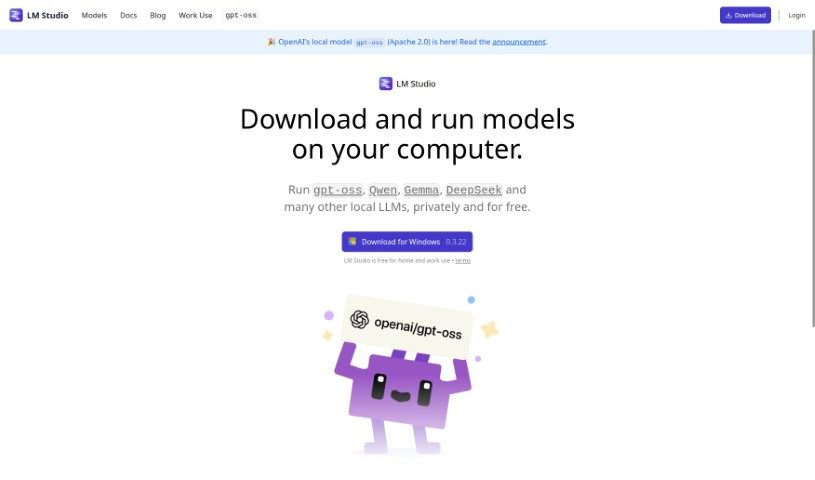
Screenshot of LM Studio

LM Studio

Freemium

LM Studio is a really user-friendly desktop app that lets you play around with local and open-source Large Language Models (LLMs). It is your personal hub for discovering, downloading, and running pretty much any ggml-compatible model you can find on Hugging Face. What's cool is that it works on different operating systems, so you're not locked into one. Plus, it's smart about using your computer's GPU if it's available, which really speeds things up. This means you can run these powerful LLMs right on your laptop, completely offline – no internet needed! You can chat with the models directly in the app, or if you're a bit more technical, you can even set up a local server that works like OpenAI's. It also makes finding new and interesting LLMs super simple, which is a nice touch.

Web Development View Tool →
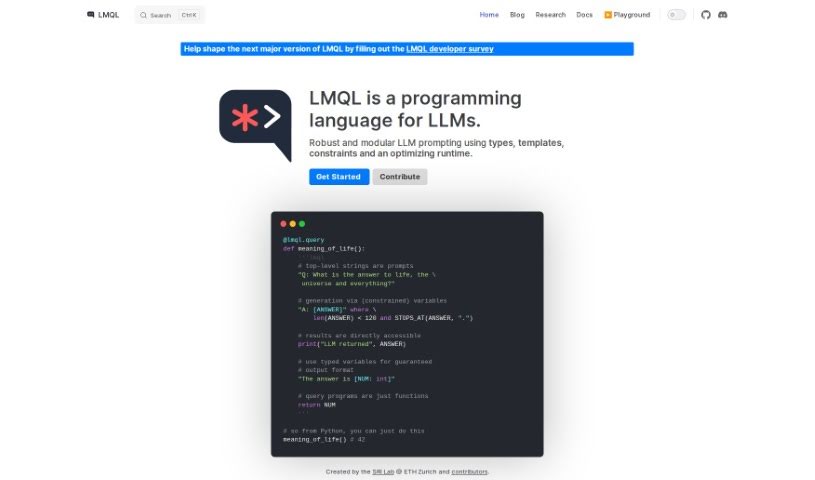
Screenshot of LMQL

LMQL

Freemium

LMQL, which stands for Language Model Query Language, is a specialized programming language designed specifically for interacting with Language Models (LMs). It provides a smooth and efficient way to query and work with these models, helping developers make the most of them for all sorts of applications. With LMQL, you can easily craft queries to pull out specific information or generate the exact outputs you're looking for from language models. The language offers a wide range of capabilities, like querying model parameters, generating text, and completing prompts, all through a user-friendly and intuitive syntax. This makes it accessible for programmers at any level of experience in natural language processing. Some of LMQL's standout features include its compatibility with various language models, such as GPT-3 and GPT-4, allowing developers to tap into different model strengths depending on their project needs. Plus, LMQL incorporates optimization techniques to speed up query performance, cut down on latency, and ensure interactions with language models run smoothly. Beyond just being a programming language, LMQL also offers a complete ecosystem. This includes tools, libraries, documentation, tutorials, and a lively community ready to support developers, offering valuable insights and help. Whether you're building chatbots, creating content, analyzing data, or working on other LM-related projects, LMQL simplifies how you interact with language models. It opens up new avenues in AI development and helps you get the most out of these powerful tools.

Web Development View Tool →
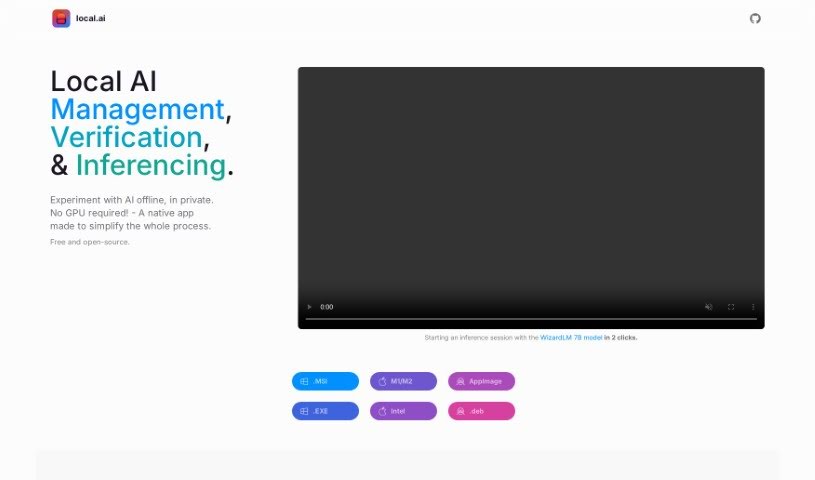
Screenshot of Local AI

Local AI

Freemium

Local AI Playground is a really user-friendly, native application that lets you play around with AI models right on your own computer. The best part? You don't need any complicated technical setup or a powerful GPU to get started. This app is designed to be super memory-efficient and it's surprisingly small, coming in at under 10MB. It packs in some great features, like easy model management, the ability to run AI models using just your CPU, and a neat way to verify your models using digest computation methods like BLAKE3 and SHA256. Plus, it even includes a streaming server feature, making local AI model inferencing a breeze. And guess what? It's completely free, open-source, and works on popular platforms like Mac M2, Windows, and Linux .deb.

Web Development View Tool →
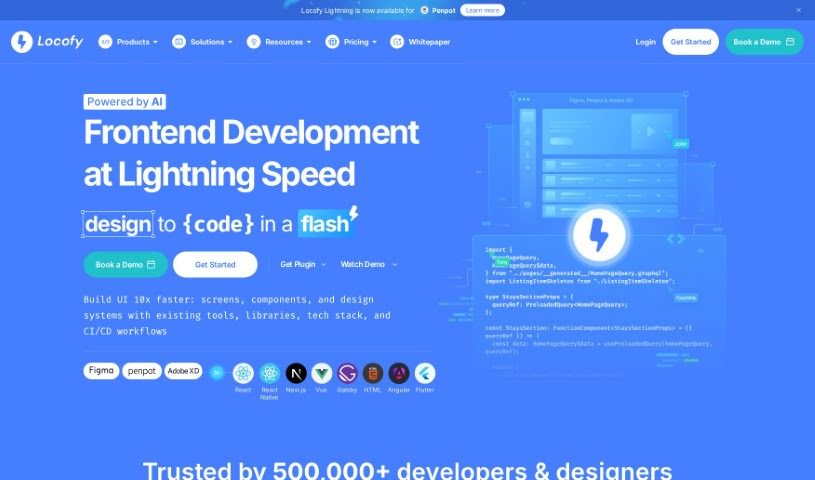
Screenshot of Locofy

Locofy

Freemium

Locofy is a platform designed to completely change how front-end engineers create pixel-perfect, production-ready code directly from their design files. It is a low-code platform that really helps skilled coders automate a big chunk of their daily work. This frees them up to tackle the more challenging, complex problem-solving tasks that really need their expertise. It's built to speed up the workflow for both high-performance designers and coders, letting them ship new features about 2 to 3 times faster than they could before. People love Locofy because it's so good at turning designs into production-ready code for all sorts of frameworks like React, React Native, HTML-CSS, Next.js, Angular, Gatsby, and Vue. They're even planning to support more down the line! Users often mention saving up to 80% of their time and are really impressed with how high-quality and professional the generated code is.

Web Development View Tool →
Screenshot of Logical

Logical

Freemium

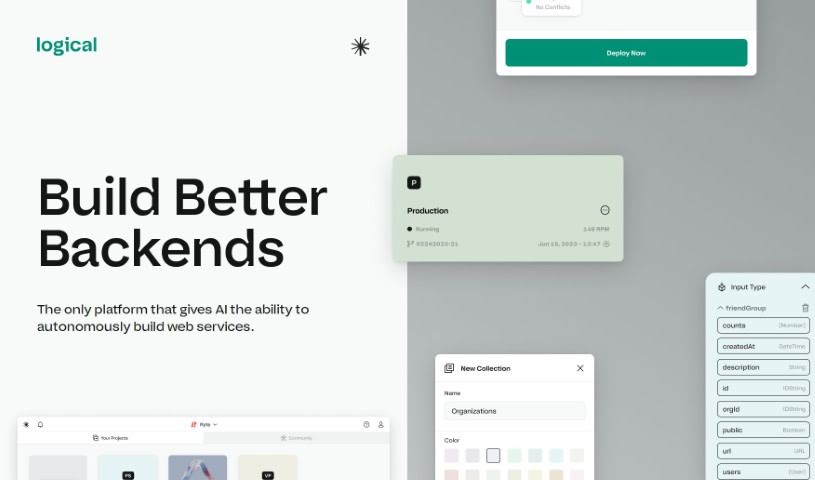
Logical is a visual playground for building backend systems, powered by AI. It's designed to automatically create web services for you, making backend development much simpler. You won't need to mess with the command line at all. Logical handles everything from setting things up to getting your code live – that includes databases, APIs, deployments, and hosting. The really cool part? It takes away all the infrastructure headaches, so you can just focus on building your product. Plus, Logical aims to get your code deployed way faster, and its AI 'teammates' can actually write, test, and deploy code all by themselves.

Web Development View Tool →
Screenshot of Logo Diffusion

Logo Diffusion

Freemium

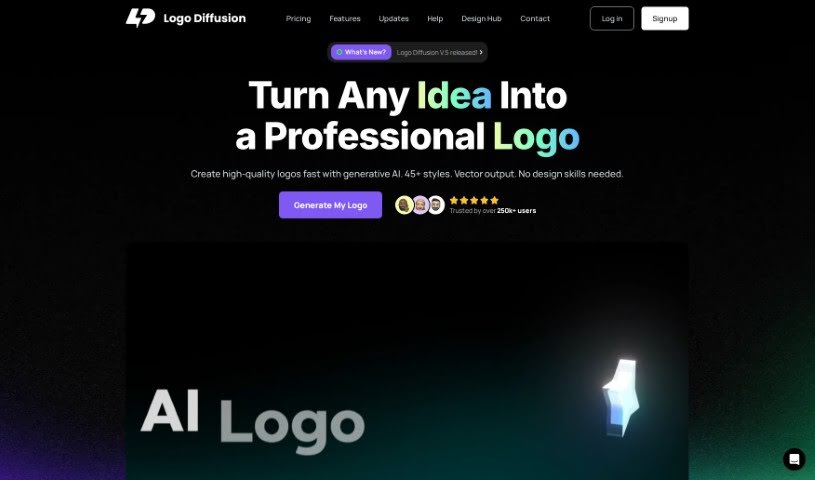
Logo Diffusion is a really cool tool that's changing how we make logos, all thanks to generative AI. It lets anyone, whether you're an individual or a business, create unique, custom logos super fast, without having to use generic stock designs. You're in the driver's seat for the whole process, using different AI features. You can turn text ideas into logos, give existing logos a makeover, transform rough sketches into polished designs, create 3D effects from 2D images, and even simplify pictures into logos or illustrations. Plus, the logos you create can be saved as standard vector files, and you can get transparent PNGs with removed backgrounds. They also have an editor right in your browser if you like to tweak things yourself. And here's a great perk: you keep ownership of everything you create, even if you decide to cancel your subscription later.

Web Development View Tool →
Screenshot of Logo Theme AI

Logo Theme AI

Freemium

Logo Theme AI is a platform that uses artificial intelligence to help you adapt and customize your logos for different themes, events, and occasions. It's designed to be super user-friendly, so you don't need any special design skills to get professional-looking results. It is your go-to AI tool for branding! It offers over 200 templates, giving you endless possibilities for your brand's look. Plus, you can create custom visual logo mockups for all sorts of celebrations, like New Year's Day, Valentine's Day, Halloween, and many more.

Web Development View Tool →
Screenshot of Logoai

Logoai

Freemium

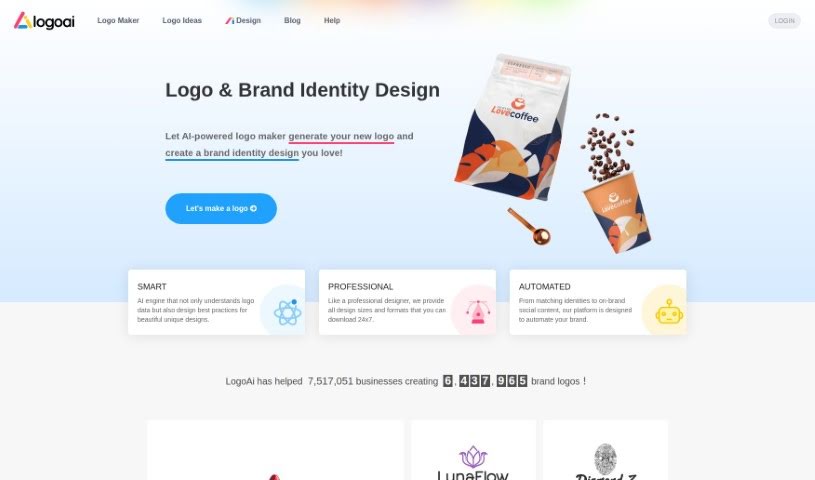
LogoAi is a smart tool that uses AI to help you create logos and manage your brand. It is an all-in-one platform for designing professional logos, creating matching brand identities, and even automating the promotion of your brand with social media content that fits your style. It's powered by a clever AI engine that whips up logos, offers them in various sizes and formats, and handles a lot of the branding work for you. Over a million businesses already trust LogoAi. The best part? You only pay once to download the logo you love; designing it is completely free.

Web Development View Tool →
Screenshot of Logocreatorai

Logocreatorai

Freemium

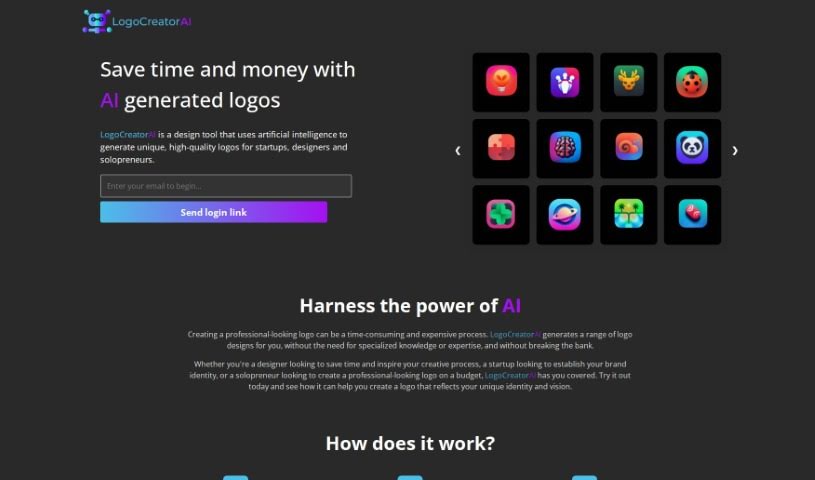
LogoCreatorAI is a really neat tool that uses AI to help you create professional-looking logos quickly and without breaking the bank. It's perfect for folks like designers, new startups, and solopreneurs who want a unique logo but don't have design experience or a huge budget. The platform basically handles the heavy lifting of the design process for you, offering a bunch of different styles and ideas to match whatever your brand is all about. You can whip up, check out, and download your logos in a flash thanks to its super easy-to-use interface. LogoCreatorAI is all about changing the game for logo design by putting artificial intelligence right at the heart of it.

Web Development View Tool →
Screenshot of LogoliveryAI

LogoliveryAI

Freemium

LogoliveryAI is a logo generator powered by artificial intelligence, brought to you by Logolivery, Inc. It's a user-friendly, chat-based web application that lets you create custom logos in SVG format. This tool is perfect for anyone looking to build a professional brand identity without a hassle – think startup founders, influencers, and marketing agencies. LogoliveryAI makes branding easier with its AI-driven logo creation, high-quality SVG output, and even free logo generations to start. The goal is to boost your brand's presence with logo designs that are flexible, scalable, and ready for commercial use.

Web Development View Tool →
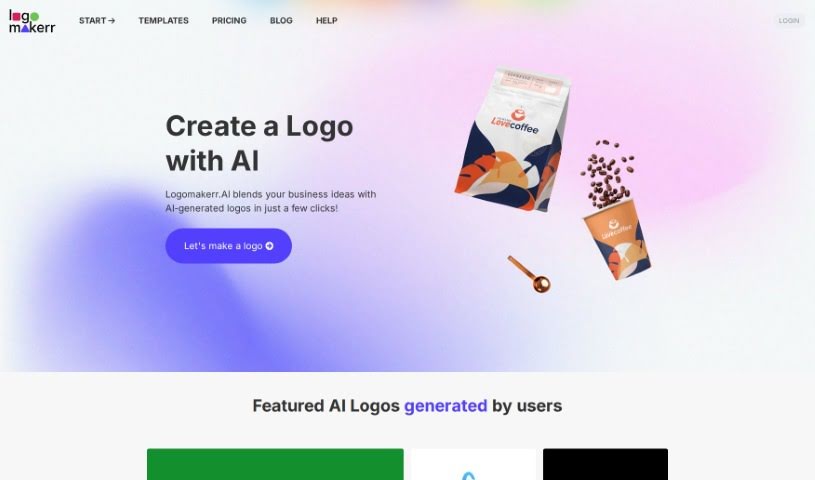
Screenshot of Logomakerr

Logomakerr

Freemium

Logomakerr is a really handy online platform designed specifically for creating professional-looking logos. It gives you access to a wide variety of design tools and plenty of templates, making it easy for anyone, whether an individual or a business, to craft unique and eye-catching logos. You can easily tweak the pre-made templates to fit exactly what you need, or if you're feeling creative, you can start completely from scratch on a blank canvas. Logomakerr lets you play around with different fonts, colors, shapes, and icons until you create a logo that truly represents your brand. Plus, you can download your finished logos in high resolution, perfect for all your marketing materials. All in all, Logomakerr is a super convenient and accessible tool for anyone who wants a high-quality logo without needing to be a design expert.

Web Development View Tool →
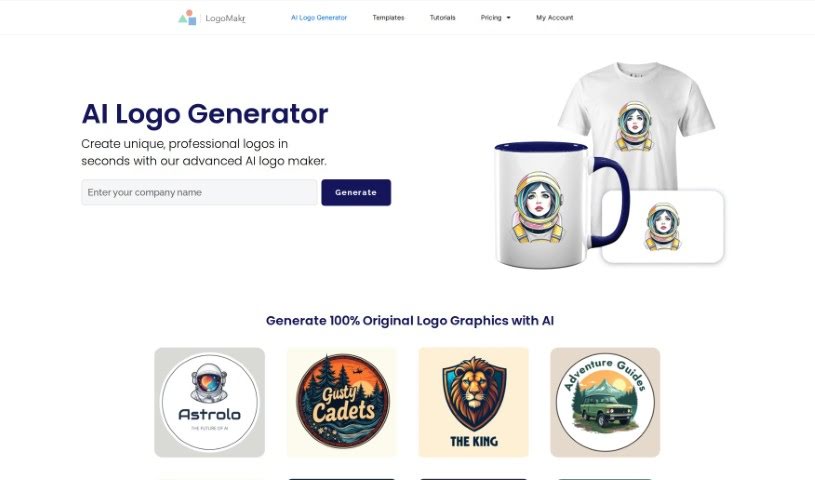
Screenshot of LogoMakr AI Logo Maker

LogoMakr AI Logo Maker

Freemium

LogoMakr AI Logo Maker is a platform designed to help you create completely original logo graphics, all powered by artificial intelligence. It is your personal AI design assistant. It's built so you can craft unique logos that really match what you need and how you want your brand to look. Because it uses AI, you can be sure the logos it generates are original and stand out. For anyone, whether you're an individual or a business, who needs a professional-looking logo but doesn't have a ton of design experience or resources, LogoMakr AI Logo Maker offers a really convenient and efficient way to get it done. The AI gives you access to a variety of design choices and graphics, making it easier to create a logo that truly represents your brand effectively.

Web Development View Tool →

Stay Updated with AI Tools

Get weekly updates on the latest AI tools, trends, and insights delivered to your inbox

Join 25,000+ AI enthusiasts. No spam, unsubscribe anytime.