AI Tools for Web Development

Discover the best Web Development AI tools to enhance your productivity and creativity.

Page 32 of 58 • 694 total tools

Web development has really changed lately, and AI tools are a big part of that. What used to take a lot of coding and design skill can now be made much simpler with smart programs that speed things up. Today, AI-assisted development tools are changing how we build websites, making it easier for newcomers and more efficient for experienced pros.

These tools offer everything from easy design features to help with writing code, letting you create great-looking, functional sites more quickly. Developers don’t have to start from scratch or fix every single line of code manually anymore. Instead, AI can offer suggestions and even create whole parts of a website based on what you need.

Having worked in web development for years, I’ve seen firsthand how AI can make tasks simpler and more efficient. But with so many options out there, picking the right tool can feel overwhelming.

In this article, I’ll share the best AI web development tools you can find right now. Whether you want to improve your coding, automate routine jobs, or make your design process better, there’s something here for you. Let’s explore the tools that can really change your web development experience.

The best AI Web Development Tools

  1. Lovable: Great for making frontend design work smoother.
  2. Cursor: Helps with real-time code collaboration.
  3. Replit AI: Generates code snippets for web apps.
  4. Supabase: For teams to manage databases together.
  5. v0 by Vercel: Quickly creates UI kits for web projects.
  6. Replicate AI: Automates code generation for web apps.
  7. Carrd: Perfect for a single-page site to promote an event.
  8. AI Dungeon: Lets you create interactive web stories with code.
  9. Ollama: For quickly building early versions of web interfaces.
  10. Jimdo: Makes building and managing websites easy.
  11. Code Sandbox: Simplifies CSS preprocessor workflows.
  12. Tilda: Lets you create websites easily without coding.
  13. Bubble: A drag-and-drop tool for building web applications.
  14. Weights & Biases: Streamlines integrating ML models into web apps.
  15. Warp Terminal: Helps deploy web apps quickly.

How do AI web development tools work?

AI web development tools use smart algorithms to handle different parts of designing and building websites. These tools often use large language models, much like AI writing software, to look at coding patterns and make things more efficient. They offer suggestions, code pieces, or even build whole sections of code based on what you tell them.

Basically, these tools understand what you’re asking for, so you can describe what you want in simple terms. For example, you could say, “Create a navigation bar,” and the AI will generate the HTML, CSS, or JavaScript code needed. This makes web development more accessible, even if you don’t have a lot of programming experience.

Many AI web development platforms connect with popular coding environments and content management systems. This means they can improve tools like WordPress, Wix, or GitHub by offering smart code completions or finding errors as you type. With these connections, users can really smooth out their development process.

The data these AI systems learn from usually includes tons of source code, guides, and content created by users on sites like GitHub. This helps them learn different coding styles and the best ways to do things. Their effectiveness comes from spotting patterns and suggesting the best solutions based on what the user needs.

In short, AI web development tools make coding simpler, letting developers focus on creativity and solving problems instead of getting stuck on syntax. As technology keeps changing, these tools are expected to get even better, likely changing how web developers work.

Our best AI web development tools at a glance

RankNameBest forPlans and PricingRating
1LovableMaking frontend design work smoother.N/A4.84 (43 reviews)
2CursorReal-time collaboration on code projects.Paid plans start at $20/Month.4.83 (6 reviews)
3Replit AIGenerating code snippets for web apps.N/A4.70 (44 reviews)
4SupabaseCollaborative database management for dev teamsN/A5.00 (32 reviews)
5v0 by VercelQuickly creating UI kits for web projects.N/A4.73 (11 reviews)
6Replicate AIAutomating code generation for web apps.N/A4.82 (11 reviews)
7CarrdA single-page site for event promotion.Paid plans start at $19/year.4.72 (29 reviews)
8AI DungeonCreating interactive web story experiences.N/A4.54 (39 reviews)
9OllamaRapid prototyping of web interfaces.N/A4.63 (8 reviews)
10JimdoBuilding and maintaining websites easily.N/A4.64 (11 reviews)
11CodeSandboxSimplifying CSS preprocessor workflows.N/A4.45 (11 reviews)
12TildaEffortless website creation without coding.N/A4.75 (20 reviews)
13BubbleA drag-and-drop web applications builder.N/A4.73 (11 reviews)
14Weights & BiasesStreamlining ML model integration in web apps.N/A4.50 (12 reviews)
15Warp TerminalDeploying web apps swiftly.N/A4.79 (28 reviews)
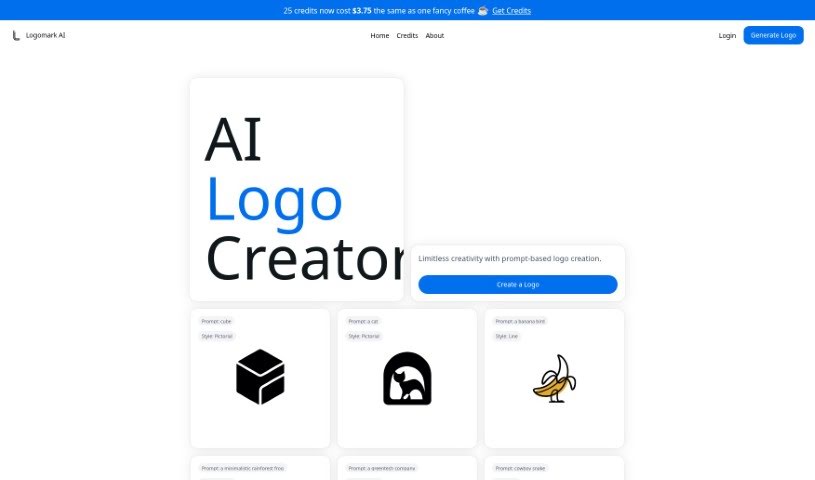
Screenshot of Logomark AI

Logomark AI

Freemium

Logomark AI is a platform designed for creating logos, brought to you by Kristjan. His goal was to offer cool, minimalist logo designs that are easy to turn into vector images, or SVGs. Kristjan noticed that many existing AI logo generators produced logos that felt a bit too similar or generic. So, he built Logomark AI to give users a way to be truly creative with their logo ideas. You can generate personalized logos quickly and easily just by describing what you want. If you find the service helpful, Kristjan would love for you to spread the word! He's also happy to hear your thoughts or answer any questions you might have via social media or email.

Web Development View Tool →
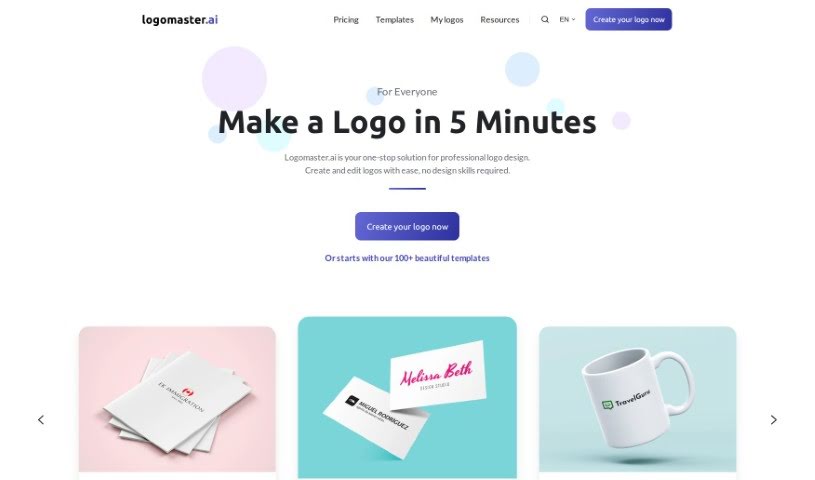
Screenshot of Logomaster.ai

Logomaster.ai

Freemium

Logomaster.ai is a handy online tool that lets you create professional-looking logos for your business, and it's super quick and easy to use. You don't need any design experience at all! The platform gives you over 100 logo ideas to choose from, which you can then tweak to perfectly match your brand. You can have a finished logo in about 5 minutes. They offer different pricing plans that give you high-resolution logo files in formats like PNG and SVG, ensuring your logo looks great everywhere, whether it's on your website, business cards, or social media. Logomaster.ai really focuses on helping you be creative and provides a safe space for designing. They do suggest, however, that you avoid directly copying or imitating well-known brand logos. Once you download your logo files, you get a commercial license, which means you're all set legally for business use.

Web Development View Tool →
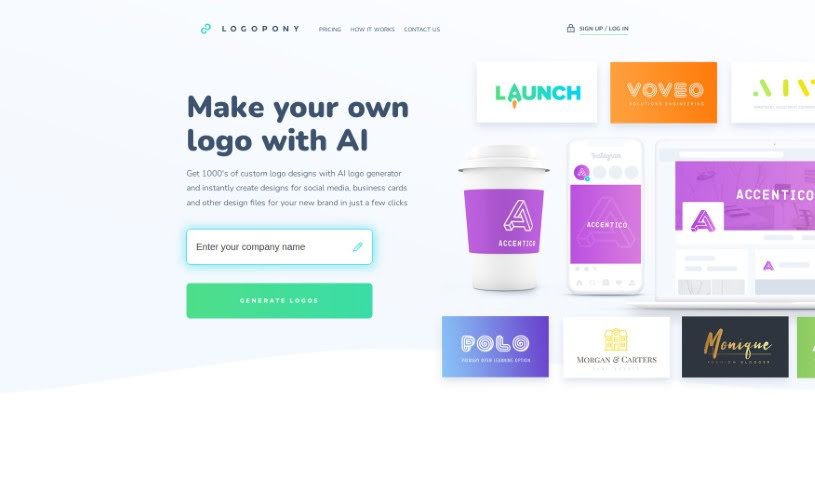
Screenshot of Logopony

Logopony

Freemium

Logopony is a fantastic free AI logo generator that makes creating custom logos super easy and fast, even if you have zero design experience. It uses Artificial Intelligence to whip up thousands of professional logo ideas in just seconds. Once you purchase a logo, you can make as many edits as you like and download it again and again. You'll get all the standard logo files you need for everything from your website and app to your email signature and letterhead. Logopony focuses on creating timeless logo designs and gives you complete ownership of whatever you create. Essentially, it's designed to make branding and logo design simple for small businesses, freelancers, and anyone needing a great logo without a fuss.

Web Development View Tool →
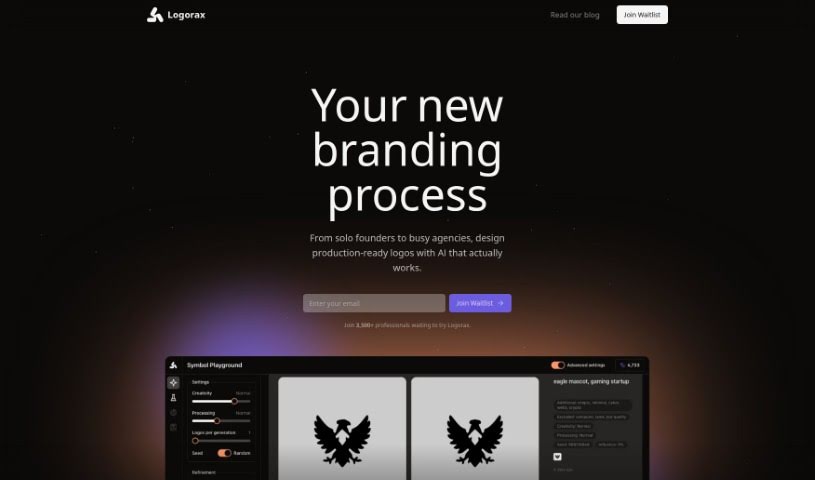
Screenshot of Logorax

Logorax

Freemium

Logorax is an AI-powered logo generator built for professionals, entrepreneurs, designers, and agencies. It really simplifies the whole logo design process. How? By using AI that's been trained on famous logos and solid design principles. This means you get a super user-friendly interface, so you don't need to be a design whiz to create something great. Getting a top-notch logo design costs just $32, and you'll receive it in a versatile vector format. Plus, you can browse through pre-made logos if you're in a hurry, and you'll own the full copyright for any design you create with Logorax.

Web Development View Tool →
Screenshot of Looppanel

Looppanel

Freemium

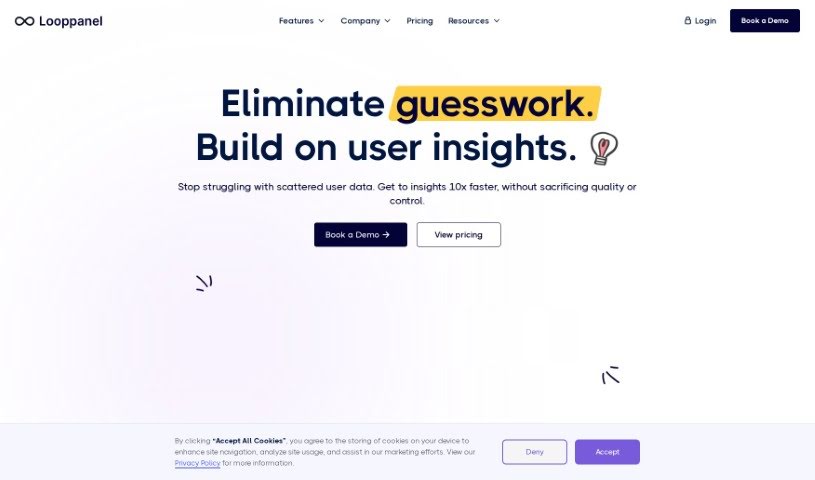
LoopPanel is a user research platform designed to make analyzing UX research much simpler. It uses transcription technology to create accurate transcripts in multiple languages. The platform includes an AI system that can record calls, automatically take notes, and keep all your research data in one central place. You can take notes live during calls, bookmark important moments, and easily share notes, transcripts, and video clips with your team. Plus, LoopPanel works with Zoom and offers features like a repository search, video clipping, and a smart search function similar to Google, all to improve your user experience research process.

Web Development View Tool →
Screenshot of Lovable

Lovable

Freemium

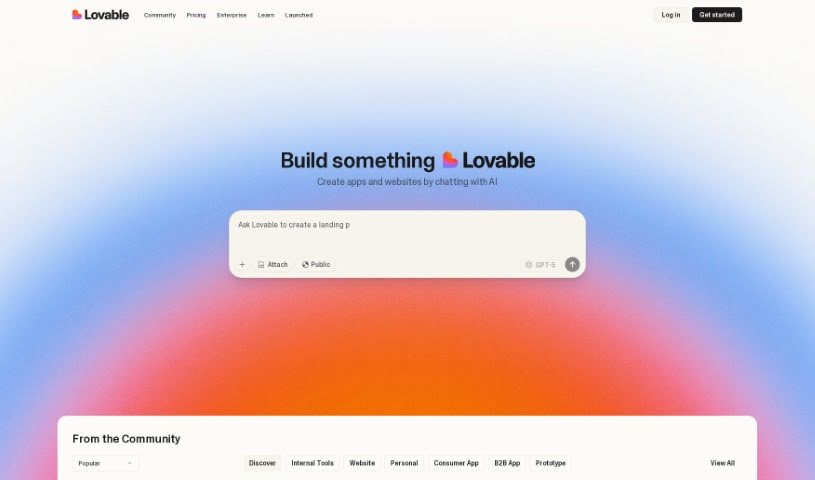
Lovable is the world's first AI Full Stack Engineer. Its whole purpose is to help you build applications super fast. It's packed with features like authentication, data storage, and AI capabilities, all designed to help you ship apps up to 20 times quicker than you would with traditional coding. People who've used Lovable really seem to like it, often mentioning how easy it is to use, how reliable it is, and how efficient it makes creating programs. In fact, many users have said it actually works better than other AI tools out there, like Bard GPT. All in all, Lovable looks like a really smart way for developers to speed up how they build apps and get their ideas out into the world as a usable product, and do it quickly and efficiently.

Web Development View Tool →
Screenshot of Lovelace Studio

Lovelace Studio

Freemium

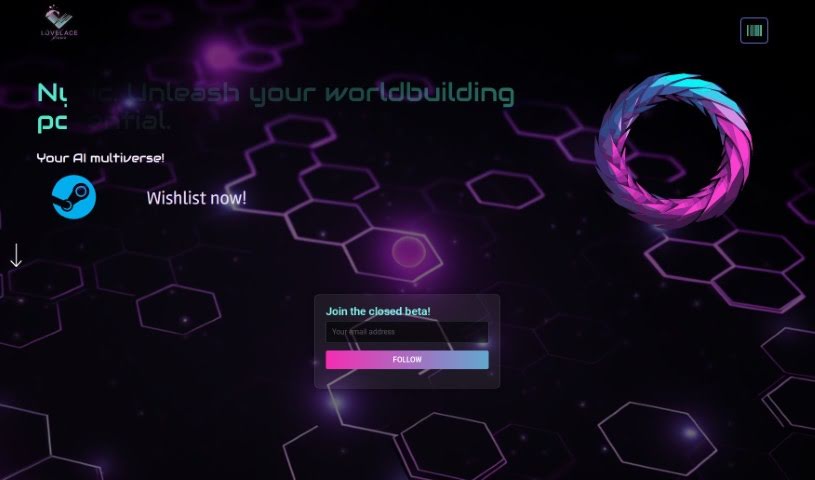
Lovelace Studio is a platform where you can create, explore, and dive into unique virtual reality worlds and experiences. It is your personal VR sandbox. You can build your very own virtual reality worlds from scratch, team up with friends to start community factions, and discover all sorts of cool player-made content. We're talking about everything from fantasy lands and intense gundam arenas to gritty dystopian cybercities. What's more, you can even promote and sell your faction creations to other role-players, with the potential to earn real money through a decentralized bazaar. The platform uses AI to help generate lore and develop storylines, giving you captivating narratives to play with. Lovelace Studio also supports a variety of game modes, including exciting metaverse space battles. Ultimately, it's designed to be a community-driven multiverse where players have the freedom to shape and explore their own digital worlds.

Web Development View Tool →
Screenshot of Ludo.ai

Ludo.ai

Freemium

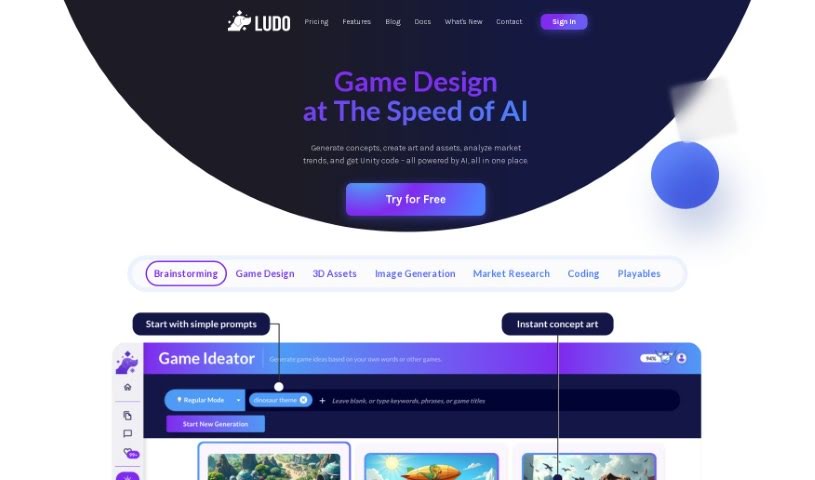
Ludo.ai is a really comprehensive platform built to help with game research and design. Its main goal is to seriously boost how productive game developers can be. It is a go-to place for all the resources you need to create successful games. It offers some neat features, like suggestions for assets that really fit your game concepts, ways to improve texturing and detailing for assets that are ready for your game, and extra customization options so you have more control over the models it generates. With tools like its 3D Generator, Ludo.ai lets developers create, refine, and manage 3D assets right there on the platform. This really streamlines the whole game development process, freeing up creators to focus more on the actual building of their games.

Web Development View Tool →
Screenshot of Mabl

Mabl

Freemium

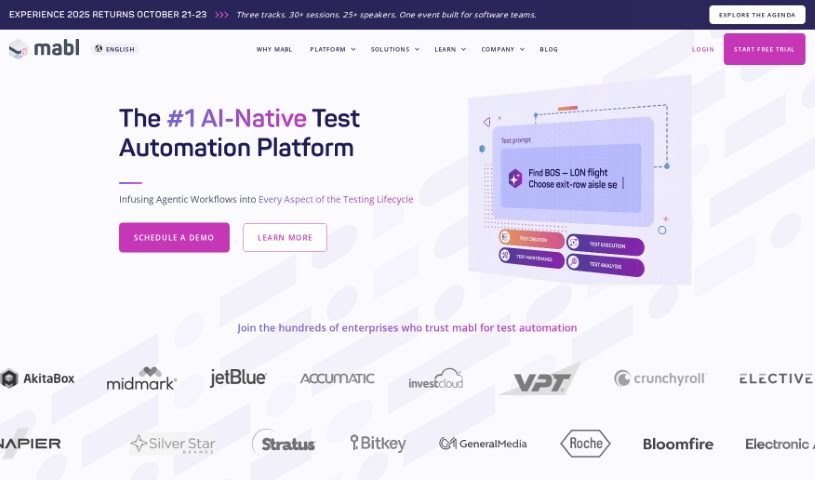
Mabl is an intelligent test automation solution built for fast-moving software teams. It helps you easily weave automated end-to-end tests right into your development process. It is a platform where you can create, run, and maintain reliable tests for browsers, APIs, and mobile websites. It's designed to be user-friendly, with a low-code way to build and update tests. Plus, it handles API testing, performance testing, and even automatically fixes broken tests with its auto-healing feature. Mabl's smart AI has even earned it the AI Breakthrough Award for Engineering Solutions multiple times, showing how serious they are about using AI to boost test coverage and reliability while cutting down on maintenance headaches. It's a tool that works for everyone, from QA pros and developers to executives, and it's even been recognized as a great place to work. Companies like Barracuda, for instance, rely on Mabl to deliver high-quality security solutions, significantly cutting down their testing time.

Web Development View Tool →
Screenshot of Mabl AI Test Automation

Mabl AI Test Automation

Freemium

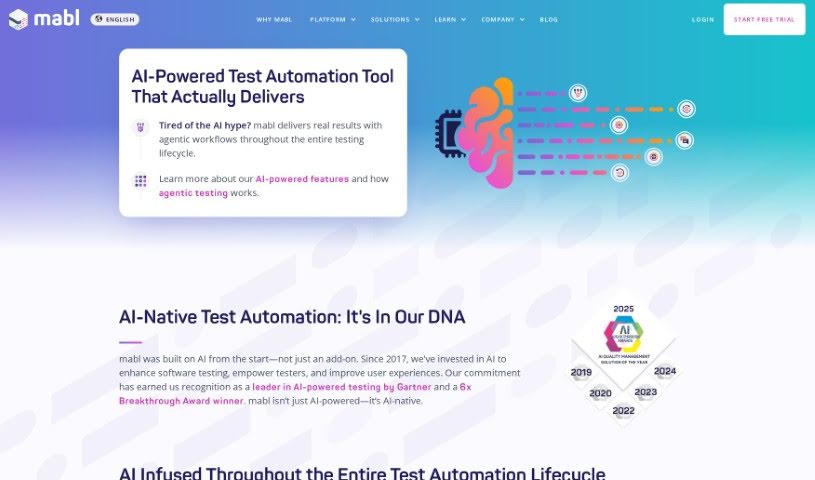
AI test automation is all about using smart technologies like machine learning and natural language processing to make creating and maintaining test cases much smoother. These tools can analyze how users interact with an application, spot patterns, generate tests automatically, and even pull out key insights from test results. The big advantages? You get more reliable tests that can adapt on the fly, less time spent on maintenance, better coverage across different testing scenarios, and it makes testing more accessible to everyone. However, it's not always straightforward; a key challenge is figuring out how to best apply AI to solve specific problems, as some tools might promise more than they can actually deliver.

Web Development View Tool →
Screenshot of MAGE - GPT Web App Generator ✨

MAGE - GPT Web App Generator ✨

Freemium

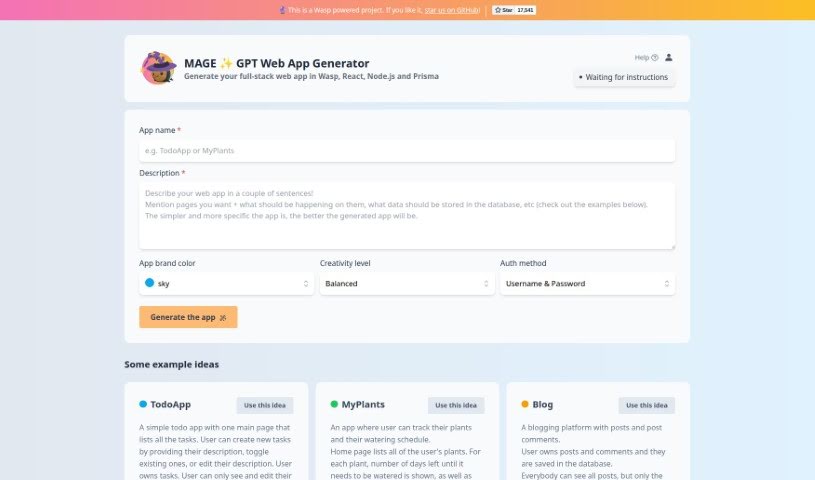
MAGE is a really cool GPT Web App Generator that's changing how we build full-stack web applications. It uses awesome technologies like Wasp, React, Node.js, and Prisma to make it super easy for anyone to bring their web app ideas to life. The platform has a simple interface that guides you through adding basic details – think your app's name, what it does, its main color, how creative you want it to be, and how users will log in. MAGE even offers some neat example app ideas, like "TodoApp," "MyPlants," and "Blog," each with a quick description so you can get a feel for what the app can do. It’s more than just an app builder; it really shows how far web development has come and highlights a strong dedication to open-source principles.

Web Development View Tool →
Screenshot of MagicAI Chatbots

MagicAI Chatbots

Freemium

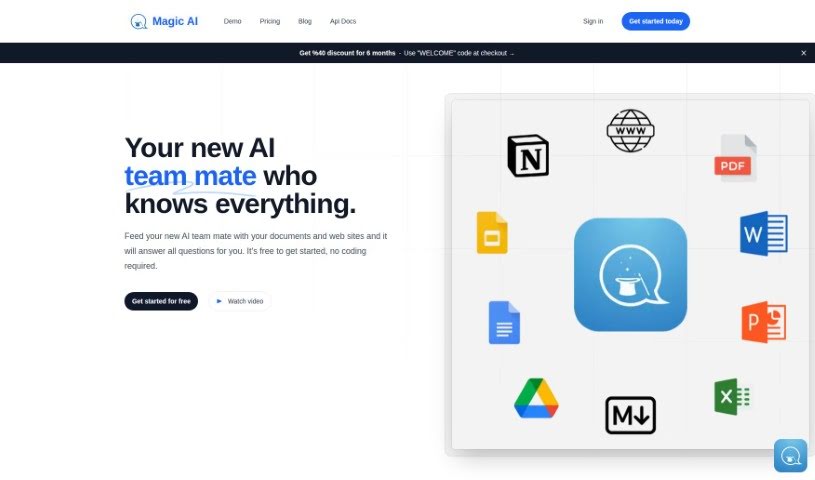
Magic AI is a really neat tool that lets you build your own AI chatbots without needing to know any code at all. You can take files you already have – like PDFs, Word docs, or even web pages – and turn them into smart chatbots that can answer questions based on that information. It's a fantastic way to centralize all your knowledge, making it super easy for your team to collaborate and find what they need. Plus, it cuts down on all those repetitive questions people keep asking. Magic AI is perfect for all sorts of folks, whether you own a website, run an educational institution, do research, or have a business of any size. They offer secure, encrypted storage, support lots of different languages, and have various plans to fit exactly what you need. Seriously, no coding required, and you can use it to create chatbots for your website, boost your team's productivity, or even help with academic research.

Web Development View Tool →

Stay Updated with AI Tools

Get weekly updates on the latest AI tools, trends, and insights delivered to your inbox

Join 25,000+ AI enthusiasts. No spam, unsubscribe anytime.