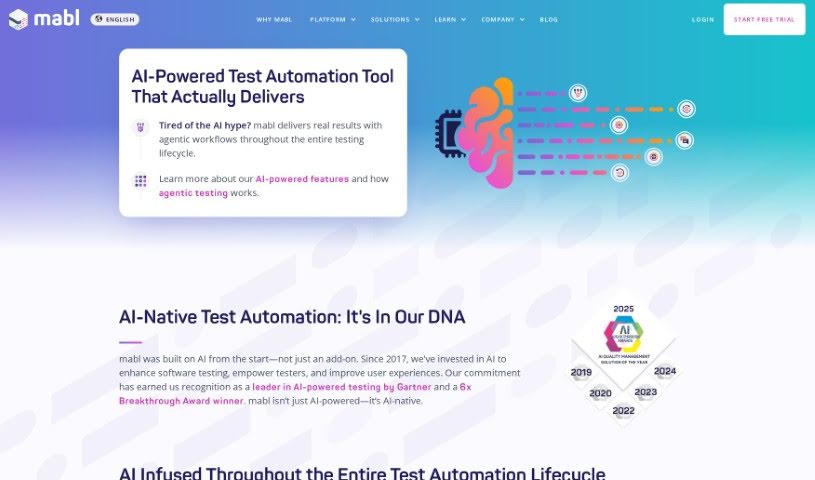
Screenshot of Mabl AI Test Automation

Mabl AI Test Automation

Discover what Mabl AI Test Automation is and how to use it effectively in 2025. We'll explore its features and how it stacks up against other testing tools.

Screenshot

What is Mabl AI Test Automation?

AI test automation is all about using smart technologies like machine learning and natural language processing to make creating and maintaining test cases much smoother. These tools can analyze how users interact with an application, spot patterns, generate tests automatically, and even pull out key insights from test results. The big advantages? You get more reliable tests that can adapt on the fly, less time spent on maintenance, better coverage across different testing scenarios, and it makes testing more accessible to everyone. However, it’s not always straightforward; a key challenge is figuring out how to best apply AI to solve specific problems, as some tools might promise more than they can actually deliver.

Who created Mabl AI Test Automation?

Mabl’s founding team, who are all about AI-native test automation, actually created AI Test Automation. This team included AI scientists who saw the potential for AI in software testing right from when mabl started back in 2017. Since then, mabl has really focused on using AI to help software testers do their jobs better, make tests more reliable, and improve the overall user experience. This dedication to AI has really paid off, earning mabl recognition as a leader in AI-powered software testing, and they’ve even won the AI Breakthrough Award for Engineering Solutions five times!

Who is Mabl AI Test Automation for?

  • Software Testers
  • Quality Assurance Engineers
  • DevOps Engineers
  • Software Developers
  • Project Managers
  • Business Analysts
  • System Architects
  • Technical Support Specialists
  • Product Managers
  • Data Analysts

How to use Mabl AI Test Automation?

To really get the most out of AI Test Automation, here’s a step-by-step approach:

  1. Pinpoint Your Test Cases: First things first, figure out which test cases you want to automate. It makes the most sense to pick the ones that you do over and over, take up a lot of time, and are really crucial for how your application works.
  2. Pick the Right Tool: Do a bit of research and find an AI Test Automation tool that fits what you need. Some popular choices out there include Testim, Test.ai, and Functionize.
  3. Get the Tool Set Up: Download the tool you’ve chosen from its official website and follow the setup instructions carefully. You’ll need to configure it by giving it details like your project information and the test environment.
  4. Build Your Test Scripts: Use the tool to create your test scripts. You can often do this by simply recording your interactions with the application, or you can write out the test steps manually. Just make sure your scripts cover all the important scenarios.
  5. Bring in the AI: Make sure you’re using the tool’s AI features to boost your test automation. AI can really help out with creating, maintaining, and running your tests by spotting patterns and suggesting ways to make things better.
  6. Run Your Tests: Now, go ahead and run the automated test scripts against your application. After they’re done, look at the results closely to find any failures or oddities.
  7. Check and Improve: Make it a habit to review your test scripts and the results regularly. This is where you can find ways to improve. Use the AI insights and feedback you get to fine-tune your scripts.
  8. Work Together and Refine: Chat with your team members to get their thoughts and make any necessary tweaks. Keep refining your test automation process to make it more efficient and effective.
  9. Keep an Eye On It and Maintain: You’ll want to continuously monitor your automated tests to make sure they still accurately reflect how your application is working. Update your test scripts whenever the application changes.
  10. Grow Your Automation: Slowly but surely, expand your test automation. Add more test cases and keep improving the ones you already have. The goal is to find a good balance between manual and automated testing that works for your project.

By following these steps, you can really use AI Test Automation to make your testing smoother and boost the overall quality of your software.

Related AI Tools

Discover more tools in similar categories that might interest you

Stay Updated with AI Tools

Get weekly updates on the latest AI tools, trends, and insights delivered to your inbox

Join 25,000+ AI enthusiasts. No spam, unsubscribe anytime.