AI Tools for Web Development

Discover the best Web Development AI tools to enhance your productivity and creativity.

Page 33 of 58 • 694 total tools

Web development has really changed lately, and AI tools are a big part of that. What used to take a lot of coding and design skill can now be made much simpler with smart programs that speed things up. Today, AI-assisted development tools are changing how we build websites, making it easier for newcomers and more efficient for experienced pros.

These tools offer everything from easy design features to help with writing code, letting you create great-looking, functional sites more quickly. Developers don’t have to start from scratch or fix every single line of code manually anymore. Instead, AI can offer suggestions and even create whole parts of a website based on what you need.

Having worked in web development for years, I’ve seen firsthand how AI can make tasks simpler and more efficient. But with so many options out there, picking the right tool can feel overwhelming.

In this article, I’ll share the best AI web development tools you can find right now. Whether you want to improve your coding, automate routine jobs, or make your design process better, there’s something here for you. Let’s explore the tools that can really change your web development experience.

The best AI Web Development Tools

  1. Lovable: Great for making frontend design work smoother.
  2. Cursor: Helps with real-time code collaboration.
  3. Replit AI: Generates code snippets for web apps.
  4. Supabase: For teams to manage databases together.
  5. v0 by Vercel: Quickly creates UI kits for web projects.
  6. Replicate AI: Automates code generation for web apps.
  7. Carrd: Perfect for a single-page site to promote an event.
  8. AI Dungeon: Lets you create interactive web stories with code.
  9. Ollama: For quickly building early versions of web interfaces.
  10. Jimdo: Makes building and managing websites easy.
  11. Code Sandbox: Simplifies CSS preprocessor workflows.
  12. Tilda: Lets you create websites easily without coding.
  13. Bubble: A drag-and-drop tool for building web applications.
  14. Weights & Biases: Streamlines integrating ML models into web apps.
  15. Warp Terminal: Helps deploy web apps quickly.

How do AI web development tools work?

AI web development tools use smart algorithms to handle different parts of designing and building websites. These tools often use large language models, much like AI writing software, to look at coding patterns and make things more efficient. They offer suggestions, code pieces, or even build whole sections of code based on what you tell them.

Basically, these tools understand what you’re asking for, so you can describe what you want in simple terms. For example, you could say, “Create a navigation bar,” and the AI will generate the HTML, CSS, or JavaScript code needed. This makes web development more accessible, even if you don’t have a lot of programming experience.

Many AI web development platforms connect with popular coding environments and content management systems. This means they can improve tools like WordPress, Wix, or GitHub by offering smart code completions or finding errors as you type. With these connections, users can really smooth out their development process.

The data these AI systems learn from usually includes tons of source code, guides, and content created by users on sites like GitHub. This helps them learn different coding styles and the best ways to do things. Their effectiveness comes from spotting patterns and suggesting the best solutions based on what the user needs.

In short, AI web development tools make coding simpler, letting developers focus on creativity and solving problems instead of getting stuck on syntax. As technology keeps changing, these tools are expected to get even better, likely changing how web developers work.

Our best AI web development tools at a glance

RankNameBest forPlans and PricingRating
1LovableMaking frontend design work smoother.N/A4.84 (43 reviews)
2CursorReal-time collaboration on code projects.Paid plans start at $20/Month.4.83 (6 reviews)
3Replit AIGenerating code snippets for web apps.N/A4.70 (44 reviews)
4SupabaseCollaborative database management for dev teamsN/A5.00 (32 reviews)
5v0 by VercelQuickly creating UI kits for web projects.N/A4.73 (11 reviews)
6Replicate AIAutomating code generation for web apps.N/A4.82 (11 reviews)
7CarrdA single-page site for event promotion.Paid plans start at $19/year.4.72 (29 reviews)
8AI DungeonCreating interactive web story experiences.N/A4.54 (39 reviews)
9OllamaRapid prototyping of web interfaces.N/A4.63 (8 reviews)
10JimdoBuilding and maintaining websites easily.N/A4.64 (11 reviews)
11CodeSandboxSimplifying CSS preprocessor workflows.N/A4.45 (11 reviews)
12TildaEffortless website creation without coding.N/A4.75 (20 reviews)
13BubbleA drag-and-drop web applications builder.N/A4.73 (11 reviews)
14Weights & BiasesStreamlining ML model integration in web apps.N/A4.50 (12 reviews)
15Warp TerminalDeploying web apps swiftly.N/A4.79 (28 reviews)
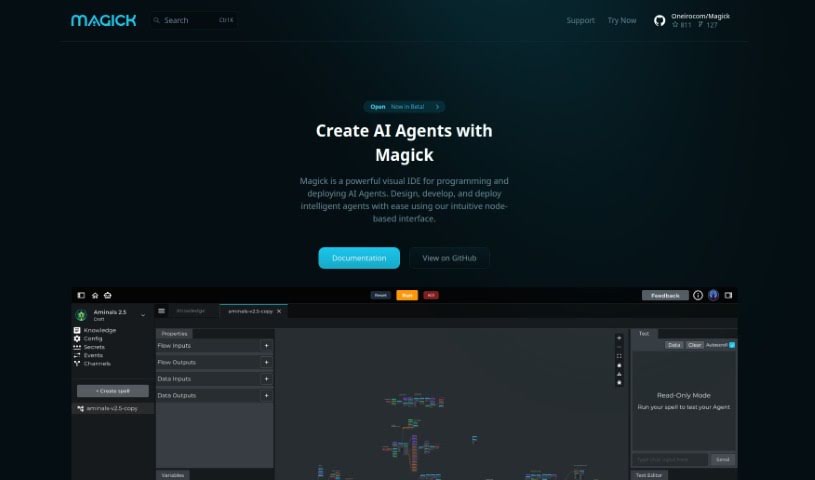
Screenshot of Magick

Magick

Freemium

Magick is a cloud-based software platform built to help people create and launch AI applications and services. The best part? You don't need to be a coding wizard, worry about managing servers, or handle hosting yourself. It's designed with a really user-friendly interface, featuring drag-and-drop visual builders that make creating and customizing AI components a breeze. Magick gives you access to various machine learning providers, supports deploying complex AI pieces, and even comes with pre-made templates to speed up your application development. Whether you're just starting out or you're a seasoned pro, Magick aims to make AI development feel fun and straightforward.

Web Development View Tool →
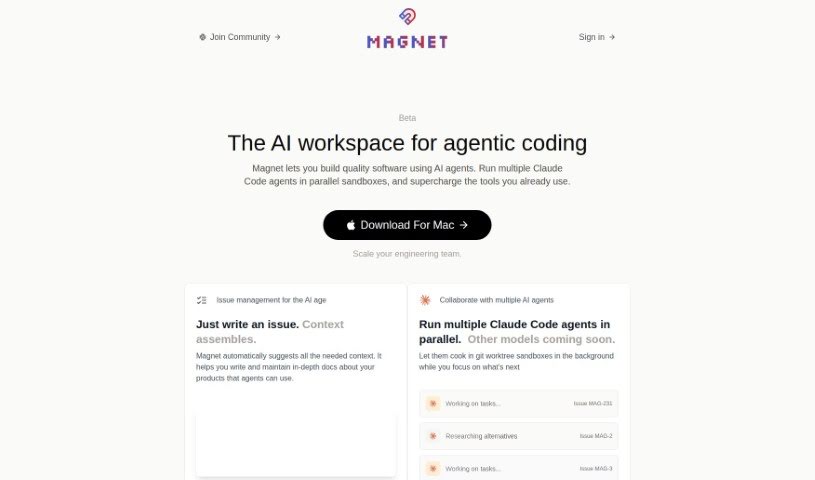
Screenshot of Magnet

Magnet

Freemium

Magnet is your AI coding sidekick, built to make software development smoother. It taps into OpenAI's powerful APIs, like GPT-3.5 and GPT-4, to give you smart, context-aware suggestions right when you need them. It’s like having a supercharged coding partner who understands your project's nuances. Magnet offers features designed to boost your workflow, including the ability to consider multiple files at once for better context, intelligent recommendations, and ways to improve how you collaborate with your team. You can start using it for free if you have a supported OpenAI API key. If you want even more power, like unlimited GPT-4 access and seamless integration with tools like Linear, GitHub, and Notion, their premium plan is available for $20 a month. What really sets Magnet apart from typical IDEs is how it reimagines the interface, weaving AI capabilities directly into your coding experience. It also offers handy features like integrating with your existing issues, suggesting code changes, and using tool-based agents for coding tasks.

Web Development View Tool →
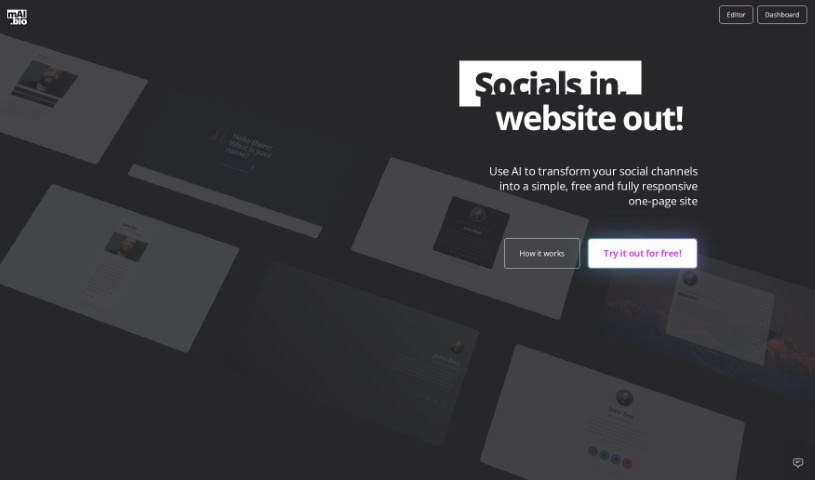
Screenshot of Mai.bio

Mai.bio

Freemium

Mai.bio is a neat AI tool that takes your social media channels and turns them into a single, easy-to-manage website. You just pop in your usernames for different social networks, pick a cool pre-designed theme that's already optimized for search engines (SEO), and the AI helps generate text for your site. It’s really user-friendly, letting you create multiple sites and work with all sorts of social platforms. If you decide to go Pro, it's a one-time payment of $39, and you get some extra perks like using your own custom domain, checking your site's analytics, and making as many changes as you need.

Web Development View Tool →
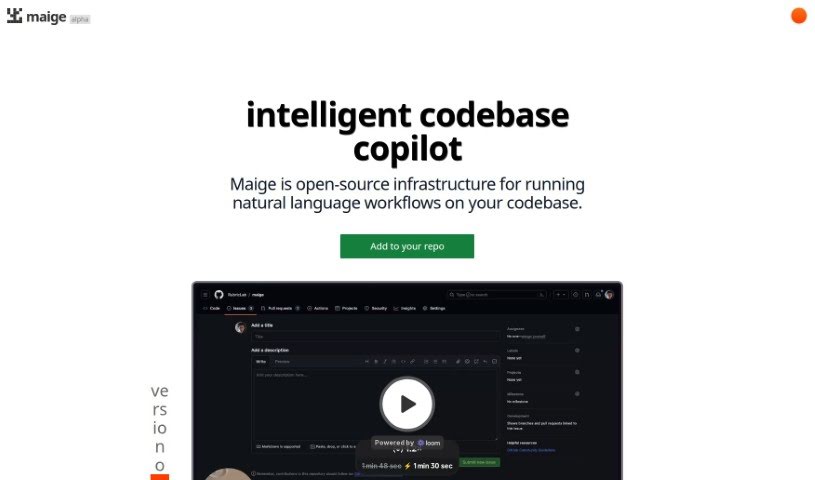
Screenshot of Maige

Maige

Freemium

Maige is an open-source infrastructure built to handle natural language workflows directly on your codebases. Essentially, it's designed to classify and label issues within software projects, powered by GPT technology. It works specifically with GitHub repositories, offering handy features like automatically labeling new issues as they come in, letting you label existing issues with a simple command, and allowing you to set up custom instructions for how issues should be classified. The tool was developed by Ted Spare and is already being used by companies like Highlight.io, PrecedentCal.com, and Trigger.dev. While there's a free trial available, details on potential premium features or paid plans aren't readily available.

Web Development View Tool →
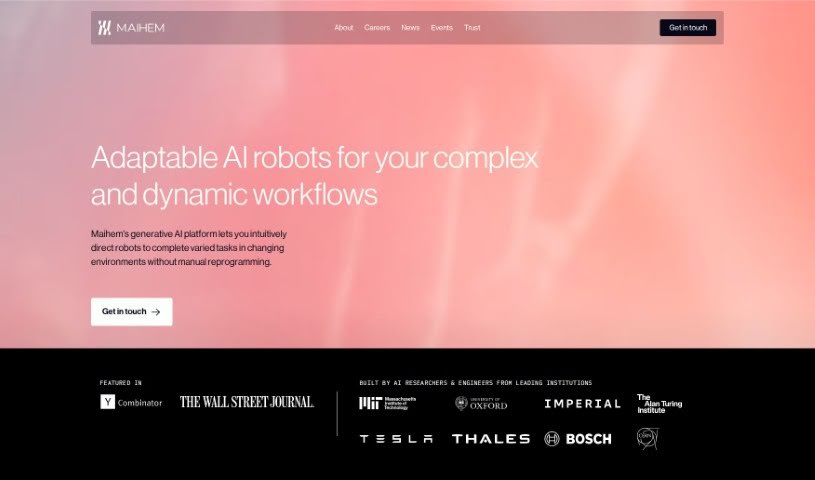
Screenshot of Maihem

Maihem

Freemium

Maihem is an AI tool built to automate testing and quality assurance for AI applications. It is a continuous tester, constantly checking and evaluating AI apps as they're being developed and deployed. It's particularly focused on making conversational AI applications perform better by looking at safety analytics, performance, and automated quality assurance. How does it do this? Well, it uses simulation data to mimic interactions with thousands of different, realistic personas. This lets it evaluate entire conversations based on metrics you can customize for performance and risk. For developers, Maihem really helps save time in the AI application development process because it automates the quality assurance part, cutting out all the manual testing. Plus, its web application is designed to be super user-friendly, making it easy to integrate into your workflow. You get dashboards that clearly show performance and risk metrics, so you can understand everything at a glance.

Web Development View Tool →
Screenshot of Make Logo AI

Make Logo AI

Freemium

Make Logo AI is a handy tool designed to help you create logos. It offers features and functions that make the design process smoother, allowing you to generate unique and professional-looking logos for pretty much anything you need. If you're looking for more in-depth details, you can check out the document titled "make-logo-ai.pdf".

Web Development View Tool →
Screenshot of Makedraft

Makedraft

Freemium

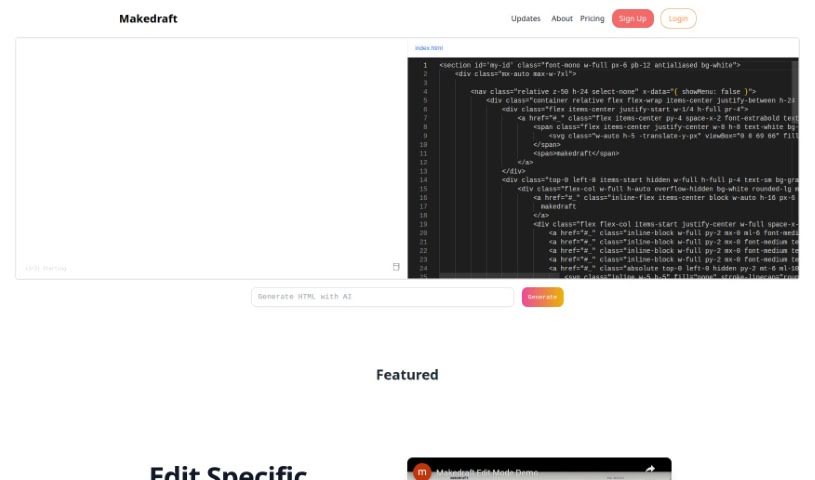
Makedraft is a smart AI tool that helps you create frontend code just by giving it instructions. It is a way to quickly build HTML templates. While it's especially handy for backend developers who want to speed up frontend work, frontend developers and designers can get a lot out of it too. Right now, Makedraft creates HTML that's styled with Tailwind CSS. They're planning to add support for Alpine.js and Vue.js soon, which is pretty exciting. If you want to use the code it generates, you'll need to add the Tailwind CSS library. Just pop a script tag into the `<head>` section of your code. It's currently in an open beta, meaning you can try it out for free. And don't worry about surprise charges later on – they're committed to keeping a free tier available even after the beta period wraps up. What's really neat is that almost everything you see on the Makedraft website – all the HTML components, except for the actual code editor and the text itself – was generated using Makedraft. It's a cool, self-referential way to show off what the tool can do. Basically, Makedraft makes building HTML templates much simpler by using AI, offering a really convenient way for developers and designers to get the code they need, exactly how they want it.

Web Development View Tool →
Screenshot of Makelanding

Makelanding

Freemium

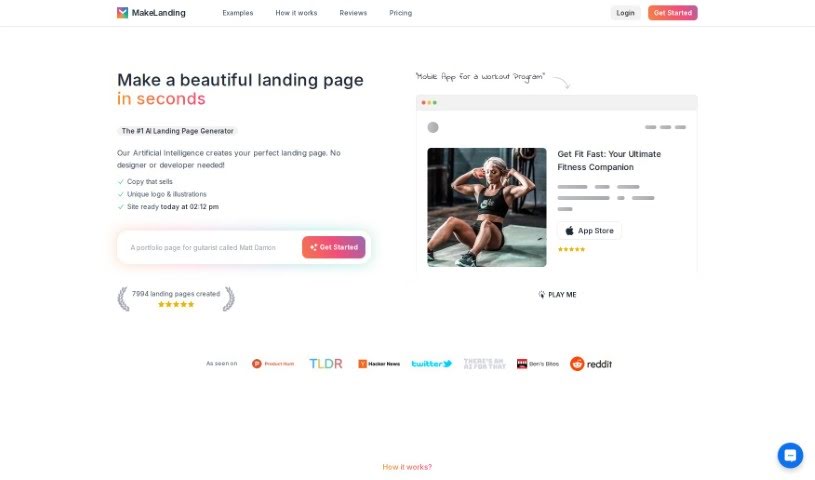
Makelanding is a smart platform that really changes how you create landing pages. It uses AI to help you whip up beautiful pages with great copy, unique logos, and custom illustrations in just seconds. The AI looks at millions of successful headlines to give you copy that works in many languages. Plus, you get tons of art styles, color themes, and stock photos, making it super easy to tweak buttons, images, and text to fit exactly what your business needs.

Web Development View Tool →
Screenshot of Marblism

Marblism

Freemium

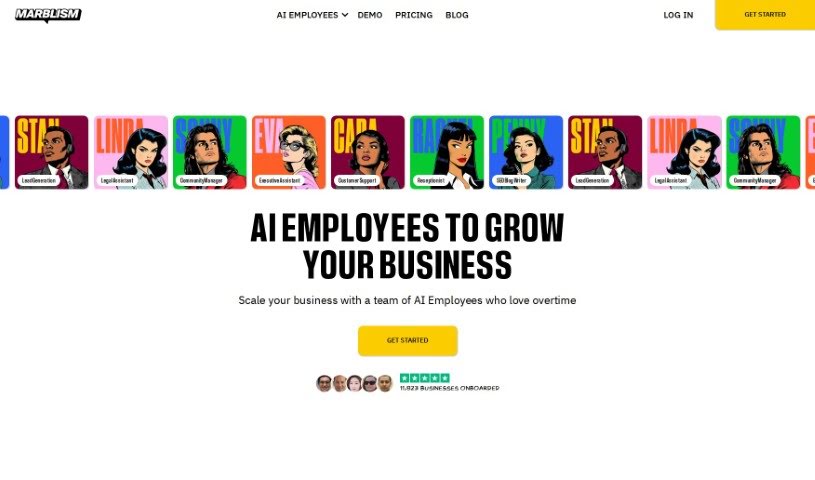
Marblism is a really neat platform that makes building web applications with React and Node.js a whole lot simpler. It is a super-fast way to get a starter codebase ready to go, so you can actually launch your applications in just minutes. They even host a special event where you can build an AI app from scratch in under 45 minutes! It’s pretty cool to see them demo things like social media platforms and SaaS project management tools live. What's great is that Marblism helps everyone, whether you're a seasoned pro or just starting out. It takes away that initial setup headache and builds really solid applications. How? By using AI to generate your front-end pages, API endpoints, database schema, and even handle things like authentication and real-time notifications.

Web Development View Tool →
Screenshot of MarsX

MarsX

Freemium

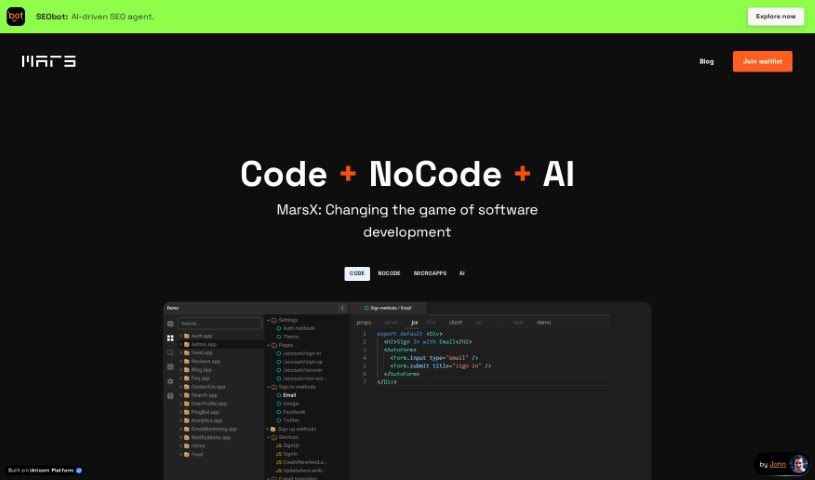
MarsX is a platform that brings together code, no-code, and AI capabilities. It's designed to help you build web and mobile applications using what they call micro-apps. The cool part is you can switch between coding and no-code interfaces, giving you a lot of flexibility. What really sets MarsX apart from older coding methods is how it simplifies development. By focusing on full-stack micro-apps, it means developers need to write significantly less code. You can use these micro-apps for all sorts of things, like creating NFT marketplaces, social networks, peer-to-peer marketplaces, video streaming portals, and photo-sharing apps, among many others.

Web Development View Tool →
Screenshot of McAnswers

McAnswers

Freemium

McAnswers is an AI tool built specifically for developers. It is your coding sidekick! It's designed to give you really helpful, polished answers to your coding questions. Plus, it comes with a fantastic library of detailed prompts, a collection of common coding errors to help you learn from them, and suggestions for related topics and videos. All of this is aimed at making your coding journey smoother and helping you understand things more deeply.

Web Development View Tool →
Screenshot of Meeko

Meeko

Freemium

Meeko is a really neat tool designed to boost your League of Legends gameplay. It is your personal coach, offering up unique strategies, advice on who to pick in drafts, tips for specific matchups, and it's always getting updated. You can access it right through Discord, and it's built for players at any skill level. It brings high-level gaming smarts and helps build a community around the game. Just a heads-up, it's currently only in English, doesn't have a mobile app yet, and you can't customize it too much. If you're curious about anything else, just ask!

Web Development View Tool →

Stay Updated with AI Tools

Get weekly updates on the latest AI tools, trends, and insights delivered to your inbox

Join 25,000+ AI enthusiasts. No spam, unsubscribe anytime.