AI Web Development Tools

AI Tools for Web Development

Discover the best Web Development AI tools to enhance your productivity and creativity.

Page 15 of 55 • 655 total tools
Screenshot of Digest Diff

Digest Diff

Freemium

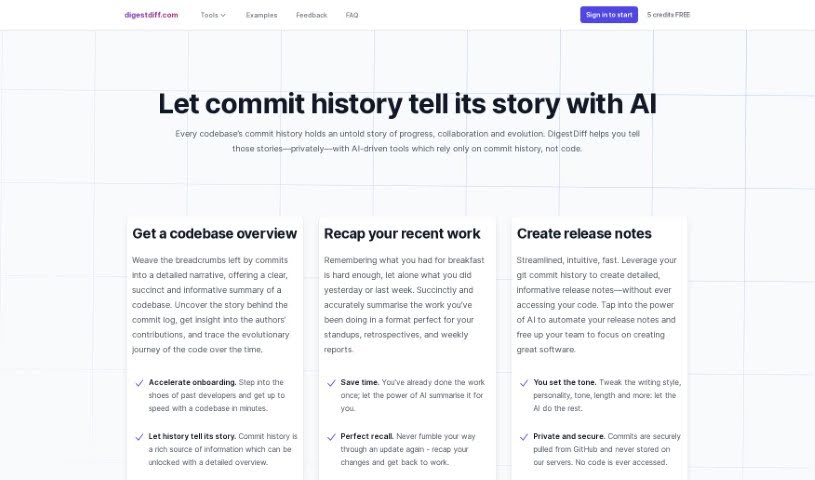
Digest Diff is an AI-powered tool that analyzes your codebase's commit history — the changes, updates, and who made them — to produce insights about progress, collaboration, and how the code has evolved over time. It never accesses your actual code, making it useful for writing release notes, onboarding new team members, and understanding a project's history.

Web Development View Tool →
Screenshot of DINGR

DINGR

Freemium

DINGR is an AI-powered tool that helps League of Legends players improve their gameplay. It analyzes how you play and provides insights to sharpen your skills, acting as a personal gaming coach. You can track your performance over time, compare your stats with friends, view player profiles (including popular ones), and review match analyses to identify what you did well and where you can improve.

Web Development View Tool →
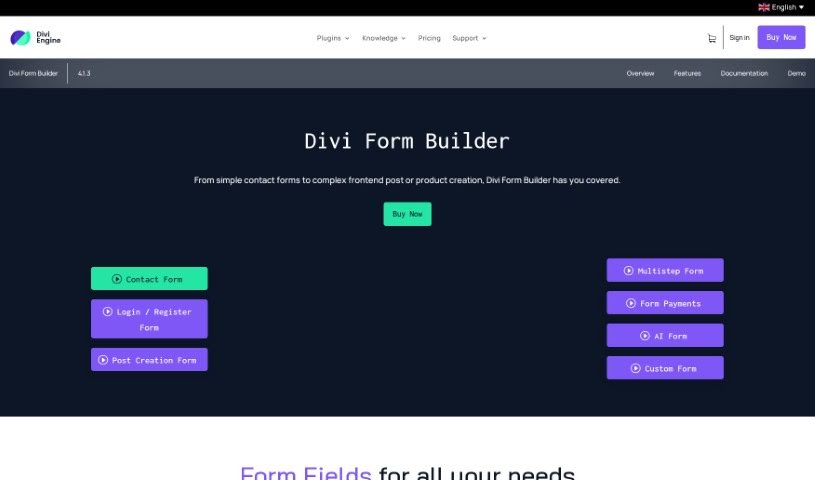
Screenshot of Divi Engine Divi Form Builder

Divi Engine Divi Form Builder

Freemium

The Divi Form Builder from Divi Engine lets you build complex forms for your website without writing code. It integrates directly into the Divi Builder, adding interactive forms to Divi sites.

Web Development View Tool →
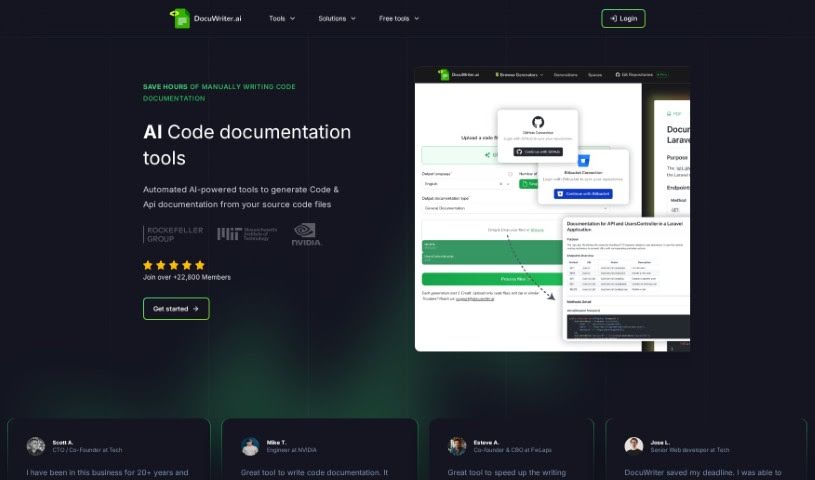
Screenshot of Docuwriter.ai

Docuwriter.ai

Freemium

DocuWriter.ai is an AI-powered tool that generates code documentation automatically from your source code files with a single click. It supports all major programming languages, produces documentation in Markdown format, and offers straightforward export options.

Web Development View Tool →
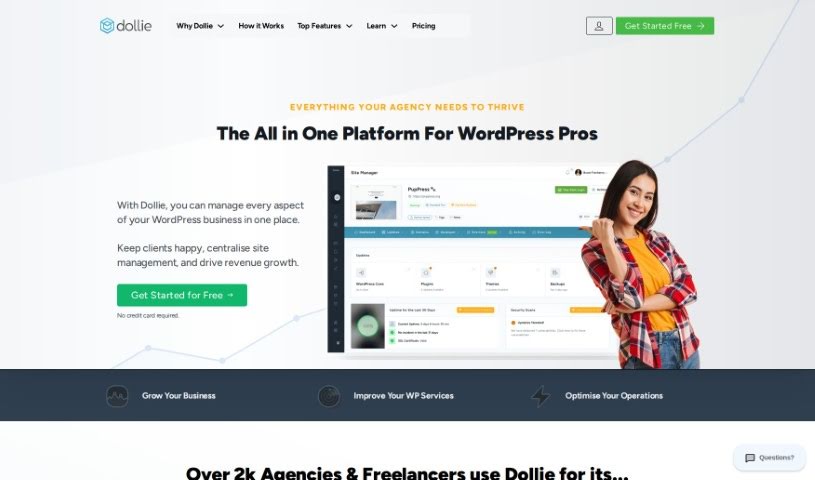
Screenshot of Dollie

Dollie

Freemium

Dollie is a WordPress Growth Platform designed to make WordPress professionals more productive. It provides tools for managing WordPress sites, cloud hosting, and custom client dashboards, all within your own private cloud. Founded in 2018, Dollie began by focusing on white-label platforms that businesses could brand as their own. It has since grown into a complete platform that reduces the cost and effort of managing, building, and maintaining WordPress sites, particularly at scale.

Web Development View Tool →
Screenshot of Domain Brainstormer

Domain Brainstormer

Freemium

Domain Brainstormer is an AI-powered tool that generates unique, creative domain name ideas for your website. You provide a description of what your website is about, and the AI returns suggestions that are relevant, catchy, and available to register or buy. It also indicates whether a domain is taken and estimates what pre-registered domains might cost. The platform doubles as a community space where you can view domain ideas shared by other users, which can spark additional ideas. Prompts and suggestions are visible to other users by design, balancing privacy with shared discovery.

Web Development View Tool →
Screenshot of DomainWoohoo

DomainWoohoo

Freemium

DomainWoohoo is an AI-driven tool that simplifies finding available domain names. Enter an idea and it uses AI to quickly surface related domain names that are currently unregistered, which you can bookmark and compare for your project.

Web Development View Tool →
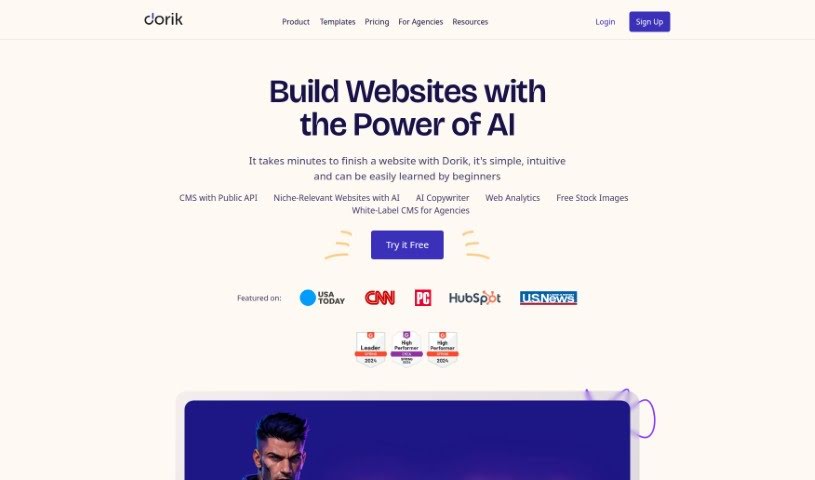
Screenshot of Dorik Ai

Dorik Ai

Freemium

Dorik AI is a no-code website builder that uses artificial intelligence to create fully functional websites without coding. It generates a complete site from a single prompt — including SEO-optimized text and relevant images — and lets you modify the entire site or individual components at any time.

Web Development View Tool →
Screenshot of Dosu

Dosu

Freemium

Dosu is an AI assistant built to help engineers maintain their codebases. It answers questions, triages issues, and keeps documentation up to date, freeing engineers to focus on higher-value work. It runs around the clock, responds in your preferred language, and aims to solve problems on the spot.

Web Development View Tool →
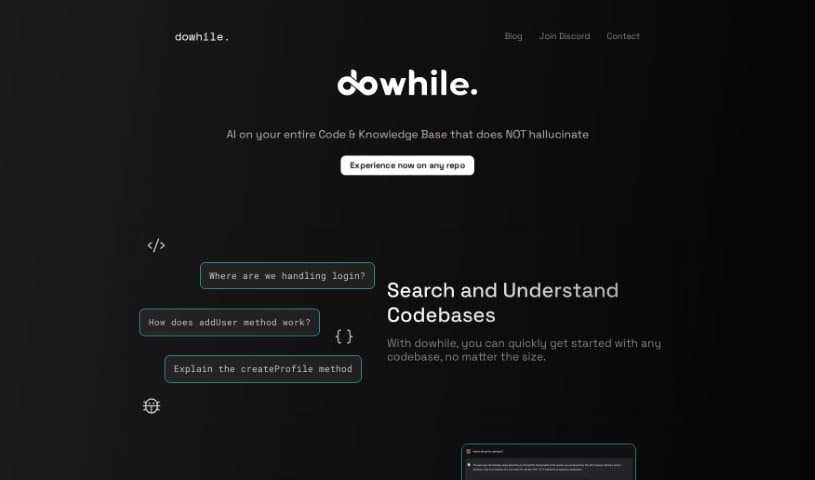
Screenshot of DoWhile AI

DoWhile AI

Freemium

DoWhile AI is a browser-based assistant for developers that helps you search and understand codebases — including large or unfamiliar ones — without installing anything or working through lengthy documentation. It supports popular languages such as JavaScript and Python, and lets you integrate libraries by asking questions instead of hunting through guides. Access starts with a waitlist on the website; once you're in, everything runs in the browser with no setup. The team also maintains a blog and communities on Discord, LinkedIn, and Twitter.

Web Development View Tool →
Screenshot of DreamFlare

DreamFlare

Freemium

DreamFlare is a cloud-based platform for building websites, hosting them, and handling marketing. It is designed for entrepreneurs and smaller businesses that want a strong online presence without needing deep technical expertise. The platform offers customizable templates for creating professional-looking websites quickly, along with marketing tools to help attract and connect with target customers.

Web Development View Tool →
Screenshot of Dreamlab

Dreamlab

Freemium

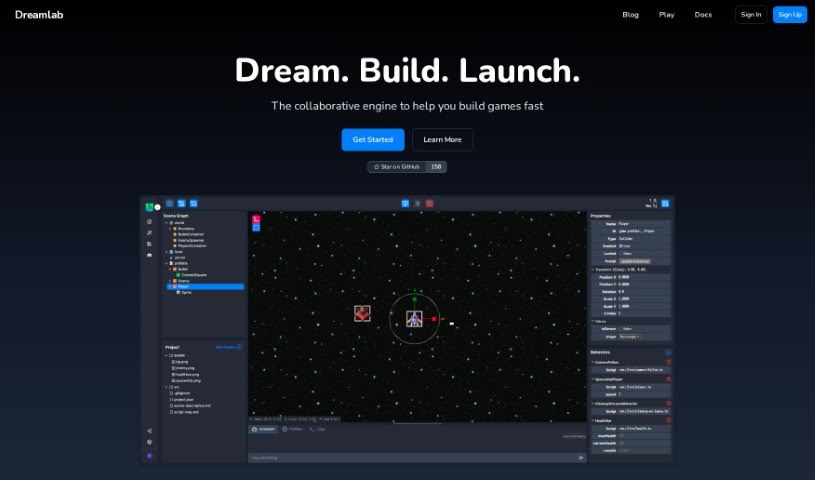
Dreamlab is an AI tool that generates animated game sprites from simple text descriptions. It includes a built-in game creator for building multiplayer games, and you can also export your assets for use in other software. The platform uses image generation methods like Stable Diffusion 1.5 and 2.1, and supports custom models such as LoRAs and embeddings for more personalized character creation. Dreamlab does not involve blockchain or NFTs.

Web Development View Tool →

About Web Development tools

Struggling with cryptic error messages, writing repetitive boilerplate code, or debugging complex API integrations can slow down even the most experienced developers. Whether you’re building full-stack web applications, maintaining backend databases, or configuring deployment pipelines, turning technical requirements into functional code takes significant time. It’s easy to spend hours hunting down missing syntax or setting up project configurations before writing core logic.

Built for web developers and software engineers, these tools act as intelligent coding partners. They autocomplete functions, speed up routine boilerplate creation, and catch subtle bugs before you commit your code.

Inline Completion, Error Debugging, and Test Generation

Generating routine code structures and API endpoints used to require typing out repetitive boilerplate line by line. Smart coding assistants analyze your project context and comments to suggest full function blocks, database schemas, and API handlers in real time. Instead of searching documentation for basic syntax or setup code, you get inline code completion right in your editor to keep you in flow.

Debugging complex logic and fixing broken build pipelines becomes far less frustrating, as well. Tracking down memory leaks, asynchronous execution issues, or obscure framework errors can burn hours of development time. Modern developer tools analyze stack traces and source code to identify root causes, suggest precise bug fixes, and explain complicated error messages in plain language.

Maintaining legacy codebases and writing comprehensive test suites also gets much simpler. Creating unit tests and writing inline documentation often gets pushed aside when project deadlines are tight. AI development platforms scan your code to auto-generate unit tests, create clear README files, and help refactor outdated code to modern standards without breaking existing application features.

Useful Capabilities for Developers:

  • Real-time inline code completion: Systems that suggest accurate code snippets, functions, and line completions inside your code editor as you type.
  • Automated bug detection and debugging: Features that analyze error logs and source files to pinpoint bugs and offer quick-fix solutions.
  • Test suite generation: Tools that automatically write comprehensive unit, integration, and end-to-end tests based on your codebase.
  • Code refactoring and modernization: Settings that clean up legacy code, convert syntax between programming languages, and apply best practices.
  • Documentation generation: Capabilities that automatically create clear inline comments, function docstrings, and project documentation from source code.

Building high-performing, secure web applications will always depend on your logical reasoning, system design, and software architecture skills. Software cannot replace critical thinking or design scalable system architectures for you. But letting smart tools handle routine boilerplate, test generation, and bug hunting gives you back the focus needed to solve tough engineering challenges.

Explore the web development tools below to upgrade your stack.

The Best AI Web Development Tools

  1. Lovable: Great for making frontend design work smoother.
  2. Cursor: Helps with real-time code collaboration.
  3. Replit AI: Generates code snippets for web apps.
  4. Supabase: For teams to manage databases together.
  5. v0 by Vercel: Quickly creates UI kits for web projects.
  6. Replicate AI: Automates code generation for web apps.
  7. Carrd: Perfect for a single-page site to promote an event.
  8. AI Dungeon: Lets you create interactive web stories with code.
  9. Ollama: For quickly building early versions of web interfaces.
  10. Jimdo: Makes building and managing websites easy.
  11. Code Sandbox: Simplifies CSS preprocessor workflows.
  12. Tilda: Lets you create websites easily without coding.
  13. Bubble: A drag-and-drop tool for building web applications.
  14. Weights & Biases: Streamlines integrating ML models into web apps.
  15. Warp Terminal: Helps deploy web apps quickly.
New tools, in your inbox.

Weekly picks of the best AI tools we've researched and added — no spam, unsubscribe anytime.

Join 25,000+ AI enthusiasts. No spam, unsubscribe anytime.