AI Web Development Tools

AI Tools for Web Development

Discover the best Web Development AI tools to enhance your productivity and creativity.

Page 12 of 55 • 655 total tools
Screenshot of CodeSignal

CodeSignal

Freemium

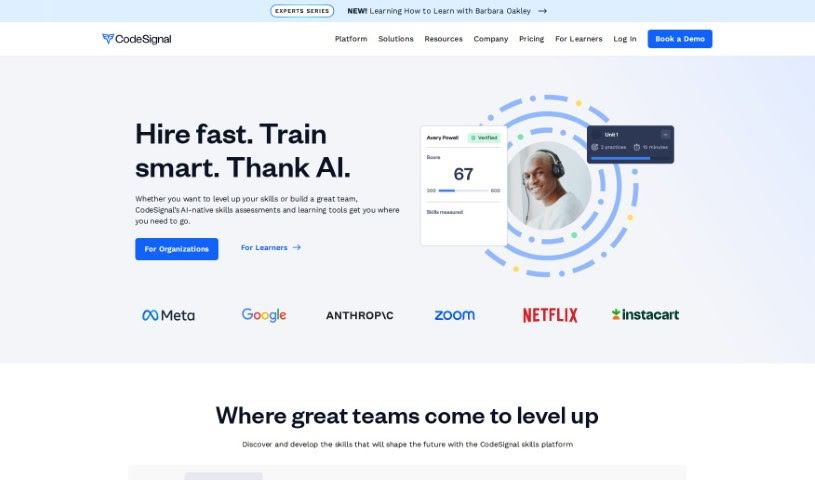
CodeSignal Learn is a platform for building tech skills through hands-on practice. It covers four tracks: Data Science, Front-End Engineering, Full Stack Engineering, and Machine Learning. A built-in AI tutor named Cosmo provides personalized help that adapts to your progress. Challenges are modeled on real-world tasks, lessons come in short, practical modules, and you earn skill badges as you advance. Career mentoring is also available to keep your skills aligned with industry demands. The content suits both beginners and experienced professionals and reflects what employers look for.

Web Development View Tool →
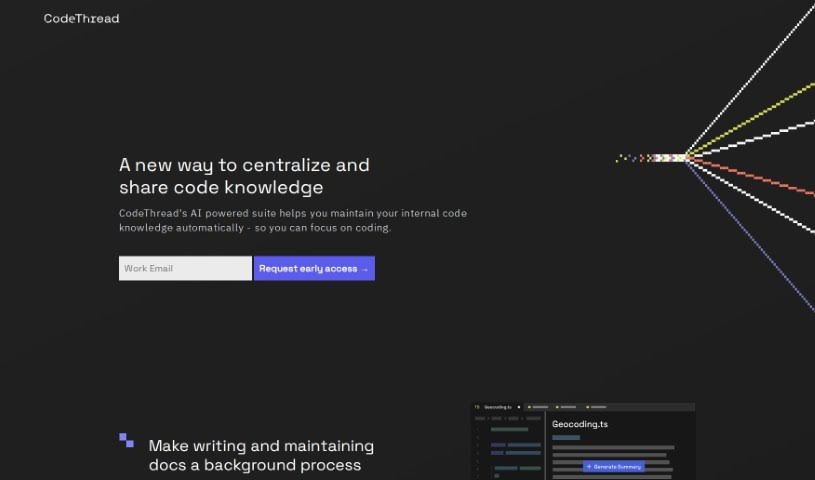
Screenshot of CodeThread

CodeThread

Freemium

CodeThread is an AI-driven toolkit that helps developers document their code quickly — creating documentation in minutes instead of days. It fits into an existing coding routine: you can generate documentation before pushing code, and the tool can suggest updates to existing docs. The goal is to keep all code knowledge in one place, share it with your team, and support onboarding, collaboration, and knowledge management.

Web Development View Tool →
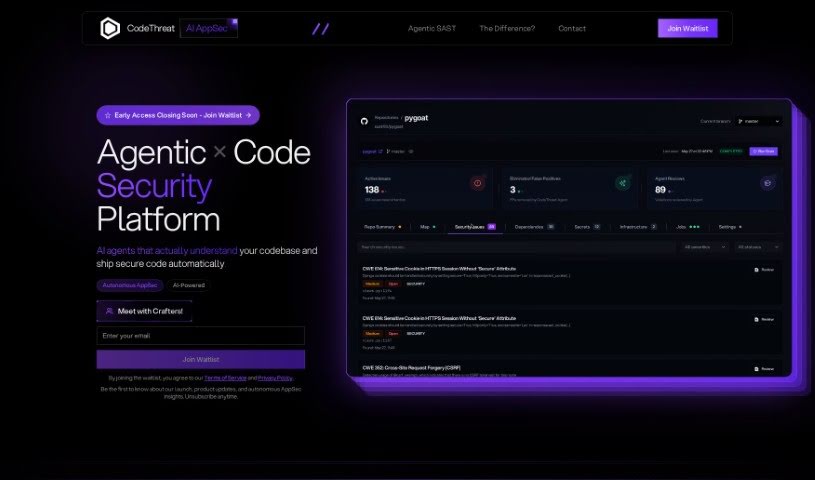
Screenshot of CodeThreat

CodeThreat

Freemium

CodeThreat is an AI-powered SAST (Static Application Security Testing) solution that deeply analyzes your code to find and fix security weaknesses before they become problems. Its standout features include highly accurate code analysis, custom security rules, flexible hosting options, and an easy-to-use interface.

Web Development View Tool →
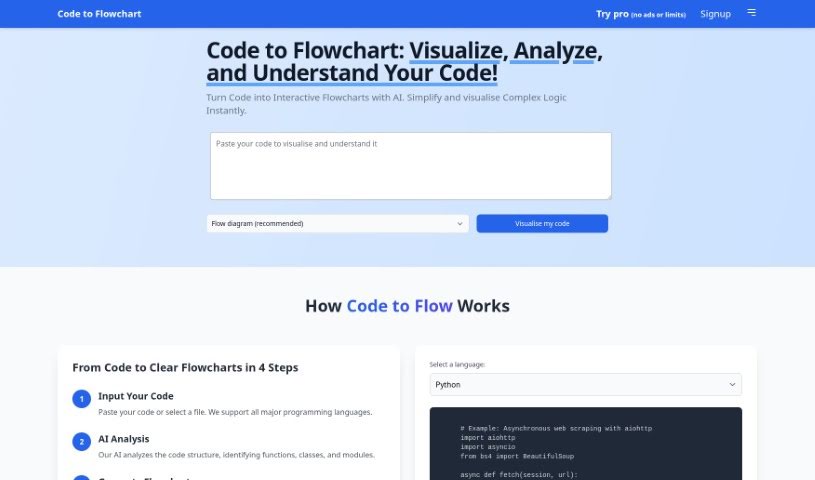
Screenshot of CodetoFlow

CodetoFlow

Freemium

CodetoFlow turns code into visual flowcharts. Paste your code into the editor, choose the type of diagram you want, and the tool generates a visual map of how your code flows, making the logic easier to follow at a glance.

Web Development View Tool →
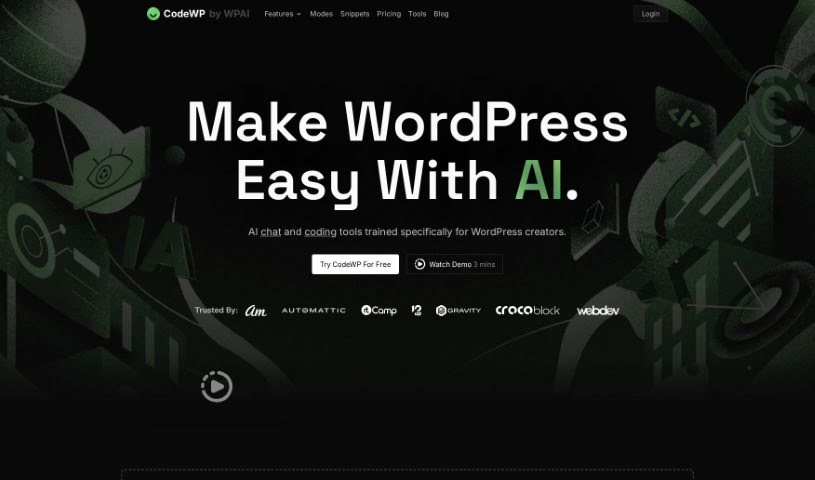
Screenshot of CodeWP

CodeWP

Freemium

CodeWP is a platform built to make WordPress development smoother, especially for creators. It uses AI designed specifically for WordPress, offering chat and coding help when you need it. Its coding assistant can analyze your code in real time, suggesting improvements and spotting errors. The goal is to make coding less of a headache, whether you're just starting out or a seasoned pro. CodeWP also includes AI tools to help you create content, design your site, and optimize it for search engines.

Web Development View Tool →
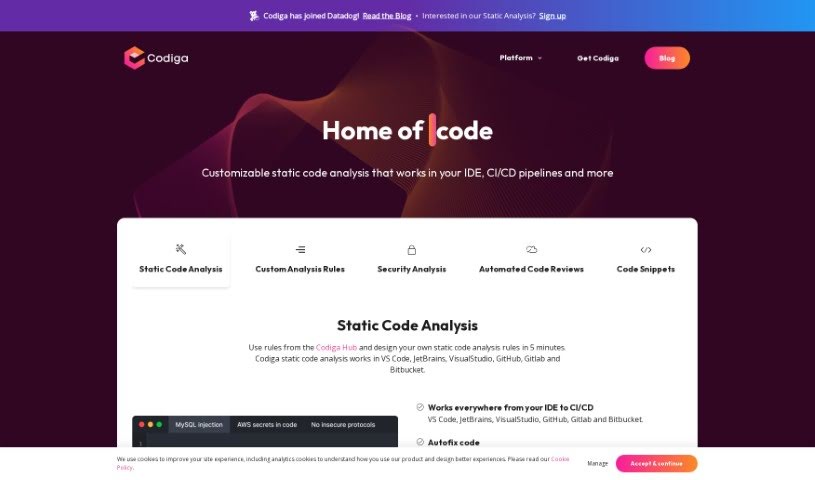
Screenshot of Codiga

Codiga

Freemium

Codiga is an AI-powered static code analysis tool that checks your code for potential problems. Its features include customizable static code analysis, automated fixes for coding issues, and security analysis covering major standards like OWASP Top 10, MITRE CWE, and the SANS/CWE Top 25. It also handles automated code reviews and supports many programming languages and libraries, integrating with IDEs such as VS Code, JetBrains, and Visual Studio, plus version control systems like GitHub, GitLab, and Bitbucket.

Web Development View Tool →
Screenshot of Codiumai

Codiumai

Freemium

CodiumAI is a tool focused on code integrity. It generates tests that help developers understand how their code behaves, points out tricky edge cases, and flags suspicious patterns, making code more robust.

Web Development View Tool →
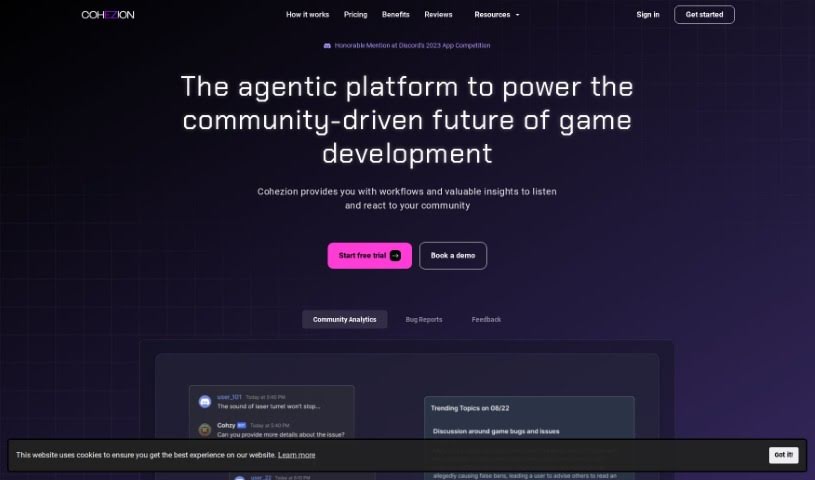
Screenshot of COHEZION

COHEZION

Freemium

COHEZION is an AI-powered platform built to strengthen the connection between game developers and their players. It combines bug reporting, communication tools, and analytics so studios can act on community input. Core features include:

Web Development View Tool →
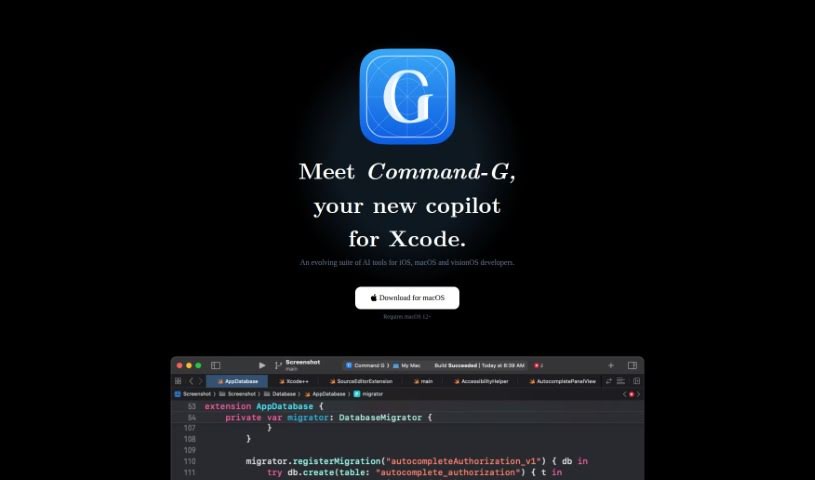
Screenshot of Command-G

Command-G

Freemium

Command-G is an Xcode copilot for developers building iOS, macOS, and visionOS apps. It provides two core capabilities: code auto-completion as you type, powered by Codeium, and ChatGPT integration for context-aware conversations about your code. You can insert code snippets directly into ChatGPT conversations, making it easier to ask questions and get relevant answers.

Web Development View Tool →
Screenshot of CommandDash

CommandDash

Freemium

CommandDash is a platform for building AI assistants tailored to specific frameworks, libraries, or packages, with setup that takes just a few minutes. It provides tailored help both on the web and inside your IDE, using AI Code Agents to simplify coding and make development more efficient. The goal is to guide and support you based on what you need, boosting productivity and code quality while helping you fine-tune your workflow.

Web Development View Tool →
Screenshot of Conektto

Conektto

Freemium

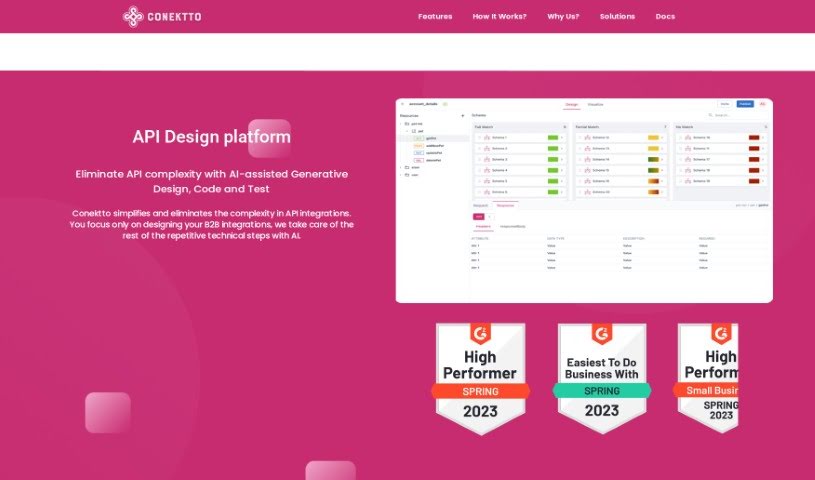
Conektto is a platform for building and testing APIs. It includes an API design studio, generative AI for software engineering tasks, an API test harness, tools covering the entire enterprise API Software Development Lifecycle (SDLC), and a hybrid API orchestrator. The platform uses AI to assist with design, code generation, and testing, aiming to reduce API complexity and support collaboration. A free plan is available, and paid subscriptions add features such as unlimited API designs, data provider API designs, and aggregate API designs. Users have praised its efficiency, collaboration support, and ability to simplify complex APIs while speeding up development.

Web Development View Tool →
Screenshot of Contember

Contember

Freemium

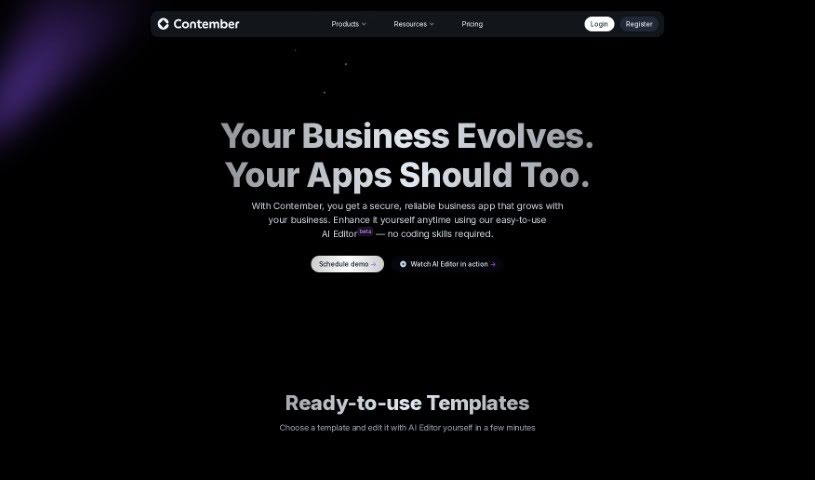
Contember is an AI-assisted tool for building web application backends. It provides a flexible TypeScript codebase you can customize and extend, built on an open-source framework that manages everything as code. Its AI component, Contember Studio, takes raw app ideas and turns them into deployable prototypes, often in minutes.

Web Development View Tool →

About Web Development tools

Struggling with cryptic error messages, writing repetitive boilerplate code, or debugging complex API integrations can slow down even the most experienced developers. Whether you’re building full-stack web applications, maintaining backend databases, or configuring deployment pipelines, turning technical requirements into functional code takes significant time. It’s easy to spend hours hunting down missing syntax or setting up project configurations before writing core logic.

Built for web developers and software engineers, these tools act as intelligent coding partners. They autocomplete functions, speed up routine boilerplate creation, and catch subtle bugs before you commit your code.

Inline Completion, Error Debugging, and Test Generation

Generating routine code structures and API endpoints used to require typing out repetitive boilerplate line by line. Smart coding assistants analyze your project context and comments to suggest full function blocks, database schemas, and API handlers in real time. Instead of searching documentation for basic syntax or setup code, you get inline code completion right in your editor to keep you in flow.

Debugging complex logic and fixing broken build pipelines becomes far less frustrating, as well. Tracking down memory leaks, asynchronous execution issues, or obscure framework errors can burn hours of development time. Modern developer tools analyze stack traces and source code to identify root causes, suggest precise bug fixes, and explain complicated error messages in plain language.

Maintaining legacy codebases and writing comprehensive test suites also gets much simpler. Creating unit tests and writing inline documentation often gets pushed aside when project deadlines are tight. AI development platforms scan your code to auto-generate unit tests, create clear README files, and help refactor outdated code to modern standards without breaking existing application features.

Useful Capabilities for Developers:

  • Real-time inline code completion: Systems that suggest accurate code snippets, functions, and line completions inside your code editor as you type.
  • Automated bug detection and debugging: Features that analyze error logs and source files to pinpoint bugs and offer quick-fix solutions.
  • Test suite generation: Tools that automatically write comprehensive unit, integration, and end-to-end tests based on your codebase.
  • Code refactoring and modernization: Settings that clean up legacy code, convert syntax between programming languages, and apply best practices.
  • Documentation generation: Capabilities that automatically create clear inline comments, function docstrings, and project documentation from source code.

Building high-performing, secure web applications will always depend on your logical reasoning, system design, and software architecture skills. Software cannot replace critical thinking or design scalable system architectures for you. But letting smart tools handle routine boilerplate, test generation, and bug hunting gives you back the focus needed to solve tough engineering challenges.

Explore the web development tools below to upgrade your stack.

The Best AI Web Development Tools

  1. Lovable: Great for making frontend design work smoother.
  2. Cursor: Helps with real-time code collaboration.
  3. Replit AI: Generates code snippets for web apps.
  4. Supabase: For teams to manage databases together.
  5. v0 by Vercel: Quickly creates UI kits for web projects.
  6. Replicate AI: Automates code generation for web apps.
  7. Carrd: Perfect for a single-page site to promote an event.
  8. AI Dungeon: Lets you create interactive web stories with code.
  9. Ollama: For quickly building early versions of web interfaces.
  10. Jimdo: Makes building and managing websites easy.
  11. Code Sandbox: Simplifies CSS preprocessor workflows.
  12. Tilda: Lets you create websites easily without coding.
  13. Bubble: A drag-and-drop tool for building web applications.
  14. Weights & Biases: Streamlines integrating ML models into web apps.
  15. Warp Terminal: Helps deploy web apps quickly.
New tools, in your inbox.

Weekly picks of the best AI tools we've researched and added — no spam, unsubscribe anytime.

Join 25,000+ AI enthusiasts. No spam, unsubscribe anytime.