10Web
Web Development Website Builders
Learn more
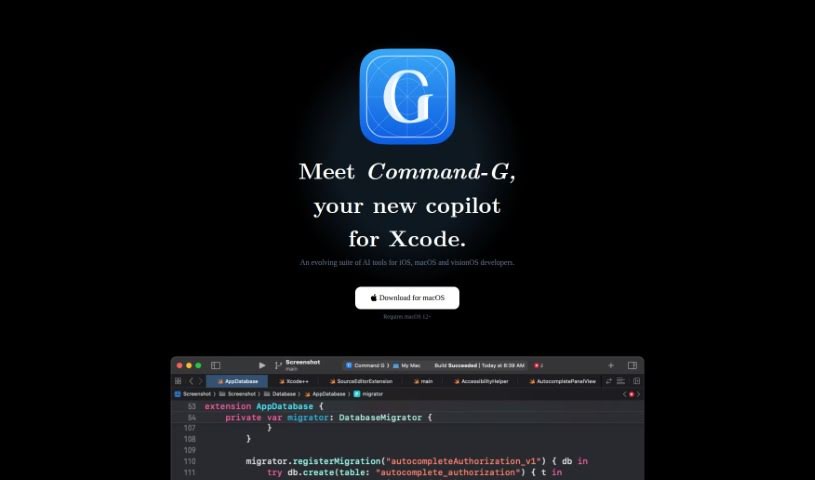
Command-G is an Xcode copilot for iOS, macOS, and visionOS development, offering Codeium-powered code completion and privacy-first ChatGPT integration.
Command-G is an Xcode copilot for developers building iOS, macOS, and visionOS apps. It provides two core capabilities: code auto-completion as you type, powered by Codeium, and ChatGPT integration for context-aware conversations about your code. You can insert code snippets directly into ChatGPT conversations, making it easier to ask questions and get relevant answers.
Privacy is central to the design. Code and messages never reach Command-G’s servers, and there is no telemetry tracking app usage. Only a minimal API is used for software updates and license management.
Command-G was created by Olivier Truong, an iOS developer who has contributed to well-known projects at Stripe and Facebook Messenger.
iOS, macOS, and visionOS developers who want AI assistance directly inside Xcode, whether for auto-completion or context-aware ChatGPT conversations.
Related
Discover more tools in similar categories
Weekly picks of the best AI tools we've researched and added — no spam, unsubscribe anytime.
Join 25,000+ AI enthusiasts. No spam, unsubscribe anytime.